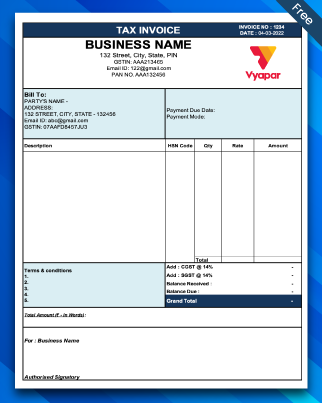
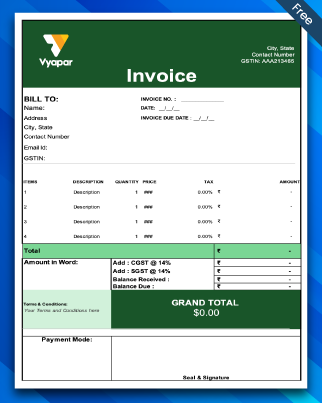
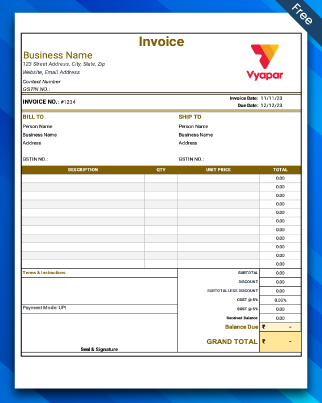
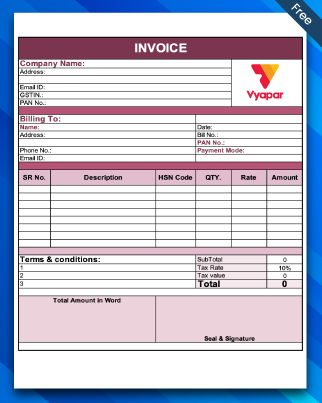
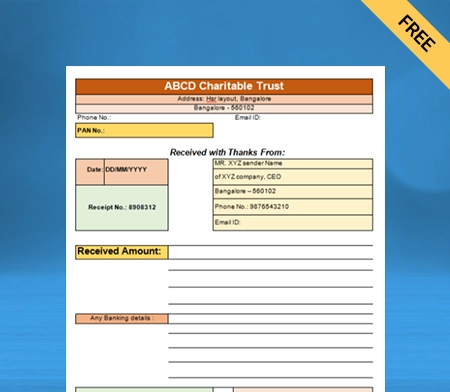
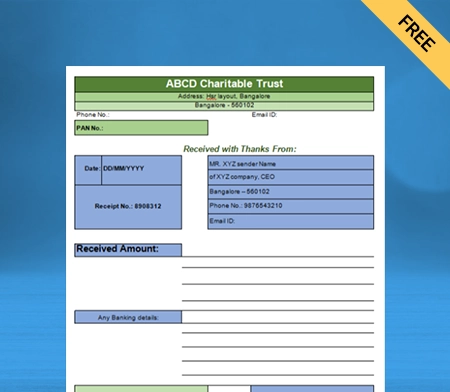
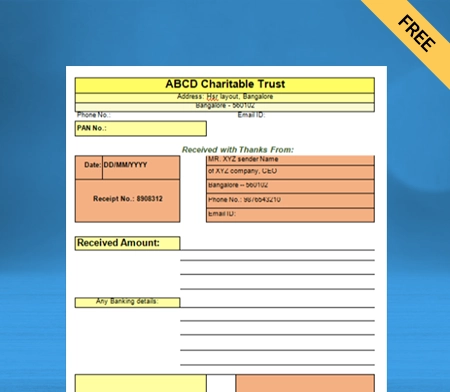
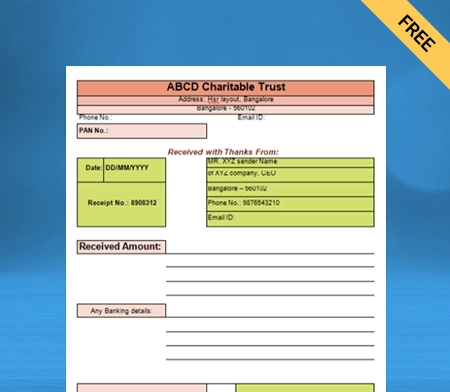
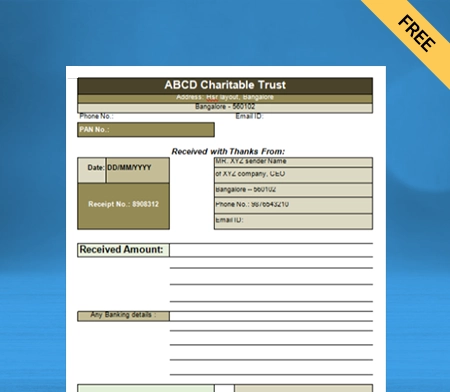
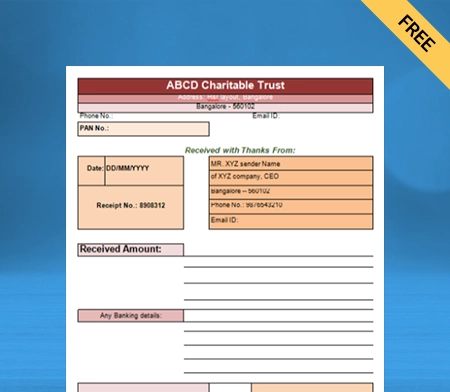
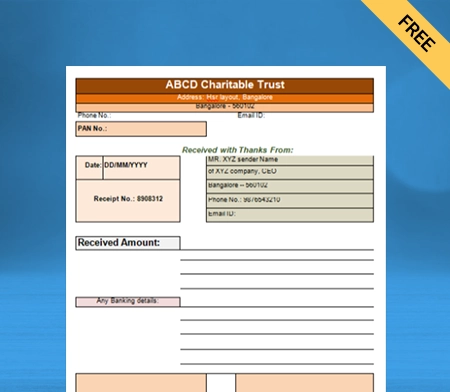
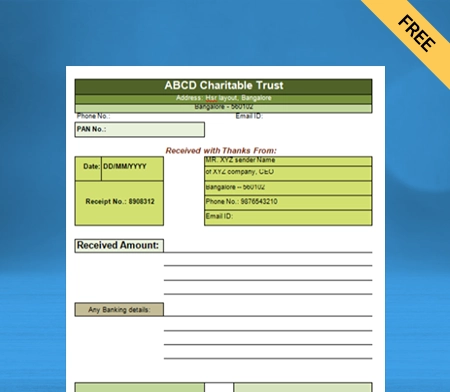
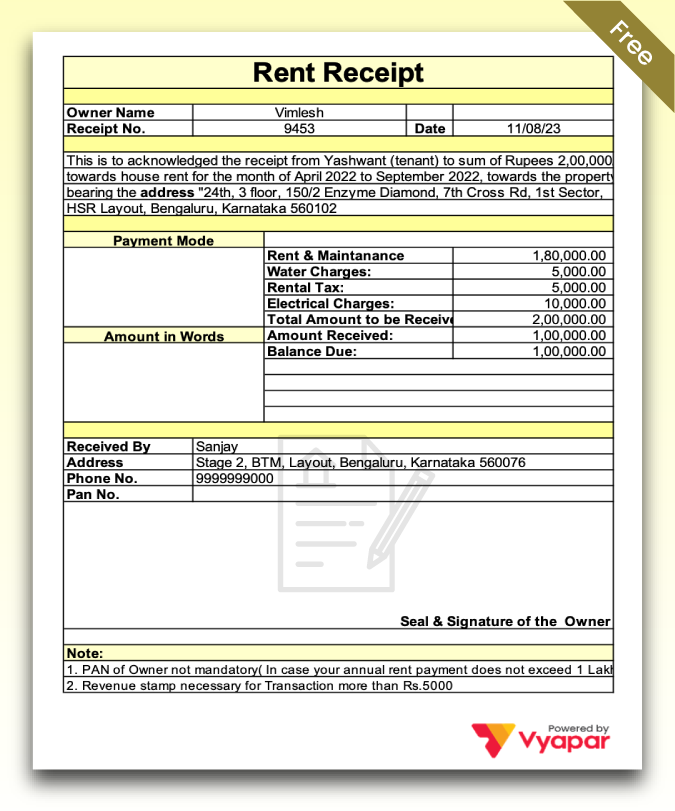
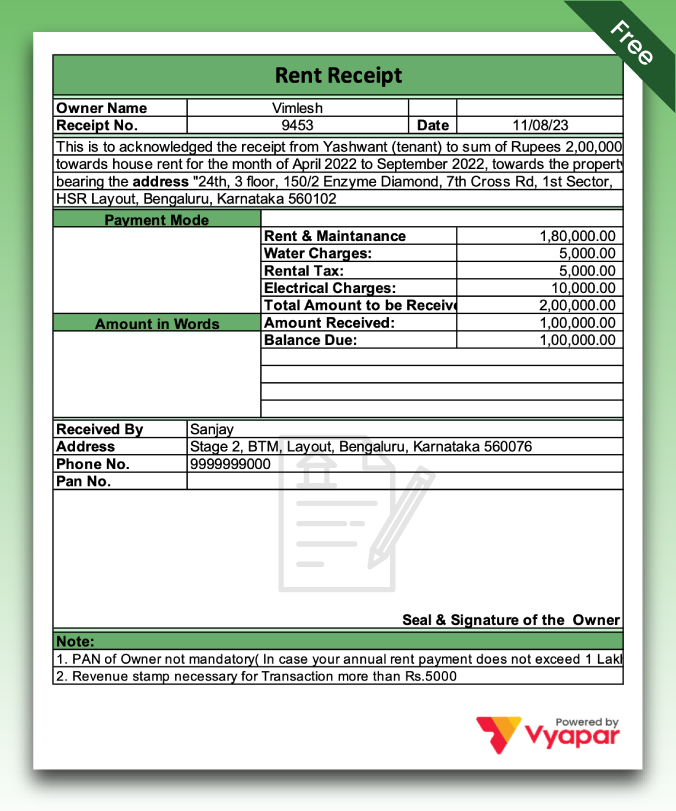
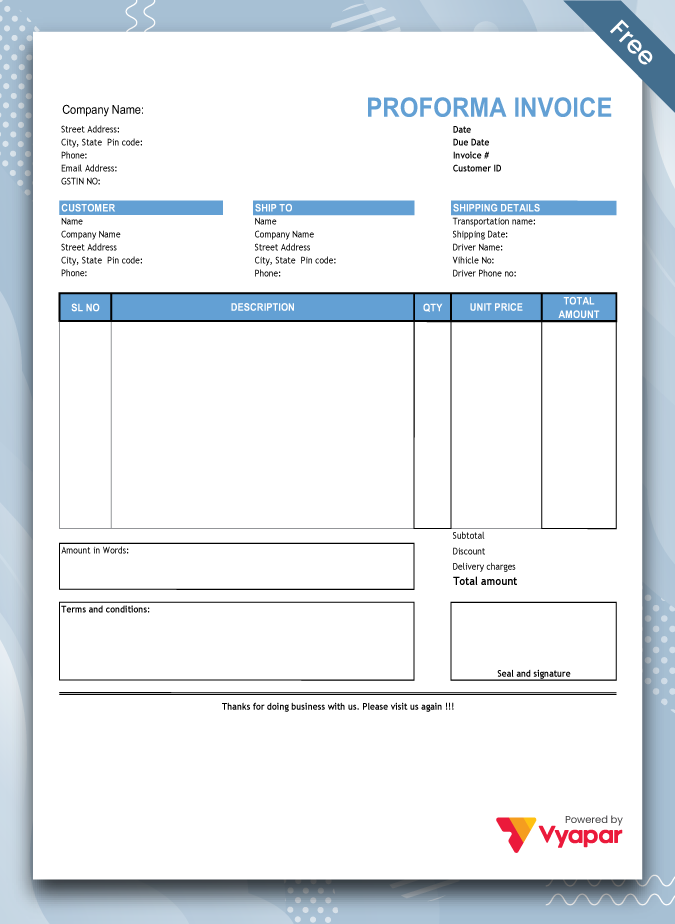
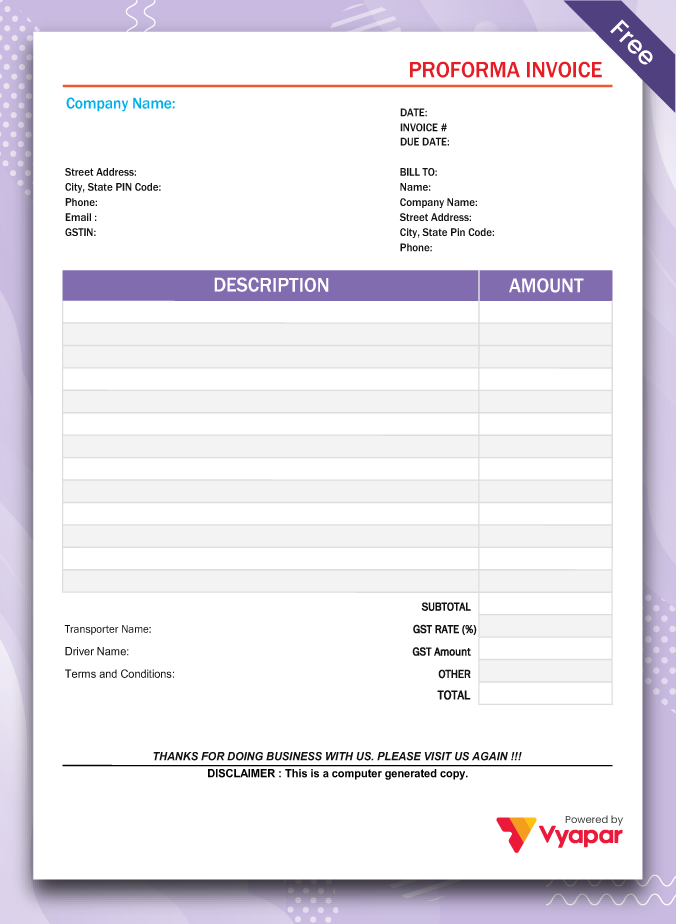
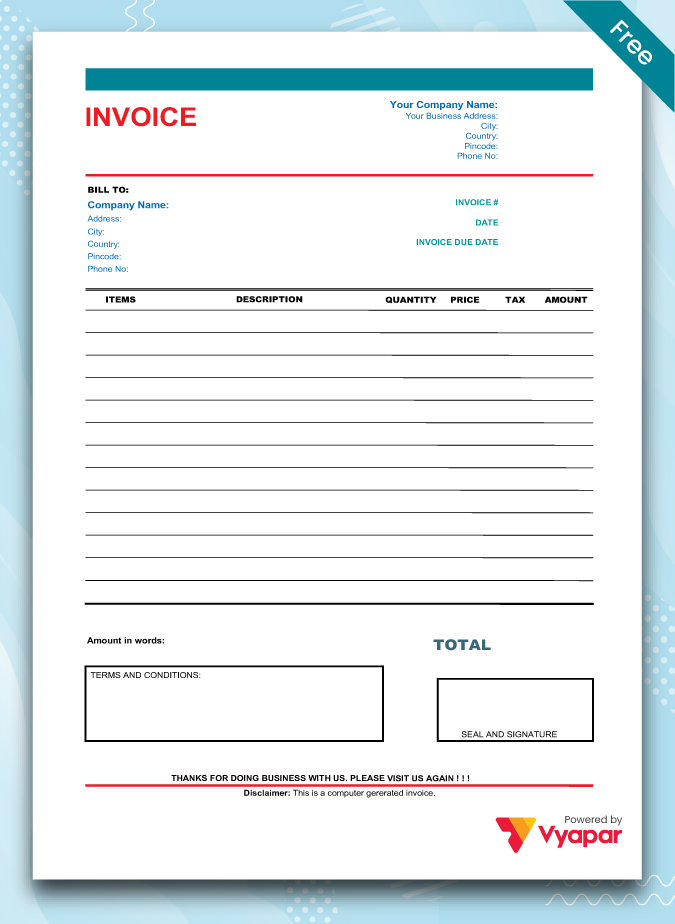
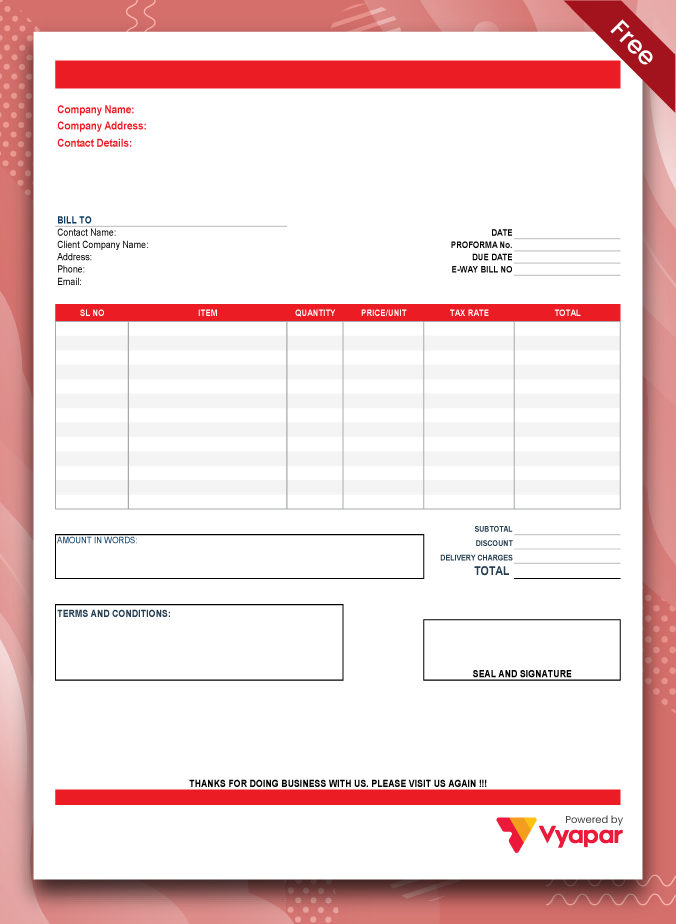
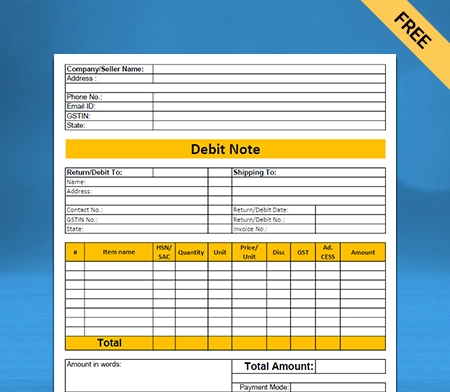
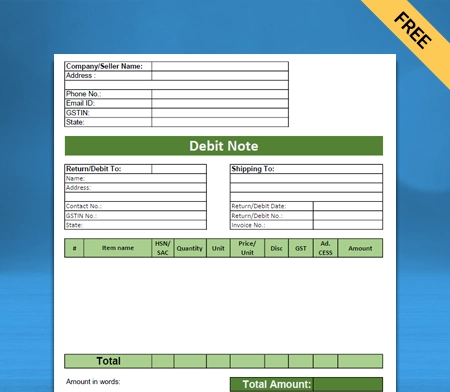
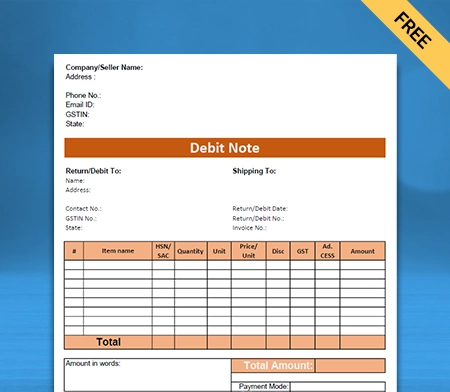
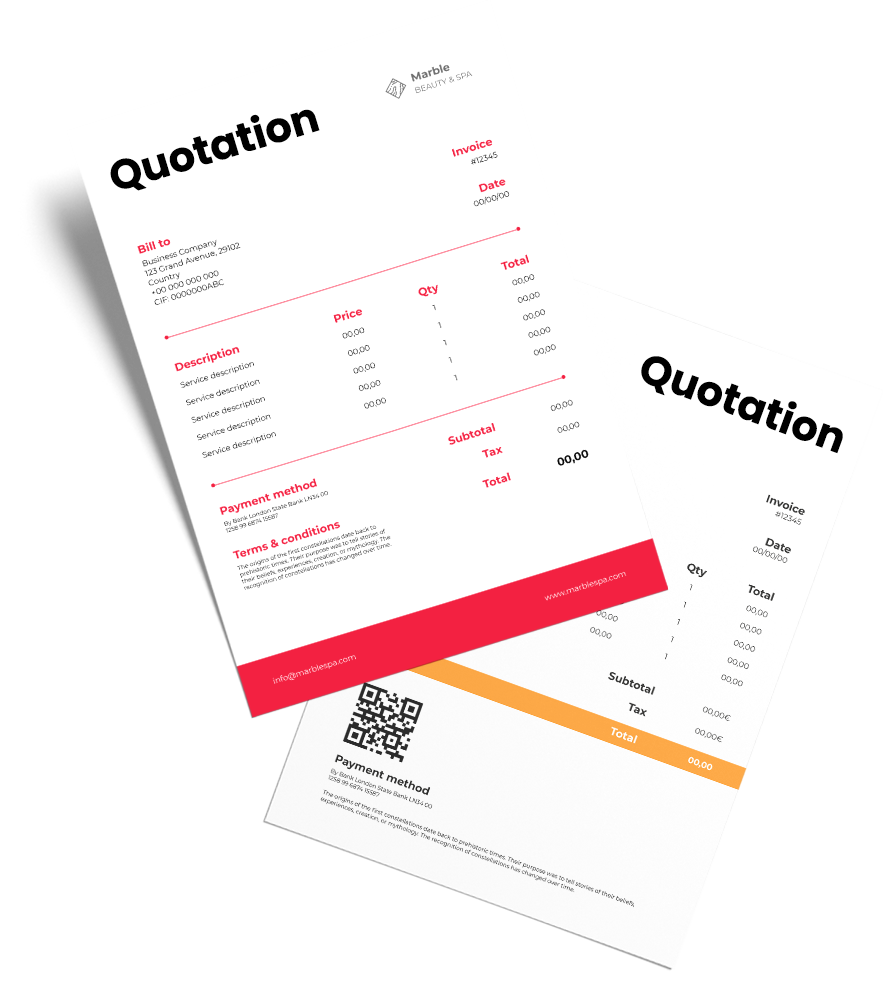
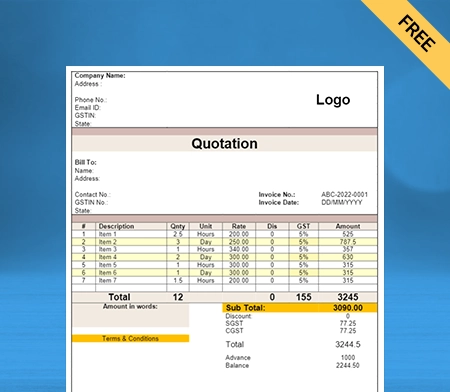
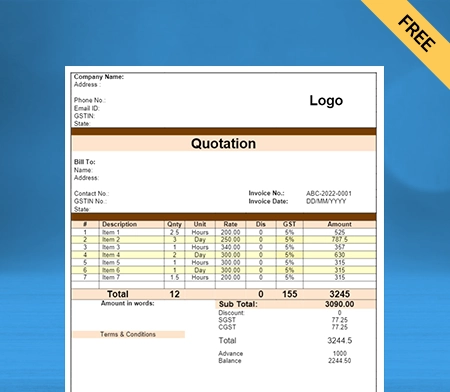
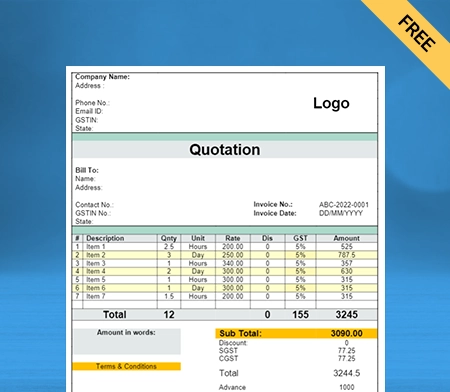
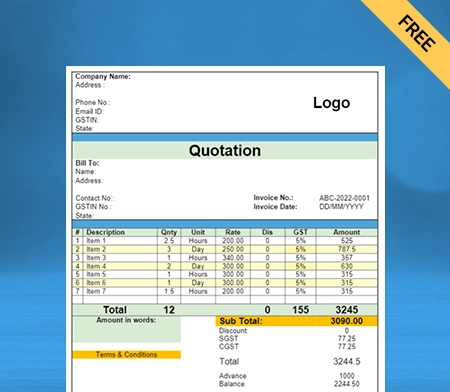
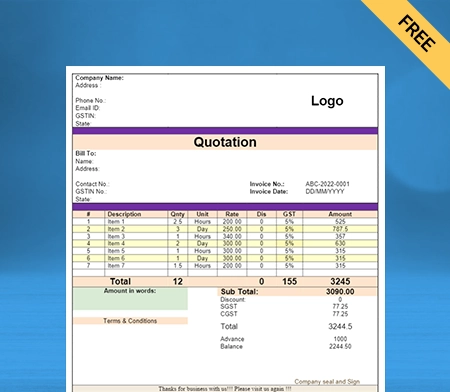
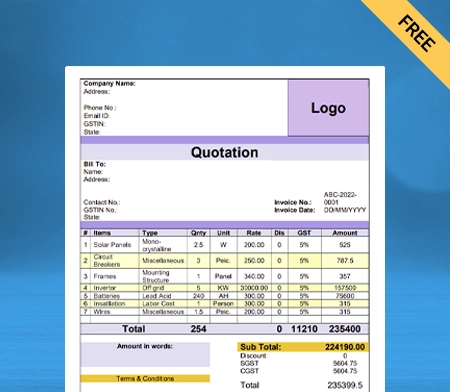
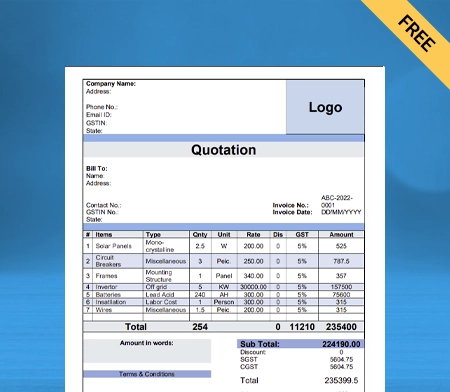
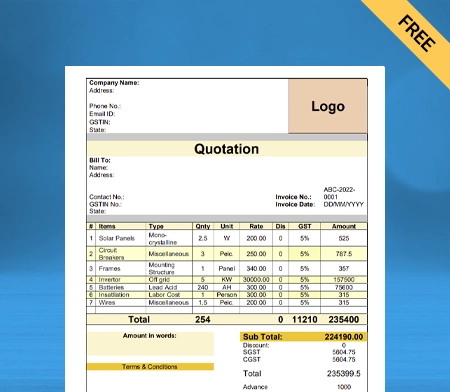
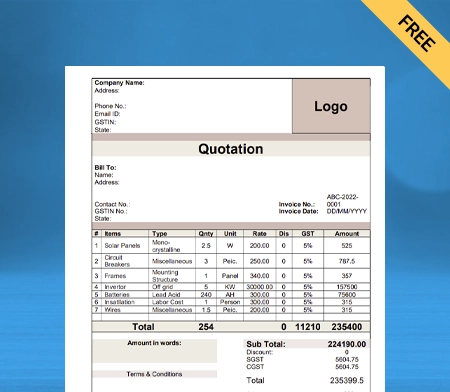
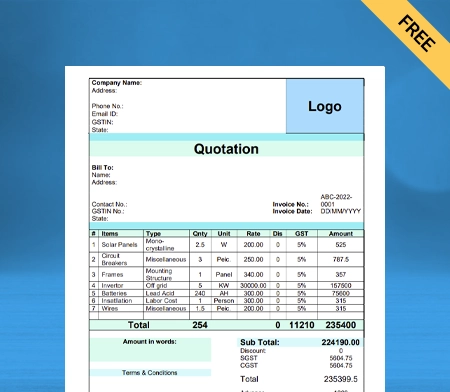
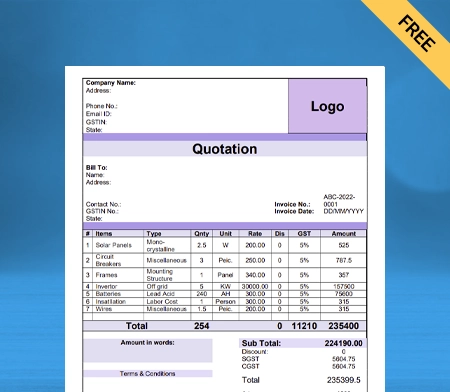
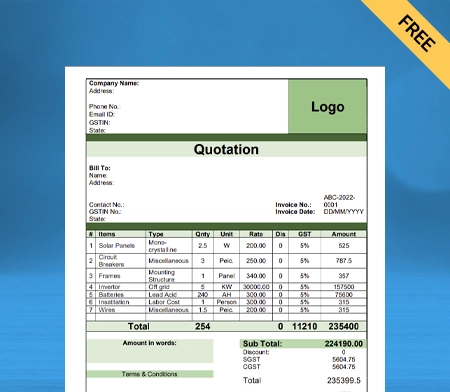
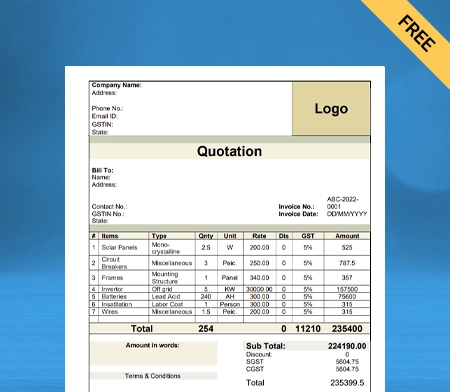
Cash Receipt Format In Word

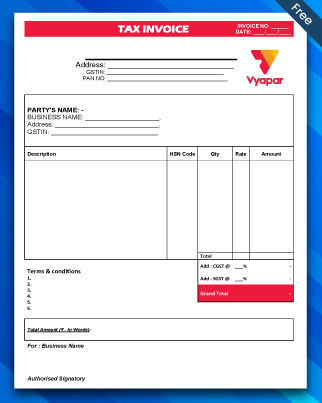
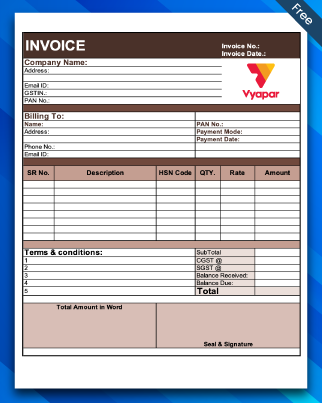
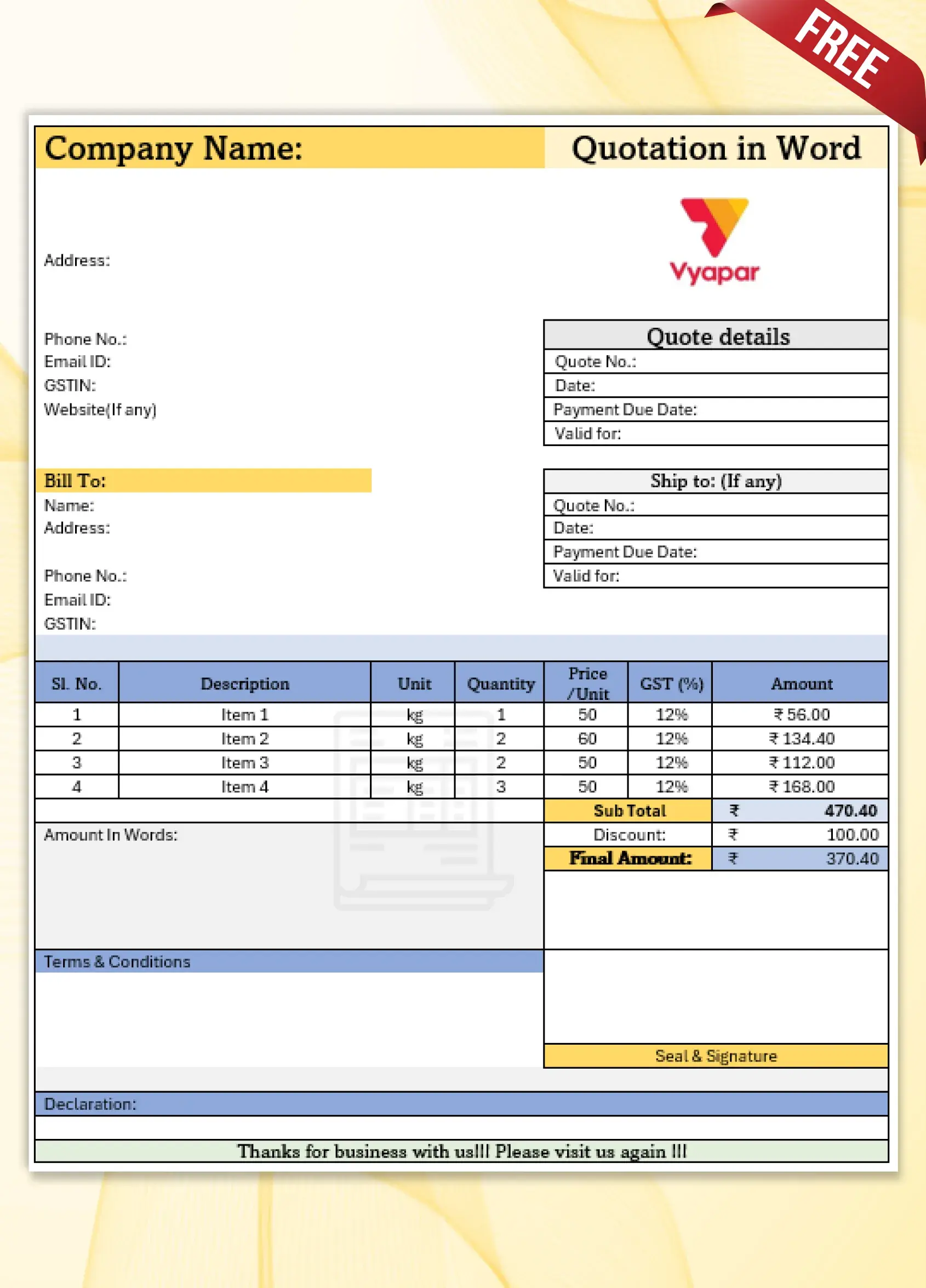
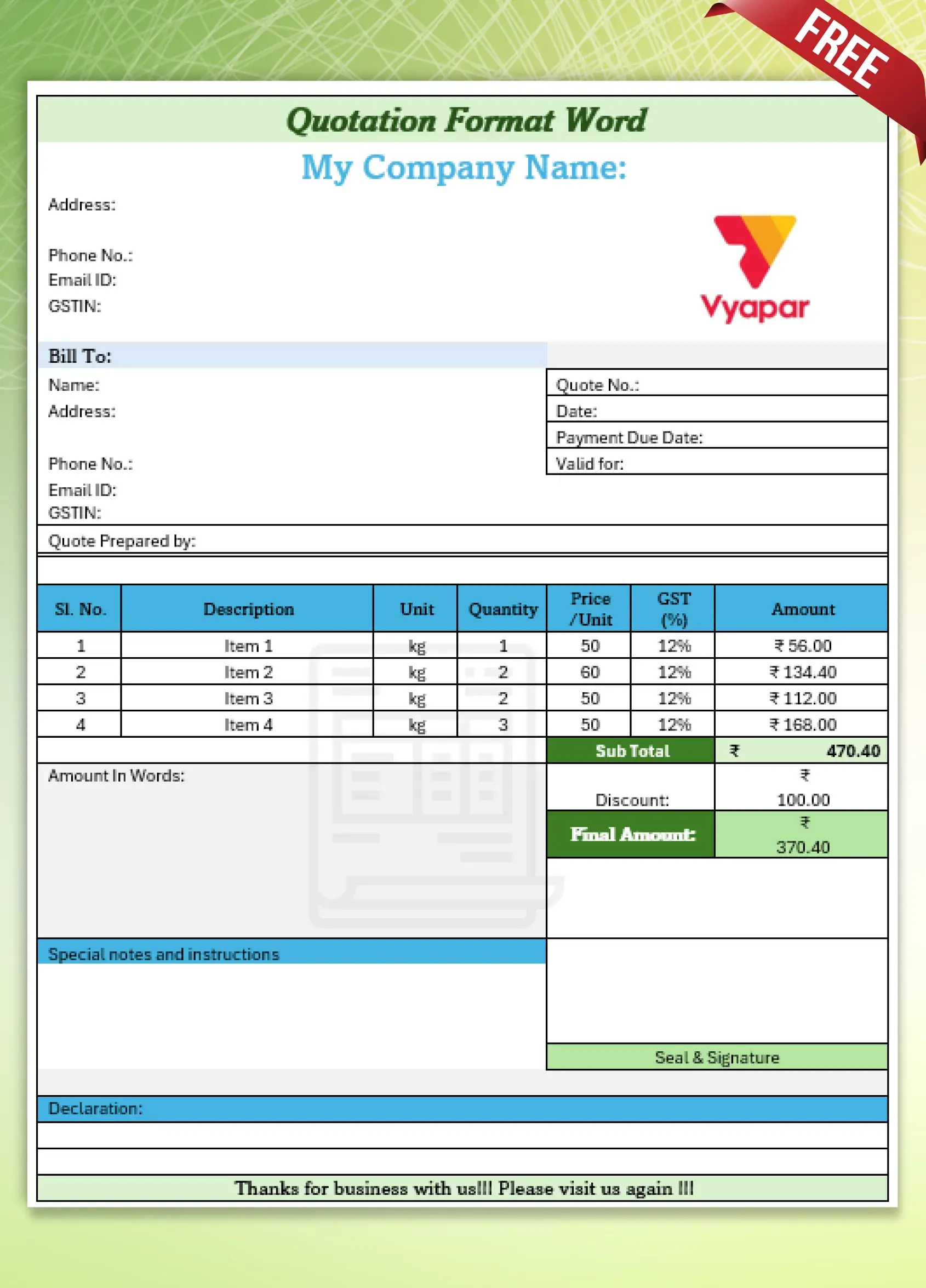
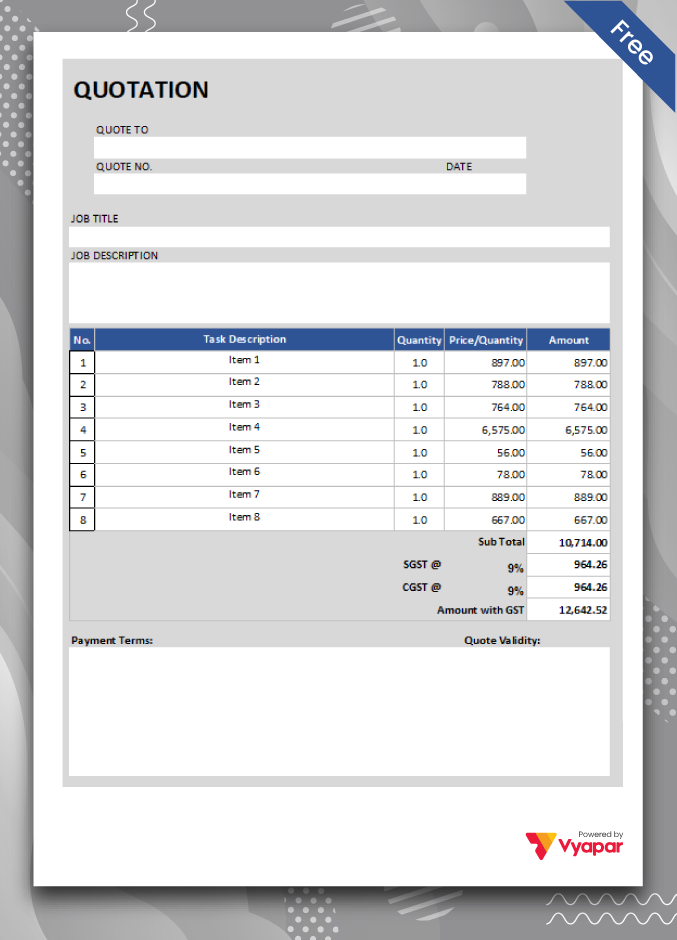
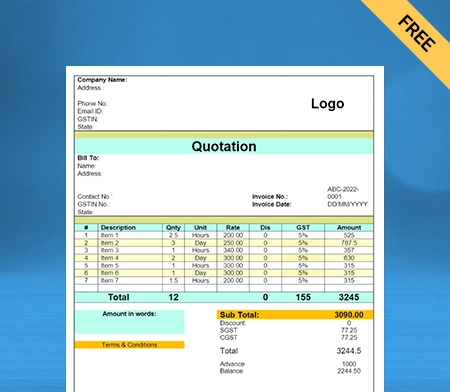
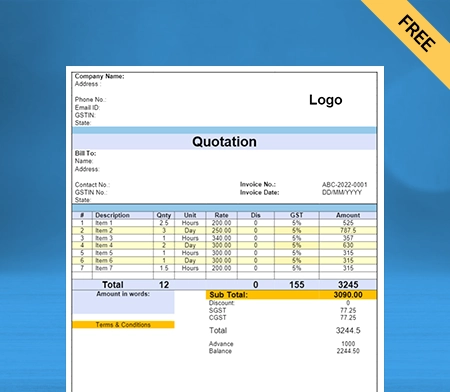
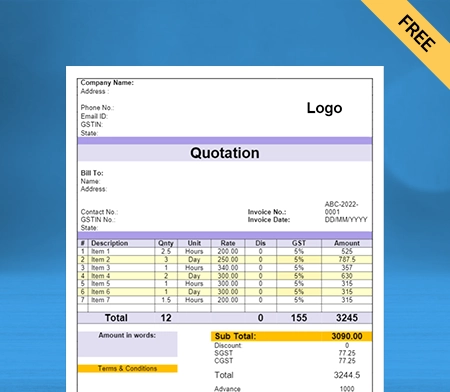
Download the Cash Receipt Format in Word for your client. Or use Vyapar App to track your payment history, and payment modes, manage inventory, and outstanding easily, and grow your business faster! Avail 7 days Free Trial Now!
Highlights of Cash Receipt Templates

We’ve put in a lot of effort to make sure you get the best template possible

All versions are print friendly

Built From scratch

Include essential invoice elements

Automatically calculate subtotal & grand total amount

Consistently formatted

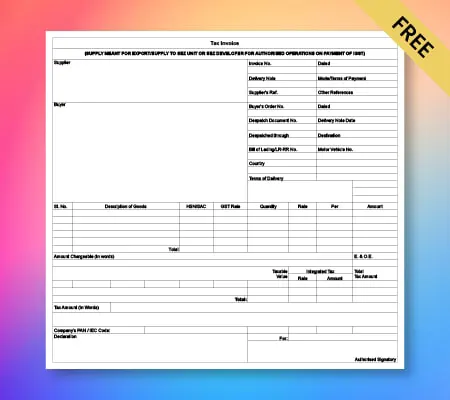
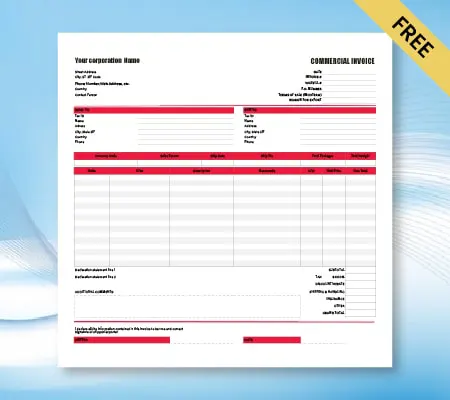
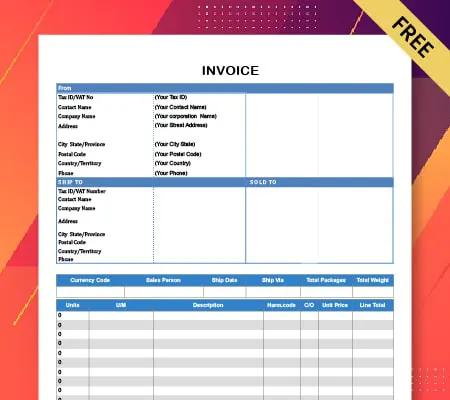
Download The Cash Receipt Formats For Free

Download professional free material reconciliation templates, and make customization according to your requirements at zero cost.
Customize Invoice
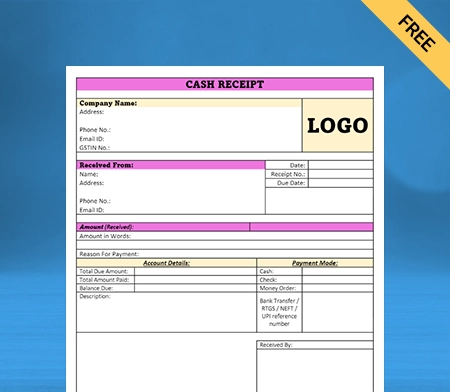
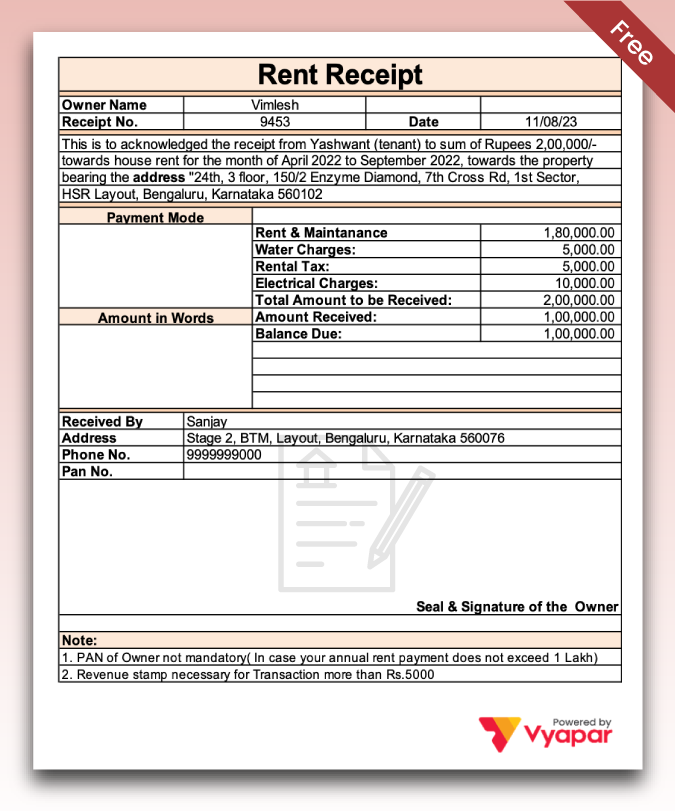
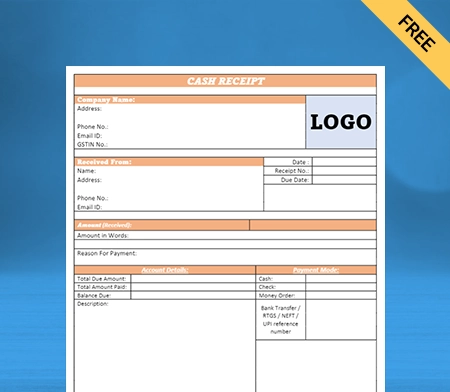
Type – 1
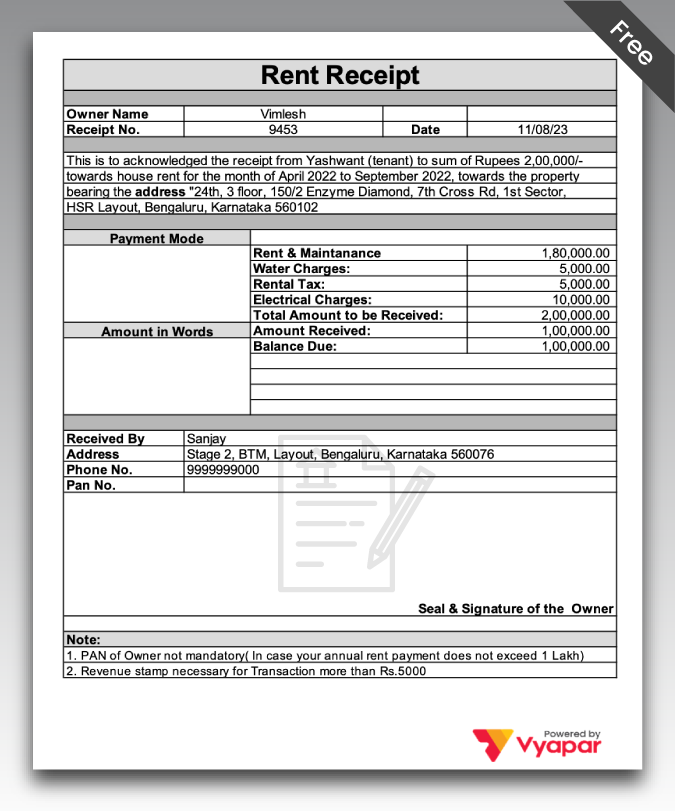
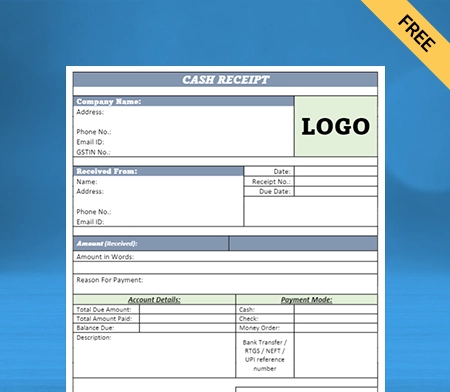
Type – 2
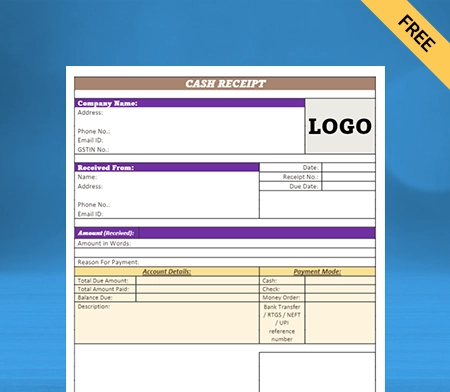
Type – 3
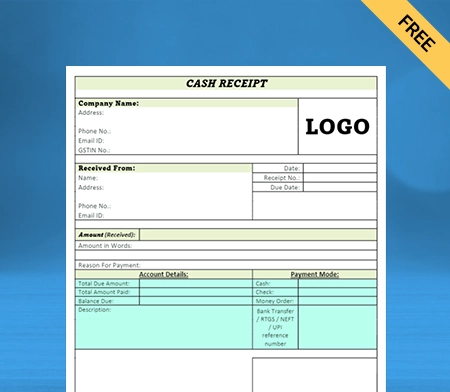
Type – 4
Type – 5
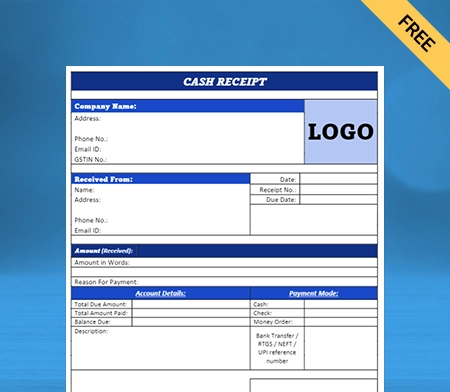
Type – 6
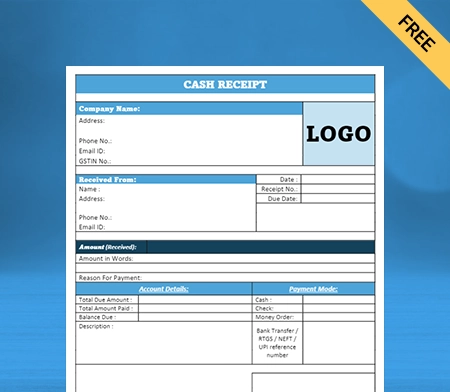
Type – 7
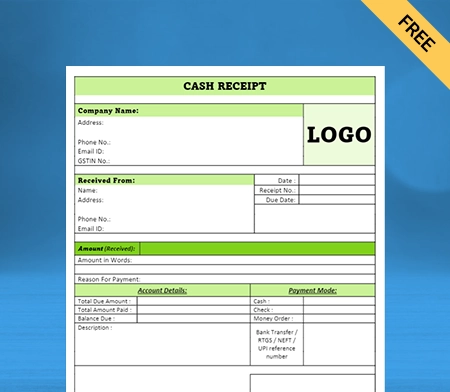
Type – 8

What is the Cash Receipt Format in Word?

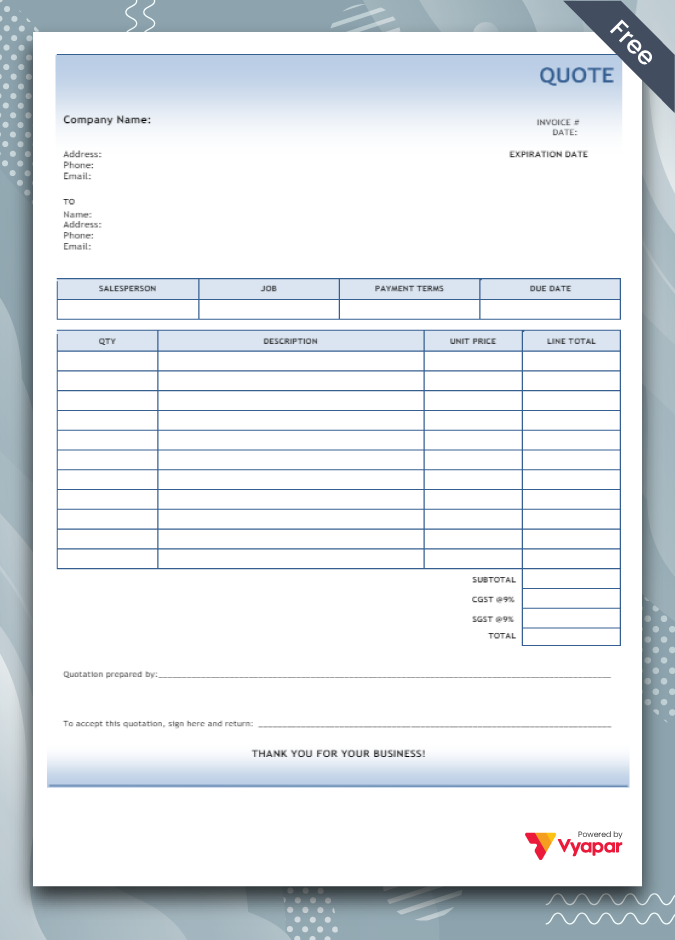
Cash receipt format in Word is a format used to produce cash receipts. Having a predesigned and ready-to-use format saves you time. You can create cash receipts whenever you want within minutes using a professional cash receipt format in Word.
Additionally, for cash receipt vouchers, our user-friendly cash receipt voucher format in Word simplifies your financial transactions further.

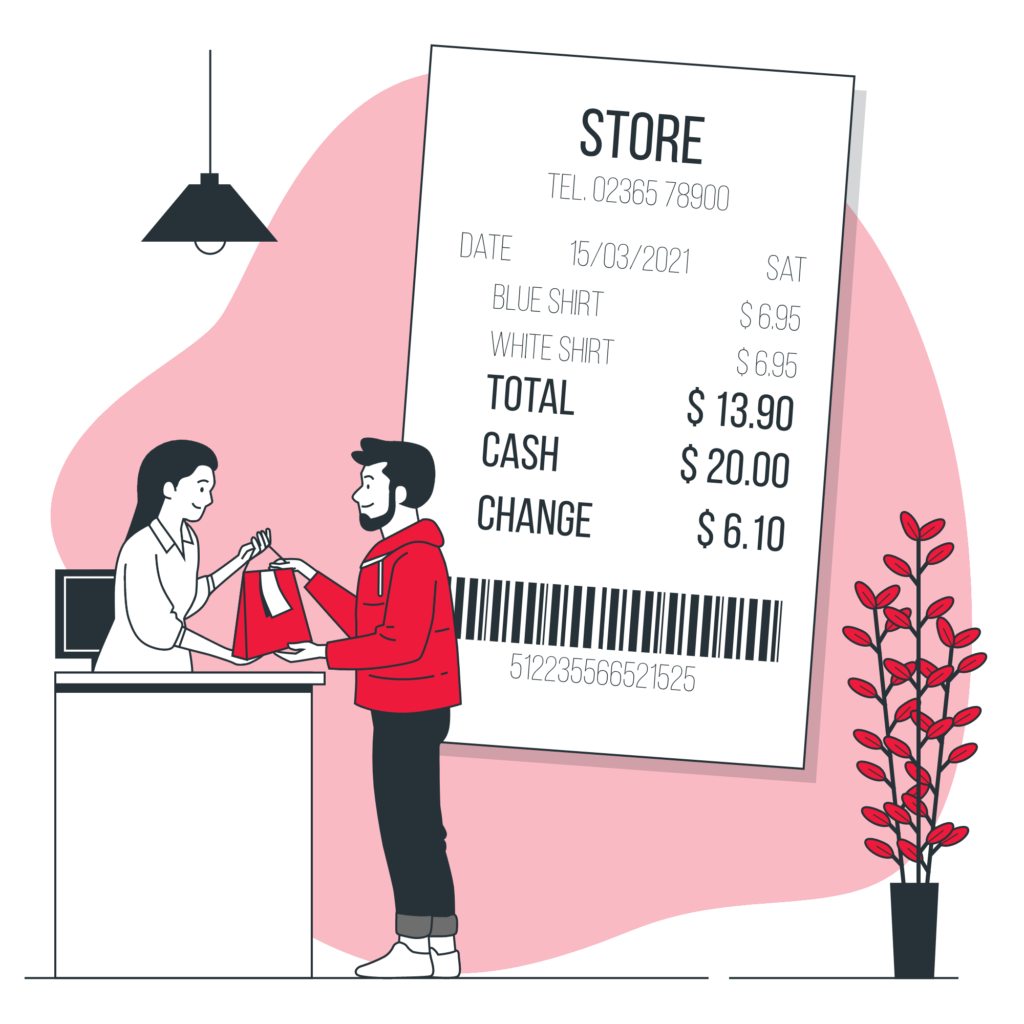
The term that demands our attention when we talk about cash receipt format in Word is cash receipt. A cash receipt is a document that acts as proof of transactions between a business and its customer. This document is generally issued after the completion of sales.

While a cash receipt can be considered merely a document, it fulfills two major purposes:

  1. It acts as a medium to maintain business records. It allows vendors to track sales, record payment details, and maintain the right inventory levels.
  2. The receipt offers customers who are further hired by third parties to maintain accurate records. The receipt acts as a medium to track when cash is invested. It helps those employees maintain transparency with their clients.

Essential Components of a Cash Receipt Format in Word
cash receipt format in Word can include multiple useful fields specific to your business needs. Having a brief idea of these components is vital for anyone planning to create one seamlessly. 

Here are all the major components of a receipt format in word for cash you should know about:

Transaction or Invoice Number:

If your business is registered with GST, it’s essential to mention your invoice number in the receipt from a legal perspective. Therefore, we recommend you include a column on the top of your cash receipt format in word for the invoice number. Having this number in the cash receipt is good for you and your customers. 

You can use the number to track your GST, sales, and other vital payment details. On the other hand, for customers, invoice numbers can promote convenience during tax filing or invoice management. 

Date and Time of Issue:

Another obvious component of a cash receipt format in word is the date and time of the issue. These two details are to be present in the top section of your format. You can manually enter the date and time of the receipt issue when creating a cash sale receipt format

Or, you can use accounting software such as Vyapar to create cash receipts. The date and time of the issue will automatically be adjusted in your final receipt once it’s printed or issued from your side. 

Business Name and Address:

How can customers indefinitely differentiate between the multiple receipt formats they might be carrying? With the brand name. It’s not just important but necessary to have the name of your business either on the top or bottom of the format. 

In addition to the business name, another key detail you cannot miss is the address. Try including your store’s address in your cash receipt format in Word. It will help customers to reach out to you without any inconvenience.

Price of Product/Service:

A cash receipt is incomplete without the price for the goods or services you have sold. That’s the whole point of issuing a cash receipt. Cash receipt format in Word can help you track your sales and aspects related to it.

Create a dedicated column where you will list all the services customers have bought from you. Next to those services, add or mention the respective prices. It will help you with tracking sales effortlessly. In addition, it will also help customers understand the cash they used for the purchase.

Subtotal Amount With/Without Tax:

Without the section for the total amount, your cash receipt format in word isn’t complete. Add a small column for the total amount at the bottom of your format or after the column for the list of services. In this section, you need to mention the total cash payment you received for the sales. 

GST is an important part of this amount. Some businesses reflect the total sales amount with Goods or Services Tax included in it without highlighting it separately. You have to be transparent with the total sales amount. So, mention the GST or tax amount separately from the total amount.

Importance of Using Cash Receipts for a Small Business
Introducing the concept of issuing cash receipts is a huge deal for any business. Having a sense of surety that issuing cash receipts is important is a must. So here are some key points that reflect the importance of recent receipt:

Helps in the Auditing Process:

If you have a registered business, you will know that auditing the overall business is necessary. Auditing helps in identifying major issues in departments like accounting. Having a dedicated sales record promotes convenience during the auditing process. 

Cash receipt is an integral part of sales records. It will help the auditor perform their job without inconvenience or extra effort. Therefore, issuing cash receipts is important if you want the auditing process to go smoothly.

Proof of Sale:

As mentioned above, a cash receipt is proof of sale. It’s a transaction record showing that customers have purchased from your business. Now, how is this information helpful for a business owner? 

During legal scenarios where your customer is involved, and somehow your business is dragged into it, having a cash receipt record is like a shield. It will protect you against various sales-related allegations because you have proof that the sales happened. 

Helps Maintain Accounts:

For a business, maintaining the accuracy of accounts is highly important. But because so many transactions are made in a day, keeping track of everything becomes tough. 

The tougher and more complex the tracking process, the higher the chances of errors in accounts. The risk of errors can be eliminated with cash receipts. They can help you track sales and cash-related transactions effortlessly. With convenience in cash tracking comes accuracy in books of accounts and bookkeeping.

Inventory Management:

If your business deals in tangible products, you are in great need of efficient inventory management. The last thing you want from your customer is to leave your store empty-handed. Such scenarios only happen when you are out of stock. When you issue cash receipts, you get to track the sales in real time. 

When you know how much stock is sold and the demand for which one is higher, it becomes easy for you to maintain stock availability. You can simply restock your inventories, reducing the chances of customers leaving empty-handed. 

Saves Time During Account Audits:

Auditing helps businesses discover the potholes in various processes, which further are eliminated to promote growth. A dedicated record of all the cash sales helps them track and better overview the cash flow. 

For convenience in understanding and tracking cash flow, issuing cash receipts is a great idea. Auditors can use those receipts to compare the current year’s books of your accounts to check the accuracy. To conclude, cash receipts are a great asset for auditing.

Are you a Business Owner?

Take your business to the next level with Vyapar! Try free for 7 days

Try our Android App (FREE for lifetime)

Benefits of Offering Receipts Using Professional Cash Receipt Format in Word
There are so many benefits that come along with issuing cash receipts. To keep things straightforward, below we have mentioned some of the major benefits of cash receipts:

Provides Convenience During Tax Filing:

Cash receipts make tax filing less of an issue for you and your customers. During the tax filing process, accounts often need to be compared with sales. When it comes to sales, cash receipts are one of the mediums to evaluate yearly sales. 

Moreover, a cash receipt also contains Goods or Services Tax details. It helps accountants avoid the risk of wrong tax filing, saving your business from serious legal consequences. Moreover, things can be managed better if you use small business accounting software such as the Vyapar app for cash receipts.

Underrated Marketing Medium:

Marketing plays an important role in the success of any business in any market. Funding your marketing needs might be affordable if you are just starting in the market, but not the same if you are struggling with cash flow.

But you need to keep an eye on your cash receipts and overall expenses to ensure you do not overspend. Cash receipts come as an economical approach to managing your important business transactions. 

Further, having your branding on cash receipts is an underrated marketing medium that can help you promote your brand to anyone who lays eyes on the receipt. Turn your marketing efforts into the highest returns by using attractive designs of cash receipts in the Vyapar accounting app.

Online Cash Receipts Avoid BPA Contact:

Digitalisation has turned out to be a transformation for businesses across industries. By adopting technology, brands show customers that they contribute to nature. Issuing digital cash receipts is the best example here. 

The ink used to print a hard copy of a cash receipt increases the risk of BPA contact. On the other hand, when you issue cash receipts using online accounting software like Vyapar, the risk of BPA contact is reduced to zero. Plus, you can also save time, which is the best part. 

Improves Your Expense Management:

Cash receipts contain many payment details that can help a business in multiple ways. One such benefit of a cash receipt format in Word download is expense management. The cash receipts have information about the products you have sold. 

Having this information helps businesses track the expenses in the backend. Knowing your overall sales expense is important to determine the profits your business earned. Moreover, it’s also important to calculate your brand’s financial condition.

Easy to Share With Customers:

The biggest advantage accounting software such as Vyapar brings with them is convenience. With Vyapar, you get a wide range of options to share cash receipts with customers. 

Online sharing of cash receipts isn’t just environment-friendly but also saves time. As soon as the bill is ready, you can share it with the customer via WhatsApp or email address in just a few seconds. This option saves time and effort compared to manually creating a cash receipt.

How to Create a Cash Receipt Using the Vyapar Accounting App?
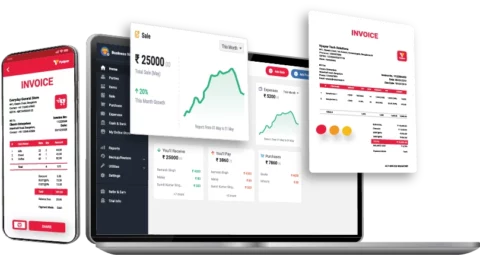
For beginners using the Vyapar app for the first time, shuffling their way to cash receipts could be tough. Here’s how you can create a cash receipt in Vyapar:

  1. Open the homepage of your Vyapar app.
  2. At the bottom of your screen, there’s an ADD SALE button.
  3. Tap on it and choose CASH from the header section.
  4. Now choose the invoice number and current date when the receipt is issued
  5. Enter the full name of the customer and their respective phone number
  6. Tap on ADD ITEM and enter the payment details of the products sold
  7. You will notice that the total amount is already mentioned 
  8. Choose the payment medium as cash and click SAVE
  9. Now the PDF of your cash receipt will appear on your screen
  10. Tap on the share icon and share the receipt with the customer

The best part about using the Vyapar app for creating cash receipts is its variety of sharing options. You can share receipts with customers in their preferred medium using the app. It could be through Gmail or WhatsApp. 

Besides online sharing options, businesses can print their cash receipts in hardcopy. All thanks to the compatibility of this amazing online accounting software with various printer models. 

Benefits of Using Cash Receipt Format in Word By Vyapar
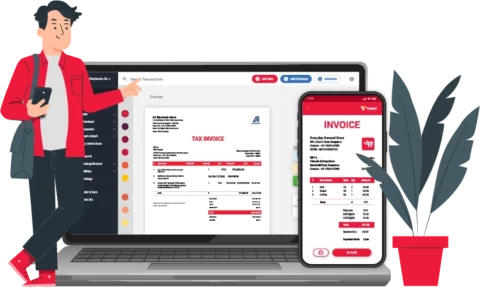
You can create unlimited cash receipts using the cash receipt format in Word free download offered by Vyapar. To justify it as a great choice, here are some wonderful benefits of using the Vyapar app:

Multiple Design Options:

Issuing cash receipts is the first step towards making your accounts accurate and reliable. To improve things, you can also use cash receipts to establish a good impression. Cash receipts are an underrated branding tool. Vyapar accounting solution offers a wide range of receipt designs. 

You can create and design your cash receipts for an attractive appearance. No more black-and-white receipts. Vyapar will help you create eye-catching and designer cash receipts. With them, you can leave a long-lasting impression on your customers. 

Straightforward Navigations:

For accounting software, it’s obvious to have an impression of a complex interface. Luckily, that’s not the case with the Vyapar accounting solution. The application is designed so that even a newbie to accounting can get it sorted in the first place. 

For any accounting app, navigation is everything. Vyapar has kept its navigation straightforward. You don’t have to struggle to go into multiple pages to record your sales. Everything is present on the app, accessible in the most time-saving way.

Easy-to-Use Format:

When it comes to the cash receipt format in Word, most of them are super complex. It’s hard to enter the data in them and process them further. Things will become overwhelming if you plan to edit the format in Word. 

The cash receipt format you will find on Vyapar comes with customization advantages. So even if you somehow make any mistake in your invoice, you can always edit it, as long as you don’t delete the record from your application.

Most-preferred Accounting Solution:

Vyapar is India’s best accounting solution, made so far. It’s used by more than 1 Crore businesses in the country, serving a wide range of industries. If so many brands have made this application their favorite choice, there might be a reason behind it. 

Straightforward navigation, attractive receipt designs, customization facility, and so much more, all for FREE. Create a free account and get access to several accounting features to manage your business efficiently. Many brands prefer Vyapar for the seamless management of accounts prefer.

Save Receipts Directly into Your Device:

Most accounting software works with the cloud and saves all the data on their respective cloud servers. That’s not the case with the Vyapar app. The solution uses the storage of your smartphone devices, not any third-party cloud server. All your data will be with you, inside your device, safe and secure. 

The last thing you need to worry about is data leakage, as Vyapar keeps your data safe. For additional data security, Vyapar also offers the facility of password. Having passWords protects your accounts from getting your account in the wrong hands.

Frequently Asked Questions (FAQs’)

What is the Cash receipt format in Word?

 Cash receipt format in Word is a predesigned format businesses can use to create cash receipts. You can get cash receipt format in Word in the Vyapar accounting app. Check it out!

What are examples of cash receipts in word?

Here are a few common examples of cash receipts in word:
* When you sell goods at the cash register, the sale receipt created when payment is collected is considered a cash receipt.
* When a taxi company produces receipts for any cash it collects through fares, it is considered a cash receipt.

How do I create a cash receipt in Word?

You can create a cash receipt in Word by putting a number of headings present in a receipt in a Word dock. The manual way of creating cash receipts is time-consuming. You can access expert-designed and ready-to-use cash receipts in the Vyapar app. Visit their official website now!

How many types of cash receipts are there?

Cash receipts are of two types. One is a capital receipt, and the other is a revenue receipt. A capital receipt is received during a special business activity, such as a capital contribution. On the other hand, revenue receipt is issued during a normal business activity such as rent received, discount received, etc.

Is the cash receipt format in word free?

Not every source you’ll find on the internet will offer you cash receipt format in word for free. Unlike those, Vyapar offers creatively designed cash receipts format for absolutely free. Create an account with Vyapar and access the cash receipt format for free now!

Can I create a Cash receipt format online?

Yes, there is accounting software such as Vyapar that you can use to create cash receipts online. The application works on desktops as well as Android devices, so you have the choice of convenience. Download the app for a seamless accounting experience.

You can visit the UAE site to view content specific to your location

How Useful is Vyapar for Your Business?

Click on a star to rate it!


Bill of Exchange Format in Word Free Download

Bill of Exchange Format in Word

You can download the Bill of Exchange Format in Word for your client. Also use Vyapar App to do billing, inventory, and accounting easily and grow your business faster. Avail 7 days Free Trial Now!

Bill of Exchange Format in Word

Highlights of Word Bill of Exchange Template

We’ve put in a lot of effort to make sure you get the best template possible

All versions are print friendly

Built From scratch

Include essential invoice elements

Automatically calculate subtotal & grand total amount

Consistently formatted

Download a Free Bill of Exchange Format in Word

Download professional free Bill of Exchange Format in Word, and make customization according to your requirements at zero cost.

Bill of Exchange Format in Word_03

Type – 3

Bill of Exchange Format in Word_04

Type – 4

Bill of Exchange Format in Word_05

Type – 5

Bill of Exchange Format in Word_06

Type – 6

Bill of Exchange Format in Word_07

Type – 7

Bill of Exchange Format in Word_08

Type – 8

What is the Bill of Exchange Format in Word?

Free Bill of Exchange Format in Word

A bill of exchange format in Word is an instrument in writing with a maker’s signature that accommodates an unconditional order. To pay a specific amount of money to a particular person on demand or at a determinable future time. But only to that person’s order or to the order of that person or the bearer of the document.

How Many Types of Bill of Exchange are There?

The type of bill of exchange is determined by its object or purpose. Bills of exchange are classified into two types in terms of accounting:

Trade Bill: A trade bill is a bill of exchange that is drawn and accepted to settle a trade transaction. The seller of the goods draws this bill of exchange, which the buyer accepts. 

Accommodation Bill: A bill of exchange drawn and accepted for mutual assistance is an accommodation bill. This bill is for mutual benefit and does not involve a trade transaction. It does not include the purchase or sale of any goods or services. This bill contains an agreement between two parties to provide financial assistance to others.

What are the Advantages of Using the Bill of Exchange Format in Word?

There are several advantages to using a bill of exchange format in Word:

 1. Ease of Use:

Using a bill of exchange format in Word can be pretty straightforward. If you follow the proper format and accommodate all of the imperative information. The modern-day software which assists you in creating a Bill of Exchange already comes with all the essential information required in your bill. 

Bill of exchange format in Words is easy to create, edit, and share using word processing software such as Word. It is straightforward to use, and it boosts your business productivity.

 2. Compatibility:  

A bill of exchange format in Word can be opened and viewed on any device with word processing software installed. You may face the comparability problem if you use a random old word format to create your Bill of Exchange.

Modern-day software constantly updates its version and makes every possible effort to solve your comparability issues. It is an intelligent choice to go for software. That can create your bill of exchange format in word with a possible updated version of the Word.

 3. Customization: 

A bill of exchange format in Word gets easily customized to suit your business-specific needs. And requirements of the business involved. It can provide you with the eye-seeking word template to create a professional Bill of Exchange Format for your Business.

Using software with more customization options for your bill of exchange. It helps make your business platform more professional and enables you to attract clients for your business.

 4. Legal Recognition: 

A bill of exchange format in Word can be legally recognized and enforced in India. Provided it is appropriately executed and meets the requirements of the applicable laws. It makes your bill of exchange more secure for the parties involved. 

Many Businesses frequently face the threat of fraud. Using the Bill of Exchange, your deal becomes more fraud-proof and trustworthy between the Businesses and clients.

 5. Record Keeping: 

A bill of exchange format in Word can be easily stored and organized. As an electronic document, making it is easy to keep track of and retrieve as needed. 

There are high chances your hard copy of the Bill of Exchange can be misplaced or lost, which is detrimental to your business. It is wise to go for a digital copy, which you can access in a fixed or determinable future.

How to Choose the Best Software to Create a Bill of Exchange?

Best Software to Create a Bill of Exchange

Choosing the best accounting & billing software for creating the best bill of exchange format in word is a laborious task and involves a lot of attention and time. Here are a few simple steps you should consider before going for software:

 1. Plan Your Budget:

You should allocate funds if you desire the best software for creating your bill exchange. However, acquiring the most sophisticated solution available in the market is only possible if you utilize all of the solution’s features.  

Nonetheless, small business owners have limited cash, and they evaluate how much they are willing to invest in software. You should thoroughly investigate the upfront costs, the cost of updates, and any other fees associated with the software. 

A good software solution for the bill of exchange format in Word offers a rapid return on investment but may require a significant initial investment. You should select a solution whose fees are disclosed from the outset.

 2. Evaluate Its Security Features: 

While going for a high-quality Bill Of Exchange generating software, you should keep these questions in mind–How does the software make sure that the data is safe? One of the things you need to look for in a Bill Of Exchange generating solution is security

When you use the software solution, you don’t want your data to be in danger in the near future. This is especially true if you choose a package that ensures your data safety is determinable in the future time with all possible tools and techniques. 

Since you’ll be dealing with a lot of sensitive information, you want to ensure that all of the data is safe while you use the software for your bill of exchange. Software like Vyapar makes sure that your data is safe by automatically securing them.

 3. Check Its Integration:

While looking for the best software to generate a perfect bill of exchange, you should think about what kind of integration you want. Do you want the best software that can run on its own? Or do you want the software to be able to work with other software?

If you only need software only to create bills of exchange format in word, you can get that software on its own. But if you are also looking for software for multiple purposes for your business, it makes more sense to get a software package that generates bills of exchange so that you can do all your financial tasks with one piece of software. 

If you want to add more integrations, you should be able to do so with the software. Overlooking the integration aspect in software is one of the common mistakes with businesses, and it needs to be taken very seriously.

 4. Consider the Scalability of Your Business: 

The ability to scale depends on your business’s nature and scope. Growing companies require software solutions that can expand in line with their own requirements.  

Therefore, when searching for the most effective bill-of-exchange-creating system, you should ensure that the software is both scalable and capable of operating effectively regardless of the number of bills of exchange that are produced daily. 

The software package should also make it easier to manage various price lists to correspond with the products and services being offered. For instance, if you have a separate list of prices for wholesalers, customers, and retailers, the software should support all of these without imposing any limitations on the configurations.

 5. Check Its Customer Support: 

Processing your bill of exchange format in Word manually is time-consuming, prone to mistakes, and necessitates thorough testing. A minor error can result in significant losses and impact your brand image among your clients. 

By eliminating the possibility of manual error, a bill of exchange generating solution can automate the process and eliminate errors. However, you might lose priceless data if your system malfunctions or crashes.

An effective customer support team that provides online and offline assistance can save the day in such a situation. Consider how customer service responds to your inquiries when searching for a bill of exchange software. Ask questions that will irritate them. In this manner, you can evaluate their strategy.

 6. Go For a Trial of the Software: 

A small business owner cannot afford to spend a large sum of money on a bill of exchange-generating software only to find out it is not the best fit for your operation. It is imperative to have a close look at its features and tools, for which a free trial for 10-7 days is the best way. 

The majority of the bill of exchange generating software providers offer a basic, free version of their software so you can test out the essential functions. It is a valuable way to test your top choices and determine which is most effective for your company’s operations. 

As a business owner, you should take advantage of this because switching is a logistical nightmare once you’ve loaded your data onto a bill of exchange generating software, integrated it into your procedures, and obtained a paid subscription.

Create your first challan with our free Vyapar App

Why Choose Vyapar Software For Creating a Bill of Exchange in Word?

Vyapar Software For Creating a Bill of Exchange in Word

Here is what makes Vyapar the best possible choice for your business for creating a bill of exchange in word:

Payment Reminders Feature: 

With the payment reminder feature of the Vyapar, many small and medium-sized business owners could get paid faster, and clients would pay on demand for their business. The app has features that work together to ensure that the dues don’t affect the business’s cash flow. You can make reports to change your business plans based on how much cash is coming in.

It is so easy to use the Vyapar software for the bill of exchange format in Word. Many small business owners use our app as their only way to send their bill of exchange to their clients. They think Vyapar is the best software for creating a bill of exchange. Because the app’s features help their business, it gets rid of the need for multiple apps.

This function from Vyapar increases the profitability of your business platform and aids in clients remembering to pay you. You can keep track of all outstanding payments in the business dashboard.

Provides 7 days Free Trial: 

You can test out Vyapar software for creating a bill of exchange in word format, risk-free for 7 days before committing to an entire purchase. Vyapar is the only software in the market that caters to your specific business needs. 

You can put Vyapar’s bill of exchange format in a Word template through its paces to see how well it meets your company’s needs. It is the best software on the market in terms of integration, cost, features, etc., and the results will astound you.

Bill of exchange templates developed with Vyapar software can be easily adapted to any industry. It provides the opportunity to improve the effectiveness and output of your company’s operations.

Keep Data Safe With Multiple Backups

Losing valuable business data can negatively impact your business and sales, so you must create backups to ensure that all data is secure. Consequently, our free billing software in India for creating a bill of exchange format in Word allows you to configure an automatic backup of data, thereby ensuring the security of app-stored data.

You can occasionally create a local backup for added security, which would help secure your data in a personal space such as a flash drive or hard disc. Using the free application, you can protect your business by configuring automatic backups or performing secure backups promptly.

The features of the Vyapar software for a bill of exchange format in Word will ensure that you can analyze your sales data whenever necessary and create a business strategy based on the Vyapar app’s business reports.

Create Your Bills and Invoices:

Our software for generating a bill of exchange is an excellent addition to your business because it helps you automate your billing needs. It works well to help small and medium-sized companies to save more time on accounting. 

With the help of our free software, business owners could file GST returns, manage inventory, send out invoices, and send out bills. Businesses can change the fields in our free accounting software to meet their own needs. 

You can use the app to make GST invoices for your clients in less than 20 seconds, which you can then print or send to your clients. Most bills should be in the GST invoice format; you can make them with our software for a bill of exchange format in Word.

Features that Make Vyapar the Best All-in-One App For Your Business

Vyapar the Best All-in-One App For Your Business

Multiple Modes of Payment:

Vyapar software for a bill of exchange format in Word enables your clients to pay in both online and offline modes of payment. By giving them multiple options for your payment, there are few chances they will default on payment, and that’s the least you can do for your clients.

Vyapar provides online payment modes such as Net banking, IMPS, UPI, NEFT, e-wallet and credit and debit cards to pay for your goods and services by using the tested online mode of payment. Vyapar software for creating a bill of exchange is highly secure; you don’t need to worry about fraud and theft while using our software. 

If you have an internet and network connection issue, Vyapar also has a solution. It provides you with offline modes of payment like Quick Response (QR) codes and cash payment methods which can work efficiently without using any digital services.

Online/Offline Software:

When there is poor internet connectivity, you do not need to halt your business operations by using our offline features for the generation of bill of exchange format in Word. The offline software is best suited for India’s remote regions because it allows you to accept payments from customers using cash and eWallets without needing an active internet connection. 

Using our premium software, you can generate bills for your customers as soon as they make purchases. The Vyapar app’s online and offline features are helpful in rural areas where network and connectivity problems are common. 

Customers appreciate the convenience of the app features because they avoid standing in line to receive their invoices. Additionally, it streamlines the billing process for them because they can easily record transactions as they take place.

Track All Your Expenses:

Tracking and recording all business expenses is essential for accounting and tax filing purposes. Using the software for a bill of exchange, it is simpler to track expenditures and generate an accurate report. 

Our free application is an efficient way to track expenses. Businesses can optimize their expenditures to save more money with relative ease. Using our free software for a bill of exchange, you can record both GST and non-GST expenses. 

In addition, Vyapar solutions offer numerous advantages over rivals. It allows you to reduce expenses and increase sales. The free software for creating a bill of exchange in Word format is an effective method for swiftly recording overdue costs. It helps to track them in the future as well.

Plan Your Inventory:

Our software for generating a bill of exchange format in Word can help you detect when your inventory goes low, and your store’s inventory gets reduced as items are sold. Periodic checks can help detect inventory discrepancies. You can consult your security cameras as soon as you realize some things are missing. 

Professional inventory management software can aid in the flawless management of warehouse items. It can assist you in organizing your inventory space according to customer demands. You can save space in your store by removing things you no longer need. 

Utilizing the best inventory management software for a bill of exchange format in Word india is advantageous because the data can be used to generate sales reports. You can determine how much inventory is optimal based on last year’s sales and current trends.

Build A Positive Brand Image: 

During negotiations, providing a professional bill of exchange enhances the image of the brand. In addition, you can build trust by giving full disclosure about the transaction. 

The Vyapar software for a bill of exchange format in Word helps you establish a professional brand. An expertly crafted, personalized bill of exchange can set you apart from the competition and demonstrate your expertise as a seller. 

You may include our company’s logo, style, font, and brand colours on your bill of exchange, as doing so will assist you in presenting your brand’s identity in the best possible light. A buyer is likely to purchase from a seller who uses random bill of exchange formats rather than plain text.

Importance of Bill of Exchange

Importance of Bill of Exchange

bill of exchange format can assist exporters in mitigating some of the risks they face because each nation has its own set of laws, regulations, and customs.

Every day, exchange rates fluctuate. A bill of exchange that specifies fixed payment terms between businesses in different nations can provide assurances for all parties.

Bills of exchange can also protect exporters against late payments if they have agreed in advance with their bank.

easy-to-use bill of exchange format helps make the transaction between buyers and sellers, creditors, debtors, the person who writes and signs the bill, and the final payee legal. 

The bill of exchange format is valid evidence of the commerce transaction in case of a discrepancy. It is a legal document, so if the drawee fails to pay the amount, the drawer can recover it legally.

The drawer can convert the bill into cash by discounting it from a bank by paying some nominal charges if they need cash.

A party to a transaction can exchange a bill of exchange between individuals for debt adjustment.

Are you a Business Owner?

Take your business to the next level with Vyapar! Try free for 7 days

Try our Android App (FREE for lifetime)

Frequently Asked Questions (FAQs’)

What is the Bill of Exchange Format in Word?

A bill of exchange format in Word is an instrument in writing addressed by one person or simply with a maker’s signature. It accommodates an unconditional order to pay a specific amount of money to a specific person on demand or at a determinable future time. But only to that person’s order or to the order of that person or the bearer of the document.

How Do I Fill Out a Bill of Exchange Format?

You can use Vyapar software, fill in all the essential details for your bill of exchange, and quickly create your bill of exchange in Word, Excel, or PDF format efficiently. It is less time-consuming and can be rapidly generated.

Is the Bill of Exchange a Written Document?

A bill of exchange is a written order that binds one party to pay another party a predetermined sum of money on demand or at some point in the future. This order can be presented as a bill of exchange.

What Makes a Bill of Exchange Valid?

A bill of exchange in Word format can only get considered valid if the drawee accepts it. Bills of exchange are post-dated checks because they typically do not pay interest. However, if they do not deliver on a specific date, they might accrue interest, meaning the instrument’s rate needs to be stated.

Is a Bill of Exchange Mandatory? 

A bill of exchange is mandatorily used in international trade to facilitate transactions between importers and exporters. Although a bill of exchange is not a contract, it gets used to specify the terms of a transaction, including the credit terms and the rate of accrued interest.

Does the Bill of Exchange Have a Signature?

The Bill of Exchange has the signature of the Drawer (maker). Key to the billing relationship is the maker, who is the author of the promise or order to pay. The bill is only legitimate with his signature and sight draft.

You can visit the UAE site to view content specific to your location

How Useful is Vyapar for Your Business?

Click on a star to rate it!


Free Invoice Templates in Word | Vyapar App

Invoice Bill Format in Word

Need Invoice Formats in Word? Vyapar App simplifies invoicing, offers 200+ formats & tracks your business health.

Free Bill Invoice Format in Excel

Download a Ready-to-Use Invoice Format in Word

Free invoice bill format in Word download & make customization according to your requirements at zero cost.

Download Create Invoice

Customize Invoices

Invoice Template In Word – 01

Invoice Template In Word – 02

Invoice Template In Word – 03

Invoice Template In Word – 04

Invoice Template In Word – 05

Invoice Template In Word – 06

Invoice Template In Word – 07

Invoice Template In Word – 08

Get 100+ Premium Themes to Customize. Try Vyapar for FREE!

Invoice Bill Format Word Free Download

Invoice Bill Format in Word

If you’re into a certain small business, you’d know the struggle that one needs to go through to get paid finally. Tracking transactions and creating an invoice that your client can easily understand is more challenging than it may seem.

As the sole and responsible owner of your business, your clients will look up to you for high-quality service in every term, which includes the invoicing system as well. That’s the main reason why you need a professional free invoice template to send to your clients every time you make a payment request.

Having a customizable and professional invoice template also makes a huge difference in terms of getting paid. It’s understandable if you’ve not been able to find a functional template. With Vyapar, you can have access to multiple word invoice templates that are quite handy to use. All you need to do is download them, edit them, send, and get paid instantly!

Download the Vyapar Best Invoice Bill Format in Word

Download the Invoice Bill Format in Word

Microsoft Word undoubtedly is the most convenient tool that every business owner uses for day-to-day activities. Now , having an online invoice generator with bill word format would be quite useful too. Here at Vyapar, you can easily free invoice format in word download in seconds and enjoy convenient service.

Do not sit and think too much about an invoicing system all the time. Shift to the Vyapar invoicing software for consultants, and select the suitable word invoices for your business. Make an impression on your clients and let them know the level of professionalism you follow. Choose from a wide range of invoice bill template in word to select something you can use for your business type.

A Better alternative to MS Word Bill Format

Even though MS word Bill format sounds like a perfect option to save extra efforts, and you can easilycopy-paste your project details when it’s time to get paid. But, some businesses have a lot goingon in a single invoice. Bill book format in Word offers number of professional looking best templates which helps to easily build a positive brand image. They might be dealing in different types of projects with a single content, and that might require arranged and formatted information for the client to go through it. Also, everything there can look scattered, and people might find it messy.

Given the significance of invoices in your business, overlooking their impact on the client is unwise. However, this is not only affects client satisfaction but also poses potential challenges with payments. It underscores the importance of maintaining a professional approach in your invoicing practices for a smoother business relationship.

It’s essential to prioritize professionalism in your invoicing to ensure a seamless business relationship. It’s crucial to maintain professionalism in your invoicing to foster a smoother business relationship. Don’t worry, we’ve got it all sorted out for you. In addition to bill format in MS Word, here are a few alternatives you can consider.

MS Excel Invoice Format

MS Excel Invoice Format

Businesses usually use Excel Invoices format to save time that’s dedicated to calculations while generating word invoices, and representing all the data in a structured form. Using Vyapar, you can download attractive and convenient-looking Excel invoice template in minutes, and use them accordingly. Tabular representation of payment history is easy on the eyes as well as the mind of clients.

Invoice Generator Tool

Invoice Generator Tool

Let’s make it easier for you to choose and tell you that you don’t need to choose between Excel or word invoices since with the invoice generator tool by Vyapar; you get both their features and benefits in a single place. Set it up as per your business’s requirements and send it to your clients.

Special Purpose Word Invoice Bill Format

 Invoice Bill Format MS Word

Now, you must be wondering why you should choose to download word invoice format in the first place. There’s not just one single reason, but many that will convince you enough to use invoice bill template in word over anything else:

  • Word invoices are not just convenient to create, but also very quick. They represent all the transaction information clearly, and they’re very easy to fill out.
  • Bill format in Word represents professional behavior from your end and is well-suited to small businesses.
  • You can always customize the word invoices as per your business’s requirements.
  • You can send these word invoices to your client in seconds and collect payment functionally and effectively.

The Sample Invoice template in Word

Sample bill Format in Word

Make sure your sample invoice is pleasant and intended to match your restaurant’s personality. In the sample invoice, the supplier needs to incorporate GST and a distinctive serial number.

The invoice format universally includes the date, names and addresses of the sender and recipient, descriptions and quantities of goods, total amount and taxable supply values, tax rates, and final values.

Our app contains templates including Word, Excel, and doc. You can easily convert your invoice into PDF format with the help of Vyapar invoicing software.

The Simple Invoice template in Word

Simple Invoice Format in Word

Simple invoices include the date, sender and recipient’s names and addresses, item descriptions, quantities, total supply values, taxable supply values, tax rates, amounts, and final values.

Professional Fees Invoice Format in Word

Professional Fees Invoice Format in Word

Start with this professionally designed service invoice template to give your order invoices a professional appearance. In no time, you’ll have eye-catching invoices that are simple to fill out and ready to send to your customers.

The simple professional invoice template includes space for a logo, quantities, prices, and more. You can create your design from scratch or use a customizable free invoice format in Word.

Invoice templates are simple to use and can save you time so you can focus on other aspects of your business. If you don’t want to create a template from scratch, you can use the readily available templates in Vyapar.

The Rent Invoice/bill Format in Word – Free Download

Rent Invoice Format in Word

A rental invoice is a broad invoice that covers any case in which an owner of personal or actual property rents said property to another individual. It should specify the type of property being rented, the rental duration, and the rental cost.

The Airbnb invoice, for example, is for any host or guest asking for payment in an itemized list that categorizes the rental price, fees, taxes (VAT), and any additional charges.

The invoice must include a date at the bottom to inform the individual when they must make the payment. Vyapar lets you use the rent invoice formats in Word for free.

Sales Tax Invoice Format in Word

Sales Tax Invoice Format in Word

A sales invoice is a document that a seller sends to a buyer. The invoice is a record that shows the order, when it was shipped and how much money was outstanding.

Some invoices may be more thorough, including payment terms or other order-specific information. A single set of rules should not dictate the appearance or content.

Not only can invoices vary depending on the company, but they can also vary depending on the industry and, in some cases, the country. But, don’t worry, Vyapar has a massive collection of invoices for sales that you can use in Word.

Amazon Invoice / bill Format in Word

Amazon Invoice Format in Word

Vyapar’s online invoice generator makes your life easier when it comes to billing and collecting money. Provide the necessary information, and the software will generate an invoice on the spot. You can download, print, or email it to your clients immediately.

The Vyapar Amazon invoice creator has a professional layout that incorporates all elements required for precise, consistent, and accurate invoicing processes. Our billing and accounting requirements make it easier to create and track sales or purchase orders.

You can exchange details about the client’s address and contact information with the delivery person by tracking ongoing orders. Order tracking is beneficial for completing orders quickly and considerably enhancing customer satisfaction.

The Basic Invoice template in Word

Basic Invoice Format in Word

In basic bill format in Word, the invoice date, the sender and recipient’s names, addresses, the goods’ descriptions, quantities, total supply values, taxable supply values, tax rates, amounts, and final values are all universal.

Launch Microsoft Word. Select New from the File menu. Type Invoice and Word will display all available invoice templates in the search field. If you utilize Office Online, there are various templates available on the homepage.

Our software includes Word, Excel, and doc templates. You can easily convert your invoices to PDF format using Vyapar’s invoicing software. You can also track payables and receivables with the help of Vyapar invoicing software.

The Blank Invoice Template in Word

Blank Invoice Format in Word

Invoices are a basic need for every business. Vyapar has compiled a list of free Word invoice templates for you. Start downloading templates for free and create customized invoices for your business.

It’s a simple method to make a professional-looking invoice for your tasks. Using the Vyapar app, you can create and deliver professional invoices. You can quickly create professional estimates and invoices to help you manage your finances—tap, type, and exit.

A blank invoice is the most convenient way to manage your small business invoicing, whether on the road or at home. Send an invoice as soon as you finish a task.

CA Invoice Format in Word

CA Invoice Format in Word

A chartered Accountant is a professional who provides accounting and taxation services to individuals and businesses. You are the expert in your industry, and your clients rely on you to provide high-quality service every time.

That’s why accounting software matters—and why making professional invoices can be the difference between getting paid on time and not. To comply with GST regulations, we employ our user-friendly invoicing software.

Vyapar billing software includes several handy billing options. In a few simple steps, you can generate invoices for your clients. You can also share them with customers via WhatsApp, email, or print. You may print these on A4, A5, 2, and 3-inch paper with your printer.

The Company Invoice Format in Word

Company Invoice Format in Word

If you own a company, you are aware of the difficulties you endure to be paid. Keeping track of the transactions and then turning them into an invoice your client can understand is not as simple as it seems.

A customizable and professional invoice template can make a significant difference in getting paid. Vyapar gives you access to various word invoice templates that are pretty useful.

A bill format Word is accessible, with fields to fill out based on your company’s information. Download free professional invoice bill format in Word and customize them to your specifications.

Flipkart Invoice Format in Word

Flipkart Invoice Format in Word

Vyapar’s online invoice generator makes your life easier when it comes to billing. After entering the required information, the software will generate an invoice on the spot. You may immediately download, print, or email it to your clients.

The professional appearance of the Vyapar Flipkart invoice maker combines all features essential for precise, consistent invoicing processes. Our billing and accounting standards simplify the creation and tracking of sales and purchase orders.

By tracking ongoing orders, you can communicate information about the client’s address and contact information with the delivery person. Order tracking helps complete orders swiftly and significantly increase customer satisfaction.

The Invoice/Bill Format in Word For a Software Company

Invoice Format in Word For a Software Company

Software development isn’t just your work; it’s your passion. Therefore quit wasting time on things like invoicing that get in the way of your passion!

You do everything from designing to programming to testing to issue fixing, so use this customizable invoice template to ensure your invoice accurately reflects your work. Add or remove lines to bill for all of your efforts.

We provide a wide range of simple and stylish invoice templates for professional software developers. These simple templates, available in Word, Excel, PDF, Google Docs, and Google Sheets, can let you bill your clients for your hard work and expertise with simplicity.

The Invoice/Bill Format in Word Without GST

Invoice Format in Word Without GST

If you are not GST-registered, Vyapar has some ideal invoice templates for your company. Create an invoice without GST and send it to your customers on Whatsapp or email in a single click.

Include the name of your business and business registration number when you are not registered under GST. Mention the date and invoice number. If any tax is applicable other than GST, you must write that too.

Clearly state the payment date and terms. With the help of Vyapar software, you can access all the essential features for free and create customized invoice formats in Word without GST.

The Mobile Bill Format in Word

Mobile Bill Invoice Format in Word

Mobile shop owners use a mobile shop invoice type to produce consumer bills. Vyapar offers more appealing mobile shop bill book templates to businesses than other standard invoicing options.

Every mobile store must use an invoicing format in Word to organize and track sales throughout the year. The mobile store bill book format style allows you to track net receivables and payables.

A Mobile Shop Invoice Template is essential for your store because it adds a professional touch to your business. You can also monitor your cash flow, manage inventory, and file taxes. An all-in-one app can help you satisfy all of your business needs.

So What are you waiting for?

Take your business to the next level with Vyapar! Try free for 7 days

Try our Android App (FREE for lifetime)

Frequently Asked Questions (FAQs’)

How to Make an Invoice/bill in Word with invoice format?

Using Vyapar, it’s easier than ever to have a word invoice ready to get paid from your clients right away. You need to download the Word invoices template, edit it, send it to the client, and voila get paid.

Here are the steps you require to make an invoice word format:

-> Download the Word invoice template from Vyapar to the device you use for work purposes. You can choose from a great variety of options in templates.
-> Edit the fields in the invoice as per your business information including business name, client information, payment terms, services, total, cost of services, and your business contact information and turn any bill template word into your own business accounting template.
-> Customize the invoice with fonts, logos, and colors as per your requirements.
-> Then, click save, and the invoice will be downloaded in your device by the name that you saved it.
Send the downloaded invoice to your client.

With the blank MS word invoice template, it’s very easy to customize the invoice as per yours and your client’s requirements. There’s no confusion whatsoever, and the entire process is very convenient. Fill the information and send over the invoice when ready.

This invoice can also be sent directly via mail to your client without necessarily downloading it first. With such structured data, your client will find it easy to understand all the listed fields and their purpose in the invoice.

They’ll know what they need to pay you for, and how much in detail. Forget about paying the accountant for such tasks that can be done within minutes with Vyapar. Just install Vyapar and get ready to keep up your accounting game. Say hello to the regular and instant payments.

How to send your invoice in Word to your customers?

The process of sending your word invoice to the client is extremely easy and short. But, first, you need to decide if you plan to bill your client via mail or email. For mail, you can print the invoice, and then attach the image or document within the mail.

Make sure you’ve included the accepted payment methods in the mail for convenience of transaction. For email, you can download the invoice in Word or PDF form in order to attach it with the mail that you send for the payment request.

Does Word have a free invoice template?

Yes, Microsoft Word does offer free invoice templates. 
At Vyapar, we do offer a wide range of customizable invoice templates in Word Format itself. Furthermore, at Vyapar, you could not just download the invoice templates easily, but even edit them seamlessly. Our platform enables you to streamline your invoicing process. Imagine sending invoices and tracking payments all from a single platform.

Is it better to create an invoice in Word or Excel?

Choosing between Word and Excel for invoicing depends upon individual needs and preferences:
Word is better for:
Simple Invoicing: If you just require simple calculations and no complex tasks, Word seems a better invoicing option.
Excel is Better for:
Complex Invoices with Calculations: If you are looking for some sort of calculations, excel seems better.

How do I find templates in Word?

Finding invoice templates is not a complex task. You need to follow these few steps to find invoice templates. You can even use the Vyapar app to find quirky and creative templates:
1. Open Microsoft Word.
2. Click on the “File” tab in the top left corner of the screen.
3. Choose “New” from the menu on the left-hand side.
4. You’ll see a search bar or a display of template categories on the right-hand side of the screen.
5. If there’s a search bar: Type “invoice” and press Enter. Word will display all available templates matching your search.
6. If there are category displays: Look for categories like “Business” or “Personal” which might contain invoice templates. You can also browse through all the available categories.
7. Once you find a template you like, click on it to see a preview.
8. If the preview looks good, click on “Create” to open the template and start editing it.

How do I create an invoice in Word?

To create an invoice in the Vyapar App, utilize its intuitive templates by selecting “Invoice” from the main menu, fill in necessary details like item descriptions, prices, and customer information, and save or send the invoice with ease.

You can visit the UAE site to view content specific to your location

How Useful is Vyapar for Your Business?

Click on a star to rate it!


Credit Note Format in Word | Vyapar App

Credit Note Format In Word

Vyapar software is easy to use and eliminates the need for multiple applications. With Vyapar, you can manage your business professionally and create Credit notes in word in various variant. It enables you to generate GST bills and invoices for your agency quickly. Claim your complimentary 7-day trial today!

Credit Note Format In Word

What is a Credit Note Format in Word?

A credit note format in word is a document acknowledging sales returns that the seller issues to the buyer for the purchase of goods and services. The client can use the credit note in the future to offset future purchases from the buyer. It is also known as a credit memorandum. A Credit memo says that a buyer owes a seller less than their previous invoice.

A credit note format in word provides a clear and consistent layout, with automated tables and content for the Credit note heading. Tables and figures can be easily inserted and edited per your requirement using Vyapar Word format.

What are The Uses of the Credit Note Format in Word for your Small Business?

Free Credit Note Format In Word

There are some valuable features given down below in for credit note in word to make your business more versatile and practical:

Letters and Mailing:

Multiple businesses use credit notes in word to manage their outgoing correspondence requirements. Mail merge functions these days automatically populate a letter template with contact and address information using databases of your clients.

The essential information for your business is to create a word program, such as Excel or Outlook, which you can import. Word can also print address labels and envelopes on your credit memorandum or invoice, which you may issue to your clients.

Generating Documents and Forms:

You can create any business document, invoices, presentations, proposals, company reports, plans, and budgets for your business.

Word’s design features are simple and easy to use so that you can build a library of necessary forms such as Credit memos, agendas, invoices, and real-time statements.

Producing Promotional Materials:

Word helps you create promotional and marketing materials like brochures, flyers, and newsletters you can send out to prospects and clients, which makes your business platform more lucrative for your clients. You can also format and produce your letterheads and business cards per your requirement.

It may be beneficial for small businesses that struggle to pay third-party design and print costs, so you can efficiently run your business involving the third party.

Helps your Business in Brand Building:

You can standardize a Credit memo format that you design and save it as a template you can use in the future. It ensures consistency of colour, fonts, and effects in your credit note. You can also download free Microsoft templates on the internet or use the Vyapar app to generate professional credit note and invoices.

Microsoft groups some templates into style sets so you can apply the same theme to a range of marketing materials, documents, and forms, giving you a consistency of branding and letting your business widen the radius of your business and can attract a possible number of clients for your business.

Why Prefer Credit Note Format in Word?

Free Download Credit Note Format In Word

It would be best if you used the credit note format in word as the reason given down below:

Credit Note in Word Lets You Know the Errors in the Financial Statements:

Errors often occur in small business operations, especially in the finance department. Using a credit note in word is very flexible and lets you work efficiently to avoid these mistakes. The Credit memorandum must contain records of all important transactions in your day-to-day business.

It is one of the reasons why this credit note is needed. By recording all transactions and errors, business people can evaluate so that they do not happen again in the future, and you can run your business in profit.

Using the Credit Note Format in Word Provides You with Extreme Availability:

Whether working from home, office or elsewhere, the word is one of the most available software that can easily be found on almost any computer as it is automatically available in Vyapar. it is one of the world’s most widely used word-processing applications, you can safely assume that it would be available to anyone with whom you share your credit memorandum, even if they live across any part of India.

Moreover, Credit Note Format in Word even lets you save, open, and edit your document in formats that are compatible with other word processing applications, including PDF or its early versions, ensuring that any client anywhere in India would be able to access and edit the document you have poured your energy and time into.

You can Provide a Credit Memorandum in Multiple Languages:

With a comprehensive dictionary, thesaurus and grammar help in over 40 languages, both Indian and global. Credit note, especially while using the Word format, can detect spellings, grammar, and syntax errors instantly and provide you with a series of solutions to suit the sentence and document.

Moreover, the word can also detect your language in your credit note and prompt the corrections accordingly, allowing you to combine multiple languages in a single document.

Generating the Credit Note Format in Word is Easy Reading and Easy Writing:

Using the Word format for generating the Credit note allows you to change between the reading and editing modes of a document quickly and smoothly. While the read mode provides essential tools for reading texts and data arranged in columns, the editing mode allows you to create document and invoice formats for your clients with a professional look for your business by combining texts with images, charts, diagrams, and videos.

The live layout of word enables you to generate a Credit memorandum with the proper layout of your document in real-time, choosing the suitable layout that suits your images and words as you go. Your credit note is easy and smooth to read for your clients without facing any difficulty.

Collaborate Seamlessly:

By enabling file saving on One Drive or SharePoint by default, you can collaborate on a single word document with your friends and colleagues by sending everyone a link to the same document with viewing and editing permission.

Access their additions and changes instantly in real-time while tracking changes and commenting on them within the document. So you can easily keep track of your clients or employees’ activities and guide them accordingly.

Find the Mobile Version for Free:

A mobile version of word is available on Windows phones and tablets, and you can also use the Vyapar billing software, which lets you create your credit note and invoices seamlessly. While it is not as robust as the desktop version, it does allow you to create and edit your credit note documents.

Vyapar operates in both online and offline modes, so whether you are operating your business from a well-connected or remote area, you don’t have to worry about it. You can efficiently operate your activities without facing any issues.

Gear up with Multiple Templates:

The good thing about credit note format in word is that there are thousands of templates available on the internet which you can use as per your requirement, so it’s straightforward to create a brochure based on a template someone has already designed, or you can use the word format by Vyapar to give it a professional cliche.

Most templates for creating a credit note in Vyapar are elementary to use and very customisable, allowing you to produce some stunning results for your business platform. So you can choose the template as your own choice and create a credit note for your clients seamlessly.

Why Vyapar App is a Better Alternative to Credit Note Format?

Best Credit Note Format In Word

Convenient Data Entry:

As we are acquainted with how much time and effort manual bookkeeping requires. It takes your essential time, which can be used in some productive work regarding your small business. As a bookkeeper, if you do it manually, you have to spend additional hours filling the cash registers with the lines of items transacted between you and your customers.

You may also hire a vendor or some other entity for such menial but essential work, which plays a massive part in the success and failure of your business in this competitive environment. Luckily, Vyapar automates these tasks to save ample time and effort and channel it into some important direction that can be productive for your business.

You can easily do your data entry with the automated Vyapar billing software, which comes at a very affordable and accessible price for your business. So you can issue the Credit Note Format in Word to your customers seamlessly.

Bank Account Management:

By using the Vyapar credit note generator app, you can seamlessly carry cash to the bank and bank to cash transfer. You can also transfer money from bank to bank using the Vyapar platform. Vyapar also gears you with cash and bank account adjustments.

You can easily manage your check without friction. Vyapar ensures every possible way to make your business shockproof and provide a professional outlook for your customers so that you can easily send your original invoice to your clients without hesitation.

Vyapar credit note maker app lets you add multiple accounts in a single platform so that you can quickly issue a credit note to your clients by being in a good book of your customers and can build a customer relationship for your business.

It is accessible in both online and offline modes simultaneously. You can customize the Credit Note format in all types of formats available on Vyapar per your requirements.

Multiple Payment Solutions:

While using the Vyapar Billing software, you don’t need to worry about the payment method with your clients. Vyapar ensures smooth and easy transactions with your customers in a method they might find comfortable paying for your goods and services.

This app accepts various payment methods in online and cash substitutes, such as cheques and cash. You can easily prepare the credit note in word format. Vyapar’s platform also includes online payment methods such as UPI, eWallet, QR, NEFT, IMPS, and credit/debit cards.

Clients are less likely to default with their payments when they are geared with multiple suitable payment options provided by your business. Vyapar allows you to generate bills for your customers without staying online as it helps to operate in both online and offline modes.

Speed And Accuracy:

Vyapar free inventory management software is known for its speed and accuracy. It becomes necessary for online businesses, especially in this modern technological era, to operate your business functions with speed and accuracy as it helps to build your business reputation and helps to build customer trust for your business.

Generation credit notes in word, setting bill payments, and estimates on the go are something we need to do. Thus, with the help of the Vyapar billing software, you can quickly add pace to your business operations and achieve your goals.

It helps you with several time-saving tools, eliminating time-consuming tasks; further, automation will eliminate the possibility of making errors while creating debit notes. Vyapar app for desktop here lets you do this seamlessly.

Other Valuable Features of Vyapar

Vyapar Credit Note Format In Word

Multiple Themes:

Vyapar credit note maker app can use its multiple themes in your bill, invoices, etc. It includes two thermal invoice themes and twelve regular printer invoice themes. The Vyapar billing app allows you to customize and improve the look of your invoice so you can pull many people to your business platform.

You can amplify your brand identity and Value to a more considerable extent by using professional themes for creating invoices. Our professional credit note generator app comes with multiple theme options for thermal and regular printers, which you can use while providing the credit note in word to your clients.

Vyapar credit note maker app is suitable for multiple niche businesses such as commercial retailers, gyms, restaurants, pharmaceutical companies, and other businesses; they are freely available on Vyapar so all businesses can access them. Further, all themes are fully customisable to meet unique business requirements.

GST Billing/ Invoicing:

A professional invoice these days represents the identity of your small business. So you have to be extremely careful with the minute details while creating the invoice and billing. Here, using Vyapar billing software, you can create GST bills that comply with India’s GST law.

You can use the Vyapar credit note generator to create invoices for your customers on Online platforms such as Whatsapp and Gmail. Vyapar automates your billing requirements which is a great help for small businesses,

So by using the Vyapar app, you can issue invoices and bills seamlessly. Most medium and small businesses use Vyapar to save more time in accounting. Using the Vyapar app, you can simultaneously generate a GST bill online and offline for your clients in a few steps and keep your accounts updated.

Sharing your invoices with other business owners and customers is quicker and easier in the Vyapar app than you can do online. Unlike other credit note billing softwares, the Vyapar app will allow you to send GST invoices and bills.

Are you a Business Owner?

Take your business to the next level with Vyapar! Try free for 7 days

Try our Android App (FREE for lifetime)

Download Free Credit Note Format in Word

Frequently Asked Questions (FAQs’)

How do I Create a Credit Note in Word Format?

You can use the Vyapar app to seamlessly create a credit note in a word for your clients. It comes with automated formats for credit notes. You have to input the details of your business and your clients. So you can easily create the credit note on the Vyapar platform.

What Credit Note Format in Word Under GST?

A Tax Credit Note refers to the written or electronic document to be recorded and issued by a registered supplier of goods or services on the occurrence of situations as prescribed by the Government of India GST Act and Rules. You can use Vyapar to customize your credit note in word format per your requirement.

What is the Difference Between a Credit Note and an Invoice?

An invoice is an Itemized bill issued by a small and large business against the services offered to their clients and customers. A credit note is a promissory note offered to customers in exchange for returned orders.

Where do I Create The Credit Note in Word Format?

Vyapar billing software helps you create credit notes in word format per your requirement in easy and simple steps. It comes with an automated word format, so you don’t have to search for details and formats in different places, and it takes a lot of time. Vyapar here helps you generate credit notes in word format without facing difficulties and issues.

What is a Journal Entry For a Credit Note in Word?

In double-entry bookkeeping systems, the credit note would be recorded as debit under revenues, and credit under accounts receivable. You can customize your credit note format as per your requirement in different formats (credit note format in PDF, credit note format in Word and credit note format in Excel) as available on the Vyapar app platform.

You can visit the UAE site to view content specific to your location

How Useful is Vyapar for Your Business?

Click on a star to rate it!


Donation Receipt Format in Word | Vyapar App

Donation Receipt Format in Word

Download Donation Receipt format in Word for trust. Or use Vyapar App to create donation receipt, track payment history, manage outstanding easily and grow your business faster!. Avail 7 days Free Trial Now!

Donation Receipt Format in Word

Download Free Donation Receipt Format in Word

What is a Donation Receipt?

A donation receipt is the first topic one must understand before learning about creating a donation receipt format in Word. A donation receipt is an acknowledgement that ensures donors receive their donation.

In other words, it’s a record of a transaction made as a donation to an organisation. A donation receipt is required to avail of charitable benefits on the tax deductible,

A donation receipt is in written form, making it legal and genuine. Many non-profit organisations issued donation receipts by year’s end or the first month of the following year when they received a donation. But this used to be the story a few years back. Today, donation receipts are shared with donors within 48 hours of their donations.

When we talk about a donation receipt, it has some awe-inspiring benefits. Tax reduction is one of the most substantial advantages, but it’s not the only one. Its importance is more significant and higher than you can imagine. Today, we’re going to explore the benefits of donation receipts. But before that, let’s learn what content there is in a donation receipt format.

What are the Contents of a Donation Receipt?

Free Donation Receipt Format in Word

As a non-profit organisation of business involved in non-profit activities, offering donation receipts to donors is a basic necessity. You have to make sure that the donation receipt has the necessary information.

A dedicated standard format for your donation receipt could be a great idea to ensure nothing integral is left. So here is all the essential content of a donation receipt you should know about:

  • The name of the donation maker or donor
  • The name of the organisation receiving the donation
  • The federal tax ID number and the registration statement of the company
  • The date and time when the donation was made
  • The amount of money being donated
  • The description of the being donated
  • A statement indicating if any services or goods were offered to donor insurance for their donation:
    1. The donation must be reflected in the receipt of the non-profit that didn’t offer any service or good in return.
    2. The organisation must show a good-faith estimate of the service or goods offered to the donor.
  • Name as well as the signature of the authorised representative who accepted the donation – head of department or board member, for example.
  • A disclosure statement, only if necessary. It might vary from city to city; therefore, ensure the receipt contains disclosure statements of all the cities to which the donors have contributed.

When you are working on your first donation receipt format in Word, make sure to ensure the above content. All of these pointers are highly important to be included in a donation receipt. Thus, make sure you don’t miss out on any of them. Now, that you are aware of the content of a donation receipt, let’s move on to understanding its importance.

Free Download Donation Receipt Format in Word

Many beginners who are about to get started with a donation receipt think there’s a singular format for it. But that’s where the twist in the story comes in – there are different formats for different types of donation receipts. Yes, you have read right. There are various types of rent receipts. Some of the most popularly used donation receipts are as follows:

Charity Donation Receipt: It’s a donation receipt a donor received after their gift or donation has been recorded as “accepted” in the books of an NPO. The charity donation receipt could be in the form of an email or physical letter.

Cash Donation Receipt: As the name suggests, a cash donation receipt is offered when donations are made in cash. In case the donation is received in cash, however, the donor’s identity or contact details aren’t available, the donation can be categorized as anonymous.

In-Kind Donation Receipt: An in-kind receipt is a type of receipt issued to donors if they have received goods or services in exchange for their donations. When we talk about this type of donation receipts, they are taxable. However, tax is only charged as long as the services or goods given are greater or equal in value to the donation.

Auction Donation Receipt: During an auction, two types of receipts are issued – receipts for goods purchased and receipts for items donated. In the case of donations, receipts are issued at market price for services and goods exchanged. On the other hand, for items bought at auction, there’s a tax associated with the items, reflected in the donation receipt.

For anyone who’s planning to create a donation receipt for their religious organizations or NPOs, it’s essential to understand the above types. This was just an overview of the popular types of donations.

However, before issuing any donation receipt, make sure to have proper knowledge about it. Understand everything that’s there to learn about your preferred donation receipt. Now it’s time to cover another important topic, i.e., the vital requirements for donation receipts.

What is the Importance of a Donation Receipt?

A donation receipt is a necessary document that records the gift or donation made by a donor to an NPO (Non-profit organization). Every organisation receiving donations must offer a charitable donation receipt to the donor.

Talking about the importance of this receipt, it’s not just beneficial for a donor. In addition to the donor, issuing donation receipts can be advantageous for the organisation in multiple ways. Here’s how:

For Donors:

1. Claims on Tax Returns – receipts for tax-related claims linked with charitable donations and giving come in handy at the end of the financial year.

2. Confirmation – When a donor receives a church donation receipt, it gives them peace of mind and gives them the surety that their donations have reached the right place.

3. Maintenance of Financial Records – Donation recipes make it easy for donors to track their finances and maintain their charity records.

For Non-Profit Organisations:

1. Legally Obligate – According to the IRS, there are certain situations where donation receipt is mandatory. Failure to send one can result in penalties.

2. Tracking Donation History – Sending a donation receipt is an efficient method for keeping track of donation histories within a charitable organisation.

3. Accounting – Donation recipes help manage NPO accounts. They provide organisations with accurate and precise financial records.

We hope you are well aware of the importance of a donation receipt. Let’s move forward with learning about the various types of donation receipts. Here we go!

What are Some Popular Types of Donation Receipts?

Vyapar Donation Receipt Format in Word

Many beginners who are about to get started with a donation receipt think there’s a singular format for it. But that’s where the twist in the story comes in – there are different formats for different types of donation receipts. Yes, you have read right. There are various types of rent receipts. Some of the most popularly used donation receipts are as follows:

Charity Donation Receipt: It’s a donation receipt a donor received after their gift or donation has been recorded as “accepted” in the books of an NPO. The charity donation receipt could be in the form of an email or physical letter.

Cash Donation Receipt: As the name suggests, a cash donation receipt is offered when donations are made in cash. In case the donation is received in cash, however, the donor’s identity or contact details aren’t available, the donation can be categorised as anonymous.

In-Kind Donation Receipt:

An in-kind receipt is a type of receipt issued to donors if they have received goods or services in exchange for their donations. When we talk about this type of donation receipts, they are taxable. However, tax is only charged as long as the services or goods given are greater or equal in value to the donation.

Auction Donation Receipt:

During an auction, two types of receipts are issued – receipts for goods purchased and receipts for items donated. In the case of donations, receipts are issued at market price for services and goods exchanged. On the other hand, for items bought at auction, there’s a tax associated with the items, reflected in the donation receipt.

For anyone who’s planning to create a donation receipt for their religious organisations or NPOs, it’s essential to understand the above types. This was just an overview of the popular types of donations.

However, before issuing any donation receipt, make sure to have proper knowledge about it. Understand everything that’s there to learn about your preferred donation receipt. Now it’s time to cover another important topic, i.e., the vital requirements for donation receipts.

What Are The Necessary Requirements For A Donation Receipt?

Best Donation Receipt Format in Word

There’s no fixed donation receipt format in Word. You can create your own personalised donation receipt. However, there are certain elements that you have to make sure your donation receipt has.

Depending upon which country your NPO is registered in, here are some critical legal requirements you have to ensure:

For NPOs registered in India and the US:

  • Name of the NPO where the donation has been made.
  • Name of the person who donated.
  • The amount donated.
  • Description of non-cash donation.
  • Statements reflecting that the organisation has provided no service or goods in exchange.
  • Description of the goods and services exchanged for donation, along with their estimated value.
  • A statement reflecting that the goods and services provided in exchange for donation is entirely free from intangible religious benefits.

For NPOs registered in Canada:

  • Name the NPO where donations have been made, along with the NPO’s address.
  • Name along with the address of the donor.
  • Amount of the donation made by the donor.
  • Description and estimate of the non-cash donations.
  • The unique serial number for the donor’s receipt.
  • The charity registration number is issued by the CRA or Canada Revenue Agency.
  • The location where the donation receipt was issued – state, city, and municipality.
  • The date when the donation or gift was received.
  • The date when the donation receipt was issued.
  • Signature of the individual who’s authorised to issue the donation receipt and accept the donation.
  • Website address of the CRA.

How To Create A Donation Receipt Using The Vyapar App?

Vyapar Free Donation Receipt Format in Word

New to creating donation receipt format with Word? Working on Word might lead to complexities in your way, which can waste a lot of time. Advanced accounting technology like the Vyapar App makes it super convenient.

Here’s how you can create your first donation receipt using the Vyapar app:

  • Open the Vyapar App on your smartphone.
  • Tap on the three vertical lines on the top left corner of the homepage.
  • A slider will appear on your screen, covering half of your screen.
  • Please scroll down to find the SALE section and tap on it.
  • Multiple options will appear on your screen now.
  • There will be a PAYMENT-IN option in the list.
  • Click on it and wait for the ALL TRANSACTION page to load.
  • Since it’s your first time, your transactions will be empty.
  • There will be a TAKE PAYMENT button with a + sign.
  • Click on that button, and the PAYMENT-IN page will now open.
  • Tap on the RECEIPT NO. and choose the number for your donation receipt.
  • Now tap on the DATE section and choose the current date.
  • Once you are done picking the correct date, move forward to enter the name of the donor.
  • Below the RECEIPT NO. and DATE section, there’s a vast rectangular box.
  • Tap on it, type the name of your donor and continue.
  • Enter the RECEIVED section with the amount of donation you received.
  • The following section is PAYMENT TYPE. If you tap on it, two options will appear on your screen – CASH and CHEQUE.
  • Choose whatever medium the donor donated. Let’s suppose it’s cash, so choose that.
  • The last section is called DESCRIPTION. Type “Donation” and continue.
  • Now click on the SAVE button, and your donation will be recorded in your organisation’s accounting books.

So this is how one can use the Vyapar app to record as many donations as you want in your account books. Make sure you follow the steps as they are given.

Benefits Of Using Donation Receipt Format By Vyapar

Donation Receipt Format in Word by Vyapar

Creating a donation receipt in Word won’t just occupy a reasonable amount of time, but it’s a pretty complex process too. Creating donation receipts is highly convenient and time-efficient using the Vyapar app’s advanced AI interface. Here are some significant benefits of doing so:

Highly Efficient Option:

As a non-profit organisation, you are required to use automated and user-friendly software to manage donations efficiently and in the right way. You can handle all back-end processes conveniently using the Vyapar app’s automated processing facility. It’s a more efficient option than Word.

Flexible Operation:

The Vyapar app is internet-based accounting software which works with the cloud. You can access and manage your books of accounts whenever and from wherever you want. As soon as you have the internet and your accounts connected with this app, your books will be maintained in real-time via AI technology.

Time-efficient Option:

Everyone knows for a fact that time is the most valuable asset for any organisation. On the other hand, creating a donation receipt on Word is time-consuming. You can use the Vyapar apps’ ready-to-use donation receipt template to record received donations. It’s not just time-saving but saves a lot of human effort.

Advanced Security:

Donation receipts are vital and sensitive records. They are meant to be kept safe and secure from breaches. The Vyapar app offers advanced security features such as lock-in passwords. You can lock your app using a strong password, ensuring the only person to access those records is you.

Frequent Backups:

The Vyapar app works in collaboration with the cloud. Every record you create on our app is directly stored in your cloud account. Therefore, even if you somehow lost the app, you can always get it right there. Plus, frequent backups are performed from time to time. Therefore, you can start from exactly where you left off.

Extensive Library Of Invoice Themes

Another tremendous advantage of using the Vyapar app is multiple invoice themes. Users can choose from an extensive library of themes for their donation receipts. You can make your receipts look attractive and informative with the correct number details. Moreover, managing discounts and taxes on donations is also convenient with our app.

Other Important Benefits Of Using Vyapar App For Accounting

Donation Receipt Format in Word free download

The above are some of the critical advantages of using the Vyapar app to create donation receipts. Other than that, there are various other benefits for why NPOs are starting to adopt this technology. Here are some of the other vital advantages of using our app:

Bank And Cash Management: Working with a CA and a team of accounts to manage your accounts could be overwhelming. Small businesses, especially, can’t make such a considerable expense in the starting stage. For them, softwares like Vyapar can be highly beneficial. Thanks to our AI-powered tool, you can manage your cash and bank transactions in real time.

Wide Range Of Reports: With the Vyapar app, users can record and create a wide range of reports. The reports in the Vyapar app can help you with – Transaction reports, Dale ageing reports, balance sheets, profit and loss, and so much more. Since everything will be done digitally, you don’t have to worry about managing reports and preserving them in physical form.

Multiple Utility Options: Just like a variety of reports, the Vyapar app offers you multiple utility options. You can perform financial year management, generate barcodes, export and import items, export tally and perform a wide range of crucial accounting functions. All that for absolutely free. However, for real-time accounting management, buying a premium is ideal.

Record Various Transactions: One of the reasons why more than one crore businesses maintain their accounts with Vyapar is its ability to record various transactions. From the sale, purchase, expense, and other incomes; to delivery challan, payment in/out, and Eway bills – you can record as many transactions as you want. Everything will be stored in the app’s storage, allowing you to access data anytime.

Bank-Wise Payment: Managing payments using the Vyapar app has become highly convenient for businesses. Users can track payment status for multiple invoices individually. In addition, you can also set a due date for them, keeping you in the loop with your cash flow. Moreover, you also have the facility to accept total payments as well as partial payments.

Invoice And Printing: Whenever your customers ask for a physical print of an invoice, you can use the Vyapar app to print on. Our software is compatible with regular and thermal printing options. In other words, it supports laser printers with A4 and A5 paper size compatibility. These are the most common printer options; thus, you won’t have to worry about printing at all.

Are you a Business Owner?

Take your business to the next level with Vyapar! Try free for 7 days

Try our Android App (FREE for lifetime)

Frequently Asked Questions (FAQs’)

How Do I Create A Receipt For Donations In Word?

You can use the pre-designed donation receipt format in Word from the Vyapar app. Moreover, for real-time accounting management, we recommend you use our automated software.

What Is The 80g Donation Receipt Format In Word?

According to the Income Tax Act, individuals with donation receipts who have made donations are exempt from tax by 50%. Since 80G is the section of ITA with this provision, this receipt is called an 80G donation receipt for tax purposes.

What Is A Donation Receipt With An Example?

A donation receipt is a record of a transaction made as a donation to an NPO. It reflects the details of the donation made by the donor.

You can visit the UAE site to view content specific to your location

How Useful is Vyapar for Your Business?

Click on a star to rate it!


Rent Receipt Format Word | Vyapar App

Rent Receipt Format Word

Download the Rent Receipt format word for tenants. Or use the Vyapar App to create rent receipts, track payment history, manage outstanding easily and grow your rent business faster! Avail 7 days Free Trial Now!

What is a Rent Receipt?

Free Rent Receipt Format Word

A rent receipt is a legally recognized document that acknowledges the payment of rent from the tenant to the landlord. It serves as proof of payment and includes essential details such as the date and time of payment. Utilizing a rent receipt format in Word ensures easy record-keeping and can be invaluable in resolving disputes related to rent payments.

When presented to the tenant, it formalizes the process of payments. Although the rent can be paid in any form, i.e., through

  • Cash.
  • Credit and Debit card.
  • Physical cheques.
  • UPI, NEFT, RTGS, and IMPS.

Maintaining a record can be challenging when payments are made via cash or cheque. Vyapar simplifies this process by offering a rent receipt maker app that allows you to create receipts, securely store transaction details, and generate backups for added security.

Conditions for Tax Exemptions Under HRA

Section 10(13A) of the Income Tax Act mentions that only part of the HRA is taxable. It means that, unlike an employee’s salary, the HRA is not fully taxable.

To avail of the tax concessions under HRA, a person has to fulfil these conditions:

  • They should be a salaried person.
  • Employees should receive HRA as a part of their salary package/CTC.
  • The employee should be living in rented accommodation.

After fulfilling these conditions, the person must submit a rent receipt and the rent agreement between him and his landlord. In cases where the rent crosses the line of ₹ 1,00,000 annually, the PAN card or the owner is also required. All these documents should be submitted to the employer to avail of the tax benefits.

Components of a Valid Rent Receipt

Free Download Rent Receipt Format Word

To ensure compliance with the Income Tax Act of 1961, every rent receipt must include the following components:

Tenant’s Name: The rent receipt should prominently feature the full name of the tenant.

Landlord’s Name: Similarly, the complete name of the landlord must be provided on the rent receipt.

Payment Amount: Both in numerical and written form, the exact rent amount paid to the landlord should be clearly stated.

Payment Date: The date and time of the payment must be documented for accurate record-keeping.

Period of Rent: Details regarding the duration for which the rent is being paid should be specified, aligning with the terms of the rental agreement.

Address of the Property: The complete address of the rented property needs to be included to avoid any confusion between the involved parties.

Ensuring that these elements are present on each rent receipt guarantees adherence to the legal requirements outlined in the Income Tax Act of 1961.

Rent Receipt Format For Seamless Tax Exemption

As previously commented, salaried employees residing in rented accommodation are required to furnish a rent receipt to avail themselves of tax benefits under the HRA.

This receipt serves as legally valid evidence of their rental expenses. Therefore, it is imperative to issue the rent receipt in an appropriate format. Opting for the rent receipt format in Word can ensure a smooth process.

Sticking to this format entails comprehending the key elements of a valid rent receipt. These components are indispensable and must not be overlooked when creating a rent receipt.

Rent Receipt Template

A rent receipt template serves as a form enabling tenants to mark their rent as paid on a monthly basis. This template proves particularly useful in instances where rent payments are made in cash. Given the lack of a formal payment record for cash transactions, utilizing such a template becomes essential.

It’s crucial to highlight that the template should only be provided after the tenant has made the rent payment and the landlord has received the funds. Additionally, the form can be filled out immediately upon completing the rent payment, with details of the payment mode noted down.

Having easy access to a rent receipt format in Word is vital for the swift completion of details. This facilitates efficient documentation of rent payments. Moreover, the rent receipt enables tenants to avail themselves of the tax benefits provided under the House Rent Allowance (HRA).

How Does a Rent Receipt Work?

Vyapar Rent Receipt Format Word

Rent Payment Process: According to the date mentioned in the rent agreement, the renter or tenant submits the rent to the landlord on the specified date. Upon receiving the payment, the landlord proceeds to generate the rent receipt, detailing the amount paid and the duration of the rental period.

Landlord’s Verification: Subsequently, the landlord meticulously reviews the details outlined in the rent receipt, seeking validation from the tenant. Following confirmation, the landlord affirms the rent receipt by appending their signature, thus verifying the completion of the rent payment.

Receipt Storage: It becomes the tenant’s responsibility to securely store the rent receipt. This document holds significant importance, particularly in scenarios where the landlord disputes non-payment of rent. Furthermore, these rent receipts serve as essential documentation for claiming tax benefits under the House Rent Allowance.

Benefits of Using a Rent Receipt

Free Vyapar Rent Receipt Format Word

Rent receipts come in handy in many situations of confusion and non-compliance with rules mentioned in a rent agreement. Accordingly, it is beneficial for both parties, that is, The Landlord and the Tenant.

Advantages For the Landlord

Sign Of Professionalism: A rent receipt in the correct format helps a landlord or their property manager highlight their professional character in the market. It is said that you sell what you show. Will you like it if you buy something from a supermarket and do not receive a receipt for the same? No, right.

Similarly, a rent receipt gives the tenant proof that a proper record has been kept and that the money is going to the right place. So, in this way, an image of professionalism is maintained.

Proper Record Keeping:rent receipt format in Word comes in handy when the landlord wants to keep a record of payments. There can be cases where the client pays the rent via cash, money order, or cheque. In these cases, there are no chances to track these payments.

Although the landlord might be able to keep a record through the bank statements of every month, a rent receipt is a more solid and simple formula to do the same. Through a rent receipt format in Word, record keeping can be accomplished easily, which can be later provided as proof in any circumstance.

Relation Building: Rent receipts formats are helpful at many different levels. The fact that it is used to create a history of payments with both parties is an added advantage of the document.

In cases where the tenant loses their copy of the rent receipts, the landlord might help them by providing their copy so that the tenant can pursue the tax benefits they are looking forward to availing.

Dispute Resolution: Maintenance of a record of rent receipts ensures that there are no discrepancies regarding the rent between both parties. It also helps the landlord and the tenant when disputes regarding the same matter arise.

For example, there can be a situation where the tenant claims to have paid the rent on time, but the landlord has received it late. Here, a return record as a rent receipt can help prevent the dispute from escalating.

However, this can’t be used in cases where a cheque has been issued for the payment of rent. If a bad cheque has been written, or there are insufficient funds in the tenant’s account, the landlord can keep a copy of the bounced cheques to prove his innocence.

Vyapar Rent Receipt Format Word Download

Advantages For The Tenant

For Protection: Today, adulting is also associated with living in rented places. It has become a widespread practice now. But with the perks, there are cons to this idea too.

There are situations where the agreements between the tenant and the landlord turn hostile because of the landlords’ unreasonable restrictions. In many spaces, the landlords also deny the tenants from providing a rent receipt. It saves them from paying more taxes on their income from the property.

That is why a rent receipt is the one solution for the tenants, which can save them from falling into the traps set up by bad landlords.

For the Maintenance of a Clear History: Recording payments helps in maintaining a trail that can be sought out later. The rent receipts kept with the tenant help them in circumstances where they decide to move out and change places. It also comes in handy when tenants apply for a home loan. Without keeping a record in the form of these rent receipts, it becomes tough for the tenant to describe any rent payment.

It also serves as proof of credibility, which can be presented in front of any other property owner you want to take up on rent.

For Availing Tax Concessions: As mentioned earlier, employers are bound to provide their employees living in rented accommodations with the HRA or House Rent Allowance.

Although the amount of tax benefits you can have is not fixed, there are certain conditions you need to fulfill to fit in this criteria, which have been mentioned beforehand.

How to Create Rent Receipts Online?

Best Rent Receipt Format Word

As a salaried employee, you wouldn’t like to stay back in claiming the tax benefits that you receive from your company. But the question is, how do you create a rent receipt online?

The answer is straightforward. You have to open the Vyapar application on any of your devices with an active internet connection, and then you can easily create your rent receipt. The application provides you with a ready-to-use template.

You need to follow some simple steps, and your rent receipt will be ready in no time.

Rent Receipt Format Word_01

Step 1: Fill in the details that include the pieces of the landlord and the necessary contact information, as requested. Then continue filling in the details of the tenant as requested

Rent Receipt Format Word_02

Step 2: Provide the correct details of the mode of payment and the time and date of the charge, the period of rent, and other information as requested in the form.

Rent Receipt Format Word_03

Step 3: Preview all the information you have provided and then print and share the same document as and when you like it. You can now put your signature after printing the document. Now, you must create a legible copy for your use, known as the rent receipt.

Are you a Business Owner?

Take your business to the next level with Vyapar! Try free for 7 days

Try our Android App (FREE for lifetime)

Frequently Asked Questions (FAQs’)

What is a Rent Receipt in Word?

A rent receipt is a regular payment slip provided to a tenant by the landlord as proof of rent payment which can be done through various modes of payment, i.e., cash, card, money order, cheque, etc. The rent receipt follows the details mentioned in a rent agreement between the landlord and the tenant.

A rent receipt in Word is nothing but a rent receipt made in Word format. You can easily create such a document through easy-to-use billing software like Vyapar, which provides a ready-to-use Word template for a rent receipt.

How do I Write a Rent Receipt in Word?

You can physically create tables and forms in the Word application or download the rent receipt word formats by Vyapar to write rent receipts. However, if you wish to keep records, it’s better to use the Vyapar app for rent receipts.

The Vyapar rent receipt maker app is made just for you to use its features to resolve your problems quickly. With the Vyapar rent receipt format Word, you get ready-made templates that can be customized according to your or your client’s needs. Now you can easily create your rent receipt as and whenever you like.

How Do I Create a Rent Receipt in Word?

You can use the Vyapar application on any Android or Windows device with an active internet connection, which gives you access to various formats of rent receipts, including the Word format.

You can now choose your rent receipt in a Word format/template for the creation of your rent receipt and then customize it according to your needs. Just fill in the details, and your rent receipt is ready to be printed and shared.

Do We Need to Submit a Rent Receipt For Taxes?

Yes, it is essential to submit a rent receipt for claiming tax benefits that come under the provisions of the Income Tax Act of 1961.

The rent receipt is solid proof that the rent was paid to the landlord within the due date and that the payment of rent has not been evaded by the salaried employee, who is also a tenant in this case.

By completing all the necessities, the employee can then claim the benefits under the employer’s HRA or House Rent Allowance.

You can visit the UAE site to view content specific to your location

How Useful is Vyapar for Your Business?

Click on a star to rate it!


proforma-invoice-format-word

Proforma Invoice Format in Word

Create & share proforma invoice format word in seconds with Vyapar. Get 200+ professional templates, track business health & simplify bookkeeping – FREE!

Proforma Invoice Format in Word

Download the Free & Ready-to-Use Proforma Invoice Template in Word

Get a free proforma invoice template and customize it for free to fit your needs professionally. Download now.

Proforma Invoice Format With Shipping

Proforma Invoice Format With Shipping

Proforma Invoice Format With Discount

Proforma Invoice Format With Discount

Proforma Invoice Format With Delivery Charges

Proforma Invoice Format With Delivery Charges

Proforma Invoice Format Basic

Proforma Invoice Format Basic

Proforma Invoice Format With Company Seal

Proforma Invoice Format With Company Seal

Proforma Invoice Format With E-way Bill No.

Proforma Invoice Format With E-way Bill No.

Depreciation Calculator

Depreciation Calculator

Barcode Generator

Barcode Generator

Get 50+ Proforma Invoice Template to Customize. Try it for FREE!

Highlights of Proforma Invoice Template Word

We’ve put in a lot of effort to make sure you get the best invoice format in word possible

All versions are print friendly

Built From scratch

Include essential invoice elements

Automatically calculate subtotal & grand total amount

Consistently formatted

What Is a Proforma Invoice Format in Word?

A proforma invoice word format is issued to provide an estimate of goods/services and pricing to the customer before signing an agreement.

What is proforma invoice in word

A properly organized proforma invoice helps avoid future disputes and confusion about the project’s details. It is like a blueprint for a final agreement with the customer about terms of sale. While not suitable for accounting, it effectively simplifies the sales process, serving as its main function. So it is crucial to send a perfect proforma to gain approval as well as the client’s trust. With proforma invoice formats in ms word, you can create proforma invoices instantly.

Why Use Word Format For a Proforma Invoice?

Make seamless and beautiful proforma invoices using these bill format in word without much effort. It helps you to minimize errors and future misunderstandings. Here are some reasons why choosing proforma invoice format in word can help you pull off successful projects:

1. Easy to Use

MS Word is the most user-friendly and handy tool. It has convenient features that let you create a well-crafted and perfect invoice without any issues. You don’t need any expertise to use these word formats. Unlike other tools, it is not complicated but very approachable for everyone.

Easy to Use Performa Invoice Template
Inbuilt Fields

2. In-Built Fields

The proforma invoice format in word has a standard layout and in-built fields to fill in your details. So you don’t need to bother about manual formatting and waste your time deciding what to add or not. Moreover, it also allows flexibility to edit and add/remove the fields as per your needs.

3. Time-Saving

You can speed up your sales process by using proforma invoice formats. Busy businesses can not afford to eat up their time in manually creating proforma invoices instead of their projects and clients. Further, it already has a standard format with all essential fields so you don’t need to worry about any structure. So use the formats and add extra time to your routine.

Time Saving
Easy to Persoinalize

4. Easy to Personalize

Customize a unique and attractive personality for your business. You can easily upload your logo and choose color and font to represent your brand. It is also easy to tailor the fields in word format according to your business.

5. Convert Into Invoices

You just need to edit the word “proforma invoice”. So after the client agrees on your terms, you can effortlessly convert it into a final invoice in a snap and send it.

Convert Into Invoices
Free Of Cost

6. Free of Cost

You can create attractive proforma invoices in word format at no cost. Signing up or trying a trial pack is unnecessary in this case. Design unlimited proforma invoices and send them to your customers for absolutely free.

How To Use Proforma Invoice Format in Word?

Use Proforma Invoice Format in Word

Follow these simple steps to create and download proforma invoice format in word:

  • Select a format: Pick a template of your choice. Download it and open it in Word.
  • Customize:  Easily Personalize your design by choosing the color, logo, font, and other elements to match your business. Customize by adding or deleting fields.
  • Fill the invoice: Mention the product/service details, associated prices, and taxes (if applicable). Calculate the totals and taxes.
  • Save it: Always check for any errors or miscalculations before saving. Your proforma invoice is now prepared for sending.

Advantages Of Using a Proforma Invoice Format in Word

Professional Look:

Sending well-formatted and accurate proforma invoices can make you look professional and impress your potential clients. Utilizing these word formats can enhance the level of professionalism in your communication and improve customer satisfaction. It sets a good reputation for you and helps you gain clients’ confidence.

Professional Look
Industry Specific Invoice

Industry-Specific Invoices:

The proforma invoice formats are available for multiple industries including freelancing, consulting, contracting, and retailers. Choose the format specific to your industry and business type. It is simple to modify the word format as needed to suit your industry requirements.

Ready to Share:

After you have created the proforma invoice, you can straight away send it to the client with a click. Just save it and then share it by email or WhatsApp. It also enables you to print it in hard copy.

Ready to Share
Access Anywhere

Access Anywhere:

You can access the proforma invoice formats from anywhere on a desktop or Android mobile set. You can create and send them even when you are not near your desk. Additionally, being a popular platform, your client can also access it easily and view the invoice from anywhere.

Stay Ahead:

Using word format, you can have a professional look, accurate details, and a comprehensive invoice. It portrays you as a credible and trustworthy business before your client. Additionally, using word formats allows you to send invoices quicker than competitors. It helps you to stay ahead of others and boost your chances of getting more projects.

Stay Ahead

Make Proforma Invoice Using Word Format Now

Make Proforma Invoice Using Word

Save time by avoiding the hassle of starting from scratch. Input your information to generate a professional invoice that will impress clients and enhance your credibility.

Upgrade your invoicing game and save your time by eliminating the complicated methods. So you can devote your time to business strategies and clients.

Are you a Business Owner?

Take your business to the next level with Vyapar! Try free for 7 days

Try our Android App (FREE for lifetime)

Frequently Asked Questions (FAQs’)

What is the cost of the proforma invoice template in Word format?

You do not need to pay anything. It is free to download and use. It does not even require any credit card or sign-up.

Can I add GST tax in the proforma invoice?

You can mention your GST rate in the invoice to inform your customer about deductible taxes and the total payment they need to do. But you are not able to gather any GST or receive payment from the proforma invoice. For this purpose, you need a final invoice. It is easy to convert proforma into a final invoice in word format.

Is it possible for me to utilize these proforma invoice templates on my mobile Though you cannot use it for accounting, it serves the major purpose of streamlining the sales process.phone?

Yes, you can create proforma invoices using these formats on your Android phone. You can use them wherever and whenever you want if you have a Windows PC, MacBook, or Android set.

What is an example of a Performa or pro forma invoice?

An example of a pro forma invoice is a document that shows the estimated cost and details of a website development project before the developer starts working on it.

The pro forma invoice includes the scope of the project, the deliverables, the timeline, the payment terms, and the contact information of the developer and the client.

In the above example, the pro forma invoice helps the client to approve the project and the developer to secure the contract.

How to make a Proforma Invoice in Word?

A proforma invoice is a document that shows the estimated cost and details of goods or services before they are delivered. You can create professional proforma invoices within minutes with the Vyapar app.
Also, if you wish to create a proforma invoice in Word from scratch, you can follow the listed steps:
1: Download a proforma invoice template in word from a reliable source like Vyapar.
2: Open the template in Word and customise it with your company name, logo, contact information, and other details.
3: Add the products or services you offer, their quantity, description, price, and any taxes or fees.
4: Calculate the invoice’s subtotal, sales tax, and total amount.
5: Save and print the invoice or email it to your customer.

You can visit the UAE site to view content specific to your location

How Useful is Vyapar for Your Business?

Click on a star to rate it!


Debit Note Format in Word | Vyapar App

Debit Note Format in Word

Vyapar can help you manage and issue debit notes seamlessly. Over 10 million small business owners trust Vyapar in India. Businesses can use the app to create debit notes using free debit note formats. The best part is that using the word debit notes by Vyapar requires no technical knowledge. Start your free 7-day trial now!

Debit Note Format in Word

Highlights of Debit Note Format Word

We’ve put in a lot of effort to make sure you get the best template possible

All versions are print friendly

Built from scratch

Include essential invoice elements

Automatically calculate subtotal & grand total amount

Consistently formatted

What is a Debit note format in word?

A debit note is a commercial note evidencing that a debit has been made to the account of the party named in the debit note. A debit note is generally issued to the sellers. However, a seller can issue a debit note too.

The debit note is a commercial note used as a source document for recording the purchase return in accounting books. The debit note in word format can help businesses professionally present data in a debit note.

Why is a debit note format in word used?

Free Debit Note Format in Word

A debit note is permitted by section 36 of the CGST Act. The buyer issues the word debit note to the seller as a means to request a credit note. A seller can issue the debit note to the buyer when they wish to adjust the invoice amount upwards. It is done when the earlier invoice is recorded in the wrong value.

We came across these debit notes in business to business transactions. The use of debit notes is as follows:

Issued by the seller:

  • When the amount stated in the invoice is not correct.
  • Receipt of damaged and defective goods.
  • When there is an overstatement of the value of the invoice.
  • On the cancellation of the purchase of products/services.
  • When goods received are not up to the buyers expected standards.

Issued by the buyer:

  • When the payable amount to the seller increases significantly.
  • When the value is understated in the invoice.
  • When the addition is made to the order of product/service.

When should a debit note in word format be issued?

Free Download Debit Note Format in Word

A debit note is a commercial document issued by the supplier under section 34(3) of the CGST Act when there might be a GST charge invoice or a need for an increase in taxable value. As per the act, a supplier can give a credit note on or before 30th September. Or before the date of filing of the annual return, whichever is earlier.

The debit note is issued by the seller/business when the tax invoice is issued, and the taxable value given in that invoice is less than the actual taxable value.

The debit note is also issued when the taxable amount or GST charged is lower than what is applicable for such goods and services.

When goods issued to the buyer are damaged, expired, or unfit for use/ sale to the end customer or when goods delivered are not in proper condition.

A debit note is also issued when incorrect billing/miscalculation cancellation of products and services purchase.

Debit Note Vs Credit Note

Debit Note Vs Credit Note

Significant differences between credit and debit notes are as listed below:

A Debit note or debit memo is a document that reflects that a debit is made to the other party’s account. On the other hand, a credit note is an instrument used to inform the other party’s account is credited in the party books.

A Debit note represents the positive amount while a Credit note represents the negative amount, which means a debit note lowers account receivables. In contrast, a credit note lowers the account payables.

In the case of a debit note, the purchase book is updated. Meanwhile, the sales return book is updated in the case of credit notes.

The customer generally issues a debit note to the supplier (seller of the goods). On the other hand, the credit note is issued by the supplier (the seller of the goods) to the customer (the buyer of the goods).

A debit note is issued during the credit purchase. In contrast, the credit note is issued during the event of credit sales.

A debit note is another form of purchase return of the product. However, the credit note is another form of sales return.

A debit note is issued in exchange for credit notes. Meanwhile, credit notes are issued in exchange for debit notes.

As a standard practice, a debit note is prepared in blue ink, while a credit note is written in red ink.

Why do you need a Debit Note format?

Let’s understand why the debit note is required through the example:

The buyer issues the debit note or debit memo to initiate a purchase return for the goods procured on credit. It is done when the supplier fails to deliver goods or services on time or when they are overbilled.

Further, a debit note is issued when there might be a calculation error or when a buyer isn’t interested and no longer wants to make a purchase. When higher taxes are applied on goods and services, or when goods offered to the buyer are damaged, defective or inappropriate in shape, size, or quantity.

The sellers can also issue the debit note when the seller wants an adjustment in the invoice, when the seller changes or increases the billing account, when the buyer suddenly increases the order quality, or to remind the buyer about their current debt obligations.

Free Vyapar Debit Note Format in Word

Content on the Debit Note Format in Word:

Debit Memo usually includes:

  • A serial number.
  • Date of the note.
  • A brief description of the prior business to business transaction.
  • Details of the item return.
  • The signature of an appropriate company authority.

A Debit Note invoice can include the following information:

  • The name of the company or issuer.
  • Zip code, issuer’s address, web address, and phone number.
  • Date of creating a debit note.
  • Date of placing the order.
  • Order number for which it is issued.
  • Order terms and conditions.
  • Company’s name (buyer).
  • Customer Id-as stated in the invoice.
  • Zip code, buyer’s address, email id, and phone number.
  • Name of the contact person (buyer).
  • Invoice details- item name (goods and services), the reason for debit, item description, quantity, price, and the total amount.

How to create a Debit Note format in word using the Vyapar app?

Vyapar Debit Note Format in Word Free Download

You can create a debit note using the Vyapar app. To make one, open the Vyapar app. There are two options available to log the entry of debit notes.

1. Click on add more (+) button.

  • There you will find a purchase return. Click on it, and there is also a shortcut key(Alt+L).
  • Enter customer number, name, and invoice number. It can be adjusted against that invoice so that you can track it in the future.
  • Put the details that must be included and the amount in the received amount. If you take your money back, then fill that box, or if you don’t, leave it.
  • Save the debit note and share it.

The main drawback of this method is that it is time-consuming for the customers. So Vyapar app offers you a simple and clear-cut method. It is generally used when Debit Note is adjusted with its particular purchase invoice.

2. Go to the left menu.

  • There will be a purchase section. Click on it.
  • Find whose products are being returned here.
  • You can search according to date, invoice number, amount, or invoice balance, through any following method.
  • The invoice will appear on your screen. Click on three dots.
  • Then click on the convert to return option.
  • Debit Note is ready with Vendor’s name, invoice number, and other essential details.
  • Then in the item list, you can delete the other products by using the delete icon, and you will go with only those products whose Debit Note you have to make.
  • Then save this invoice after altering the necessary changes.

You can check the following transaction in the party statement.

Additional benefits of using the Vyapar app for Debit Note requirements:

Vyapar app for Debit Note Format in Word

Convenient Data Entry:

As we all know, manual bookkeeping requires data entry. You will spend most of your time filling cash registers and spreadsheets as a bookkeeper. Luckily, here Vyapar app automates these time-consuming tasks to focus on what matters to you.

Using the debit note maker app, you can modify your bill amounts seamlessly and track the changes. Further, you can create and manage invoices and debit notes and seamlessly maintain accounts.

Speed And Accuracy:

Faster billing is essential for running any business. Generating GST-compliment invoices, setting bill payments, and estimates on the go is something we need to do. Vyapar app for desktop here lets you do it all seamlessly.

Thus with the help of the Vyapar app, you can add pace to your business operations and achieve your goals. Further, automation will eliminate the possibility of making errors while creating debit notes.

Efficient inventory management:

With the help of the Vyapar app, you can effectively track and manage inventory. Its dashboard will provide you with real-time insights into your stock inventory level. Vyapar will let you determine which items are about to run out of stock.

The data adjusts with the entry of invoices, expenses, and debit and credit notes automatically. So, you can place an advance order with your suppliers before you run out of them in your store.

Cost-Effective solutions:

A vast number of SMEs spend at least more than INR 50000 a year on accounting and administrative costs. Vyapar app will eliminate all the extra costs so you can use your money for business growth.

Further, it will eliminate manual work and automate various business processes. You can access the premium features in the Vyapar app to create personalized debit and credit notes at a small subscription cost.

Online/Offline Software:

Vyapar app helps you perform your business transaction both online and offline. You don’t have to worry about having an active internet connection to create debit notes.

The Vyapar app helps you to use the free debit note format to create and send debit notes. Further, you can also generate invoices, record expenses, and manage your cash book.

Customisation options:

Vyapar app also offers a lot of themes to change your debit note format at your own will. You can make the changes according to meet your unique business requirements. Vyapar also offers professional invoice formats that will let you send well-designed invoices.

Using the app, you can manage the bills and keep track of debit and credit notes to manage payments effectively. Personalized debit notes can help build a positive brand outlook. It can help showcase your professionalism.

Bank account management:

We all know that managing multiple bank accounts and payment options is not an easy task. But the Vyapar app or PC makes adding and managing multiple bank accounts much easier. It supports POS devices and QR codes.

It can help you get payments through credit cards, debit cards, UPI, and e-wallets to ensure efficient payments. You can also use the Vyapar dashboard to tally your bank statements and monitor your cash flow.

Other valuable features of the Vyapar app

GST Billing and invoicing:

These days creating GST-compliant accurate invoices is essential to run your Business throughout India. Vyapar supports various types of mixed, credit, and proforma invoices. It helps create debit and credit notes too.

With the help of Vyapar billing software, you can create GST bills that comply with India’s GST laws. It automates your billing requirements which is a great help in running your respective businesses. The Vyapar assists small and medium businesses to save more time in accounting.

Here, you can create a GST bill in both online and offline modes in a few simple and easy steps, which will help you keep your account updated. Vyapar app makes sharing your invoice with other business owners and customers easy.

High-Grade Security:

Vyapar software offers outstanding security features that ensure data security and provide safe authorized access. It comes with auto backup to Google-drive and manual backup to Google-drive, email, and local drive.

Using Vyapar ensures that your data is safely updated to servers. Further, you can create debit notes for your customers and share them with them.

Receivables and Payables:

Vyapar app also helps you to segregate the accounts receivables and payables. The free debit note format maker app lets you stay on top of your finances and quickly determine the amount of money you have to “receive” or “pay” to someone. Moreover, Vyapar also helps you to identify the defaulters who have delayed your payments.

Vyapar software users can keep all the transaction details safe and secure and issue debit and credit notes seamlessly. Vyapar helps to save time by sending payment reminders to all your customers using the current payment reminder feature.

Online service Catalogue:

Here Vyapar software/app helps you to set up your beautiful products/services catalog for your customers, and it means helping you to receive online orders from your customers. It gives you more business through online business.

Vyapar also lets you list all items’ details and help your customers place orders online. So, your customers do not have to reach out to your store, and you can deliver the items to their doorstep for convenience.

Debit Note Format in Word

Are you a Business Owner?

Take your business to the next level with Vyapar! Try free for 7 days

Try our Android App (FREE for lifetime)

Frequently Asked Questions (FAQs’)

How do I create a debit note format in word using the Vyapar app?

Yes, you can make a debit note using the Vyapar app. Vyapar app provides free access to the debit note formats for all businesses. The free format can help you to save time and effort in creating professional credit note formats.

How do you do credit and debit format in word?

Using word formats for debit and credit notes by Vyapar, you can perform debit and credit. It will help you manage the invoice changes professionally and keep track of them in one place.

How do debit notes affect the supplier’s tax liability?

Issuing a debit note further increases the tax liability. As far as tax payments and tax returns are concerned, a debit note is treated the same as a tax invoice.

When should the details on debit notes be provided?

The details of a debit note are generally declared by the supplier while filing returns for a month it was issued, either by September after the financial year in which the transaction took place or by the annual return file date, which comes first.

There is no deadline for issuing the debit note, but once it is issued, the supplier must declare it in their respective monthly returns no later than the following month.

Do debit records need to be maintained?

All data and records related to the debit note must be preserved. They must be kept accessible for both digital and physical use until their expiry. It is 72 months from the date of providing the relevant annual returns.

When is the debit note not eligible for the input tax credit?

A debit note is not eligible for input tax credits in the following circumstances;

-> Any incorrect refunds, short-paid taxes, unpaid taxes, fraudulent ITC utilization, intentional provision of fake details, or omission of dates. (SECTION 74)
-> When penalties have been levied on goods and taxes. (SECTION 130)
-> When the goods and vehicles are seized at transit points. (SECTION 129)

In these following circumstances, the document must state ‘INPUT TAX CREDIT IS NOT ADMISSIBLE’.

You can visit the UAE site to view content specific to your location

How Useful is Vyapar for Your Business?

Click on a star to rate it!


Word Billbook Formats | Vyapar App

Bill Book Format in Word

An Word Bill Book format is a free bill template where you can add your company details to create bills or Create bills on Vyapar App for free.

  • ⚡️ Create professional bills with Vyapar in 30 seconds
  • ⚡ Share bills automatically on WhatsApp and SMS
  • ⚡️ Connect with your parties through reminders, greetings, business cards and more

Highlights of Bill Book Templates in Word

We’ve put in a lot of effort to make sure you get the best template possible

All versions are print friendly

Built from Scratch

Include essential invoice elements

Automatically calculate subtotal & grand total amount

Consistently formatted

Bill Book Format in Word

Free Bill Book Format in Word

In a world where everything is online and available with just a click, coping with traditional billing methods could be challenging when your competitors are way ahead. Someone has rightly said, you need to adapt with time. Be it a small business or enterprise, you would need to track the bills generated from your end. Delivering the quality to the customers and generating a computerized bill will add a professional touch to your business and make it easy for you to look upon the records in the future.

Create Professional Bills with Customizable Templates

Free Download Bill Book Format in Word

Yes, you read it right! Vyapar allows you to download Bill Book formats in Document format, and you can customize it too. This will give you the freedom to design your bill book the way you want to. It will help your business stand out from other businesses in the market, thereby increasing the footfall of your business. What you need to do is download the bill book, edit it, send it to your customers, and get paid instantly!

Alternatives to Word Bill Book Format

Microsoft Word may look like the best possible option for your business, but the same might not be true. This depends upon the type of business you do. Some businesses might require complex math calculations, which would be difficult to perform in Word. Moreover, if you are serving your clients a product (or a service), we want you to be 100% sure before committing to a specific format. The formats listed below could also be your choice as a bill book besides Microsoft Word.

Bill Book Format in Word Vyapar App

The formats listed below could also be your choice as a bill book besides Microsoft Word.

 Excel:

Enterprises and large-scale businesses prefer the Excel Bill Book format to simplify the otherwise tedious bill book calculations. Additionally, Excel offers a tabular format to search for any data in seconds easily. Using Vyapar, you can download attractive and convenient-looking excel formats in minutes and use them accordingly.

 PDF:

Businesses can also use the PDF Bill Book formats as it allows easy conversion and the quick making of bills. Not only this, the pdf format allows you to protect your files by setting a password to it. Sending confidential bills is now easier than before. Download the PDF bill book format now!

Highlights: Microsoft Word Bill Book Format

Microsoft Word Bill Book Format

If you are having second thoughts on why to opt for Word Bill Book Format, we recommend you to look for the following features:

  • Word Bill Book helps in generating a bill within seconds and does all the math for you by itself. The only work your business needs to do is to send in the invoice and receive payments.
  •  It provides a very professional touch to your business and leaves a good impression on your customers.
  •  Bill Book is customizable with many themes and has a lot of options available to cater to your business needs.
  •  The Bill Book is generated on your computer or through your mobile and allows for quick disbursal of bills. Hence, greater feasibility for your business.

How to make a Bill in Word by Bill Book?

The process is very easy to generate a bill from your bill book and receive payments from your clients.

  • Download the Word Bill Book template from Vyapar on your preferred device. Search for your favorite template amongst the options.
  •  Make the edits according to your business requirements. Example: Change the business name, client information, payment terms, services, total, cost of services, and your business contact information. This will convert the template to your own Bill Book.
  •  Add a personal touch to your Bill Book through different fonts, logos, and colors, suiting your business needs.
  •  Preserve the Bill Book for future use. You can now effortlessly create an invoice, download it, and forward it to your client to facilitate payment collection.

The process is swift and would help you generate bills in seconds. Download the Word Bill Book Format and scale your business now!

Are you a Business Owner?

Take your business to the next level with Vyapar! Try free for 7 days

Try our Android App (FREE for lifetime)

How to send a Bill to your customers?

Download the Bill Book Format in Word - Vyapar

Sending a bill to your customers takes only 2 minutes. Open up the Bill book, type in the entries, customize it based on your preferences, and simply download the bill. You can even email the bill to your customers or take a printout and send them a hard copy.

Frequently Asked Questions (FAQs’)

How do I create a bill format in Word?

To create a bill format that suits your business needs, create one from scratch or use a professional bill format in Word by Vyapar. You can save time and effort by using a professional bill book format that you can customise to meet specific needs.

1. Download the Template: Choose and download the Word Bill Book template from Vyapar.
2. Customise the Template: The template includes essential invoice elements. You can make edits to meet your unique business requirements.
3. Save and Send: Once you’ve customised the bill, save it and send it to your customers using WhatsApp or email.

Using the professional billbook format in Word allows you to maintain a professional touch. You can download them for free now and create a bill format in Word for your business needs.

You can visit the UAE site to view content specific to your location

How Useful is Vyapar for Your Business?

Click on a star to rate it!


vyaparapp-in-quotation-formats-word

Quotation Format In Word

Looking for a ready-to-use quotation format in Word? Download our free, editable quotation template Word file to create professional quotes in minutes.

Download a Quotation Format in Word For Free

Download professional free quotation template in word, and make customization according to your requirements at zero cost.

Customize Quotation

Type-1.1

Format-1

Type-2.1

Format-2

Format-3

Format-3

Format-4

Format-4

Format-5

Format-5

Type-3.1

Format-3.1

Generate Quotation Online

Type-4.1

Format-4.1

Send Quotes, Convert to Invoices, Track Payments — All in One App.

Step by step guide to create quotation

Create Quotes in Minutes with This Quotation Format in Word

  1. Download the quotation template Word file to your device.

  2. Open the file in MS Word and enter your business and client details.

  3. Fill in item descriptions, quantities, rates, and taxes using the editable fields.

  4. Save or export the Word quotation template as PDF for sharing.

Top Reasons Business Owners Use Quotation Format in Word

Simple to Use and Customize

Simple to Use and Customize

A quotation format Word gives full control over text, layout, and branding. With a simple quotation format Word, you don’t need design skills — just edit and send.

Works Offline Without Internet

Works Offline Without Internet

Unlike a cloud-based tool, a quotation template Word works without internet. It’s ideal for businesses in low-connectivity areas that can’t always rely on a quotation generator online.

Completely Free and Familiar

Completely Free and Familiar

Most small business owners already know how to edit a quotation Word format. A quotation format in Word free download is easy to get started with — no setup or logins required.

Manual Edits for Every Quote

Manual Edits for Every Quote

Using a quotation format Word means you can adjust every quote manually. It’s flexible compared to automated fields in a free quotation generator.

Best for Getting Started

Best for Getting Started

A quotation format in Word free download serves as the first step for many. Once the business grows, users often shift to tools beyond a simple quotation format Word, like Vyapar’s quotation software.

check mark icon
phone icon

Get a Free Demo

Using Quotation Template Word is Great, But It Has Limitations, How Vyapar Makes This Better?

Auto-Convert Quotes to Invoices

Unlike a quotation format Word or quotation template Word, Vyapar app lets you convert quotes to invoices in one click — no retyping or formatting required.

Auto-Convert Quotes to Invoices
Send Quotations Instantly 7via WhatsApp, SMS, or Email

Send Quotations Instantly 7via WhatsApp, SMS, or Email

Sharing a quotation format in Word free download takes multiple steps. Vyapar allows direct sharing from the app, saving time and effort.

Track Quote Status (Approved / Pending / Converted)

A simple quotation format Word can’t show whether a quote was accepted. Vyapar gives real-time quotation tracking to help you close deals faster.

Track Quote Status (Approved / Pending / Converted)
Add Digital Signature and Company Branding

Add Digital Signature and Company Branding

With a basic quotation Word format, custom branding is limited. Vyapar automatically adds your logo and digital signature to every quotation.

Get Quote History by Customer

Instead of searching through folders of quotation format Word files, Vyapar stores all quotes by customer — easy to find, anytime.

Get Quote History by Customer
Add Items with Pre-Set Pricing and GST

Add Items with Pre-Set Pricing and GST

A quotation template Word requires manual entry. Vyapar fills item names, rates, and tax in seconds — error-free and faster.

Use on Any Device — No MS Word Needed

No more compatibility issues. Vyapar replaces the need for a quotation format in Word free download, working seamlessly on mobile and desktop.

Use on Any Device — No MS Word Needed

Upgrade to Premium Quotation Formats in Vyapar

Freelancer

Freelancers often use a quotation template Word to send cost estimates. Vyapar makes it easier — create branded, GST-ready quotes with client info auto-filled, no formatting needed.

Retail Shop Owner

Retailers can replace the repetitive task of editing a new quotation template Word free download with Vyapar’s ready-to-use, item-wise quotations that are shareable in one tap.

Trader

Instead of relying on a quotation format Word free download for every deal, traders can generate accurate, tax-compliant quotes instantly in Vyapar — with pricing, cash discounts, and customer details saved.

Service Provider

If you’re using a sample quotation letter format in Word to share service pricing, Vyapar helps you create, send, and track professional quotations that convert to invoices in one click.

Rated #1 Trusted by 10,000+ Businesses Across India

Google Play Review – Inventory Management Software

Google Play

Rating
Customer of Vyapar
Anjali Mehta

Freelance Interior Designer – Mumbai

Creating professional quotations is now effortless!

I started with a basic quotation format in Word, but handling multiple files became messy. With Vyapar, I just pick a client and send a GST-ready quote in seconds!

trusted by
Vyapar customer
Rajesh Patil

General Store Owner – Lucknow

Faster quotation, smoother workflow!

I still keep a Word template as a backup, but Vyapar has become my go-to. It calculates tax, stores old quotes, and lets me convert them to invoices instantly.

trusted by
G2 Review – Inventory Management Software

G2

Rating
Female customer
Anjali Patel

AC & Appliance Repair Services – Pune

Mobile-friendly and professional quoting!

Earlier, I edited the same Word file for every job. Now I send branded quotations with pre-filled rates directly from my phone — no need for a laptop.

trusted by
Customer of Vyapar app
Jigyasu P

Boutique Owner – Jaipur

Switched from Word to Vyapar — and never looked back!

I tried using sample Word files, but Vyapar’s professional design, automatic pricing, and instant sharing made quoting easier and more stylish.

trusted by
G2 Review – Inventory Management Software

Capterra

Rating
Customer icon
Monal SK

Packaging Material Trader – Ahmedabad

Quoting speed improved by 5x!

I used free Word templates for years, but had to start over each time. Vyapar remembers my customers and tax settings — quoting is now much faster.

trusted by
Vyapar customer icon
Rizwan A

Web Developer – Bangalore

Quotations that impress clients!

I used to rely on Word formats, but they lacked polish. Vyapar lets me add my logo, looks clean and professional, and even alerts me when a client views the quote.

trusted by

Frequently Asked Questions (FAQs’)

Which is the most accessible tool to create quotation formats in Word?

Vyapar quotation creator tools are the best pick for creating quotations. It comes in Word format, too, making it a good choice for any business. It is an easy-to-use and simple tool to create quotes effortlessly. But it is not limited only to a quotation maker. A quotation template is just one of the many advantages of the Vyapar app. It is a complete solution to automate all your business tasks.

Can I use the Vyapar quotation maker on my tablet?

Yes, you can use Vyapar on MacBook, Android devices and Windows systems. The app isn’t available for iOS users.

What are the charges for using the Vyapar app?

There are no charges for the basic mobile version of the Vyapar app on Android devices. The basic features work fine for small businesses. For more advanced & customised tools, you can get the premium desktop version. However, you can also access the free 7-day trial of the premium one. If it suits you, you can pay for the yearly subscription.

You can visit the UAE site to view content specific to your location

How Useful is Vyapar for Your Business?

Click on a star to rate it!


Export-Invoice-format-in-word

Export Invoice Format In Word

Invoices prove a company’s sale of products or services, or both, to its clients. Our app can help you handle your business accounting requirements.

  • ⚡️ Create professional invoices with Vyapar in 30 seconds
  • ⚡ Share Invoices automatically on WhatsApp and SMS
  • ⚡️ Connect with your parties through reminders, greetings, business cards and more
Free Bill Invoice Format in Excel

Highlights of Export Invoice Templates

We’ve put in a lot of effort to make sure you get the best template possible

All versions are print friendly

Built From scratch

Include essential invoice elements

Automatically calculate subtotal & grand total amount

Consistently formatted

Free Professional Export Invoice Word Templates

Download professional free export invoice templates, and make customization according to your requirements at zero cost.

Simple tax invoice

Export Invoice Format – 01

Sales invoice

Export Invoice Format – 02

GST invoice

Export Invoice Format – 03

Quotation format

Export Invoice Format – 04

Generate Invoice Online

GST Export Invoice Format in MS Word

What matters most in a GST Tax invoice format is the information you’ve provided for your customer to see. These particulars must be exact for the text to be easy to read. You can create an export format using MS Word and send it to your clients.

GST Export Invoice Format in Word

In a GST invoice export word format, you must provide the required information:

● Company details (Name/Address/ZIP code/Phone number and email)
● Client details (Name/Address/contact details)
● As per your records, invoice number
● Goods/Services details (Description/Quantity/Cost/Amount due)
● GST tax that is applicable and the total amount at the end
● Bank details (Name/Account Number/IFSC code)
● Payment terms and the estimated payment date

What is an Export Invoice Format in Word?

Create export invoice format in word

Export invoice format is an integral part of the export documentation. Invoices created using Vyapar export formats in word helps in identifying the sellers/buyers of the product and describe the commodities, their value, and the conditions or planned terms of sale. You can use the reports generated by the Vyapar app to calculate and charge customs duties and taxes using data stored in export invoices.

If all you need is a basic blank invoice template for your local business, the bill format in word by Vyapar is an excellent place to start. The GST legislation allows for the issuance of several kinds of invoices, and various variables determine it. It can include the type of registered taxpayer, the nature of the products/services provided, and payment arrangements.

How to Create an Export Invoice Format in Word?

You can create an Invoice format in word. Here’s a step-by-step tutorial for creating an invoice using MS Word:

  1. Begin by creating a new Word document.
  2. Select an invoice format that matches your industry requirements.
  3. Customise the invoice template to include the requirements specific to your business.
  4. Save the GST export invoice format in word.
  5. Send Invoice using email or WhatsApp.

Why Do Small Businesses Require Export Invoice Format in Word?

Need of export invoice for small businesses

Export invoice word formats in Vyapar are the basis of a small company’s accounting system. An invoice specifies how much your customer owes you when payment is due and what services you provided. Invoices are the business documents that enable organisations to get paid for the services they offer and help keep them. Therefore they’re essential for small businesses.

Small businesses can use the export invoice formats to comply with the government’s export regulations valuable. Using the Vyapar app makes it seamless for business owners as it helps ensure every piece of information is included in it. The produced export invoice may also be withdrawn by the supplier within 24 hours of it being issued. Before submitting returns, the supplier may manually agree to cancel them.

Create your first GST quotation with our free Quotation Generator

Features of Vyapar Export Invoice Formats in MS Word

Vyapar provides a wide variety of helpful tools for company owners to assist them in simplifying their operations. Our export invoice templates in Word help automate every critical element of a company, including export invoices, by removing manual procedures significantly. Here are a few of the most valuable aspects of the Vyapar Invoice format for businesses:

Invoicing and Business Accounting

You can create professional invoices and deliver them using the Vyapar app. In a couple of seconds, you may create professional estimates and invoices to seamlessly manage finances. Simply tap, type, and leave. An invoice sample is the simplest way to handle your small company invoicing, whether you’re on the go or at home. As soon as you complete a task, send an invoice. You’ll spend less time monitoring your money and get payments more quickly.

Invoicing and accounting
Using Vyapar delivery challan format

Orders Tracking and Delivery Challan

It is simpler to create and monitor sales or purchase orders by utilising our simple GST software for billing and accounting requirements. By tracking active orders, you can share details about the client’s address and contact the delivery person. Tracking orders is very beneficial for rapidly completing orders and significantly improving customer satisfaction.

Taxes and Discounts

Using the Vyapar invoicing application on the web, you can generate tax invoices, update your dashboard, save discount information on stock items, and many other useful features for free. For Word users, we’ve made our company accounting product available for free for the rest of their lives. As a result, you only have to pay for the premium services and desktop applications when you need them.

Taxes and discounts
Track expenses

Track Your Expenses

The Vyapar GST billing software is primarily designed to help your company operate smoothly. It would also offer you a better way to keep track of your billing and account requirements. The software enables the company to keep track of its operations more efficiently. GST Invoicing Software primarily saves time even while submitting taxes.

Payables and Receivables

Our free billing & accounting software allows users to track every detail and balance in one place. Payables represent the current liability of the income. You now have a more secure method of storing your transaction information. Free GST Invoicing Software makes it simple to keep track of your finances while also focusing on inventory and billing.

Business management

Frequently Asked Questions (FAQs’)

What are the charges for Vyapar App?

The Basic Version of the Vyapar Mobile App is free! There is a cost associated with using the Vyapar Mobile App (Premium Version). There are many plans available for various lengths of time, such as one year and three years.

What needs to be on an export invoice?

The seller’s and buyer’s complete names, addresses, and phone numbers The number and date of the commercial invoice’s issuance. The number and date that the proforma invoice, purchase order, or sales contract was issued. Price, payment method, currency, and any discounts or extra fees.

What is the purpose of an export invoice?

A commercial export invoice is a bill of sale between a buyer and a seller that contains a lot of information. It defines what you’re exporting, including crucial transaction information, and may also be used to receive payment.

Is an export invoice the same as a commercial invoice?

The commercial invoice is also an export document that must be included with all commercial exports outside the European Union. It is a legally enforceable customs document that primarily provides information on the contents of the package and the agreements reached, such as who is responsible for customs fees.

You can visit the UAE site to view content specific to your location

How Useful is Vyapar for Your Business?

Click on a star to rate it!


Computer Quotation Format In Word

With Computer Quotation Format in Word, you can create attractive and professional quotes for your customers within a few minutes. Avail 7 days Free Trial Now!

  • ⚡️ Create professional quotations with Vyapar in 30 seconds
  • ⚡ Share quotation automatically on WhatsApp and SMS
  • ⚡️ Connect with your parties through reminders, greetings, business cards and more

Highlights of Computer Quotation Word Templates

We’ve put in a lot of effort to make sure you get the best template possible

All versions are print friendly

Built From scratch

Include essential invoice elements

Automatically calculate subtotal & grand total amount

Consistently formatted

Download a Computer Quotation Format in Word For Free

Download professional free quotation templates, and make customization according to your requirements at zero cost.

Customize Quotation

Type-1

Type-1

Type-2

Type-2

Type-3

Type-3

Generate Quotation Online

Type-4

Type-4

What Makes Word a Great Choice in Computer Quotations Formats?

Why computer quote word format is best

Most people are familiar with Word formatting, which makes it useful for a vast set of users. Using a word-themed computer quotation format offers handy features to design functional quotes without the hassle. Additionally, it comes with all the required fields for critical requirements in computer businesses.

With the Vyapar Quotation maker app for computer businesses, you don’t need to master the art of creating professional quotations. You can download the app, customise the theme fields to match your business requirements and add the details. Your quote is ready to share digitally over WhatsApp, Email, SMS, or physically by printing it.

Benefits of Using Word Format for Computer Quotations!

User friendly

User-Friendly Interface

You do not need to spend extra time training to start using Word formats for your computer business. So you can begin quoting your customers on your own or have any one of your employees do it for you. Other tools are often complicated for beginners. Unlike regular quotes, the word format is simple for a beginner.

easily-accessible

Easily Accessible to All

Word format is a widely popular computer quotation format among businesses in all industries. So, it will make the process of making it available to all seamless. So, you can create professional quotes for free.

Easy editing

Easy Editing Features

Editing in Word format is seamless, and you need not worry about the process. To meet your requirements, you can easily edit everything right from the colour, layout, and other things. Further, you can fully customise everything in the computer quotation in Word.

Create your first Computer Quotation Format In Word with our free Quotation Generator

Why Do Businesses Prefer Computer Quotation Format in Word?

Customer using Vyapar app for generating quotation

Save Time and Money

A computer quotation format in Word can simplify and accelerate your quotation making process using Word formats. With Vyapar computer quotation formats in Word, creating quotes from scratch is time-saving and cost-effective.

Easy Customisation Options

Customise your business quote to a unique appearance and feel that portrays your brand image effectively. With Vyapar Word format for your computer business, you do not need a designer to style your quotes. It is easy to change everything in the section, right from your business logo, colour, layout, and font, to help attract customers with professional designs.

Create Industry-Specific Quotes

Set the final draft unique for your business requirements. Whether you are a freelancer or business owner, Vyapar has all the suitable Word formats required for your unique style. Simple editing features have made it much more helpful for businesses.

Provides Competitive Edge

Have you ever had your clients look around other options among your competitors, and most of them won’t be using a professional quotation maker app for their computer business? Sending appealing quotations can reflect your brand value and give you an edge.

Features of Computer Quotation Maker App in Word by Vyapar

Vyapar, a computer quotation maker app, comes with many exciting and useful features that can boost your business growth:

Convert Quotation into Bills

Once you have sent the quote for your products/services to your customers and approved it from their end, you can convert the quote into a binding agreement within minutes by converting it to an invoice. You won’t need to pay too much time or attention to creating new invoices for payment.

Convert Quotation into Bills
Facilitate Various Transactions

Facilitate Various Transactions

From sales, expenses, payables, and receivables to many more, you can carry out all of these financial transactions from the quotation maker app in Word by Vyapar. It can record all significant business transactions, which helps with legal requirements and help you analyse sales better. Using the quote maker app, you can facilitate all your business transactions.

Managing Business Finances

With Vyapar, you can monitor your business finances using a business dashboard. Right from a business cash flow to computer invoices and reports, you can have it all at your fingertips and plan accordingly. It will help you get a regular name. For instance, you can ensure the most selling product is kept in stock.

Manage business finances
Print bills and send digitally

Print Bills and Send Digitally

Whether your customer wants an invoice in printed form or digitally over emails, the Vyapar app allows you to go for both physical and digital methods of sending invoices. After you have finished making an invoice, you can print it using the printer in your store, or you can send it over to WhatsApp or email within a few minutes. It will enable you to print using both types of printers, thermal and regular printers.

Data Security & Backup

The Vyapar quotation maker app safely stores all the transaction history and reports. You can save the backup in Google Drive and local drive for added protection. You don’t need extra hardware space on your PC to make a secure backup file.

Data security & backup
Manage business remotely

Several Other Utilities

You can import inventory items and party with customers using team data from your system to the Vyapar quote maker app for computer business. It allows you to export data to other helpful software like Tally software to get a better idea of the active status of shares. It’s easy to create barcodes for the inventory items and thus help easy inventory management.

Frequently Asked Questions (FAQs’)

Can I use the Vyapar quotation maker app?

You can use the Vyapar app for computer business on Android devices, MacBook, and Windows systems. The app isn’t available for any iOS users. So, if you have a tablet with Android inside, you are likely to get it.

Which is the best tool to help create quotation formats in a word?

Vyapar quotation maker tools are the best pick for creating quotations in Word format for a computer business. It comes in Word format, making it a good choice for any business. A quote is just one of the many advantages of the Vyapar app.

What are the charges for the Vyapar quotation maker app?

There are no charges allowed for the basic mobile version of the Vyapar app on Android devices. You can get the premium desktop version of the computer quotation maker app for more advanced tools. However, you can also access the 7-day trial to create unlimited free invoices.

You can visit the UAE site to view content specific to your location

How Useful is Vyapar for Your Business?

Click on a star to rate it!


Scrap Quotation Format in Word

Scrap Quotation Format in Word

Easily download the Scrap Quotation Format in Word for your client. Also use Vyapar App to do billing, inventory, and accounting easily and grow your business faster. Avail 7 days Free Trial Now!

  • ⚡️ Create professional quotations with Vyapar in 30 seconds
  • ⚡ Share quotation automatically on WhatsApp and SMS
  • ⚡️ Connect with your parties through reminders, greetings, business cards and more

Download Scrap Quotation Format in Word For Free

Download professional free scrap quotation templates in word, and make customization according to your requirements at zero cost.

Scrap Quotation Format in Word-1

Scrap Quotation Format in Word-1

Scrap Quotation Format in Word-2

Scrap Quotation Format in Word-2

Scrap Quotation Format in Word-3

Scrap Quotation Format in Word-3

Scrap Quotation Format in Word-4

Scrap Quotation Format in Word-4

Scrap Quotation Format in Word-5

Scrap Quotation Format in Word-5

Scrap Quotation Format in Word-6

Scrap Quotation Format in Word-6

Scrap Quotation Format in Word-7

Scrap Quotation Format in Word-7

Scrap Quotation Format in Word-8

Scrap Quotation Format in Word-8

Highlights of Scrap Quotation Word Templates

We’ve put in a lot of effort to make sure you get the best template possible

All versions are print friendly

Built from Scratch

Include essential invoice elements

Automatically calculate subtotal & grand total amount

Consistently formatted

What is a Scrap Quotation Format?

Meaning of Scrap quotation format

scrap quotation format is a written estimate issued by scrap dealers determining the value of the materials they intend to sell. The recyclers and dealers determine the prices of materials like scrap metal, paper, plastics, rubbers, etc. The scrap quotation will include the material type, quantity, and unit price.

The scrap quotation ensures clarity between both parties and helps understand the terms and conditions clearly. It promotes transparency. Additionally, the quotation can protect you legally if future disputes arise. 

A scrap quotation demonstrates a professional approach to a transaction that builds trust and establishes long-term client relationships. Further, if a client accepts the quotation, a quote can be converted into a contract.

Contents of Scrap Quotation Format in Word

Scrap dealers can provide their clients with all the information they need to make an informed decision. Here are the things that a Scrap Quotation Format in Word must contain:

Header:

Firstly, give an appropriate title to your quotation, like “Scrap Quotation.” It provides a name to the document, and people don’t assume it is an invoice.

Business Name and Logo:

At the top left corner, you must mention the name of your business, and if your business has a logo, add that too. It makes the scrap quotation of your company different from others. It also helps you build credibility and gain consumers’ trust.

Client’s Information:

Enter the details of your clients in the Scrap Quotation Format In Word. It helps to determine to whom the bill is addressed. Doing this gives you a personal touch to the estimate, attracts clients, and makes them believe you.

Description and Cost:

In this section, list the scrap items with their scrap value. Customers get a clear understanding of the services you provide. It also gives them an estimate of how much the scrap value of their asset is.

Terms and Conditions:

This section should include details of the contract as well as payment terms. It legally protects your proposal by incorporating necessary clauses. In the end, there is a place for acceptance signatures. If the client approves the tender, they will sign there.

How to run your scrap business efficiently?

How to run your scrap business efficiently

You must know the metals you are dealing with, like which metal is valuable and which can offer you more profit. Ensure that you examine every metal carefully.

As a scrap business owner, you must stay current on market prices and know local market prices. The price is further influenced by the type of metal, the quantity needed to process and clean the material, the cost of transportation, and the alloy composition. 

Knowing the industry slang is necessary to understand the industry. It will facilitate communication and make you more acceptable in the corporate world.

Developing connections with other business owners and dealers will support the growth of your enterprise. You can also establish relationships with their clients and dealers by maintaining solid business connections.

What are the Advantages of Using Scrap Quotation Format in Word?

Whether you run a service-based business or sell custom-made products, business quotes are critical to providing a positive customer experience. Providing customer quotes can result in significant benefits for your business. Here’s why:
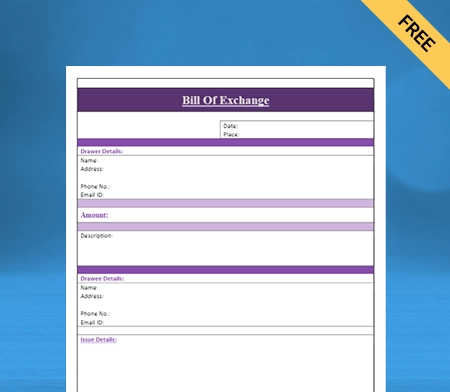
Ensures Both Parties are on the Same Page:

The Scrap Quotation Format in Word lets the customer quickly and easily compare the prices and services provided by various scrap dealers. It assists businesses in making informed financial decisions.

By providing scrap quotations to customers, the dealer and the customer understand the job’s requirements, what is covered, and how much it will cost.

Assists in the Search For the Best Deal:

The Scrap Quotation Format in Word helps buyers find the best deals on the market. A scrap quotation establishes a base rate and outlines what that rate covers. Furthermore, it allows the customer to find new scrap dealers.

It enables scrap dealers and customers to establish a more effective line of communication, assisting both parties in communicating their requirements and dealing with each other more efficiently.

Assist in Making Better Decisions:

The Scrap Quotation Format in Word enables better price and term negotiations with scrap dealers. Both parties can make the best deal possible by measuring all potential areas of their agreement.

As a result, both the customer and the dealer can select the best available options, resulting in a situation in which both parties benefit. It can also assist buyers in determining which scrap dealer provides the best value for money and services.

Promotes Transparency Between Parties:

Customers want to know they can trust the company they choose, and providing free scrap quotes ensures you’re upfront about pricing and won’t hit them with any unpleasant surprises.

Using scrap quotations allows the dealer to gain customer support and trust for his scrap business. It is crucial to create a scrap quotation format that puts you ahead of your scrap industry competitors, who are still focusing on these aspects.

Valuable Feedback on Your Pricing:

Getting the right price for scrap in the early stages of your scrap business can be difficult. When you provide scrap quotation formats to your customers, it can assist you in determining whether your price is reasonable or not.

If most of your customers are satisfied with the scrap prices you provide, you can be confident that they are reasonable. If you receive a lot of criticism, you should reconsider how you set your prices.

How Do You Create a Scrap Quotation Format in Word?

How Do You Create a Scrap Quotation Format in Word

A Scrap dealer can generate Scrap Quotation Format in Word. Here’s how it works:

  • Open Microsoft Word on your computer’s desktop. When you search quotations, a variety of formats will appear.
  • Choose the one that best meets your scrap company’s requirements.
  • You can change the fields to meet the needs of your company.
  • Enter the company name, the client’s name and address, the services and products included in the quotation, and the total cost.
  • You can change the general quotes’ font, logo, and colour to suit your needs.
  • Finally, press the Save button to save the estimate to your device.

How to Choose the Best Software For Making Scrap Quotation Format in Word?

There is numerous software available for making scrap quotations in word format. You must choose a format that suits your business needs and reduces your work. It must help your team to optimize their time. Here’s what you should look for:

Scalability of Your Business: 

When looking for software to generate Scrap Quotation Format in Word, it is critical to look for a solution that can quickly scale up or down based on your business’s needs. Scalability is one of the factors to consider when selecting a scrap quotation generator.

Keep in mind that as your company grows, you will require software that can easily accommodate new customers and provide additional features. Furthermore, look for a solution to assist you in managing your customer relationships by offering features like automated billing and customer support.

Ask For a Free Trial: 

Some scrap quoting software provides users with a free trial version for a set period. Before deciding on scrap quotations software, you can determine whether it meets your needs and is a good fit for your company. 

Furthermore, many companies provide the opportunity to conduct product demonstrations. It will give you first-hand experience with the quoting software and help you save significant time, effort, and money throughout the selection process.

Easy-to-Use:

When deciding on the best solution for generating Scrap Quotation Format in Word, choose the most straightforward software for you and your employees. Before deciding on scrap-generating solutions, consider whether you and your employees will need technical training or if you can navigate the programme quickly. 

Before using scrap quotation-generating software, it is best to consider all possible criteria, including the solution’s simplicity and complexity. Your scrap business can become more productive by simplifying operations for your business employees.

Look For Good Customer Service:

Customer service is an essential aspect of the scrap quotation format generator. It would be beneficial if you confirmed that the company selling the software has a customer service department capable of providing prompt and dependable assistance with any issues that may arise while using the quotation software. 

Look for customer service reviews written by previous customers to ensure that the quality of the customer service meets your expectations. Last but not least, look for a customer support team available 24 hours a day, seven days a week, so you can get help whenever you need it.

How to Make Scrap Quotations in the Vyapar App in Word Format?

How to Make Scrap Quotations in the Vyapar App in Word Format

Open the Vyapar app and click the plus (+) sign to select the service quotation option. To begin personalizing your scrap quote, change the reference number and date.

Step 1: Fill Out Your Information

Vyapar allows you to enter all relevant information about your scrap company and customers. Please enter the number of items, their unit price, rate, taxes, and a description to clarify everything in the scrap estimation/quotation.

Step 2: Examine

After entering all of the details, you can see a preview of your estimate/quote. Return to the previous tab if you need to make changes after viewing it.

Step 3: Share/Download

Once completed, you can send the scrap estimate to your customer via WhatsApp, SMS, or email and print it. You can download the quotation in word format or any other format.

Are you a Business Owner?

Take your business to the next level with Vyapar! Try free for 7 days

Try our Android App (FREE for lifetime)

Benefits of Using Scrap Quotation Format in Word By Vyapar:

Benefits of Using Scrap Quotation Format in Word

Create a Scrap Quote in All Three Formats:

Vyapar scrap quotation software allows you to create scrap quotations in all three formats, including PDF and Word. You can easily create a scrap quotation that meets your company’s needs and specifications.

In terms of features and quality, no other software on the internet compares to Vyapar. The easily editable designs make it easy to edit and create scrap quotation templates for your business that look professional.

Saves Time:

You can generate personalized scrap quotes for your business almost immediately. The manual process is time-consuming. You have to write every piece of information on paper.

With Vyapar’s Scrap Quotation Format in Word, you just need to update your business details and have your format ready.

Maintains consistency:

You can save the scrap quotation format for the future once you customize it. This way, you don’t have to make a quotation every time from scratch.

You can maintain consistency by issuing similar quotations to your clients. It avoids confusion. Also, it increases your productivity as you can use your time for other important tasks.

Personalize your scrap quotation:

Scrap dealers can easily customize the quotation format as per the business needs. You can edit your logo and business name and add more rows and columns.

You can change the fonts and colours of the Scrap Quotation Format in Word. This helps you build a strong brand reputation in the market.

Free Access to Quotation Format For Lifetime:

Scrap dealers can download the scrap quotation anytime for free. You can customize the format according to your business needs and save it without cost.

It is especially beneficial for small businesses as they don’t have to incur costs to design their business quotations. Additionally, you can easily print it in a regular or thermal printer. 

Effortless to use:

Vyapar Scrap Quotation Format in Word does not necessitate any specialized accounting knowledge. You can easily use the quote because of its user-friendly structure.

When you write quotations manually, you might make errors. The ready-made scrap quotation format eliminates errors and expedites the process.

Create your first Scrap quotation word with our free Quotation Generator

Features that Make Vyapar Software Best For Scrap Business Owners

Send Scrap Estimates and Quotation:

Our free Vyapar Scrap Quotation Format in Word software makes it simple to create valuable documents. It includes exact scrap quotations. The built-in features of the Vyapar scrap quotation format generator help you send quotes and estimates to clients whenever you want.

Accounting software Vyapar provides a professional appearance as well as instant estimates and quotes. The Vyapar accounting app can automate the majority of processes. It eliminates errors in quotes and assessments, and the due date is established for easy invoice tracking.

You can also convert your estimates and quotes to sales invoice formats anytime. You only need the Vyapar inventory management software for the scrap quotation template, which is completed in a few clicks. 

Vyapar’s free billing software for generating scrap quotation formats provides the company with a comprehensive solution for saving time and obtaining instant quotes. Using scrap quotation-generating software can help you manage your business more efficiently.

Send Scrap Estimates and Quotation
Manage Your Inventory Seamlessly

Manage Your Inventory Seamlessly:

Vyapar’s best inventory management software has useful features for your scrap business. It improves the operational efficiency of the business. You can track your company’s sales quotation using the scrap quotation template features of the Vyapar app. 

It will make determining how well you manage your inventory easier. Vyapar keeps a record of business information within the app. It simplifies the development of a successful strategy for business owners. Inventory tracking features utilize inventory space to the greatest extent possible. 

The inventory tracking features allow you to list and track items. Tracking is done using the batch number, expiry date, manufacturing date, slot number, and other information. 

They are entered into the system as soon as they arrive. It is advantageous to have the necessary stock available for purchase when it is required. It also helps to keep a record to ensure no theft goes unreported.

Safety of Data:

Vyapar scrap quotation template in word format is secure, and you can regularly create local or online Google Drive backups. You also get 24-hour, seven-day-a-week access to your company’s financial data via multiple devices.

The app includes an encryption system that only allows the owner/scrap dealer to access data for added security. User login information will not be saved or shared by Vyapar for future use.

The Vyapar scrap quotation format generator simplifies the management of your scrap business. The app’s comprehensive dashboard lets you analyze your business activities in real time.

Your company’s data cannot be accessed by team members or third parties, ensuring its long-term security. The “auto-backup” feature of the quotation maker app allows you to resume where you left off.

Safety of Data
Maintain Your Cash Flow

Maintain Your Cash Flow:

Accounting software that meets your needs is essential for your scrap business. With Vyapar, you can keep track of your scrap company’s current and payable receivables.

Your company’s positive cash flow ensures you have enough cash to keep the business running. The dashboard can assist you in determining whether you can easily sustain current expenses without falling behind on your debts.

You can send free payment reminders to your customers using the free Scrap Quotation Format In Word. It will help to ensure that they pay on time.

Scrap businesses can record transactions using GST printing bills data stored in a database. It helps in payment tracking. Cash flow management is widely used in billing, accounting, and other business functions.

Use a Regular or Thermal Printer to Print Your Scrap Quotes:

Vyapar supports thermal and standard (laser) printers, allowing you to print out your scrap estimates in minutes. Scrap quotes can be printed on regular and thermal printers and given to clients.

Connect our app to your regular/thermal printer via Bluetooth or plug-in to begin printing Scrap Quotation Format In Word. Using the Vyapar app, and you can create and send professional quotes to your customers.

You now have a better option for quickly generating prints in all appropriate sizes, including regular paper sizes A4 and A5, thermal paper sizes 2″ and 3″, and other custom paper size options with the Vyapar app.

You can create scrap quotes with complete customization by selecting from various Excel, Word, or PDF formats and then printing them for your customers. The procedure is simple and convenient.

Regular or Thermal Printer to Print Your Scrap Quotes
Create Reports For Your Scrap Business

Create Reports For Your Scrap Business:

Making informed decisions is crucial to maintaining consistency and growth. After creating quotes, you can use the app’s data to generate reports analyzing various metrics.

For example, you can identify which material is profitable and deal more with that type of item. Similarly, a tax report can help you file your taxes efficiently.

Our free billing software allows you to generate quotes and 40+ business reports for all your needs. Because you can easily export reports in Google Docs, Word, PDF, or Excel, using Vyapar significantly improves your company’s operational efficiency.

You can generate graphical scrap quote reports using the Vyapar app to track sales and expenses. This free software examines accurate business details, accounts, and other factors.

Frequently Asked Questions (FAQs’)

What is Meant By Scrap Quotation Format in Word?

The Scrap Quotation Format In Word specifies the price of scrap materials that are purchased or sold. A scrap quotation typically includes the following:
* The scrap material type and quantity 
* The cost of one unit of material
* Any sales terms and conditions

How Do You Write a Scrap Quotation Number?

The number can be a simple sequence of numbers or include additional information, such as the date or location of the transaction. Including scrap quotation no. is critical so both parties can quickly locate it.

How Do You Make a Scrap Quotation Format in Word Form?

You can use the Vyapar software to generate scrap quotations in multiple formats, including word. You can use it free of charge, and many other scrap dealers highly recommend it.

You can visit the UAE site to view content specific to your location

How Useful is Vyapar for Your Business?

Click on a star to rate it!


Professional Solar Quotation Format in word

Solar Quotation Format in Word

Easily download the Solar Quotation Format in Word for your client. Also use Vyapar App to do billing, inventory, and accounting easily and grow your business faster. Avail 7 days Free Trial Now!

  • ⚡️ Create professional quotations with Vyapar in 30 seconds
  • ⚡ Share quotations automatically on WhatsApp and SMS
  • ⚡️ Connect with your parties through reminders, greetings, business cards and more

Download Solar Quotation Format in Word For Free

Download professional free solar quotation templates in word, and make customization according to your requirements at zero cost.

Customize Quotation Desktop
Customize Quotation Mobile

Customize Quotation

Solar Quotation Format Word -1

Type -1

Solar Quotation Format Word -2

Type-2

Solar Quotation Format Word -3

Type-3

Solar Quotation Format Word -4

Type -4

Solar Quotation Format Word -5

Type -5

Solar Quotation Format Word -6

Type-6

Solar Quotation Format Word -7

Type-7

Solar Quotation Format Word -8

Type -8

Highlights of Solar Quotation Format in Word Templates

We’ve put in a lot of effort to make sure you get the best template possible

All versions are print friendly

Built from Scratch

Include essential invoice elements

Automatically calculate subtotal & grand total amount

Consistently formatted

Contents of Solar Quotation Format in Word

Contents of Solar Quotation Format in Word

Companies who deal with such businesses can provide their clients with all the information they need to make an informed decision about purchasing a solar system by including all this information in a standard format.

Company Name

The solar quotation format in word must include your company’s name at the top and address and contact details. In this section, you can write about past projects, experiences, or the growth of the business. It builds credibility and gains consumers’ trust.

Client’s Information

Enter the details of your clients in the solar quotation format. Doing this gives you a personal touch to the estimate who attracts clients and makes them believe you.

Project Details

Your proposal should begin with a description of the proposed solar project. Describe your understanding of the customer’s specifications. It should contain details of products like solar panels, batteries, inverters, expiry date, etc.

Sketched Diagrams of the Proposed Project

It is essential to itemize each solar panel array because it demonstrates that the installer has accounted for the cost of cable penetrations through the roof at each array.

Payment Terms

This section should include detailed pricing for all materials, installation work, and other services. Give the customer a basic return on investment (ROI) analysis to persuade them.

Terms and conditions

You should cover details of the contract, guarantee/warranty, payment terms, taxes, duties, and freight charges in this section. It legally protects your proposal by including clauses such as limitation of liability, indemnification, insurance, etc.

Types of Solar Projects

Types of Solar Projects

The use of solar energy significantly reduces long-term utility costs such as gas, electricity, and so on. They are renewable energy sources that you can use in the following industries:

Residential Solar:

Residential solar refers to solar panels that power a single home. The panels are typically installed on a roof in the backyard. A residential solar array typically consists of eight to twenty panels. The photovoltaic cell on the roof of the house collects solar energy.

Solar energy is also used to generate electricity in apartment buildings. Solar energy is captured in batteries during the day and used to provide power throughout the day and night. These solar energy applications significantly reduce energy expenditures.

Commercial Solar:

Commercial solar means solar power for a business. The company could be a small business with few solar panels or the headquarters of a multinational corporation with a dozen or thousands of panels. 

Commercial solar projects can range in size from kilowatts to megawatts and can take the form of rooftop arrays on buildings or ground mounts. Commercial solar panels supply power only to the business.

Utility-Scale Solar:

A “utility-scale solar” project is typically a large array with hundreds or even thousands of panels. It facility generates solar power and feeds it into the grid, supplying energy to a utility. A utility-scale project’s power is purchased in one of two ways:

  • A utility, municipality (if owned by a city), or electric cooperative (in more rural areas) to serve both residential and commercial customers in their service area.
  • A corporation to meet its needs in a specific region
  • One or more large universities or institutions in the same region pool their resources to purchase electricity.

Community Solar:

A community solar is a hybrid term. Community solar is a solution for consumers who want solar energy but cannot install an array on their home because they live in an apartment or their roof does not face south. As a result, some utilities provide their customers with a community solar option. 

The utility constructs a utility-scale array that is sized to meet the power needs of interested customers and then offers those customers special pricing and contract structures to obtain power from that array. Solar community projects are small utility-scale projects built for a specific purpose, with the power generated sold in a distinct business model.

What is Solar Energy?

What is Solar Energy?

Solar energy is simply light and heat emitted by the sun. People can use the sun’s energy in a variety of ways, including:

Photovoltaic Cells:

A photovoltaic cell absorbs sunlight and directly converts it into electricity. A solar panel is a collection of photovoltaic cells. Solar panels power lights on houses, electronic road signs, or parking lots. With enough solar panels, you can generate more energy than you require.

Solar Thermal Technology:

Collecting the sun’s heat is another way to harness solar energy. Solar thermal power plants use the sun’s heat to generate steam, which is then used to generate electricity. Solar panels that harness thermal energy can heat water in homes, other buildings, and swimming pools on a smaller scale.

Passive Solar Heating:

It is as simple as allowing the sun to shine through windows to heat the inside of a building. Passive solar heating includes collecting solar energy through properly-oriented, south-facing windows and storing it. The storage of this energy in “thermal mass,” which consists of high-heat-capacity building materials such as concrete slabs, brick walls, or tile floors.

Why are People Switching to Solar Energy?

Solar Energy is Beneficial to the Environment:

A solar energy does not use fossil fuels, does not pollute the air or water, and does not contribute to global warming, making it the preferred energy source for many. Solar energy is a great way to reduce your carbon footprint. Solar power is safe and environment-friendly. 

Renewable Energy Helps Save Money:

You generate your electricity, and conventional electricity consumption becomes less. It results in immediate savings on your energy bill. You can also earn money by selling the unused electricity you generate back to the grid.

Reliable and Cost-Effective Energy Source:

The sun is a renewable source of energy which makes solar energy reliable. Fossil fuels might eventually run out; sunlight will not. Solar power is self-sufficient, and installing solar panels on your roof is a simple and cost-effective way to contribute to a more sustainable future. 

Solar Energy is Deployable Everywhere:

You can deploy solar energy anywhere there is sunlight. It is especially useful in remote areas where no other source of electricity exists. Many people around the world lack access to electricity. Independent solar systems could be installed in those areas, benefiting millions of people.

Low Operating Costs:

Solar equipment isn’t high maintenance; you need to keep them clean. Most solar equipment from reputable manufacturers comes with a 20 to 25 years warranty. A solar system has no wear and tear because its operation has no moving parts.

Creates Employment Opportunities:

Solar energy has numerous advantages, one of which is it provides employment. The installation of the panels accounts for a large portion of the cost of solar systems. It helps to create local jobs. The use of solar energy benefits the economy and the local community.

Are you a Business Owner?

Take your business to the next level with Vyapar! Try free for 7 days

Try our Android App (FREE for lifetime)

How to Make a Solar Quotation Format in Word?

Solar installers can use Vyapar Accounting software to generate solar quotation format in Word. Here’s how

  • Open Microsoft Word on your desktop. Search quotations and a lot of formats will appear.
  • Select the one that best suits your business needs.
  • You can edit the fields to meet the needs of your business.
  • Input the name of the business, the client’s name and address, the products and services included in the quotation, and the total price.
  • You can change the quotes’ font, logo, and colour to suit your needs.
  • Finally, click Save to save the estimate to your device.

How to Make Solar Quotations in the Vyapar App?

How to Make Solar Quotations in the Vyapar App?

Open the Vyapar app and select the estimate/quotation option by clicking the plus (+) sign. Change the reference number and date to begin personalizing your quote.

Step 1: Enter Your Information

You can enter all relevant information about your company and customers into Vyapar. To clarify everything in the estimation/quotation, enter the number of items, their unit price, rate, taxes, and a description.

Step 2: Inspect

You can view a preview of your estimate/quote after entering all of the details. If you believe you should make any changes after viewing it, go back to the previous tab.

Step 3: Share/Download

When finished, you can send the estimate to your customer via WhatsApp, SMS, or email and print or download it.

Benefits of Using the Vyapar App For Solar Business:

Solar Business Management:

Using the Vyapar app, you can efficiently manage your business. You can keep up with market trends and requirements by creating quotations for your potential customers. You can keep track of all open and closed quotes within the app.

The Vyapar quotation generatormakes it easier to create quotes for businesses. Creating quotations and other business transactions in Vyapar significantly benefits overall business management. 

You can send payment reminders to these clients to ensure they pay their invoices promptly. You can also save time by using the bulk payment reminder option to send payment reminders to all your customers simultaneously.

Solar Business Management
Inventory Management

Inventory Management:

You can easily ensure the availability of all required products using Vyapar’s auto stock management feature. You can track stock inventory using the app based on different item attributes. 

For various inventory items, you can set a low stock alert. The inventory management software has many useful features for managing commodity needs, such as online stores, inventory sale/purchase reports, item-by-item profit-and-loss reports, etc.

Vyapar solar quotation format in Word provides the best inventory management. It aids in the improvement of business performance. It simplifies the process of developing an effective strategy for business owners.
Effortless to Use:

Vyapar solar quotation format in Word requires no specialized accounting knowledge. Thanks to the app’s user-friendly structure, you can easily use the app. You can instantly transfer data from a mobile device to a desktop computer and vice versa.
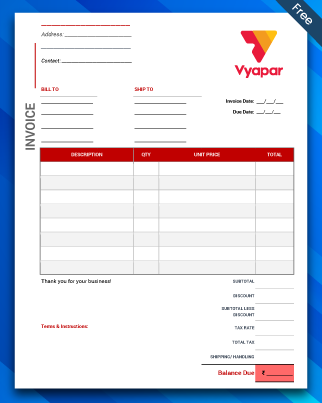
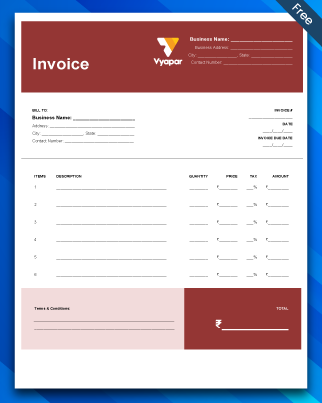
Manual bookkeeping takes time and is prone to human error. Automation speeds up the process while removing human error. You can devote your attention to other tasks while saving significant time. It will generate the reports you require precisely.
The Vyapar app records all of your transaction data automatically. You can quickly review the reports and analyze your company. It also sends reminders to collect payments and refund debts, which helps prevent future issues.

Effortless to Use
Choose Solar Quotation Themes

Choose Solar Quotation Themes:

Maintaining and sharing professional solar estimates with your clients can help improve your brand’s identity. With our solar quotation template in Word, you can quickly improve the appearance of your documents.

The customization options available are simple to use. You can create a professional invoice format for your client. Creating business bills can impress a client and enhance your professional image.

Select the best solar quote templates for your company’s requirements. It offers a variety of themes for both thermal and standard printers. All themes are entirely customizable and can be saved in any format.

Free Use For Lifetime:

Our Vyapar accounting and billing software basic features are free. Users of Android have unrestricted access to free services. They can access basic features like solar quotation format in Word at any time and from any location.

If you register and download the free app from the Play Store, you can use the Vyapar app for free. PC and iOS users can use a subscription to access premium functions and desktop programs.

After each transaction, the seller and the customer will receive a free SMS containing transaction details such as credit and debit values. It keeps both parties on track and clarifies everything.

Free Use For Lifetime
Works With/Without Internet

Works With/Without Internet:

Using the solar quotation template generator, you can generate quotes without being connected to the internet. The software will update the details once you have internet access.

The billing process is simplified because transactions can be recorded as soon as they occur. Solar service installers can use the solar invoice template to generate invoices/bills for offline and online transactions.

Clients will not have to wait for cash receipts; they will receive them immediately. It is helpful in remote locations where network problems are common. You do not need to put your accounting operations on hold.

Create your first solar quotation with our free Quotation Generator

Valuable Features of Vyapar that Help in Managing a Solar Business

Send Solar Quotation Format in Word:

Using our solar quotation format in Word, you can create accurate solar estimates for your products and services. It gives your quotes a professional appearance and helps to build a brand image.

Vyapar’s free solar quotation format in Word offers businesses a one-stop solution for saving time and obtaining instant quotes. Small Business Accounting software allows you to manage your business better.

Vyapar automates most processes so that you can get an error-free estimate with little effort. You can create quotes and send them via WhatsApp, email, or SMS anytime and from any location.

You can also convert your estimates and quotations into invoices at any time. With the Vyapar billing and accounting software, billing is as simple as a few mouse clicks.

Send Solar Quotation Format in Word
Keep Your Solar Business Data Safe

Keep Your Solar Business Data Safe:

The app includes an encryption system that allows the owner to access data for added security. User login information will not be saved or shared by Vyapar with anyone for future use.

Vyapar solar quotation formats are secure, and you can regularly create local or online Google Drive backups. You also get 24-hour, seven-day-a-week access to your solar company’s financial data via multiple devices.

Your company’s data cannot be accessed by team members or third parties, ensuring its long-term security. The “auto-backup” feature of the quotation template generator app allows you to resume where you left off.

The Vyapar solar quotation format generator simplifies the management of your solar business. The app’s comprehensive dashboard lets you analyze your business activities in real time.

Several Payment Methods are Accepted:

Accept digital payments in your customer’s preferred payment method. You can send customer invoices via email and Whatsapp using the Vyapar invoicing software.

Including a single QR code that accepts all payment methods is possible. Payment methods accepted include cash, credit card, debit card, UPI, NEFT, RTGS, QR codes, e-wallets, pay later, and others.

Customers value convenience and the ability to pay you according to their preferences is an essential comfort you can provide. This way, you can have an advantage over your competitors.

You can generate high-quality estimates with multiple payment options using the Vyapar solar quotation format in Word.

Several Payment Methods are Accepted
Print Your Solar Quotes on a Regular or Thermal Printer

Print Your Solar Quotes on a Regular or Thermal Printer:

Vyapar works with both thermal and standard (laser) printers, allowing you to get the printout of your solar estimates you need in minutes. Regular and thermal printers can print solar quotes and hand them to clients.

Connect our app to your regular/thermal printer via Bluetooth or plug-in to begin printing solar quotations and invoices. You can create and send professional invoice formats to your customers using the Vyapar app. 

Thanks to our solar quotation template, you now have a better option for quickly generating prints in all appropriate sizes, including regular paper sizes A4 and A5, thermal paper sizes 2” and 3”, and other custom paper size options.

You can create quotes with full customization using printing bill formats by selecting from various Excel, Word, or PDF formats and then printing them out for your customers. The procedure is straightforward and convenient.

Create Reports For Your Solar Business:

Businesses must make informed decisions to maintain consistent growth. After you’ve created invoices, you can use the data gathered in the app to generate reports that analyze various metrics. 

For instance, by generating an inventory report, you can identify product demand and focus on keeping that item in-store. Likewise, a tax report can assist you in smoothly filing your taxes.

Our free billing software allows you to create quotes and 40+ business reports for all your business needs. Using Vyapar significantly improves your company’s operational efficiency because you can easily export reports in Google Docs, Word, PDF or Excel.

Using the Vyapar app, you can generate graphical solar quote reports to track sales and expenses. This free software analyses accurate business details, accounts, and many other things.

Create Reports For Your Solar Business
Maintain Your Business’s Cash Flow

Maintain Your Business’s Cash Flow:

Accounting software that meets your needs is essential for your solar business. With Vyapar, you can keep track of your company’s current and payable receivables.

Your company’s cash flow ensures you have enough cash to keep the business running. The dashboard can assist you in determining whether you can easily sustain current expenses without falling behind on your debts.

You can send free payment reminders to your customers using the free solar quotation format in Word generator. It will help to ensure that they pay on time.

Businesses can record transactions using solar quotation format data stored in a database. It helps in payment tracking. Cash flow management is widely used in billing, accounting, and other business functions.

Frequently Asked Questions (FAQs’)

What is the Solar Quotation Format in word?

A solar quotation format in Word is used to create an estimate of a solar project given by the solar provider or installer to the client. The quotation helps the customer decide which company provides the best quality and work.
Solar energy providers use solar quotation formats in word to give their customers the quoted price for the project. The estimate includes the price a solar company or installer may charge. It can be a per-watt price, total project cost, or another pricing metric.
The solar quotation format contains all the information a customer would require to make an informed decision, including prices, system requirements, and terms of use. The customer receives information in a standard format and can compare it.

How Do You Write a Solar Quotation in word?

The solar quotation format must clearly describe the services provided to customers. It should include the project details, number of panels, other equipment, project price, and warranty terms. 

How Do I Create a Solar Quotation Format in Word?

Vyapar offers professional-looking solar quotes in Word format. You can also save the estimates in other forms like PDF format.

You can visit the UAE site to view content specific to your location

How Useful is Vyapar for Your Business?

Click on a star to rate it!