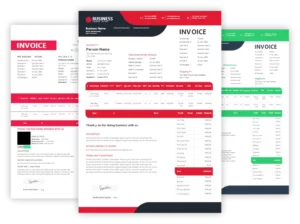
OG_Debit-note-format-in-gst

Debit Note Format in GST

Vyapar’s great accounting features will assist you in managing your bookkeeping. Vyapar is a one-of-a-kind software that provides professional debit note formats in GST that are free to use and modify. Vyapar will make it easy for you to handle your company’s finances. So, if you don’t want to waste time learning complex and advanced software, Vyapar is the app you need.
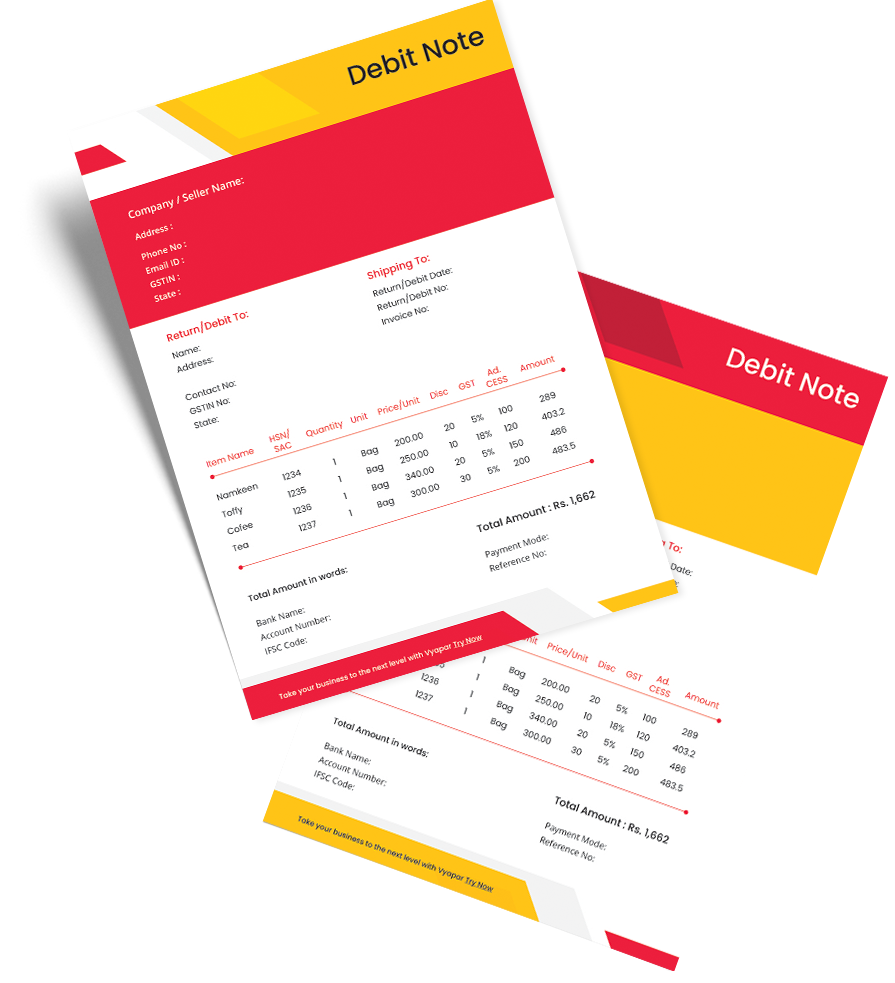
Debit-Note

Highlights of GST Debit Note Templates

We’ve put in a lot of effort to make sure you get the best template possible

All versions are print friendly

Built From scratch

Include essential invoice elements

Automatically calculate subtotal & grand total amount

Consistently formatted

Download a Free GST Debit Note Format

Download professional free GST debit note formats, and make customization according to your requirements at zero cost.
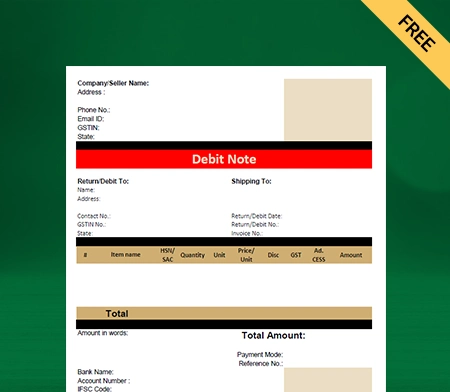
GST Debit note format

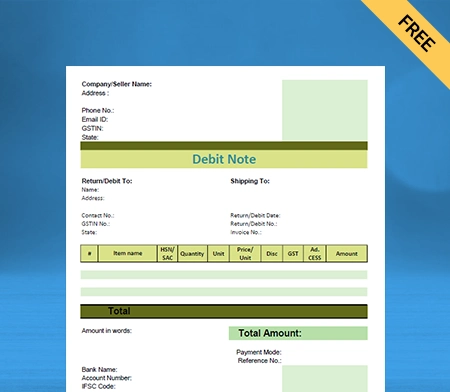
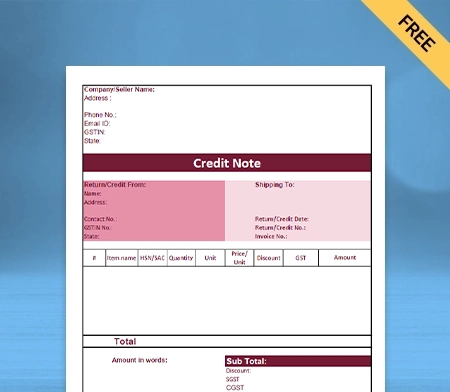
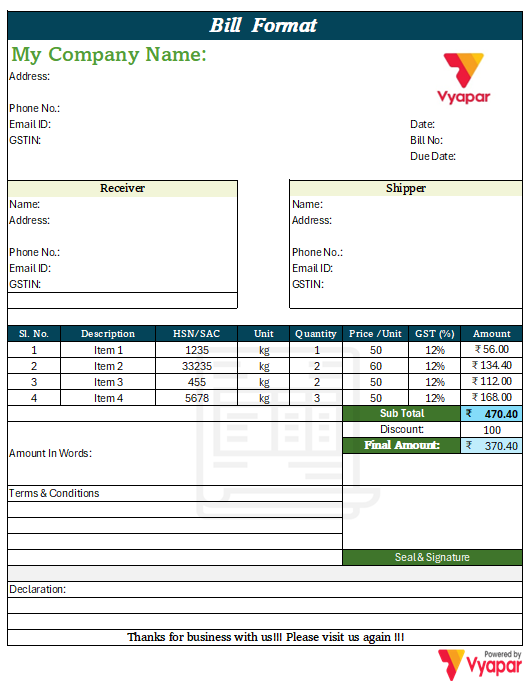
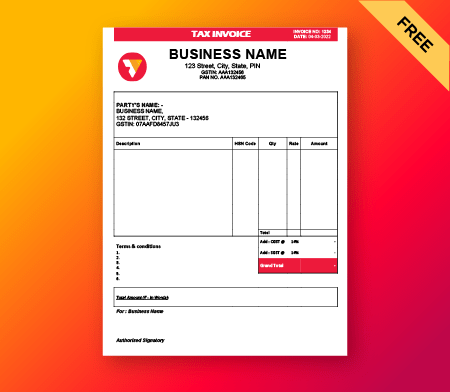
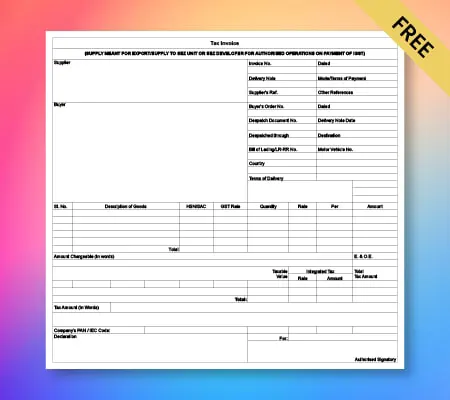
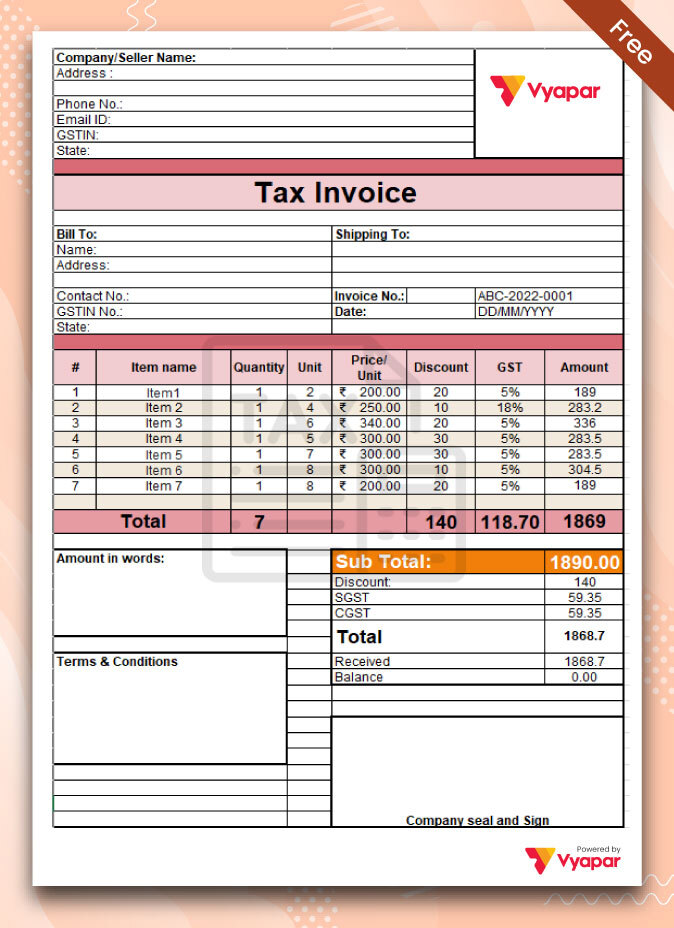
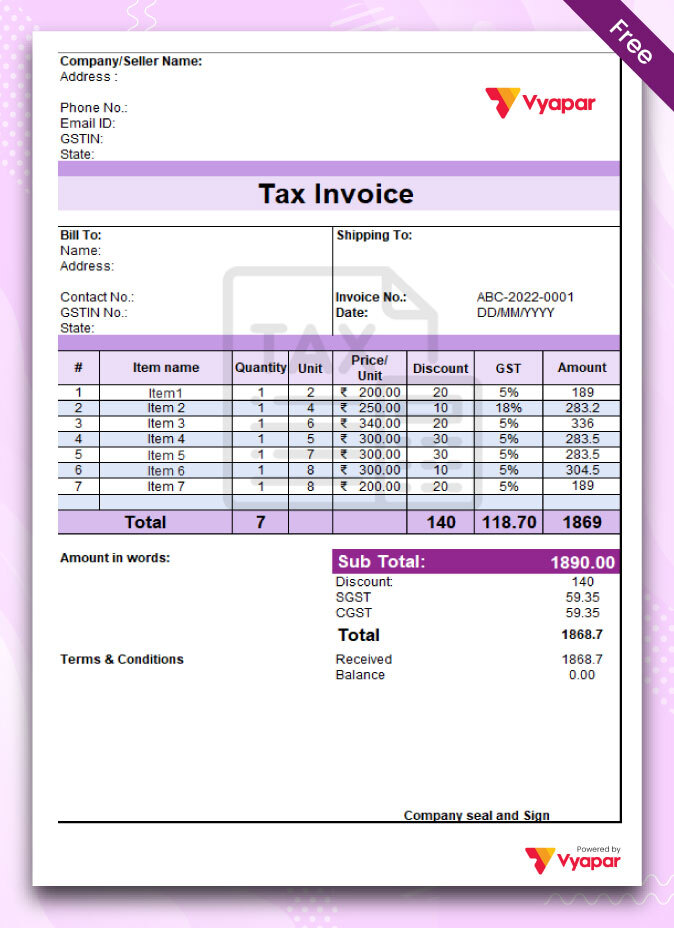
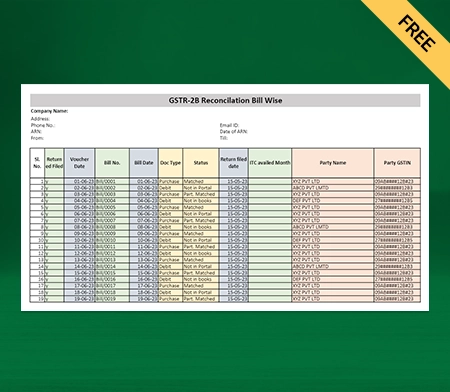
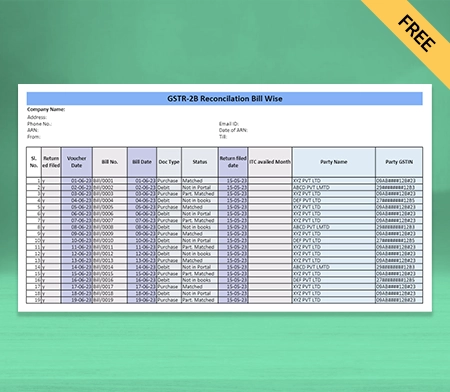
GST Debit Note Format – 1

Free GST Debit note format

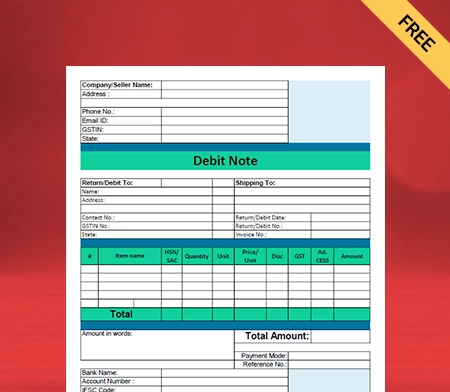
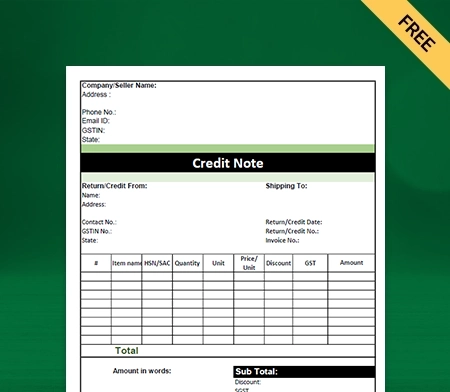
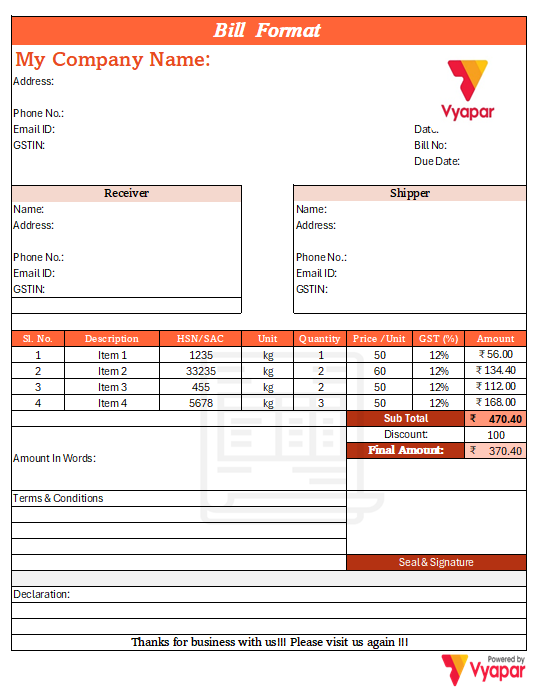
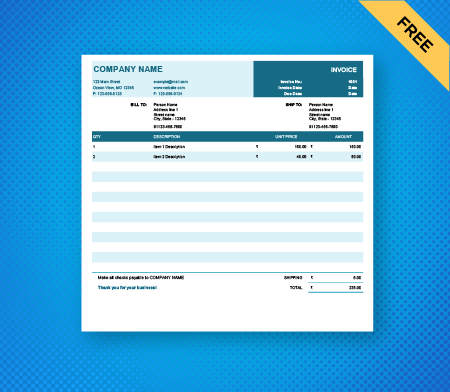
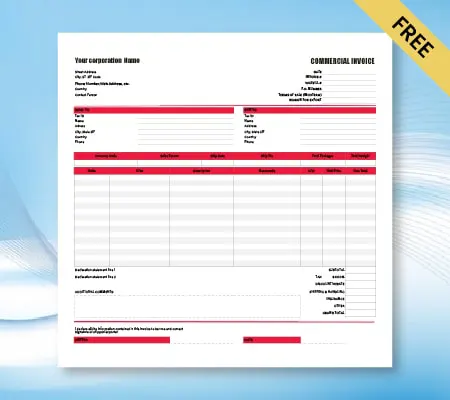
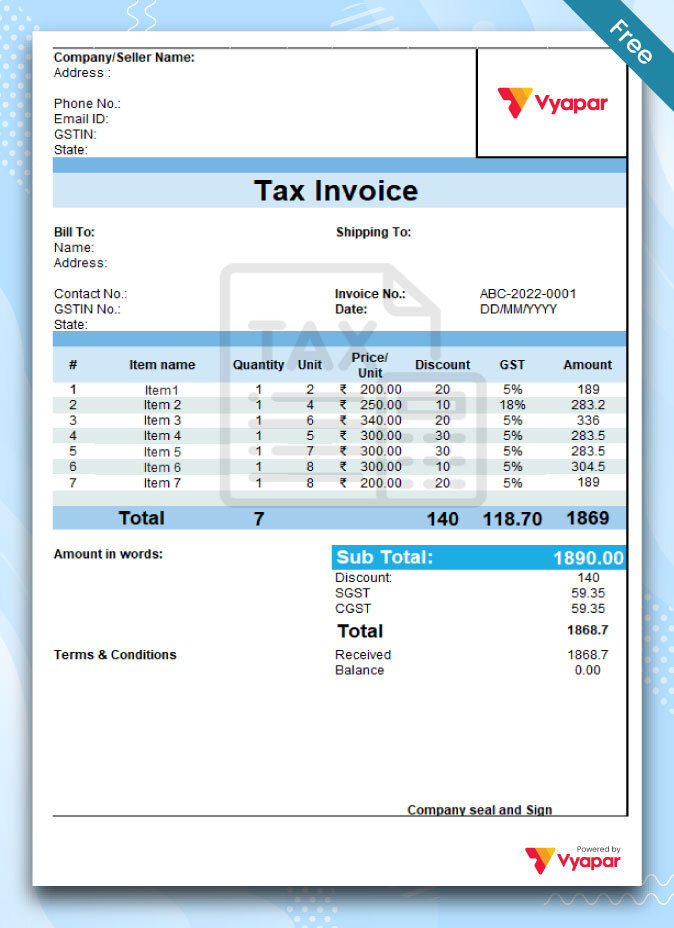
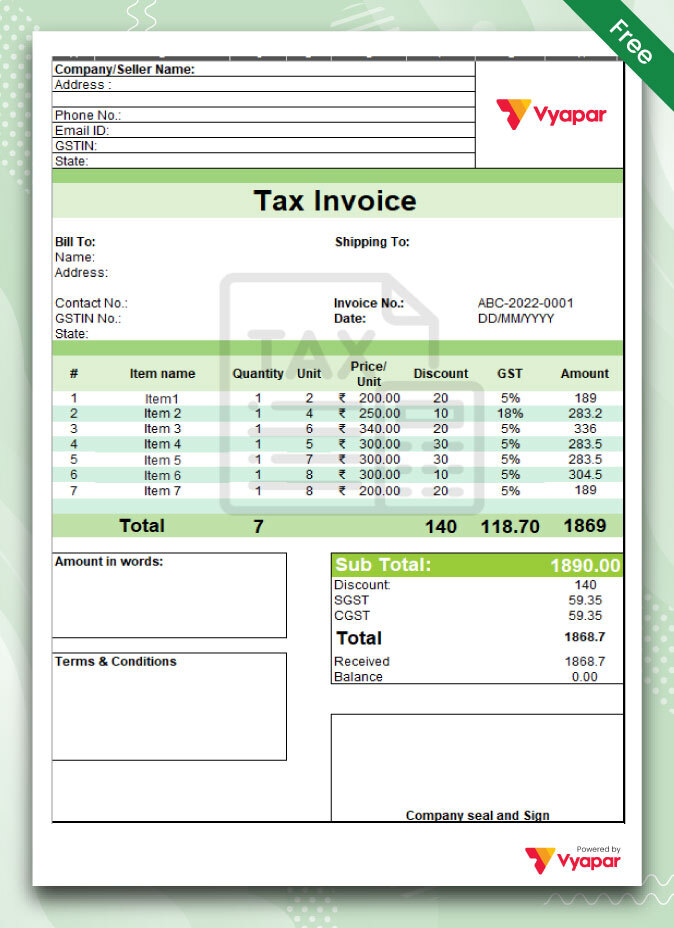
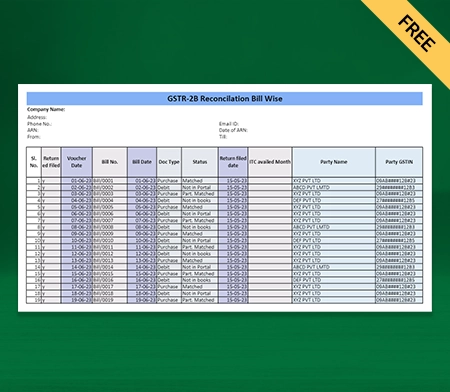
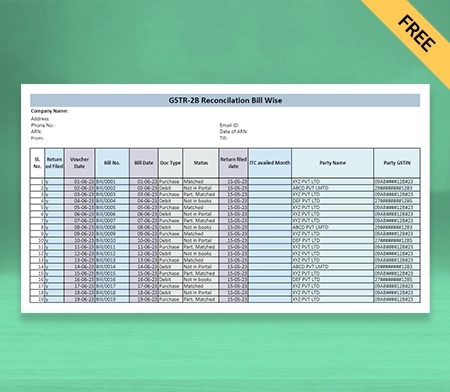
GST Debit Note Format – 2

Download GST Debit note format

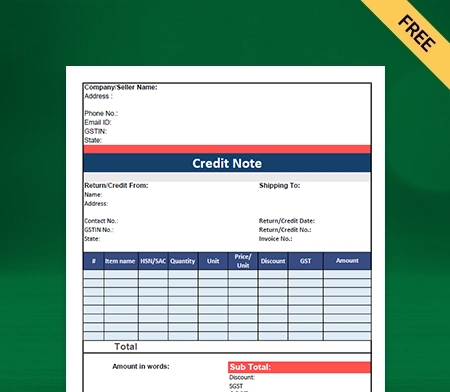
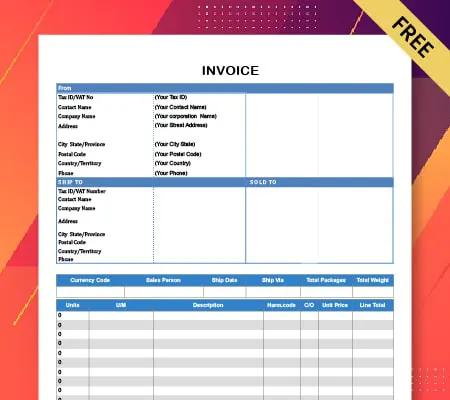
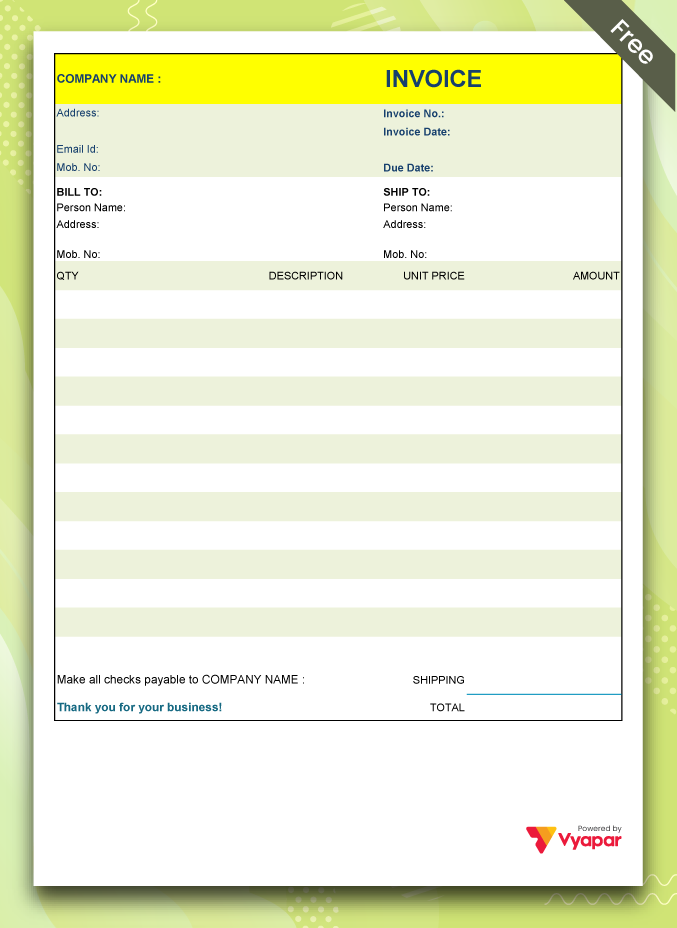
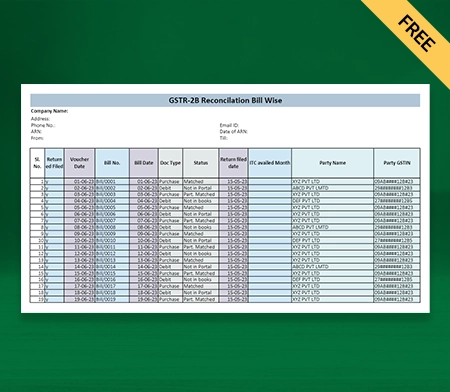
GST Debit Note Format – 3

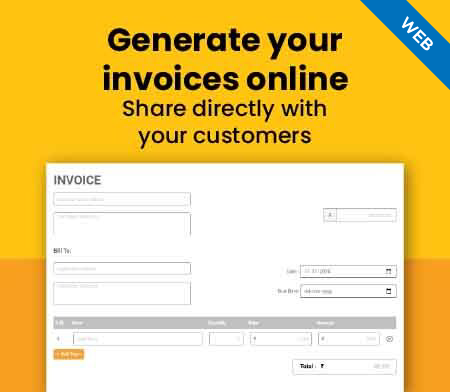
Generate Invoice Online
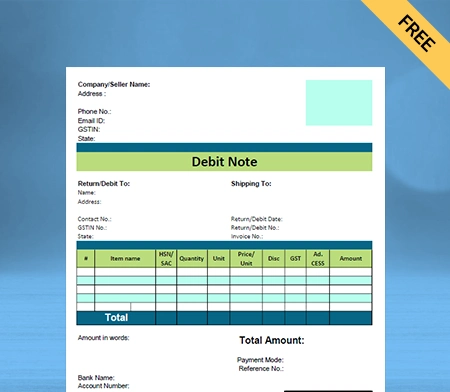
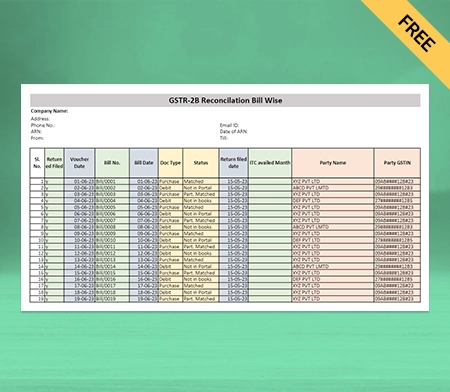
GST Debit note format by Vyapar

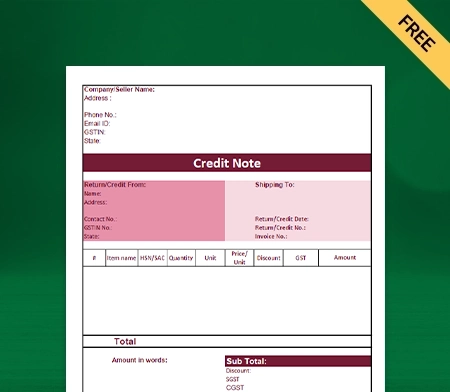
GST Debit Note Format – 4

What is Debit Note in GST?
Debit Note Format in GST

According to section 34(3) of the CGST act 2017, a debit note in GST is a document that a supplier issues to the recipient for the following reason:

  • A tax invoice was issued for any supply of goods, services, or both, and:
  • The invoice’s taxable value or tax liability is less than the supply’s taxable value or tax credited.
  • The quantity of goods or services is more than that of the initial invoice.

Importance of Debit Note Under the GST Law
Importance of Debit Note Under the GST Law

The GST law permits the issuance of a debit note in two circumstances:

(a) a change in tax rates after the invoice has been issued.
(b) A change in the taxable value of the goods or services following the issuance of the invoice.

A debit note is included in the information for GSTR-1, the month in which the provider supplied the items. The specifics are included in the recipient’s Forms GSTR-2A and GSTR-2B. Once the verification is complete, the recipient can accept it and include it in his GSTR-3B.

Previously, citing the original invoice number was required when reporting a debit note. You must quote it in Form GSTR-1 and Form GSTR-6 on the GSTN portal.

The change relating to the delinking of debit notes from their original invoice, on the other hand, provides that:

  • The issuer might give the place of supply for a specific debit note to identify the supply type.
  • Simply entering the tax and the amount is sufficient when the debit note is sent due to a discrepancy in tax rates.

The delinking amendment also impacted how debit notes were treated for Input Tax Credit (ITC). The invoice date before the modification was the time limit for claiming ITC. However, following the modification, the time restriction for claiming ITC is now computed based on the debit note.

When is a Debit Note Issued?
When is a Debit Note Issued

A registered person must always issue a tax invoice when providing goods or services. However, when providing the tax invoice, a registered supplier is obligated to issue a debit note/revised invoice to the recipient if any of the following conditions are met:

  • In the invoice, the supplier charges a value for products or services less than the real value of such goods or services.
  • The supplier charges a lower tax rate than the goods or services supplied.
  • The quantity of goods debited to the recipient is more than indicated on the initial tax invoice.
  • For any other reason

If a customer purchases products from a vendor or supplier and wishes to return them for any valid reason, they may submit a debit note.

A customer begins a purchase return for products when the following conditions exist:

  • The seller delivers faulty or damaged goods; the shape, size, or quantity is incorrect;
  • The vendor failed to provide goods or services on schedule;
  • A bill contains calculation errors;
  • Suppliers levied higher taxes on goods or services;
  • The buyer does not wish to buy the goods or services.

Create your first debit note with Vyapar App

The Limit for Issuing a Debit Note

A buyer can generally issue a debit note at any time. According to Section 34(2) of the CGST Act, a buyer may issue a debit note on or before September 30th or on or before the date on which the annual return is due.

If the buyer fails to issue a debit note within the specified time frame, the buyer’s tax duty, interest charge, and penalties will grow. To make the debit note generation process seamless, you can use professional debit note formats in GST by Vyapar.

Format of a Debit Note in GST
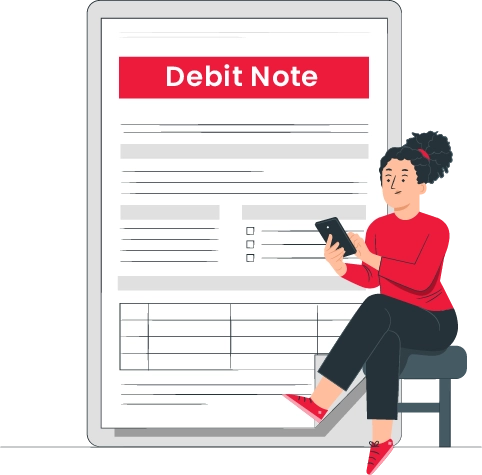
Format of a Debit Note in GST

A debit note format in GST issued by a supplier must include the following information:

  • Supplier’s name, address, and GSTIN
  • The nature of the document
  • A debit note must have a serial number that is not more than sixteen characters long. Alphabets, numerals, and special characters such as hyphens, dashes, and slashes can all be used in a combination.
  • The date you issued the debit note
  • Name, address of delivery, and, if registered, the recipient’s Unique Identity Number (UIN) or GSTIN.
  • The name and delivery address of the receiver will be provided by the individual issuing the debit note. If the recipient is not registered, the name and code of the state.
  • The serial number and date of the associated tax invoice or bill of supply
  • The amount of tax deducted from the recipient, the value of the taxable supply of goods or services, and the tax rate
  • Digital Signature of the supplier’s or his authorized representative

Records

An issuer must keep the records of the debit note or additional invoice for seventy-two months after the due date for filing the annual return for the year relevant to such accounts and records.

Where such accounts and documents are kept manually, they must be stored at every associated business mentioned in the registration certificate. They must be available at every related place of business where such accounts and documents are held digitally.

Features of Debit Note in GST
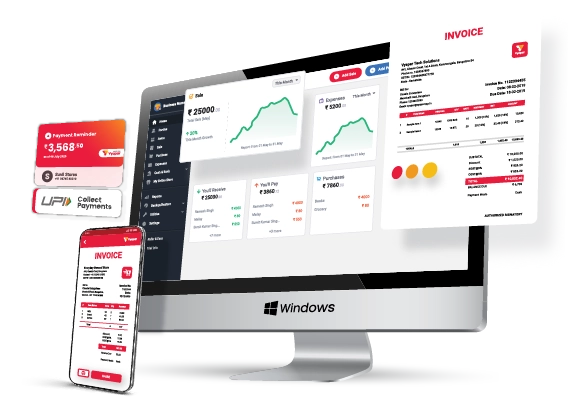
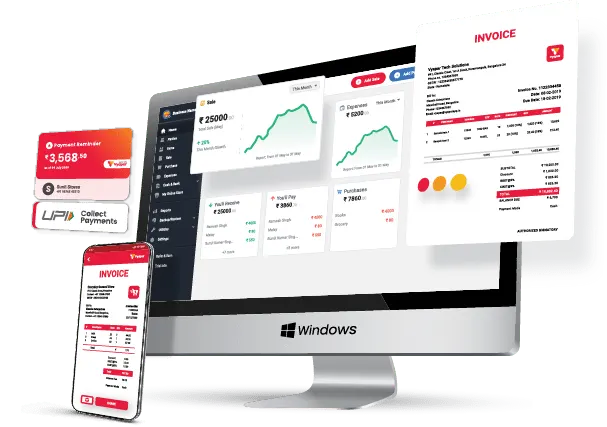
Vyapar App for Desktop

A debit note is a buyer’s request for a credit note to the supplier. The document suggests a purchase return in the buyer’s accounting books.

Here are the essential features of a debit note:

  • A debit note is provided when goods or services are purchased on credit.
  • In most circumstances, the debit notice is sent to the seller by the buyer. A seller can also issue a debit note.
  • A seller may issue a debit note when an invoice has an error.
  • A debit note contains all the purchase return information.
  • It becomes valid when the supplier accepts the debit memo and changes their records appropriately.
  • In the debit memo, the buyer must state the reason for the return of the items.
  • A debit note reduces the credit purchase amount of the customer while increasing the purchase return.
  • A debit note is a positive amount that reduces the buyer’s liability to the seller.

How to Create a Debit Note Format in GST Using The Vyapar App?
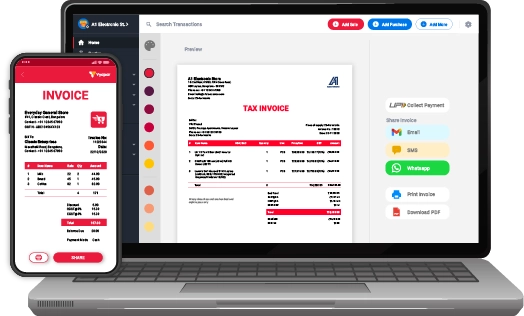
Vyapar dashboard

Open the Vyapar App. Two options are available to do the entry for debit notes in GST format.

Click on Add More (+) Button.

  • You’ll see a purchase return option. Click on it.
  • You can also open the debit note format by pressing the shortcut key (Alt+L).
  • Enter the customer’s information, such as name, date, and invoice number.
  • The system will adjust your note against the invoice.
  • Then, provide the information about the products for which the debit note is issued.
  • The details must include the item’s name, price, and quantity.
  • Save the format for future reference.

This process is time-consuming, so Vyapar provides an alternative. It is useful when adjusting a debit note to a specific invoice.

Go to The Left Menu.

  • Click the purchase option in the purchasing section.
  • There will be a list of all invoices.
  • Find the invoice whose product you want to return in the search bar.
  • You can narrow your search by party name, invoice number, date, amount, or invoice balance.
  • The invoice will appear on your screen; click the three dots to the right.
  • Select the option to convert to return.
  • You’ll notice that the debit note is filled with all the necessary ==information.
  • You can modify the item list to meet your requirements.
  • After making the necessary adjustments, save it.

Advantages of Using Debit Note Format in GST by Vyapar
Advantages of Using Debit Note Format in GST by Vyapa

Data Entry Made Simple

Manual bookkeeping and debit note creation necessitates you to write entries by hand. You will spend most of your time filling cash registers and spreadsheets as a bookkeeper. Using Vyaar debit note formats in GST, you can automate the process for your business.

Fortunately, the accounting software Vyapar app automates these time-consuming tasks, allowing you to concentrate on what matters most to you. The debit note maker software may alter your bill amounts and track the changes.

The user-friendly interface of the app makes it easy to use. Data may be accessed instantaneously from mobile to desktop and desktop to mobile. Both GST-registered and unregistered firms can use Vyapar.

Multiple Themes

Using professional themes might help you strengthen the identity of your brand. Vyapar debit note format in the GST maker app includes two thermal invoice templates and twelve traditional printer invoice styles. Furthermore, all themes are completely customisable to meet specific corporate requirements.

Both thermal and conventional printers offer several theme possibilities. GST Invoicing Software is suitable for all types of business owners. You can personalize and improve the appearance of your invoice using the software.

When you share professional invoices with your clients, it improves your brand image and identity. Also, you can manage your inventory and choose the best themes and GST invoice formats through a single app.

Online Store

Using the Vyapar debit note in the GST maker app, you may set up your online store in several hours. Using our billing software, you can list all the services/products you sell to your consumers.

It will help you display a catalogue of all the services/products you sell and enhance your online sales. Furthermore, Vyapar debit note format in GST does not charge extra fees for using individual features like online stores. So, you can simply have the subscription and use the online store to take your business online.

Using the online shop feature in our debit note generator app for your business can help you save time at the store counter by having the package ready for your clients before they arrive.

Business Reports

Entrepreneurs must make sound business decisions. Managing the money needed for daily operations, analyzing data, and evaluating business activity can be challenging. Vyapar can assist you with all of these concerns.

Vyapar allows you to create more than 40+ distinct types of reports. Balance sheets, spending or income reports, and GST reports can all be created. You can maintain the company’s cash flow and avoid workflow disruptions.

You can examine the reports to evaluate how the organization is performing. It enables you to assess which product is in high demand and stock up on it. You can use the Vyapar app to make income tax filing easier.

Offline Software

You can continue to run your import-export business without an internet connection by utilizing various specific invoice-generating application capabilities. You can now create commercial invoices for your clients using the Vyapar app while offline.

Even if no internet connection is present, Vyapar’s software may generate a commercial invoice. Because of these capabilities, our clients’ businesses no longer have to rely on the Internet for accounting.

The only time a consumer has to connect to the internet or use the online edition of Vyapar is when they want their data to be synchronized across various devices.

Create a Positive Brand Image

Professional debit note formats and estimates formats during negotiations help to develop a strong brand image. You can also provide thorough disclosure about the transaction to establish trust.

Vyapar GST billing software assists you in developing a professional brand. A properly designed personalized invoice will help you stand out from the crowd and establish yourself as a professional seller.

You can add our company logo, style, font, and brand colours to your invoice to effectively reflect your firm’s identity. A buyer will likely purchase from a seller who uses professional custom quotation formats rather than plain text.

Other Valuable Features of The Vyapar App

GST Billing and Invoicing

To establish a business in India, you must create GST-compliant, accurate invoices. Vyapar accepts several invoice types, including mixed, credit, and proforma. It is also useful in the production of debit and credit notes.

With the help of Vyapar GST note maker app, you can create GST bills that comply with India’s GST legislation. It automates your billing demands, which is advantageous in running your business.

You can create a GST bill in online and offline modes in a few simple steps, allowing you to keep your account up to date. The Vyapar app streamlines the process of sharing your invoice with other business owners and customers.

The software allows you to produce a free GST invoice format for your clients within minutes and print/share them. Debit notes must be in GST format, which you can do with our GST billing software.
GST billing
Receivables and Payable

Receivables and Payable

Customers can keep all transactional information in Vyapar’s GST debit note maker app. You can easily check their company’s cash flow. You can use Vyapar to keep track of payables and receivables by the party.

You may track how much money you “have to get” and how much you “have to pay.” You can obtain reports for customers who have not yet completed their payments. You can send payment reminders to these customers to ensure they pay their bills promptly.

You can send payment reminders to any party through email, SMS, or WhatsApp. To collect money more conveniently, you might provide various online payment options. It will also allow you to save time for daily tasks.

You can also save time by sending payment reminders to all of your clients at once if you use the bulk payment reminder option. Calculations are performed automatically by the GST Billing and Invoicing software.

Choose Themes

You strengthen your brand’s image and identity when you send professional invoice formats to your customers. Our Vyapar software includes two templates for thermal printers and twelve invoice themes for ordinary printers.

With the help of this debtor’s account format, you can rapidly improve the visual appeal of your invoice. The customisation options available are simple to utilize. You can prepare the client’s invoice quickly. Creating company bills may help you impress a client.

It is simple to use. Choose from the best GST invoice forms to meet your needs. Most businesses use our free debit note maker app to appear professional. It is the most effective method for developing a positive brand image.

Vyapar provides a wide range of themes for both thermal and conventional printers. Any business can use it. Retailers, pharmacies, gyms, restaurants, and a variety of other businesses are included on the list.

Custom Themed Invoicing
Data security

Extreme Security

Safety must always come first in any organization, especially in this digital age. Vyapar software has great security features to ensure data security and safe access.

It supports automatic backup to Google Disk and a manual backup to Google Drive, email, and a local drive. Using Vyapar ensures that your data is securely updated to servers.

You can also print and distribute debit notes to your consumers. You can use our free GST software in India to generate an automatic backup of your data, which will strengthen the security of the information you save there.

For added security, make a local backup now and then. You can safeguard your data by storing it on a hard disc or flash device. Accounting capabilities in Vyapar billing software allow you to ensure that you can assess your data even further.

Accounting Administration

You may effortlessly manage your company’s accounts using our free accounting software. It allows you to generate proper GST invoices, quotations, and estimations. The billing mechanism in the app makes it simple to turn invoices into debit notes.

You can then share immediately with your prospective party via the app. Our sophisticated GST debit note maker app makes creating sales or purchase orders simple. You can quickly set deadlines and keep track of your orders.

In addition, the user receives an auto stock adjustment to ensure inventory item availability. It helps with order fulfillment and promotes customer happiness. Vyapar’s auto stock feature supports you in maintaining sufficient reserve stock to fulfill the order.

You can use and convert your bills into any format that meets your requirements. Vyapar provides various formats in Excel, Word, and PDF. Using our GST debit note software, you may save time while preparing debit notes and invoices.
Vyapar accounting software for account administration

Are you a Business Owner?

Take your business to the next level with Vyapar! Try free for 7 days

Try our Android App (FREE for lifetime)

Frequently Asked Questions (FAQs’)

What Is The Debit Note Format In GST?

The Debit Note Format in GST is used to modify previously issued invoices. An invoice may require changes due to invoice errors, excess products supplied, or goods returned due to defects or other causes.

How Do You Add A Debit Note To GST?

According to the statute, only the supplier may issue a debit or credit note. Both notes can be issued with GST to increase or decrease the supplier’s GST burden.

Can Debit Notes Be Issued Without GST?

An issuer can offer a debit note format without GST in Excel format.

You can visit the UAE site to view content specific to your location

How Useful is Vyapar for Your Business?

Click on a star to rate it!


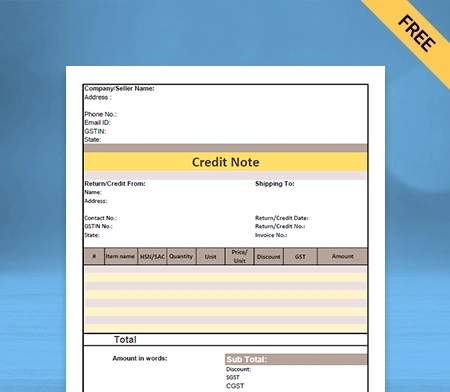
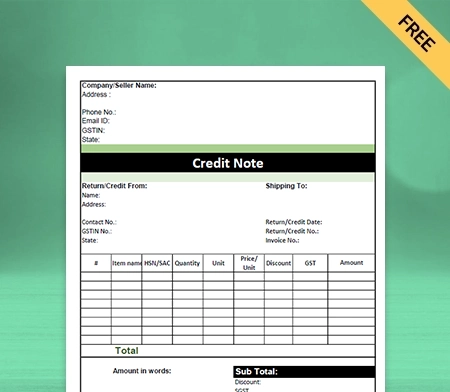
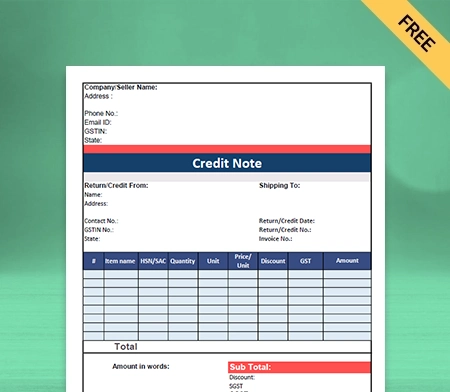
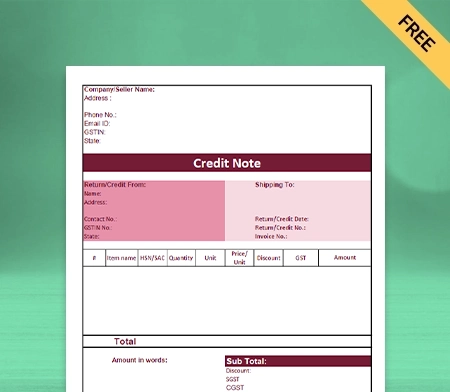
Credit Note Format in GST | Vyapar App

Credit Note Format in GST

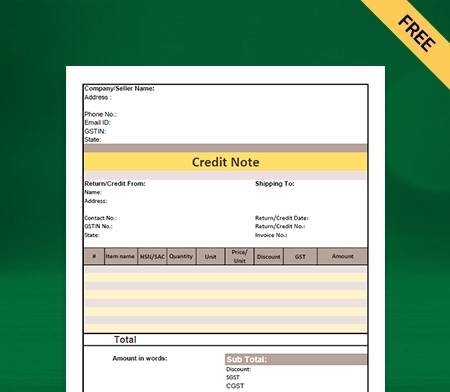
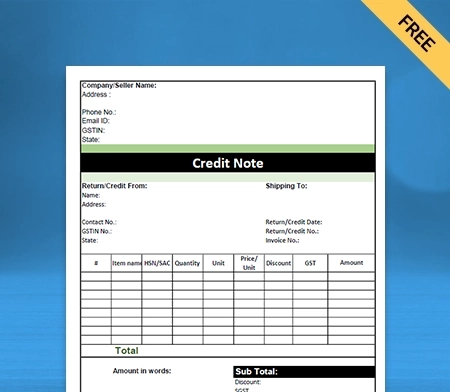
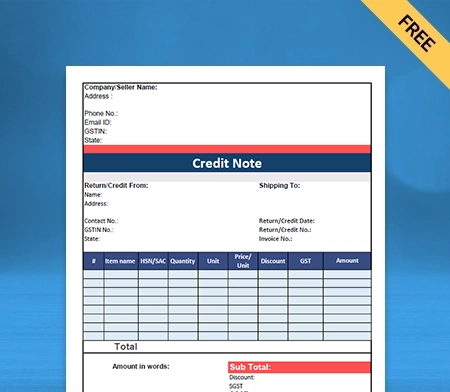
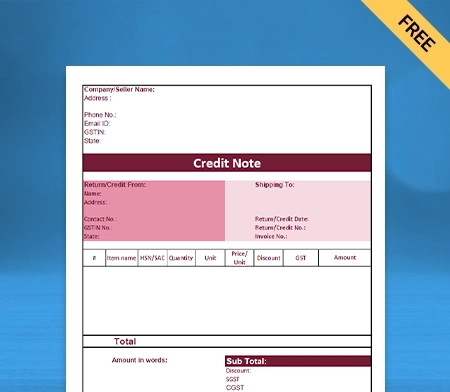
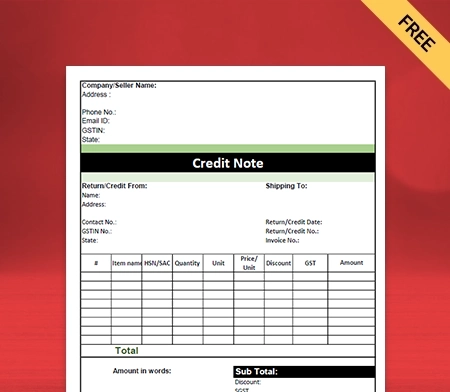
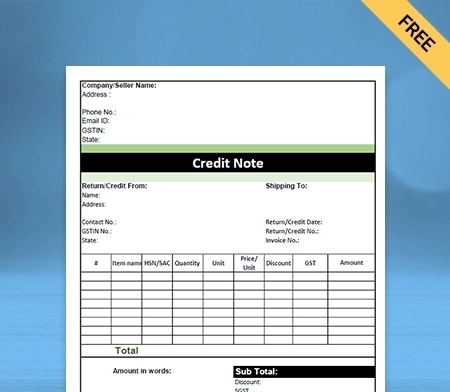
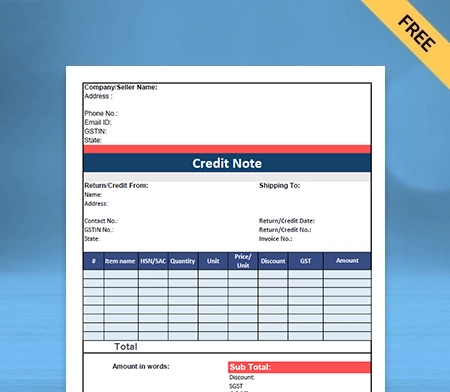
Vyapar can help you manage and issue credit notes in GST seamlessly. The Vyapar app is excellent for issuing bills, managing accounts, and creating credit notes. The best part is that using the credit notes in GST by Vyapar requires no external staff training.

Credit Note Format in GST

Highlights of Credit Note Format in GST

We’ve put in a lot of effort to make sure you get the best template possible

All versions are print friendly

Built from scratch

Include essential invoice elements

Automatically calculate subtotal & grand total amount

Consistently formatted

What is a Credit Note Format in GST?

Credit note format in GST is described under section 34(1) of the CGST act. A credit note in GST is part of the purchasing process, along with other documents such as quotes and invoices. They are generally used when something goes wrong during the purchasing process.

In these circumstances, the supplier has to offer a discount or refund to the customer. It is often called credit. Things that go wrong might be:

  • The Goods provided by a buyer to a seller are faulty and damaged.
  • Services provided by a seller to the buyer are not up to standard.
  • The goods and services provided are acceptable. However, the seller has charged the customer the wrong price on the invoice.
  • An agreed discount is not applied to the invoice.
  • A discount has been agreed upon after an invoice has been sent to the buyer.
  • When the buyer accidentally overpaid in the invoice.

Whatever the reason, When the mistakes like these happen, the seller needs to provide credit notes in GST to their customers.

What Are The Benefits Of Using Credit Note Format In GST?

Free Credit Note Format in GST

Here are the following benefits given down below of using the credit note format in GST:

Credit Note Are Orderly In Terms Of Administration

Another function of the credit note in GST is an effort to be orderly in terms of administration. All operations in a business will be more orderly and funneled in the right direction in case there are written notes or documents.

To function in credit note format, you do not need to operate it manually, mainly because of the possibility of human error. To overcome these circumstances, you can use a document management system. The credit note in GST is helpful to make it easier if you need the document to view transactions that have occurred one day.

Credit notes in GST or memos are one form that can help business people to be administratively orderly and follow accounting standards for a financial year.

Credit Note Help You In Knowing Errors In The Financial Statement

Credit notes in GST help you to know about the errors often occurring in business operations, especially in the finance department. The memorandum should accommodate records of all transactions, which is one of the important reasons why this credit memo is needed. By recording all dealings and errors simultaneously, business people can evaluate so that they do not happen again in the future.

Credit Note Format In GST Helps You In Avoiding Financial Data Mistakes

Every small business must conduct a financial audit and report at least once a year. At the time of inspection, there are often transactions with unclear origins, which can harm your business when these transactions occur. These mistakes can often happen because of the lack of concern from the business owner towards the following transactions and notes or evidence in the company. To minimize the following errors, business owners can make notes or notes for every transaction, one of which is a note or credit memo.

Small Business Avoid The Possible Of Conflicts

Conflicts can occur anytime for various reasons, including between business actors and customers. Many things lead to this conflict. One of them is a misunderstanding between the Business owner and customer.

With a credit note in GST, this misunderstanding will not occur because there is already a written agreement. With it, your small business will avoid possible conflicts.

What Is The Format Used In The Credit Note Format in GST?

Free Download Credit Note Format in GST

There is no prescribed format, but a credit note in GST issued by a supplier should contain the following particulars given down below:

  • It should have the name, address, Goods, and Services Tax Identification Number of the supplier and the nature of the document.
  • Contains consecutive serial numbers not above sixteen characters, in one or multiple series, containing alphabets or numerals or special characters hyphen or dash and slash symbolized as “-” and “/” respectively, and any combination thereof, unique for a financial year.
  • It should have the date of issue.
  • It should have the recipient’s name, address and Goods and Services Tax Identification Number or Unique Identity Number if registered.
  • It must have a name, address of the recipient and address of delivery, along with the name of the State and its code if such recipient is unregistered.
  • It should have the serial number and date of the corresponding tax invoice or, as the case may be, the bill of supply.
  • It should have a value of the taxable supply of goods or services, the rate of tax and the amount of the tax credit to the recipient. Further, it should have the supplier’s signature (physical or digital). In the case of an authorized representative, the representative’s signature is required.

How To Create A Credit Note Format In GST By Using The Vyapar App?

Vyapar Credit Note Format in GST

Here are the steps to create a credit note in GST given down below:

There are two options available in Vyapar to generate a credit note in gst.

  • Go to the homepage, and click on add more options. You will get the sale return option there. Click on that option. (You can also use the shortcut key (Alt+ R) to open the sales form).
  • You will see the credit note window. You have to fill in the customer name, details, and invoice number, which generally asks for an invoice you might have created while selling goods to your customers. Fill in the invoice number so that your return can be adjusted against that invoice, and you can track it in the future.
  • Fill in the details of the returned products, and fill in the amount paid. If you are returning the amount to your customer, and if you are not, then it is better to leave it blank. And now you can save it.

This method of creating a credit note in GST might be time-consuming for a lot of customers. You can use the alternate method below when you want to adjust the credit note along with its sale invoice.

  • Go to the left menu sale section, and click on the sale invoices, where you can see all the invoices. Now, you have to search the sale invoice whose products are being returned, and this can search by party name, invoice number, date, amount, and invoice balance.
  • After searching for your invoice with the respective options, you can click on the three dots and then click on the convert to return option. Your credit note is automatically ready, with all the required details like the customer’s name, invoice number and the items.

    You can use the delete icon if you want to delete a few things in an item list. Only items in this list should remain to create a credit note. Then you can save it.
  • You can check these transactions by going into the report section, party statement option.

Your credit note in GST format is ready. As you know, this format comes in all three formats ( PDF, Word and Excel). You can share the GST credit note with your customers via email or WhatsApp.

Additional Benefits Of Using The Vyapar App

Vyapar Free Credit Note Format in GST

GST Billing With Tax Filing And Reporting:

Invoices are inseparable from any business as they directly impact your brand identity. Vyapar allows you to create GST and Non-GST opportunities simultaneously, and this professional platform helps you make the GST bills and credit notes under the GST laws of the Government of India.

With the Vyapar app for online and offline features, small businesses can seamlessly share the GST bills with their clients for goods and services. The Vyapar app has more than 10 GST bill formats.

When it comes to GST reporting, by using the Vyapar app, you can create different sorts of GST reports. For example, GSTR1: provides the summary of the month’s sales, and GSTR2: provides an overview of all the purchases for the month. There are many more GSTR reports on the Vyapar platform for small businesses financial year transactions.

Vyapar’s Payments Recovery System:

Vyapar billing software provides a route map for efficient receipt payment. Vyapar’s Payment GST app tracks unpaid bills and taxes charged on your invoices allowing you to collect balances and increase your financial cash flow.

Vyapar will send payment reminders to customers along with addresses and the GSTIN number to ensure you have a higher and faster collection rate. You can also maximize its simple payment recovery system to minimize your outstanding collections on the returns of your goods.

Multiple Payment Methods:

Vyapar app gears you with multiple payment options. You don’t have to waste time with your customers, as it provides different payment options so that they can pay you for your goods and services, tax and amount without difficulty and hesitation according to their comfort.

It makes your small business look more professional and reduces the acute angle and unwanted friction between you and your clients upon the payment options. Using the Vyapar billing software, you can receive your tax and amount by cheque and cash and even with a card payment system like debit and credit card at the same time.

Business Accounting Software like vyapar also allows you online transaction modes like net banking, IMPS/RTGS/E-Wallet etc. Even with other modern ways of payment, such as the QR code and the Barcode. It makes your transaction very smooth and quick at the same time.

Vyapar Provides You With The Business Dashboard:

Vyapar credit note maker app provides you with a business dashboard. With the Vyapar dashboard’s help, you can check your real-time business status. You can find the cash-in-hand, bank balance and other critical details of your business’s financial health in one place.

The app helps keep your work portfolio very smooth, and you can easily focus on the essentials of your small business. With such information, using the Vyapar app, you can make informed decisions for the financial year for your business.

Credit Note Vs Debit Note

The credit note is issued when the seller receives goods(returned) from the buyer showing that the money for the related goods is being returned in the form of a credit note. Meanwhile, a debit note is issued when the buyer returns goods to the seller.

The seller generally sends a credit note in GST if the goods are found incomplete, damaged or incorrect. On the other hand, the debit note is often used to return goods on credit.

Credit notes in GST often show a negative amount. Meanwhile, a debit note is generally prepared like a regular invoice and shows a positive amount.

The credit note in GST is sent to inform about the credit made in the buyer’s account and the reasons mentioned. On the other hand, a debit note is sent to inform about the debit made in the seller’s account and the reason mentioned.

Journal entry to record a credit note in GST in the buyer’s books; on the other hand, journal entry to register a credit note in the buyer’s books.

The sales book return book is updated based on the credit note in GST. Meanwhile, the purchase book is updated based on debit notes.

Are you a Business Owner?

Take your business to the next level with Vyapar! Try free for 7 days

Try our Android App (FREE for lifetime)

Download Free Customizable Credit Note Format In GST

GST Credit Note Format in Word

GST Credit Note Format in PDF

GST Credit Note Format in Google Docs

GST Credit Note Format in Excel

GST Credit Note Format in Google Sheet

Frequently Asked Questions (FAQs’)

What Is A Credit Note Format In GST?

Credit Note format in GST is defined as which made such supply or the date of furnishing the relevant annual return, whichever is earlier.

In other words, it is known that output tax liability cannot be reduced in cases where credit notes have been issued after September. The output tax for input tax credit liability of the supplier decreases once.

How Do You Account For Gst On A Credit Note?

Use the credit note format in GST and other essential details such as the supplier’s name, address, and GSTIN. It must also define the nature of the document (Credit note, in this case), unique serial number (containing only letters and numbers), and date of issue.

GST credit notes include the name and address of the recipient. If the recipient is registered for GST, the note must consist of their GSTIN/UIN in that respective document.

Is Gst Applied On The Credit Note?

GST is applicable on credit notes, just like debit notes. A taxable person must issue credit notes when there is a supply shortage of goods and services. So, the purchaser is no longer liable to make that payment.

How Do I Issue A Credit Note Without Gst?

Since the amount received in the form of credit note in GST is a discount and not a supply by the applicant to the supplier for goods and services.

Hence, no GST is levied on the receiver on cash discount/incentive/schemes offered by the supplier to the applicant through credit note against supply without adjustment of GST.

What Is The Time Limit For Credit Notes Under Gst?

The GST law of the Government of India mentions the maximum time limit for declaring the same in GST returns on goods and services it pertains to a particular financial year. It should be reported on 30th September of the following financial year of supply..

You can visit the UAE site to view content specific to your location

How Useful is Vyapar for Your Business?

Click on a star to rate it!


Free GST Billbook Formats | Vyapar App

GST Bill Book Format

GST bill book is software that aims to provide easy making of bills with its unique features that helps to generate it in seconds. If you are someone running a business, shop, or firm, this can’t be a more useful tool than ever!

  • ⚡️ Create professional bills with Vyapar in 30 seconds
  • ⚡ Share bills automatically on WhatsApp and SMS
  • ⚡️ Connect with your parties through reminders, greetings, business cards and more

Highlights of GST Bill Book Format

We’ve put in a lot of effort to make sure you get the best template possible

All versions are print friendly

Built From scratch

Include essential invoice elements

Automatically calculate subtotal & grand total amount

Consistently formatted

Download Ready-to-Use Free GST Bill Book Format

Download professional free GST bill book format, and make customization according to your requirements at zero cost.

Customize Invoice
Customize Invoice

Customize Invoice

Format-1

Format-2

Format-3

Generate Invoice Online

Generate Bill Online

Format-4

GST Billbook Format

Format-5

Simple Billbook Format

Simple Billbook Format

Logo Maker

Logo Maker

Where Does the GST Bill Book Come in Handy?

GST bill book

GST (Goods and Services Tax) is an essential component of your business. Whether you are selling a product to the consumer or service, a GST bill book would go hand in hand with your business. The businesses below would require a GST bill book to provide bills to their customers.

1. Food chains: Grocery/Kirana stores, Restaurants
2. Medical Facilities: Hospitals, Medical Stores
3. Hospitality: Hotels, Tours & Travels
4. Showrooms: Clothing stores, Shoe stores, Electronics Stores

Benefits of GST Bill Book Format

The GST Bill Book Format acts as the backbone of a business. It removes all the hassles from your way and allows you to focus on the growth of your business. This also comes with a variety of features such as:

Free GST Bill Book Format

Quick Invoice Generation:

GST Bill book helps in making bills within seconds! This enables you to focus more on your clients and narrow your work to send the invoice and receive payments.

Multiple Formats:

The format is not just limited to PDF files, which is the most prevalent form of bill generation. Vyapar’s GST bill book allows you to download even Word and Excel files for your ease.

Easy Tracking:

We know it becomes difficult to track the invoices issued to the customers before. GST Bill Book Format helps to easily search for the previous invoice generated quickly.

Data Security:

In the online world, where customer’s data security is the need of the hour, the GST Bill book helps keep the records safe by its high-end features.

Color-Coded Templates:

Ever thought of adding a personalized touch to your bills? We heard your request. GST Bill Book Format has a wide range of templates available that helps to add a personalized color scheme to your bill. Now your bill will speak of vibrant colors and helps to stand out in the market.

Faster Calculations:

Calculations could be a worrisome task for a business. Doing it manually is not only prone to errors but also takes a lot of time. The GST Bill Book Format helps you to cut down the costs, saves time, and increase the efficiency of the overall business workflow.

Tax Reports Generation:

This could be the most difficult task to file for taxation and look for all the tax details. The GST Bill book maintains all the records to help you with detailed and accurate tax reports depending on years of business, all with just a click.

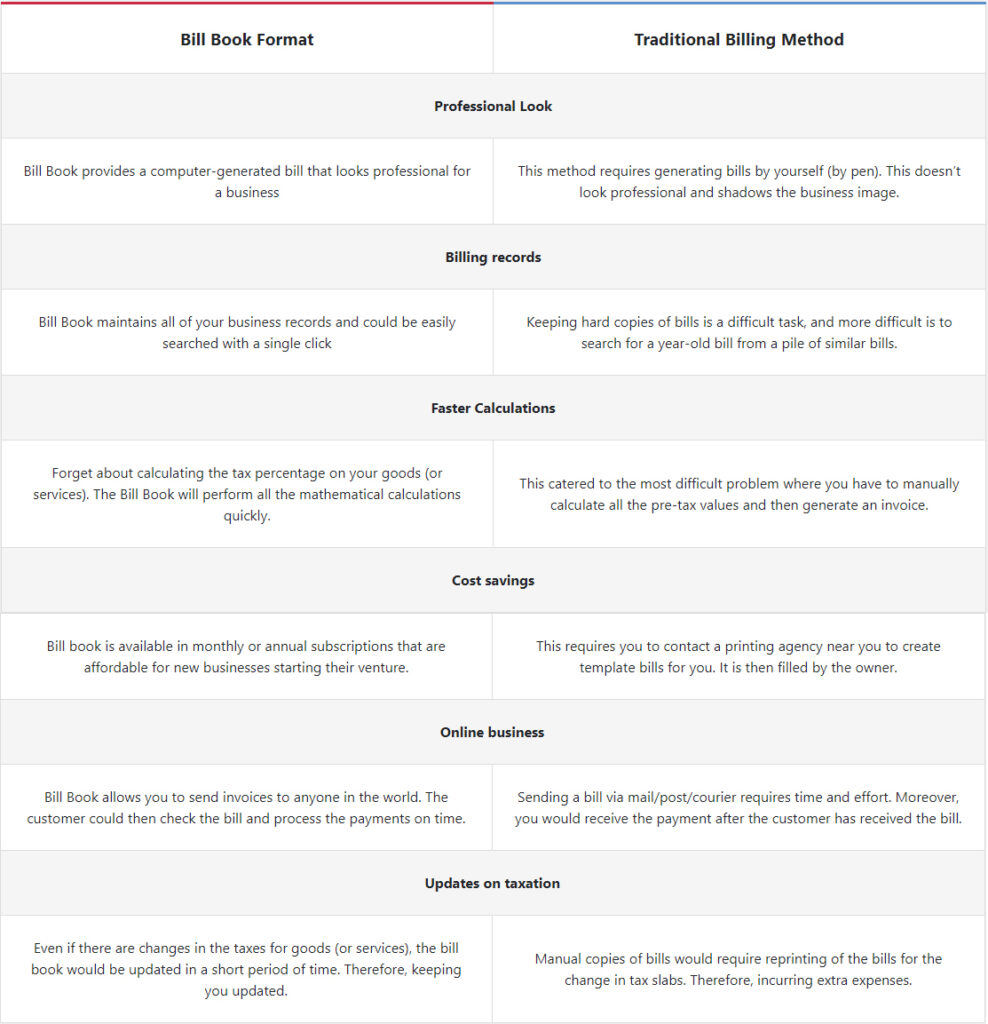
Differences Between Using GST Bill Book Format & the Traditional Billing Method

Everything you Need to Know About GST Bill Book Format

What is a GST Bill Book Format ?

GST Bill Book Format is software purposely made for businesses to generate GST invoices in seconds. It helps in providing a professional touch to your business, helps in cost reduction, saves your time, and automates the business procedures.

Does the GST bill book allow creating bills through mobile?

If your business requires you to travel a lot and you are worried about how to generate bills on the go, we have a solution for you. GST bill book provides an application specifically designed for mobile devices to help you provide accessibility even if you are away from your business. You can create your bills even if you are 1000 miles away.

How would customers know about terms & conditions?

The terms & conditions will be mentioned in the GST Bill Book Format. You can also customize the bill and add a personal touch based on your preferences.

Are you a Business Owner?

Take your business to the next level with Vyapar! Try free for 7 days

Try our Android App (FREE for lifetime)

Frequently Asked Questions (FAQs’)

How much would it cost me to use a GST bill book for my business?

You can use the GST bill book software for free. Premium customers are entitled to all the features, whereas basic features are available to all the customers that download and use our services.

What is the difference between a bill and an invoice?

There is no difference specifically between an invoice and a bill. It matters only from which side you are looking. An invoice is sent to the customer while it is received in the form of a bill by the customer.omer.

Can I change the contact details on the bill?

GST Bill book allows easy change of details in very little time. Be it contact details or contact address; the work will be done in seconds.

How do I create a GST bill book?

To create a GST bill book using Vyapar:
* Open Vyapar and set up your business profile with GSTIN.
* Choose a customizable invoice template with GST fields.
* Enter bill details including customer info, item descriptions, quantities, prices, and GST rates.
* Vyapar automatically calculates GST and total amounts.
* Save, print, or email bills directly from Vyapar.
Vyapar makes GST bill creation easy with its templates and automated tax calculations.

You can visit the UAE site to view content specific to your location

How Useful is Vyapar for Your Business?

Click on a star to rate it!


export-invoice-format-OG

GST Export Invoice Format

Vyapar’s GST export invoice format is not only easy to use but also comes with a range of powerful features to streamline your invoicing and accounting processes.

  • ⚡️ Create professional invoices with Vyapar in 30 seconds
  • ⚡ Share Invoices automatically on WhatsApp and SMS
  • ⚡️ Connect with your parties through reminders, greetings, business cards and more
Free Bill Invoice Format in Excel

Highlights of GST Export Invoice Templates

We’ve put in a lot of effort to make sure you get the best template possible

All versions are print friendly

Built From scratch

Include essential invoice elements

Automatically calculate subtotal & grand total amount

Consistently formatted

Free Professional GST Export Invoice Templates

Download professional free GST export invoice templates, and make customization according to your requirements at zero cost.

Simple tax invoice

GST Export Invoice Format – 01

Sales invoice

GST Export Invoice Format – 02

GST invoice

GST Export Invoice Format – 03

Quotation format

GST Export Invoice Format – 04

Generate Invoice Online

GST Export Invoice Format: The Complete Guide

The Indian Goods and Services Tax Act was implemented on 1 July 2017, replacing all indirect taxes levied on goods and services at the national level. Vyapar is the best GST billing software in India. It’s designed to help businesses comply with all aspects of the Indian Goods and Services Tax Act, 2017. With Vyapar, you can manage your business more efficiently and keep track of GST billing data.

Create GST Export Invoice

GST is an acronym for Goods and Services Tax, a tax you pay when buying or selling goods and services. The GST rate in India is currently at 18% on most items. Get the most reliable and trusted GST export invoice format online from Vyapar. We are a leading GST billing software provider in India. Our easy-to-use software helps you to get your export invoices done faster, easier, and error-free. Each section of the invoice has a unique purpose and thus, businesses must understand what the use of these sections is.

Export Invoice Format Under GST

Export goods

Vyapar export invoice format is a set of instructions for exporting goods. The instructions are about how to import goods in that particular country. Vyapar GST export invoice format includes the necessary information that is needed for the customs and other taxes.

Sometimes there are specific notes for each kind of goods exported from that particular country. Examples of this include electronics, mineral oil, etc. In general, the invoice is issued by an exporter. When you are to export goods, you must prepare and issue a bill of lading. The export bill is issued and sent to the importer by the exporter with this export invoice.

What is A GST Export Invoice Format?

A GST Export Invoice Format is a document that accompanies goods when they are exported from one country to another. The GST Export Invoice Format must meet the requirements of the country of destination, and the formats available on our website help you take care of it. Export tenders and invoices must be in English or the country’s official language to which you are exporting. GST Export Invoice Format is an essential document for every exporter and importer who has goods for export or import.

GST export invoice template

There are some rules and laws related to GST Export Invoice Format. Every country has different policies for the import and export of goods. For example, suppose you are exporting day-old chicks from India to the United Kingdom. In that case, the GST Export Invoice Format must be English and may not contain any symbols, special characters, or logos of your company. The primary purpose of the GST export invoice format is that the payment must be made with a legal original invoice.

Create your first invoice with our free Invoice Generator

How To Create a GST Export Invoice Format?

There are a few steps and requirements to create a GST Export Invoice Format, such as checking the customs information or documents for an export order. You need to get the total quantity of goods, description of the product, value in Indian rupees, and foreign currency. After that, give finishing details such as item number, assortment Code, price per unit, and other necessary information required by your client or customer.

  1. When you enter the details of the worth of exported goods for your customers or clients, check them one by one. If any mistakes are found in those details, then correct them immediately with necessary corrections.
  2. After adding all your details, recheck them one by one. If any mistakes are found in those details, then correct them immediately with necessary corrections.
  3. Enter all the details mentioned in this document, such as order number, date of selling product, value in Indian rupees, and foreign currency.
  4. Create a new document as per the above requirements and name it. It will be your GST Export Invoice Format.

Why Do Small Businesses Require GST Export Invoice Format?

A GST Export Invoice Format for small businesses helps them maintain a record of their business transactions, thus ensuring that time-consuming audits do not cripple their business. A GST Export Invoice Format for small businesses also helps them file taxes on time. It is the responsibility of any business organization to keep proper records or documents containing essential information such as the name and registration number of the firm, names of partners, addresses, PAN number (if applicable), date of incorporation or registration, and date on which cancellation of registration applies.

Need of export invoice for small business

A GST export invoice format provides an overview of all transactions made by a small business related to exports.

A GST export invoice format will help you track your expenses for tax purposes.

A GST export coupon code is provided with each sale made on an international transaction to ensure the correct tax has been paid.

Features of Vyapar GST Export Invoice Formats

Vyapar comes with a wide variety of features to assist businesses in simplifying their everyday operations. Our GST export invoice templates facilitate seamless transactions by removing manual procedures significantly.

Generate Export Invoices

Create GST export invoices using Vyapar to make your brand stand out among competitors. In a few minutes, you can create invoices for your clients. An invoice template is the simplest way to control the look and feed of your invoicing process. Vyapar allows you to create invoices from anywhere and send them to your customers.

Generate invoicing
GST formats

Customisable GST Formats

Customise your invoice to give it a unique look and separate your business from the crowd. You can choose from multiple GST Export Invoice Format and customise them to meet your business requirements. You may also include your standard remarks, signature, and company logo in the GST export invoice created by Vyapar.

Track Orders

Monitor every sale/purchase order by using our GST export invoice maker app. Vyapar makes it easy to create a large number of invoices in a short time frame. It is very beneficial for managing multiple orders and it significantly improves the overall customer satisfaction.

Track inventory
Billing

Free Billing and Accounting

Using Vyapar GST invoicing app, you can create invoices, manage business activities, track storage space, and perform many other tasks for free. You can bill as many customers with the basic version for free using our Android app.

Track Expenses

GST export invoice formats are designed to help your company create export invoices seamlessly for your customers. It offers you the best way to keep track of your business expenses every time you make a payment. GST invoices made for exports save the time and effort required in managing the finances of your business.

Track your expenses
track-cash-flow

Net Payables and Receivables

Our GST Export Invoice Format maker helps you track your business dashboard from anywhere. Free GST export invoices make it simple to keep track of your business finances.

Frequently Asked Questions (FAQs’)

What are export invoices in GST?

In GST, the service tax is paid in import. So the company imports goods and pays taxes on them to the government. But if a person wants to export goods, he doesn’t need to pay taxes for it. The company will show an export invoice and input VAT (Value Added Tax) wherever he exports his product so that there won’t be any trouble with duty offices at the destination point.

How do I make an export invoice?

There are many different software programs designed solely for creating export invoices, and a number of them are available online. The most common format is a spreadsheet with columns that include the invoice number, the date it was issued, and the quantity ordered and exported by country (which would be another column).

Is GST applicable on the export invoices?

Yes. GST is applicable on all export goods shipments from any Indian state. It’s central taxation legislation and so applies to break-ups in any country. Vyapar app helps you add the GST to the invoice whenever you create an export invoice.

How do I export a GST invoice?

An GST invoice is automatically generated when an order is placed online and it will include GST information as set up in the system.

What should be on an export invoice?

An export invoice is an invoice for your products that you’re going to send out of the country. An export invoice must have a legal description of the product being exported and in what form it exists.

How do I raise my GST invoice for export?

Vyapar aids in raising GST invoices for exports with international trade templates, automating tax calculations, currency conversions, and creating professional export invoices. It also manages export orders, tracks shipments, and ensures GST compliance for export transactions

Who pays GST on export?

Exports are zero-rated under GST, meaning GST is charged at 0%. This allows exporters to claim refunds on input tax credits, promoting competitiveness in international markets.

Is HSN code mandatory for export invoices?

The HSN code is a must-have on export invoices, being an international standard for classifying goods. It’s crucial for customs clearance, aiding in clear product identification, duty/tax determination, and regulatory compliance.

How do I prepare an export invoice for GST?

Vyapar streamlines GST export invoicing with customizable templates tailored for exports. It automates tax calculations, currency conversions, and ensures GST compliance, simplifying invoice creation, order management, shipment tracking, and record-keeping.

You can visit the UAE site to view content specific to your location

How Useful is Vyapar for Your Business?

Click on a star to rate it!


gst-quotation-formats

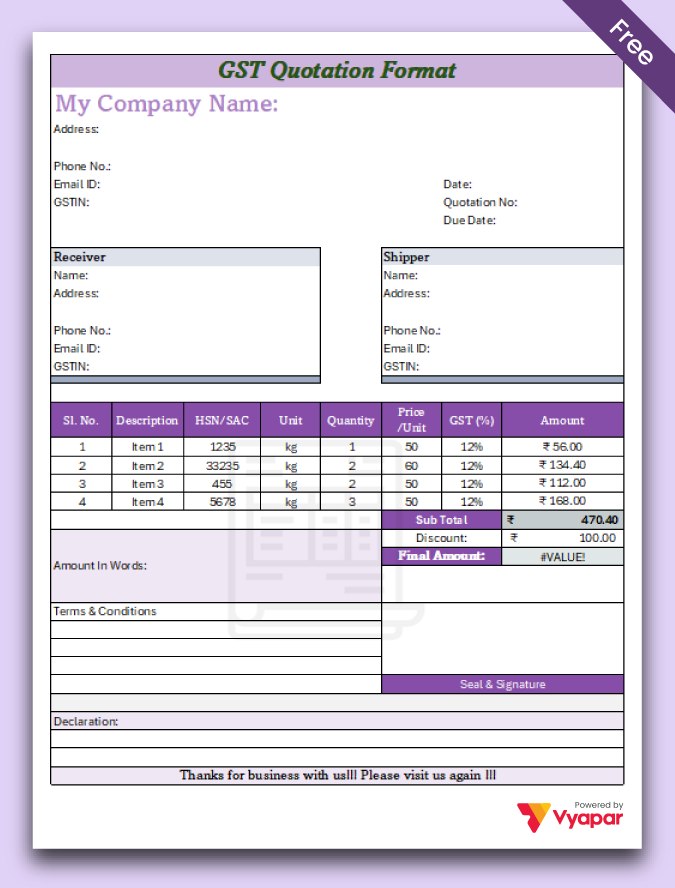
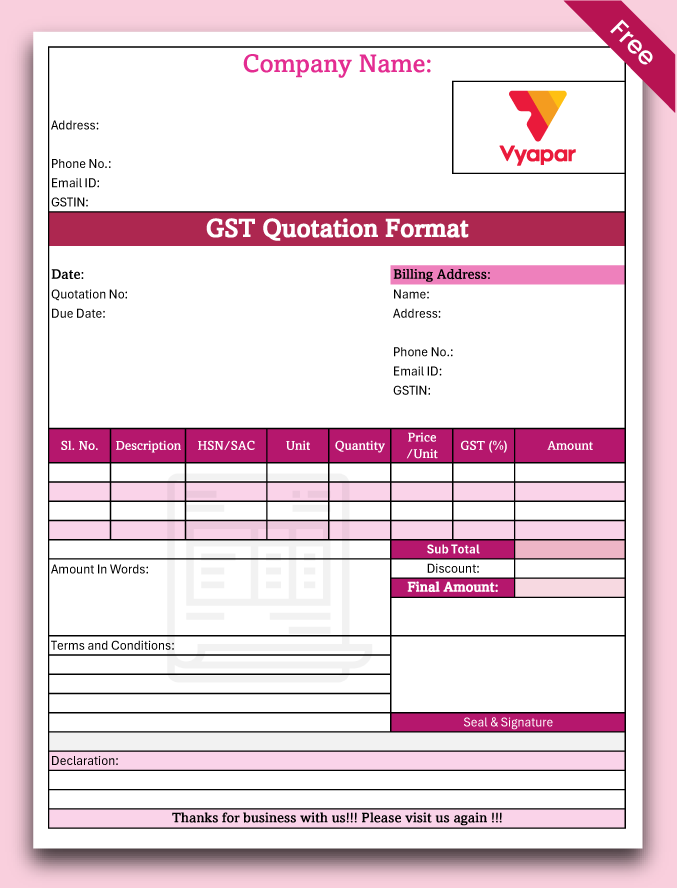
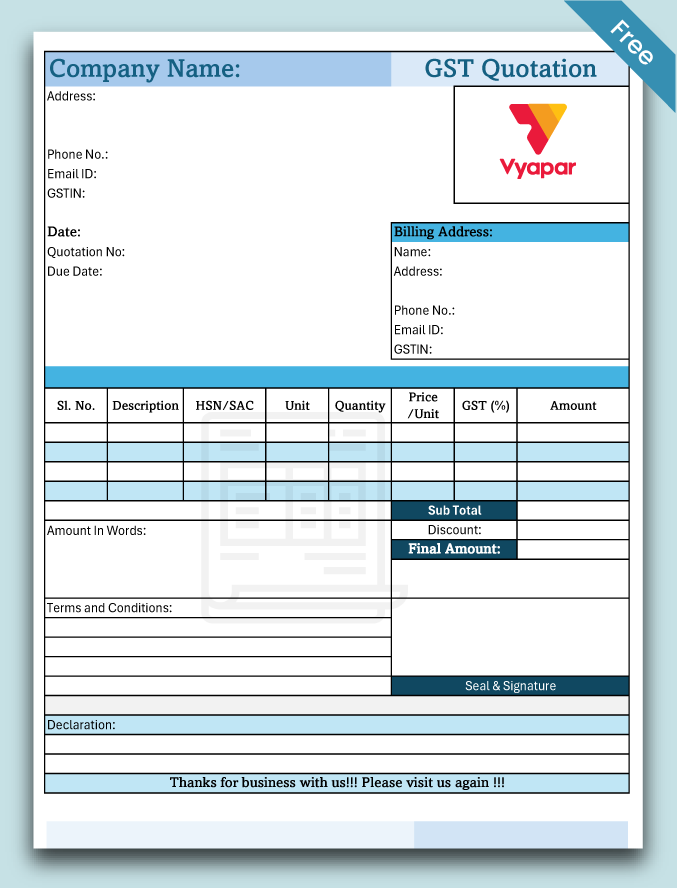
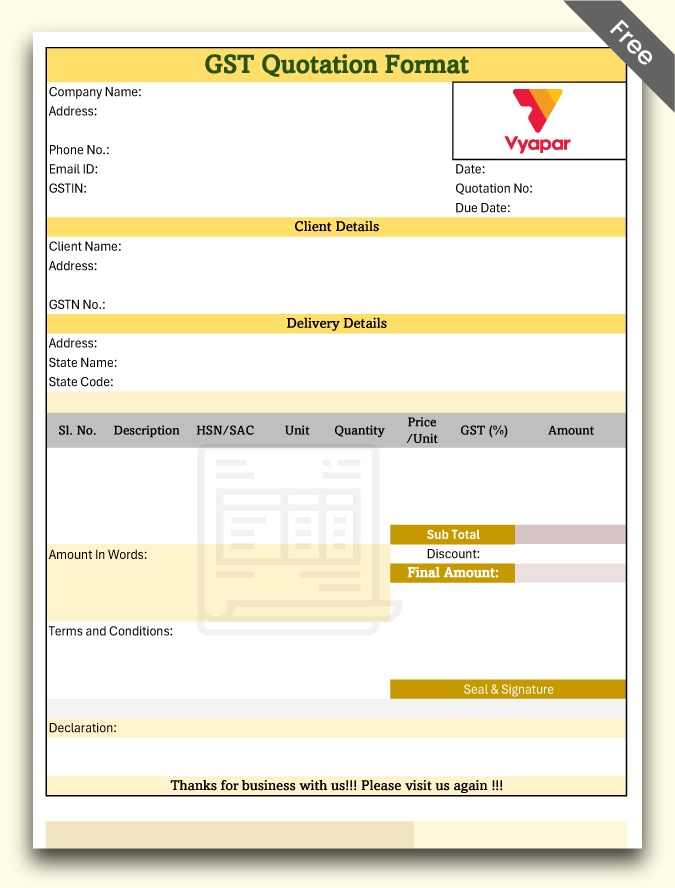
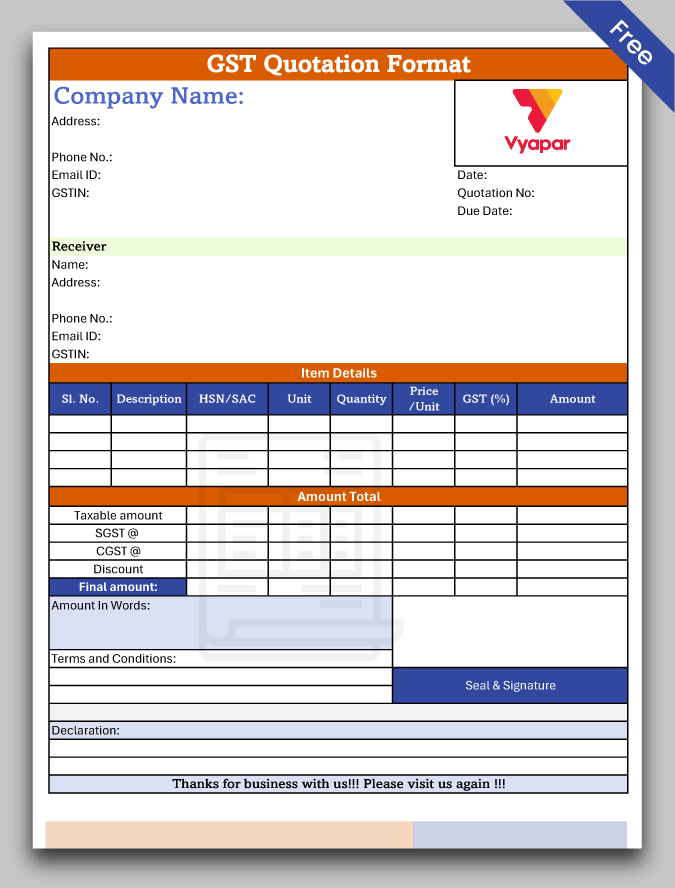
GST Quotation Format

A GST quotation refers to a document issued by the seller to a buyer. It contains an offer at which the prescribed requirements of products/services get settled.

  • ⚡️ Create professional quotations with Vyapar in 30 seconds
  • ⚡ Share quotation automatically on WhatsApp and SMS
  • ⚡️ Connect with your parties through reminders, greetings, business cards and more

Download Ready-Use GST Quotation Format For Free

Download professional free GST quotation templates, and make customization according to your requirements at zero cost.

Customize Quotations

Format-1

GST quotation template

Format-2

Download Vyapar gst quotation format

Format-3

Format-4

GST quotation format free download

Format-5

Access Premium Templates!
Convert Quotation to Invoices & Manage Inventory.

Highlights of GST Quotation Templates

We’ve put in a lot of effort to make sure you get the best template possible

All versions are print friendly

Built from Scratch

Include essential invoice elements

Automatically calculate subtotal & grand total amount

Consistently formatted

GST Quotation Format in Excel, PDF, and Word

Create GST quotation format

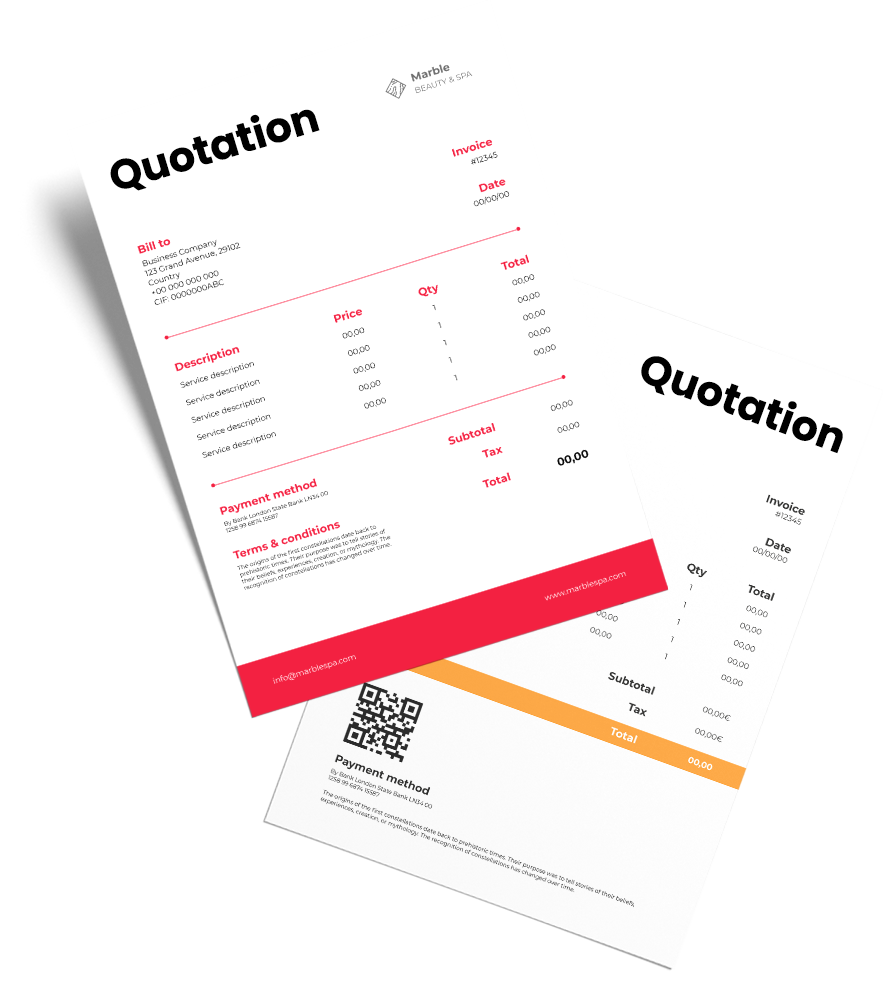
Quotations are the first draft document sent by the seller to a buyer before finalising a transaction. A seller can create them in quotation format Excelquotation format PDF, and quotation Word format as per their requirement and convenience. The most suitable format is used to provide an estimated cost of service/product so that the buyer can finalise if they are willing to place the order or not.

Features of Vyapar GST Quotation Format

Creating Quotations

You can choose from multiple GST quotation formats and themes in the Vyapar quotation maker app. We provide you complete access to the customizability of the themes to help you create a quotation that can help you represent your brand in the best way.

Create quotation
Print

Print and Send Invoices

You can include all the information you need to have in the quotation and print it out to send it over to the customer. You can use WhatsApp or email to send digital quotations too. Further, once you have finalised the order, you can convert the quotation into an invoice within minutes.

Data Safety and Security

Your quotations are secure using Vyapar. You can save all the information in the app and separate it from the accounting section unless it is converted to an invoice and sent to the customer. It ensures that your accounting information is correct.

Data Safety and Security
Generating Reports

Generating Reports

Once you have created invoices, you can use the data collected in the app to create reports to analyse different metrics. By creating a sales report, you can analyse which products sell more and focus on keeping that item in-store. Similarly, a tax report can help you in filing taxes seamlessly.

Business Accounting

Manage your accounts for your store(s) using the Vyapar quotation generator app. You can keep track of every transaction you have in our app. You can create GST as well as non-GST transactions and use the data to manage finances efficiently.

Business Accounting
Discounts

Discounts

You can use the Vyapar app quotation maker to make it easier to display the right discount for a customer. You can set up discounts for particular items so that you do not have to enter them manually each time you work on the quotations. It will help you save time in creating quotations for your potential customers.

What Are Different Types of GST Quotation Formats?

Types of quotation format

The type of quotation issued by the seller depends on the nature of goods or services, business size, terms discussed, etc. Since quotations are so crucial for day-to-day activities, you must know the format for generating these quotations. Using the format would make it easier for you to create correct quotes and prevent issues when you issue a final invoice. Using Vyapar, you can create a GST quotation format in Word, GST quotation format in Excel, and PDF formats using customisable templates.

Why Do We Need a GST Quotation?

Best Formats to Create GST Quotations

A quotation needs to have details like the name and quantity of goods or services that are expected to sell and the price at which the seller is ready to provide them. It can include the due date, tax details, and other terms and conditions if the buyer asks. As per the GST law, it’s advisable and necessary for taxpayers to issue invoices when they make a sale. Still, before finalising an invoice, you can use a quotation to provide an estimate. It helps sellers portray a positive brand image to increase the chances of making a sale.


Even though a simple GST quotation format seems a convenient way of generating GST quotations, some alternatives are usually considered better by business people. Look at the forms listed below and choose the one that is best for you:

excel-quotation

Excel Quotation Format

Excel is popularly used to structure data in tabular form, especially quotations. It avoids the mess that appears in PDF or Word form and makes the process seamless. Until it also supports multiple formulas that make it easier to perform calculations when you prepare the quotation itself. In other cases, you would need to complete the calculations yourself. Vyapar excel quotation formats can help you create your quotations accurately, especially when there is a lot of calculation.

PDF quotation form

PDF Quotation Format

PDF quotation format is the easiest way to share an attractive and well-structured quotation with clients. You need to download the quotation format from Vyapar and customise the details according to your business requirements and client expectations. Then, you can email or print that quotation to your Customer in PDF format. But, PDF quotations aren’t easy to edit if required. Check out the other options for that case.

Word quotation form

Word Quotation Format

A word quotation format is the simplest way to generate a quotation as you can type everything you need to include in it. Anyone who faces difficulty creating Excel or PDF quotation formats can use Word quotation formats by Vyapar. It will help take away all the technicalities, and you can calculate and add values yourself. It is the best way to generate a quotation for a beginner.

Details to Include in The GST Quotation Format

What matters the most in a GST quotation format are the details you’ve entered for your customer to notice. These details can be an estimate so that you can provide a rough estimate before finalising a transaction.

GST quotation template

It is recommended to enter the following details in a GST quotation format:

  • Company’s identity
  • Company’s address
  • Company’s city
  • ZIP code
  • Email for effective communication
  • The phone number for instant communication
  • GST quotation number
  • Bank Name
  • Bank Account Number
  • Bank IFSC code
  • Company PAN details
  • Applicable GST tax
  • Quantity of purchase
  • Amount of purchase
  • Payment due

All the details mentioned above are important, but you can include/exclude some of them as per the requirements in the pre-sale phase. But make sure to add them when you finalise an invoice before forwarding it to your customer.

Are you a Business Owner?

Take your business to the next level with Vyapar! Try free for 7 days

Try our Android App (FREE for lifetime)

Frequently Asked Questions (FAQs’)

Is the GST quotation format useful for your business?

Yes. Creating a GST quotation format for your customers help you send quotes to your potential customer and provide them with approx estimates of your prices. It will help you save the information regarding discounts and taxes, to help you speed up the sales.

Is the Vyapar GST quotation maker available on iOS devices?

No. The GST quotation maker app by Vyapar isn’t available on iOS devices. You can use your Windows Desktop computer or an Android mobile to use the app.

How does Vyapar make it easy to quote for services?

By using Vyapar, you can create GST-ready invoices anytime. Using custom formats makes it easier for you to prepare a GST quotation for your customers. You can convert the quotations to invoices and get paid for them using multiple payment options.

How do you mention GST in a quote?

To mention GST in a quote:
* Include your company’s GSTIN (Goods and Services Tax Identification Number).
* Specify the GST rate applicable to the goods or services being quoted.
* Break down the quote to show GST separately, indicating the taxable amount and the GST amount.
* Clearly state whether the prices mentioned are inclusive or exclusive of GST.
* Mention any applicable GST terms or conditions, such as input tax credits or reverse charges.

Is GST required for quotation?

Yes, mentioning GST is required in a quotation if the goods or services being quoted are subject to Goods and Services Tax (GST) as per applicable tax laws.

How to write a GST quotation?

To create a GST quotation using GST quotation format by Vyapar follow the below steps:
* Add company details
* Add customer details
* Update Item details along with the GST amount
* Share the GST quote online

You can visit the UAE site to view content specific to your location

How Useful is Vyapar for Your Business?

Click on a star to rate it!


Free GST Invoice Templates

GST Invoice Format in Excel, Word, Pdf

Need GST invoice formats in Word, Excel, PDF? Vyapar App simplifies invoicing, offers 200+ formats & tracks your business health. Download Now!

GST Invoice Format in Excel, Word, Pdf

Download Professional GST Invoice Formats in Excel, Word, Pdf

Download professional free GST tax invoice templates, and make customization according to your requirements at zero cost.

Create invoice format

Customize Invoices

GST Bill Format – 01

GST Bill Format – 02

GST Bill Format – 03

GST Bill Format – 04

Without GST Bill Format

Use 100+ GST Invoice Templates to Create Invoices. Try Vyapar for FREE!

GST Tax Invoice Format in Excel, PDF, and Word

GST Tax Invoice Format in Excel, PDF, and Word

Invoices are generally the only evidence of a transaction made between a customer and seller to purchase and sell goods or services. The seller uses these documents to collect assured payments from the buyer as and when it was promised. Thus, an invoice needs to have details like the goods or services that were sold, the quantity of the sold goods or services, price, due payment, tax details, and other terms and conditions, if any. Issuing invoices is not just recommended but also mandated by GST law for taxpayers when making a sale. Without GST, this process does not aid the seller in collecting payment.

Taxpayers issue various types of invoices based on factors like the nature of goods/services, discussed terms, and business size. Invoices play a crucial role in daily operations, such as recording sales, preventing fraud, and collecting input credit. Therefore, understanding the invoice format is essential for generating accurate invoices and ensuring smooth business transactions. Vyapar provides GST formats in Word and Excel to help you with this process.

A Better Alternative to GST Bill or Invoice Format

Even though a GST bill book format is a convenient way of generating GST invoices, there are alternatives that are usually considered better by people. Vyapar offers multiple bill book formats like GST bill book format in word, excel, PDF, etc. Look at the ones listed below and choose the best

Download PDF Invoice Format

PDF Invoice Format

Using an Invoice Template PDF is the simplest method to send a visually appealing and organized invoice to clients. Simply download the GST format, customize it with your company and client details, and then either email or print the invoice to your customer in PDF format. However, PDF invoices can be challenging to edit if necessary. Explore alternative options for such scenarios.

Download Excel Invoice Format

MS Excel Invoice Format

Invoice format in Excel is popular to be used for structured data in tabular form, especially invoices. It avoids the mess that seems unattractive in a PDF or Word form. It also supports multiple formulas that make it easier for you to perform calculations when you prepare the invoice itself. In other cases, you would generally need to perform the calculations yourself.

Try Online Invoice Generator

Online Invoice Generator

Some don’t use Excel or PDF invoice formats since they prefer using an online invoice generator instead. There, you will have all the features of Excel, Word, and free PDF invoice formats included.

Details to be Captured in the GST Tax Invoice Format

The most crucial aspect of a GST tax invoice format is the accuracy and precision of the details entered for the customer’s attention. These details should be clear and concise for easy readability.

Details to be captured in the GST Tax Invoice Format

You should enter the following details in a GST invoice format:

  • Company details: Name, Address, ZIP code, Phone number, and email
  • Client details: Name, Address, and contact details
  • Invoice number as per your records
  • Goods/Services details: Description, Quantity, Cost, and Amount due
  • Applicable GST tax and Total Amount in the end
  • Bank details: Name, Account Number, and IFSC code
  • Payment Terms and expected date for payment

All the details mentioned above are very important, and hence you need to add them to a GST Tax invoice format before forwarding it to your Customer. Without GST Invoice format you cannot forward to your customer.

Tally GST Invoice Format

A tally GST invoice must reflect the details of all the goods and services the business supplies. It must have the company logo, details of the company and customer, invoice details, description of goods and services, taxes applicable, and signature of the authority.

Tally GST invoice format

With Vyapar, you can create tally GST invoices within minutes and export data from Vyapar to tally software. It helps you manage your accounts and handle the cash flow of business.

You can get payments on time without delay when you issue an invoice. Making invoices for your company is simpler with Vyapar’s Tally invoice format, which incorporates everything you need effortlessly.

The B2C Invoice Format in GST

The B2C invoice format in GST

B2C or business-to-consumer is a model in which goods or services move directly from a business to the end user. The consumer purchases products for personal use and not for reselling purposes.

B2C invoices are those invoices where the end user will not be claiming the input tax credit. Currently, B2C invoices are not mandated for electronic invoicing. To enable digital payments on B2C bills, a taxpayer needs to create a dynamic QR code, as per Notification No.

GST Export Invoice Format

GST export invoice format

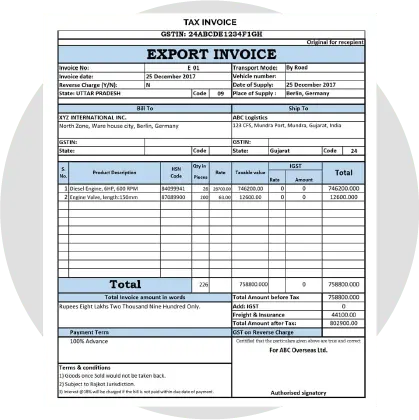
A document known as an export invoice lists the products or services that an exporter provides together with the importer’s payment obligations. With a few extra details, the format is rather resemblant to a standard tax invoice.

Exports of goods or services are now governed by the IGST Act and are classified as interstate supplies under the GST Law. Exports of products or services that qualify as “zero rated supplies” are exempt from GST assessed at either the input or final product stage.

Non-GST Invoice Format

Non-GST invoice format

The non-GST invoice is issued for the supply of goods and services which are not covered under the ambit of GST. There are no rules and mandatory fields in non-GST invoice format. Any unregistered person not liable to register under GST can issue a bill of supply.

It is effortless to make the non-GST invoice. You can prepare the invoice in word, excel, or doc format. Vyapar has a variety of templates available, and you can choose any template and make necessary changes per your requirements.

You can customize your invoice, which makes it look professional. The saved templates save you time and let you generate bills at any time.

Sez Invoice Format Under GST

A special economic zone (SEZ) is a unique region with different economic rules from the other areas in the same nation. The businesses in SEZ enjoy tax benefits and fewer legal compliances. Although SEZ is found within a country’s national border, it is considered a foreign territory for tax purposes.

A supply of goods or services to anyone by SEZ is considered an interstate supply, and IGST is payable for such supply. Any goods, services, or both supplied to a developer or unit within a Special Economic Zone shall be regarded as zero-rated. So, under GST, it is a zero-rated supply.

Sez invoice format under GST

As a result, suppliers that provide goods to SEZs have two options:

  • Supply under a bond or LUT without paying the IGST and claiming an ITC credit; or
  • Supply after paying the IGST and claiming a refund of taxes paid.

GST Invoice Format Composition Scheme

The composition system is a different way to impose a tax under the GST. The composition plan is available to any taxpayer whose annual revenue was less than Rs 1.5 crore in the last fiscal year.

GST invoice format composition scheme

Small dealers and enterprises can pay GST at a predetermined turnover rate and submit quarterly GST reports under the GST Composition Scheme. Thus, the composition scheme lessens the compliance work of small taxpayers and makes the whole process affordable.

The composition dealer must issue the Bill of Supply instead of a tax invoice when opting for the composition scheme. There is no concern about claiming the Input Tax Credit because the composition dealer will not be the one to issue the tax invoice.

The Rent Invoice Format in GST

A rent invoice is a type of general invoice that an owner of the property issues when they rent out their property to another person, lessee, tenant, etc. Once the tenant pays the rent, the landlord must issue an invoice to maintain all documents to ensure proper payment records.

The rent invoice format in GST

Under the GST Act, renting out immovable property is treated as a supply of services. However, the GST is applicable only on certain types of rent, which include:

When the landlord gives property on lease, rent, easement, or licensed to occupy Leases (or rentals) of commercial, industrial, or residential properties for business (partially or fully)

This renting is considered a supply of services and would thus attract tax. GST is not applicable when renting residential property for residential purposes. Any lease or renting of the real estate for business purposes would be subject to GST at 18% because it is a supply.

Sample GST Invoice Format

Sample GST invoice format

The supplier is required to include GSTIN and a unique serial number in the tax invoice. Hence, businesses should adopt an invoice numbering system compliant with GST regulations, and GST invoices must include certain essential details.

These details typically comprise the invoice date, names and addresses of the sender and recipient, descriptions of the goods, quantities, total supply values, taxable supply values, tax rates, amounts, and final values, which are consistent across all invoice formats.

Our app offers various templates, including Word, Excel, and Doc formats. With Vyapar invoicing software, you can effortlessly convert your invoice into PDF format.

Simple GST Invoice Format

Simple GST invoice format

As a GST-registered merchant, it’s essential to issue GST invoices, also known as GST bills, to your customers. To comply with GST regulations, businesses must implement an invoice numbering system and include GSTIN along with a unique serial number on the tax invoice.

Every invoice must include the invoice date, sender and recipient details, item descriptions, quantities, total supply values, taxable supply values, tax rates, amounts, and final values.

An invoice or GST bill typically contains a list of supplied products or services rendered, along with the payment amount due. With Vyapar Software, you can effortlessly generate GST-compliant invoices at no cost.

The Stock Transfer Invoice Format in GST

The stock transfer invoice format in GST

Since transfers are included in the definition of a “supply” under the GST, branches must be recognized as separate companies. Therefore, any stock transactions in the following two scenarios are taxable:

Intrastate stock transfer: Only when an entity has more than one registration in a state Interstate stock transfer: Transfers between two entities with different state addresses are taxed.

Cash flow will be impacted by whether stock transfers are subject to GST taxation. It is because tax is paid on the date of stock transfer, and ITC is effectively used when the receiving branch liquidates stock.

Commercial Invoice Format Under GST

Commercial invoice format under GST

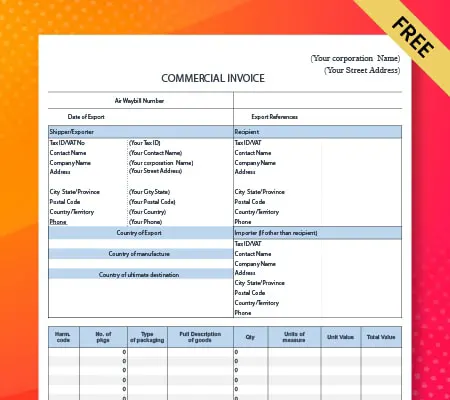
An export document known as a commercial invoice is used to prove a sale transaction between the buyer and the seller in court. It helps determine and assess the number of duties and taxes that must be paid and is mainly used for customs clearance reasons.

It includes a detailed list of the items sold, their quantities, and their agreed-upon prices. An “invoice” or “tax invoice” under the GST regime refers to the tax invoice described in section 31 of the CGST Act, 2017. According to this section, a supplier must issue an invoice for the supply of goods or services.

GST Invoice Format For Manufacturer

With GST, it has become easy for suppliers to calculate taxes. Octroi, central sales tax, and other indirect taxes are subsumed under GST, reducing manufacturers’ burden. Before the application of GST, manufacturers had to pay 25% extra production cost, but now the cost is reduced.

GST invoice format for manufacturer

As per GST regulations, the tax rate is 18% if manufacturing services are done on items owned by unregistered persons. When a principal manufacturer sends goods for further processing to a job worker, they can claim an input tax credit of tax paid on the purchase of such goods sent on job work. However, an invoice is required to avail ITC.
ITC will be allowed when goods are sent to job workers:

  • From the principal’s place of business
  • Directly from the supplier’s place of supply

GST Invoice Format for Event Management Services

Any services provided regarding the planning, promotion, organization, and presentation of any arts, entertainment, business, sports, wedding, or other events can be classified as Event Management.

GST invoice format for event management services

When preparing an invoice for an event, you must add your company logo, name, and contact details. Outline the specifics of all the services you provided and the amount you charged. Add all the materials, props, or equipment you used to prepare for the event.

It might be challenging to add everything to the invoice manually. Our invoicing app is here to help. We have various templates available that let you customize your invoice. All the fields are mentioned beforehand; you need to edit them per your requirements.

GST Invoice Format for Services

GST invoice format for services

Any supplier of services whose aggregate turnover exceeds the threshold limit of Rs 20 lakhs is liable to get registered under GST. However, the threshold for the special category states is as low as 10 lakh INR. The supplier must issue a GST invoice at the time of supply of services.

Time of supply of services is earliest of:

  • Date of issue of invoice, or
  • Date of receipt of advance/ payment, or
  • Date of provision of services if the invoice is not issued within the prescribed period

GST Margin Scheme Tax Invoice Format

GST margin scheme tax invoice format

The GST margin policy helps prevent double taxation on the supply of items that have already been subject to tax. Suppliers or sellers of goods can calculate the margin between the value of goods supplied by the seller and the value of goods received by the customer under the Margin Scheme, GST.

However, individuals dealing in such goods may be eligible to pay tax solely on the margin for pre-owned products. Generally, GST is levied based on the actual transaction value of the items delivered, as per valuation regulations. If there are no margins, no GST would be applicable to the transaction, and the GST margin scheme operates on this principle.

GST Service Invoice Format

GST service invoice format

A GST invoice is generated whenever a registered taxable person provides taxable goods or services. An invoice that complies with GST must be issued and received to be eligible for an ITC.

If a taxpayer fails to provide such an invoice to a registered taxable customer, the customer forfeits the right to claim the ITC, and the taxpayer loses those clients.

Depending on the nature of the supply, the tax is paid. CGST+SGST must be paid as tax if the supply is an intra-state supply, and IGST must be paid as tax if the supply is an inter-state supply.

Hotel Invoice Format GST

As per the GST laws, the services provided by a hotel are taxable. The place of supply remains the hotel’s location, regardless of whether the guest is registered in another state. The GST rate on hotel accommodation services is 18%, although it can be 12% per the hotel’s room tariff.

The hospitality industry stands to gain from standardized and consistent tax rates as well as simple and improved input tax credit use under the Goods and Service Tax. The sector draws more foreign tourists as the end customer’s overall cost declines.

Hotel invoice format GST

Hotels that are users of Vyapar can create a GST-compliant invoice in a few simple steps. Choose any format from the available hotel bill templates, edit your customer’s details, make necessary changes, and your invoice is ready.

Pure Agent Invoice Format Under GST

Pure agent invoice format under GST

A pure agent is someone who, while making a supply to the recipient, also obtains and purchases another supply on the recipient’s behalf. Then they seek compensation (as actual, without increasing the worth of his supply) for those other supplies from the primary supply recipient.

If all requirements are met, the expense or expenses incurred by the service provider acting solely as an agent of the service recipient are not included in the value of the taxable service. However, if the conditions are not satisfied, the invoice shall include such expenses in the supply value under GST.

Reimbursement Invoice Format Under GST

Reimbursement invoice format under GST

The repayment of money spent by an individual is referred to as reimbursement of expenses. It occurs in business transactions when a supplier incurs expenses on behalf of the recipient who is obliged to bear such expenses.

Two types of expenses may get reimbursed to the supplier under GST:

  • Expenses incurred by the supplier during the supply process, such as commissions, packing charges, and travel expenses, may be included in the supplied value.
  • Expenses that the supplier incurs as a pure agent.

The supplier is unable to levy GST on the reimbursement amount for expenses as it is not part of the supply value. They can only charge the actual amount disbursed to the recipient.

Reverse Charge GST Invoice Format

Reverse charge GST invoice format

A reverse charge would be applicable if a seller who is not registered supplied goods to a registered person. As a result, the government receives the GST directly from the recipient rather than the supplier. For Inter-state purchases, the buyer has to pay IGST.

You must self-invoice when you buy products or services from an unregistered provider, and the transaction qualifies for reverse charge. It is because your supplier cannot send you a GST-compliant invoice, and as a result, you are responsible for paying taxes on their behalf. As a result, self-invoicing is required in this scenario.

Supply to Sez Under GST Invoice Format

Supply to sez under GST invoice format

You can provide goods or services to SEZ by paying IGST. In this situation, a clear statement that reads “Supply meant for SEZ with payment of integrated tax” must be present on the supplier’s invoice. According to section 16(3) of the IGST Act, suppliers who cannot employ LUT for whatever reason may choose to charge IGST instead.

Any supply of products, services, or both to a developer or unit within a Special Economic Zone shall be regarded as zero-rated. Therefore, these goods and services are GST-free.

Transporter Invoice Format Under GST

Transporter invoice format under GST

Except for services provided by GTA and courier services, all road transportation services are GST-exempt. Any person who offers a consignment note for the delivery of goods will be considered a GTA.

The 5% GST rate that applies to GTA’s transportation services provided on an RCM basis means that the recipient must pay the tax, and the transporter cannot claim an ITC. GST rate of 12% on a forward charge basis (ITC is available to transporters).

Unregistered Dealer Under GST Invoice Format

According to GST law, any registered person who purchases goods or services from an unregistered party must submit a payment voucher and a tax invoice. The category of the registered person making the supply determines the sort of invoice that needs to be provided.

Unregistered dealer under GST invoice format

In cases when the supplier is not registered, the consumer creates a self-invoice format under GST. Usually, a provider is responsible for paying the tax on supplies, but with the reverse charge mechanism, chargeability is switched.

The person who receives the goods and services is now responsible for paying the tax. The reverse charge mechanism only applies to specific kinds of business entities. The purpose of shifting GST payments to recipients is to increase tax levies on various unorganized sectors.

GST Invoice Format as Per GST Act

GST invoice format as per GST act

If your company is GST-registered, you must issue GST-compliant invoices to customers to sell products, services, or both. A tax invoice is typically provided to charge the tax and transfer the input tax credit. The following required fields must be present on a GST invoice:

  • Date and invoice number
  • Client name
  • Addresses for shipping and billing
  • GSTIN of the customer and the taxpayer (if registered)
  • Location of supply
  • SAC code in case of services or HSN code in case of goods
  • Details of the item, including its description, number, unit (meter, kg, etc.), and total price
  • Discounts and taxable value
  • Tax rates and amounts, including CGST, SGST, and IGST
  • the existence of a reverse charge basis for GST payment
  • Authentication of the vendor

GST Invoice Format for the Supply of Goods

GST invoice format for the supply of goods

Any supplier of goods whose aggregate turnover exceeds the threshold limit of Rs 40 lakhs is liable to get registered under GST. However, the threshold is as low as 10 lakh INR for the hill and northeastern states. The supplier needs to issue a GST invoice at the time of supply of goods.

The earlier of the following dates shall be the time of supply of the goods,

  • The date on which the supplier issues the invoice or the final date on which he is required by Section 31 to issue the invoice for the supply; or
  • The date on which the supplier receives the payment concerning the supply

Jewellery Invoice Format GST

Jewellery invoice format GST

When consumers purchase gold in India, they are charged a GST of 3% by the seller. GST making charges amount to 5% of the price of the making charges. A 10% import duty may also be charged to sellers importing gold abroad.

It might be challenging for a jeweller to keep track of the accounts. With our fantastic collection of invoice templates, you may save time and effort with some assistance with the administrative aspect of running a jewellery business.

These beautiful invoices, accessible in Word, Excel, PDF, Google Docs, and Google Sheets, will help you save time so you can return to making gorgeous jewellery items rather than concentrating on your invoicing.

So What are you waiting for?

Take your business to the next level with Vyapar! Try free for 7 days

Try our Android App (FREE for lifetime)

Frequently Asked Questions (FAQs’)

Time Limit of Issuing the GST Tax Invoice Format

In case you’ve supplied goods to your Customer, you’ll need to issue a GST Tax Invoice on the same date or even before the day of delivery of those goods. Whereas, if you’ve delivered services, you have 30 days to issue a GST Tax Invoice to your customers.

GST Invoice Format in Excel

You can create a free GST invoice format in Excel very easily using the steps below:
Step 1: Go to Microsoft Excel
When you go to Microsoft Excel, click on the “file” option, and then click “new.” Then, you’ll need to double click the ‘blank workbook’ to be able to open a new excel sheet.
Step 2: Remove Gridlines.
Simply click the ‘view’ tab, and uncheck the ‘gridlines’ column.
Step 3: Add the company Logo and other Details
Now, to make this excel sheet belong to your company, add your company’s logo and other important details such as name, address, contact details, etc.
Step 4: Add customer details
You only need to perform this step once since Excel will remember the customer details the next time. So, edit the sheet and add customer details
Step 5: Enter the Transaction Details
Now, add the transaction details wherein you describe the goods/services that were sold with their price, quantity, total amount, etc. This way, the Customer won’t have to look into his records to confirm the transactions that were made.
Step 6: Provide Payment Details
Add your Bank details with your preferred payment option and due date so that the ultimate purpose of the invoice can be served.

GST Invoice Format in PDF

Create a free GST invoice format in PDF, you need to use a few steps involved in Word or Excel format. Use the following steps to do so:
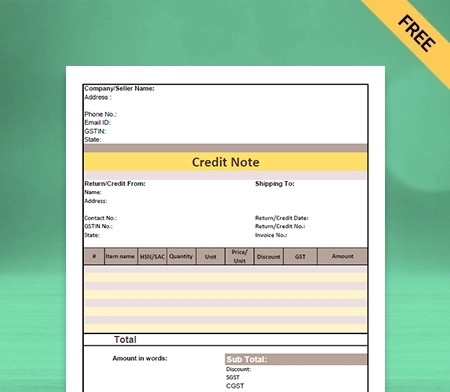
Step 1: Go to Microsoft Excel/Word
As told earlier, you’ll need Word or Excel to create a GST invoice format in PDF.
Step 2: Edit Columns, Tables, etc.
Insert tables like you did in Excel or Word and adjust it according to the requirements of the invoice.
Step 3: Enter Company Details
Now, enter the company’s name, address, ZIP code, and email address of the company to the invoice.
Step 4: Add company logo
By adding the company Logo, the invoice looks more professional and is received well by the Customer.
Step 5: Enter Customer Details
Add Customer’s name, phone number, email address, company address, and ZIP code to the invoice.
Step 6: Enter transaction details and bank details
Enter the transaction details and your bank account number, IFSC code, etc. to the invoice.
Step 7: Select ‘File’ and then choose ‘download’
Choose the file from the main menu, and then click download from the drop-down menu that appears.
Step 8: Click on ‘PDF Document’
Select ‘PDF document’ from the menu that appears on the screen.

Your invoice is now downloaded in PDF format in the device you’re using.

GST Invoice Format in Word

In the same way that you created a GST invoice format in PDF and Microsoft Excel, you can do it Microsoft Word as well. You need to follow the steps below:
Step 1: Go to Microsoft Word
You will need to go to Microsoft Word to create a blank word document.
Step 2: Insert Tables
The next step would be to insert tables by simply clicking on the ‘insert’ tab, and then clicking on’table.’ You’re free to change the number of rows and columns as per your invoice requirements.
Step 3: Edit Columns
If your columns have extra space other than the entered details, it will look messy and unattractive. So, adjust their size as per the details you need to mention
Step 4: Enter Important Details
Start with entering your company details, including its name, address, contact details, zip code, etc. Then, enter the invoice date, payment due date, order numbers, date of purchase, etc. Mostimportantly, enter your customer details wherein you mention the transaction details, the quantity of goods/services sold, applicable GST tax, etc. Remember that you must keep the calculations in handy since the word doesn’t allow you to use formulas. Add your bank details too.
Step 5: Save the Word document

How is the GST invoice format?

The GST (Goods and Services Tax) invoice format includes the following key elements:
1. Invoice Number: A unique identifier for the invoice.
2. Invoice Date: The date when the invoice is issued.
3. Supplier Details: Name, address, GSTIN (GST Identification Number), and state code of the supplier.
4. Recipient Details: Name, address, GSTIN, and state code of the recipient.
5. Description of Goods/Services: Details of the items sold or services provided, including quantity, unit price, total amount, and applicable taxes (CGST, SGST, IGST).
6. HSN (Harmonized System of Nomenclature) Code: For goods, HSN codes are required for proper classification.
7. Taxable Value: Total value of goods/services before applying taxes.
8. Tax Amount: Breakdown of CGST, SGST, IGST, and any other applicable taxes.
9. Total Amount: Final amount payable, including taxes.
10. Payment Terms: Terms of payment such as due date, payment mode, etc.
11. Signature: Signed by the supplier or authorized person.

Who pays GST on invoices?

The GST (Goods and Services Tax) on an invoice is paid by the end consumer or customer who purchases goods or services. Businesses collect GST from their customers on behalf of the government and then remit it to the tax authorities. The GST amount collected is based on the GST rates applicable to the specific goods or services sold.

Can I issue an invoice without GST?

You can issue invoices without GST in certain situations:
1. Exempt Supplies: If your business deals with exempt supplies, you don’t need to charge GST on those invoices.
2. Reverse Charge Mechanism (RCM): In RCM cases, the recipient pays GST, so you can issue invoices without GST.
3. Composition Scheme: If you’re under the composition scheme, issue a bill of supply without GST.
4. Interstate Supply to Unregistered Persons: For interstate supplies to unregistered persons under Rs. 50,000 annually, no GST on invoices is required.

What is the limit of the GST invoice?

The limit for a GST invoice depends on the type of business and transaction. There is no specific limit for regular businesses, but those under the composition scheme issue a bill of supply. Additionally, invoices without GST can be issued for interstate supplies to unregistered persons below Rs. 50,000 annually.

You can visit the UAE site to view content specific to your location

How Useful is Vyapar for Your Business?

Click on a star to rate it!


Best GST Reconciliation Format

GST Reconciliation Format

Use the customizable GST Reconciliation Format by Vyapar to rectify the mismatches in your GST returns. All the reconciliation formats are entirely free and simple to use. Try them now!

  • ⚡️ Create professional reconciliation with Vyapar in 30 seconds
  • ⚡ Share reconciliation automatically on WhatsApp and SMS
  • ⚡️ Connect with your parties through reminders, greetings, business cards and more

Download GST Reconciliation Format

What is the GST Reconciliation Format?

Reconciliation, in general, means comparing two sets of data to determine discrepancies. Once the discrepancies are identified, they can be rectified by either the supplier or the recipient.

GST Reconciliation compares the tax details declared in a taxpayer’s GST returns with the tax details as per the books of accounts maintained by the taxpayer. It ensures the tax liability is accurately calculated and paid to the government.

All registered taxpayers with turnover above five crore rupees in a particular financial year must file GSTR 9C. It is an annual audit form with a reconciliation statement. It compares the annual returns filed for F.Y. in GSTR-9 and figures shown in the audited financial statements of the taxpayer.

It will include gross and taxable turnover as reported in the books, reconciled to the corresponding sums from all the GST returns for the financial year. Any discrepancies found during this reconciliation process and their causes will be published here.

Contents of GST Reconciliation Format:

Contents of GST Reconciliation Format:

The GST Reconciliation Format includes the following details:

  • GSTIN of the taxpayer
  • GSTIN of the supplier/customer
  • The tax period for which reconciliation is being done
  • Details of outward supplies (sales) as per taxpayer’s GST returns
  • Details of inward supplies (purchases) as per supplier/customer’s GST returns
  • Details of any amendments or corrections made by the taxpayer or supplier/customer
  • Details of any differences or discrepancies between the taxpayer’s and supplier/customer’s data
  • Reconciliation statement summarising the differences and their resolution

Why is GST Reconciliation Necessary?

Why is GST Reconciliation Necessary?

A GST-registered business is required to file periodic GST returns. The reconciliation process ensures that the returns filed are accurate and match the corresponding entries in their books of accounts.

Reconciliation helps identify errors or discrepancies in the GST returns or accounting records. It helps ensure that the GST liability or refund amount declared in the GST returns is accurate and that the business is paying what is required.

Reconciliation helps speed up the accounting process by pointing out discrepancies. Finding errors in accounting records can increase their correctness and lessen the risk of mistakes in subsequent GST filings.

Reconciliation lessens the possibility that the tax authorities may impose penalties, fines, or take legal action. Businesses can save potentially costly penalties and fines by ensuring the GST requirements are followed.

Reconciliation offers valuable information about the company’s sales and purchase data that may be utilised to analyse performance, spot trends, and come to wise business decisions.

Various Types of GST Reconciliation

Here are some types of GST Reconciliation that you should consider before filing your GST return:

Inward Supplies and GSTr-2a Reconciliation:

Inward supply means the goods purchased by a registered taxpayer from a supplier. A registered taxpayer is required to report the details of the purchase in their GST returns. It determines the amount of GST payable by the taxpayer.

GSTR-2A is an auto-populated form containing the details of all the inward supplies a registered taxpayer receives. The information in GSTR-2A is generated from the GSTR-1 returns filed by the suppliers.

Reconciliation of GSTR-2A matches the details of inward supplies as per GSTR-2A with the actual purchases made by the taxpayer. It enables you to ensure that Input Tax Credit is claimed on invoices where the vendor has stated their GST due, but the buyer in their returns has yet to claim the credit.

GSTr-3b and GSTr-2a Reconciliation:

GSTR-3B is a monthly return form registered taxpayers must file under GST. It is a summary of all the transactions that have taken place during a particular month. GSTR-2A is a purchase-related tax return containing details of all the inward supplies a registered taxpayer receives.

The details of inward supplies mentioned in GSTR-2A are compared with those of outward supplies mentioned in GSTR-3B. If there are any differences, the taxpayer should immediately rectify them and adjust the GSTR-3B return.

The reconciliation of GSTR-3B and GSTR-2A helps ensure that all the inward supplies received during a particular period have been correctly reported in the GST returns. It helps taxpayers avoid penalties or interest charges the GST authorities may levy for non-compliance.

GSTr-3b and GSTr-1 Reconciliation:

The GSTR-3B is a monthly return form that GST-registered taxpayers must submit. It is an overview of all the transactions during a specific month. GSTR-1 is a detailed return that contains all the details of outward supplies made by a taxpayer.

The GSTR-3B summary return and the GSTR-1 return contain different amounts of sales information. In the reconciliation process, every invoice is included and recorded once in either return. It guarantees that a taxpayer will accurately calculate the output tax due on sales made within a period.

The details of outward supplies in the form GSTR-1 are compared with those in the form GSTR-3B. If there is any mistake, it is rectified and adjusted in the GSTR-3B return. The revised GSTR-3B return is then filed with the GST portal.

Benefits of GST Reconciliation

Benefits of GST Reconciliation

GST Reconciliation compares the purchases and sales data reported in a business’s GST returns with those of their suppliers and customers. The benefits of GST Reconciliation are as follows:

1. Identify Discrepancies: GST Reconciliation helps businesses identify discrepancies between their GST returns and those of their suppliers and customers. It ensures that errors are rectified promptly, preventing legal or financial implications.

2. Accurate Input Tax Credit: GST Reconciliation ensures businesses claim the correct Input Tax Credit (ITC) on their purchases. The reconciliation forms help reduce the business’s tax liability and increase profitability.

3. Compliance With GST Laws: GST Reconciliation ensures that businesses comply with the GST laws and regulations. You can avoid any legal and financial penalties for non-compliance.

4. Avoidance of Unnecessary Tax Payments: GST Reconciliation helps businesses avoid unnecessary taxes. Businesses can reduce their tax liability and save on taxes by ensuring that the Input Tax Credit claimed by the registered person is accurate.

5. Improved Cash Flow: GST Reconciliation helps businesses improve their cash flow by claiming the correct Input Tax Credit and paying the correct amount of tax. It helps avoid unnecessary tax payments, improving the business’s cash flow.

6. Better Decision Making: GST Reconciliation provides businesses with accurate data on their purchases and sales. This data can be used to make better pricing, inventory management, and cash flow management decisions.

In summary, GST Reconciliation provides businesses with accurate data on purchases and sales, helps them claim the correct Input Tax Credit, ensures compliance with GST laws, and improves their cash flow.

Benefits of Using GST Reconciliation Format:

Benefits of Using GST Reconciliation Format

Here are some benefits of using automated GST Reconciliation Formats:

1) Helps Save Time:

Using a customized GST Reconciliation Format will save time for your company. You don’t need to create a form from scratch every time. The ready-made GST Reconciliation tool can fill in the reconciliation details.

It takes a while to complete manually, is time-consuming, and is prone to error. Use the formats provided by the Vyapar app to get around this issue. Using this method, you can avoid beginning over each time you require a bill.

You can edit the GST Reconciliation Format to save the information about your company. The customized format can be saved and used as needed to save time.

2) Maintain Consistency:

Using the same GST Reconciliation Format every time helps you maintain Consistency. Using this method, you can avoid starting over each time you need a Bill.

Users can fill out the form in less time and use the extra time to focus on other essential tasks. Additionally, since you use the same format every day, you know which fields belong where.

You can maintain the accuracy of GST Reconciliation forms without errors using online formats. It also helps increase the productivity of your team.

3) Customisable Format:

Offering professional GST Reconciliation Format and estimates enhances the brand’s reputation. To foster confidence, you might make all relevant information regarding the deal available.

Building a credible brand for yourself is made easier with a professional GST Reconciliation Format. A custom form that has been expertly created can help you stand out from the crowd and project a professional seller image.

Your invoice can incorporate your company’s logo, style, font, and brand colours to express your firm’s identity effectively. Making use of the GST Reconciliation Format gives you a polished appearance.

4) Easy to Use Format:

Small businesses can readily use the GST Reconciliation Format without complicated accounting methods. You can make GST Reconciliation forms by downloading a free copy of the format in different modes.

Choose the template that best fits your company’s needs and fill it out with the necessary data. It’s simple to update the information about your company in the GST Reconciliation Format.

With the help of our free GST Reconciliation Formats, you can easily create a unique, expert form to meet your business’s demands. After creating the GST Reconciliation, you can view, download, and save its format.
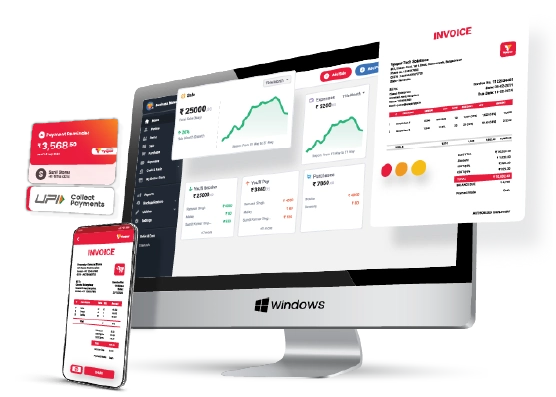
5) Print Or Save On Your Device:

You can send your GST Reconciliation Format electronically instead of through physical means. You can manually fill in the details of your GST form after printing a digital copy, which only takes a few minutes. Or, you can enter them before printing.

The user can download the GST Reconciliation Format for future use. Everything about the process is free. You appear more professional thanks to the customization, which increases your brand’s worth.

You can customize the GST Reconciliation Format to suit your needs. Also, you can also print the custom format and manually enter the data. The GST Reconciliation Format works with standard and thermal printers and any typical bill size.

6) Minimise Errors:

Errors may arise when manually entering every detail into the GST Reconciliation form. We recommend choosing a GST Reconciliation Format to prevent errors and save time by minimizing repetitive data entry.

Automation increases process effectiveness and reduces human error. By following a formal structure, you may focus on the crucial concerns that demand your attention.

It is easy to use the GST Reconciliation Format that Vyapar provides. You can download GST Reconciliation Formats online using this software. You don’t need to hire extra staff to design the format.
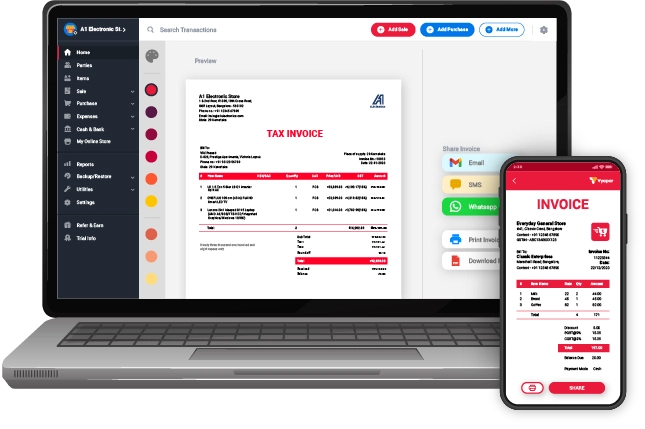
Valuable Features of the Vyapar App For Managing Your Business:

Features of Vyapar App For Managing Your Business

The online format generator has several benefits. You can also take advantage of its outstanding features if you download the Vyapar app for accounting and billing purposes, such as:

Make GST Invoices Online:

The Vyapar billing software helps develop a trustworthy brand identity by offering efficient GST billing choices. You can adhere to the regulations of the Indian Goods and Service Tax.

Use our simple invoicing software to adhere to GST regulations. You can make GST invoices for clients in a few simple steps. You can send them to your clients via print, email, or WhatsApp.

Using Vyapar, you may quickly produce bills. It’s a straightforward procedure that won’t need extensive, hard training. You can choose from more than 10+ GST invoice formats and billing/invoice templates in the application to create professional and distinctive bills.

Both online and offline usage of the Vyapar app is possible. An SME can more easily follow the best accounting procedures with the help of the software. For enterprises, it streamlines the bookkeeping procedure.

Track and Manage Orders:

Having tracking capabilities makes it much easier to fulfill orders quickly. Establishing a due date simplifies managing orders effectively and ensures that inventory items are available.

Vyapar simplifies the process of creating orders for sales or purchases. Use our GST invoicing software to cut labour expenses and time. Users can save time by automating the transformation of orders into sale/purchase invoices.

Tracking helps avoid unnecessary losses. Use the time you would have spent tracking to complete other routine tasks. You can track when payments are due using the app and add a tax invoice to your order.

Easily you can track open, closed, and late orders using our free billing software. You may improve the order types for your purchases and sales using our GST Reconciliation billing solution.

Get Helpful Reports:

If companies want to keep growing, they must make sensible decisions. Using Vyapar, you can generate up to 40+ different business reports. Expert balance sheets are included with the Vyapar accounting software.

With the information gathered from invoices produced with the E-Way Bill Format in Excel, you can improve your company’s operational effectiveness by exporting reports from Vyapar.

The free GST Reconciliation tool helps analyze precise financial information, business data, etc. Also, it is a rapid and effective method of determining profitability. Reports in the GSTR 1 formatGSTR 3B format, and GST-related reports can all be made.

With our free GST Invoicing and accounting Software, users may immediately examine and analyze the data. The software lets you make graphical reports to track sales and expenses.

Manage the Cash Flow of Your Business:

Businesses may keep track of invoices using Vyapar’s billing and accounting software. It facilitates efficient payment handling and tracking. 

You can keep an eye on your current payables and receivables with Vyapar. Your company’s cash flow guarantees that you have adequate cash on hand to maintain operations. 

The dashboard can demonstrate how simple it is for you to pay recurring expenses without skipping EMI payments. Cash flow information might help you make decisions more swiftly. 

It will ensure efficient operations while also helping to reduce debt. Several corporate functions, including billing and accounting, depend on effectively managing cash flows.
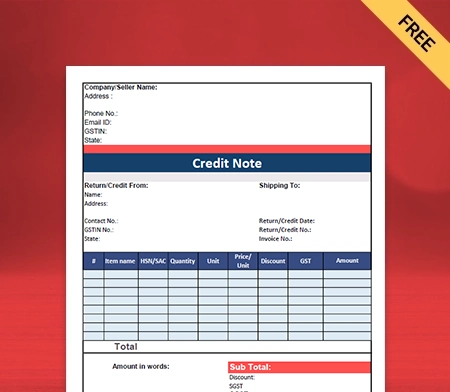
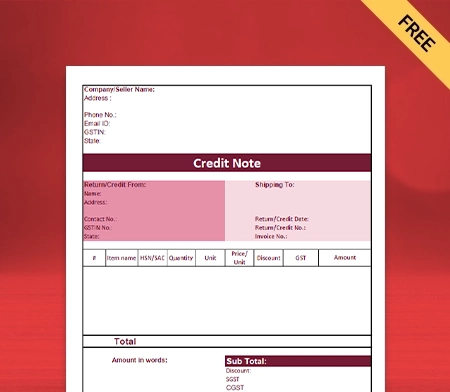
Manage Bank Accounts:

You can quickly add, manage, and track online and offline business payments. You may quickly enter data into the free billing software, regardless of whether your revenue comes from banks or e-wallets.

You can send or receive money via bank accounts and conduct bank-to-bank transfers for seamless cash flow management. With all the cash-ins and cash-outs using the Vyapar invoicing software, it is perfect for enterprises.

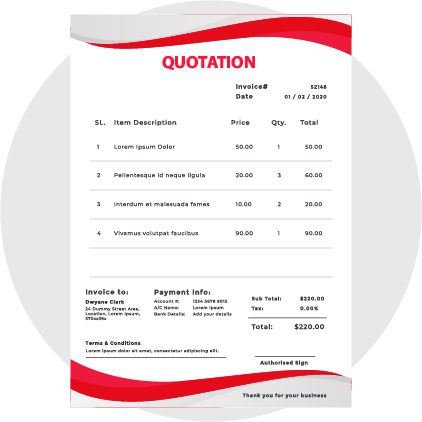
To use the bank accounts feature, you need to link Vyapar Accounting Software to a business bank account. Using the Vyapar app, managing credit cards, O.D., and loan accounts is simple. You can use it to deposit or withdraw money from bank accounts.

You may handle cheque payments and manually change the amount using free accounting software from Vyapar. Open checks are available on the Vyapar App, allowing users to deposit or withdraw funds and immediately close them.

Data Protection For Your Company:

You can regularly store all data in local or online Google Drive backups created with Vyapar. Also, you constantly have access to financial information about your business via various gadgets.

Your business’s data won’t be accessible to other team members or parties, ensuring its long-term security. The “auto-backup” feature of the bill generation app allows you to continue where you left off.

The billing and accounting app Vyapar simplifies business management. The app’s comprehensive dashboard enables you to analyze the daily activities of your business instantly.

As an additional layer of security, the software uses encryption technology to restrict access to the data to the owner alone. User login information won’t be saved or shared by Vyapar for later use.

How to do GST Reconciliation?

How to do GST Reconciliation?

The GST Reconciliation process involves comparing the information from your books of accounts and GST returns. The steps you can take to perform a GST Reconciliation are as follows:

Collect and Verify the Data:

Collect the relevant data related to your sales and purchases. Verify that the data in your GST returns are accurate and that the GSTIN, invoice number, date, value, and other details match.

Identify the Discrepancies:

The next step is to compare the data in your GST returns with the data in your books of accounts. Identify any difference or mismatch in your records.

Review and Rectify:

After identifying the mistake, the next step is to review the mismatches. Rectify the differences by updating your books of accounts or GST returns. For example, if you have missed out on reporting a sale in your GST returns, you can rectify it by filing a revised return.

File Your Returns:

File your GST returns with accurate data when you’ve reconciled the data. Save copies of all the paperwork to reconcile the GST, including the invoices, debit notes, credit notes, and GST returns.

It is essential to perform GST Reconciliation regularly to ensure that your GST returns are accurate and to avoid any penalties or interest charges for incorrect filings.

Frequently Asked Questions (FAQs’)

What is the GST Reconciliation Format?

The GST (Goods and Services Tax) reconciliation format is a document businesses use to reconcile the GST returns filed with the corresponding entries in their books of accounts.

Why is GST Reconciliation Necessary?

GST Reconciliation is essential for businesses to ensure compliance with GST regulations, improve accuracy, and manage risks effectively.

What is Required in a GST Reconciliation Format?

A typical GST Reconciliation Format generally includes the following required information:
1. GST registration details
2. GST returns details
3. Sales and purchases data
4. Adjustments
5. Reconciliation calculations
6. Reasons for differences
7. Supporting documents

Is it possible to customize a GST Reconciliation Format?

Yes, businesses or organizations can customize the GST Reconciliation Format to meet their specific needs. Please note that you should customize the GST Reconciliation Format in compliance with the relevant GST regulations and guidelines.

How to do GST reconciliation?

To perform GST reconciliation:
* Collect GST returns and invoices.
* Compare data for discrepancies.
* Identify and rectify errors.
* Reconcile Input Tax Credit (ITC).
* File corrections if needed.
* Document the reconciliation process.

Is GST reconciliation mandatory?

Yes, GST reconciliation is mandatory for businesses under the GST regime in India to ensure accuracy and compliance.

How many types of reconciliation are there in GST?

In GST, there are two main types of reconciliation:
GSTR-2A vs. Purchase Register Reconciliation: Compares GSTR-2A with the purchase register to verify input tax credit (ITC) claims.
GSTR-3B vs. GSTR-1 Reconciliation: Compares data in GSTR-3B with GSTR-1 to ensure consistency in reporting sales and purchases.

What is the last date for GST reconciliation?

The last date for GST reconciliation varies based on the specific reconciliations required and the taxpayer’s filing frequency. It’s important to stay updated with GST compliance deadlines to avoid penalties.

Related Posts:

1. Composition Dealer Invoice Format

2. Cash Receipt Format in Word

3. Product Costing Format

4. Tally Bill Format in Excel

5. Car Rental Bill Format

You can visit the UAE site to view content specific to your location

How Useful is Vyapar for Your Business?

Click on a star to rate it!