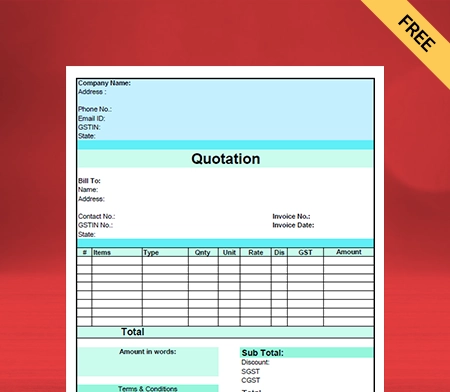
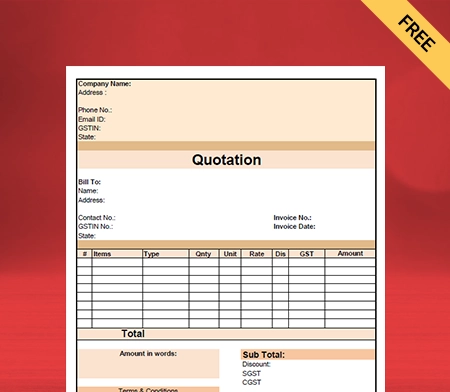
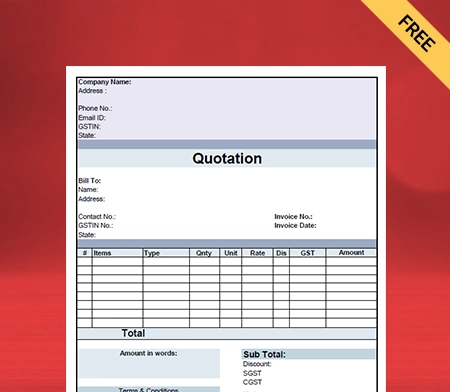
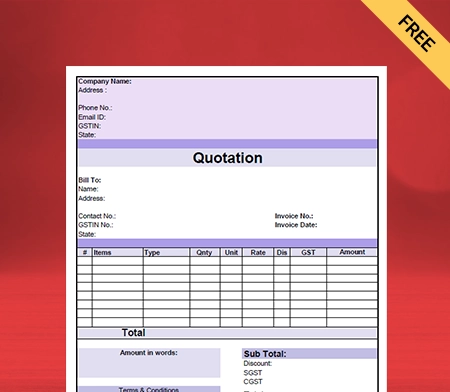
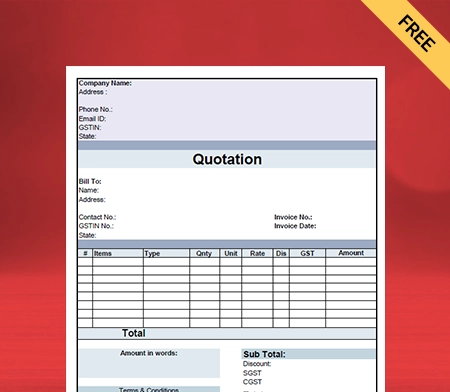
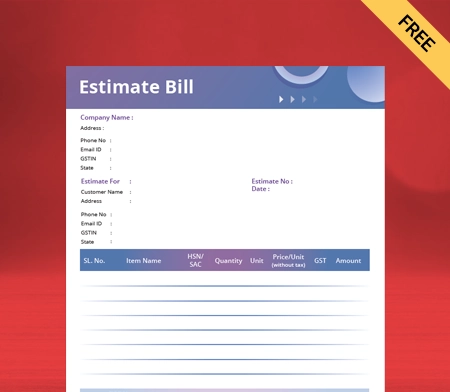
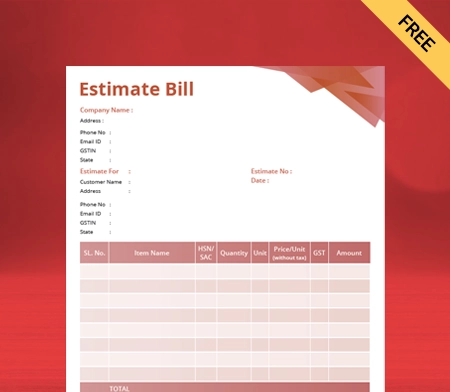
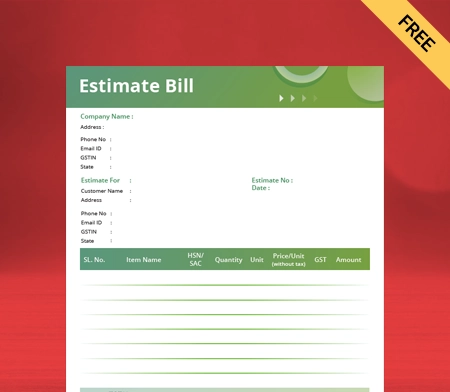
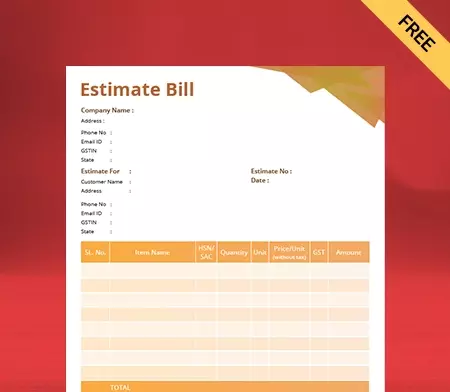
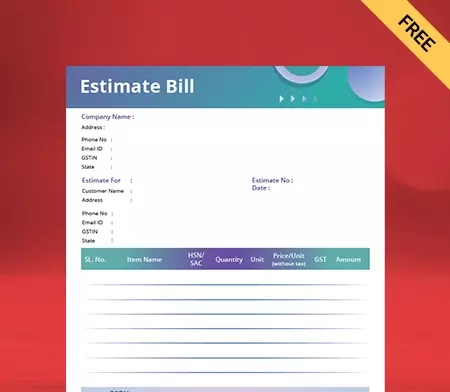
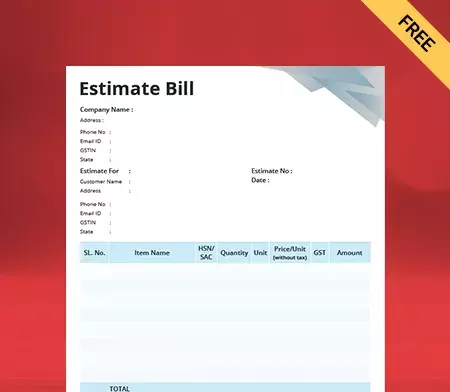
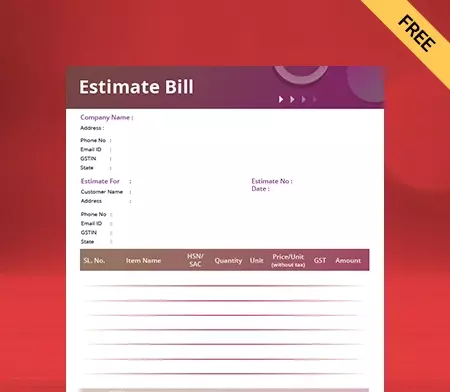
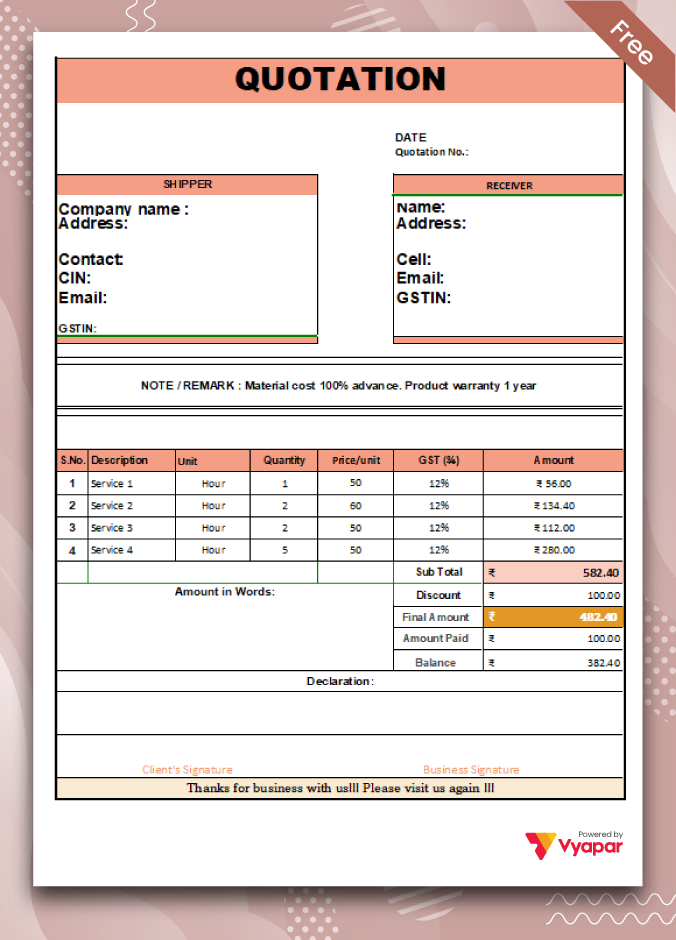
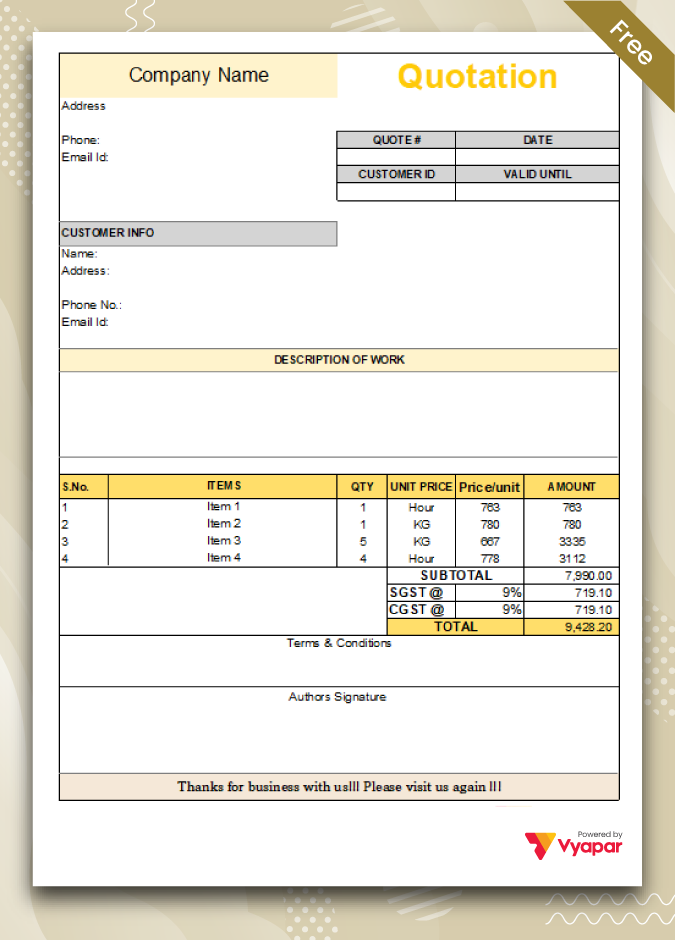
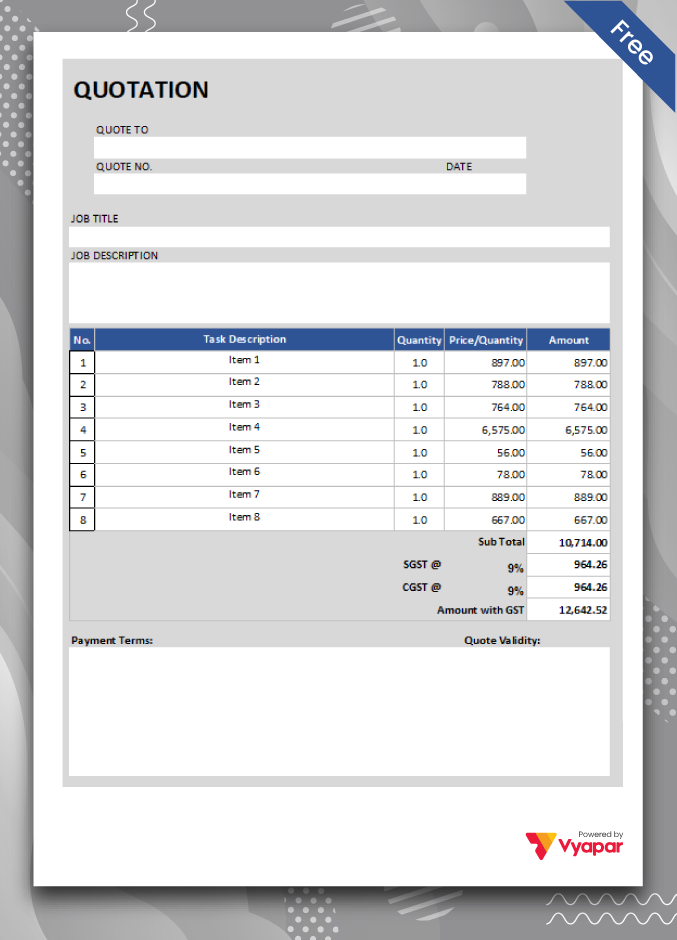
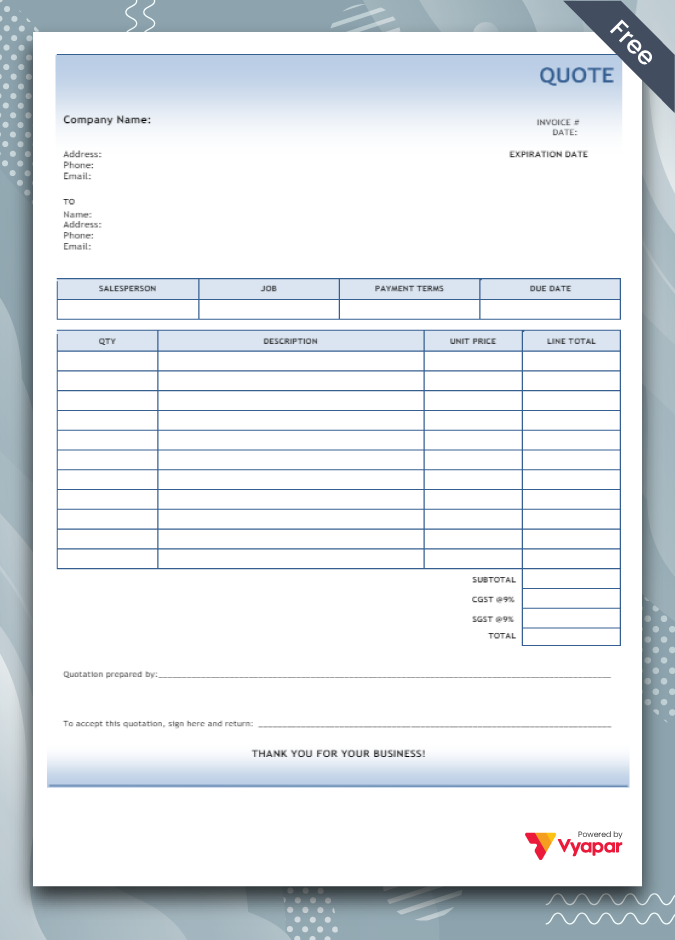
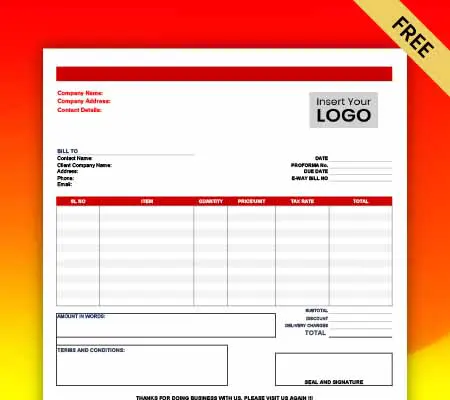
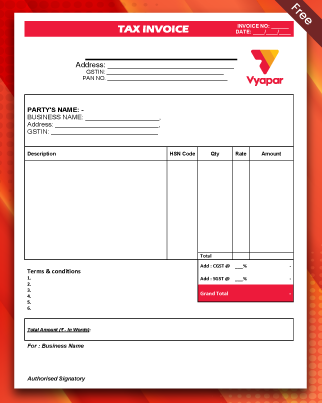
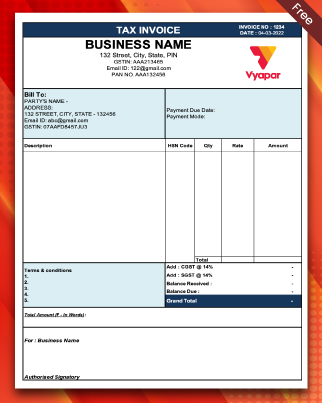
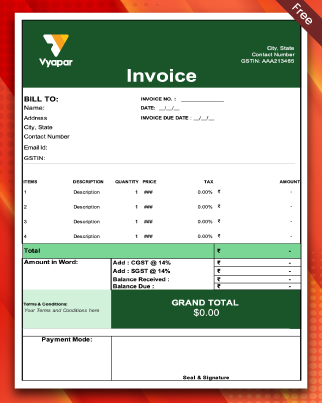
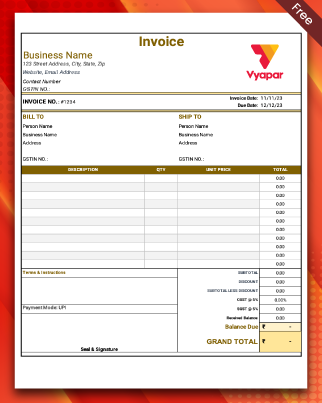
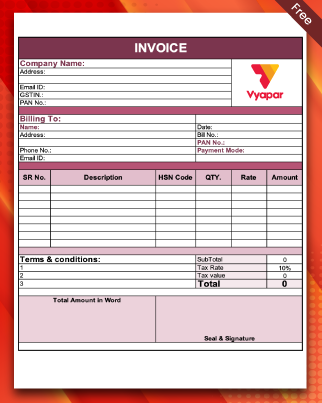
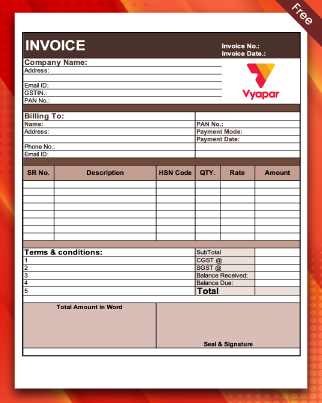
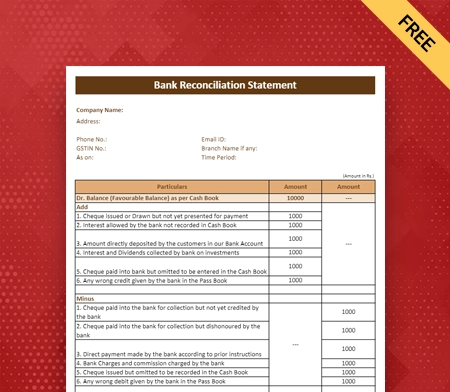
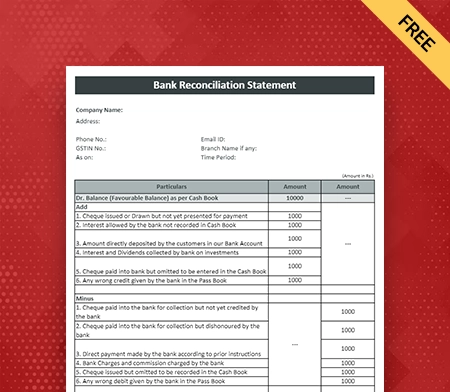
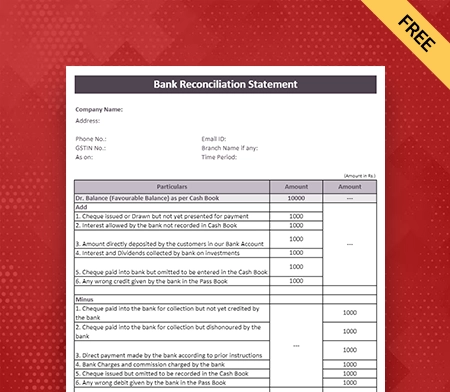
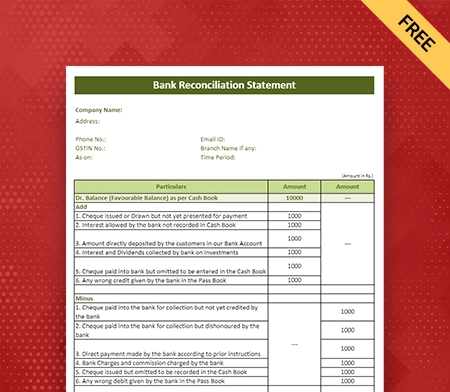
Building Estimate Format In PDF

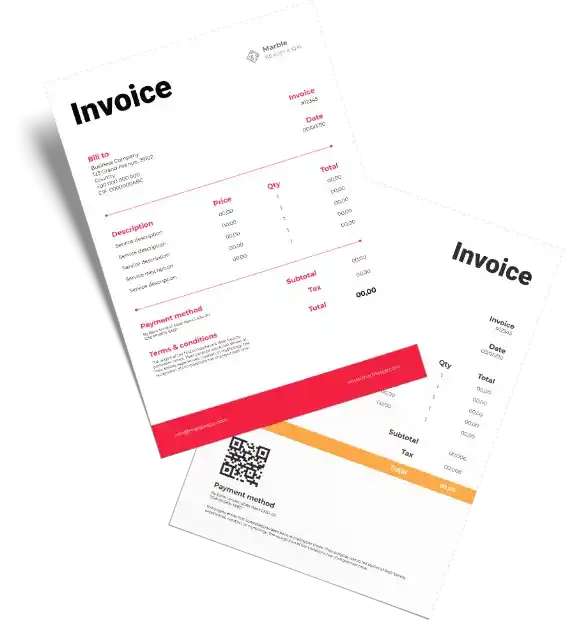
Download the Building Estimate Format in PDF for your client. Also, use Vyapar App to do billing, inventory, and accounting easily and grow your business faster. Avail 7 days Free Trial Now!
Highlights of Building Estimate Templates

We’ve put in a lot of effort to make sure you get the best template possible

All versions are print friendly

Built From scratch

Include essential invoice elements

Automatically calculate subtotal & grand total amount

Consistently formatted

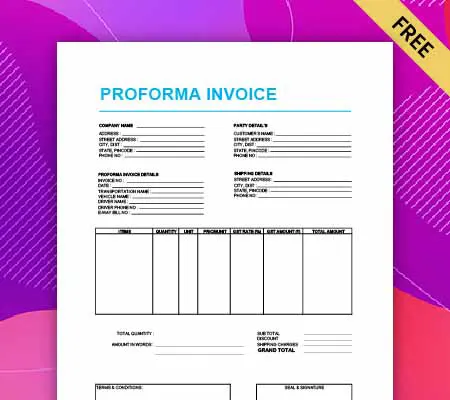
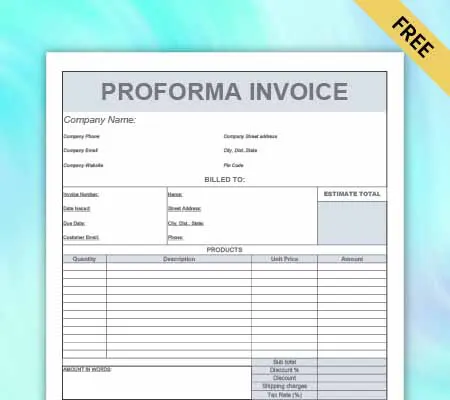
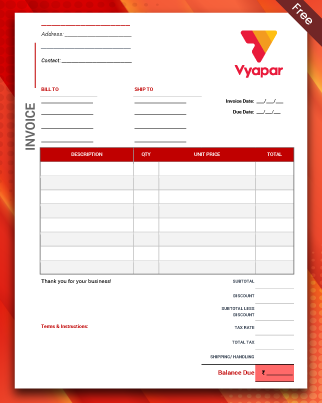
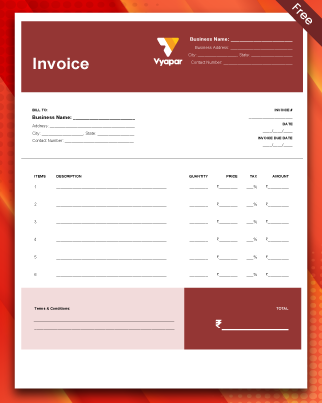
Download Free Building Estimate Format in PDF

Download professional free material reconciliation templates, and make customization according to your requirements at zero cost.
Customize Invoice
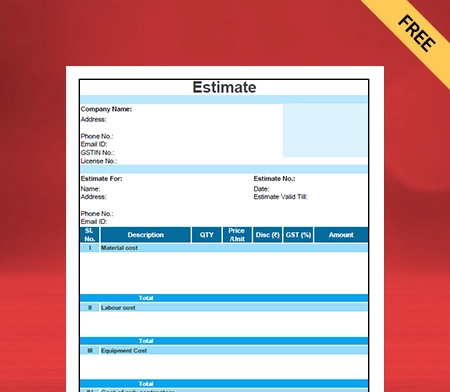
Type – 1
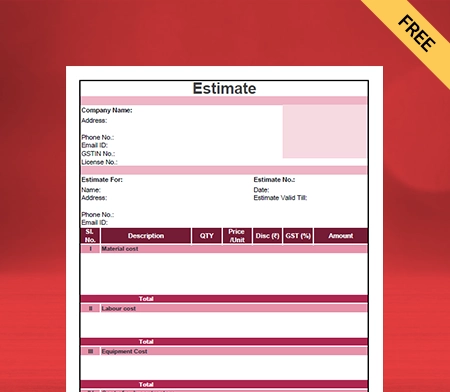
Type – 2
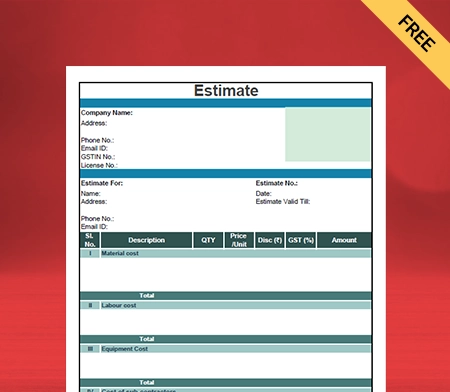
Type – 3
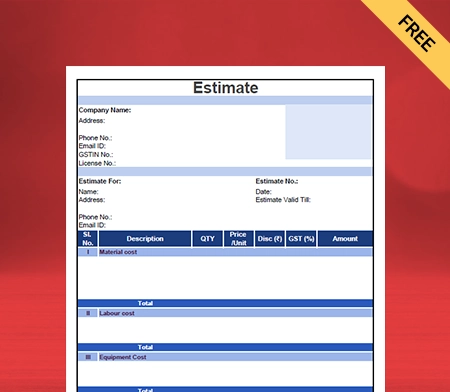
Type – 4
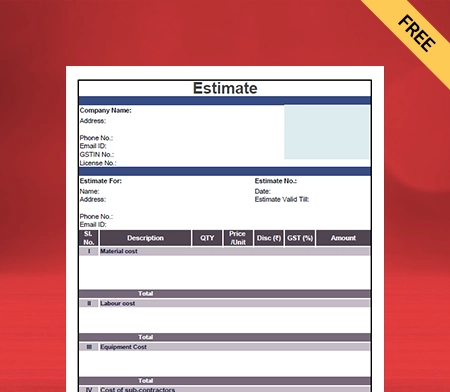
Type – 5
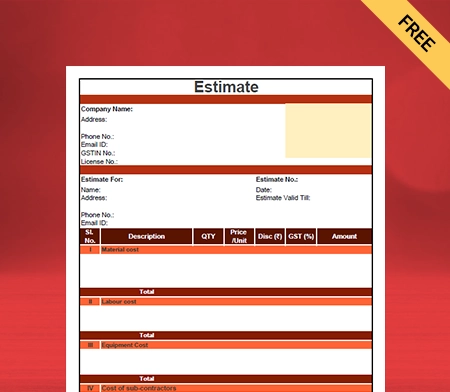
Type – 6
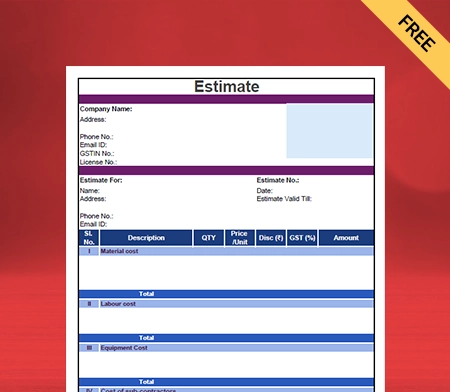
Type – 7
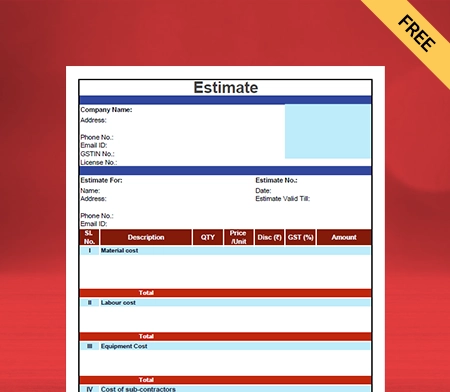
Type – 8

What is a Building Estimate Format in PDF?

Building Estimation for any Construction Project is defined as the process of computing the total cost and quantities of all items. These are needed in the Construction Estimate work.

A Building Estimate Format In PDF refers to the document that a builder sends to a buyer intimating the total cost of building the Construction Project. An estimate is a technique of computing several quantities. It also computes the expected cost incurred on a specific Work Estimate.

A Building Estimate Format In PDF is a document issued during the beginning stages of the Construction Project. It is a subtle way to agree and/or negotiate on the cost and scope of construction work before it begins.

The builder should have complete and detailed knowledge of the volume of the Work Estimate. It will allow them to understand the estimated cost of the proposed construction work. Therefore, it is important to prepare an estimate for the proposed Building Estimate work.

What are the Different Types of Building Estimates?
The different types of Building Estimates are mentioned below:-

1. Detailed Estimate:
A detailed estimate is an estimate which includes the detailed particulars of the specifications of the material. It includes the quantities, work method, rates, and measurements. A detailed estimate is the most accurate Building Estimate that can be prepared. 

A detailed estimate includes specifications, rates, and design data. It also includes calculations, detailed drawings, and the basis of rates adopted. A detailed estimate is mainly prepared for administrative approval and technical sanction. It is also prepared for the execution of a Construction Project. 

2. Revised Estimate:
The revised Estimate includes revised quantities and specified prices of items of the Work Estimate originally provided. A revised estimate is prepared and submitted for the main purpose of technical sanction. 

A comparative statement abstract accompanies a revised estimate. It shows the probable variations for the quantities, rate, and amount for each construction work item compared to the original Estimate. It is done side-by-side, stating the possible reasons for the variations. 

A revised estimate is prepared and submitted when –  

  • the area or measurements of the approved plan changes
  • the location of the Construction Estimate changes 
  • the specifications of material required for the method of building changes
  • the material rate and labour rate change over and above 10% 

3. Preliminary Estimate:
A preliminary estimate is a rough estimate used to determine the approximate rate in a short span. This Estimate has the specifications and area only for a temporary purpose. 

A preliminary estimate is also known as a rough or approximate estimate. It enables the concerned authority to consider the financial aspect of the Work Estimate. This Estimate is created after knowing the rate and cost of similar works and from practical knowledge.

4. Abstract Estimate:
An abstract estimate is an estimate that includes only the total quantities of the item of works, rates, and the total cost of the Construction Project. The rates are either as per the PWD schedule or market values. 

An abstract estimate is created based on a detailed estimate. It is prepared to know the rough cost of the work at the beginning stages of the project.

Why is a Building Estimate Format in PDF Required?
Building Estimate Format for work or Construction Projects is required mainly for the following purposes:

  • To draw a detailed construction design, schedule, and program.
  • Ascertain the total quantities of materials that are required for building purposes. This is done to program their timely procurement.
  • Fix the total project completion time from the total work volume involved in the Building Estimate.
  • To justify the investment from the benefit-cost ratio for Building Estimate.
  • To ascertain the total amount of money the owner requires to complete the Construction Project. The estimates are needed to obtain administrative approval, technical sanctions, and allotment of funds.
  • To assess the requirement of tools, machinery, labour, and plant. Also, the equipment required to complete the building project.
  • To calculate the total number of workers that is to be employed to complete the work within the scheduled time.

Are you a Business Owner?

Take your business to the next level with Vyapar! Try free for 7 days

Try our Android App (FREE for lifetime)

How to Make a Building Estimate Format in PDF Using the Vyapar App?

A Building Estimated format in PDF can be created using the Vyapar app. You should follow the detailed steps that are mentioned below:

  • Open the Vyapar app, go to the left menu tab, and select the settings option. 
  • Now go to the general settings and check whether the estimate option is enabled or not. 
  • If the estimate option is not enabled, make sure you enable it. Now exit out of setting mode. 
  • Now, click the add more button to find the estimate option and the other transaction. 
  • Click on the estimate option. The shortcut key (Alt+M) can also be used to open your Estimate. 
  • The next thing you do is enter your customer details, including name, address, and contact details. You can simply choose the customer name if the customer details are already saved.
  • If you are making an estimate for your client for the first time, enter your name and press the enter key. A party is created, which can be edited with further details. 
  • The estimated number and date are visible on the right side. This can be changed according to your convenience. 
  • Now go to the item line, select the item, and mention all the items that are required for building purposes.  
  • Alongside the item line, enter further important details. It includes item quantity, rate per unit, discount, and the total amount. This data can be changed according to your convenience. 
  • If you need to add additional details, you can use the description box. 
  • Select the “add image” icon box; this allows you to see any document or product image.
  • Next, you need to state the basic terms and conditions of the Estimate you are creating. This is the most crucial part of creating an estimate.  
  • To state the terms and conditions, you should go to the settings section and click on the print settings option. 
  • Go to the terms and conditions options, mention them, and save the terms and conditions. 
  • Next, go to the right side of the estimate format in PDF, and you will find the total amount. Fill in the total amount, and click on the save button.

Your Building Estimate Format In PDF is ready, and it can be shared with your clients.

Why Should You Use Vyapar’s Building Estimate Format in PDF?

The Building Estimate Format In PDF by Vyapar accounting and billing software helps you create estimates faster. This ultimately allows you to manage your business seamlessly. The many benefits of using Vyapar’s Building Estimate Format In PDF are mentioned below:-

1. Maintains Data Security:
The free Estimate Templates by the Vyapar software help you set up an automatic data backup. It allows you to protect your data from loss or theft. The data is encrypted with added safety and security.

You can configure automatic data backups or carry out timely, safe data backups. This Building Estimate Format In PDF helps small businesses with the security of their data. 

Use the Vyapar Building Estimate Format In PDF to guarantee the security of your business. Vyapar Building Estimate Format In PDF allows you to create a local data backup for your safety occasionally. 

The Vyapar Building Estimate Format in Excel, PDF, or Word would assist in safeguarding the data you have on a hard disc or another storage medium. The software has an encryption system that keeps the data easily accessible to the owner. 

2. Reduces Errors through Automation:
The automatic feature on the Vyapar app helps small and medium-sized business owners. It allows them to prevent processing inaccurate estimate amounts or sending an estimate to the wrong client. 

The Building Estimate Format In PDF allows business owners to create customer follow-up emails. It is done using the various Building Estimate Templates on the Vyapar app.  

The automation feature also allows you to make payment reminders. This ensures that small and medium-sized business owners focus on growing their companies. It ultimately saves them a lot of time.

The Building Estimate Format In PDF automatically determines the total amount to be paid. The taxes are also included in the Estimate, ensuring the customer receives the correct Estimate. If a mistake is made, users can fix it and send the Estimate again.

3. No Additional Costs are Required:
Small and medium-sized business owners require no additional costs. No extra fees are required to create a Building Estimate Format In PDF. The necessary resources are available to owners without cost using the Vyapar Building Estimate Format In PDF. 

The free features on the Vyapar app are available to businesses that run on a small or medium scale. Building contractors expand their businesses using the specialized Building Estimate Format In PDF software.

The Vyapar billing and accounting software can be installed from the Play Store for free. The Building Estimate Format In PDF in the Vyapar software is very useful for business owners. The builders require no additional costs to incur for their work project. 

4. Easily Accessible Data:
The data is easily accessible to all small business owners for building projects. The entire customer data and construction details can be easily managed. This is done using the Building Estimate Format In PDF on the Vyapar software. 

The online Building Estimate Format is easily accessible to contractors on a smartphone, PC, tablet, or laptop. The feature on the Vyapar app benefits its customers. Customers are aware of where to search for information when they create estimates. 

It makes users concentrate on their business, further increasing consumer loyalty. The Building Estimate Format In PDF gives your business a more customized and organized look.

Features that Make Vyapar the Best Choice For Building Estimate Format in PDF

Various features make Vyapar the best choice for Building Estimate Format In PDF. The features are mentioned below in a detailed manner:

Send Professional Estimates:

One of the main features of the Vyapar app is that it helps create and send professional estimates. Using the Vyapar Building Estimate Format In PDF, you may create Building Estimates. 

The Vyapar software allows you to send estimates to clients for Construction Projects via SMS, printing, WhatsApp, and email. 

The business owners also get to set the amount due dates. Apart from creating professional quotes, you also have the option to convert your estimates into construction invoices.

The Vyapar accounting software provides real-time rates and estimates with professional Estimate Templates. With the use of the Vyapar Building Estimate Format, most work processes are automated. The features get rid of all the errors in the estimates prepared. 

Build A Positive Brand Image
Plan Your Inventory Space

Manage Inventory Seamlessly:

Vyapar software helps in the efficient and seamless management of inventory. The basic raw materials required in the construction industry are in large numbers. It means that the level of inventory will also be high. 

The stock levels in your construction business can be managed and controlled using a free Building Estimate Template. The free estimate generation software makes inventory management simple for small businesses. 

All the items can be listed quickly and easily. It includes their names, descriptions of items, stock levels, and rates. The estimate format system has a dashboard view, product categorization, new stock entries, and low stock warnings. 

Detailed reports are prepared using the estimate format for construction companies to track stock performance.

Online and Offline Software:

Another feature of the Vyapar app is that it supports online and offline business management. Due to inadequate internet access, you do not need to wait for a network connection to stabilize. Users can create estimates for clients using the Vyapar app without an internet connection.

Business owners can vouch for Vyapar software to manage all business requirements in one app. It keeps track of transactions when connected to your database with internet access.

Instant estimates can be created for your clients as soon as they hire you for the construction job. This software feature is handy in remote areas with low internet connectivity.

Vyapar helps customers as they can stop waiting for their estimates. Additionally, it makes the process of estimation simpler. This is because the Building Estimates can be revised as they are required.


Track Your Business Status
Manage Inventory Efficiently

Detailed Ongoing Business Reports:

Vyapar software has features that help users create detailed reports for Construction Projects. Managing your operational, business, and financial needs at once can be time-consuming.

The solution to all these problems is the Vyapar construction management software. It provides an efficient business estimate format in PDF. Business owners can create over 40+ business reports using the Vyapar Building Estimate Format.

The Construction Project or Building Estimate reports can also be revived. Businesses can also evaluate the company’s financial position with Vyapar’s features. The total rates and quantities can also be adjusted in the Building Estimate.

Frequently Asked Questions (FAQs’)

How Does a Building Estimate in PDF Differ From an Excel Estimate?

A Building Estimate Format in PDF differs from an excel estimate. Estimate in PDF uses less time as compared to an excel estimate. A Building Estimate Format In PDF is more efficient than an excel estimate. 
An excel estimate uses formulas to calculate the estimations, whereas an estimate in PDF is pre-designed and takes less time. Thus, a Building Estimate in PDF is more efficient and useful than an excel estimate.

How Can You Make a Building Estimate in PDF Visually Appealing?

A Building Estimate Format In PDF can be made visually appealing by using customizable Estimate Templates provided by the Vyapar app. The Vyapar software has several Building Estimate Templates in PDF on the app. 
These estimates are designed in such a manner that is visually appealing to the clients. These building templates are pre-designed and can easily be customized at your convenience.

Can a Building Estimate in PDF Be Edited?

Yes, a Building Estimate Format In PDF can be edited. Using the Vyapar app, let’s say you have created a Building Estimate. Now you want to edit the estimate document according to your convenience.
You can do this by returning to your saved documents section of the Estimate. Click on the specific Estimate that you want to edit. After doing this, make all the necessary changes in the Estimate. You save the revised estimate document. This is how you can edit a Building Estimate Format In PDF.

How Do You Ensure that a Building Estimate in PDF is Secure?

A Building Estimate Format In PDF is safe and secure. This is concluded on the fact that the Vyapar app ensures data safety and security. Business owners use the Building Estimate Format available on the Vyapar software.
They do this because they know that the Vyapar app has data-encrypted software features. This data-encrypted software ensures that a Building Estimate in PDF is secure.

How Do You Present a Building Estimate in PDF to a Client?

After creating and saving a Building Estimate Format In PDF format, you can present it to your clients. The Vyapar software allows users to share and present the estimate document to clients.
You can present the Building Estimate by sharing it with your clients. You can do this through WhatsApp or email or by sharing the link to the PDF estimate document. Presenting your Building Estimate Format In PDF to your client is relatively easy and straightforward.

Can a Building Estimate in PDF Be Used For Billing Purposes?

Yes, a Building Estimate Format In PDF can be used for billing purposes in most cases. However, this is subjective; it depends on whether or not the Estimate has been finalized.
A Building Estimate Format In PDF is used for billing when the Estimate has been finalized after the Building Estimation process. It can then be used for further billing purposes on the Construction Project.
If the Estimate has not been finalized, it cannot be used for billing purposes. If it needs to be revised, then until it’s been finalized, it cannot be used for billing purposes.

You can visit the UAE site to view content specific to your location

How Useful is Vyapar for Your Business?

Click on a star to rate it!


Solar System Quotation Format PDF

Easily download the Solar System Quotation Format PDF for your client. Also use Vyapar App to do billing, inventory, and accounting easily and grow your business faster. Avail 7 days Free Trial Now!

  • ⚡️ Create professional quotations with Vyapar in 30 seconds
  • ⚡ Share quotation automatically on WhatsApp and SMS
  • ⚡️ Connect with your parties through reminders, greetings, business cards and more

Highlights of Solar System Quotation Templates

We’ve put in a lot of effort to make sure you get the best template possible

All versions are print friendly

Built from Scratch

Include essential invoice elements

Automatically calculate subtotal & grand total amount

Consistently formatted

Download Solar System Quotation Format In PDF for Free

Download professional free solar system quotation templates, and make customization according to your requirements at zero cost.

Solar System Quotation Format PDF-1

Solar System Quotation Format PDF-1

Solar System Quotation Format PDF-2

Solar System Quotation Format PDF-2

Solar System Quotation Format PDF-3

Solar System Quotation Format PDF-3

Solar System Quotation Format PDF-4

Solar System Quotation Format PDF-4

Solar System Quotation Format PDF-5

Solar System Quotation Format PDF-5

Solar System Quotation Format PDF-6

Solar System Quotation Format PDF-6

Solar System Quotation Format PDF-7

Solar System Quotation Format PDF-7

Solar System Quotation Format PDF-8

Solar System Quotation Format PDF-8

What is the Solar System Quotation Format PDF?

Meaning  of solar system quote format

A Solar System Quotation Format PDF is often referred to as a proposal or estimate. It is a digital quotation outlining the pricing and specifications of a proposed solar energy project. A solar quotation formats can vary according to the company or organisation that generates it.

What to Include in a Solar System Quotation Format PDF?

Things to include in solar system quote format in pdf

The following data have to be included in an appropriate solar system quote style PDF:

Comprehensive Breakdown:

Have a comprehensive breakdown of the proposed solar power installation, including information on the panels, inverters, and any other necessary components and their sizes.

Itemised List:

Create an itemised list of the expenses connected with the system. Include the costs of the equipment and installation, as well as any extra fees that may be incurred.

An Estimate:

Create an estimate of the total unit of energy anticipated to be generated by the system.

A Schedule:

Set up a schedule outlining the steps that need to be taken to install everything and finish the job.

Warranty Information:

Mention the details concerning any warranties or guarantees that may be given on the product and the installation.

Other Details:

Provide relevant information about the transaction and how to get in touch with the firm delivering the estimate.

Benefits of Using a Solar Quotation in PDF Format

Benefits of Using a Solar Quotation in PDF Format

There are several benefits of using a solar system quotation format PDF:

1. Better Portability:

A Solar System Quotation Format PDF is portable, so it can be easily shared and viewed on multiple devices and platforms without losing its formatting or layout. Its simple and unique features make it the best for your solar energy business.

PDFs are a popular format for documents because they are digital, easy to share and maintain their formatting across different devices and software. Additionally, many PDF viewers are free, making it easy for recipients to open and view the document.

It is widely used in solar panel installation firms to create their solar quotation for its excellent portability and unique design, giving their business a more professional outlook among their clients.

2. Full Proof Security:

Security in solar quotation refers to the measures put in place to protect solar energy systems and the information related to them. This can include physical security measures such as locking panels and enclosures and cyber security measures such as secure communication protocols and data encryption. 

Your Solar System Quotation Format PDF may accommodate sensitive information that can be protected by using a password which is end-to-end encrypted, providing an added layer of security for sensitive information.

Security is one of the primary critical factors for operating the solar quotation PDF format, as it cannot be accessed without the right password. In a solar system quotation format PDF, security measures and related costs should be clearly outlined and itemised for the customer to review.

3. Very Easily Printable:

Using the Solar System Quotation Format PDF, you can easily create and print your quotation in PDF format. Let your customers have a physical copy of the solar quotation for their records.

You can print your solar quotation in PDF format by including all essential factors such as proper formatting, font size and type, and graphics and images. It gives solar quotation the best possible outcome among your competitors regarding professionalism and customer service.

Solar quotation-generating software needs to provide an option for a printable solar quotation so that the customer can quickly review and read the information provided.

4. Highly Compatible:

Comparability in solar quotation refers to the ability to evaluate various solar panel systems and their related prices quickly should be referred to in the PDF format. Since PDFs work with most programmes, buyers may easily access and examine the quotation no matter which programme they are using.

A typical structure for the Solar System Quotation Format PDF containing details such as the number of panels, the inverter and other equipment utilised, the total cost, and the expected energy output and savings may achieve this.

It is simpler for prospective clients to evaluate multiple quotations and select the best choice for their needs when this information is offered in a consistent and simple-to-understand style.

5. Best For Formatting:

When creating a solar quotation in PDF format for your solar panel installation business, it is essential to ensure that the document is clear, professional, and easy to read. PDFs preserve the document’s original formatting, ensuring that the quotation looks professional and is easy to read.

By using a consistent layout and font throughout the solar quotation document, including headings, subheadings, and bullet points to organise information, and include images and diagrams to help explain the details of the solar installation to your clients.

It is also essential to include all relevant information, such as pricing, warranties, and contact information. A table of contents can also be helpful for easy navigation, as it makes your solar quotes more appealing and complete for your clients.

6. Add Your Digital Signature: 

A digital signature guarantees the validity and integrity of a solar quote. It confirms that the document was generated from an authorised source and has not been tampered with.

Using end-to-end encryption technology, a digital signature creates a unique code related to the document and the signer’s identity. This code can be validated by a third party to validate the legitimacy of the document.

Non-repudiation, which prevents the signer from denying after signing the document, is another benefit of digital signatures. It strengthens the legal validity of your document and acts as legal evidence for your company.

How to Choose Solar Quotation-Generating Software For Your Business?

Vyapar is best digital software to create your solar quotation pdf

Using the best digital software to create your solar quotation can make your quotation more appealing. Here are the following reasons which will assist you in choosing the best solar quotation generator for your business:

1. Simplified App Interface:

Search for a solar quotation maker app that is simple to use and navigate while creating solar quotes. This will shorten the time it takes to develop a solar quotation, allowing you to devote your valuable time to a crucial area of your company.

The digital solar quote minimises the possibility of mistakes. Minor errors in your solar estimate could have a significant impact on your company. It may be harmful to your business and diminish your level of professionalism in the workplace at the same time.

Hiring extra technical specialists when using professional billing software to produce solar estimates is unnecessary. Choosing software that is simple to use and has streamlined functionality makes sense.

2. Feature Availability:

The availability of a vast range of features in the solar quotation-generating software increases the product’s value and completeness by adding new features and components. It can have features that can help your business manage all business requirements in one place, like generating financial estimations and creating bills, among other things.

Consider if the programme can interact with other company tools, such as accounting and client management. It can assist solar enterprises in accelerating their sales process.

Existing third-party software is included during the integration phase, or new modules may be created from scratch. The purpose of integration is to enable software to generate more accurate and comprehensive estimates for solar power systems.

3. Go For High-Class Data Security:

To guarantee that your data is protected even if a malfunction or other issue occurs, look for solar quotation-generating software that employs industry-standard security methods to safeguard the information stored inside it. Make sure the vendor offers regular security upgrades and a disaster recovery strategy.

Data security is crucial while developing software for solar quotations. It is vital to safeguard this information from unauthorised access and breaches since the programme may deal with sensitive consumer information, such as financial data and personal details.

Using the best solar quotation-generating software ensures security and protection for your solar panel installation company, and you don’t need to worry about data theft all the time and lets you and your staff complete your business in total privacy and without worrying about your priceless data being lost.

4. Best in Terms of Accuracy:

This is essential to select solar quotation-generating software that can precisely assess the expenses involved in a solar installation to meet your needs. It considers the cost of the solar panels, the inverters, the labour, and any other essential equipment.

Cost plays a significant factor for solar panel installation businesses that are on the smaller side since these businesses require additional capital to purchase the most advanced solar quotation-generating software available.

The computer programme should also be able to consider other variables, such as the angle at which the solar panels are tilted, how much shade they are under, and the temperature outside.

5. Go For a Free Trial:

Choose a solar quotation maker app that offers a free trial to allow potential customers to test the software and get acquainted with its speciality, features, tools and drawbacks before committing to making a purchase.

During the free trial, users can access the software’s full range of features, but there may be limits on the number of quotes or projects that can be created. It’s important to note that free trials are a great way to test the software and determine if it fits your needs.

It is essential to thoroughly research and compare different software options before deciding. You should also check the software’s customer support, the type of customer service they offer, and the software’s pricing model once the free trial expires.

Why Choose Vyapar App to Generate Solar Quotations For Your Business?

Generate Solar Quotations For Your Business

Vyapar is used by millions of small business owners to perform their day-to-day operations. Here are the following reasons that make you go with Vyapar for your solar business:

1. Better Customisation:

Our customizable solar quotation formats can be modified to fit the requirements of individual solar businesses, with features including solar quotations that vary by geography, government laws, and individual customers.

Vyapar is a powerful tool that can be used to generate accurate solar quotes that are tailored according to your company’s needs. Your solar quote can be generated in PDF, Word, or Excel by using Vyapar. Vyapar is the only software in the online software market capable of generating high-quality solar quotes in PDF format with the same level of efficiency and precision each time.

Using our software, you can help you easily create a solar quotation and proposal template that fits with your company’s branding, desired colour scheme, and any other information you see fit for your venture. After that, you may email or send it over WhatsApp to your clients and staff.

2. Get 7 days Free Trial:

Before committing to a purchase, you may preview the functionality of the Vyapar app for creating a solar quotation in PDF format for the duration of 7 days. Vyapar is the only software available that caters to your unique business requirements.

You may evaluate the Solar System Quotation Format PDF in Vyapar’s given templates to determine if it matches your company’s demands. It can prove the best for your business in terms of integration, pricing, functionality, etc.

With Vyapar software, templates for Solar System Quotation Format PDF may be simply modified for your solar installation business. It offers you the chance to enhance the efficiency and productivity of your company’s operations.

3. Keeps Your Data Safe:

Our free programme for making Solar System Quotation Format PDF in India allows you to set up an automated data backup and safeguard the data recorded in the application. A local backup can be created as well for additional protection.

Data preservation is the primary goal of modern solar quotation-generating companies since it is the basis of all enterprises. Reports may be produced using your company data, and sales data can be examined for future expansion.

However, losing this data might severely impact your business’s productivity and revenue; therefore, you must make backups to protect all of your data. With our free software in India, you can maintain the security of the information kept in the app.

4. Plan Your Inventory:

Using our Vyapar software for Solar System Quotation Format PDF, you may keep an eye on the goods currently in stock in your business. The ability to arrange advance orders and spot potential theft will be made possible by Vyapar inventory warnings.

Inventory management is crucial for businesses that sell a variety of commodities. In these circumstances, our free programme for Solar System Quotation Format PDF aids in inventory planning. Using our Vyapar software, you may keep an eye on the merchandise currently in stock in your business.

Our software’s capabilities might help you spot theft in your business when inventory is diminished due to sales. Finding inventory inconsistencies can be aided by using software and routine checks and you may examine your security cameras as soon as you detect that particular objects are gone.

5. Create Your Quotation in Any Format:

You can make a solar quotation in all three formats– PDF, Excel, or Word using the Vyapar software for Solar System Quotation Format PDF. Easily you can make solar quotes that fit the needs of your solar installation business.

Vyapar is the best accounting software in terms of price and features. No other software on the internet comes close to Vyapar in terms of features and quality. With Vyapar, it’s easy to make a solar quotation in PDF format for your business that looks like it was made by a professional.

After making a Solar System Quotation Format PDF template, you can send it to your customers and employees through online services like Whatsapp and Gmail. It also enables you to create bills, invoices, estimates and quotes that fit your needs.

Create your first solar quotation in pdf with our free Quotation Generator

Benefits that Make Vyapar Best For Your Small Business

1. Multiple Modes of Payment Options:

Vyapar software for Solar System Quotation Format PDF allows you to receive your payment online and offline simultaneously. You can use Vyapar for the convenience of your customers, and the most important comfort you can give is the ability for them to pick how they pay you.

You can use Vyapar online payment modes, including UPI, QR, NEFT, IMPS, e-wallet, and credit/debit cards. It is safe, secure and end-to-end encrypted, so you don’t need to worry about payment fraud. Vyapar also allows you to choose your payment terms.

Using Vyapar software for Solar System Quotation Format PDF, you can also use offline modes of payment such as QR and cash to receive your payment in case of poor internet and network connection.

Multiple Modes of Payment Options:
Send Estimates and Quotations

2. Send Estimates and Quotations:

You may effortlessly create your Solar System Quotation Format PDF by using Vyapar software. It accommodates the correct GST invoices, quotes, and estimations. The Vyapar quotation app’s built-in capabilities allow you to send quotes/estimates to customers anytime. You may send them via WhatsApp, email, SMS, or printing.

Vyapar software for Solar System Quotation Format PDF offers a professional appearance and rapid estimates and quotations. Most operations can be automated using the Vyapar app. It eliminates errors in quotes and estimates. You may also define a due date for tracking bills effortlessly.

You may also turn your estimates and quotes into sales invoices at any moment. Creating solar quotations is as simple as a few clicks with the Vyapar programme. Vyapar software for Solar System Quotation Format PDF provides businesses with a comprehensive solution for saving time and receiving immediate estimates. Solar quotation software allows you to operate your firm more efficiently.

3. Track Your Business Status:

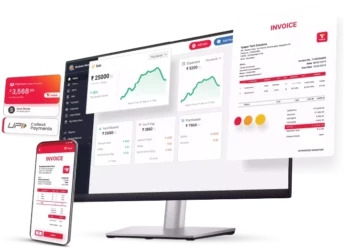
Vyapar software for Solar System Quotation Format PDF dashboard streamlines the entire management process. Check your company’s cash flow, inventory status, open orders, and payment updates in one spot.

You can run your business on the go with the free inventory management software for Solar System Quotation Format PDF. With this free programme, estimates and quotations in your business become very simple and efficient because all data is saved when creating a quotation.

Using the company dashboard, you may obtain detailed updates on your firm anytime. Our free accounting app for Solar System Quotation Format PDF provides free dashboard access. Furthermore, our software offers necessary features such as Cash flow, bank status, stock/inventory status, and open orders are all factors to consider.

Track Your Business Status
Online/Offline Software

4. Online/Offline Software:

The Vyapar app allows you to produce solar quotations for your clients without being online. When you link your database to the internet, you can rely on our company software for solar quotation to authenticate your transactions and update them.

Using our software to generate your Solar System Quotation Format PDF capabilities, you do not have to halt your business activities because of poor internet access. You may utilise offline billing software in your retail store to accept cash and eWallet payments that do not require an active internet connection, making it ideal for India’s distant areas.

You may generate quotations for your clients as soon as they make a purchase with quotation solar quotation-generating software. The Vyapar app’s online and offline functions are helpful in rural regions where connection and network difficulties are standard.

5. Create Delivery Challan:

Tracking delivery challans allows you to confirm that your items arrived safely to your consumers. Our free Solar System Quotation Format PDF software allows you to track your consignments and offer guidance if they go missing. Our ultimate free software makes it easy to manage consignor and consignee information.

You might include the order’s terms and conditions to avoid disagreements and clarify the scope of the transaction. This procedure ensures that the business runs correctly and that the shipment is delivered securely to the consumer.

Converting delivery challans into bills is also a good choice because it helps adjust auto stock. Using the software for solar quotation in PDF format allows you to keep track of all delivery acknowledgement documents. It is a more convenient method of conducting business.

Create Delivery Challan

Are you a Business Owner?

Take your business to the next level with Vyapar! Try free for 7 days

Try our Android App (FREE for lifetime)

Frequently Asked Questions (FAQs’)

Are Additional Costs Not Included in the Solar System Quotation Format PDF?

You can create your solar system quotation format in PDF free of cost by using Vyapar software. You can easily create your solar quotes in all three formats – Solar quotation Format in PDF, Solar Quotation Format in Word and Solar Quotation Format in Excel and later, you can print and share them with your customers online and offline.

How Long is a Solar System Quotation Format PDF Valid For?

Depending on the organisation and the individual project, the validity of a solar system quote format PDF can vary. Typically, a solar system quotation is suitable for a period ranging from 30 to 60 days. After this period, the prices and terms may change after this period, necessitating a new quotation request.

How Often Should I Get a Solar System Quotation Format PDF?

You can use Vyapar software for solar quotation in PDF format to create and share your PDF. It is free of cost and has all the details required in your business quotation.

You can visit the UAE site to view content specific to your location

How Useful is Vyapar for Your Business?

Click on a star to rate it!


Billing Statement Template in PDF | Vyapar App

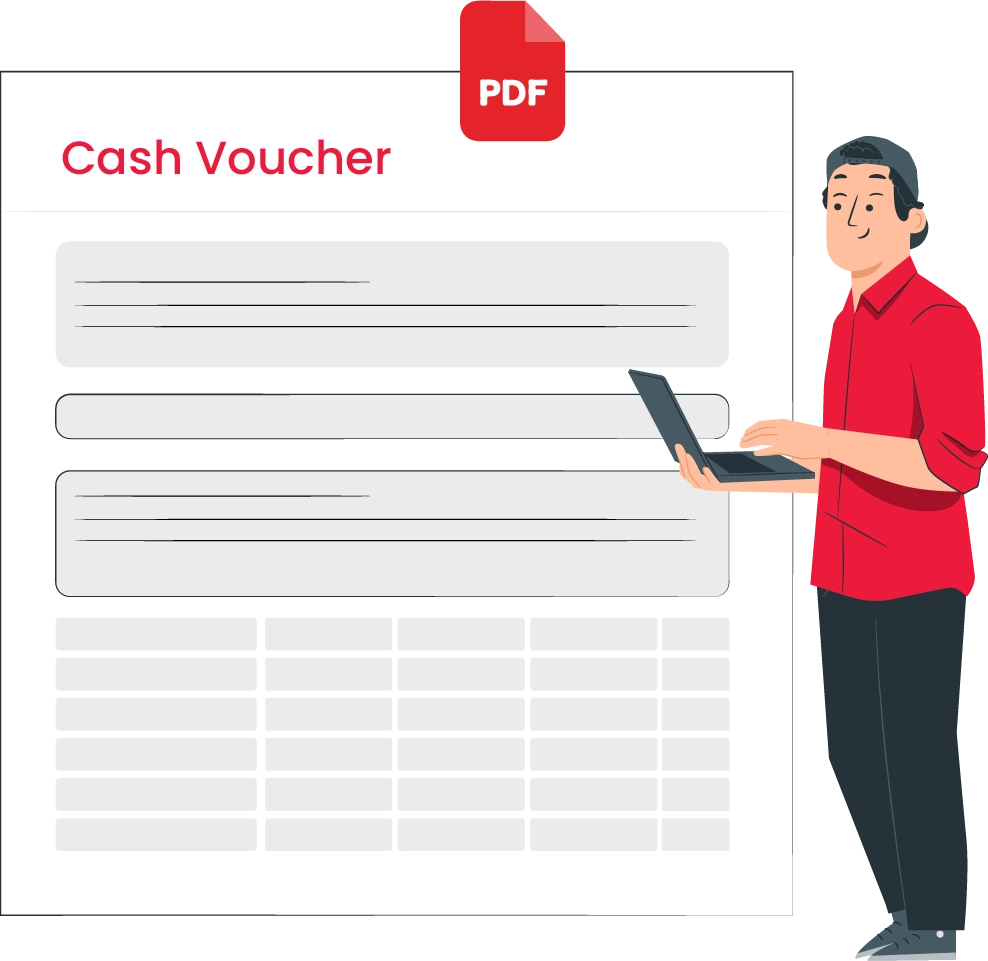
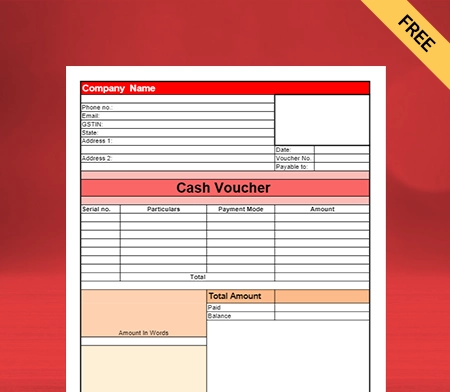
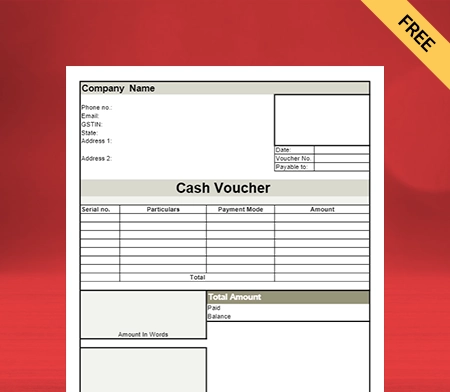
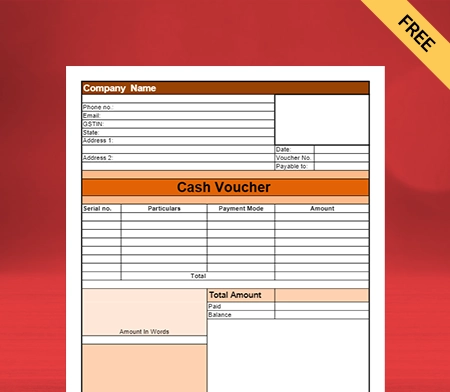
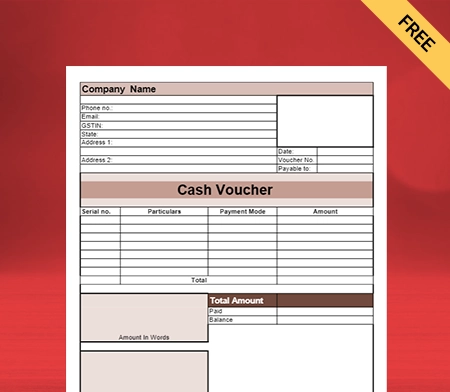
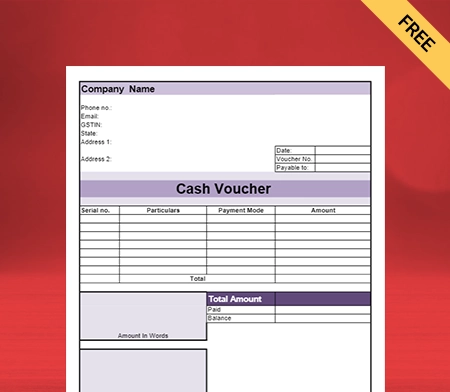
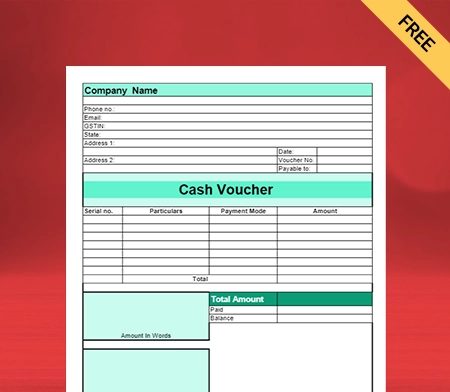
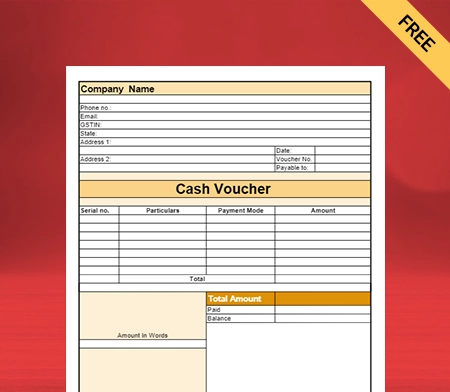
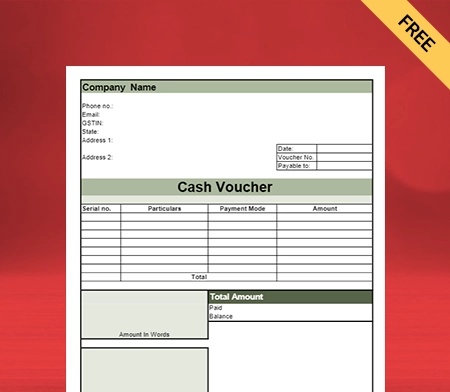
Cash Voucher Format PDF

Download the cash voucher format in PDF to boost sales for your business. Or use the Vyapar app for billing and accounting easily and grow your business faster. Unlock a week-long trial, absolutely free!

Cash Voucher Format PDF

What is a Cash Voucher?

Free Cash Voucher Format PDF

A company needs to take care of far too many aspects of finance. Vyapar cash voucher format PDF has made this task slightly easier for you. You can now ensure that all possible transactions are correctly recorded and maintained.

Here’s when you can use cash vouchers in your company:

  • If you need to make a cash transaction through a petty cash fund, you must take out a cash voucher format PDF.
  • Petty cash is a small amount of money available for meeting receipts up to Rs 20,000 or 30,000. It varies in different organisations. Therefore, you can accordingly create the cash voucher PDF formats.
  • Corporates usually use petty cash voucher formats to keep some liquidity available immediately.
  • This is for the convenience of the employees to get reimbursements on incidental or minor expenditures done via cash transactions.

How Do You Need to Fill Out a Form For a Cash Voucher?

You need to follow the below-mentioned procedure for filing out the cash vouchers format PDF with the Vyapar app. Follow the steps one by one:

  • You need to fill out a form for a cash voucher.
  • The petty cash voucher needs to be submitted to the employee in charge of your department
  • The reason for the withdrawal of the petty cash fund needs to be stated.
  • If a formal receipt for cash has been submitted, payment details of the expenditure already made need to be submitted along with it.

Reasons For Using a Cash Voucher in PDF:

Download Free Cash Voucher Format PDF

There are several reasons why professional GST formats for cash vouchers by Vyapar are generally used for cash vouchers. Some of them are listed here:

  • All cash transactions carried out by the company employee at their own expense are recorded by the company through cash vouchers.
  • All the receipts for the payments done in the company’s name are with the internal auditor or the finance department.
  • The vouchers can easily be stored with the accounts or finance department.
  • Cash can be withdrawn from the cash fund using these same vouchers to meet immediate yet small expenses.
  • The cash available in the cash fund needs to be utilised for specific purposes only as pre-determined by the company. It allows more clarity for reimbursements and other such policies.
  • Allows you to pre-determine cash funds for the next quarter or financial year.
  • You will have a fixed amount of funds for food, stationery, refreshments, etc.
  • The exact reason for these withdrawals is clearly stated in all cash vouchers.
  • Simplifies the process of reimbursement and disbursement.

What is a Petty Cash Voucher?

Petty Cash Voucher

There are so many cash transactions that a company needs to take care of. Keeping proper records of all these transactions is essential to clarify all payment details.

However, it is impossible to keep handing out checks or demand drafts for the bank every time an expense has been incurred. It is where petty cash vouchers come into the picture:

  • Petty cash vouchers help maintain a cash reserve of a lower and higher end. The available cash reserve companies opt for ranges from Rs 5,000 to Rs 30,000.
  • Petty cash vouchers are great for cash transactions on office supplies, stationeries, team lunches, and reimbursements for any other expenditure done for the company by an employee.
  • Petty cash vouchers are serially numbered not just to maintain a proper record but also because these voucher numbers are then used in audits conducted later in the year.

Reasons For Using a Petty Cash Voucher in PDF:

Petty Cash Voucher in PDF
  • You will have an overview of all extra expenditures that the company may not necessarily incur otherwise.
  • All cash transactions carried out do not always have a receipt for all the goods and services an employee has availed for the company.
  • This fund is used for expenses where using a check is entirely unreasonable and unnecessary.
  • Not all forms of payment do not have to be accepted at every establishment. Cash payments become the mode of payment thereon.
  • It authenticates the expenditure incurred by an employee in the company’s name.
  • It ensures the employee is appropriate and timely reimbursement for the cash transaction they incurred.
  • Allows the company to check on all expenses it admits, other than the expenses it directly meets.
  • Assists internal and external auditors to see how efficiently you have maintained your records of all possible expenses, especially in the case of these smaller transactions.
  • Maintains transparency for the company. Even without an audit, a company has to keep stock of the expenditure they incur.
  • The exact reason for these withdrawals is clearly stated in all petty cash vouchers.

What Makes PDF Cash Vouchers by Vyapar Perfect for Businesses?

PDF Cash Vouchers by Vyapar

You can create free PDF cash vouchers with the Vyapar app on Android and Windows devices. Vyapar PDF cash vouchers help you in many ways. Some of them are as follows:

Ease of use:

You can download the cash voucher PDF format for free. Additionally, you can download the Vyapar app on your Android smartphone or Windows desktop. Access to all the tools makes it seamless to create and manage cash vouchers in one place.

Customisation:

You can customise the PDF Cash Voucher using Vyapar as per your suitability. You can choose the format and fonts of your choice. Using custom-designed formats for vouchers, you can include all the details and fields you need to manage them seamlessly.

Trackable:

You can easily maintain track of your cash vouchers with the Vyapar app. Using the app, you can track their expiry dates and plan your discounts and offers accordingly.

Helps Strategize Sales:

Vyapar is a strategic tool that goes beyond collecting data. In a matter of minutes, you can analyse your sales strategy by compiling your data into business reports.

Makes Vouchers Attractive:

With different formats, fonts, and designs available – you can modify the cash voucher format PDF and make it more attractive. Attractive vouchers will make it more appealing to people using them and help you build a positive brand image.

Online/Offline Availability:

You can access the cash vouchers on the Vyapar application in any mode – online and offline. You can open the cash voucher format PDF and create them anytime with the Vyapar app.

Printable:

You can also give the command for printing the cash vouchers format PDF simultaneously from the app, saving you a lot of time. The app works with thermal and regular printers, so you can use it with any printer available in your store.

How Many Types of Cash Vouchers are There?

PDF Cash Vouchers by Vyapar Perfect for Businesses

Various cash voucher format PDFs are commonly used across corporations and other organisations. There are two that are commonly used:

Credit Vouchers:

When cash funds for making a future expense need to be disbursed, you must fill out a credit voucher. So, a credit voucher can be revoked if goods, assets, and investments are sold.

Debit Vouchers:

Once the payment has been made, it can be made any time after, and reimbursement is required. It can be made to any department internally and must not be submitted to the finance department.

What are the Elements of a Credit Voucher?

Free PDF Cash Vouchers by Vyapar Perfect for Businesses

When applying, get some cash before making an expenditure for the company. It needs to have certain things beforehand. These are as follows:

  • The name of the cash recipient needs to be clearly stated in a legible manner
  • The amount of cash disbursed has to be stated
  • The date of application needs to be at the top of the credit voucher
  • Reason for the disbursement of cash
  • Account code to which the disbursement has been charged
  • General ledger account to be charged
  • The credit voucher number already needs to be pre-generated by the company.
  • An authorised signature of the Department Heads

With easy-to-use accounting software Vyapar, you don’t need to worry about missing any entry because it will remind you when you have missed something. You can create free PDF cash vouchers with Vyapar.

What are the Elements of a Debit Voucher?

Elements of a Debit Voucher

When you apply for funds after an employee has made a cash payment to the company. It needs to have certain elements beforehand. It is as follows:

  • The name of the purchaser needs to be stated clearly.
  • The amount of cash to be reimbursed has to be stated
  • The date of application needs to be after the payment has been received by the relevant party
  • Reason for the reimbursement of cash
  • Account code to which the reimbursement has been charged
  • The documentation of the payment is made
  • The debit voucher number already needs to be pre-generated by the company.
  • An authorised signature of the Department Heads

When you use the free billing app Vyapar, you won’t be worried about missing any entries since it sends you a reminder if there is anything you’ve missed. All the things are relevant to the format for cash vouchers in PDF.

What Does it Mean to Replenish the Petty Cash Fund?

It simply implies that the employee in charge of petty cash has to request and receive a fixed amount of petty cash funds from the company’s regular checking account. It is not usually the case that extra funds are allotted for the petty cash fund before the financial cycle or quarter is over.

If there are any overhead charges, they are usually allotted through petty cash funds only, as these are not significant expenses. They are also quite irregular. Therefore, it is not a daily occurrence as well.

The finance department or an internal auditor controls the petty cash funds.

How Can Sequentially Numbered Cash Vouchers Help Your Business?

It is simply not the case that cash vouchers are just a formality. Some bounds and protocols have been fixed for the corporate world to follow.

This implies that certain principles monitor something as small as cash vouchers. These principles allow parity to come about in industries. Employees and auditors do not have to clamour to get a detailed account of all the expenditures.

Sequentially numbered cash vouchers can be attained quickly and are very common. The management must ensure that all cash vouchers are adequately sequenced as they need to be submitted to an auditor on request. It is all ensured with the GST formats for cash vouchers by invoicing software Vyapar.

You can efficiently do it with the help of the Vyapar app and see the results on your own – how effective it will be.

What is the Best Way to Maintain Cash Vouchers?

Creating free PDF cash vouchers is also an art. You can make the cash voucher format PDF easily with the Vyapar accounting software. Follow the below-mentioned skills to do it more efficiently.

  • Break Into Smaller Tasks: It is quite possible to get lost in these small tasks, especially when you have to present them all to an auditor whenever they ask. This is precisely why every organisation has a system of cash vouchers to ensure that all their transactions and cash payments are recorded from the beginning. It is almost a matter of habit.
  • Journaling: It will not be possible for anyone to use petty cash funds without submitting a cash voucher. The best way to maintain your cash voucher records is through a journal. Most of these cash vouchers are requested through physical printed copies because of their form format. This is why a journal is a perfect solution to this problem.
  • Pre-Sequenced Cash Vouchers: Sequencing the cash vouchers makes sense now because you will have a written record to check all the transactions against. This journal and the other relevant documents will need to be submitted at the end of a financial quarter or year.
  • Keep One Person-In-Charge: You do not need an entire department working on a tiny task. It is enough to have one person look after its operations and report to the rest of the finance or accounts department. The financial custodian in charge of all the cash vouchers can only make these financial records. It ensures that there is no tampering with the records. You will also be able to have accountability for these petty cash vouchers as well.
  • Control: This custodian will also be responsible for replenishing the petty cash funds whenever needed. Their signature is ultimately required before the general ledger account meets any payments.

Are you a Business Owner?

Take your business to the next level with Vyapar! Try free for 7 days

Try our Android App (FREE for lifetime)

Frequently Asked Questions (FAQs’)

What is a Cash Voucher Format PDF?

There needs to be a pre-numbered and pre-sequenced sheet, either digital or printed, for the cash voucher. It needs to state the name of the recipient of the cash funds, the date of disbursement, the amount of cash disbursed, and why.

There needs to be an account code to which the disbursement has been charged, along with the formal receipts attached to the form. Without the signatures of the relevant Heads of the Department and the custodian of cash vouchers, the payment will not follow through.

What is Petty Cash?

It is a generic sum of money that an organisation sets aside to meet unexpected and infrequent daily expenses. Some of these expenses may be incurred by the employees of the company. This amount will be reimbursed with the help of these cash vouchers alone.

Every such cash transaction is recorded with the help of petty cash vouchers. It helps the company maintain transparency across different levels of the organisation.

How Can Petty Cash be Replenished?

In general, the officer in charge of the finance department can ask for the replenishment of petty cash funds. It must be communicated in a written format and taken from the company’s general account. This ensures transparency throughout the organisation.

How Many Types of Cash Vouchers are There?

There are two types of cash vouchers: credit and debit cash vouchers. The functions of both these vouchers are different. It is the responsibility of the management to ensure that you have access to these primary forms of the protocol.

What Paper Size are Cash Vouchers?

Generally, creating free PDF cash vouchers is done in average size. The available paper size for cash vouchers is 12.7 x 20.3cm. However, you can choose any size of your choice.

The general medium of print is an uncoated service-sized paper. However, these forms are usually available online and can be downloaded before you submit them.

How Do I Write a Petty Cash Voucher?

A petty cash voucher is generally written after the expenditure has been made. It is done to get a reimbursement for the cash payments that the employee has already made.

It is possible to use petty cash funds in cases where it is not always possible to get a formal receipt. However, these are incurred for small and random expenses. These do not occur regularly.

What Should be Included in a Petty Cash Voucher?

You need to give in all the details like a cash voucher format PDF. However, it is not always possible to provide a payment receipt in cases of petty cash vouchers. However, you still need to provide a good list of expenditures.

Why is a Cash Voucher Relevant in Corporations?

It allows corporations and other organisations to check on all the unexpected expenses in the company. These vouchers will need to be presented to an internal or external auditor whenever asked for it.

Cash vouchers help a company maintain transparency at all levels. Proper organisation of finances is the foundation of any business.

Do Cash Vouchers Need to be Sequentially Numbered?

The management must ensure that the format for cash vouchers in PDF is maintained and used in sequential order. It ensures that there is no gap in information coming and going.

Even though this is a tiny part of the expenditure that a company takes on. It is still essential to maintain them properly, as they will be submitted whenever there is an audit.

What is the Best Way to Maintain a Cash Voucher?

There will be many withdrawals of this form from time to time. As an organisation, you must ensure you have all the proper records. The easiest way to maintain your cash vouchers is to maintain a journal entry of the office’s financial transactions via petty cash vouchers.

You can visit the UAE site to view content specific to your location

How Useful is Vyapar for Your Business?

Click on a star to rate it!


Estimate Bill Format in PDF | Vyapar App

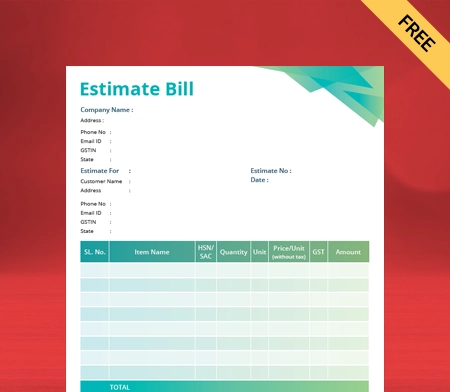
Estimate Bill Format in PDF

Vyapar can help you to manage and issue estimated bills seamlessly. Over 5 million small business owners trust Vyapar in India. Using the app to create an Estimate bill using accessible formats is effortless. The best part is that using the Estimate bill in Vyapar requires no technical knowledge.

Estimate Bill Format in PDF

What is an Estimate Bill Format PDF?

Free Estimate Bill Format in PDF

An estimate refers to the non-binding documents that a seller sends to a buyer intimating the pricing for products and services that interest the buyer. An estimate is a calculation of how much a seller thinks their goods or services are worth.

An estimate is an informal document usually issued during the beginning stages of sales. It is also a way to agree or negotiate on the price and scope of work before it begins.

Who should use an Estimate Bill Format in PDF?

In India, we can see the use of an estimate in different situations. Estimates are popular in businesses of all sizes and supply chain levels, such as wholesalers, manufacturers, retailers, or other intermediaries. The estimates are most commonly used in project-based jobs such as contracting, design, construction, etc.

Why is an Estimate Bill Format in PDF used?

Free Download Estimate Bill Format in PDF

A PDF estimate gives information about the services or items by the seller to the buyer with the predicted prices. A customer typically requests estimates from multiple sellers or service providers to find the best proposal that meets their needs. It is non-binding for all parties involved in it.

From today’s perspective, it is essential, especially for MSMEs, to stay competitive and attract potential clients, buyers, or customers. It enables the buyer at the same time to know the prevailing average price in the market for a particular service and product, and at the same time, it allows sellers to know how much their competitors are willing to charge.

Using the Estimate bill also has the following benefits:

  • Estimates represent the sales order.
  • Allows deposits or prepayments or retainers.
  • An estimate acts as a document for collecting the approval of the buyer to go ahead with the order.
  • It promotes the calculation of the price estimate for a job and product.
  • To get quotes in a market for a particular service and product.

How many types of Estimate Bill are there?

There are five types of estimate Bill:

1- Preliminary estimate A Preliminary estimate is generally called a rough estimate, given how much the total project will cost. It is done in the initial phases of the project when there is little information available. Primarily it is based on information available from past projects.

For example, suppose you hired a contractor to build a swimming pool in your house’s backyard. He had built a similar swimming pool a few months ago in one of your neighboring houses. He can show the cost incurred as an estimate for the new project.

2- Detailed estimate As the project’s scope is better known, a detailed estimate is taken out. Usually, a preliminary estimate is converted to an exact estimate when the information is available. This estimate includes the cost, quantity and rate of all the goods required. It is used as a budget estimate to help the person understand if they need additional financing.

The detailed estimate carries the following information:

  • Layout plans.
  • Project specifications.
  • Drawing for all the areas included in the project.
  • Complete information about the rates used to calculate the cost.

3- Quantity estimate It is an estimate which includes complete quantitative details of the material required for the project. It gives quantitative details of all goods required along with their cost. It is one of the most critical estimating methods used in construction.

In general, a cost estimate is calculated by multiplying the project’s dimension by the per-unit cost.

A painter will charge you Rs.6 per square foot to paint a wall in your home. They will calculate the total cost by multiplying the total square feet area by the per square foot cost.

Total cost= 6,000 square feet

Multiplied by 6 per square feet= Rs.36,000.

4- Bid estimate It is calculated with the expectation of winning a project and shared with the potential client. A contractor here tries to bid the best price to win the contract. Such an estimate is calculated based on standard industry costs or past projects.

5- Cost estimate There are three different cost estimates based on the information used to make an estimate.

  • Historical estimate- it is taken from past similar projects. This tool is used for residential projects and is less accurate than other tools. It is only used at the beginning of a project when there is less information available.
  • Bottom-up estimate- in this estimate, a contractor estimates the essential work and then progressively costs the more complex work. Here, every type of work is estimated separately. Thus, one can get a very accurate cost estimate. Cost estimation takes a lot of time and is only used when information is available.

A parametric estimate is calculated by multiplying the standard per unit rate by the dimensions of the project. It is more accurate than historical estimates.

Estimate Bill Vs Invoice

Vyapar Estimate Bill Format in PDF

An estimate is a document outlining the pricing, scope of work, and amount owed by the customer for a potential transaction. An invoice is a formal document that includes a list of products and services, pricing, and the scope of work. It also shows the amount of money the customer owes.

An estimate is a rough calculation of the cost of a project or purchase. An invoice is a more specific and official document that is issued once the project or purchase is complete.

An estimate is a rough calculation of the value or price of something. Still, on the other hand, an invoice is an exact calculation.

An estimate is known as a quote or bill, while the invoice is the demand for the payment.

An estimate is not considered an invoice in the books of account.

An estimate is classified into an on-hold or invoice estimate, while invoices are classified into due, paid, or cancelled invoices.

Why should you offer an Estimate Bill format in PDF?

Free Vyapar Estimate Bill Format in PDF

There are various benefits of using the estimate bills in your business:

1- It helps you and your business to create a strong client relationship.

Making sure that both you and your client understand the details of every deliverable and cost helps to avoid misunderstandings.

An estimate bill format eliminates miscommunication and unexpected costs by clearly explaining everything from the beginning and setting expectations early on.

2- It helps you to make a good decision.

If you’re in a certain kind of industry, you might find that some projects aren’t profitable.

Only by itemizing each element involved in the delivery process can you compare and contrast associated costs and make a decision. This process ensures that the item is being transferred and provides the prospective customer with a way to judge the value.

3- It helps you to prepare for your project.

In every respect, an estimate helps you prepare for projects ahead. You will be able to check if you have enough cash flow. Further, you can provide information regarding the estimated completion date if the customer decides to work with you.

This provides you with a map to ensure you profit from the work. Also, you can convert the estimate into an online invoice within minutes.

Content on the Estimate Bill Format in PDF:

Vyapar Estimate Bill Format in PDF free download

Estimates must contain all the essential cost elements of a specific project specified by the potential customer. Such cost should reflect the seller’s best judgment on the total price due if parties proceed with the sale transaction.

The following fields are included in the format of an estimate-

  • The word ‘Estimate’ or ‘proforma invoice’ should be mentioned as a document’s header.
  • The date of issuing of the estimate
  • The list of items offered with the quantities available for supply.
  • Seller’s business name, tax identification, logo, address, number, and contact detail.
  • Estimated price and rate for every item of goods and services are offered.
  • A total of the estimated price of all items in the estimate.

How do you create an Estimate Bill Format in PDF using the Vyapar app?

Best Estimate Bill Format in PDF

You can make an estimated bill in PDF by using the Vyapar app. You have to follow the following procedure:

  • Go to the left menu, and then go to the settings option.
  • Then you go into the general settings and check whether the estimate/quotation option is enabled or not.
  • If it isn’t enabled, then enable it.
  • Then come out of setting mode.
  • Click on the add more button to find the estimate/quotation and the other transaction.
  • Then click on the estimate/quotation option, or use the short key (Alt+M) to open your quotation/estimate.
  • Then enter your customer information like customer name. If you have already saved the customer details, you can choose the customer name there.
  • If you are creating a quotation for your customer for the first time, type your name and press the enter key. This will create a party, which you can later edit by going into the party details.
  • You can see the quotation number, date, and supply on the right side. If you want, then you can change it according to yourself.
  • Then you have to add the items. For it, you should go to the item line and select the item.
  • Besides it, you will see other things like item quantity, price per unit, discount, and amount. You can change it according to yourself and add other items.
  • After this, if you want to add additional details, you can use the description box. You will get the ‘add image’ icon box; with this icon box, you can see any product or document image.
  • The most crucial part of quotation/estimate is terms and conditions.
  • You should go to the settings section and click the print settings option.
  • Then go into the terms and conditions options, and you can write and save different terms and conditions.
  • Then go to the right side, and you will get the total amount. Fill in the amount.
  • Then click the save button.

It will complete the process of creating an estimated bill using PDF format by Vyapar.

Additional benefits of using the Vyapar to create PDF estimate bills:

Vyapar GST Estimate Bill Format in PDF

Instant inventory status checks

Using the Vyapar app, you can know your exact inventory and receive notifications when certain stocks are low. You can simplify purchasing, digitally tracking all orders and inventory on a single platform.

Users can import inventory items through Excel sheets and add stock information based on the given format. You can also use Vyapar’s powerful stock control system and gain visibility over your operation process most of the time.

GST Billing with Tax Filing and reporting:

Invoices are essential as they impact the brand’s identity. Vyapar simultaneously creates professional GST bills by GST law in India. Vyapar, with its online and offline features, small business owners can easily share their GST invoices Format and bills with customers.

Regarding reporting, you can generate all types of GST reports. You can email or print them the reports and work on the analysis. This app helps you keep track of your taxes and expenses so you can generate accurate reports quickly and easily.

Online/Offline Software:

Vyapar app helps you perform your business-to-business transaction both online and offline. The Vyapar app helps you to use estimate bill formats in PDF to create and send estimates to customers.

Further, you can also convert a free estimate template into an invoice online. You can record expenses and manage your cash book. You don’t have to worry about having an active internet connection to create debit note formats.

Speed And Accuracy:

Speed is essential for online business, especially in this technological era. You can generate GST-compliment invoices using invoice samples, setup bill payments, and estimates on the go. Vyapar app for desktop here lets you do this seamlessly.

Thus, with the help of the Vyapar app, you can add pace to your business operations and achieve your goals. Further, automation will eliminate the possibility of making errors while creating debit notes.

Payment Recovery System:

The billing software of Vyapar sets up a gateway for efficient receipt of payments. This GST app helps track your unpaid bills and invoices, allowing you to collect balances and increase your financial cash flow.

Vyapar will send payment reminders to your respective customers, ensuring you have a higher and faster collection rate. You can also maximize Vyapar’s app’s simple payment recovery system to minimize your outstanding collections.

Are you a Business Owner?

Take your business to the next level with Vyapar! Try free for 7 days

Try our Android App (FREE for lifetime)

Download Free Estimate Format in PDF

Frequently Asked Questions (FAQs’)

What is a quotation in the estimate?

A quotation refers to the fixed price offer that can’t be changed once accepted by the customer. It holds even though you must carry out much more work than expected. If you think this is likely to occur, giving an estimate makes more sense. You can create an invoice using the quotation provided in the estimate.

Why are quotations and estimates necessary?

It is always better to get quotes and estimates in writing, including a detailed breakdown of what is included. This will help avoid disputes about the scope of work later on. Make sure to state whether it is a quotation or an estimate.

Can an estimate be changed?

A quotation is a legally binding document, but an estimate is not. Estimates can be increased or decreased based on changes in the scope of work. In most cases, project managers begin a job by providing the client with an estimate. After more specific details are uncovered, they change this to a final invoice.

Is an estimate legally binding?

An estimate is a non-legally binding document. It refers to the approximation of costs for a project drawn up by a business to send to a client. It is not a promise. The MSMEs providing the estimate can withdraw their offer, or the client can reject it.

Who prepares the cost of an estimation?

The professional is generally a cost estimator who prepares cost estimates. There are many different types of cost estimation software, such as those for chief estimators, electrical estimators, or building estimators. Cost estimation can help manage the project while keeping the budget in check.

You can visit the UAE site to view content specific to your location

How Useful is Vyapar for Your Business?

Click on a star to rate it!


OG-Credit-Note-Format

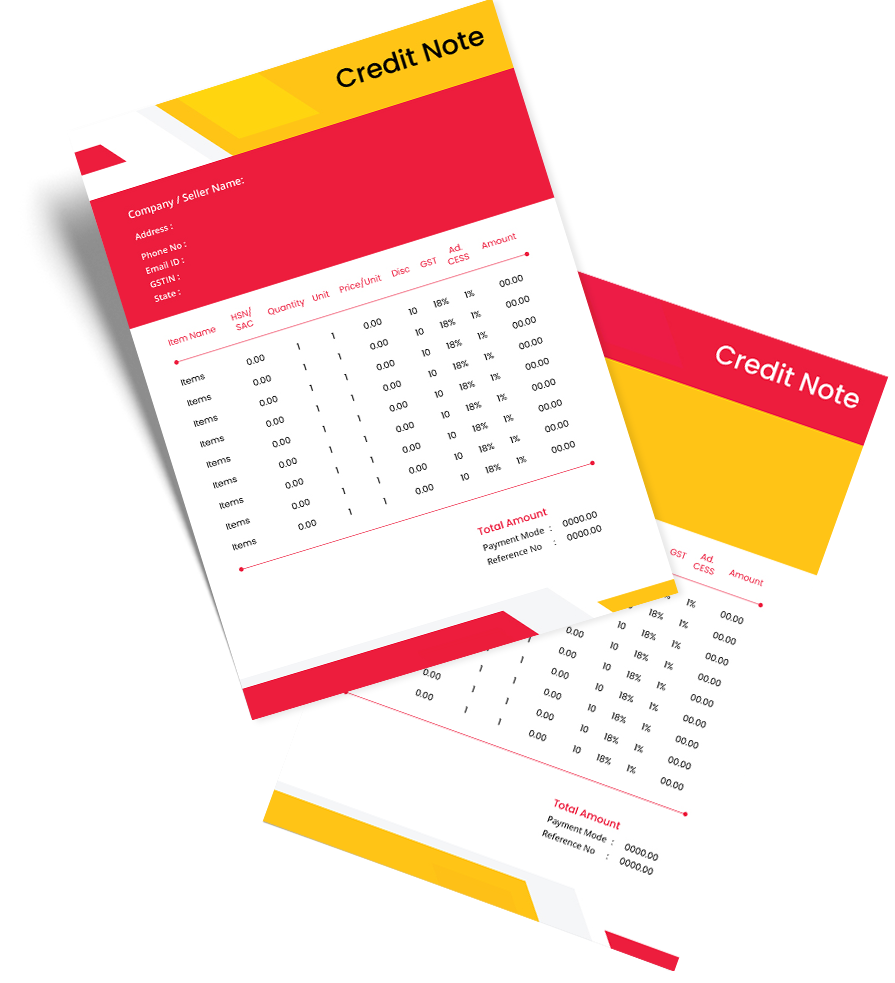
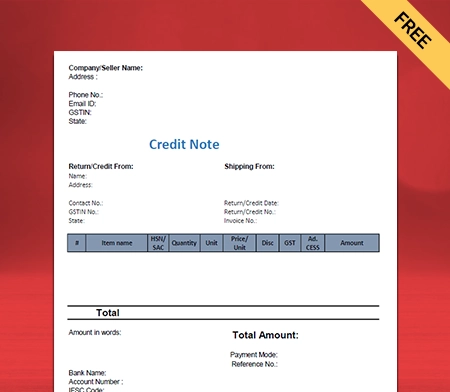
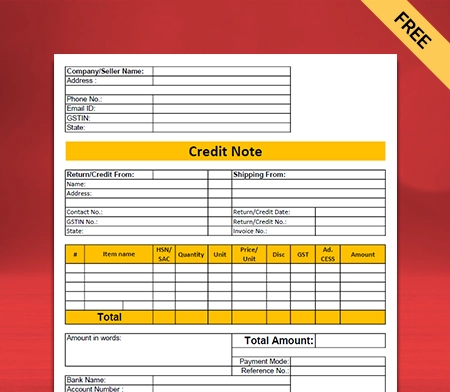
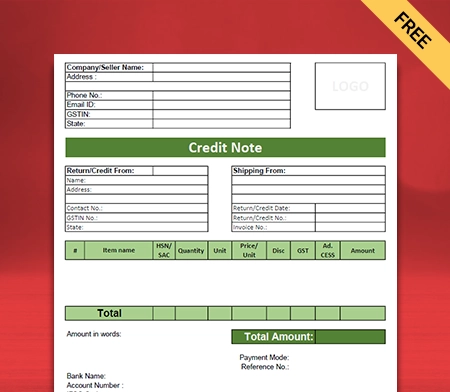
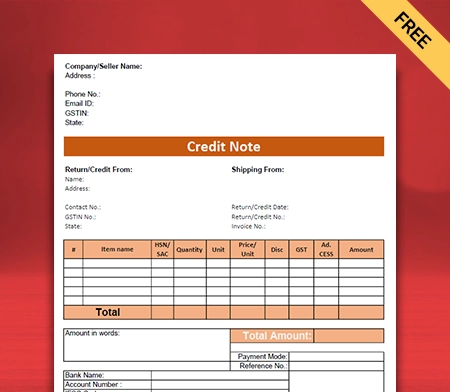
Credit Note PDF Format

Vyapar provides the best credit note PDF formats. Over 10 million small business entities trust and use the Vyapar App. It helps you build up a professional brand identity. Vyapar credit notes help you comply with all legal requirements.

Credit note template

Highlights of PDF Credit Note Templates

We’ve put in a lot of effort to make sure you get the best template possible

All versions are print friendly

Built From scratch

Include essential invoice elements

Automatically calculate subtotal & grand total amount

Consistently formatted

Download a Free PDF Credit Note Formats

Download professional free PDF credit note formats, and make customization according to your requirements at zero cost.

Credit note format in PDF

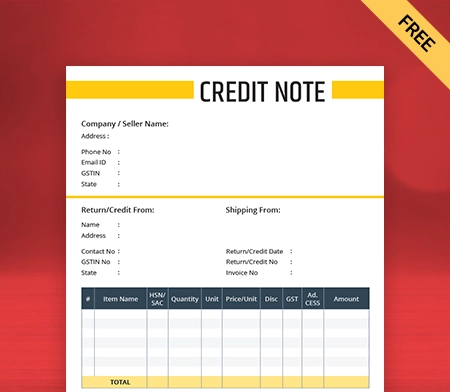
PDF Credit Note Format – 1

Free credit note format in PDF

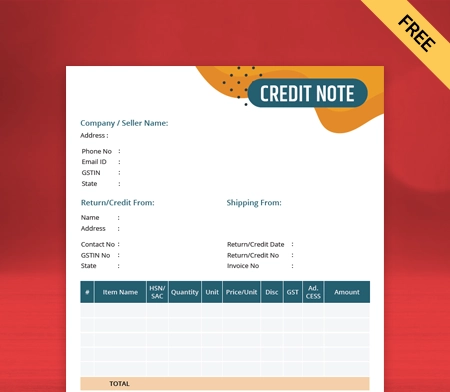
PDF Credit Note Format – 2

Download credit note in PDF format

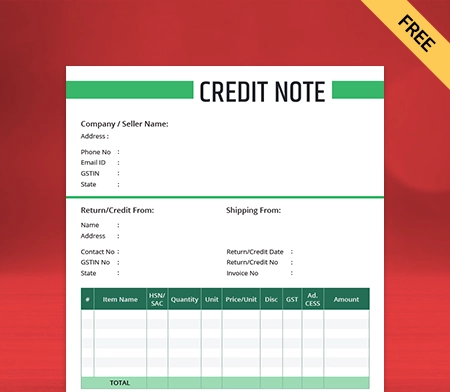
PDF Credit Note Format – 3

Vyapar PDF credit note format

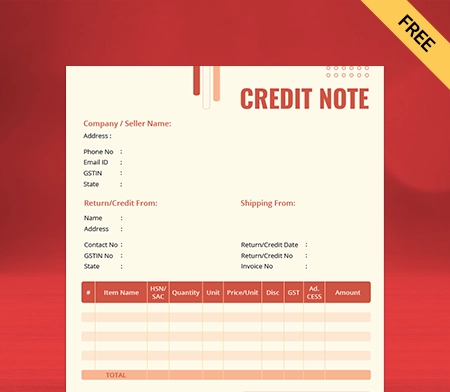
PDF Credit Note Format – 4

PDF credit note format

PDF Credit Note Format – 5

Free PDF credit note format

PDF Credit Note Format – 6

Download PDF credit note format

PDF Credit Note Format – 7

PDF credit note template

PDF Credit Note Format – 8

What is A Credit Note PDF?

A PDF credit note is a legal document issued to the buyer by the supplier. It is also known as a credit memorandum/memo, which creates a customer credit balance.

Credit memos are a part of the invoicing process, which serve a different purpose. It serves as an acknowledgment that the seller’s account has to be debited with a certain amount. Credit templates offer seamless accounting management.

Suppose the buyer is not satisfied with the products received for any such reasons. The reasons may be the tax charged, quality, or discrepancy of the price of a good in the invoice.

Then, the supplier issues a credit note to the buyer. It is done to notify the buyer that the returned goods have been recorded and credit made.

Why Do You Need A Credit Note?

Create Credit Note in PDF Format

A credit note is permitted by Section 34(1) of the CGST Act. It is required when an issued tax invoice needs changes to reduce the tax liability. Let us understand the need for credit notes through an example.

Suppose a customer buys goods and concerning it, the supplier creates an invoice for the same. Later, for any reason, if the customer is unsatisfied, they can cancel the purchase. The reason could be anything like the quality of the product, a discrepancy in the amount, etc.

The customer will then ask for an exchange or return the goods and send a debit note. The supplier will then create a credit note using the free format provided by Vyapar. It is an acknowledgment of the buyer’s request. Thus, this is why you need a credit note.

The main reason to issue a credit note is to keep accounting records straight. You cannot edit or delete an invoice once it is issued. You must be wondering why you can’t delete invoices.

The answer is simple; it is illegal to delete the invoice. According to the law, you cannot delete an invoice once issued. The authorities regulate and monitor these actions strictly to protect consumer interests.

When Should You Issue a Credit Note?

Issue a Credit Note in PDF

As per Section 34(2) of the CGST Act, 2017, a supplier can create a credit note. It is required to be done before or on 30th September. It can also be issued before the date of filing the annual report. A credit note is issued when the supplier needs to cancel an already sent invoice.
According to the GST law, a supplier should issue a credit note under the following situations:-

1. The value specified in the original invoice is higher than the value of goods or services.

2. Whenever the quality of goods or services doesn’t meet the buyer’s expectations, the supplier can reimburse the complete/partial amount.

3. As the tax charged by the supplier on goods or services in the invoice is more than the payable amount.

Create your first credit note with Vyapar App

Difference Between a Credit Note and a Debit Note

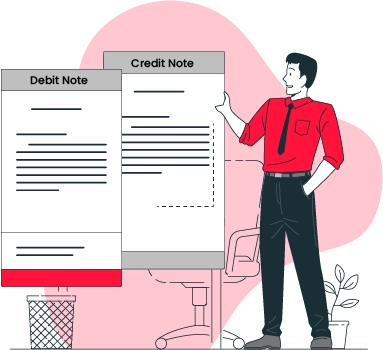
Credit Note vs Debit Note

The major differences between a credit note and a debit note are mentioned below:-

1. A credit note is issued by the supplier, whereas the buyer issues a debit note.

2. A credit note indicates a credit to the other party’s account. On the contrary, a debit note indicates the party’s account has been debited.

3. A credit note can be issued in cases of credit sales. On the other hand, a debit note can be issued in cases of credit purchases.

4. A credit note shows a negative amount, whereas a debit note shows a positive amount.

5. A credit note is updated in the sales return book. A debit note is updated in the purchase return book.

6. A credit note reduces the buyer’s payables in their records. A debit note reduces the seller’s account receivables.

How to Create a Credit Note Using the Vyapar App?

There are two methods to create a credit note using the Vyapar App. The first method takes a lot of time to create a credit note. However, the second method is simple and does not take much time.

Vyapar Application for Desktop

Follow the given steps to create a credit note using the Vyapar App:-

1st method

  • Download the Vyapar App and then open it.
  • Complete the necessary login process.
  • Fill out the details of your company.
  • Once all this is done, click on the add more (+) button on the screen.
  • Click on the “sale return” option.
  • Enter the customer’s details such as name, invoice number, date, etc.
  • Next, enter the details of the products that are being returned. It includes the product’s name, the number of goods, etc.
  • Save the invoice that has been generated.

2nd method

The first method is time-consuming. So, the Vyapar software offers you an easy option. You may use it when you want to adjust a credit note to a specific invoice. Follow the steps given below:-

  • There is a sale section on the menu. Click on it.
  • Click on the sale invoice. You will see the list of all invoices.
  • In the search bar, find the invoice with the returned product.
  • You can perform the search using many filters. You can use party name-wise, invoice number-wise, date-wise, amounts-wise, or invoice balance.
  • The invoice will appear on your screen. Click on the three dots and then the return option.
  • You will see that the credit note is already ready with all the required details.
  • You can customise the credit note to add any additional detail. You can modify it to meet your needs.
  • Make the required changes and save it.

This is how you create and generate a credit note using the Vyapar App.

How to Create a Credit Note PDF Format?

Choose a Vyapar PDF delivery challan format

To create and generate a credit note PDF format, we will follow the method mentioned below:-

1. On the left side, click on the sale section.
2. Then tap on the “sale invoice” option, and you will see a list of all the invoices.
3. Search for the invoice of the returned product.
4. You can perform a search date-wise, amount-wise, balance-wise, etc.
5. After finding the invoice, click the three dots option on the right.
6. Now click on the “open PDF” option.
7. After doing so, you will find that the credit note is automatically generated in PDF format.
8. Lastly, click on the save option. Your credit note will get generated in PDF format.

Thus, following the simple steps mentioned above, you can create a credit note in PDF format in the Vyapar app.

Advantages of Using the Vyapar App for Credit Note Requirements

Advantages of Vyapar App

Send Estimates and Quotations

The Vyapar App creates a lot of useful documents, including quotations and estimates. The built-in feature in the app ensures that you can send estimates and quotations to customers anytime.

It portrays a professional outlook of your business with quick estimates and quotations. The entire process is quick, automated, and error-free.

You even get the feature of converting estimates and quotes into sale invoices. The Vyapar software saves you a lot of time by providing instant quotes.

GST Billing/Invoicing

The GST billing software helps businesses create professional bills and invoices. It helps perform invoicing tasks efficiently. Users can also use the barcode scanner to speed up the billing process.

The invoicing features in the app make billing faster. The “bill-wise payment” option in the Vyapar app is an essential feature. It is simple and easy to link the payments with the sales invoices.

The Vyapar App can be used to generate GST invoices for your customers within minutes. It is efficient in assisting small and medium enterprises. It saves more time in generating accounting reports.

Business Reports

Businesses need to make informed financial decisions to have a consistent growth trajectory. Vyapar offers its customers 40+ business report formats. These business reports can be easily converted into PDF or Excel format.

The Vyapar accounting software increases the efficiency of your business operations. The software also analyses the business details, accounts, and profits accurately. The Vyapar accounting free billing software provides professional balance sheets.

The users can easily and instantly analyze the data using the free GST Invoicing / Billing Software. The customers get to create graphical reports for tracking the sales and expenses of the business.

Valuable Features of Vyapar App

Manage Inventory

Vyapar app provides its customers with the finest inventory management software. The effective credit note template features on the app will help to improve business performance.

You get to keep track of your business sales through business reports. This will guide you to understand how efficiently you have managed Inventory. Credit templates make professional invoicing seamless.

The software gives you statistics on your sales. It further allows you to check the live status of your Inventory.

Plan Inventory
Data security

Automatic Data Backup

The free billing software of the Vyapar app is 100% secure and safe. The app allows you to secure your data by creating external or local backups.

The data is encrypted with added security and allows you to recover data quickly. The Vyapar app in India comes with hassle-free backup software. Activate the “auto-backup” feature on the Vyapar app. An automatic backup is created every day.

The Vyapar app has encryption software. It allows the users to keep the data accessible to enhance and improve security.

Choose Themes

The GST billing software has two invoice themes available for thermal printers. It has twelve invoice themes available for regular printers. The maintenance and sharing of professional invoice formats with your clients improve the identity of your business.

This app is efficient for gaining the highest invoice standard. You can also improve the look of your invoice through the various themes available.

You can choose from the best GST invoice formats to meet your accounting requirements. It provides its users with various theme options for thermal and regular printers.

Custom Themed Invoicing in Windows Invoice Software
Online store

Online Store

You can set up your online store within a few hours after using the Vyapar software. Using the Vyapar app, users can create a list of all products or services sold to customers online.

It will help you create a catalog of all your products or services. It will further boost your sales online. The Vyapar billing app does not levy any charge for using online store features.

Using the app for the online store feature will help you reduce the wait time at the store. It is one of the best ways to help everyone by providing pick-up services from the online store. It increases not only the sales but also the growth of the business.

Are you a Business Owner?

Take your business to the next level with Vyapar! Try free for 7 days

Try our Android App (FREE for lifetime)

Frequently Asked Questions (FAQs’)

How Do I Create A Credit Note PDF Format?

You create a credit note PDF format in the Vyapar app. You will go to the sales section and tap on the sale invoice option. After that, you will have to select the invoice that needs a credit note.

Now, you will click on the three dots and choose the “Open PDF” option. After you do so, your credit note will be generated in PDF format. Now, save the generated credit note. You have your credit note in PDF format ready.

What Is Included in a Credit Note?

Credit notes are official legal documents needed for financial records. So, it needs to be accurate and precise. The following things are to be included while creating a credit note:-

1. The date when the credit note is issued.
2. The reference number of the customer.
3. Details of the supplier, such as name, address, contact, etc.
4. The credit note number is also linked to the invoice number.
5. Necessary details of your company, such as name, contacts, etc.
6. Verified signature of the supplier or their registered authorities.
7. The payment terms for credit notes such as cash, credit, etc.

Are Credit Notes Legal?

A credit note is an official legal document, similar to a purchase order or an invoice. The suppliers provide it to customers to notify them.

The credit is being registered to their account for any reason. It is a way to issue refunds for invoices that have already been issued. Thus, credit notes are legal.

You can visit the UAE site to view content specific to your location

How Useful is Vyapar for Your Business?

Click on a star to rate it!


Rent Receipt Format PDF | Vyapar App

Rent Receipt Format PDF

Download the rent receipt format pdf for tenants. Or use the Vyapar app to create rent receipts, track payment history, manage outstanding easily and grow your rent business faster! Begin your 7-day trial with no obligations!

Rent Receipt Format PDF

What is a Rent Receipt Format PDF?

A Rent Receipt in PDF format, commonly known as a rent receipt, is a legal document used to record payments made by tenants to their landlords. This document is essential for both parties as it serves as evidence of rent payments, especially in case of disputes.

Landlords are responsible for issuing and retaining a copy of the rent receipt, while tenants should also keep their own records safe. If a rent receipt is not provided, tenants have the right to request one from their property manager or landlord.

The receipt confirms that the landlord has received payment for a specific month’s rent, providing clarity and transparency in the rental agreement.

In case of disagreements or claims of non-payment, the rent receipt becomes invaluable. It should include key details such as the names of the landlord and tenant, the amount paid, and the date of issuance.

Moreover, it’s crucial for the rent receipt to mention any adjustments in rent, such as reductions, to accurately reflect the rental history. This helps tenants to explain any discrepancies and understand the reasons behind such changes.

What are the Contents in a PDF Rent Receipt Format?

The rental receipt was made by the landlord, which we have learned. But as a landlord, creating a receipt with no idea what to include could be tricky.

The rent receipt is not subject to an obligation of form or mention. However, when you are creating it, specific data must be included. Here are some important contents your rent receipt format PDF must have:

  • The surname, first name, and address of the tenant.
  • The surname, first name, and address of the landlord.
  • The address of the accommodation.
  • The date of sending the rent receipt and the date of paying rent.
  • The rental period corresponds to the payment.
  • The amount of the rent excluding charges.
  • Discount on rent given to the tenant.
  • The number of rental costs.
  • The total amount paid.
  • The signature of the tenant.
  • The signature of the landlord.
  • Stap of the agent/landlord, if any.

When working on a rent receipt format PDF, it’s essential to include every detail. It can reduce the potential risk of disputes.

In addition, misunderstandings between the two parties can be eliminated by adequately creating a rent receipt.

Make sure your rent receipt format has all the above details. They are all important from the perspective of the landlord. Thus, there’s no way you could miss out on one of them.

Now that you have understood the content of a rent receipt format PDF let’s move on to its importance. What advantages, as a landlord, do you get by offering a rent receipt to the tenant? Let’s explore!

Importance of Rent Receipts Format PDF for Landlords

Free Rent Receipt Format PDF

It is important for landlords to provide tenants with a rent receipt. You might wonder, “What’s in it for you?” Providing a rent receipt has numerous benefits for landlords.

Primarily, issuing rent receipts contributes to establishing a professional image for the property management company or landlord. Furthermore, receipts facilitate tracking which tenants’ rent has been received and which remains outstanding. This enables timely reminders to tenants who have yet to submit their rent payments.

Additionally, maintaining comprehensive records of all annual rent receipts is highly advisable. In times of disputes, these records serve as invaluable resources. They can swiftly resolve misunderstandings and conflicts, ensuring efficient management of rental properties.

Crucial Things to Note About Rent Receipts

A rent receipt is a legal document if you have mentioned its existence in the rental agreement. Therefore, being a legal document, there are certain things about it a landlord must know. Before you start working on a rent receipt format, here are some considerations to ensure:

  • A revenue stamp is required if cash payment against rent is made for an amount more than INR 5,000. In the case of rent payment via cheque, no revenue stamp is required on a rent receipt.
  • To claim HRA exemption, a tenant can ask for PAN no. Its landlord chooses to provide it or not. If provided, that copy of PAN must be attached to the rent receipt given to the tenant.
  • In case the payment of rent is made through UPI or net banking, a copy of the transaction must be filed in the rent receipt format.

When issuing a rent receipt, ensure the above considerations. It’ll help you avoid any potential legal consequences in the future. Also, if you have a dedicated attorney or legal team, ask for their assistance. They’ll ensure your rent receipt format PDF complies with all the necessary legal clauses.

How Do You Create A Rent Receipt Format Using Vyapar?

Free Download Rent Receipt Format PDF

If you are new to Vyapar, creating a rent receipt might take a while. To save you time, we have shared steps for recording rent in your accounting books below. The mobile users should follow these steps.

  • Download the Vyapar app on your Android Mobile or Windows devices.
  • Once installed, Open The Vyapar app.
  • On the Home screen, you will get three lines in the left top corner. Click on it.
  • Scroll down, go to the Settings option and click on it.
  • Now click on “Items” and select “What do you sell” as “Services” ( As the rental business will be considered as a rental business) and click on the “Close” button on the desktop.(Back button in Mobile)
  • Now again, click on “three lines” from the top left corner (in mobile), and then click on Items.
  • Then go back to the Service Tab, click on “Items”, and then click on the “Add Service” button.
  • Add “Service Name” as “Rent”, “Service code”, and sale price as the rent price; if you are charging any GST, then add the GST rate and then click on the “Save” button.
  • If you would like to give “Unit” for your services, like month or days, then go to the Unit bar and click on the “add Units” or “+” icon and add a new unit as a month and use this as your service unit.
  • If you want to add your tenant’s GST and PAN numbers to the invoice, go to the left menu.(Top left corner three line in mobile)
  • In the Left Menu, click on Settings, then click on “Party” and Enable “Additional Party Details”
  • Select the first additional party details Rename it as PAN Number, and click on the “Back button” or “Close Button”
  • In the same settings, click on “Taxes and GST” and then the “Enable GST” option. (it will be auto-enabled)
  • Now, on the home screen, click “Party” and the “Add Party” button.
  • In the “Party name” section, add the “Tenant” name & his Phone number, Email ID, GST Number, and PAN number (It will be available in Additional details)
  • Before creating any rent receipt, Go to the Left Menu, scroll down, click on Settings and then click the “Print/Invoice Print” option.
  • Scroll down and click on “Change Transaction Names.” Go to the Sale section and remove “Tax Invoice”, rename it as “Rent Receipt”, and then click on the “Save” Button.
  • Now, to create a “Rent Receipt”, click on the “+” or “Add Sale” button; select the “Tenant” name from the party section.
  • Now, select the “Item” as “Rent” and click on “Save” Button.

To maintain proper accounting, follow the below steps to create a payment receipt:

  • There will be an (+) icon. Tap on it.
  • Tapping on it will open various billing facilities.
  • In the list until you find Payment-In. It’s the sub-section in SALE. Tap on it.
  • There will be a total of six sections that you have to fill.
  • Enter the name of your tenant in the CUSTOMER NAME section.
  • Select the receipt number and choose the current date.
  • In the PAYMENT TYPE, you’ll have two options – cash and cheque.
  • If your tenant pays the rent in cash, tap on money.
  • If your tenant has made the rent in a cheque, tap on the cheque.
  • The description section writes – “Rent For The Month.”
  • Besides this section, there’s a dedicated section for a photo.
  • Tap on it and choose CAMERA.
  • Now your camera will open. Click the picture of the cheque and tap the tick.
  • The picture will automatically be recorded with this rent entry.
  • Now scroll to SAVE and tap on it.
  • With this, you have successfully recorded the rent of a tenant.

So, this is how you record your tenants’ rent in your accounts’ books using Vyapar. Make sure you follow the steps in a similar manner as they are provided above. It won’t take much time to create a rent receipt using Vyapar.

Why is the Vyapar App a Better Alternative To Rent Receipt Format PDF?

Vyapar Rent Receipt Format PDF

Before utilizing the Vyapar rent receipt format in PDF, it’s essential to grasp the benefits it offers. Understanding the advantages of creating a rent receipt using the Vyapar app is crucial. Here are some key benefits you should be aware of:

  1. Simplified Data Entries: Manual bookkeeping can be time-consuming and challenging, especially for beginners. Vyapar’s rent receipt format streamlines accounting processes, allowing landlords to create receipts within minutes and easily make necessary edits.
  2. Multiple Rent Receipt Themes: Vyapar provides a variety of professional themes, enhancing landlords’ branding identity. With 12 conventional themes and two thermal invoice themes, landlords can choose themes that suit their preferences and customize them as needed.
  3. Cost-Efficient Solution: Vyapar eliminates unnecessary accounting expenses, offering a cost-efficient solution for landlords. Managing accounts and administrative tasks becomes convenient and time-saving with the Vyapar app.
  4. Create Reports: Making informed decisions is crucial for growth in property renting businesses. Vyapar enables landlords to generate over 37 types of reports, including balance sheets and profit and loss reports, within seconds.
  5. Discounts and Taxes: Vyapar facilitates the inclusion of discounts and taxes in rent receipts, ensuring accuracy in financial transactions. The app’s automation feature simplifies accounting processes, while customizable PDF rent receipt templates allow for easy edits.
  6. Wide Printer Compatibility: Vyapar supports both digital and physical versions of rent receipts, catering to varying tenant preferences. Landlords can share PDF receipts digitally or provide printable versions if tenants require physical copies. The app is compatible with regular and thermal printing sizes, ensuring seamless printing experiences.

Moreover, the Vyapar app also offers a printable rent receipt in case the tenant wants a physical receipt. Our application is compatible with regular and thermal printing sizes. Therefore, the least you have to worry about is your printer not supporting the app because it does.

Some Other Integral Features of Using the Vyapar App

Vyapar Free Rent Receipt Format PDF

The helpful features of the Vyapar App aren’t limited to rent receipts. Its wide range of features is why it’s the favourite accounting software for many businesses. Following are some vital features of using the Vyapar App:

Data Security and Safety: With the Vyapar rent receipt generator app, your data security is the last thing you need to worry about. Users are provided with the facility to secure their app using a password. Moreover, you can also set passcodes on the transaction levels for deletion and editing.

This way, every time you are about to delete an edit record, you have to enter the password to do so. Further, auto backup is also performed frequently. Besides, you also get the features to perform a backup to Google Drive or manual local backups.

Record Multiple Transactions: The features of Vyapar aren’t limited to just creating rent receipts. You can also record a wide range of transactions in our app. Recording transactions becomes super easy with our app, from sales, purchases, expenses, and other incomes to delivery challan, credit, and debit notes.

Moreover, returns on sales and purchases are the most complicated to adjust in the books of account. The Vyapar app has a dedicated section for each of these, allowing you to manage and maintain your records conveniently.

GST Billing and Invoices: Creating GST-compliant and accurate invoices is essential for every property rent in business. The Vyapar app offers a wide range of features for effective GST billing and accounting. Further, the app makes creating credit and debit notes simple and cost-efficient.

Landlords can create GST bills complying with the GST legislation via this app. Doesn’t matter if your business is medium-sized or small size. The Vyapar rent receipt maker app supports various formats, making the app suitable for all businesses.

Delivery Challan: The “delivery invoice” of the Vyapar app acts as the confirmation for delivery. Users can use our app to help create delivery challans formats and then link those to the desired shipments. Doing this will ensure that every item arrives at its designated destination securely.

Moreover, our accounting software also makes it convenient for businesses to track their shipments. Therefore if something goes wrong, one can use that tracking information to provide necessary instructions to the customer or to support it.

Multiple Payment Options: Accept every digital payment gateway and make it convenient for your new and current tenants to pay their rent using their preferred mode of payment. You can do that using the Vyapar App.

Our app allows users to send the rent receipt to tenants through WhatsApp and email. Further, you can add a QR code in your GST rent receipt format. Adding a QR code makes it easier for tenants to pay their rent. It will, in return, improve your professional image.

Unlimited Basic Usage: All the essential features of the Vyapar app are free. If you are an Android user, you can use the PDF rent receipt formats available on our software without any charges. As useful as the free services of our application are, the premium package is the next level.

In today’s modern era, automation is needed for every business. With our premium package, you can avail proper automation facilities. It will help you manage your accounting process in the most time-efficient manner.

Are you a Business Owner?

Take your business to the next level with Vyapar! Try free for 7 days

Try our Android App (FREE for lifetime)

Frequently Asked Questions (FAQs’)

What is a Rent Receipt Format PDF?

A rent receipt format PDF is proof of a transaction made against rent. It’s a document containing crucial details about rent being paid. It acts as proof in case of misunderstandings and disputes among landlords and tenants. It’ll show if the rent is paid or not.

What is the Rent Receipt Copy?

When you make a digital or physical copy of a rent receipt, it’s known as a rent receipt copy. It is suggested that every landlord have a dedicated record of rent receipts paid to tenants. This record can be a helpful resource during legal disputes.

How Do I Write a Rent Receipt Format PDF?

You can use the Vyapar app to manually create your rent receipt. Further, you can download it in PDF form using the app itself. For a better accounting experience, you should try the automated accounting services of the Vyapar app. It’s time as well as cost-efficient.

Can Rent Receipts be Handwritten?

Yes, it’s possible to write rent receipts with your hands. However, that’s the traditional and expired method of creating a rent receipt.

Since accounting technology is pretty good these days, using them would be more time-efficient. With the Vyapar app, you can utilize the pre-existing rent receipt format to save time.

How many months of rent receipts are needed to submit for income tax?

Generally, an employee must submit rent receipts for the last three months to get an HRA exemption. In addition to receipts, you’ll also need the landlord’s PAN if the total rent paid is more than INR 1,00,000.

Attaching the PAN with the rent receipt is necessary in such a case. Once you have submitted rent receipts with PAN, your exception process will start.

You can visit the UAE site to view content specific to your location

How Useful is Vyapar for Your Business?

Click on a star to rate it!


Quotation Format in PDF

A GST quotation is referred to a document issued by the seller to a buyer. It contains an offer at which the prescribed requirements of products/services gets settled.

  • ⚡️ Create professional quotations with Vyapar in 30 seconds
  • ⚡ Share quotations automatically on WhatsApp and SMS
  • ⚡️ Connect with your parties through reminders, greetings, business cards and more

Download Your Professional Ready-Made PDF Quotation Format

Download professional free quotation templates in PDF, and make customization according to your requirements at zero cost.

Customize Quotation

Type-1

Type-2

Type-3

Generate Quotation Online

Type-4

Highlights of Quotation Templates in PDF

We’ve put in a lot of effort to make sure you get the best template possible

All versions are print friendly

Built from Scratch

Include essential invoice elements

Automatically calculate subtotal & grand total amount

Consistently formatted

How to make a PDF quotation format using the Vyapar app?

To draft a quote in PDF for your potential buyer, you can use the Vyapar quotation maker app. In the app, go to the quotation/estimate option under sales and follow the listed steps:

  • Add details: Insert all required details to create a quotation like party details, products/services, quantities, prices, taxes, and discounts.
  • Preview: Before finalising, check for any errors or changes. Rectify errors (if any).
  • Customise: Create a unique format by customising the colour, font, and style that resonates with your brand.
  • Share/Download: Once created, the Vyapar app lets you download & send the quotation in PDF format and send it to your prospect through email, SMS, and WhatsApp.

What Are The Benefits Of Using PDF Quotation Format?

professional quotation format created using the Vyapar PDF quotation app allows you to provide a clear estimate of the product/service to make it easier for your prospect to decide. Some benefits associated with PDF quotation formats are listed below.

Benefits of using PDF quotation format

Save time and efforts:

Using PDF formats created by Vyapar team, you can have all the required details prefilled, making the quotation preparation process simpler using Vyapar. You can use the time for implementing your business plan rather than struggling with sheets. You can easily convert the PDF quotation into an invoice without re-entering the data. Further, you can ensure that data isn’t altered as PDF stays intact.

Improved conversion rates:

An appealing PDF quotation format makes you look like a reliable brand. It helps you to stand out from those providing simple quotations. You can send quotes in PDF formats as soon as possible and convert them into purchase orders. You can use it for filing your taxes too.

Complete customisation:

You can make changes to any quotation formats as per your business requirements, and represent your brand personality. Customise themes, logos, and colours to create an attractive PDF quotation that customers can send to their employers.

What To Include In a PDF Quotation Format?

For providing clear details about the pricing of a project by both parties, it is advised to include the listed details appropriately in your PDF quotation.

Things to include In a PDF quotation format

Party details:

Mention your company and client details like name, address, etc. Add a quotation reference number for seamless identification.

Project Cost:

State the rough estimate or total amount for your product/service. You can also list items and other factors (applicable taxes and discounts). Vyapar app will help you create an aggregate amount.

Schedule:

Specify the date of issue, how long it will take you to deliver the project, and validity time. It is essential if costs keep fluctuating in your business.

Terms and Conditions:

You can state payment methods and terms of contract under this section (e.g., lump-sum / EMI payments). Set down the additional charges in case of modifications and extra work. Include other variables that can affect the timeline, e.g., mention work timing, set up office hours with weekends off.


Create your first PDF quotation format with our free Quotation Generator

Features of Vyapar PDF Quotation Maker App

Here are the reasons to love Vyapar quotation maker and make it your new business secret:

Quotations and estimates

Vyapar PDF quotation maker app makes the client onboarding process seamless by making it easier to create a quotation. You can select from our collection of fully customizable quotation formats to find a suitable PDF format for your requirements. With the Vyapar app, you need to fill in the details, draft the project scope, and it’s ready to download/send. Once it’s approved, you can convert the estimate by Jack into an invoice with a single click.

Quotations and estimates
Data Safety

Data Safety

Vyapar accounting app keeps your transaction records and business data secure. You can create a passcode to restrict any unauthorized access. The app allows you to control any edits/deletions at the transaction level, and lets users provide a satisfaction.. It provides auto-backup to Google Drive so you can recover any data loss. However, it facilitates manual backup to pen-drive too. Your data remains safe behind the firewall of Vyapar and Google Drive.

Managing business

Manage your business seamlessly across all the stores you own with the help of Vyapar dashboard. The PDF quotation format provides you with a brief analysis of sales/expenses, cash flow, inventory, etc., and it lets you keep a check on your finances. It can be taxing to manage bookkeeping when you have many businesses. But, with Vyapar, you can set up multiple businesses and easily control the accountings in single and multiple devices. If you have stores in multiple locations, you can look after them from anywhere through our app.

Managing business
Taxes and discounts

Taxes and discounts

Vyapar provides transaction-wise tax and discount options. You can include or change tax rates as per the product/service you sell. When you’ve recorded all your transactions, it is easy to file your taxes without any worry. Once you allocate discounts to items, you will not need to fill them repeatedly in every transaction.

Multiple payment options

With the intent to make your payment process smooth and fast, Vyapar allows multiple payment methods over the platform. From debit/credit cards, UPI, NEFT, cash, cheque, your clients can choose what’s easy for them.

Multiple payment options
Printer setup

Printer setup

Manage your books using the Vyapar quotation generator. You can keep track of every sale transaction you have in our app. You can conduct taxable/non-table transactions and use the data to manage finances for your small business.

Frequently Asked Questions (FAQs’)

Which accounting app is best for quotation formats?

With over 30 lakhs registered users, Vyapar is perfect to create professional and quotation formats. In addition to quotation makers, it offers invoice maker, GST reports, inventory/expense records, payments, and many other accounting solutions.

Can I use the Vyapar quotation maker on my iOS devices?

No, it is not available on iOS devices. However, you can get a seamless UI design on Android mobile phones and Windows desktops.

What is the cost of using Vyapar quotation formats?

The basic mobile app is free of cost and the mobile app is lifetime free. It has all the main features required for accounting in small businesses. However, if you wish to try the premium or desktop version, you can get a free trial period of 7 days. Once the subscription is over, you can use Vyapar at very low yearly cost.

How do I make a quote in PDF format?

To make a quote in PDF format, you can use one of the following methods:

* Online quotation generator: You can use an online tool to help you create and download your quote in PDF format. For example, you can check out a free online quotation generator through the Vyapar app.

* Free quotation formats: You can use a free quotation format that is already designed and formatted. You can edit and customise the quotation formats offered by the Vyapar app with your details and then save them as a PDF file.

* PDF quotation maker apps: You can use a mobile or desktop app to help you create and convert your quote to PDF format. You can use the Vyapar app to create quotes and sync your data across multiple devices to access it anytime.

How to give quotation in PDF?

You can easily create PDF quotation using Vyapar PDF quotation formats. Follow the following steps to create:-
* Select any PDF quotation format by Vyapar
* Download the format
* You can customize the format as per your requirement
* Share with your customers online

What is a PDF quotation?

A PDF quotation is a formal document outlining the details of a proposed service or product sale, presented in a Portable Document Format (PDF) file. It serves as a professional way to communicate your offer to a potential customer and acts as a record of the proposed terms.

You can visit the UAE site to view content specific to your location

How Useful is Vyapar for Your Business?

Click on a star to rate it!


proforma-invoice-format

Proforma Invoice Template in PDF

Using our free proforma invoice template in Pdf, you can reduce the time and effort required to create personalized invoices.

  • ⚡️ Create professional invoices with Vyapar in 30 seconds
  • ⚡ Share Invoices automatically on WhatsApp and SMS
  • ⚡️ Connect with your parties through reminders, greetings, business cards and more
Free Bill Invoice Format in Excel

Download a Free PDF Proforma Invoice Template

Download a professional free PDF proforma invoice template, and make customization according to your requirements at zero cost.

Proforma Invoice with Shipment

Proforma Invoice Template With Shipping

Proforma Invoice with Discount

Proforma Invoice Template With Discount

Proforma Invoice with Delivery Charges

Proforma Invoice Template With Delivery Charges

Barcode Generator

Barcode Generator

Proforma Invoice Basic

Proforma Invoice Template Basic

Proforma invoice with company seal

Proforma Invoice Template – 01

Depreciation Calculator

Depreciation Calculator

Proforma Invoice With Eway Bill No

Proforma Invoice Template – 02

Get 50+ Proforma Invoice Templates. Try it Vyapar for FREE!

Highlights of Proforma Invoice Templates

We’ve put in a lot of effort to make sure you get the best template possible

All versions are print friendly

Built From scratch

Include essential invoice elements

Automatically calculate subtotal & grand total amount

Consistently formatted

What Is a Proforma Invoice Format in PDF?

A proforma invoice refers to a preliminary bill of sale sent to a client by the seller before the work is completed. It is a commitment provided by the seller to deliver goods or services on a specified date and time in future. The proforma invoice helps share the terms of sale with a customer, and using pdf format makes it look professional.

Use pdf proforma invoice

The proforma invoice lists the scope of work for a particular order, the quantity and the price for the services/products, taxes and discounts offered, and the terms of sale. The proforma invoice does not represent demand or request for payment. A professional proforma invoice format prevents chances of misunderstanding and helps avoid future conflicts.

Features of Vyapar Proforma Invoice Format in PDF

The app comes with a range of valuable features as listed below:

Professional Layout

Our team has prepared proforma invoice formats in pdf comparable with any standard layout design. It contains all the required fields to provide complete transaction details. Further, it provides flexibility to edit and add/remove the fields, making them compatible with your unique business requirements.

Professional Layout
Fully Customisable

Fully Customisable

In our proforma invoice format in pdf, you can easily add your business logo, styling, font, and colour to represent your brand’s identity. You can customise the invoices to meet your unique business requirements and showcase the professionalism of your business professionally. Moreover, you can edit the fields to support any specific requirement too.

Free PDF Formats

You can create unlimited proforma invoices using our PDF formats and send them to your customers at zero cost. So, our PDF formats allow you to develop attractive proforma invoices in PDF format without spending money. Also, you do not even need to sign up or avail of any trail pack to access our basic design options.

Free pdf formats
Seamless management

Seamless Management

Manage your business efficiently by creating sale quotations and invoices using the Vyapar app. By creating quotations for your potential customers, you can maintain market trends and requirements. It will help you optimise the important services/offerings to get more sales.

Easy to Use Design

PDF formats are easy to understand and showcase the professionalism of a small business. It has multiple useful features that help automate basic tasks, and you can rely on it to create proforma invoices within minutes wherever required. Using pdf format, you can create an invoice that can help you present your services in a better way compared to any other competitor.

Easy to use design
Faster invoicing

Faster Invoicing

A business person does not want to take too much time out of employees in drafting proforma invoices manually. Using our PDF proforma invoice formats, you can boost the sales process and save time and effort for your employees using simplified templates created by our team. So, using our proforma invoice templates, businesses can handle the invoicing requirements of clients seamlessly.

Benefits Of Using Our PDF Proforma Invoice Formats!

Professional Look

Our PDF invoice formats add professionalism. It helps you present your business professionally and share accurate details for a better customer experience. Moreover, it presents you as a credible business partner.

Industry-Specific Invoices

Our team has created proforma invoice formats specific to all industries. You can edit the pdf format easily for any changes relevant to your industry. Once created, you can send it to the client over email or WhatsApp.

Access Anywhere

You can create and send proforma invoice formats in PDF anytime, anywhere. Moreover, PDF formats also help you deliver invoices faster, helping you provide a better experience compared to your opponents.

Make Proforma Invoices Using PDF Format Now!

Make Proforma Invoices Using PDF

Structuring invoices from scratch takes away your time and effort. It helps streamline your business sales processes, making it valuable for your business. You can create professional proforma invoices using our free PDF formats within minutes. You can download any proforma invoice in excel format that suits your business requirements from our website and customise the fields available to match your unique business requirements. Once created, it is ready to impress your potential clients and boost your sales. Remember that the proforma is not a final invoice. It cannot be used for accounting purposes directly by you or the client.

Are you a Business Owner?

Take your business to the next level with Vyapar! Try free for 7 days

Try our Android App (FREE for lifetime)

Frequently Asked Questions (FAQs’)

How much do I need to pay for the proforma invoice format in PDF?

You do not have to pay anything for our free PDF proforma formats. To help small business owners, we have kept basic designs free to download with no restrictions on use.

Can I add GST details in the proforma invoice?

Yes. You can mention the taxes (GST) applicable to every item/service in the invoice to inform your customer about taxes. However, you cannot collect any GST or even payment from the proforma invoice as it is not a final invoice.

Can I use these proforma invoice PDF formats on a mobile phone?

Yes. You can create proforma invoices using our free PDF formats on your Android device. You can use the proforma PDF templates wherever and whenever you want.

What is a pro forma invoice in PDF format?

A pro forma invoice estimates the cost and quantity of goods or services that a seller intends to deliver to a buyer. It is not a final or official invoice but rather a way of communicating the terms of a potential sale.

A pro forma invoice in PDF format is a digital version of this document that can be easily shared, printed, or saved by both parties. PDF is a standard file format that preserves the layout and appearance of the original document.

A pro forma invoice in PDF format can be created using various tools, such as online templates provided by Vyapar. Further, you can use the Vyapar app to create pro forma invoices within minutes.

You can visit the UAE site to view content specific to your location

How Useful is Vyapar for Your Business?

Click on a star to rate it!


Computer Quotation format in PDF

Computer Quotation Format in PDF

Using the computer quotation, you can draft all the order details to provide a clear idea about the products/services involved in it. Avail 7 days Free Trial Now!

  • ⚡️ Create professional quotations with Vyapar in 30 seconds
  • ⚡ Share quotation automatically on WhatsApp and SMS
  • ⚡️ Connect with your parties through reminders, greetings, business cards and more

Highlights of PDF Computer Quotation Templates

We’ve put in a lot of effort to make sure you get the best template possible

All versions are print friendly

Built From scratch

Include essential invoice elements

Automatically calculate subtotal & grand total amount

Consistently formatted

Download a Computer Quotation Format in PDF For Free

Download professional free PDF computer quotation templates, and make customization according to your requirements at zero cost.

Customize Quotation

Type-1

Type-1

Type-2

Type-2

Type-3

Type-3

Generate Quotation Online

Type-4

Type-4

How To Make a Computer Quotation Format in PDF Using The Quotation Maker?

Create a computer quotation in PDF format

To create a computer quotation in PDF format for your potential client, you can use the Vyapar quotation generator. Using the desktop or mobile app, you can easily create a quotation/estimate for your computer business by following the steps below:

  • Add details: Insert everything required to create a computer quotation authentic. Like party details, products/services, quantities, prices, taxes, and discounts.
  • Preview: Before finalising the quote and sending it to the potential client, check for any errors or changes and rectify them.
  • Customise: Create a unique format representing your brand by customising the colour, font, and style. It will help your customers resonate with your brand.
  • Share/Download: Once created, the Vyapar app lets you download & send the quotation in PDF format. You can send it online using email, SMS, and WhatsApp too.

What Are The Major Benefits of Using PDF Computer Quotation Format?

professional quotation format created using the computer PDF quotation app by Vyapar allows you to estimate the product/service to your customers to make it easier for them to decide about the project. Some major benefits associated with PDF computer quotation formats are listed below.

Save time

Save Time and Efforts

Using PDF computer quotations created by Vyapar, you can have all the required details prefilled, making the quotation simpler. You can use the saved time for your business growth rather than struggling with PDF formats and the quotation process. You can easily convert the PDF quotation into an invoice by fetching data from the database. Further, the quote is sent as a PDF to ensure that data isn’t altered once the quotation is sent.

Improved conversion rates

Improved Conversion Rates

An appealing computer quotation format in PDF makes your brand look reliable. Quotation format in pdf helps you stand out from those providing simple quotations in a mail by typing the details. You can send quotes in PDF and convert them into invoices once approved. You can use the data collected from sales to file your taxes too.

Complete customisation

Complete Customisation

You can change computer quotation formats in PDF as per your business requirements. It will allow you to have a quote with all the details you need to mention. You can customise themes, logos, and colours to create an attractive PDF quotation that makes a good impression on your customers.

Create your first computer quotation in PDF with our free Quotation Generator

Features of PDF Computer Quotation Maker App By Vyapar

Computer quotations format can help businesses in the computer industry create quotes and invoices for their customers seamlessly. It helps save time and energy required to create a quote every time a customer comes to the store. Here are some reasons to love the Vyapar quotation maker app and make it your quotation partner:

Quotations and Estimates

PDF computer quotation maker app by Vyapar helps in the client onboarding process seamlessly by making it easier to create a desired quotation. You can select from our collection of fully customisable quotation formats to find a suitable PDF format that fits your business requirements.

Quotations and Estimates
Multiple Payment Options

Multiple Payment Options

With the intent to make your payment process smooth and fast, the Vyapar computer quotation maker in PDF allows multiple payment methods over the platform. From debit/credit cards, UPI, NEFT, cash, cheques, your clients can choose to provide all relevant options to your customers, and it will make the payments convenient for your customers.

Managing Business

You can manage your business seamlessly in all the stores you own with the help of the Vyapar dashboard. The PDF quotation format provides you with a brief analysis of sales/expenses, cash flow, inventory, etc., and it lets you keep a check on your finances. But, with Vyapar, you can easily control multiple businesses, Windows and Android devices.

Manage business finances
Print

Printer Setup

The Vyapar app computer quotations in PDF support both regular and thermal printers. You need not worry about the availability of any particular printer or paper size. Along with A4 and A5 sizes, you can print the quotes and invoices in custom sizes.

Data Safety and Security

Vyapar accounting app keeps your transaction records and business data secure. You can create a passcode to restrict any unauthorised access. The app allows you to control any edits/deletions at the transaction level and lets users provide satisfaction. It provides auto-backup to Google Drive so you can recover any data loss.

Data Safety and Security
Manage business remotely

Taxes and Discounts

Vyapar provides tax and discount options inclusion in the quotes. You can include or change tax rates per the product/service you sell. When you’ve recorded all your transactions, it is easy to file your taxes using the aggregated data. Once you mention discounts on items, you will not need to write them repeatedly every time you create a quote.

Frequently Asked Questions (FAQs’)

Which accounting app is best for quotation formats?

Vyapar computer quotations maker in PDF is the best app for computer quotes as you can draft the project scope, and it’s ready to download and send over to your customer. If you have stores in multiple locations, you can operate them all from anywhere through one app using Vyapar.

Where can I use the Vyapar PDF quotation maker?

You can access the Vyapar app on your Android mobile phones and Windows desktops. The majority of people in India can also get free access to basic billing and accounting software solutions.

What is the cost of using Vyapar quotation formats?

The basic mobile app is free of cost to make it available for all, and it has all the main features required for accounting in small businesses. However, if you wish to use premium features, you can try the free trial period of 30 days. Once the subscription is over, you can use Vyapar at a very low monthly/yearly subscription cost.

You can visit the UAE site to view content specific to your location

How Useful is Vyapar for Your Business?

Click on a star to rate it!


Debit Note Format in PDF | Vyapar App

Debit Note Format in PDF

In case you are in the retailer business, you frequently come across the debit note, which you may have to issue to the supplier of your goods and services to call attention to their current obligations for the factual mistake or damaged goods.

Debit Note Format in PDF

Highlights of Debit Note Format PDF

We’ve put in a lot of effort to make sure you get the best template possible

All versions are print friendly

Built from scratch

Include essential invoice elements

Automatically calculate subtotal & grand total amount

Consistently formatted

What is a Debit Note Format PDF?

A debit note format pdf, also acknowledged by the name of the debit memo, is issued from a buyer to their supplier to request a return of funds due to incorrect or damaged goods, purchase cancellation or other specified circumstances.

A debit note may seem companion to a credit note, except it’s issued from the buyer’s side. Therefore, debit notes are issued before the sellers can create a credit note for their goods and services.

A debit note acts as a beneficiary’s formal request for a credit note from the supplier. The document serves as an attestation to support a purchase return in the accounting books of a client.

What is the Benefit of Using the Debit Note Format PDF?

Free Debit Note Format in PDF

Given down below are some advantages of issuing a debit note format PDF:

A Quick Way to Security:

Like many, industries and businesses have shifted to PDF files primarily because they can be password protected. As a beneficiary, in case you worry that your sensitive and important data needs to be kept secure from hackers and unauthorized personnel, PDF files give you the option to do so.

You don’t need to worry, as the best debit notes maker app ensures every possible way to keep your data intact. You may easily Secure your data which you may use while issuing the debit note to your supplier.

Moreover, a few important documents do not need further editing, so here can also give limited access to users, i.e., users can only view files but not make any changes to the content.

The Ultimate Deal on Format:

No matter who you share your debit memo with and on which device, the Format remains the same. It is easy to view and share your debit note, and it will not distort the components of your document. It makes your debit memo a professional note.

It is a major problem you may face while issuing the debit note in Word files where the Format goes awry if you open the file on a different version or device than it was created. But it is much more convenient to use in PDF format.

You can also customise your debit note format PDF as per your requirement. It enhances the quality of your business and services. It makes your business platform much more lucrative for other buyers and sellers.

The Ultimate Strategy is to be Multidimensional:

PDFs allow you to integrate different kinds of content, including your debit note memo, i.e., images, videos, graphics, animations, 3D models, etc., without ruining the document’s Format. It enhances the quality of your paperwork and makes it easier and smoother to perform your activities.

Moreover, using the PDF format also lets you make presentations, reports, and portfolios, so you don’t have to rely on different software for different tasks. You can use Vyapar billing software to perform your debit note operation seamlessly.

You can also make your debit memo documents more aesthetically pleasing by adding visuals without any trouble. It may attract your client’s attention and loyalty to your business.

Extremely Convenient to Use:

PDFs work masterfully on all operating systems as the Format is easy to view and share on any online digital platform. Most android devices even come with built-in apps to view PDF files.

Using a tool like Vyapar can help make it convenient. Using the Vyapar app, you can send the debit note in PDF seamlessly. Vyapar is free software that works very well and can make it easy for you to create PDF debit notes.

Makes your Format Compact:

The best thing about the debit note format PDF is how you can compress complete information into a file size that is easy to share or receive without compromising quality. You don’t have to store information separately; you can only do it in a single format.

Debit note format PDF does not take up too much space in your hard drive, and they can be shared quickly and easily. It is great for industries and companies that have to manage an influx of data daily to perform their business operation.

You can issue the debit memo in PDF seamlessly by using the professional platforms of Vyapar, which already comes with all the essential details needed to create the debit note. It comes at very affordable prices, and there are many features for which you don’t have to pay an extra dime.

What are the Features of Using the Debit Bill in PDF Format?

Free Download Debit Note Format in PDF

The certain features for using the debit note format PDF are given down below:

Drag and Drop in Samurai Way:

Using the debit note format PDF requires no technical knowledge. You can use the drag-and-drop element you want to see in your debit note in PDF documents. It is very simple to use, and you can easily create and customise the Vyapar billing software.

It is very convenient and is one of the best modes for older people with little knowledge about technical things. Vyapar ensures every possible way to help you easily generate a debit note format PDF to your supplier.

Customize your Credit Note That’s What Professionals do:

YIn case you are using the debit note in a PDF document. You can easily customize your debit note in PDF to match your name by selecting a background colour or image, adding a logo, or changing fonts and colours.

Using such tools, you can make your business platform more lucrative and professional. With Vyapar, you can customize your credit note in PDF format per your requirement.

Vyapar gears you with all the essential tools and techniques to perform your business without facing difficulties in your platform, like accounting, reports, etc.

No Stress Guaranteed by Sharing Your Debit Note in PDF:

Your debit note is in a PDF document. Once it is created, you can easily share it on various Online platforms with your supplier. You may not have difficulty with it as it is convenient to share and requires no technical skill or knowledge.

People with limited knowledge can also share it easily on WhatsApp and can be emailed to suppliers and customers in just a few easy and simple steps.

You can easily use the professional platforms of Vyapar to create, customise and send your debit note in PDF format to your supplier seamlessly.

Customize the Format as you Wish:

When you download your debit note in a PDF document, you can give it a custom format and name to make it easy to save and search for your business operation in the future.

You can easily search and send it to your supplier per your requirement. It makes your work a lot easier, and you don’t have to spend extra hours searching the files. It is very easy to customize your file, especially when using the professional Vyapar platform.

It gears you with all sorts of tools and techniques to easily and quickly perform your operation. Vyapar comes at very affordable prices in comparison to other platforms.

Facing Difficulty with Electronic Signatures: Here is a Simple Solution:

While using the Portable Format Document, you can easily accept electronic signatures whenever someone fills out your online form. You can also get your supplier’s signature over your debit note format PDF per your terms and conditions.

It already has all the automated details in the debit note in the PDF document. Vyapar offers several signature widgets, so you can pick one that best meets your needs.

You can also insert the blank space into your debit note in PDF if your supplier wants to leave any additional comments on anything. You may easily customize your debit note format PDF as per your requirement by using the Vyapar billing software.

Why Vyapar App is a Better Alternative to Debit Note Format?

Free Vyapar Debit Note Format in PDF

GST Billing and Reporting:

Issuing the bills and invoices to your customers is essential as they impact the brand’s identity. Vyapar billing simultaneously creates professional GST bills that comply with the GST law in India.

You can generate multiple invoice formats and bills per your requirement using a professional Vyapar billing platform. Vyapar has online and offline features, and small and medium business owners can easily share their GST invoices and bills with customers.

You require no technical skill or knowledge to perform your operation. It can be created easily in a few simple steps as it comes with all the automated details. Regarding reporting, you can generate all types of GST reports printable that are essential as per your business platform in different sizes.

With this Vyapar app accounting software, you can generate multiple invoices and bills in simple steps. You can also customise your bills and invoices as per your requirement on Vyapar.

Online/Offline Software:

Vyapar debit note maker app helps you manage your business-to-business transaction online and offline. You may run your business from the hilly regions or densely forested areas where you frequently face the problem of poor internet and network connection problems.

You may travel across places for business purposes, so performing your day-to-day tasks becomes very difficult. Using the Vyapar debit note maker app helps eliminate business management issues in network-prone areas as it works online and offline.

Further, you will get multiple features without paying an extra dime. Vyapar comes at very affordable prices. You don’t have to worry about having an active internet connection to create debit notes in PDF.

You can customize your debit note format PDF using the Vyapar billing software per your requirement. You can issue invoices and bills which comply with the laws of the Government of India to your clients seamlessly.

Speed and Accuracy:

Speed is an essential part of the modern era for online business as you can reach thousands of people in a few clicks. Businesses are polishing their delivery speed to be more profitable and advantageous over their competitors.

So, you know the importance of speed and accuracy in today’s business environment. Here comes the Vyapar debit note maker app in play as it helps sharpen your business activities in your day-to-day operations. It will make your business meet modern-era speed and accuracy in your business tasks.

Thus, with the help of the Vyapar app, you can add pace to your business operations and achieve your goals and issue the debit note in PDF format to your suppliers seamlessly. Further, automation will eliminate the possibility of making errors while creating debit notes in PDF format.

Create Various Transactions:

Using the Vyapar app, you can make purchase and sale transactions seamlessly. It is very easy to use and requires no technical knowledge to perform your business activities.

Our free billing and accounting app is suitable for use by people of all generations. A businessperson can easily acclimate to the function and features of our debit note maker app.

You can also issue other important transactions such as the expense, sale-purchase return, sale and purchase order, estimate and quotation, payment in-out, Credit and debit note, delivery challan, e-way bill, etc. You can issue these transactions seamlessly by using the Vyapar app.

Vyapar billing software is trusted by more than one million small business owners in India for many business activities. You can use bills and invoices per your requirement using the Vyapar debit note generator for free.

Tax and Discounts:

Vyapar gears you with item, transaction-wise tax, and discounts on your goods and services. Item price can be inclusive and exclusive of taxes. You can add or modify the tax rate and tax group.

Any employee in your team can learn to share these transactions in your bill or invoices with your clients. They can share it on SMS, WhatsApp, and Gmail. You can perform discount management on the Vyapar app using your android device and PC.

You can receive your payment via Quick Response codes and UPI payments. Vyapar is a professional platform that is a panacea for many problems with accounting or poor network connection.

Vyapar gears you with all sorts of tools and techniques to perform your business operation seamlessly. You can enjoy its features and tools to make your business more accessible and reachable to your clients. You can customize the debit note in PDF format per your requirement using Vyapar.

Parties: Registered Unregistered-Regular & Registered Composition

You can manage party Email, phone, registered-address shipping address, shipping address, GST number, etc. You can manage Party additional fields to manage PAN/registration/DoB etc. You can add and assign tasks per your requirement in a party group.

You can manage the party by opening the balance after that and the payables balance. You can set up reminders to receivable parties. You can easily transfer the party-to-party balance transfer, and Vyapar billing software comes at very affordable prices for your business operation.

You can perform multiple tasks by using the billing features in our debit note maker app. You can track your payments through offline substitutes such as cash and cheque. Online substitutes include UPI, IMPS/RTGS, E-Wallet, Net banking, etc. It makes your business more professional and helps to build customer trust and loyalty.

Create your first invoice with our free Invoice Generator

Frequently Asked Questions (FAQs’)

What is a Debit Note Format PDF?

A debit note, also acknowledged by the name of the debit memo, is issued from a buyer to their supplier to request a return of funds due to incorrect or damaged goods, purchase cancellation or other specified circumstances.

How do I Create a Debit Note an a PDF Document?

You can use the Vyapar billing platform to create a debit note in PDF format, as it comes with automated data required to make a debit note. Later you can choose any format available (PDF, Word, and Excel) in Vyapar best billing software.

How do you do Debit and Credit in PDF?

You can use the Vyapar billing software to create the debit and credit format. Later you can choose PDF format, among other options, to create your debit and credit notes. Creating and sharing debit and credit notes is easy using the Vyapar billing software.

Are Invoices and Debit the Same?

A debit note or debit receipt is associated with an invoice. The main difference between invoices and debit is that invoices always show a sale, whereas debit notes and receipts reflect adjustments or returns on transactions that have already taken place.

Can a Debit Note be Issued Without an Invoice?

Recipients can issue debit notes in PDF without GST. In any condition, the recipient does not accept the value shown in the supplier’s invoice.

The seller does not issue a credit note in PDF, and the recipient has only the option to issue a debit note in PDF without GST; otherwise, it will inflate the purchases.

You can visit the UAE site to view content specific to your location

How Useful is Vyapar for Your Business?

Click on a star to rate it!


export-invoice-format-in-PDF

Export Invoice Format in PDF

Vyapar’s export invoice formats in PDF enable you to generate error-free invoices quickly, while also providing a high level of customization and automation to streamline your export invoicing process.

  • ⚡️ Create professional invoices with Vyapar in 30 seconds
  • ⚡ Share Invoices automatically on WhatsApp and SMS
  • ⚡️ Connect with your parties through reminders, greetings, business cards and more
Free Bill Invoice Format in Excel

Highlights of PDF Export Invoice Templates

We’ve put in a lot of effort to make sure you get the best template possible

All versions are print friendly

Built From scratch

Include essential invoice elements

Automatically calculate subtotal & grand total amount

Consistently formatted

Free Professional Export Invoice PDF Templates

Download professional free PDF export invoice templates, and make customization according to your requirements at zero cost.

Simple tax invoice

Export Invoice Format – 01

Sales invoice

Export Invoice Format – 02

GST invoice

Export Invoice Format – 03

Generate Invoice Online

Quotation format

Export Invoice Format – 04

GST export invoice format in PDF

The main aspect of a GST Tax invoice is the data provided to your customer by you. This information must be accurate and precise so that the text is readable.

PDF export invoice format

In a GST invoice export PDF format, the following information must be provided:

  • Customer details (All details related to the customer like the name and address)
  • Invoice number
  • All the information about the goods/services (description/quantity/cost/amount to be paid)
  • Company details (All the details related to the company)
  • Bank details (Account holder name/account number/IFSC code)
  • Payment terms and estimated payment date
  • Company details (name/address/postal code/telephone number and e-mail address)
  • Effective GST tax and total at the end
  • Customer details (name/address/contact details)
  • According to your records, invoice number.
  • Detailed information about the goods/services
  • Payment terms estimated payment date code and)
  • Bank details (name/account number/IFSC code)
  • Total GST at the end

What is an Export Invoice Format in PDF?

Export goods

A seller needs to create an export invoice if they want to export goods/services. The description, sellers, and buyers of the goods are identified by the export invoice. It helps identify the value of goods/services and mentions the expected conditions of sale.

You can use the data collected from the export transactions and add them to the Vyapar app to keep account of taxes and manage business finances efficiently.

How to Create an Export Invoice Format in PDF?

Create PDF export invoice

Export invoice format can also be created in PDF. Follow the following steps to create an invoice in PDF:-

1. Start by creating a new PDF document.
2. Choose an invoice template
3. Customize the invoice template
4. Save the invoice
5. Send the invoice

Create your first GST quotation with our free Quotation Generator

Why Do Small Businesses Require Export Invoice Format in PDF?

Invoices are the basis of an accounting system. An invoice shows what amount your customers still need to pay you, when the payment is payable, and what services you have rendered. Invoices are the business documents with which organizations manage their business finances, which makes them essential for small businesses.

Vyapar app for desktop

When you enter the details of the worth of exported goods for your customers or clients, check them one by one. If any mistakes are found in those details, then correct them immediately with necessary corrections.

After adding all your details, recheck them one by one. If any mistakes are found in those details, then correct them immediately with necessary corrections.

Enter all the details mentioned in this document, such as order number, date of selling product, value in Indian rupees, and foreign currency.

Create a new document as per the above requirements and name it. It will be your GST Export Invoice Format.

Why Do Small Businesses Require GST Export Invoice Format?

A GST Export Invoice Format for small businesses helps them maintain a record of their business transactions, thus ensuring that time-consuming audits do not cripple their business. A GST Export Invoice Format for small businesses also helps them file taxes on time. It is the responsibility of any business organization to keep proper records or documents containing essential information such as the name and registration number of the firm, names of partners, addresses, PAN number (if applicable), date of incorporation or registration, and date on which cancellation of registration applies.

Need of export invoice for small business

Additional essential documents like invoice and credit records of the supplier, the recipient’s debit note, or other legal documents related to the transaction can help make it easier to create and export invoices. In an export invoice form, there should be the availability of both required and optional elements. To approve the request in the GST system, all the important elements must be filled out.

The supplier must withdraw all the export invoices produced within 24 hours after they are issued. They should also cancel the export invoices manually on the GST site before submitting returns. Please note that Vyapar does not provide export invoice formats, but you can use the Vyapar app to manage your business finances and add export transactions externally to keep track of your finances seamlessly.

Features of Vyapar Export Invoice Formats in The PDF

Here are some of the most useful features of the Vyapar free & professional Invoice format for businesses:

Invoicing and Printability

It takes much less time to create a professional estimate and invoice using the Vyapar app. All you need to do is tap, type, and send. Handling a small company invoicing becomes much easier with an invoice format. Keep in mind that you cannot use a general Vyapar invoice format for your export transactions. However, using this way you will spend less time checking your money and getting the payments. Further, you can use the app to create invoices for local businesses in India.

Print
GST formats

Personalized Invoice Templates

While making an invoice don’t forget to include your standard remarks, the company’s signature, and a picture with the help of the Vyapar PDF invoice format maker. This will make your invoices professional. You can use our highly customisable Vyapar invoice templates to make the process seamless for anyone.

Create Multiple Transactions

With the help of Vyapar, you can easily make a large number of invoices in a very short period. Our unique GST software for billing allows you to create and monitor sales and purchases in a simpler way. This is very much useful in making your customer satisfied as you can rapidly complete orders.

Track cash flow
Billing

Free Accessibility for a Lifetime

With the help of the Vyapar invoicing application, you will easily generate invoices, track stock, make your dashboard up to date, and also use other features for free. A PDF user can easily use all the accounting products for the rest of their lives. To get all this accessibility all you need to do is to buy a premium service and desktop applications, which you will be needing.

Track Expenses

GST billing software helps you to keep track of your billing and accounting requirements. It is designed to manage your company’s invoices smoothly. This software keeps track of all the expenses in your business. GST Invoicing Software makes it easier for you to file income tax returns. It helps you in saving time as you can track all your business expenses in one place.

Track your expenses
Accounting management

Accounting Management

Free professional billing and accounting software allows users to track every detail and balance in their cash book. You now have a more secure way to store your transaction information.

Seamless Shipping

The invoice formats in PDFs will make the shipment of your product easy and fast. It reaches its destination without any hustle. The free GST invoicing app also generates delivery challans. You will also receive all the confirmation of your delivery with this app.

Seamless shipping

Frequently Asked Questions (FAQs’)

Does the Vyapar app charge you?

The desktop version of the Vyapar app is not free but comes with a 7-day trial period. The basic version for the mobile is free to use for a lifetime. You can buy the premium version to get access to all the features. Some other subscriptions like one year and three years are also available, and you can purchase them as per your business requirements.

What to add to an export invoice?

Here are some things to add to in export invoice format

* The full names, addresses, and telephone numbers of the seller and the buyer.
* The commercial invoice number and issue date.
* The number and date the pro forma invoice, purchase order, or sales contract was issued.
* Price, method of payment, currency, and any discounts or extra fees.

What is the importance of an export invoice?

The export invoice is a legally binding bill that confirms the sale between a buyer and seller. It contains all the information about the transaction. It also helps in receiving payments and defines what you are exporting. It includes key transaction information, and you can create it using an export format.

Are export invoices and commercial invoices the same?

Commercial invoices are included with all commercial exports. It provides information on the content of the package and the shipments. They are legally enforceable custom documents.

You can visit the UAE site to view content specific to your location

How Useful is Vyapar for Your Business?

Click on a star to rate it!


Invoice Format PDF

PDF Bill Format | PDF Invoice Format

An PDF Invoice Format is a free bill template where you can add your company details to create bills or Create bills on Vyapar App for free.

  • ⚡️ Create professional invoices with Vyapar in 30 seconds
  • ⚡ Share Invoices automatically on WhatsApp and SMS
  • ⚡️ Connect with your parties through reminders, greetings, business cards and more
Free Bill Invoice Format in Excel

Download Beautiful & Professional PDF Invoice Format in Minutes

Download professional invoice template Pdf, and make customization according to your requirements at zero cost.

Download Customize Invoices

Customize Invoices

Invoice Format in PDF – 1

Invoice Format in PDF – 2

Invoice Format in PDF – 3

Invoice Format in PDF- 4

Invoice Format in PDF – 5

Invoice Format in PDF – 6

Invoice Format in PDF – 7

Invoice Format in PDF – 8

Get 100+ Themes to Customize. Try Vyapar for FREE!

More About PDF Invoices

PDF bill formats are the most attractive and secure form of sending out invoices to your customers since they can’t be edited.

About Free PDF Invoice Format

You should add the following details in your invoice PDF format:

  • Company details: Name, Address, ZIP code, Phone number, and email
  • Client details: Name, Address, and contact details
  • Invoice number as per your records
  • Goods/Services details: Description, Quantity, Cost, and Amount due
  • Applicable GST tax and Total Amount in the end
  • Bank details: Name, Account Number, and IFSC code
  • Payment Terms and expected date for payment

With all the details filled into a invoice bill format in PDF, you’re good to go. All you need to do is download the edited invoice format and share it with your client.

Download the Invoice Format in PDF

Download the invoice format in PDF

If you have an already prepared invoice in any other form than PDF, you can still download it in PDF since you shouldn’t leave the responsibility upon your customer to do it. To download the invoice template PDF, use the steps below:

Step 1: Click on ‘File’ from the menu bar.
Step 2: Click ‘Save’ from the menu that appears.
Step 3: Click on ‘Save As’ and select the destination to be ‘this PC.’
Step 4: Now, select ‘PDF’ as ‘Save as Type.’
Step 5: Finally, click on ‘Save,’ and you have an invoice in PDF form downloaded in your device.

A Better Alternative to PDF Invoice Format

Even though a PDF format is convenient to use and easy on the eyes, it’s not as flexible as other options might be. Most of the people out there prefer Word, Excel, or simply an invoice generator like Vyapar. Let’s have a look at the available options and compare them in order to choose the best one.

Create MS Word Invoice Format

MS Word Invoice Format

While some opt for invoice format in Excel, others go for Microsoft Word invoice format to generate invoices. Why? Simply because it’s highly convenient to use built-in formats in Microsoft Word and also the layout management makes it easier. Microsoft Word makes it easier to generate invoices in a few minutes.

Create MS Excel Invoice Format

MS Excel Invoice Format

Excel is naturally designed to work with data that includes tables, and an invoice is nothing but acollection of data represented through tables. It saves time in making calculations since there’s a wide range of formulas available in Excel. The best part considered about Excel is that it offers an attractive look to the invoice, and that’s the reason why companies prefer it for internal use.

Generate invoices online in PDF

Generate Invoices Online

The easiest way is to download an bill format from Vyapar and edit the details about your company in that format. This way, you will have an invoice prepared in minutes while Vyapar also keeps the customer details in software so that you don’t have to work it all again the next time. Using an online invoice generator like Vyapar makes it easier to download a bill invoice format in PDF, Word, or Excel.

Highlights: PDF Invoice Format

PDF Invoice Format Highlights

If you think why you should use PDF invoice format in the first place, look at these benefits of PDF invoice below:

  • PDF invoices are easy to convert as compared to other invoices.
  • The invoice size of a PDF file is smaller than other invoice forms.
  • You can search for anything in a PDF invoice.
  • Unlike Word or Excel, hyperlinks work well in PDFs.
  • You can even password-protect your PDF if required.
  • You can also add comments at the required places in a PDF invoice if you wish to send a note to your customer about a specific detail in the invoice.

One can’t deny these benefits of using PDF invoice templates since it makes it extremely convenient for a seller to generate invoices that offer additional features.

Tally Invoice Format in PDF

Tally Invoice Format in PDF

Get access to the most suitable tally invoice formats in PDF to fulfil your invoicing requirements. Using tally invoice formats ensures that you can use the details in the invoice for accounting purposes seamlessly.

Most businesses today look for tally compatibility in their invoice bill formats. It helps ensure that they do not have to shift to an alternate accounting tool. Companies can customise the Vyapar PDF tally invoice formats to meet their unique business requirements.

Businesses can create GST reports using the data stored in the tally PDF invoice formats. These reports can further help in ensuring compliance with tax laws. So, using the tally formats in PDF makes it seamless for your employees to file for taxes.

Export Invoice Format in PDF

Export Invoice Format in PDF

The export invoice format in PDF is used to create the final invoice document that an exporter can issue commercial invoices to their customers. The sellers can use the PDF export invoices to report their purchase of goods and services from the exporters.

To comply with government regulations, the GST export invoice format is mandatory when exports cross INR 20 lakhs. The limit is INR 10 lacs in some regions in India.

Download professional export PDF invoice templates by Vyapar, and make customisation to meet your requirements at zero cost. The sellers can use the details in export invoices to manage their accounting requirements.

Sample Invoice Format in PDF

Sample Invoice Format in PDF

Get the best sample invoice formats from Vyapar and use them for invoicing your customers for free. The PDF sample invoice formats come with fully customisable formatting, allowing you to add fields to meet unique business requirements.

Further, sample invoices are available for all industries. So, you can choose any sample invoice format you find in line with your business needs. You can add a business logo, replace colours and fonts, and provide a personalised experience to your customers.

Using the PDF formats as a sample, you can include all billing requirements to automate your customers’ invoicing experience.

Simple Invoice Format in PDF

Simple Invoice Format in PDF

You can simplify your invoicing management using PDF invoice formats by Vyapar. Our fully customisable simple invoice formats help you create a simple invoice within 2 minutes. Simple invoices will help you improve the invoicing process and provide a better customer experience.

The sample formats for invoices help include all the required information in a transaction. It ensures that you can provide a professional invoice without making too many complicated changes in invoice formats.

The reason why businesses prefer a simple invoice format is that it provides a seamless invoicing experience. Also, it looks plain and simple while being professional, helping build a positive brand image.

Hotel Invoice Format in PDF

Hotel Invoice Format in PDF

Create professional invoices for your customers and provide them with a unique customer experience. Unlike regular invoices, you can choose to use PDF formats by Vyapar to bring an outstanding customer experience to your hotel.

Hotel invoice formats in PDF are fully customisable to ensure that you can make the theme of the format match in line with your hotel colours and style. It will help you provide a professional outlook to your invoice.

Invoice formats for a hotel can also help keep records of the visitors. You can use the data to identify peak visitor days and manage hotel room pricing accordingly. You can create business reports using the Vyapar app to get a better reflection of seasonal visits too.

Purchase Invoice Format in PDF

Purchase Invoice Format in PDF

You can save the time and effort required in creating purchase invoices in your store using the best PDF purchase formats for invoices. Professional invoices can automate your invoicing requirements and eliminate manual bookkeeping.

You can bill your customers using free purchase order invoice formats by Vyapar within 2 minutes. The purchase invoice format has all the repetitive details, like your address, GSTIN, business logo, and basic tabular form.

Further, you can keep all the records safe using data backups in the Vyapar app. So, by using purchase invoice formats and keeping digital records, you need not hold a stockpile of books for maintaining records.

Payment Invoice Format in PDF

Payment Invoice Format in PDF

You can get payment from your customers seamlessly using payment invoice formats by Vyapar. Unlike manual invoicing, which can take time and effort, you can make payment invoices for your customers using PDF formats within 2 minutes.

Unlike manual invoices, which are handed over manually to customers, the best part is that you can send payment invoices through SMS, email, and WhatsApp. Using the Vyapar app for purchase invoices, you can send payment reminders to customers within minutes.

Further, these invoices can include payment links to conveniently choose payment methods. Your customers can pay directly from the payment link via a QR code, bank details, NEFT, UPI, or any other payment method.

So What are you waiting for?

Take your business to the next level with Vyapar! Try free for 7 days

Try our Android App (FREE for lifetime)

Frequently Asked Questions (FAQs’)

How to Make an Invoice in PDF with invoice format?

There are two ways of creating an invoice in PDF; do all the hard work yourself, or download an invoice PDF template online. The easiest way obviously would be to go online and choose a template that works best for you and your business needs. There are multiple software programs that provide such templates to download and use right away. The best one though, would be Vyapar since we offer a good range of PDF invoice formats that you can use. All you need to do with them is download and add the necessary information whenever you issue an invoice to a customer. This invoice can be downloaded or converted into a PDF form, too, once you’ve added all the information.

There’s not only one but many benefits of using an invoice PDF template by Vyapar that are as follows:

1. Customize the template under your own company’s name
2. Vyapar will automatically generate a unique invoice number every time you create a new invoice
3. You only need to enter a client’s information once, and the software will remember it to save you time when you issue an invoice in that client’s name again
4. You won’t have to stress about forgetting the due payments from clients since Vyapar will remind you
5. Every time you issue an invoice for a purchase or sale, the software will add that into the accounting details. Vyapar will automatically categorize and track all these expenses so that it’s convenient for you at the time of filing taxes
6. You won’t have to exit Vyapar to send a prepared invoice to your client

Vyapar is readily available as an app that makes it easier for you to access all the accounting information in a few seconds. With two simple steps, you can create a PDF invoice with Vyapar:
Step 1: Download the template!
Step 2: Fill the required information, such as client details, Amount, quantity, etc.

How to send your invoice in PDF to your customers?

You can download the invoice that you created in PDF format or share it in PDF format directly using the steps below:
Step 1: Click on the ‘File’ option in the menu bar.
Step 2: Click on the ‘Download’ button from the drop-down menu that appears.
Step 3: Choose the ‘PDF Document’ option, and your file will be downloaded in the PDF form.
Step 4: Attach this file to the email that you’re planning to send to your customer.

How do I edit a PDF invoice format?

A PDF invoice format is a fully editable document, and you can use it to create custom invoices. You can download an invoice format and open it in an editor to edit it. You can remove unnecessary fields and add new fields to meet unique business requirements.

Further, once you have set the final format, you can use it for invoicing purposes. Once an invoice is created and sent in PDF format, it is fixed and cannot be edited by your customer due to security reasons.
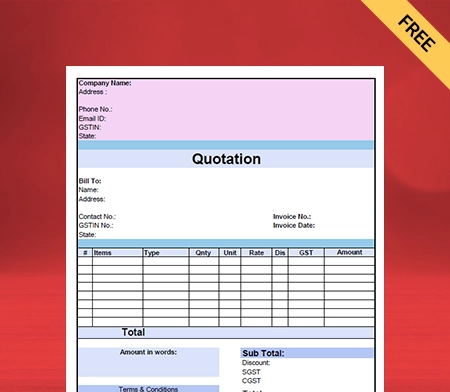
What is a PDF Invoice Format?

 A PDF format invoice is an electronic invoice document created in the Portable Document Format (PDF). It contains all the necessary information about a transaction, such as the seller’s and buyer’s details, invoice number, item descriptions, quantities, prices, total amounts, payment terms, and any applicable taxes. PDF format invoices are commonly used in business transactions as they are easy to create, share, and store while also maintaining a consistent layout and appearance across different devices and platforms.

What does a PDF invoice look like?

A PDF invoice typically has a professional layout with the following elements:
1. Seller’s and buyer’s details (names, addresses, contact information).
2. Invoice number and date.
3. An itemized list of products/services sold (descriptions, quantities, prices).
4. Tax information (if applicable, such as GST, CGST, SGST, IGST).
5. Total amount due.
6. Payment terms and conditions.
7. Company logo and signature (if applicable).
8. A clean and organized design for easy readability and sharing.

How do I convert a PDF invoice to Word?

To convert a PDF invoice to Word:
1. Use an online PDF to Word converter or software like Adobe Acrobat.
2. Upload the PDF invoice to the converter.
3. Choose Word (.docx) as the output format and start the conversion.
4. Download the converted Word document.
Vyapar can help convert PDF invoices to Word by providing a user-friendly platform for creating professional PDF invoices. Additionally, Vyapar’s data export feature allows you to extract invoice data easily, which can then be converted to Word using a converter tool. This streamlines the process and ensures that your invoices are easily accessible and editable as needed.

What size is a PDF invoice?

A PDF invoice generated by Vyapar is typically in A4 size format. This standard size ensures compatibility with most printers and maintains a professional layout for invoices, making it easy to print, share, and store digitally.

How to make an invoice bill in PDF?

Create a PDF invoice bill easily using Vyapar App by selecting “Invoice” from the menu, inputting details, and exporting the invoice to PDF format for seamless sharing and printing.

What is a PDF bill?

PDF bill is a digital document that presents billing information in a portable document format (PDF), allowing easy viewing, sharing, and printing on a variety of devices and platforms.

You can visit the UAE site to view content specific to your location

How Useful is Vyapar for Your Business?

Click on a star to rate it!


Bank Reconciliation Statement Format PDF

Bank Reconciliation Statement Format in PDF

Vyapar is a software used for efficient and effective management. It is used for bank reconciliation statement format pdf to reconcile seamlessly. The Vyapar free billing software is used for all business requirements. It can be used for invoices, bills, inventory management, reconciliation, and delivery challans. Avail of the 7-day free trial now.

  • ⚡️ Create professional reconciliation with Vyapar in 30 seconds
  • ⚡ Share reconciliation automatically on WhatsApp and SMS
  • ⚡️ Connect with your parties through reminders, greetings, business cards and more

Download Bank Reconciliation Statement Format PDF

What is a Bank Reconciliation Statement (BRS)?

A bank reconciliation statement is a business activity that reconciles the bank account of an entity with its financial records. The statement defines the deposits, withdrawals, and other tasks affecting a bank account for a period. 

Further, it helps to check the accuracy of the transactions recorded by the business and the bank transactions. It is prepared periodically to identify errors a business might have made while recording transactions in the cash book. 

A professional bank reconciliation statement format PDF is a financial internal control tool to prevent fraud. A bank reconciliation statement format is a report businesses prepare to reconcile the bank transactions recorded with the bank statement. 

The bank reconciliation statement helps to check the accuracy of the entries recorded in the books of accounts. It further ensures the accuracy of bank balances. The cash book and the passbook of the company record it. 

A bank reconciliation statement summarises banking activity prepared by an individual or company. It compares the balance in their records with their bank account balance. The bank reconciliation statement shows reasons for any differences between the two books. A company should prepare a bank reconciliation statement format PDF during its financial period.

Why is a Bank Reconciliation Statement Required?

What is the Capital Account Format?

A bank reconciliation statement format PDF is required to reconcile the bank transactions recorded along with the bank statement. It is required for the reasons mentioned below:- 

  • It is needed when there is a difference in the amount of cheque credited and deposited.
  • It is required when a mistake has been made in recording the bank transactions in the books of accounts. 
  • Some cheques are issued or received without bank clearance.
  • It is needed to detect any fraudulent transactions.
  • There are errors in the debit or credit transactions from the bank side.
  • It is required to keep track of accounts receivable and payable of your business.
  • The date of publishing the cheque for payment differs from that of debiting.
  • It is necessary to compare your business’s cash book with the bank’s passbook. It is done to track the differences between the two balances.
  • It is also required to help the auditors undertake annual audits.
  • It is needed to track the cheques that have been bounced, cashed, altered, or stolen without knowledge.
  • Lastly, adjusting the bank balance of your business’ cash book is necessary. It is done when there exists a difference between the balance as per the cash book and the balance as per the passbook.

Thus, a bank reconciliation statement (BRS) is required to avoid all the problems mentioned above. A bank reconciliation statement format in PDF would eliminate the difference between the actual and closing bank balances in the books of accounts. 

What Are The Benefits Of A Bank Reconciliation Statement?

The Bank reconciliation statement format in PDF often identifies errors and accidental differences. The bank reconciliation format is an effective tool for detecting and analyzing fraud. For instance, if a cheque is altered, the payment made for that cheque will be larger than you anticipate. Bank reconciliation statement format also helps to identify errors that could negatively affect financial reporting.

Financial statements portray the health of a company for a specific period. They are often used to calculate the profitability of a business. An accurate bank reconciliation statement allows investors to make informed decisions. It gives companies a clear picture of their cash flows.

Reconciling bank statement format also helps identify errors affecting tax reporting. Companies may need to reconcile the bank statements before paying too much or too little taxes.

There are several factors for the importance of a bank reconciliation statement. The Bank reconciliation statement format provides a mechanism of internal control over cash flow. 

Additionally, bank reconciliation statement brings into focus the irregularities while dealing with cash. The bank reconciliation statements format also reflects the actual position in terms of bank balance.

Bank reconciliation statement format PDF helps to safeguard against fraud in recording banking transactions. They also help to detect any mistakes in cash books and bank statements. They explain any delay in the collection of cheques and identify valid transactions recorded by one party but not the other.

How Do You Create A Bank Reconciliation Statement Format In PDF?

Features Of A Capital Account Format Software

A Bank reconciliation statement is straightforward to create. The steps involved in creating a bank reconciliation statement are as follows:- 

1. Gather All Records:

The first step is reconciling your data and creating a bank reconciliation statement. The two sets of records you will need are the company’s records and your bank records. 

Your bank-related information is available through online banking—for instance, a bank statement or a bank that exchanges data with your bank reconciliation accounting software.

The company records will be in your company’s ledger, known as its books. It is stored as a logbook, spreadsheet, or accounting program. 

2. Check Your Ledger For Mistakes:

The next step is to check and analyse your ledger account for errors and differences. Review your ledger account and rectify errors before completing your bank reconciliation statement. 

See if you must deduct bank charges like account maintenance, late payment, and transfer. If you have missed a transaction, then go ahead and deduct them from the ledger.

For instance, you posted a payment that did not reach completion. So, you amend this later. You need to check before adding it to the bank statement. 

3. Compare Your Deposits:

You must differentiate between the records in the cash ledger account and the company’s bank statement during reconciliation. Next, check whether all the records in the ledger align with the bank account statement. 

Apart from this, you should also check a few things. You should check that your bank statement includes all your withdrawals and deposits. If something is missing from the records, then try to re-enter it.

Lastly, you compare your books to your bank statements. It is done to ensure that every transaction’s correct accounting is made.

4. Change The Bank Statements:

You should change the bank statement balance to reflect the updated balance in the book. You can do this by subtracting outstanding cheques, adding deposits in transit, and adding or reducing bank errors.

Outstanding cheques are written and recorded in the cash account of the company but have yet to be cleared by the bank. Deposits in transit are amounts received and recorded by a business but have yet to be recorded by the respective bank.

Bank errors are differences committed by the bank during making the bank statement. It is acquired by comparing the ledger of the cash account to the bank statement.

5. Make Changes To The Cash Account:

Next, you need to adjust the cash balances of your business. This is done by subtracting monthly charges or adding interest and overdraft fees while creating a bank reconciliation statement. The charges you need to consider are bank charges reduced by the bank to process the business’s checking account.  

Non-sufficient funds arise when you request a withdrawal from your bank and your account does not have funds to pay it. Cash account mistakes are indifferent amounts you omit or enter from the records. It is done when errors or differences exist in the individual’s cash account.

6. Evaluate The Final Balances:

After adjusting the balances according to the books and bank, the corrected amounts should be matched. However, it would be best to review the bank reconciliation statement again. If they are still not equal, identify the errors and rectify them. 

Once the balances are equal, the firms must produce journal entries for the changes to the balance per book. The bank reconciliation statement format PDF allows you to verify all your receipts.

It helps you avoid situations and identify entries for receipts you did not deposit. The bank reconciliation statement format PDF helps you to track receivables and receipts to evaluate final balances. 

What Are The Different Types Of Bank Reconciliation Statements?

Features Of A Capital Account Format Software

Bank reconciliation statement format is the process of verifying the bank balance in the books of account of a business. It is done by comparing them with the statement of account issued by the bank. Here, each transaction in the bank statement is compared with the cash account of the company. 

It is done to check that both records match. Periodic bank reconciliation is vital to overcome calculation mistakes and omitted payments. It will also help to identify any theft and fraud and track the payments and receivables of accounts. The different types of bank reconciliation statement formats are mentioned below:- 

Vendor Reconciliation: 

A vendor reconciliation statement format ensures that the entries are passed into the vendor’s books. It is done to align with the accounting entries passed in our books.

Customer Reconciliation: 

A customer reconciliation statement is prepared to check whether the customer’s books align with the bank. Customer reconciliation is quite similar to vendor reconciliation. Most customers consider reconciliation as a priority over vendor reconciliation. It is because money is receivable from customers. So, it is better to reconcile so that payments are not pending due to issues regarding accounting entries. 

Credit Card Reconciliation: 

In credit card reconciliation, an organisation matches the credit card receipts with the state of the credit card issued by the bank. It helps financial institutions to ensure that the amount billed in the credit card statement aligns with the original payments. If the credit card company makes an error, it should be analyzed and rectified. 

Inter-Company Reconciliation: 

Inter-company reconciliation is prepared by group companies like subsidiaries and holdings. In this case, they have to prepare consolidated books of accounts. These books are necessary to eliminate inter-company transactions such as a sale from the holding company to its subsidiary. The books of accounts must be reconciled before the consolidation process is completed.

Cash Reconciliation: 

It is the process of verifying if the amount of cash in the cash register equals the actual cash on hand. The actual cash on hand is seen at the close of the business. 

Business-Specific Reconciliation: 

Every business requires preparing other reconciliations based on specific requirements. The cost of goods reconciliation is a good example. A business that has any form of inventory should prepare this reconciliation statement. It is done to match the balance on the cost of sales of goods calculated. 

It is calculated using two methods. The cost of goods sold is equal to sales, reducing the profit. The cost of goods sold is opening stock, with purchases reducing the closing stock—the two methods of calculation lead to an equal amount. If not, records should be analyzed to determine the reasons for the difference.

Features Of Vyapar’s Bank Reconciliation Statement Format PDF

Features Of A Capital Account Format Software

Saves Time And Efforts:

Using Vyapar’s customized bank reconciliation statement format in PDF helps to save time for your company. Vyapar small business accounting software provides access to various bank reconciliation statement formats with fully customizable templates. Users do not need to create a format from scratch every time. 

Creating a bank reconciliation statement manually is time-consuming and prone to error. Using the accounting app, you can focus on other important aspects of your business needs. Using Vyapar’s format, you can avoid beginning over each time you require a statement.

Vyapar provides ready-made bank reconciliation statement formats to fill in the reconciliation details. You can also edit and save the bank reconciliation statement format in PDF to update the information about your company. The customized format can be saved and used as and when required to save time effortlessly.

Easy To Use For All:

Businesses can easily use the bank reconciliation statement without complicated methods. They can do this by using Vyapar’s bank reconciliation statement format. You can make the reconciliation format by downloading a free copy.

Users can also choose the template that best fits the company’s needs. So, fill in the necessary details in the bank reconciliation statement format. It is easy to use the format in the Vyapar software. It is simple to update the information about your company in the customisable template. 

With the help of Vyapar’s free bank reconciliation statement format PDF, anyone can easily create a unique statement that fits your business needs. Vyapar software is easy to use and convenient for business owners. After creating the bank reconciliation statement format in PDF, users can view, download, and save the format.

Minimises Manual Errors:

One of the main benefits of using our bank reconciliation statement format PDF is that it minimises errors. Errors may occur when you manually enter every detail in the reconciliation statement. Using bank reconciliation statement format in PDF helps to prevent manual mistakes.

By eliminating errors, you can provide a seamless experience to customers. It will help improve your brand image as customers will feel satisfied. Further, it can help eliminate possible disputes too.

The automation feature on the Vyapar free inventory management software increases effectiveness and minimises human error. Following Vyapar’s format lets you focus on the crucial errors that demand your attention.

Fully Customisable Format:

Vyapar’s professional bank reconciliation statement format is customisable and enhances the brand’s reputation. The format can be customised easily and is convenient for the users.

Building an image using a professional bank reconciliation format is beneficial and easy. A customised format created effortlessly can help you stand out from competitors and portray a professional brand image.

Vyapar’s bank reconciliation statement format can incorporate your company’s logo, font, and style. Using the bank reconciliation statement format of the Vyapar app builds brand reputation.

Save Or Print On Your Device:

You can send your bank reconciliation statement format PDF electronically instead of physically. It can be done by using the Vyapar app. You can fill in the details after printing a digital copy. It only takes a few minutes to be printed. 

The user can download the bank reconciliation statement format in PDF for business use. This feature on the Vyapar software is effective and efficient. It makes you appear more professional, which increases your brand image and worth.

You can also customise the bank reconciliation statement format to suit your unique business needs. You can also print the customised reconciliation format and manually enter the data. You can print bank reconciliation statement format in PDF with both standard and thermal printers. 

Manage Bank Accounts:

Using the Vyapar app, you can easily manage bank accounts. You can quickly add, manage, and track online and offline business payments. You can quickly enter information into the free billing and reconciliation software. It is done regardless of whether your revenue comes from banks or e-wallets.

You can send or receive money through bank accounts or conduct bank-to-bank transfers; it is done for seamless and effective cash flow management. Vyapar’s bank reconciliation statement format PDF is efficient with all the cash inflows and outflows. 

To use the bank accounts feature, you must link the Vyapar software to your business account. Using the Vyapar software, it is easy to manage credit cards and loan accounts. You can use it to deposit or withdraw money from your bank account.

Frequently Asked Questions (FAQs’)

Why is Bank Reconciliation Not Considered A Ledger Account?

A bank reconciliation statement account is not considered a ledger account. There are no debit or credit sides like in a ledger account.

What is an Example Of A Bank Reconciliation Statement?

A bank reconciliation statement compares the transactions from financial records with records on a bank statement. Companies can identify and rectify the source of errors in case of differences.
 
For example, say XYZ Ltd. recorded a closing balance of Rs 480,000 on its records. However, the bank statement shows a closing balance of Rs 520,000. After carefully analysing, XYZ Ltd. found that a vendor’s check for Rs 20,000 had yet to be presented to the bank.
 
Also, an Rs 20,000 deposit made by a client should have been included in the company’s records. So, XYZ Ltd. adjusted its records by stating the check as outstanding and adding the omitted deposit.

How Often Should You Use A Bank Reconciliation Statement Format?

A bank reconciliation statement should at least be prepared monthly. It should be prepared to identify and rectify errors quickly. They can also be prepared as frequently as the bank statements are generated. However, it should at least be performed monthly.

What Are Common Problems With Bank Reconciliation Statements?

Infrequent reconciliation statements make it difficult to address problems when they arise. It is because the required information may be limited. Also, when the transactions are not recorded accurately and when bank charges apply, it causes differences in the account’s records. So, this is a common problem with bank reconciliation statements.

What is the Importance Of A Bank Reconciliation Statement?

It is necessary to prepare a bank reconciliation statement for a company. It is because it helps businesses to identify errors in transactions recorded by a business. It also helps to identify the differences between the bank statement and the accounting records. A bank reconciliation statement helps businesses to identify potential risks to safeguard the business against losses.

How Should You Prepare A Bank Reconciliation Statement?

Preparing a bank reconciliation statement format in PDF is the process of identifying the transactions individually. It then matches it with the bank statement so that the closing balance of the bank matches the bank statement. Suitable corrections are done in the books to match the transactions that are not matched.

What is a bank reconciliation PDF?

A bank reconciliation PDF is a document that outlines the process of comparing and reconciling a company’s bank statement with its internal financial records. It includes details such as:
1. Beginning and ending balances of the bank statement and the company’s records.
2. Deposits in transit and outstanding checks that have not cleared the bank.
3. Bank fees, interest, and other adjustments.
4. Reconciliation adjustments made to ensure the bank statement balance matches the company’s records.
This PDF serves as a formal record of the reconciliation process, ensuring accuracy and transparency in financial reporting

Related Posts:

You can visit the UAE site to view content specific to your location

How Useful is Vyapar for Your Business?

Click on a star to rate it!


Free e way bill format pdf

E-Way Bill Format in PDF

Customers can easily generate E-Way Bills thanks to the free E-Way Bill Format PDF by Vyapar. You may generate your free E-Way Bill templates and digitally deliver copies to your clients. With our all-inclusive automated solution, you may produce customized bills. A free 7-day trial is offered right now, so sign up today!

E-Way Bill Format in PDF

What is an E-Way Bill Format PDF?

An E-Way Bill Format PDF is a document that contains the electronic way bill format prescribed by the government for the movement of goods in India. An E-Way Bill is an electronic document required to move goods worth more than Rs. 50,000 within the country.

The E-Way Bill contains details such as the name of the supplier, recipient, and transporter, the GSTIN of the supplier recipient, the HSN code of the goods, the quantity and value of the goods, the place of origin and destination, and the mode of transportation, among others.

Why is it Necessary to Generate an E-Way Bill?

Necessary to Generate an E-Way Bill

The E-Way Bill is a crucial document that promotes hassle-free transportation, permits effective logistics management, and helps ensure compliance with tax regulations.

Under India’s Goods and Services Tax (GST) regime, the E-Way Bill is required to transfer items costing more than Rs. 50,000. It guarantees adherence to tax regulations and aids in suppressing tax evasion.

The E-Way Bill acts as a document that certifies the transportation of products from one location to another. It makes it possible for the tax authorities to monitor the flow of goods and ensure they are transported with the appropriate documents.

The E-Way Bill, which serves as a single document for the full journey, permits the smooth transfer of products from one state or union area to another.

E-Way Bills reduce the time and effort needed for transportation by doing away with the necessity for several documents at various checkpoints.

By providing real-time data on the flow of goods, the E-Way Bill helps effectively administrate logistical operations. It facilitates supply chain optimization and cuts down on transportation expenses and time.

Modes to Generate E-Way Bills:

Elements of a Printable House Rent Receipt Forma PDF

There are several ways to generate E-Way Bills. The following methods for producing E-Way invoices have been made available by GSTN:

Via Web: Anyone with a valid user or sub-user login can use the E-Way Bill site. Next, select the “Create new” option found in the “E-Way Bill” main menu that appears on the dashboard’s left side.

Via SMS: A practical on-the-go method for creating E-Way Bills is through SMS. Select the option “For SMS.” You must enter your mail ID and registered mobile number and verify the OTP. Once you press ‘Submit,’ you can generate an E-Way Bill via SMS. 

Bulk Generation: The user must choose the “Create Bulk” sub-option under the “E-Way Bill” option to generate a bulk, E-Way Bill. The user needs the EWB bulk converter or the Excel file, which assists the user in converting the several E-Way Bills Excel files into a single JSON file to generate a bulk E-Way Bill.

What is the Validity Period of an E-Way Bill After Its Generation?

E-Way Bills have a validity period measured from the moment they are generated, with each day equalling 24 hours. The distance travelled by the goods determines the validity of the E-Way Bills. 

For travel distances under 100 kilometers, the E-Way Bill is valid for one day after the pertinent date. Every 100 kilometers after that, the validity of the E-Way Bills will be extended by one day from the applicable date.

It is not possible to extend the validity of the E-Way Bills. However, the Commissioner may only prolong the validity term by issuing a notification for certain products.

Note: If extraordinary circumstances prevent the items from being delivered within the E-Way Bill’s validity period, the transporter may generate another E-Way Bill by changing the information in Part B of FORM GST EWB-01.

Who Should Generate an E-Way Bill Format PDF?

Generating an E-Way Bill is a must if the value of the goods is more than Rs 50,000:

  • Every registered person must generate an E-Way Bill if the goods are transported through their own or hired means. 
  • The recipient must generate an E-Way Bill if the supplier is not registered.
  • A transporter should generate an E-Way Bill if both the consignor and consignee fail to do so while providing the goods for road transportation.

An E-Way Bill must be generated even if the value is less than 50000 in the following cases: 

  • When an interstate transaction (from one state to another) involves a principal providing the commodities to an employee
  • When a seller exempted from GST registration transfers handcrafted goods inter-state.

GST E-Way Bill Format PDF:

GST E-Way Bill Format PDF

The E-Way Bill Format PDF consists of Part A and Part B. The supplier, the recipient (if the supplier is unregistered), the e-commerce operator, or the transporter must fill out Part A at the time of generation of the E-Way Bill. 

The supplier must fill Part B if the goods are transported in his own or hired conveyance. However, if the supplier uses transporter services, he can send the details of Part A to the transporter, and the transporter will fill in Part B to generate an E-Way Bill.

However, Part-B information is optional when the goods are transported within a State or Union territory over fewer than fifty kilometers between the consignor-consignee location.

Part A

Part-A of Form EWB 01 collects consignment information, usually invoice details, such as:

  • GSTIN: It is essential to mention the GSTIN of the recipient in an E-Way Bill form.
  • Place Of Dispatch: Here, you need to enter the pin code of the location where the goods are being delivered.
  • Invoice Number: Specify the invoice or challan number against which the goods were supplied.
  • Value Of Goods: Describe the consignment value of goods.
  • Hsn Code Of Goods: Enter the HSN code for the shipped items. You must include the first two digits of your HSN code if your annual revenue is less than or up to INR 5 crores. Four digits of the HSN code are necessary if the amount exceeds INR 5 crores.
  • Reason For Transportation: There are several options listed. You must choose the one that best fits your needs.

Part B

Part B contains information relevant to transporting goods, such as departure times and vehicle numbers.

  • Transport Document Number: It denotes either the Bill of Lading Number, the Goods Receipt Number, the Railway Receipt Number, or the Airway Bill Number. The vehicle number for transporting goods must be specified in Part B of Form EWB01. 

Documents Necessary to Create an E-Way Bill:

  • The invoice, bill of supply, or delivery challan
  • Whether transferring products by train, air, or ship, the transporter must have their transporter ID, the transport document number, and the transportation date.
  • Either the E-Way Bill’s number or a copy of it (EBN)
  • The transporter may carry the EBN on paper or be mapped to a radio frequency identification device (RFID).

How to Generate E-Way Bills in PDF Format?

Generate E-Way Bills in PDF Format

The E-Way Bill can be generated online through the GST Common Portal or SMS. The E-Way Bill Format PDF can be downloaded from the GST Common Portal, and it contains the format for both Part A and Part B of the E-Way Bill. 

Part A contains details about the goods, the supplier, and the recipient, while Part B contains details about the transporter and the vehicle carrying the goods.

Be prepared with the invoice/bill/challan details and the Transporter ID and vehicle number of the transporter moving the goods before creating the E-Way Bill.

Login to the E-Way Bill portal using your username, password, and captcha. The main menu of the E-Way Bill site will pop up after the credentials have been successfully authenticated, offering several options for E-Way Bill generation and maintenance. 

On the left side of the E-Way Bill portal’s main menu, click “E-Way Bill”, and within that click, the sub-option “Generate New.”

The E-Way Bill filing form, with its many fields, will open. While most fields are optional, those required will be noted, either with a red or green dot. 

For the E-Way Bill, the fields highlighted with a red dot will be required, whereas those marked with a green dot will be required for Form GSTR-1. All required fields are indicated with an asterisk symbol (*)

The user must first choose the type of transaction (outward or inward) in the EWB Input Form. According to the outward transaction, the user provides the goods; in the inward transaction, the user gets the goods.

The system will display the sub-type of transactions based on the selected transaction type. The user must choose the sub-type appropriately.

The system will only present the appropriate document types in the “Document Type” selection corresponding to the selected subtype once the user has chosen the transaction type and subtype in the “Transaction Details” section.

The fields in this section will all be as follows:

  • GSTIN
  • Name 
  • Shipping Address 
  • Place Pincode
  • Item description
  • Transporter details

After entering all the details, click ‘Generate E-Way Bill’. Once the E-Way Bill is generated, click on the ‘print’ button to download the E-Way bill in PDF format. You can print the E-Way Bill and provide it to the tax authorities when required.

Benefits of Using E-Way Bill Format PDF:

Benefits of Using E-Way Bill Format PDF

Using the E-Way Bill Format PDF offered by the Vyapar app has numerous advantages. Below is a list of some of them:

1. Effortless Brand Management:

Businesses use specific colour palettes in their logos, social media profiles, and websites to establish a consistent, identifiable brand identity. An E-Way Bill Format PDF makes it very easy to edit what has previously been put up and lets you change details to suit your demands.

The brand’s reputation is enhanced by providing professional E-Way Bill Format PDF throughout transactions. As all the information is in the E-Way Bill Format, you can be entirely honest about the transaction, which fosters even greater confidence.

To accurately express your brand’s identity, you can include our company’s logo, style, font, and brand colours in your invoice. Customers will become more accustomed to your brand and will likely shop from you again.

2. Print It or Save It in PDF Form Digitally:

You can choose whether to send digital copies of your E-Way Bills instead of physical ones. It only takes a few minutes to print a digital copy, and you can then manually fill in the information about your transaction and buyer or enter it before printing.

The E-Way Bill Format PDF is fully customizable by the seller to meet their needs, and they can download it for later use. The entire procedure is cost-free. The customization gives you a professional appearance and raises the value of your brand.

E-Way Bill Format PDF can be modified to meet your needs regardless of how you like to handle your accounts. To enter data manually, you can print the custom format as well. Any common bill size can use the Formats with ordinary and thermal printers.

3. Seamless Usage:

Use blank E-Way Bill Format PDF templates for your business needs. You can format, add, or remove information as you see fit. Choose the template that best meets your company’s needs and fill it in with the necessary data.

An E-Way Bill and your company logo can be made in many colours with different themes and fonts. Updating your company’s information on the E-Way Bill Format is simple.

With our free E-Way Bill Formats in excel, pdf, word you may tailor a professional invoice to your business needs. You can save the format, view the E-Way Bill after creating it, and download it for further use.

4. Professional Designs:

You can quickly produce high-quality E-Way Bills within minutes. A professional-looking E-Way Bill Format PDF may be easily created for your business, thanks to customizable designs of PDF formats offered by the Vyapar app for free.

Building an E-Way Bill template from scratch for your business or brand takes time and effort. You’ll need to use formulas and functions to set up and run any required calculations and consider your colour scheme, font size, and type.

When all of this is considered, it becomes clear that it would be wise to merely alter the specifics of a document with all the necessary components. You can use any E-Way Bill Format PDF to create a professional and unique format design for your business.

5. Time Saver:

Your business will save time using a customized blank E-Way Bill Format PDF. Once a template is created, it must be filled in with data rather than completely rebuilt for each billing run.

When done manually, it takes a while and is time-consuming and error-prone. You can avoid this problem by utilizing the Vyapar app’s formats. Using this technique, you can avoid starting over each time you need a bill.

To save the details about your business, you can edit the E-Way Bill Format PDF. The customized format can be stored and utilized as needed to save time.

6. Significantly Minimise Human Error

Manually entering every single detail in E-Way Bills raises the possibility of error. It is advisable to select an E-Way Bill Format that can lessen repeated data entering and assist you in avoiding errors.

Automation improves process efficiency and helps do away with human error. By adhering to a formal framework, you may concentrate on the important issues that require your attention.

The E-Way Bill Formats offered by Vyapar are simple to use. It lessens the need to hire staff to create an E-Way Bill Template for your company.

Valuable Features of the Vyapar Billing Software that Can Help You in Your Business:

Features of the Vyapar Billing Software

Here are some app features that will simplify your daily accounting and management tasks:

Make GST E-Way Invoices Online:

Vyapar billing software helps establish a credible brand name by providing effective GST billing options. It allows you to follow Indian Goods and Service Tax rules.

You can rapidly create bills with Vyapar. It’s a simple process that won’t require lengthy, stressful training. To produce expert and unique bills, you may select from more than 10+ GST invoice formats and bill templates in the application.

The Vyapar app can be used both online and offline. With the software, an SME can thus adhere to the finest accounting practices more readily. It simplifies the bookkeeping process for businesses.

To comply with GST rules, use our straightforward invoicing app. You can create client invoices in just a few easy steps. You may also print, email, or WhatsApp them to your clients.

Track and Manage Orders:

It is quite beneficial to have tracking functions to fulfil orders promptly. Setting up a due date makes it easier to handle orders efficiently, ensuring the availability of inventory products.

Tracking helps prevent losses. With tracking, you may save time and use it towards other regular activities. The app lets you track when payment is due and attach a tax invoice to your order.

Using our free billing software, you can keep track of open, closed, and late orders. Businesses can easily track everything by utilizing these features. Using our GST billing tool, you can enhance your purchase/sale order types. 

Vyapar simplifies order creation for purchases or sales. You can reduce labour costs and time by using our invoicing software. By automating the conversion of orders into sale/purchase invoices, time can be saved.

Data Security For Your Business:

You can frequently create local or online Google Drive backups with Vyapar to store all data, including Bills created using E-Way Bill Format PDF. Also, you always have access to your company’s financial data through various devices.

Vyapar billing and accounting app streamline business management. The app’s comprehensive dashboard lets you analyse your company’s daily operations in real-time.

The software uses encryption technology to limit access to the data to the owner only as an additional degree of security. Vyapar won’t store or distribute user login information for subsequent use.

Other team members and parties won’t have access to your company’s data, ensuring its long-term security. You can pick up where you left off using the bill generation app’s “auto-backup” function.

Seamless GST Filing:

Filing GST can be difficult and time-consuming for business owners if done manually. You may prepare GST reports and streamline the filing procedure using Vyapar billing software.

Every month, many business owners invest their time and energy. It is done to make sure they abide by the tax regulations. They must, after all, keep track of their monthly bills, outlays, and accounting information. To file GST returns, manually enter them as well.

With the use of automation, Vyapar changes everything by assisting in the creation of specific GSTR reports. You can use Vyapar’s app to create reports like GSTR1, GSTR2, GSTR3, GSTR4, and GSTR9.

The software automatically determines the tax applicable to the goods when you create annual GST bills. Recording every transaction assists in adhering to tax regulations. It also guarantees that the right GST tax rate is entered.

Create an Online Store:

Set up your online store with Vyapar. Using our mobile billing software, you may provide a catalogue of all the goods you sell online to your consumers. Having an online store will increase your sales.

The online shop capabilities that Vyapar provides to assist you in expanding your business online are free to use. Your consumers can use the link you offer them to place online orders with you and pick up their purchases from your physical store.

You can pack the package for your clients before they arrive at the store. Thus, reduce wait times at the checkout counter by using the online shop feature.

Expanding your business online through the Vyapar online store can attract more local clients. It contributes to more sales and, consequently, the company’s expansion.

Send Estimates of Your Products:

You can quickly create quotes, estimates, and correct GST invoices with the Vyapar app. With the built-in features in the GST billing software, you may send clients quotations and estimates whenever you want.

The billing software from Vyapar offers a professional appearance with immediate estimates and quotes. Most operations can be automated with the Vyapar app. It eliminates errors from quotations and estimations.

Also, you can change your quotes and estimates into sales invoices at any moment. The business has a choice for fast saving more time and obtaining instant estimates thanks to Vyapar’s free billing software. You can operate your company more productively.

Estimates and quotes are made simpler with the help of our billing software. Your loyal consumers will be impressed by the professionalism the billing app offers, luring them back. These can be sent immediately via email, SMS, WhatsApp, or printing.

Frequently Asked Questions (FAQs’)

Can I Generate an E-Way Bill in PDF Format?

Yes, you can generate an E-Way Bill In PDF Format. You must have a PDF printer on your computer to make a PDF file of the E-Way Bill.

How Can I Download the E-Way Bill in PDF Format?

You must install a PDF printer on your computer to download the E-Way Bill In PDF Format. After that, you can instantly generate an E-Way Bill PDF from the portal.

What Information are Included in the PDF Format of an E-Way Bill?

The PDF format of an E-Way Bill must include all the relevant information related to the movement of goods, such as: 
1. E-Way Bill number
2, GSTIN
3. Date and time of generation
4. Place of dispatch
5. Goods description
6. HSN code
7. Value of goods
8. Transporter detailsur specific requirements.

How Long is the E-Way Bill Valid in PDF Format?

The validity of the E-Way Bills in PDF format depends on the distance the goods are transported. For distances up to 100 km, the E-Way Bill is valid for one day from the generation date. For every additional 100 km or part thereof, an additional day is added to the validity of the E-Way Bills. 

Can I Print the E-Way Bill in PDF Format For Physical Verification by the Tax Authorities?

Yes, you can print the E-Way Bill In PDF Format for physical verification by tax authorities. When you generate an E-Way Bill on the GST portal, you can download and save the E-Way Bill In PDF Format. You can print the E-Way Bill and provide it to the tax authorities for physical verification.

Is the PDF Format of the E-Way Bill Considered a Legal Document?

Yes, the PDF format of the E-Way Bill is considered a legal document and can be used as evidence in a court of law. The E-Way Bill is generated on the GST portal, a government-mandated platform for generating E-Way Bills.

You can visit the UAE site to view content specific to your location

How Useful is Vyapar for Your Business?

Click on a star to rate it!


PDF

Cash Receipt Template PDF | Vyapar App

Cash Receipt Template PDF

You can freely download the Cash Receipt Template PDF for your client. Or use Vyapar App to track your payment history, payment modes, manage inventory, and outstanding easily, and grow your business faster! Avail 15 Days Free Trial Now!

Cash Receipt Template PDF

You can freely download the Cash Receipt Template PDF for your client. Or use Vyapar App to track your payment history, payment modes, manage inventory, and outstanding easily, and grow your business faster! Avail 15 Days Free Trial Now!

Cash Receipt Template PDF

What is a PDF Cash Receipt?

A cash transaction occurs when a buyer purchases an item, product, or service from a business and pays with cash. A cash receipt is a document that acknowledges the buyer’s cash payment during a transaction. 

The buyer receives the original receipt before the deadline, while the seller keeps a copy for accounting purposes. When sellers collect payments from customers or third parties, they issue cash receipts.
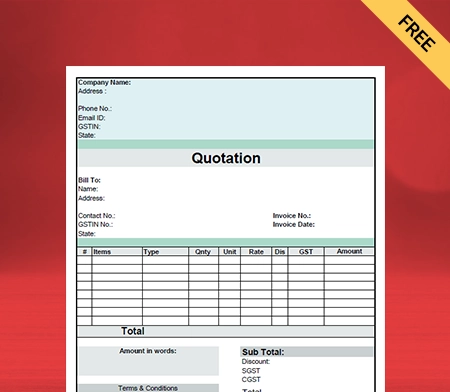
Cash receipts appear as an increase to the cash account or another asset account on a financial summary. Cash payments received for services are credited to accounts receivable by the business.

Why Should You Make Cash Receipts?

Cash Receipt in PDF
  • A cash receipt establishes product ownership and acts as proof of purchase.
  • Cash receipts are legally binding documents.
  • A cash receipt is helpful to a consumer in case of an exchange or return of items. It also makes issuing a credit note simple.
  • It can be helpful when dealing with consumer product warranty claims.
  • Sellers can use cash receipts to verify the quantity of cash on hand at any moment.
  • It is easier to claim the input tax credit and keep track of payments received or made for business transactions when you have a cash receipt.
  • Cash receipts and disbursements can improve profitability by giving you more control over cash flow.
  • A cash receipt makes it easier to keep track of business transactions and calculate the remaining receivable or payable balance.
  • A cash receipt is also required when an audit is performed to confirm that a transaction occurred.

Why Do You Need a Cash Receipt in PDF?

PDF Cash Receipts

A business relies mainly on cash to keep their business running, manage investors, inventory, debtors, and customers daily. Keeping cash records is critical for a company to understand its financial situation accurately. Receipts and payments are the two primary components of cash transactions in business.

One of the primary benefits of official PDF cash receipts is the completeness of accounting records in proving the existence of recorded transactions. Your accounting records include an official receipt format, lowering your risk over time.

PDF Cash receipts are usually created by sellers when cash is received. Cash transfers can enhance the possibility of fraud. Maintaining cash records is therefore critical to uncover irrelevant practices.

You are accountable as a vendor for recording the cash receipt in PDF for any cash sales. For cash sales, the following payment options are accepted:

  • Cash
  • Cheque
  • Purchases using store credit

All cash transactions are recorded in the Cash Receipts Journal. In your sales journal or accounts payable ledger, record the cash transaction.

What is the Purpose of PDF Cash Receipts?

Cash Receipt in PDF Format in Vyapar

A cash receipt is an official record of a cash-based transaction. It can also be used when paying with a check or store credit. However, you’re more likely to see them when a transaction involves cash.

Purchase Transaction:

Every time you make a purchase, get a PDF cash receipt to track how much you spent. These documents will be helpful later when reconciling your accounting records and may be necessary if you have any issues regarding your taxes.

Sale Transaction:

Many customers prefer cash payments. You can maintain a proper sales record when you give cash receipts for your sale transactions. It will help you understand which item is trending and performing well.
Contents of Cash Receipt Template PDF

Title:

You must give an appropriate title to the receipt. It should have the words “Cash Receipt” on the top so the client can know which type of receipt they have.

Date and Invoice Number:

The receipt date is the date the cash receipt is created and issued. It is an essential aspect that you must mention. Every receipt contains a unique invoice number, which helps retrieve the record in the future.

Business Details:

You must mention the details of your business, like name, address, and phone number. If you have a logo, put that too. It helps people to recognize you and builds a solid brand name.

Customer’s Details:

Add the customer’s name and phone number to the receipt. Businesses deal with a lot of people daily. It would be confusing if the receipt didn’t have the customer’s name, leading to mistakes. Thus, always mention your buyer’s name and contact details for convenience.

Description of Goods or Services:

Enter the details of the goods or services that the customer bought. It helps in accounting and tracking inventory items.

The Total Amount and Payment Method:

On the receipt, mention the total amount that a customer needs to pay. Also, note the due date of the payment, so customers remember to pay you. Please include the mode of payment, whether cash, online transfer, or check.

Signature:

Sign the receipt and take the signature of the client. Signatures confirm that the payment has been made.

How to Generate a Cash Receipt in PDF Format in Vyapar?

If you run a business that includes a lot of cash transactions, using a cash receipt template by Vyapar will help you tremendously. A Free cash receipt template PDF will help you track cash flow and records efficiently. Here’s how you can do it:

  • Simply download the Vyapar app, and create your account.
  • Open the app, and click on the (+) button. You will see multiple options related to sales and purchase transactions.
  • Click on the “Payment-In” option to create a receipt for the customer.
  • Enter the receipt number, date, customer’s name, contact details, and the total amount received.
  • Also, mention the mode of payment, the customer used to pay you, and a description of goods or services.
  • You can preview the receipt before saving it and make changes according to your business needs.
  • Click on “Save” to save the cash receipt, and you will see an arrow beside the save button. You can use it to share the cash receipt with your customers.
  • To create the receipt in PDF format, go to the saved receipt’s party details.
  • At the top right corner, you will see three dots. Click on it and then select the option “Send PDF.”
  • You can share that PDF via any mode like WhatsApp or email.

Differences Between a PDF Cash Receipt and An Invoice

  • The primary distinction between a cash receipt and an invoice is the purpose and time of issuing. An invoice can be issued before a payment is made. A cash receipt is given after the payment process is completed.
  • A cash receipt is a document the buyer receives as proof of payment, whereas an invoice is the seller’s request for payment.
  • An invoice serves as a record of a company’s product and service sales. A cash receipt verifies the amount paid by the consumer for the goods or services.
  • A cash receipt specifies the total amount paid and the means of payment, whereas an invoice specifies the total amount paid and the payment deadline.
  • When customers pay after receiving an invoice, they will receive a cash receipt. On the other hand, customers who pay at the point of sale will not receive an invoice.

Advantages of Using Vyapar’s Cash Receipt Template

Personalised Cash Receipt Templates:

The Vyapar cash receipt template PDF is entirely customizable. It helps you create professional-looking cash receipts. You can use your receipt to reflect your brand’s identity precisely.

Your consumer will understand the cost and justification of your charges if everything on the bill is in the right place. Your business can stand out from the competition with customized cash receipt formats.

The cash receipt template PDF contains all the information, such as the customer’s name, payment details, description of goods or services, and receiver’s name. You can customize all the fields and designs and add or delete any row.

Manage Your Business Cash Flow:

Your business needs accounting software that satisfies your accounting requirements. Your firm’s cash flow ensures you have enough money to keep the operation going.

Vyapar’s dashboard can show you whether you can easily cover current costs without missing payments. You may effortlessly monitor the cash flow of your company with the help of this free billing software.

Businesses can keep track of transactions, and it facilitates the tracking of payment receipts. Using Vyapar, you may send your clients free payment reminders. It will help to make sure they pay on time.

Save Time and Prevent Errors:

You don’t need proper accounting knowledge to use cash receipt formats by Vyapar. The app’s user-friendly design makes it simple to use cash bill forms. Immediately moving data from a mobile app to a desktop computer is possible.

Manual bookkeeping is time-consuming and prone to error. Automation eliminates human mistakes while accelerating the process. You may spend more time on other chores while still saving a lot of time. 

Your transaction information, which includes debit and credit notes, is automatically recorded by the Vyapar app. It also sends reminders to collect payments and repay debts, which helps avoid future problems.

Builds Positive Goodwill:

During negotiations, offering qualified quotations and estimates helps to promote a positive brand image. You can also give full disclosure about the transaction to build trust.

As the custom-built estimate has all the details required to close a deal, buyers trust it. The final receipt may also include information about the terms of the transaction, discounts, and the service tax rate.

You may establish a credible online presence using the Vyapar cash receipt format PDF. You may differentiate yourself from the competition and present yourself as a seasoned seller using a customized cash receipt.

Easily Manage Your Business:

Keep track of your invoices using the Vyapar cash receipt generator. You can use it to send reminders to clients and keep track of overdue invoices. 

Start using the Vyapar cash receipt generator software to establish your brand identity and generate a polished cash receipt in PDF for your clients. You can quickly prepare a monthly invoice for each client and save all their information in one place.

Using reputable billing software can help you win your client’s trust. Furthermore, the app enables you to easily manage your projects because you can access all crucial functions in a single app via the business dashboard.

Make Cash Receipts Without the Internet:

With our cash receipt generator, you can create receipts online being connected to the internet. The software will update the transaction once you have access to the net.

Using it simplifies the billing process because transactions can be recorded as soon as they occur. Sellers can use our cash receipt template PDF to create invoices for offline and online transactions.

Your customers will get cash receipts instantly; they don’t have to wait. It is beneficial when you are at a remote location where network issues are common because you don’t have to halt your business operations.

Features That Make Vyapar Best For Small Businesses

Keep Track of Inventory Items:

You can set low inventory alerts using the Vyapar app. It provides you with a list of products that are low in quantity. It automatically updates the availability of items and saves you time for other tasks.

Tracking stock enables you to fulfill orders on time. Based on reports generated by Vyapar, you can place orders before you run out of all the goods. It helps you make the optimum use of your inventory space.

You can avoid losses when you track your inventory. You will instantly know if there is a robbery. Moreover, you can know about pending and completed orders.

Vyapar makes it easy to improve sale/purchase order formats and your brand image. It also enhances customer satisfaction and retention rate.

Make Estimates Error-Free:

You can easily create estimates to send to customers with the help of the Vyapar app. It automates most of the process, and you get your quotes error-free.

Vyapar adds professionalism to your estimates and simplifies the management process with cash receipts. Customers can easily understand them, which helps the retention of clients.

The inbuilt system lets you send quotations anytime directly through the app. You can also convert those estimates to sale invoices as soon as you finalize the deal. So there is no need to make an invoice from scratch.

Vyapar gives you the option to get instant quotes. You can generate them from anywhere and manage your business with higher productivity. In addition, you can track invoices seamlessly by setting a due date.

Track Cash Receivables and Payables:

Users can save all transaction information and track the cash flow of their business in real-time using our PDF cash receipts format. The program is capable of monitoring the party’s payables and receivables.

To ensure that your clients pay their bills on time, you can set up payment reminders via WhatsApp, SMS, or email. Using the bulk payment reminder option, you may save time by reminding your clients to make payments at once.

Your method for protecting your transaction data is now more secure. You can track the money you need to receive and pay using the software’s business dashboard.

The cash receipt maker performs the required calculations automatically. You can avoid taking on too much debt and revisit your business plan with Vyapar’s cash flow management system because it detects early signs of cash flow issues.

Manage Bank Accounts Seamlessly:

Businesses can quickly add, manage, and track online and offline payments with Vyapar. Whether your revenue comes from banks or e-wallets, you can rapidly enter data into the free billing software.

You may control your business’s financial flow by sending and receiving money from bank accounts and transferring money from one bank to another. 

The Vyapar App supports open checks, enabling users to deposit or withdraw money and promptly close them. In addition to the many other payment methods offered in the app, it allows you to track cheque payments.

Before using the app’s bank accounts feature, you must first link a business account in your bank to the GST cash billing software. You can also rapidly deposit or withdraw money from your bank accounts with it.

Data Protection and Security:

Data security is becoming every business owner’s top concern. Using Vyapar, you may configure automatic data backups and safeguard your app data. For even more protection, you can make a local backup.

It would help secure data in a private location, like a pen drive or hard drive. By using the free billing app to set up automatic backups or perform secure backups regularly, you can protect the security of your business.

The accounting features of the Vyapar billing software will guarantee that you can analyze your sales data whenever necessary and develop a business strategy after examining the business reports produced by the Vyapar app.

Vyapar online receipt maker app enables you to set up an automatic data backup, ensuring the safety of the data stored in the app. You can also use your sales data to generate reports and analyse sales data for future growth prospects.

Open Your Online Store: 

With the Vyapar billing software, you can set up your online business in hours. You can list all the goods and services you offer to your clients using our mobile billing app.

It will help you present a catalogue of all the goods and services you offer and boost your online sales. Sending links to your online store allows you to accept online orders from clients who can then pick up their packed goods from your business.

Offering doorstep or pick-up services from your store helps the business grow by increasing sales. Using GST billing software, you can update your online store anytime.

Having the package ready for your customers before they come will help you save time at the checkout counter by using the online shop function. It can reduce wait times and make your customers’ experiences better.

Frequently Asked Questions (FAQs’)

What is the Cash Receipt Template PDF?

This cash receipt template PDF includes the customer’s details, the receipt number, delivery information, order specifics, the total, and the signer’s signature.

How Do I Write a Cash Receipt For a PDF?

The description, number, and cost of the goods given in exchange for cash must be listed on the cash receipt. 

Is a Cash Receipt a Legal Document?

Yes, a cash receipt is a legal document. It can be used as proof for various reasons.

You can visit the UAE site to view content specific to your location

How Useful is Vyapar for Your Business?

Click on a star to rate it!