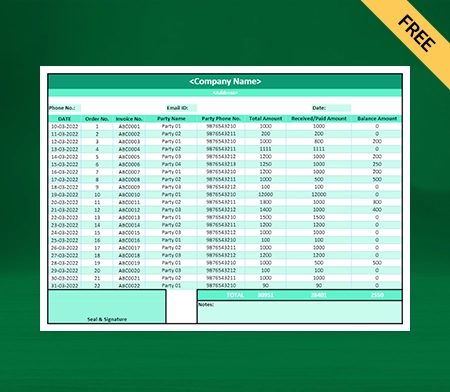
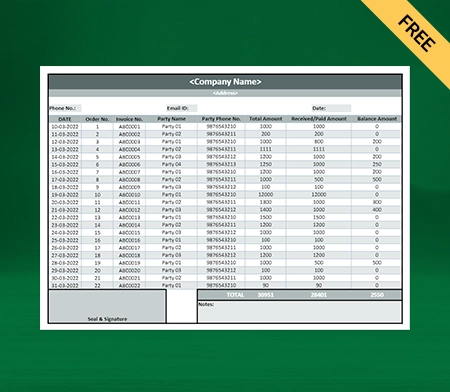
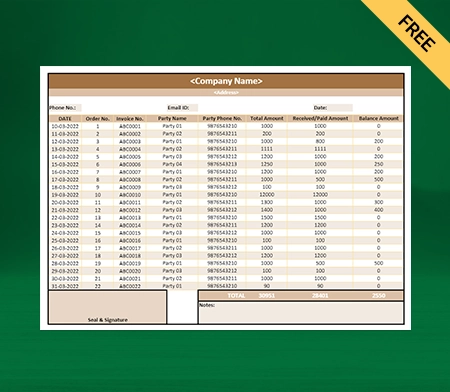
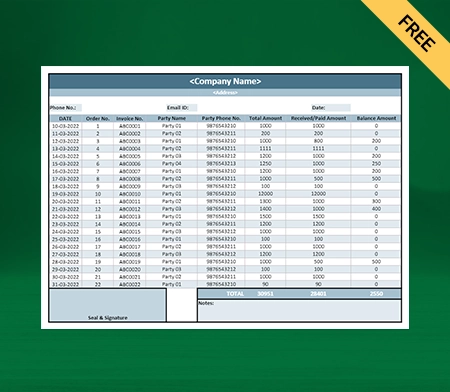
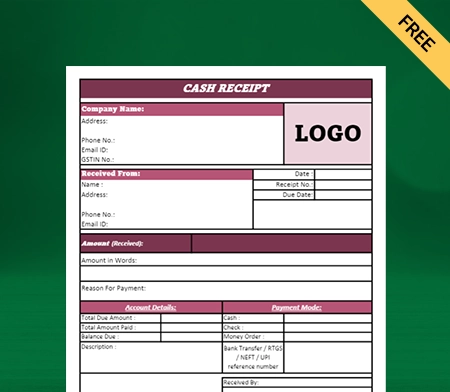
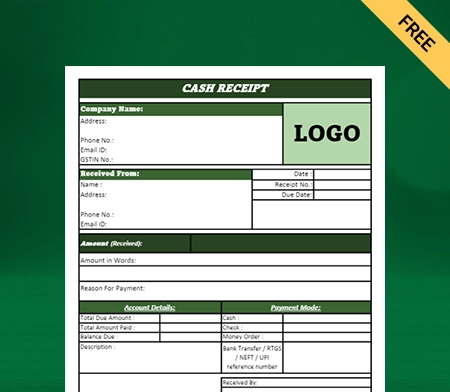
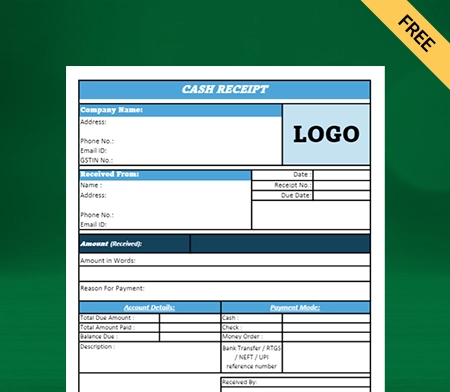
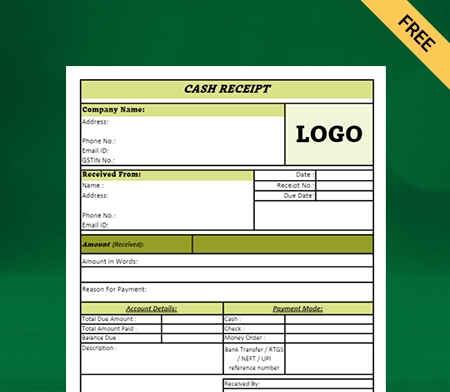
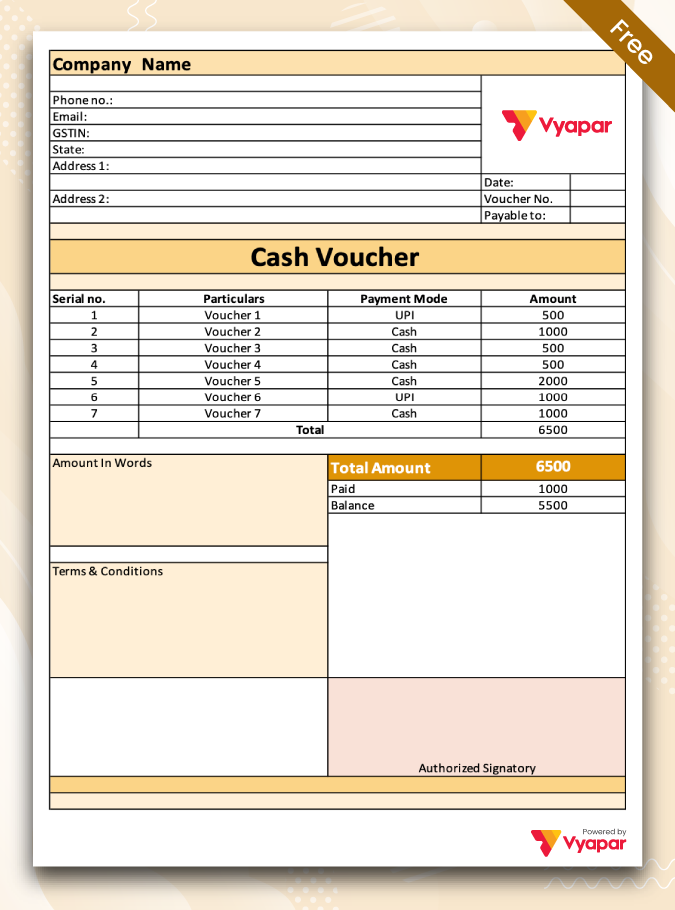
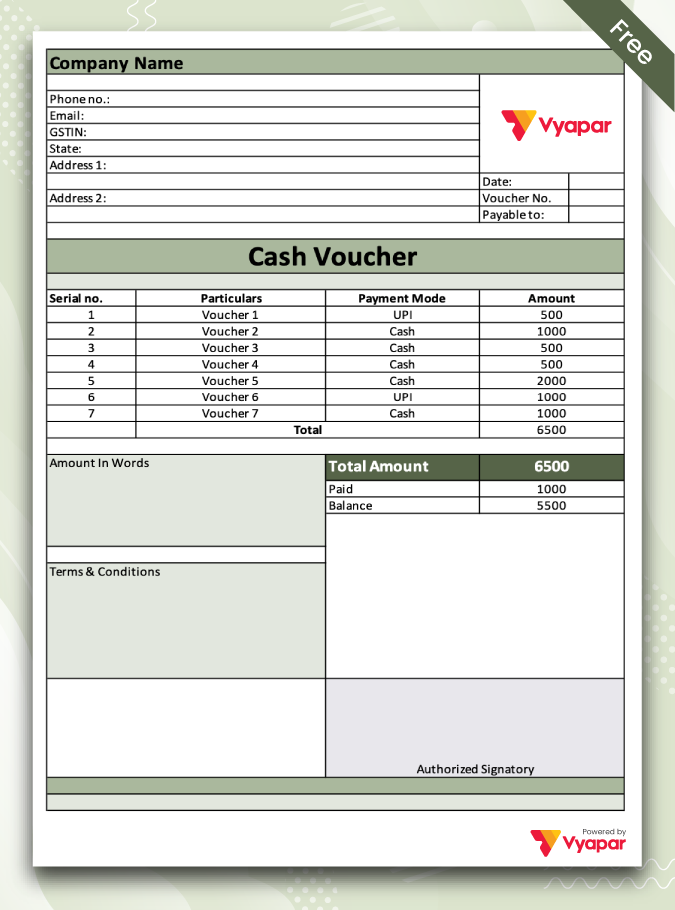
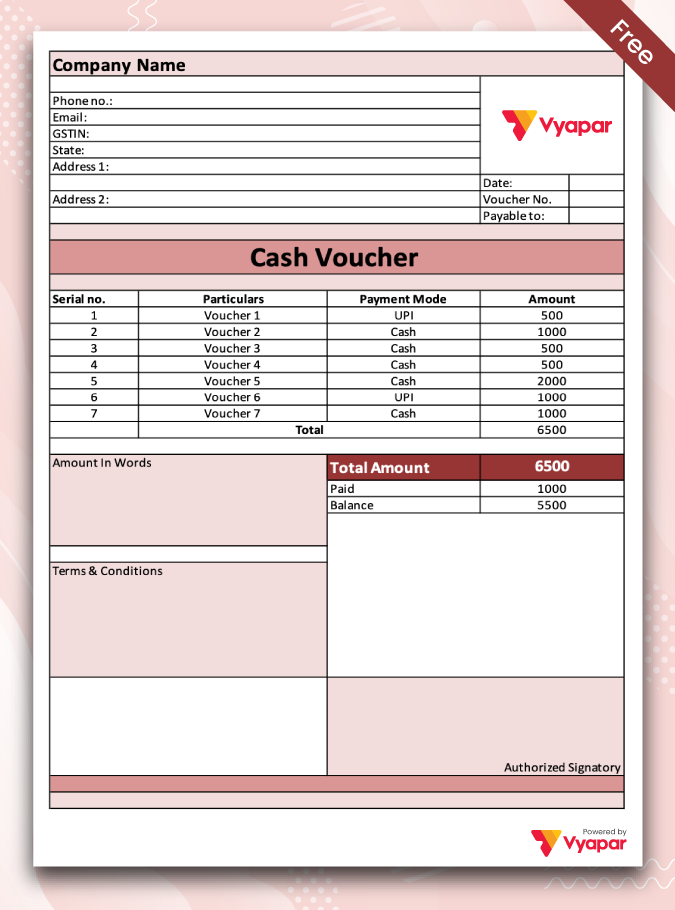
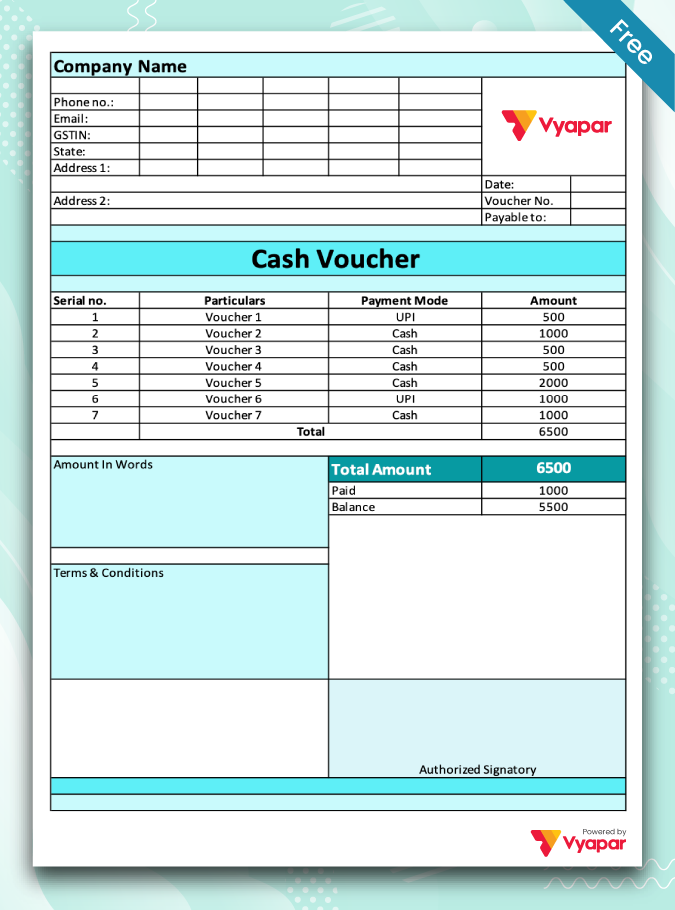
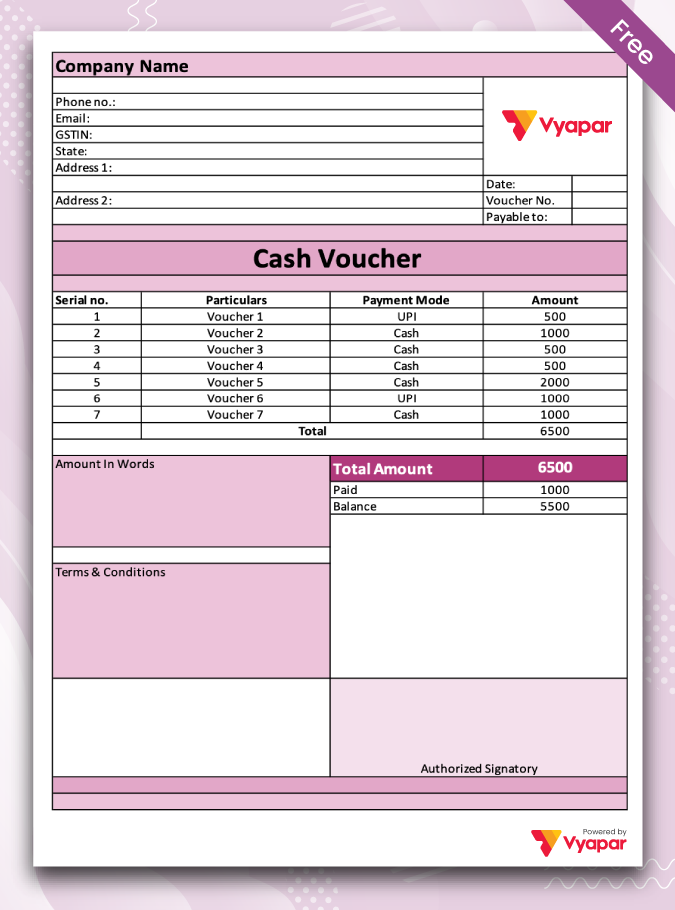
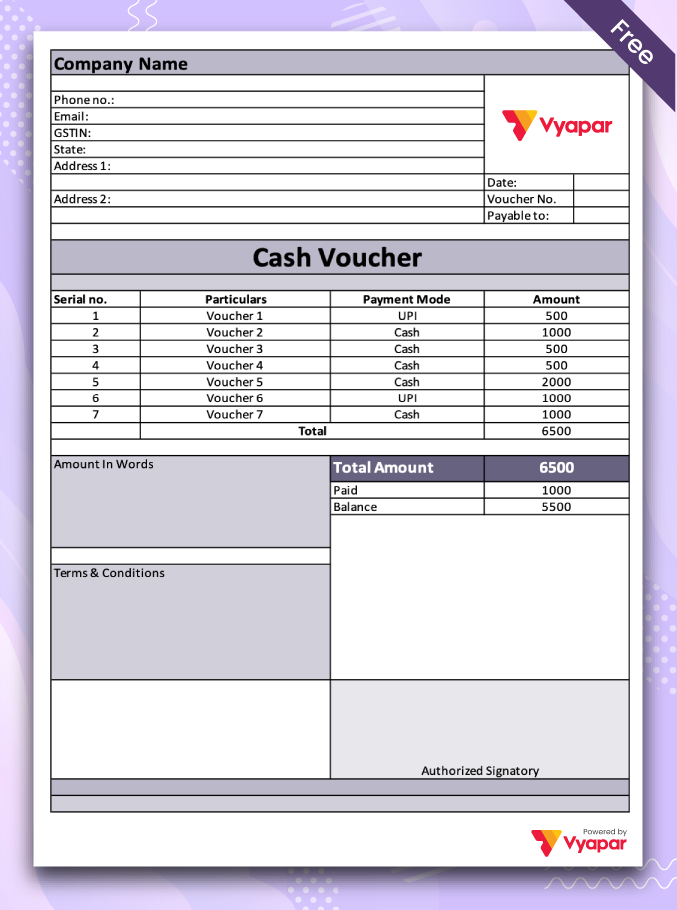
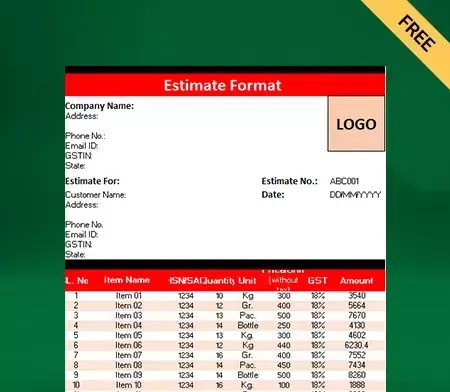
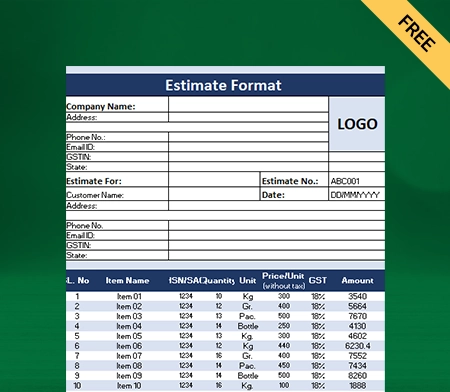
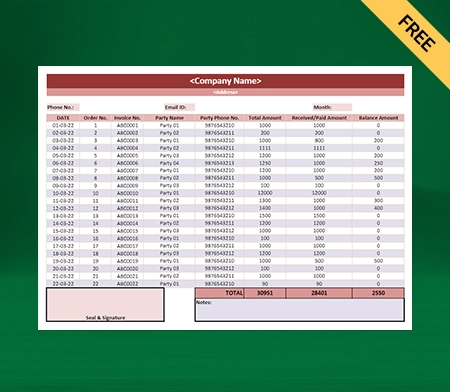
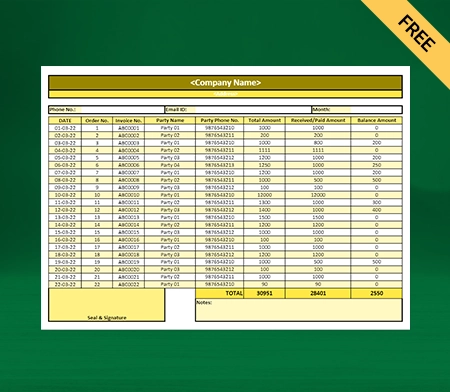
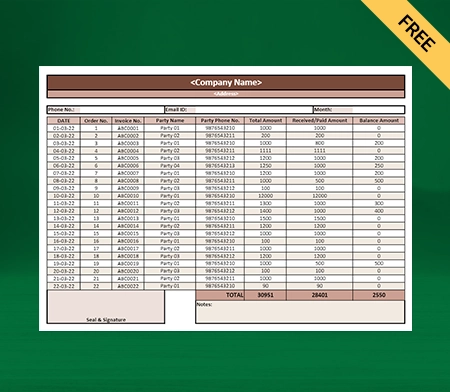
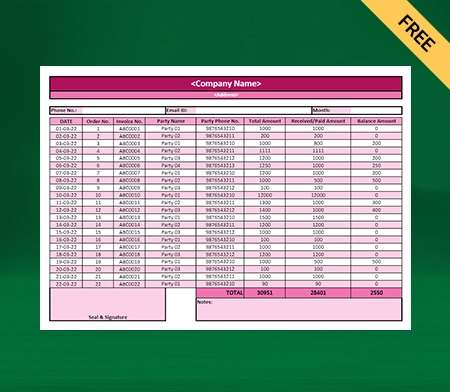
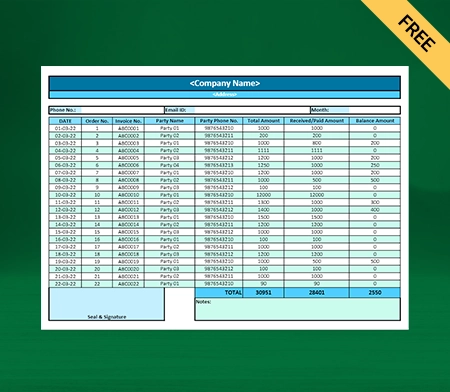
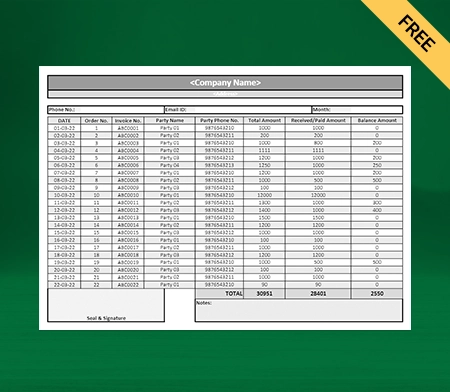
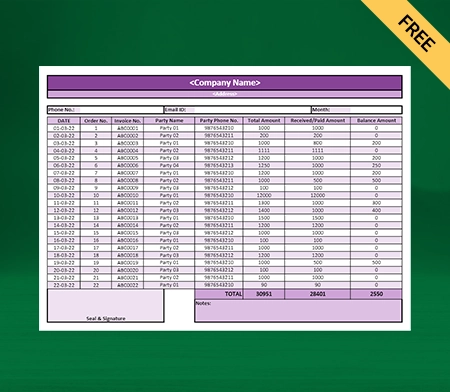
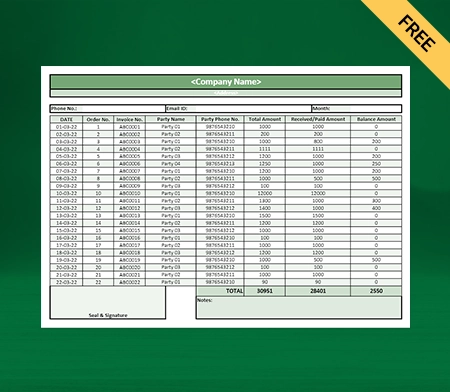
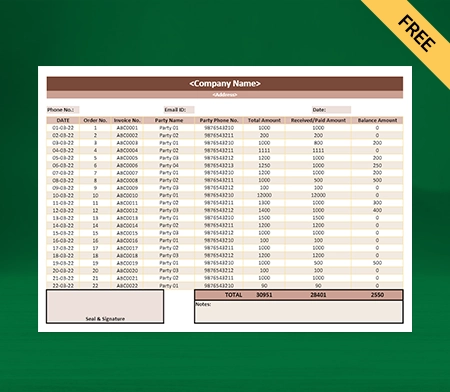
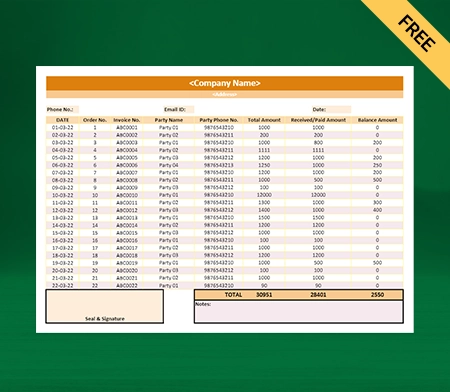
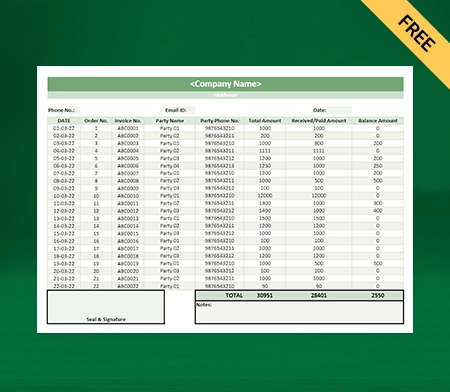
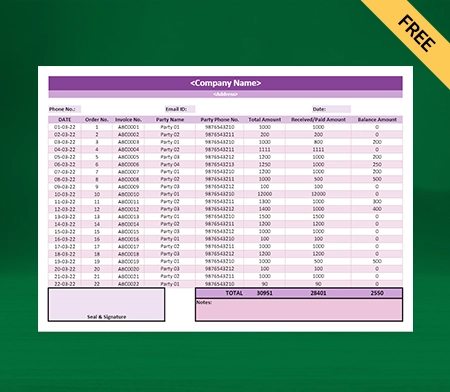
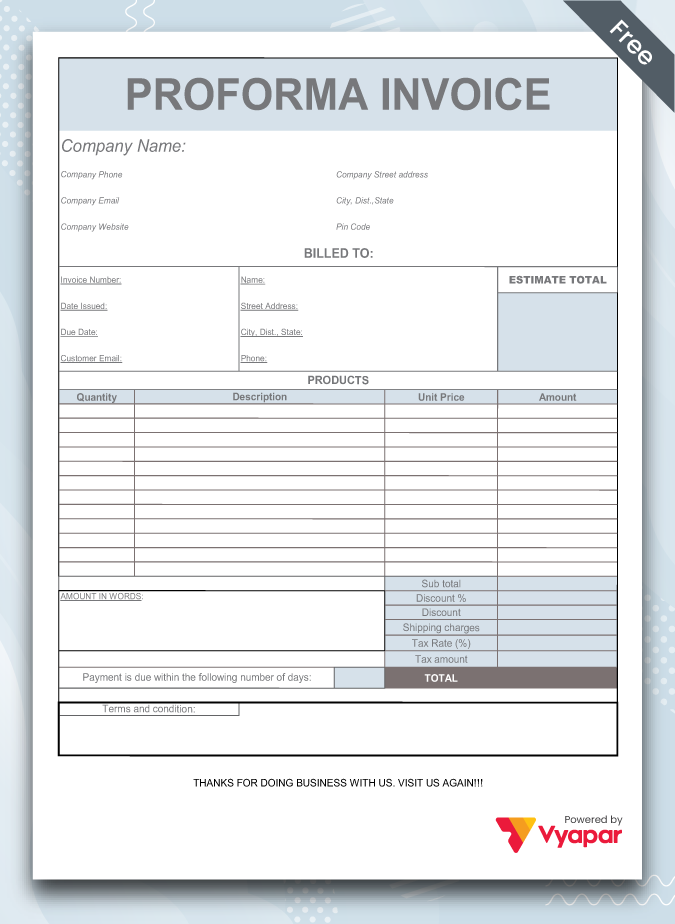
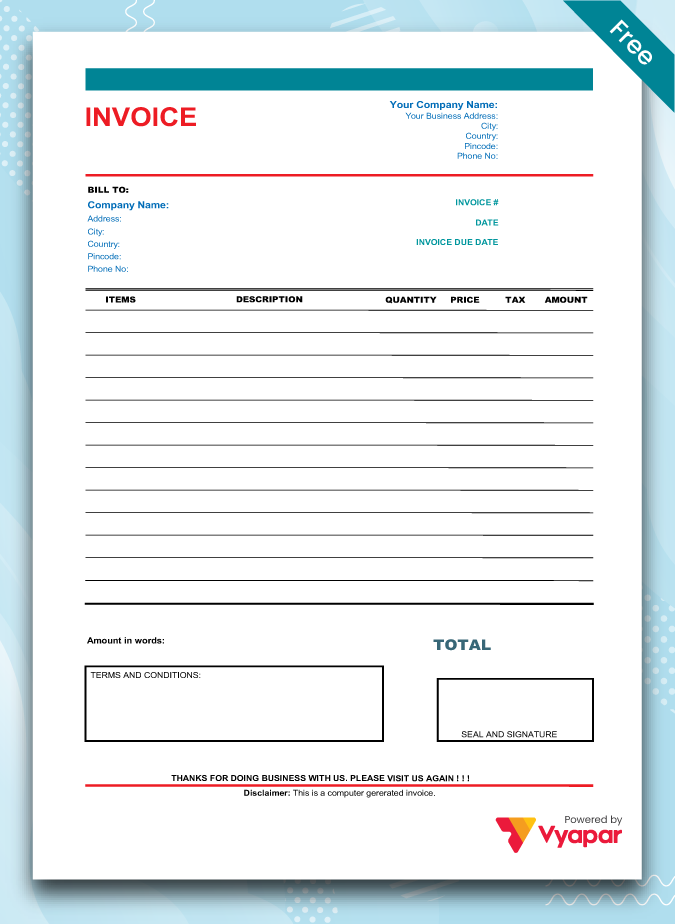
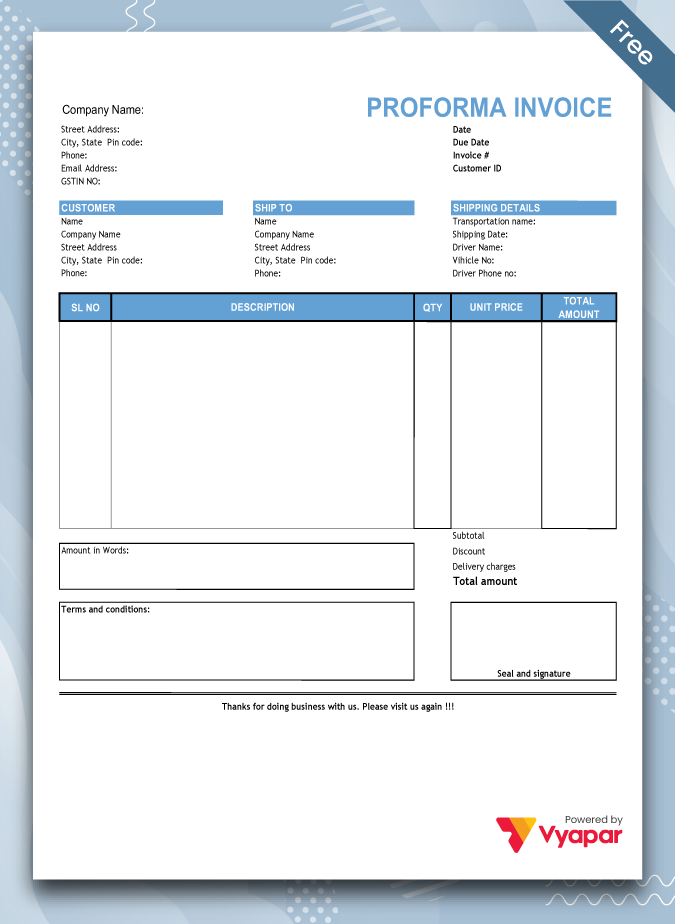
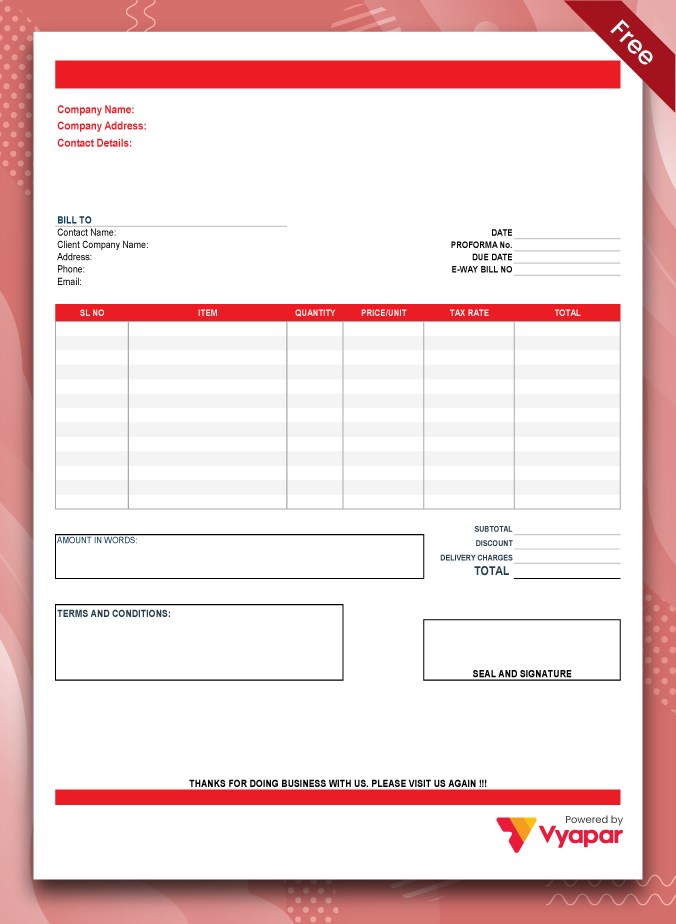
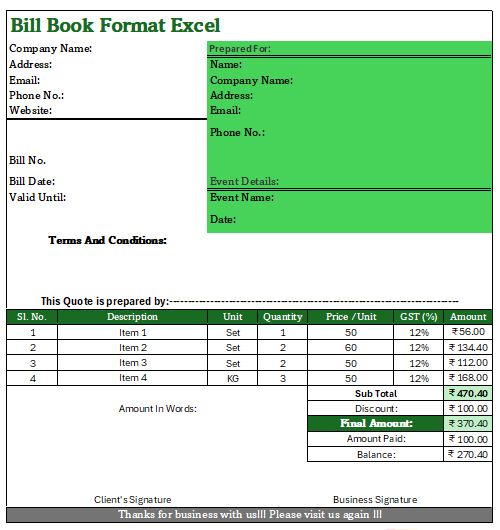
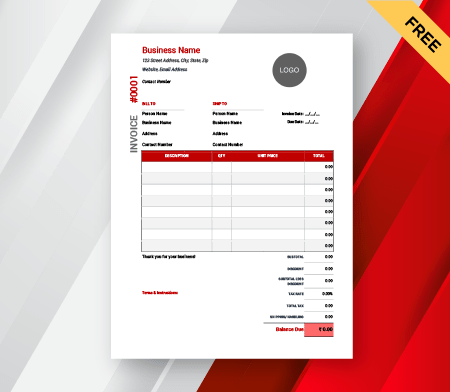
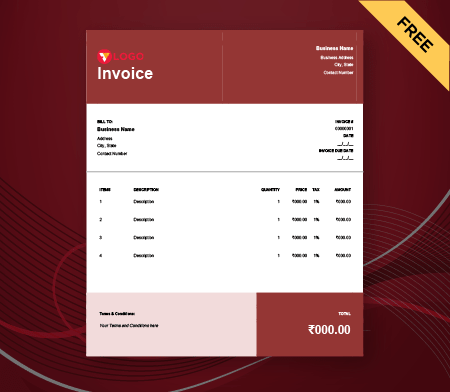
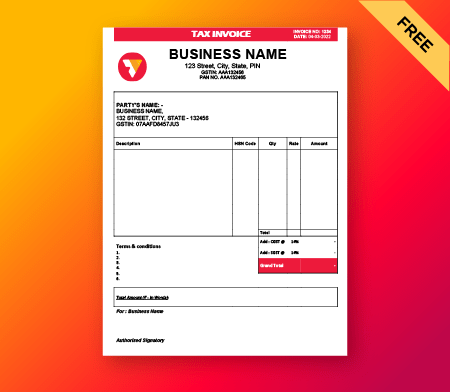
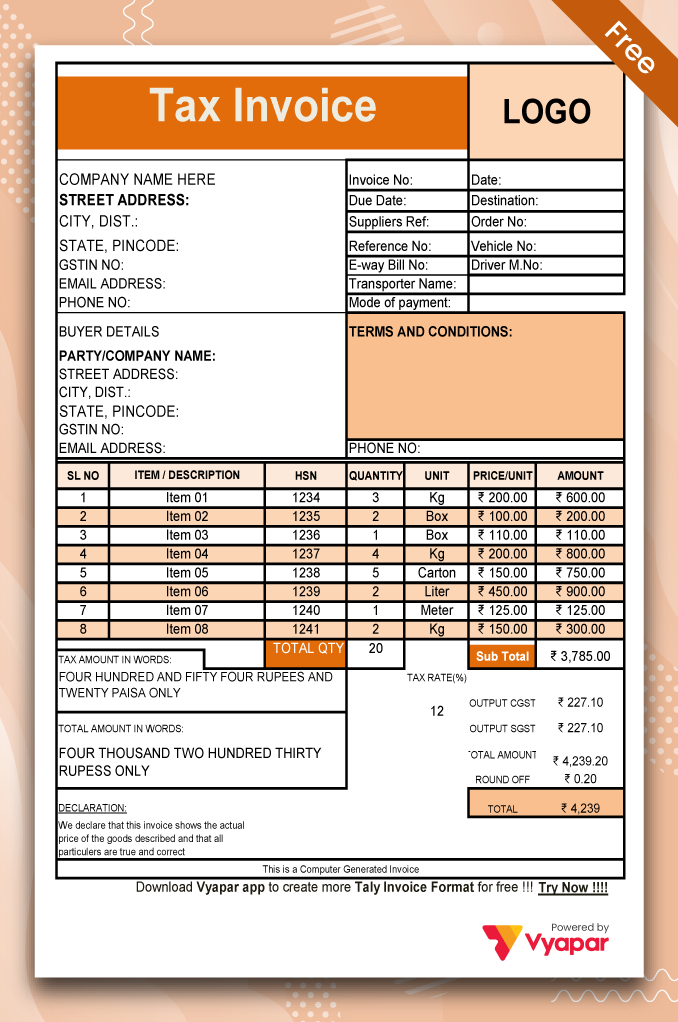
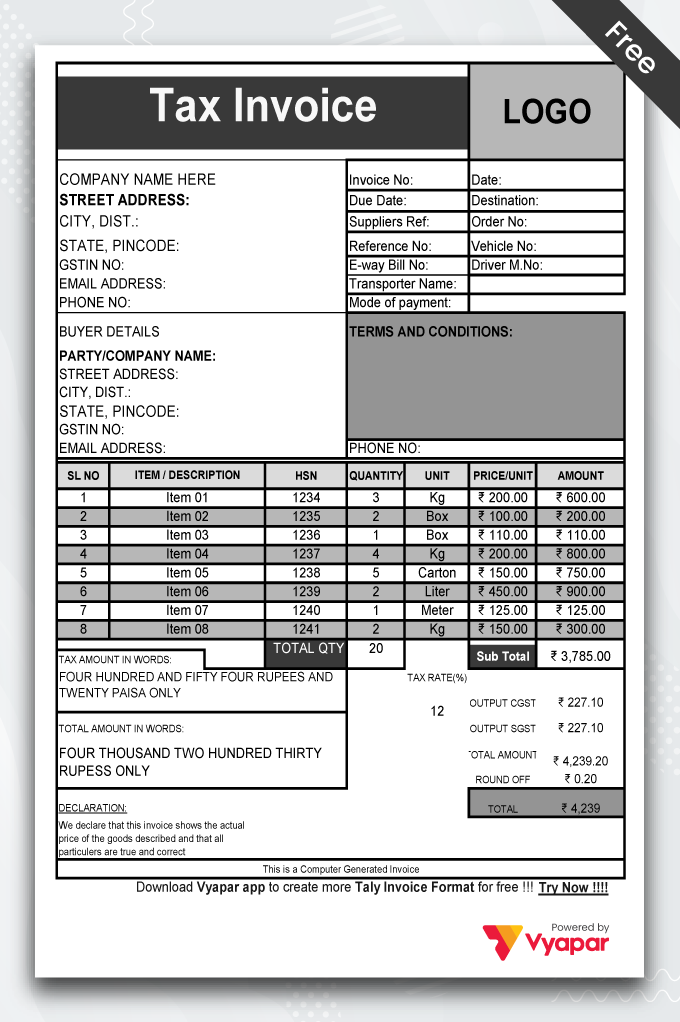
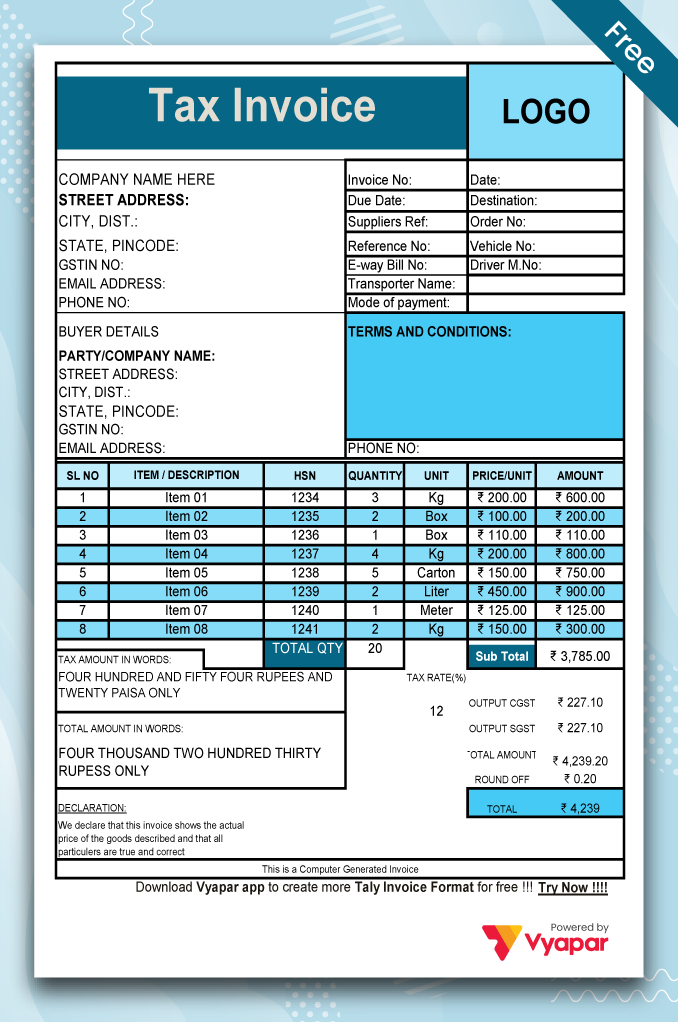
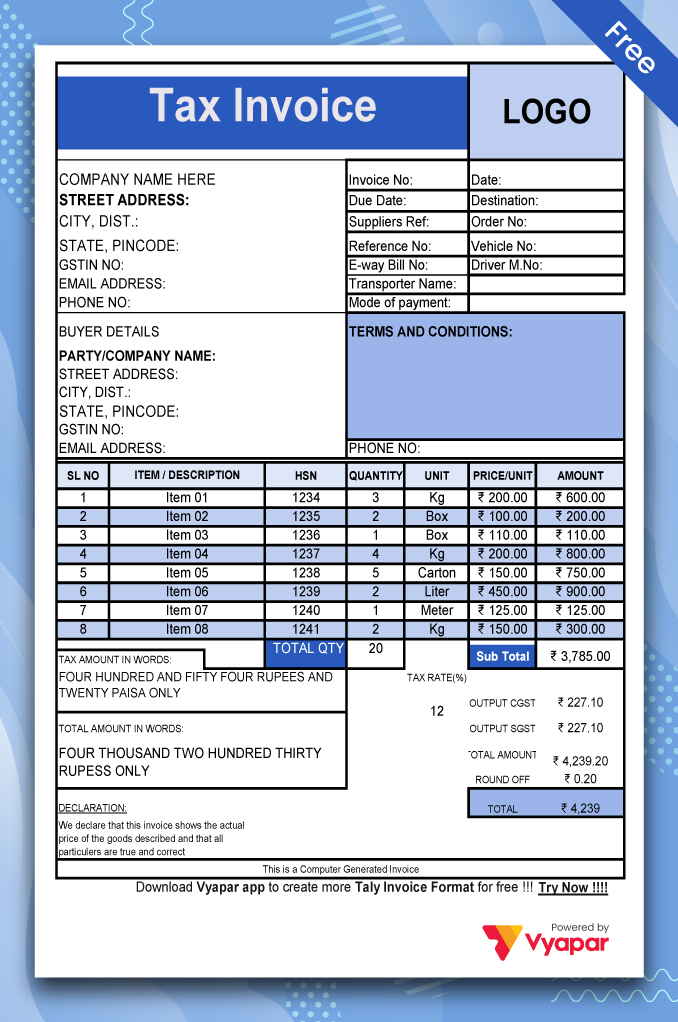
Free Invoice format excel

Invoice Format in Excel India

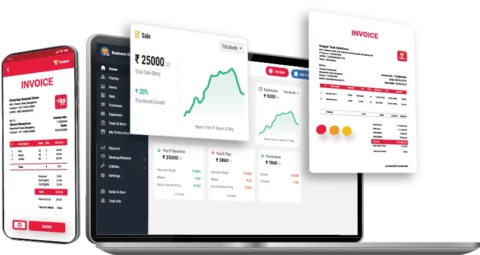
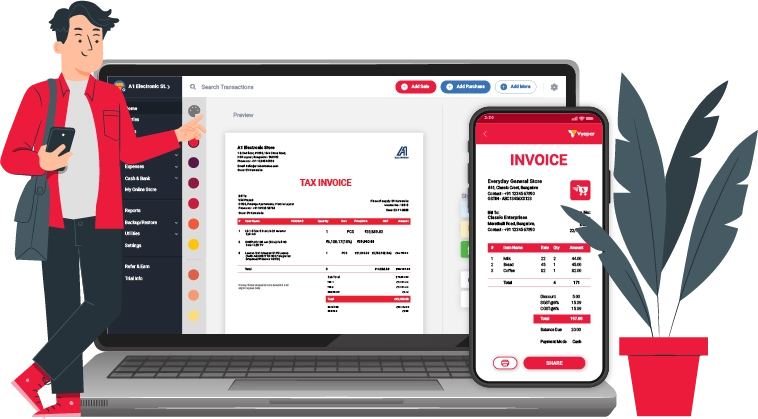
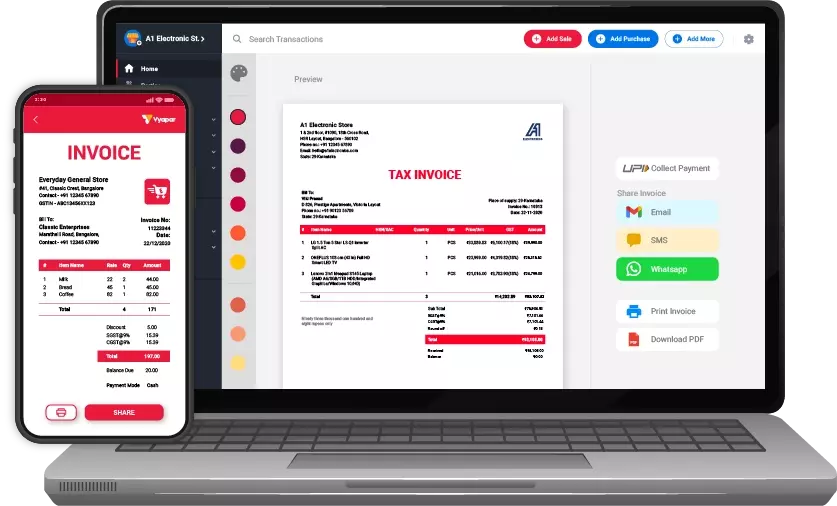
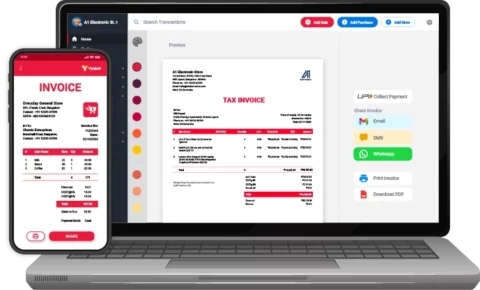
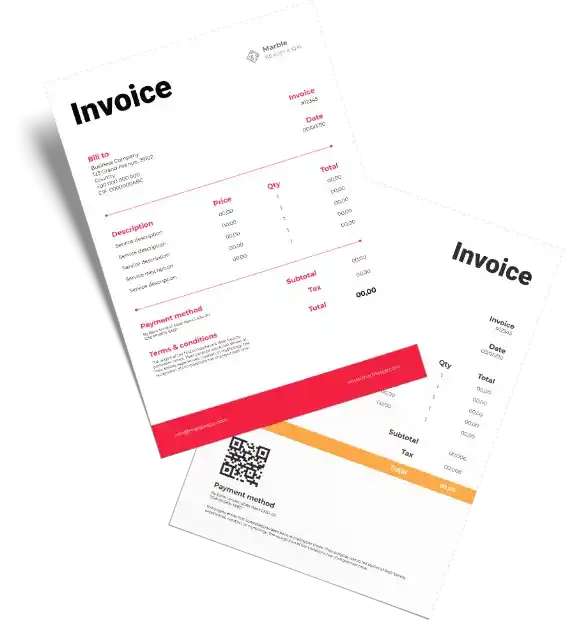
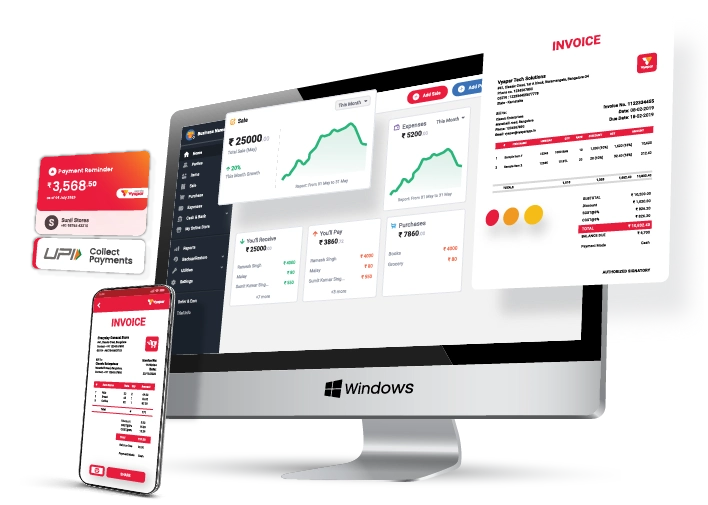
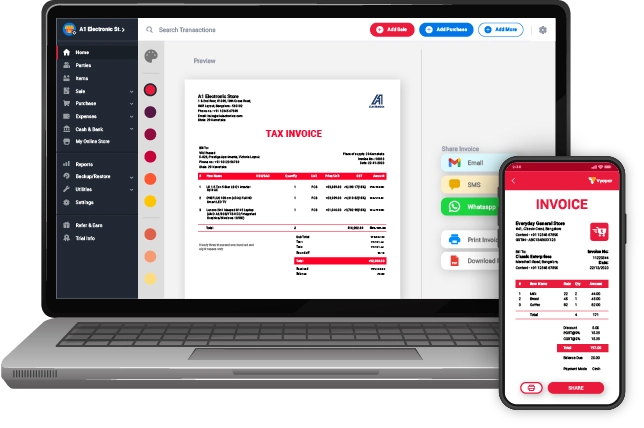
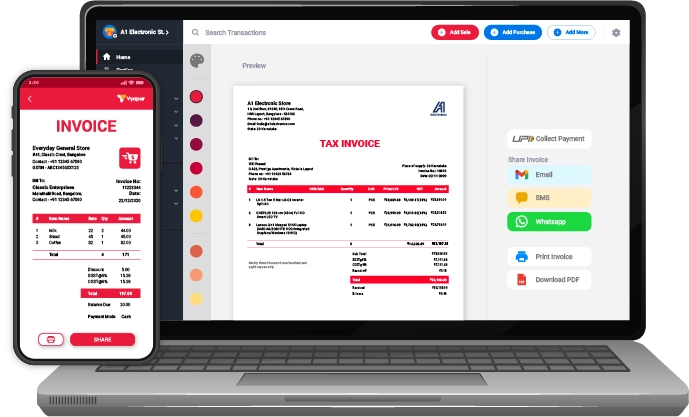
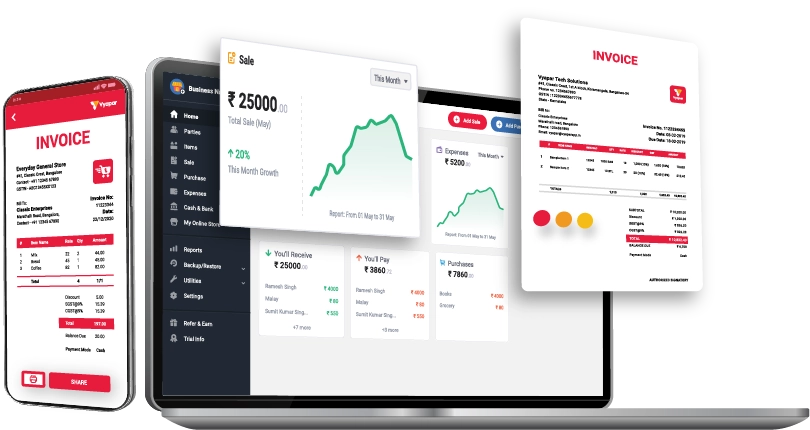
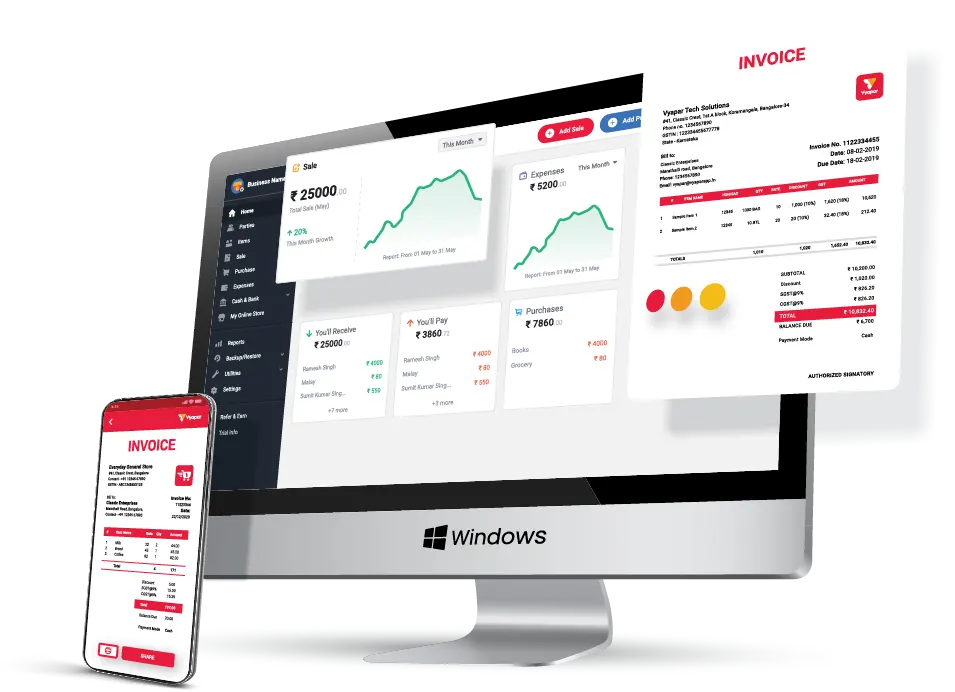
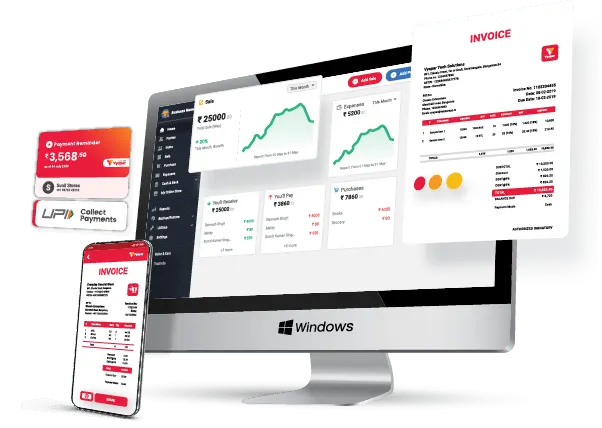
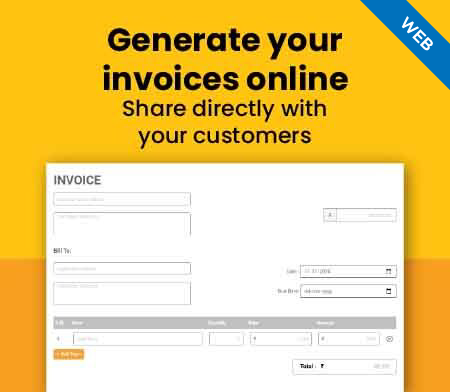
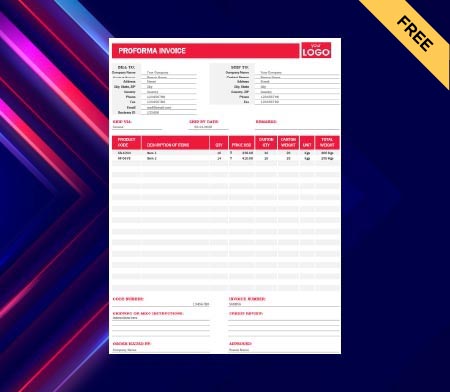
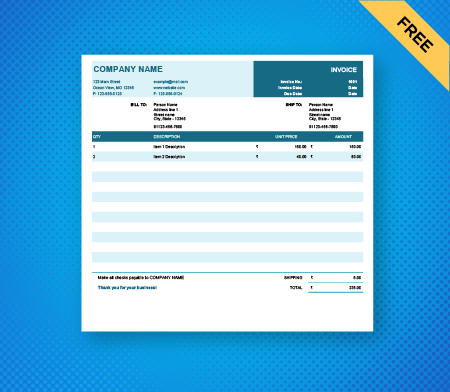
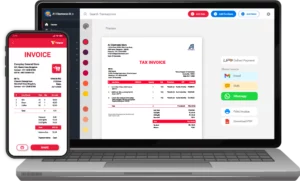
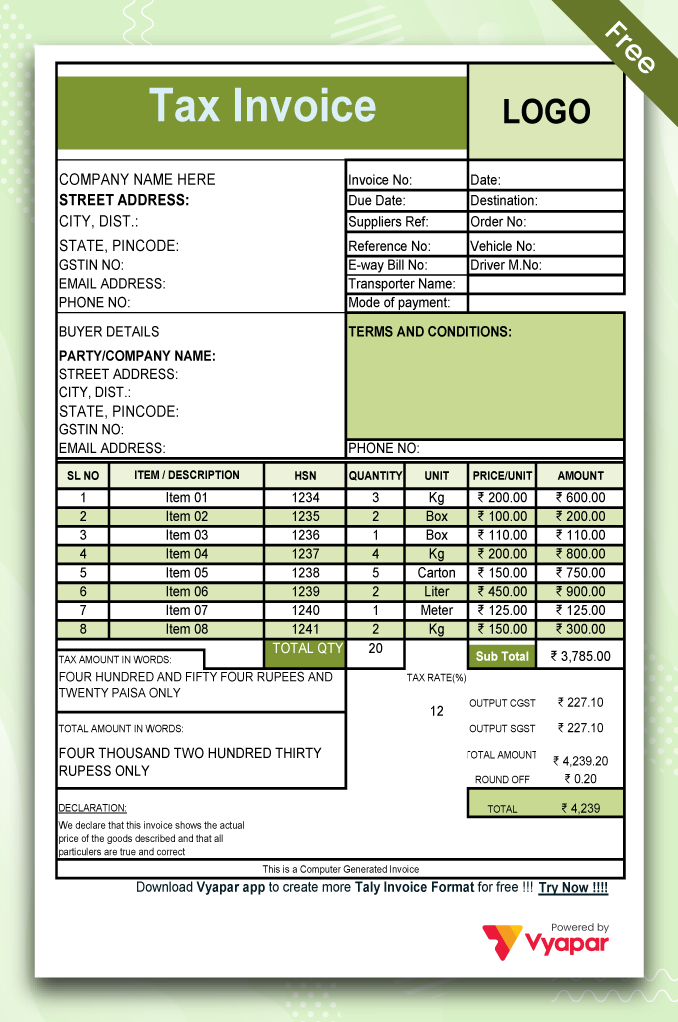
An Excel invoice format is a free invoice template where you can add your company details to create invoices or Create invoices on Vyapar App for free.

  • ⚡️ Create professional invoices with Vyapar in 30 seconds
  • ⚡ Share Invoices automatically on WhatsApp and SMS
  • ⚡️ Connect with your parties through reminders, greetings, business cards and more
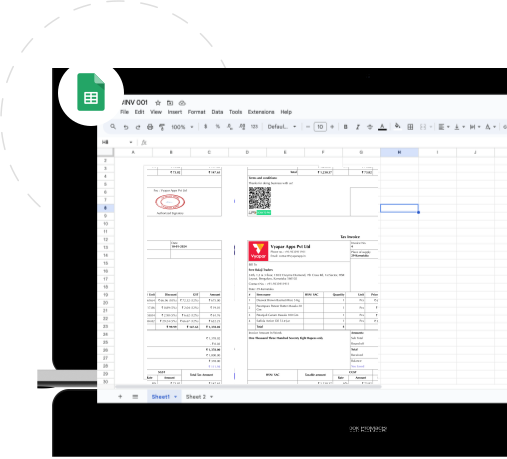
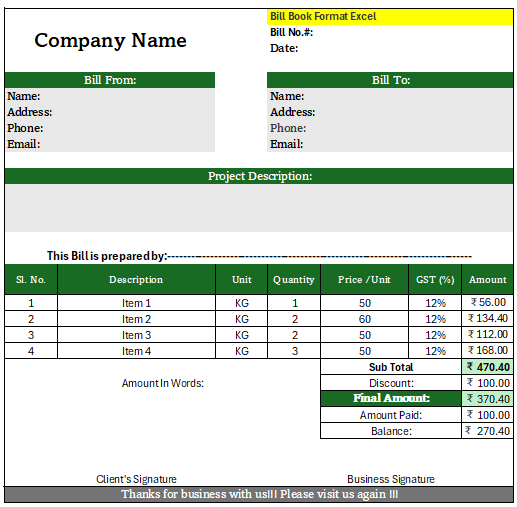
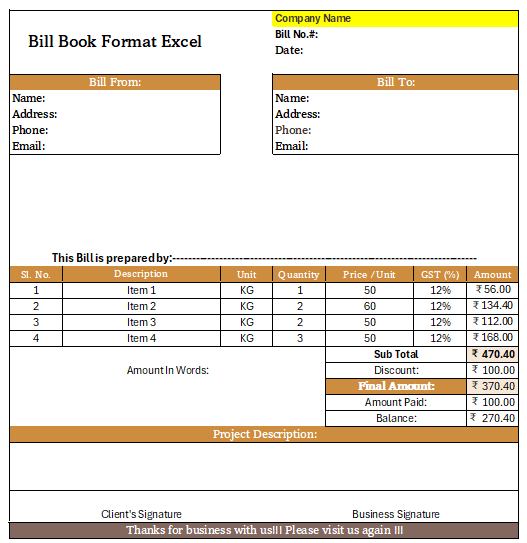
Free Bill Invoice Format in Excel

Free Professional Invoice Formats on Excel
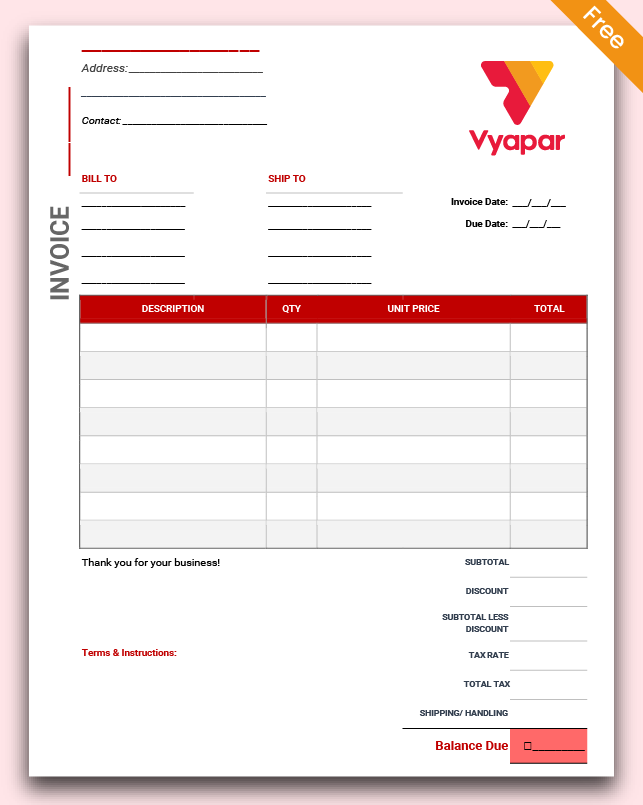
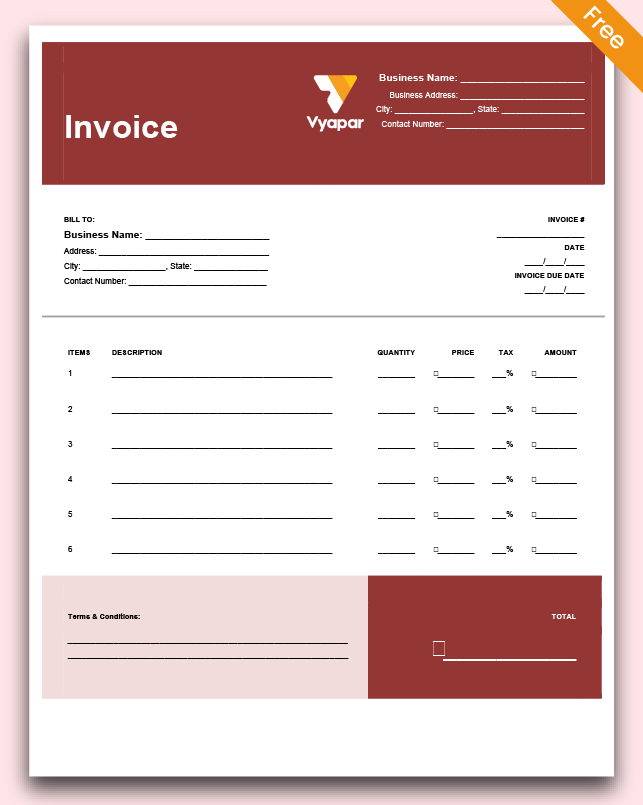
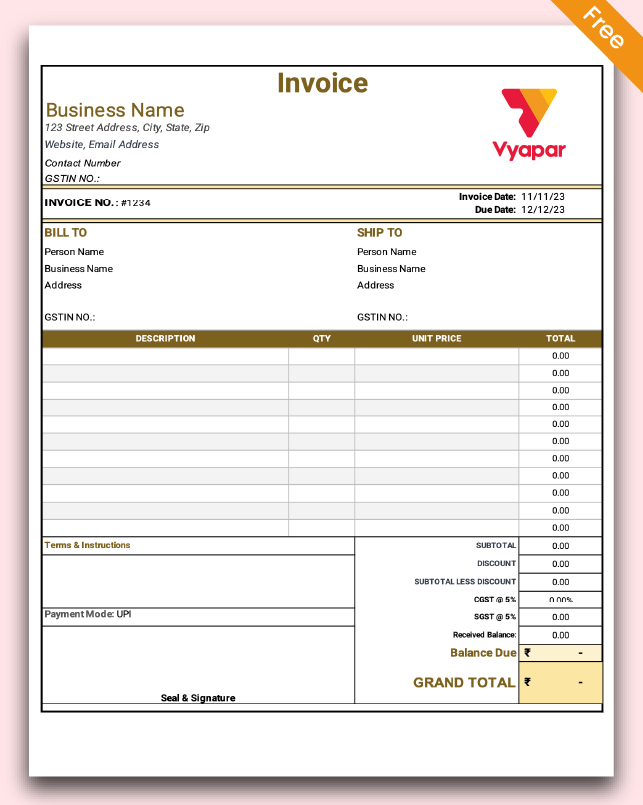
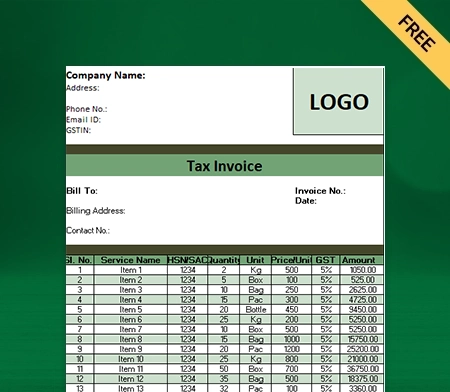
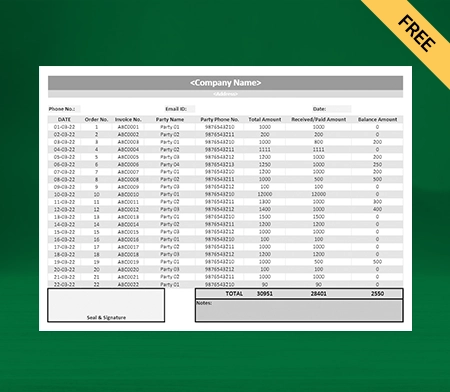
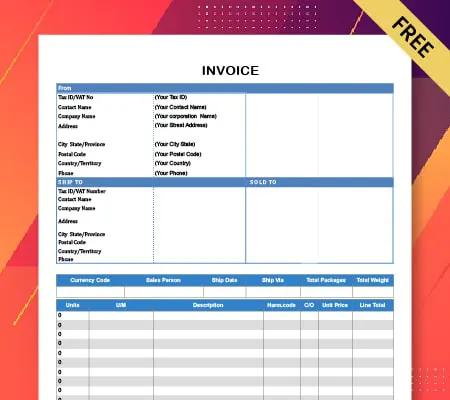
Invoice Format - Theme 1

Invoice Theme 1

download-invoice
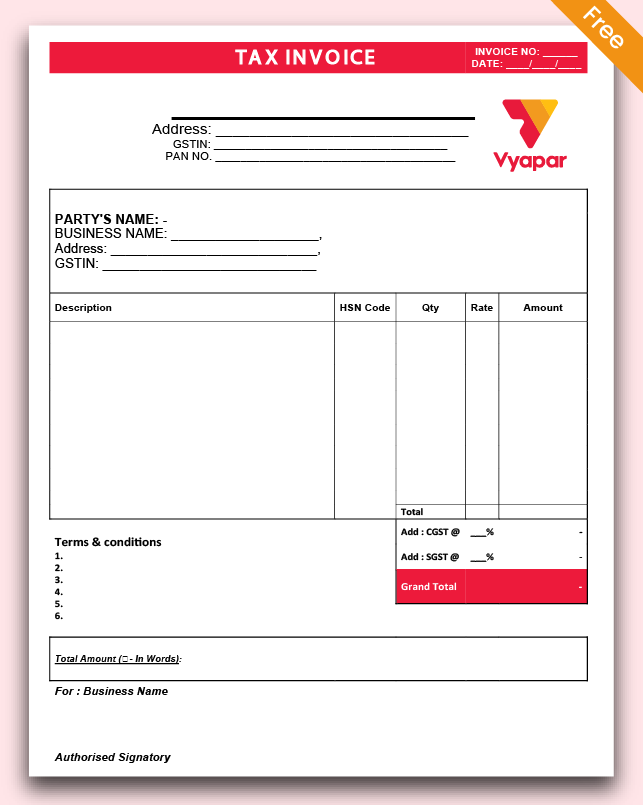
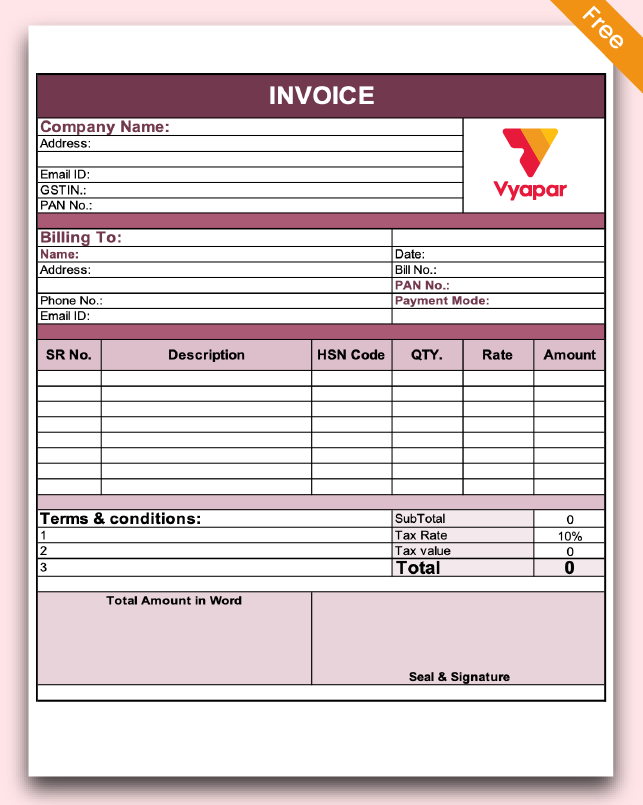
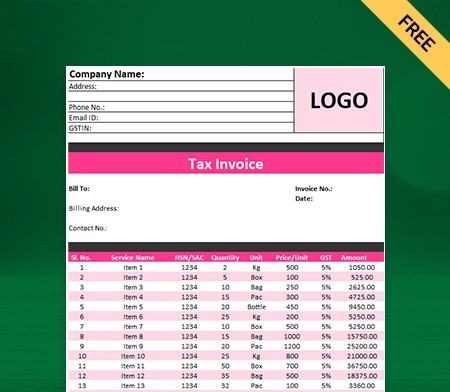
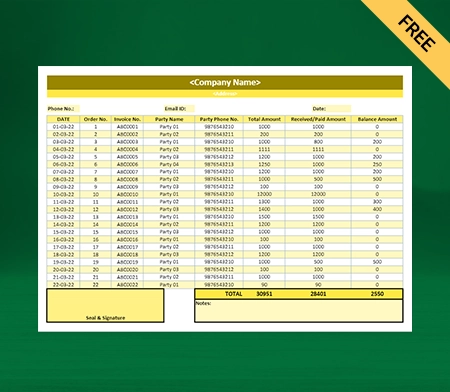
Invoice Format in Excel - Theme 2

Invoice Theme 2

download-invoice
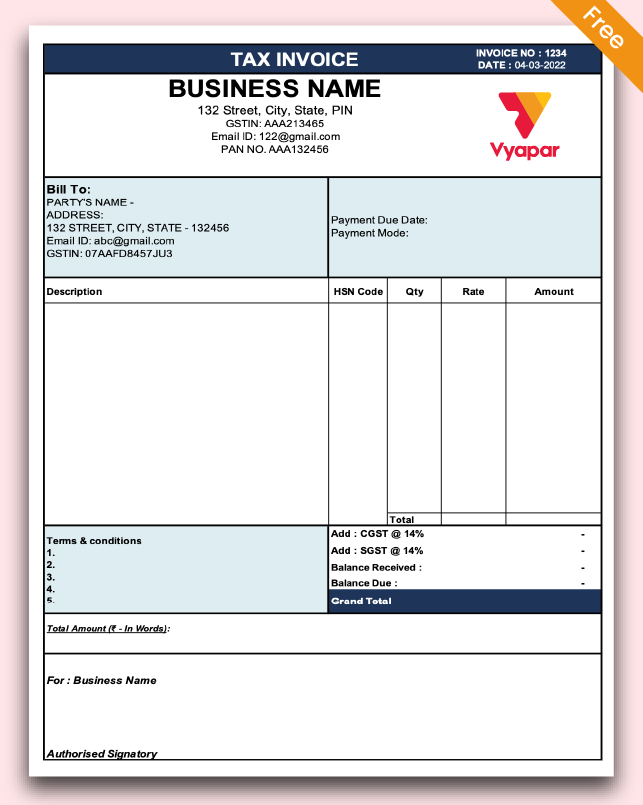
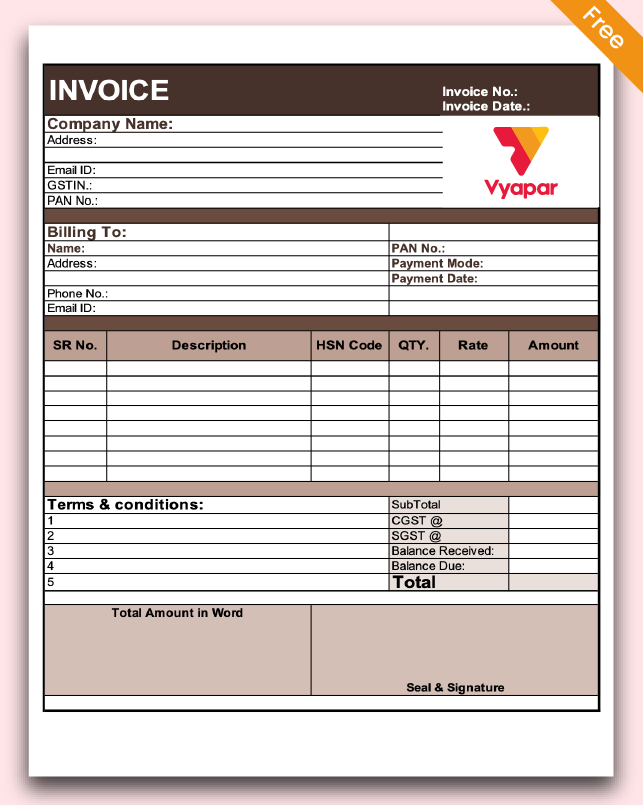
Invoice Format in Excel - Theme 3

Invoice Theme 3

download-invoice
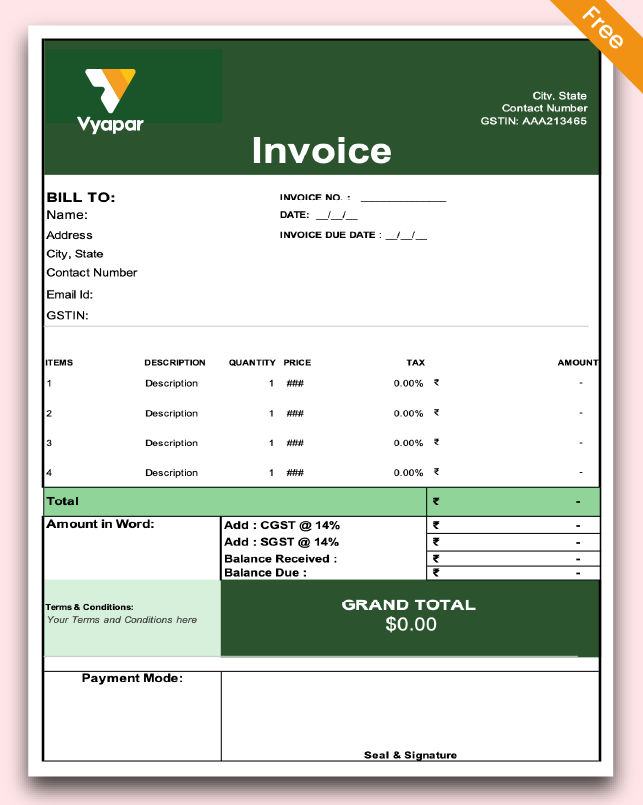
Invoice Format in Excel - Theme 4

Invoice Theme 4

download-invoice
Invoice Format in Excel - Theme 5

Invoice Theme 5

download-invoice
Invoice Format in Excel - Theme 6

Invoice Theme 6

download-invoice
Invoice Format in Excel - Theme 7

Invoice Theme 7

download-invoice
Invoice Format in Excel - Theme 8

Invoice Theme 8

download-invoice

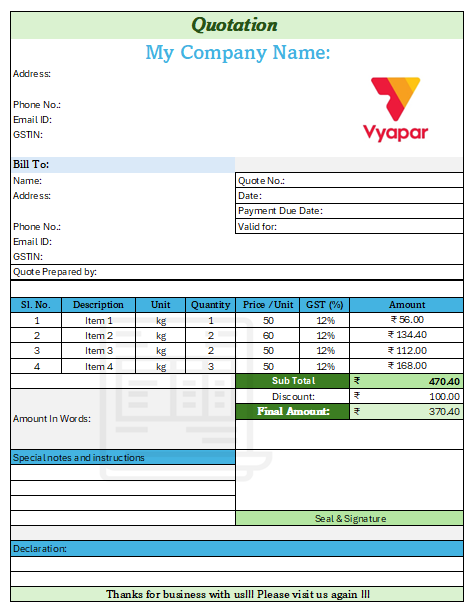
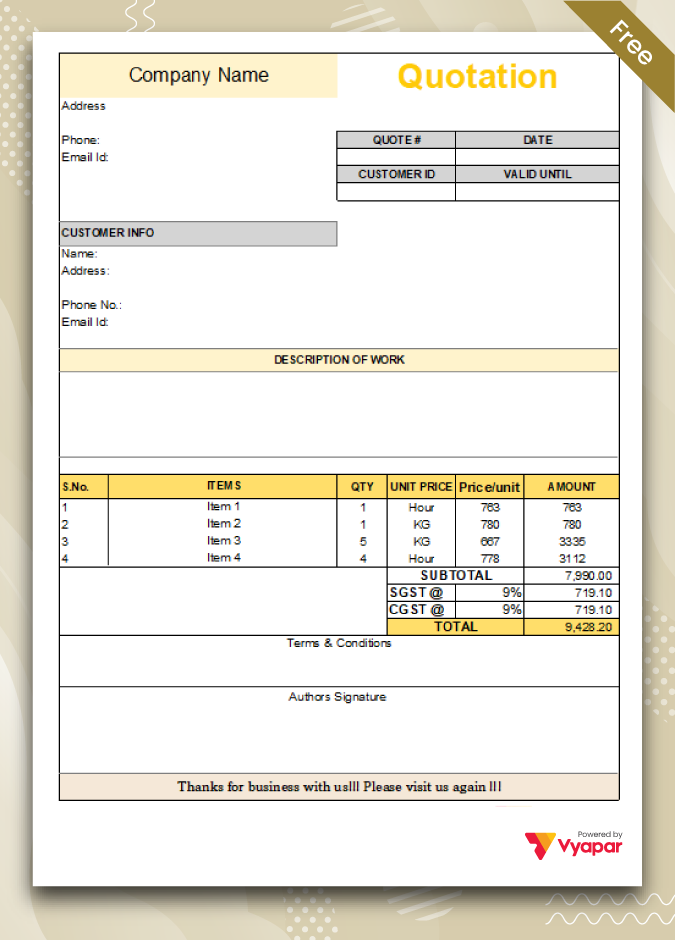
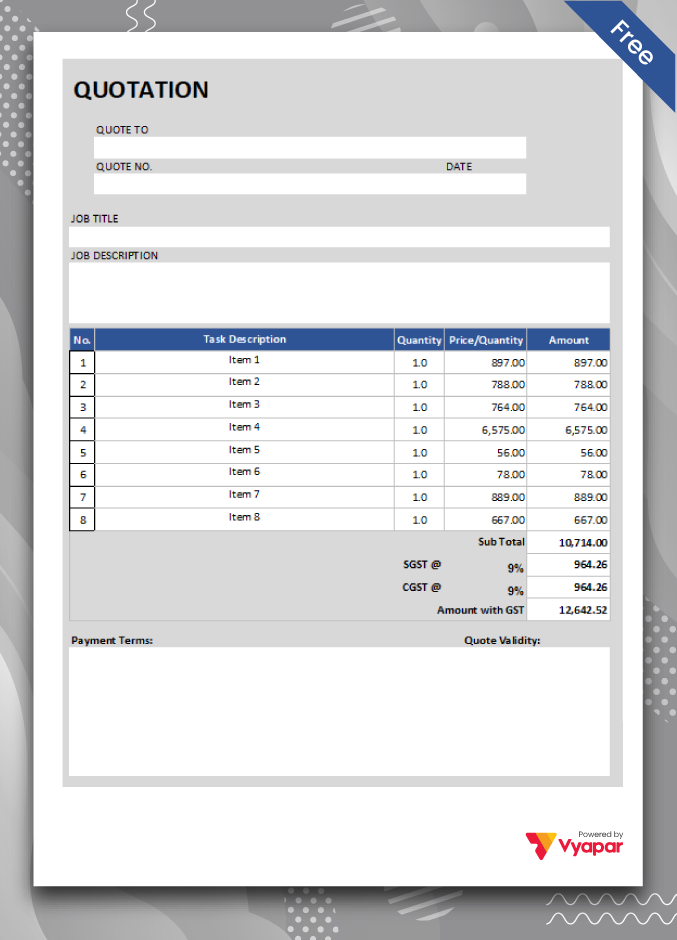
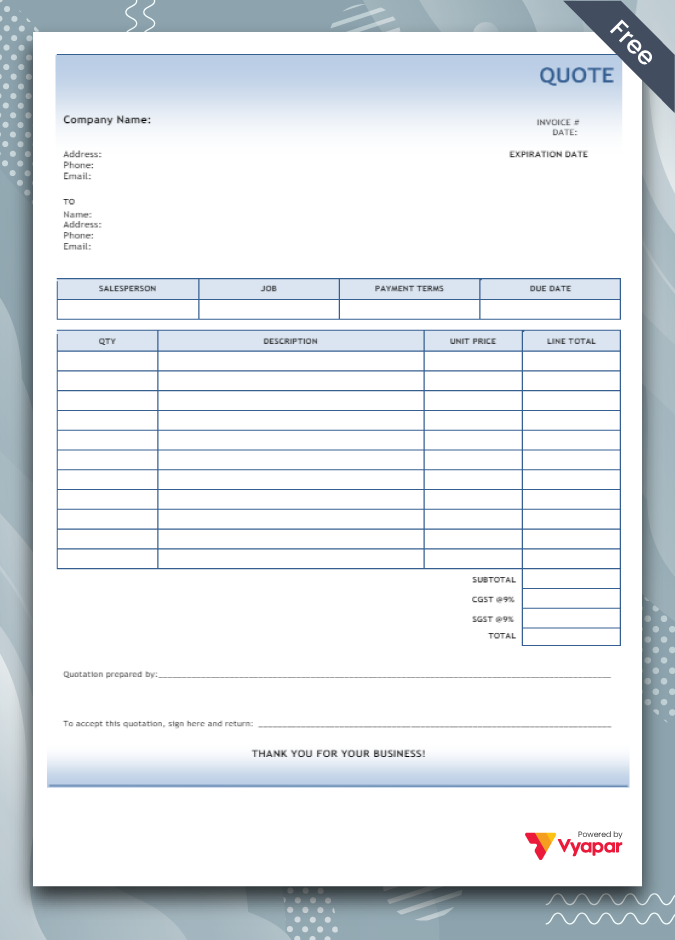
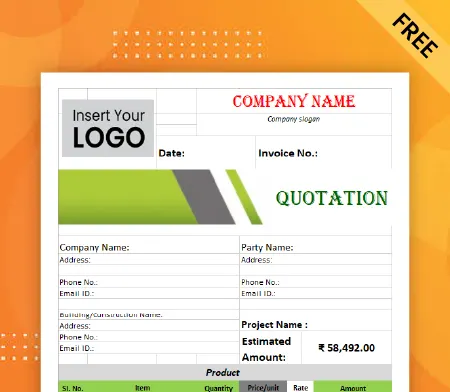
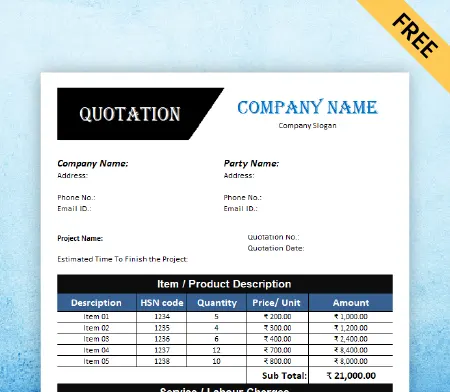
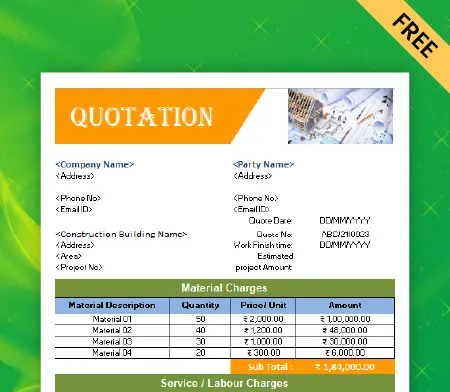
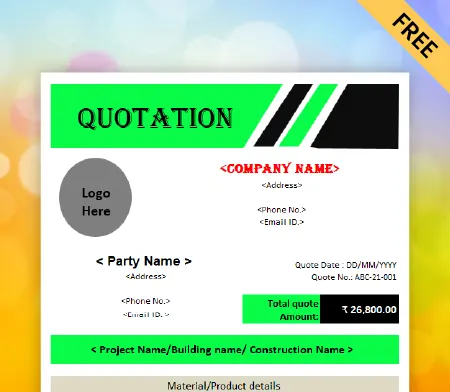
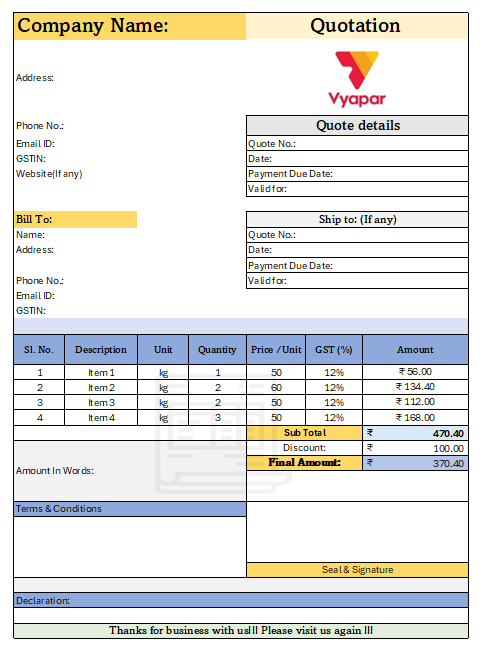
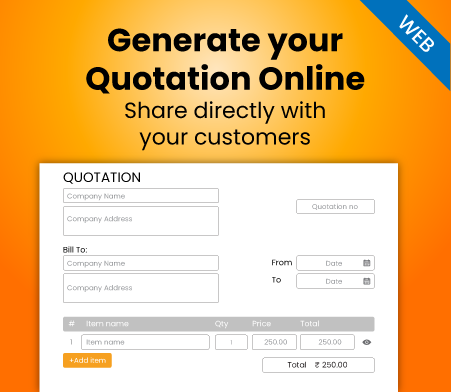
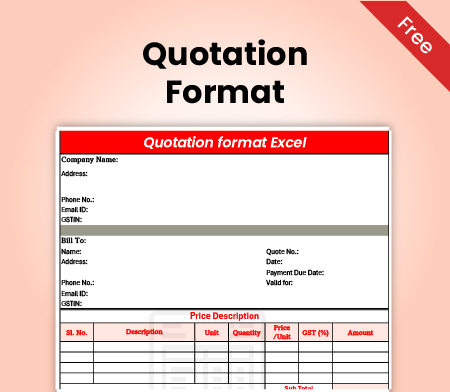
Download Free Ready-to-Use Customizable Excel Quotation Format

Download professional free excel quotation templates, and make customization according to your requirements at zero cost.
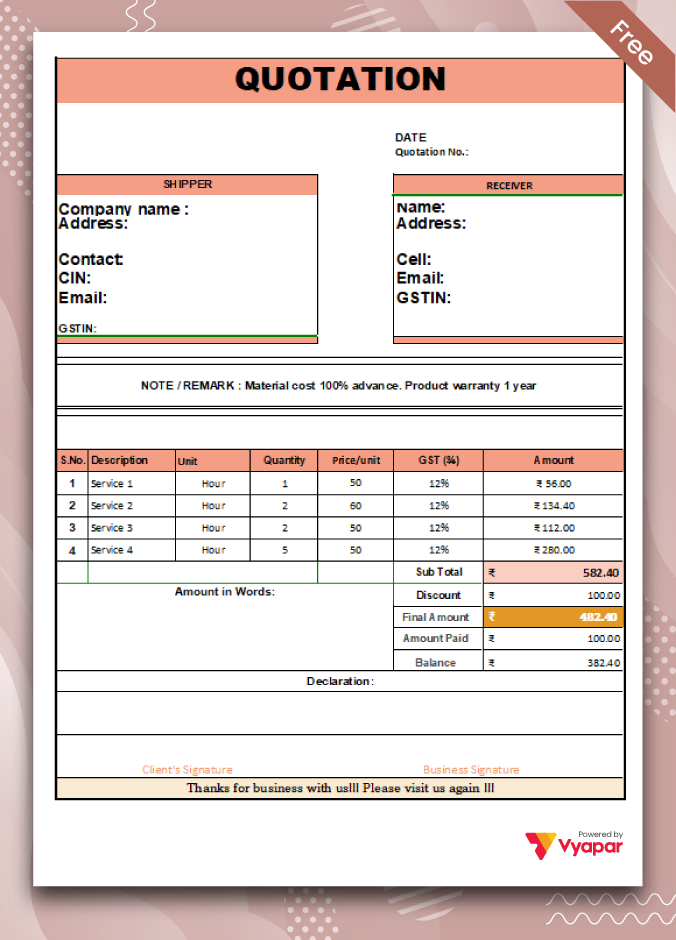
Type-1.1

Format-1

Type-3

Format-2

Type-2.1

Format-3

Get Instant Access to Premium & Professional Quotation Formats 📜👉💻

We Have Everything For Your Business

GST Invoicing
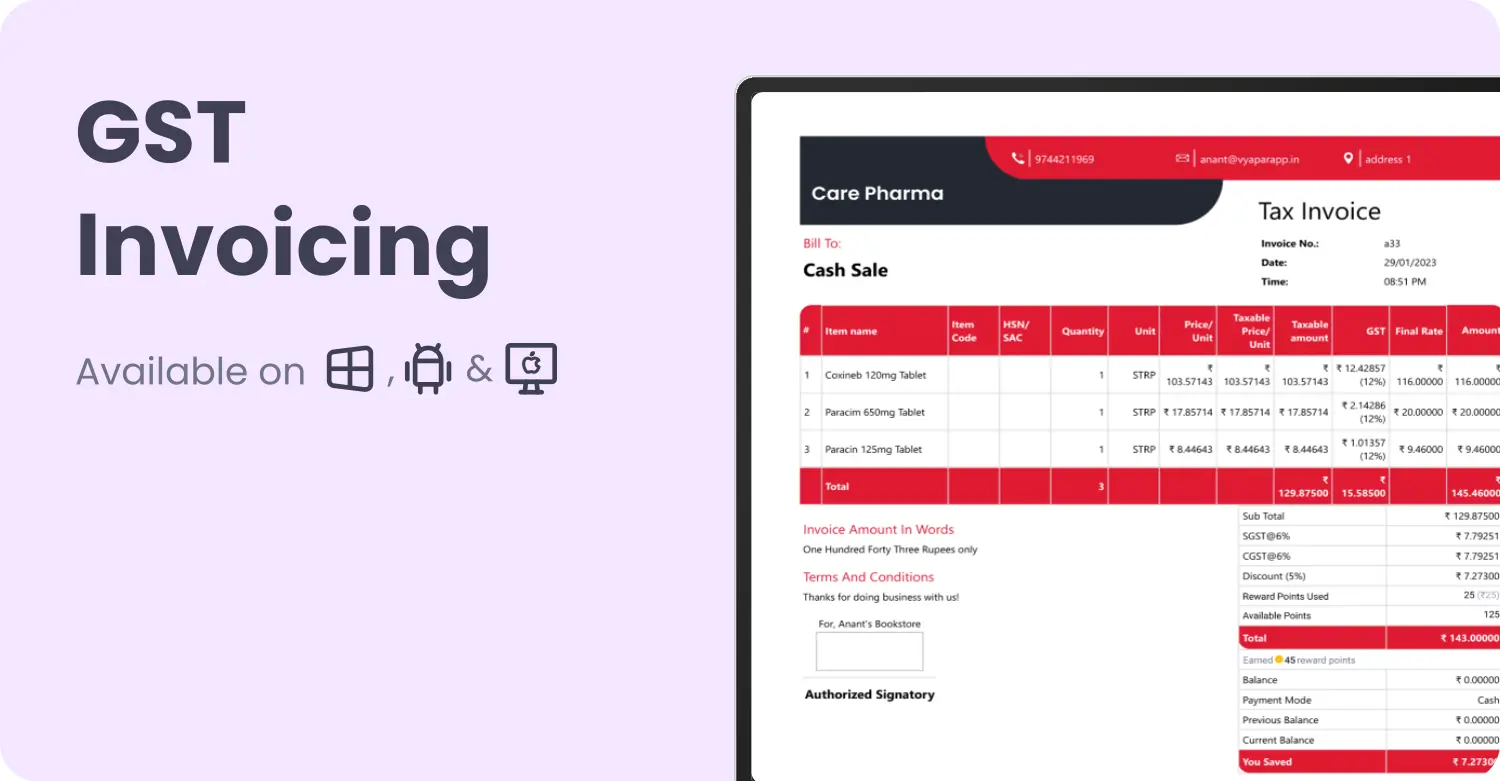
GST Invoicing

Simplify and Accelerate Your Invoicing Process with Vyapar’s Powerful GST Solutions!

Professional invoices in 30 seconds

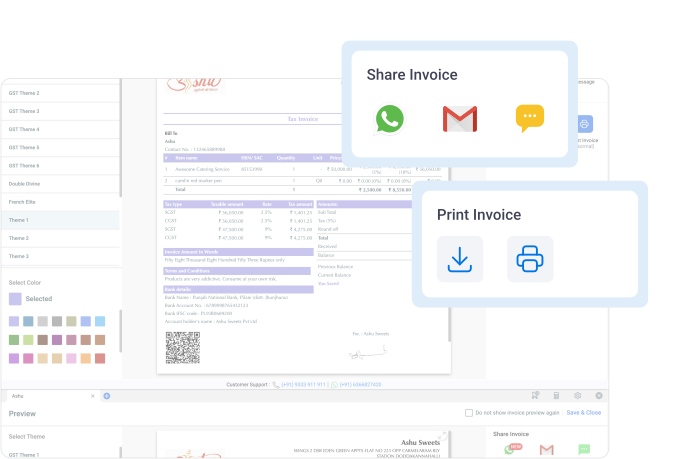
Send paperless invoices on WhatsApp instantly

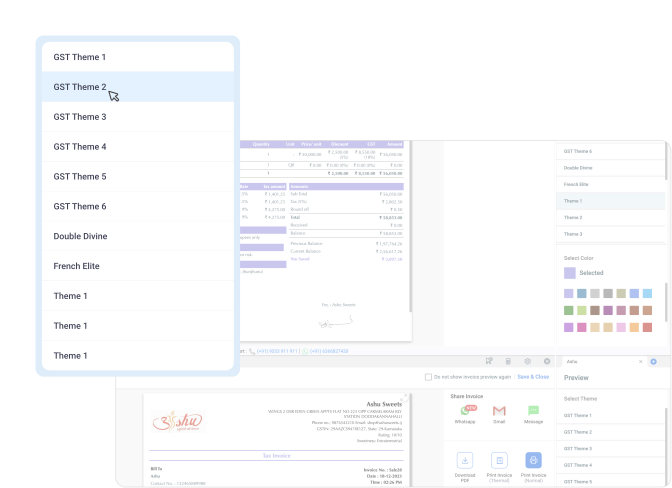
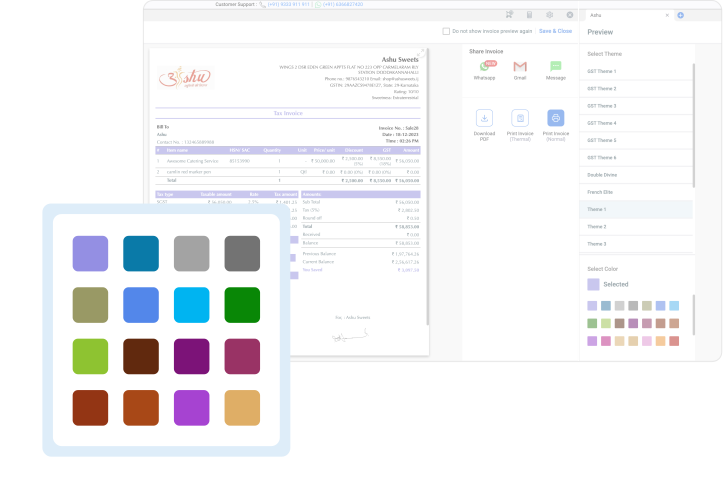
Customise invoice

Inventory Management

Inventory Management

Take Control and Optimize Your Business Operations with Vyapar’s Advanced Inventory Management Solutions

Stock expiry

Batches and Serials

Create Online store seamlessly

Accounting and Analysis

Accounting & Analysis

Streamline Your Financial Management with Vyapar’s Comprehensive Accounting Software

Handle all Purchases and Expenses

Handle all Sale and purchase

Manage your bank account

40+ Reports for Items, tax, PnL etc.

Marketing

Marketing

Foster Connections, Build Loyalty, and Maximize Engagement

Send greetings to users

Create loyalty programs

Send payment reminders for timely payments

Party Management

Government Compliances

Government Compliances

Ensure Adherence to Regulations and Stay Compliant with built-in features & tax reports in Vyapar

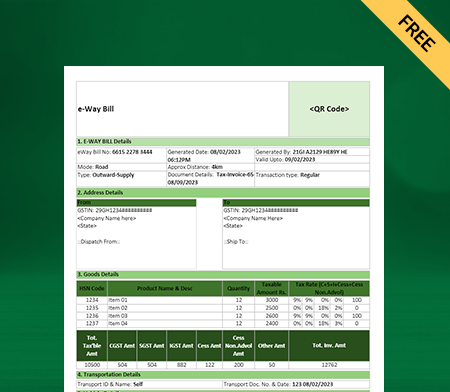
E-way bill and E-invoices

GSTR reports

GST filing

Sync

Sync

Stay Connected and Access Your Data Anywhere with Vyapar\’s Cross-Device Synchronization

Sync across multiple devices

Provide custom access to different people

Access your data anywhere

check mark icon
phone icon

Get a Free Demo

Highlights of Invoicing format on Excel

Excel Invoice Formats

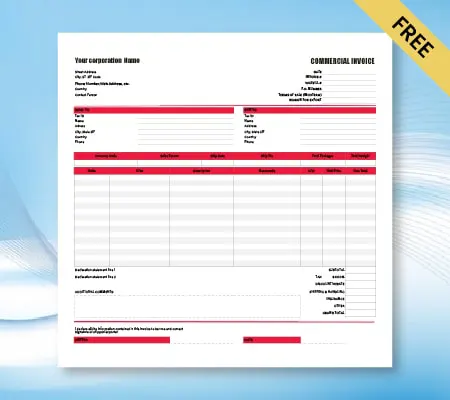
It is easy to create a professional-looking bill format using Excel invoice templates. Vyapar allows you to choose from a wide range of templates and customize them according to your requirements.

Many businesses require Excel functionality in invoices for ease of calculations to save time, and by using free excel invoice formats from Vyapar, you can create an excellent-looking invoice for your customers in a matter of minutes. Further, you can mention GST charges involved in the transaction as a professional service provider.

Do you want to create an bill using Excel, but have no idea where to begin? At Vyapar, you get access to fully customizable excel formats that can help you generate the invoice quickly.

It gives you the liberty to make customizations suitable for your brand, including colours, logo, and address. Further, you can use the Vyapar invoice generator to avoid using confusing tools and making the process simple for anyone. You need not hire a designer, which can cost you thousands for a simple template.

Excel invoicing provides the listed features:

• Ready to use excel formats can be downloaded for free using Vyapar.

• Add logo and business address to showcase the identity of your business.

Create printable invoices and send them to your customers.

• Use professional formatting for enhanced user experience.

• Built-in formulas for automatic calculations on adding items.

• Wide range of options to choose the perfect fit for your business.

• Complete customization to help you represent your brand through the invoice.

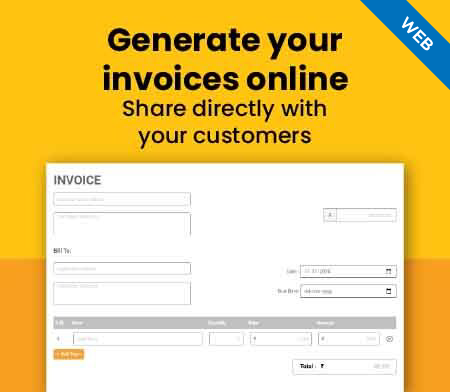
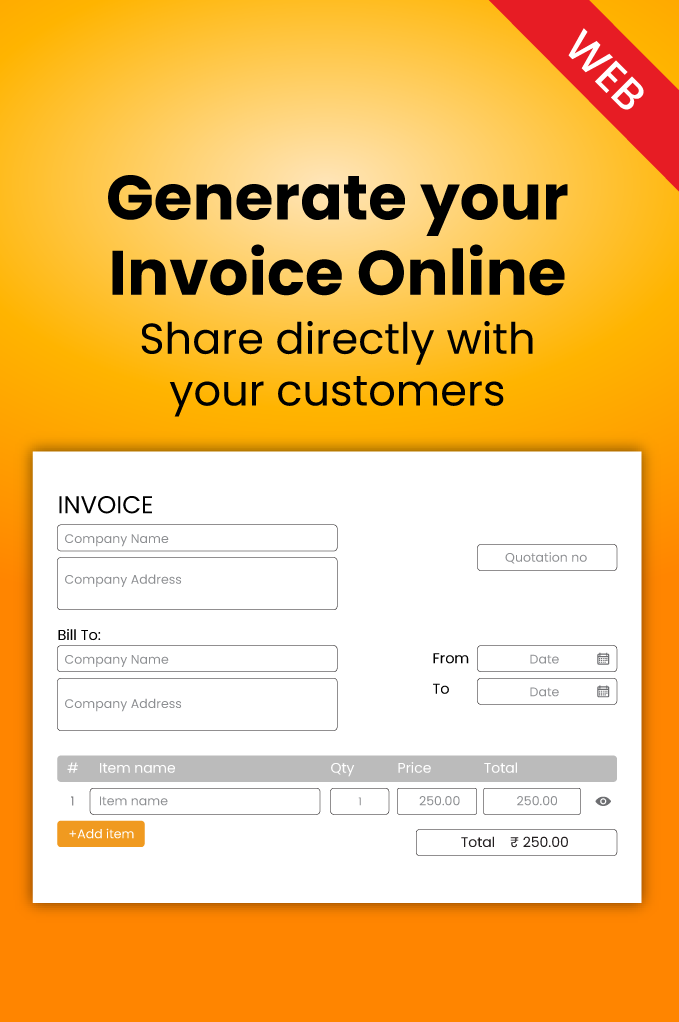
You can check out our excel invoice templates to choose the one that fits in your business, or you can use our invoice generator online to create a customized templates.

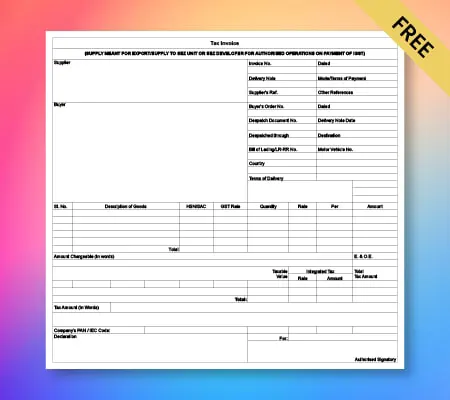
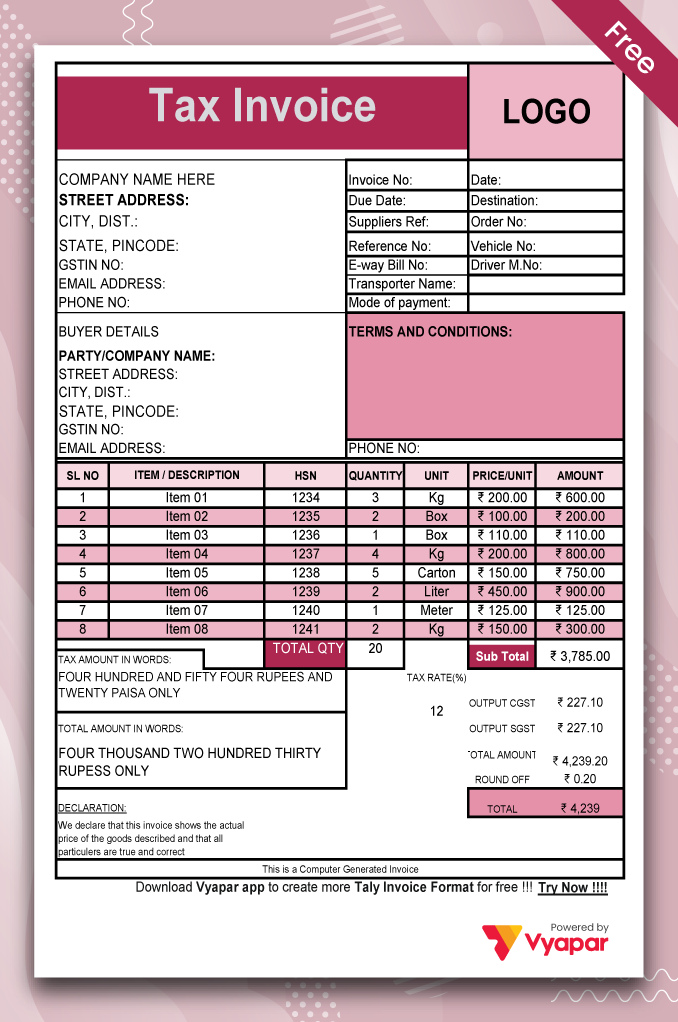
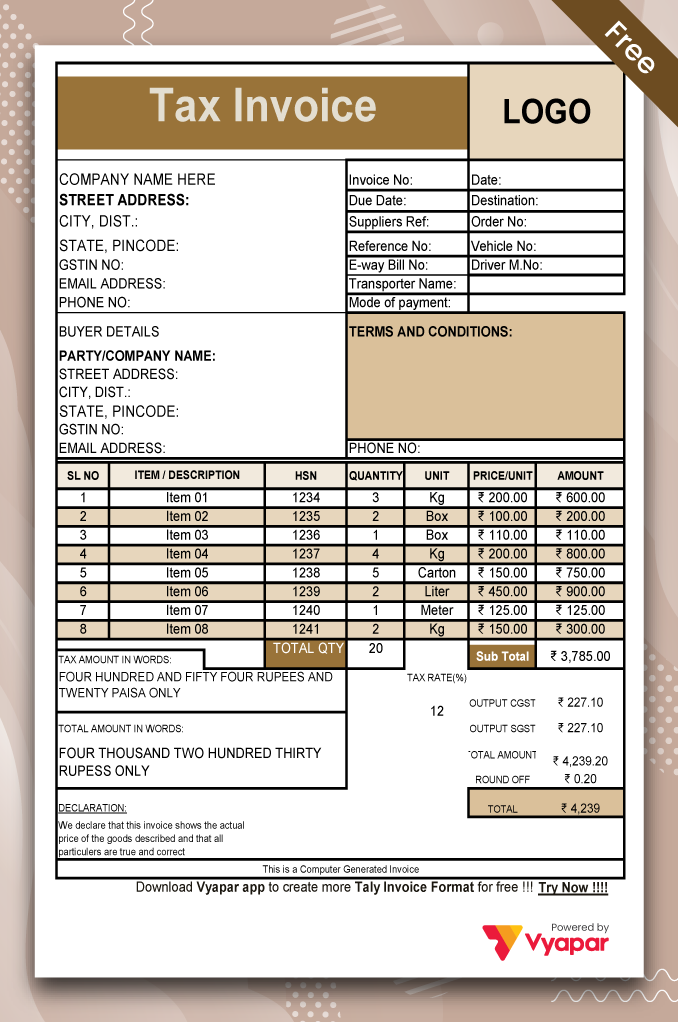
Tax Invoice Format in Excel

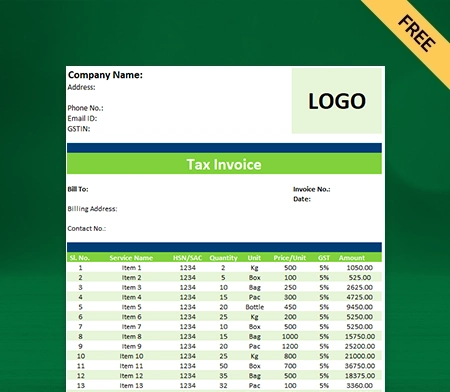
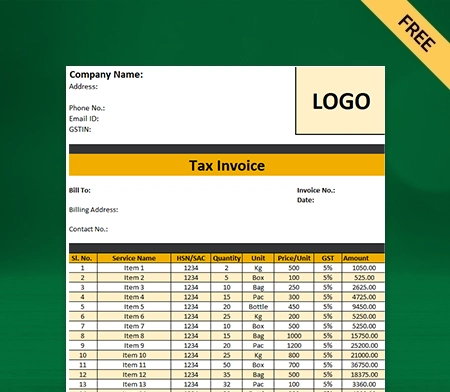
The tax invoice format in Excel generates an invoice for a taxable supply of products & services. Tax invoice broadly accommodates details like description of products and services purchased with applicable tax and other particulars as prescribed in the Tax bill.

A tax invoice is a piece of primary evidence for the customer to claim an input tax credit for products and services. It serves as legal evidence of sale for the seller.

You can customise a excel gst invoice format or tax invoice format in Excel to meet your unique business requirements using the Vyapar billing software. You can simultaneously download gst bill format in excel free and share professional GST invoice format with your customers online and offline modes.

Tally Invoice Format in Excel

The tally invoice is an essential element of the sales process for both buyer and the seller. The prime document serves as a bill for the products and services your business has provided.

As per Government of India GST laws, every seller who has obtained GST registration in India has to issue an invoice in the pre-notified templates by supplying goods or services to their respective customers.

You can customise tax invoice format in tally using the Vyapar billing software, which over 1 million small business owners trust in India for daily requirements.

Sales Invoice Format in Excel

The sale bill template in Excel is used as a legal document sent to the customer with the combined list of products or services simultaneously. It includes a list and prices of products and services, any sales tax on them, and the total amount, the date before which the clients must pay.

Cost records in sales tax invoices are used to prepare the final account and sales invoice by the supplier for the client so that Clients can pay their tax invoices on time without any difficulty.

You can customise the sales tax invoice format in Excel by using the Vyapar billing software. Vyapar comes with multiple modes of payment, and you can receive your payment from clients in cheques, cash and even through the online platform Vyapar.

Sample Invoice Format in Excel

A sample bill is a template that suppliers generally use to create and send an itemised list of the goods or services provided to their buyers.

Various samples are created to meet the requirements of a variety of businesses. At the same time, you come into a business, you most of the time face what should be included in the invoice. With a sample invoice, you can get a good idea of how a custom bill could look for your business.

You can use the Vyapar billing software to customise the sample invoice format in Excel India. You can also customise your dashboard by using the multiple themes provided by Vyapar, as you can change it as per your requirement.

Service Invoice Format in Excel

The service invoice format in Excel is used as an accounting invoice document that a service-based business sends to its customers to request payment for its services. So simply, it makes it easier to manage accounts, and customer receives information through service invoice format.

Service invoices provide detailed information to the client with the amount owing on the invoice, the deadline for payment and a detailed list of the services offered by the supplier to the client at the specific time and date mentioned in the service invoice.

You can customise the service templates in Excel as per your requirement using the Vyapar app. Vyapar app is known for its speed and accuracy, which is essential in running a modern-day business, especially service businesses.

Simple Invoice Format in Excel

A simple invoice is a document that maintains a transaction record between client and supplier, such as a simple paper receipt from a store or an online form from an e-tailer.

Simple bill work when a customer approves the purchases of products or services from a potential supplier. The details of the sale that are taking place between seller and buyer are dictated on an invoice- a document which is an official request for payment.

You can customise the simple invoice format in Excel India by using the Vyapar app. Over 1 million small businesses trust Vyapar in India, and it is cost-efficient and comes with unique features at affordable prices.

Computer Invoice Format in Excel

A computer invoice format in Excel is used as a free template with fields to be filled as per the sale. Such computer invoices in Excel form are easy to use for business owners.

You can download free templates for computer invoices created by Vyapar for your convenience. It helps you to keep track of all the detailed real-time activities of your business. Creating an invoice format in Excel using computer invoices is effortless.

You can customise the invoice in Excel per your requirement by using the Vyapar app. Using Vyapar app you can get gst bill excel format and issue invoices in multiple modes to your customers.

Mobile Invoice Format in Excel

Mobile invoice is used to bill customers from your mobile device so they can pay you quickly and securely for your products and services. It is a very secure and convenient method both for the seller and customer at the same time.

With the help of a digital bill, your client receives a payment request in their email box, and they can pay online from wherever they are by entering their card information.

You can customise the mobile invoice in Excel as per your requirement by using the Vyapar billing software. Vyapar also comes with multiple modes of payment, both offline as cash and cheque and online as the UPI, Internet banking etc.

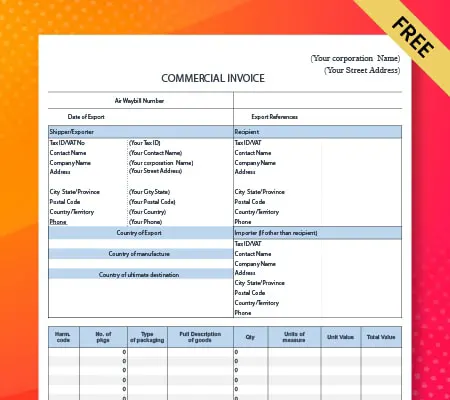
International Invoice Format in Excel

International invoices are known as the critical component of the export paperwork. The International invoices indicate the customer and supplier of the particular goods, a description of the items, their value, and the terms or proposed terms of the sale.

Many global governments use these bills to calculate and assess customs duties and taxes. It solves the problem of currency swaps between the international buyer and supplier.

You can customise International invoices in Excel by using the Vyapar billing software. It helps you generate invoices easily and quickly for your customer without difficulty with the payment mode.

RCM Invoice Format in Excel

RCM invoices in Excel are used when the supplier pays the tax on goods or services he supplies. Under the reverse charge mechanism, the buyer or the recipient of goods or services becomes liable to pay the tax.

The objective of shifting the burden of GST payments to the buyer for the potential goods and services widens the scope of levy of tax on various unorganised sectors, exempts specific classes of suppliers, and taxes the import of services.

You can use the Vyapar billing software to customise the RCM invoices in Excel per your requirement. You can also customise your dashboard using the multiple themes available on the Vyapar app platform.

Consultancy Invoice Format in Excel

Consulting is mentioned as the service rendered by experts in their particular field of expertise regularly and for the long term, unlike a freelancer. Due to the heavy pressure of work, consultant prefers automated solutions or consultant software for invoicing.

The consultant’s job entails advisory and execution of services, such as legal or information technology, in exchange for a fee, either one or multiple clients, for which he is either self-employed or working in a firm, he issues the consultancy invoices to their customer for the service.

Using the Vyapar billing software, you can customise the consulting invoices in Excel per your requirement. Vyapar app comes with the feature of multiple modes of offline and online payments. So it avoids the acute angle between customer and consultant mode of fees.

Contractor Invoice Format in Excel

In general, contract invoicing is the additional chargeable service that authorises the invoicing to customers at regular intervals based on a customer-specific contract.

Contract invoicing is beneficial when the sums and numbers of invoicing constantly alter due to various situations. Such as regular consulting or different kinds of license fees.

You can customise contractor invoices in Excel by using the Vyapar billing software. Vyapar app manages your cash flow efficiently as it monitors the cash flow, which keeps your business risk-free.

Event Invoice Format in Excel

An event invoice Excel is used by professional event planners and event planning businesses to bill clients for work related to planning an event.

The event invoice should include all important information about the event and charges for the services rendered by the particular firms by their clients.

You can customise the event invoice as per your requirement by using the Vyapar billing software. Vyapar is known for its speed and accuracy, an essential part of service businesses in this modern era.

House Rent Invoice Format in Excel

A House rent invoice is a form generated to or mailed to a tenant (single, multi-family, or business rentals) once a landlord or property manager receives a rental property payment.

The landlord must maintain copies of all documents to ensure proper payment records of tenants’ payments. These invoices save a lot of the landlord’s accounting work.

You can customise House rent invoices in Excel by using the Vyapar billing software. As we all know, manual bookkeeping requires enormous amounts of effort and long hours for data entry. Here Vyapar automates these tasks for you and saves you lots of time.

Labour Invoice Format in Excel

A labour invoice is a document by any service provider to record services and materials used to complete a job, such as a carpet cleaning service, cleaning service etc.

The labour invoice form provides contact information for both the supplier and the client, and It will also offer columns. In contrast, the supplier can itemise the materials and services to be billed to the customer once the job is complete.

You can customise the labour invoice in Excel by using the Vyapar billing software. Vyapar app comes with very High-Grade Security, which ensures your data security and provides authorised access.

Stationery Invoice Format in Excel

A stationery invoice in Excel is used when the bill is provided to the customer who purchases the stationery utensils such as pens, papers, pencils, erasers, files, charts, inks, calculators etc.

All the specific items referred to above are of great importance as they are needed in considerable quantities in schools and offices, businesses, and other workplaces. All these items are essential as they are the basic staples of any school and office.

You can customise the stationary invoice in Excel by using it per your requirement in Vyapar billing software. Vyapar app helps you to manage and track and manage your inventory effectively.

Taxi Invoice Format in Excel

A taxi invoice refers to the form given by a taxi firm to a taxi driver that accommodates a list of expenses and fees due, which can include a vehicle lease payment, gas, and fare split. These taxi invoice payments are generally due at the end of each week or the end of the month, payable to the taxi service by the firm.

Depending on the size and location of the taxi firm, it may work under the two business models.
Fare Split – All money made from each ride is split between the taxi driver and the firm hired.
Vehicle Lease – The taxi services leases a vehicle to a taxi driver each month for a particular set of amounts offered to the driver by the firm.

You can customise the taxi invoice format in Excel by using the Vyapar billing software. You can operate Vyapar in both online and offline mode. So you don’t have to worry about poor internet connection and network while travelling across India for business purposes.

Purchase Invoice Format in Excel

A purchase invoice in Excel is used in conjunction with a purchase order. It indicates how much money the customer owes to the seller. Purchase invoices are also known by other names such as bills, statements or sales.

A purchase invoice is usually put out similar to any other type of bill you may receive, as it describes the products and services purchased, the number of each item and the price of the products.

You can customise the purchase invoice format in Excel using the Vyapar billing software. You can also customise your dashboard using the Vyapar app, which provides you with multiple themes you can choose as your preference.

Transport Invoice Format in Excel

Transport invoice format in excel, also known as Freight invoices, are a document issued by the carrier. It has information such as the description of the freight carrying the goods, point of origin of load, name of the shipper, the shipment’s weight, charges applied and more.

Logistics managers and the accounts team deal with invoice processing regularly to issue the transport invoices so that they can run their business smoothly without friction with their clients.

You can customise the transport invoice by using Vyapar billing software. Vyapar efficient inventory management helps you manage and track your inventory effectively; Vyapar’s dashboard will provide you with real-time insights into your stock inventory.

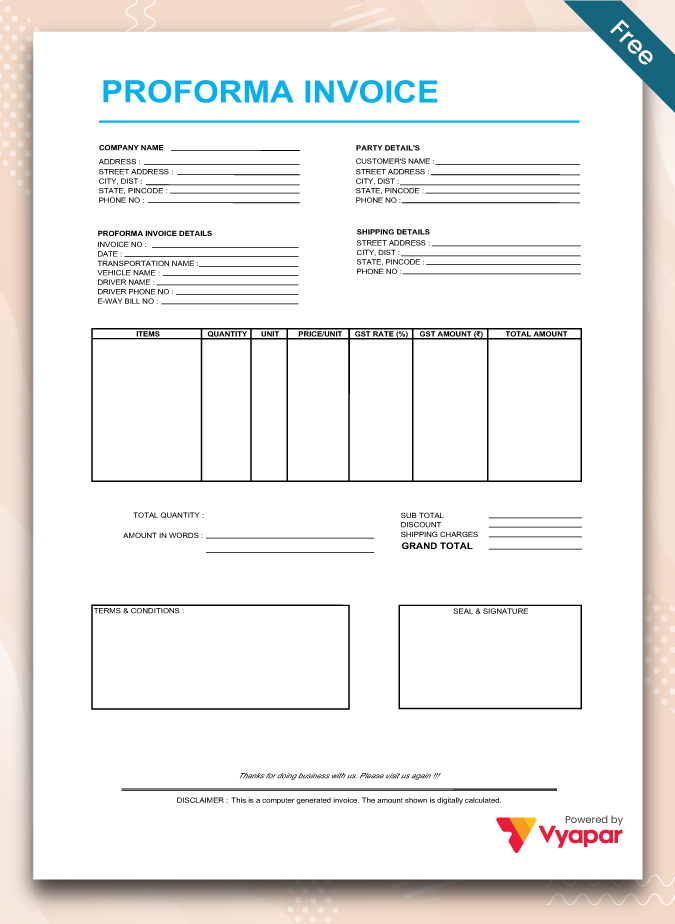
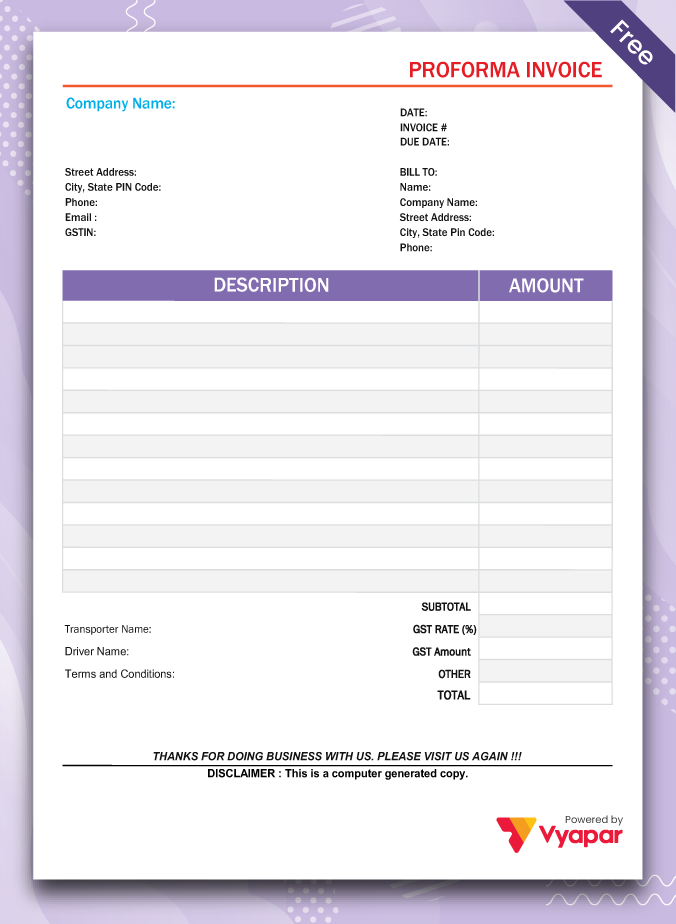
Proforma Invoice Format in Excel

A proforma invoice format in Excel is used as a preliminary bill of sale sent to customers before a shipment or delivery of goods. Proforma invoices typically describe the purchased items and other essential details, such as the shipping weight and transport charges.

These invoices are often used for international transactions, especially customs imports. A pro forma invoice differs from the simple price quotation as it is primarily used as a binding agreement, although the terms of sale are subject to change.

You can customise a proforma invoice in Excel as per your requirement by using the Vyapar billing software. Vyapar app allows you to manage multiple bank accounts single-handedly on the Vyapar app. It is easy to use, and the best thing is you don’t require any technical knowledge.

Export Invoice in Excel Format

An exporter uses export invoice format in Excel for sharing invoices while exporting goods and services. Supplying goods and services to the customer outside India is in a foreign currency. The export invoice is very similar in format and particulars if we compare it to the standard tax invoice under GST.

There is no compulsion for the states that export invoices only have to be issued in foreign currency. Therefore, there is a possibility that exporters may issue the invoice in INR as well.

You can customise the Vyapar export invoice format in Excel by using the formats. Vyapar app provides you with multiple modes of payment in both online and offline ways so that you can easily carry on transactions with your customers without facing any difficulty with payment methods.

Tools Tailored For Your Business

At Vyapar, we offer customised business solutions to our users for seamless business management and financial accounting.

Logo Maker

Logo Maker

Generate a beautiful logo for your business

Invoice Maker

Invoice Maker

Create professional invoices with Vyapar’s easy-to-use invoice maker.

Quotation Maker

Quotation Maker

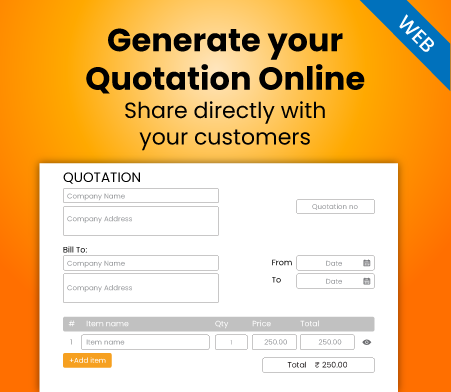
Generate professional quotes with our efficient quotation maker.

FAQs

How do I download the bill format in Excel?

Bill format comes in different formats such as bill book format in Excel, Word, and MS Word. If you want to download a bill format for your PC, you can use the Vyapar platform to download the Billing format.

How to send your invoice in Excel to your customers?

Once created, you are ready to send your Excel invoice to your customers. Follow these steps:

Step 1: Open the file saved in .xls format within your device

Step 2: Cross-check and verify the details mentioned in the invoice

Step 3: Open your email and insert the Excel template or print the Excel invoice to send it to your client

Step 4: Sit back and get paid for your invoice, send reminders to improve your chances of getting paid on time

Want to boost invoicing for your business, try out the Vyapar invoice generator now!

How to make an Invoice in Excel with invoice format?

Do you want to generate a unique invoice format in Excel? You can do it quickly by following these seven steps:
Step 1: Download free “Excel format invoice template” from Vyapar
Step 2: Open the downloaded .xls template in Microsoft Excel
Step 3: Rename your invoice according to your standard business practice
Step 4: Do complete customization from logo, contact information, company address, remarks and various other minute details
Step 5: Once you set up your customized excel template format, copy it and create your first client invoice
Step 6: Add details relevant to the service or purchase made by your customer
Step 7: Save the file in your database

Adding detailed information and branding your invoice requires additional skills; you can refer to these points to generate a professional Excel invoice. Here’s how you can improve your invoice seamlessly and make your clients remember that they used your products or services.

1. Add your business logo in a spacious place.
2. Insert contact information and company name.
3. List all the products and services separately.
4. Enter the description of each product or service in your client’s purchase.
5. List pricing and calculation for all items in the list and give a total.
6. Mention GST and other taxes if applicable.
7. Attach the privacy terms and business policies for customer reference.
8. Cross-check minute details and ensure nothing is left out.

Once you follow these points, you can create better customizations within your invoice. Try to experiment more than once to ensure that it is the best in-house design. If you are not satisfied, you can use an invoice generator online.

How do I create a bill format in Excel?

To create a bill format in Excel, download a suitable billing template from Vyapar. Fill in the template with recurring seller data and terms of sale. It will help you save time and effort by automatically filling in base details in all invoices.

Further, you can use a professional bill format in Excel to create your invoice, making it easier to calculate subtotals, totals, and taxes using Excel’s calculation features. You can save the invoice format and use it to bill all customers.

What is an Excel invoice template?

The invoice template in Excel is among the most used professional invoicing formats. A good invoice template in Excel is a fully customisable invoicing layout. It is designed to create professional invoices effortlessly.

The Excel invoicing templates offered by the Vyapar app are suitable for all business services. Any business can use the format created using the free Excel invoice template by Vyapar.

How do I format an invoice in Excel?

You can use the best invoice format in Excel to create a unique billing experience for your customers. You can edit the customisable template to fit your business needs, replacing placeholders with relevant information.

Further, you can format your Excel invoice professionally by including the business logo and colours. You can set up fields to meet the specific needs of your business. Finally, save the invoice format and use it to bill all customers.

Did not find what you were looking for?

You can visit the UAE site to view content specific to your location

How Useful is Vyapar for Your Business?

Click on a star to rate it!


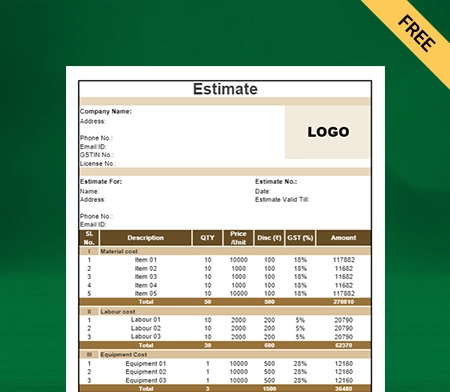
Building Estimate Format In Excel

Get the building estimate format in Excel for your clients, and use the Vyapar App to handle billing, inventory, and accounting. Get a free 7-day trial today!

Material Reconciliation Format

Highlights of Building Estimate Templates

We’ve put in a lot of effort to make sure you get the best template possible

All versions are print friendly

Built From scratch

Include essential invoice elements

Automatically calculate subtotal & grand total amount

Consistently formatted

Download Free Building Estimate Format in Excel

Download professional free Building Estimate templates, and make customization according to your requirements at zero cost.

Customize Invoice

Type – 1

Type – 2

Type – 3

Type – 4

Type – 5

Type – 6

Type – 7

Type – 8

What is a Building Estimate?

Building estimation is the process of estimating the likely cost of buildings before construction begins to complete the project successfully. It estimates the project’s overall construction cost, considering quantities of materials, labour, equipment, and any additional costs that might be incurred. It is prepared before the construction to know the probable work cost.

The Building Estimate Template is often based on the project’s plans and specifications and the neighbourhood’s construction cost of labour and construction material. A written document or an Excel sheet are only two formats in which the estimate might be delivered.

A Building Estimate Format In Excel aims to present a precise and detailed estimate of the costs associated with a construction project. It is a crucial tool for project managers, contractors, and owners since it ensures that the project stays on schedule and everyone knows all the expenditures.


Importance of Building Estimation

  • You avoid last-minute expenses, unforeseen costs, and blocked working capital with the help of estimates which results in lower project costs for you.
  • When the estimation is correct, the project will run smoothly and uninterrupted. You can complete your project quickly and in a better way.
  • A Building Estimate helps estimate the cost of work before its completion, allowing us to ascertain whether it can be completed within the allotted budget while still meeting the requirements.
  • Estimates are required to invite tenders for the work and prepare a project contract. It provides an idea for the necessity of controlled quantities of materials like cement, steel, brick, etc.
  • An estimate makes it easier to monitor contractors’ work during and after execution. By looking at the previous calculations for each work item, it is possible to determine the contractor’s payment according to the current measurements.

How to Write a Construction Estimate For a Building?

Business Introduction:

Mention your business’s name and your brand’s logo. You should state your company’s objective along with the tagline. Your offerings are simple for people to understand, and your business stands out from rivals.

Name, Address, and Phone Number of the Client:

In the Excel building quotation format, enter the information about your clients. It aids in identifying the intended audience for the quotation. You can provide clients with customized quotes and grab their interest.

Review the Scope of the Project:

You should review the project’s scope as a first step. It would be best if you fully comprehended your estimate before you can begin to write it. Determine the services you provide, whether you’ll need to subcontract, the costs, and the completion date. 

You should also be aware of the client’s expectations. You may need to visit the site to assess the situation and learn what will be required. Additionally, this is a fantastic opportunity to get to know the client.

Provide a Rough Timeline:

Your estimate must include a rough timeline that gives the client an idea of when you will finish it. Knowing how to estimate labour costs and give your client a general idea of how long the work will take is crucial.

You should be more flexible if you want to manage the client’s expectations without providing an exact date. Things change, so you don’t want to be under excessive pressure to complete a task in an impossible situation.

Identify the Tasks that Require Subcontracting:

You may need help to do everything. You might need assistance to finish the project. In that case, you need to subcontract duties. Map out what you can do independently and delegate or outsource the work that requires other people’s expertise.

Calculate the Cost of the Materials:

It’s important to remember that prices can change, particularly when using more expensive or challenging-to-find construction materials. Thus, you must compare prices and gather an accurate estimate of the quantities of materials and construction costs.

Examine the Competition:

It’s a good idea to look at your competition and research how much other people are charging for their labour and quantities of materials when coming up with your estimated price. It will support your ability to compete and may bring in more business. Just watch out that you don’t set your prices too low.

Briefly Describe Your Terms and Conditions:

You must also include the terms and conditions of your services and any exclusions and inclusions in your estimate. Mention the payment terms, such as the due date, deposit amount, accepted payment methods, discounts, etc. Ensure the terms and conditions in your construction estimate are as clear and understandable to the client as possible.

Make Your Estimate Professional:

Make sure to write professionally and avoid using industry jargon or acronyms that customers won’t understand in your estimate. Additionally, you ought to avoid writing these down. It is best to use software like Vyapar format generator to generate an estimate that is clear and appealing. Your company will look better as a result.

Send Your Estimate:

Once done with all the steps, you are ready to submit your estimate. It is also a good idea to save this as a template for upcoming projects so that you can easily edit it each time you need to create a new estimate.

Various Types of Building Cost Estimates

Here are the cost estimates that are taken into consideration while preparing the Building Estimate Format In Excel:

1. Preliminary Building Cost Estimate:

The preliminary cost estimate or budget estimate is prepared in the initial stage to know the approximate construction cost of the project. The appropriate sanctioning authority can use this assessment to determine the administration section’s financial situation and policy.

Preliminary Building Estimates are created regarding the cost of similar projects. The cost of each item is displayed separately in this estimate. The prices of lands, roads, electrification, water supply, each building’s cost, etc., are part of this cost estimate.

2. Plinth Area Cost Estimate:

A plinth is an area that lies between the outer-to-outer dimensions of a building’s walls. The cost for the plinth area is determined by multiplying the outer-to-outer dimensions of the building at any given floor level.

The plinth area excludes open spaces like courtyards. If the building has more than one story, an estimate of the plinth area is created independently for each floor level.

3. Approximate Quantity Method Cost Estimate:

The total wall length of the construction is measured in the approximate quantity method estimate. This length is multiplied by the rate per running meter to determine the cost of the building. The rate per running meter for the foundation and superstructure is determined individually.

Factors, including the cost of excavation and brickwork up to the plinth, are considered when determining the rate per running meter for a foundation. Superstructure quantities, such as brickwork for walls, woodworking, finishing for the floors, etc., are considered when determining the rate per running meter.

4. Cube Rate Cost Estimate:

A building’s cube rate cost estimate can be calculated by dividing the plinth area by the building’s height. Building height should be measured from the ground up to the roof’s peak. It works well for multi-story buildings.

This estimating technique is more accurate than the plinth area technique. The rate per cubic meter is considered based on the prices of nearby buildings of a similar type. This estimation does not consider the foundation, plinth, and parapet above the roof level.

5. Detailed Building Cost Estimate:

A detailed cost estimate is created when the preliminary estimates have received approval from the appropriate administrative body. The estimation is accurate as each work item is measured, and cost calculations are made individually.

According to the current practical rates, the prices of various things are given, and the estimated total cost is computed. The estimate includes reports, general and detailed specifications, design layouts, sections, drawings, calculations, foundation, slab, and prices.

6. Revised Building Cost Estimate:

When the original sanctioned estimate is surpassed by 5% or more, a revised construction cost estimate is created. It is a thorough estimate.

For example, the increase may result from an unexpected rise in construction materials or transportation prices. The revision’s justification should be stated on the updated estimate’s final page.

7. Supplementary Building Cost Estimate:

A thorough estimate known as a supplementary cost estimate is created when more work is needed while the initial project is still in process. 

The estimate sheet should include the original estimate’s cost and the total cost of the job, which should include any additional costs that call for approval.

8. Annual Repair Building Costs Estimate:

The annual repair cost estimate, also known as the annual maintenance estimate, is created to determine the building’s maintenance costs to keep the structure safe. 

When creating an annual structural repair estimate, simple repairs like painting and whitewashing are considered.

Benefits of Using Automated Software to Create Building Estimate Format in Excel

  • You can avoid spending hours manually preparing building quotes by automating the quotation process.
  • Generating building drawings and specifications estimates in automated software reduces the possibility of human error. You don’t need to hire extra staff, so you save money.
  • All the information can be accessed in one location, saving time and enabling better corporate data administration.
  • It does this by automating several other operations, such as tracking quotes and distributing them, that would otherwise waste valuable employee time.
  • Customers are happier with the personalized services they receive, which helps retain them.

How to Create a Building Estimate Format in Excel in the Vyapar App?

  • Open the Vyapar app, log in, and click the (+) plus sign. You will see a drop-down menu containing a list of transactions that the Vyapar app can generate. 
  • Click on Estimate/Quotation and enter details of your business and customer. Edit your business name, logo, contact details, and customer details.
  • Next, add items and descriptions of your services, like the quantities of materials, unit price, rate, and taxes. Save all the information once entered.
  • You can view a preview of your estimate or quote after inputting all the details. By switching to the previous tab, you can adjust it if you think it needs any adjustments.
  • After the procedure, you can print the estimate/Quotation out or save it as an Excel file. You can also send the estimate to your customer by WhatsApp, SMS, and email.

Features Of the Vyapar App that Help Your Construction Business

If you download the Vyapar app, it has many features that can help you in your daily accounting tasks. It makes the billing process of small businesses effortless. You can keep a check of your inventory, make quotes, issue bills, and produce reports within the app. Here are some prominent features of the app:

Prepare Building Estimates Professionally:

You improve your company’s reputation by sending clients customized estimation Excel sheets. Using our building estimate format in Excel India can help you quickly improve the look of your Building Estimate Format In Excel.

Write follow-up emails for your customers using the Building Estimate generator. You could kindly remind them to pay. You can concentrate on expanding your business because it saves you time.

The payable amount is computed automatically by the Building Estimate Format In Excel, free download. The inclusion of taxes makes sure that the correct client receives the bill. It only takes a minute to correct a mistake and send the message once more.

There are an additional twenty invoice template designs for standard printers. The best building quotation templates should be chosen based on your requirements. Using building custom bill forms, you may produce a more detailed invoice.

Receive Complete Reports on Ongoing Projects:

It is challenging to balance your operational and financial demands simultaneously. The Vyapar accounting app for the construction business helps you keep an eye on every ongoing project.

The Vyapar Building Estimate Format In Excel allows for creating over 40+ reports. Balance sheets, reports on total spending or revenue, and GST-building reports are among the possibilities.

Evaluation of the company’s financial situation may result from reviewing the construction reports. You can change the construction cost of your services to reflect changes in the marketplace.

The tax filing process is made easier by the app. You get access to all the necessary data in one place. It is possible to maintain cash flow and avoid unnecessary hiccups simultaneously.

Control Stock Effortlessly:

The construction of any structural building requires material. Thus, having a considerable stock is necessary. By using Vyapar, you may manage the stock levels in your company.

In addition to other advantages, our accounting software provides a centralized dashboard view, easy new stock entry, accurate product categorization, and low stock notifications.

All new items can be input quickly and easily, including their names, descriptions, stock levels, batch numbers, prices, dates of manufacture, MRPs, and wholesale pricing.

Construction companies use the Vyapar Building Estimates to generate reports that track inventory performance. The records for item sales, low stock, and stock summary are available for inspection.

Data Safety and Security:

You can frequently build local or online Google Drive backups since Vyapar is secure. Additionally, you get multi-device access to your company’s financial data 24/7.

No team members or outside parties can access your business’s data, ensuring its long-term security. The software contains an encryption system that restricts access to the data to the computer’s owner exclusively for greater security.

You may rapidly analyze the operations of your business using the app’s comprehensive dashboard. Using the quotation maker “auto-backup” function, you can pick up where you left off. So there’s no need to be concerned about losing your progress.

User login information won’t be saved or shared by Vyapar ever. Use the auto-backup setting to create a backup every day. You can create backups based on your requirements to protect your data.

Manage Bank Account:

Business entities can add, track, and monitor payments using the Vyapar mobile app. They can quickly enter data into free billing software they receive as payment.

You must first link a business account with your bank to use the Vyapar app’s bank accounts feature. Through interbank transactions and bank accounts, you can send and receive money.

It is available whenever there is an internet connection on your smartphone. You’ll find it simpler to control your cash flow. Vyapar manages all cheque payments and modifies the amount.

Money can be taken out and deposited into bank accounts. Open checks are tracked by the Vyapar app, allowing users to cancel them effortlessly by making cash deposits or withdrawals.

Benefits of Using the Vyapar App

The building estimate format in excel is free to use and accessible for a lifetime. You save money by not having to spend money on creating architecture quotation templates for your company. Contractors can alter the building estimate format in excel at any moment and download them for later use.

Automation Significantly Saves Time

By adopting an online Building Estimate Format In Excel, you can avoid filling everything manually. It reduces the chances of mistakes and gives you polished building estimates.

Vyapar has accurate Estimate Formats. You can add more details, including your client’s wants, messages that are personalized to each client, and other services. 

Options for basic customization are provided. It’s easy to create the client’s Building Estimate Format In Excel. Two thermal printer templates are included in our Vyapar quotation generator.

Build A Positive Brand Image
Plan Your Inventory Space

Make a Building Estimate Format in Your Preferred Format

The Vyapar building estimate generator allows you to create quotations in any format, including Excel. It is simple to generate an architecture quote that meets your company’s needs.

Contractors can easily alter the quotation format to satisfy certain commercial needs. You can alter the name and logo of your business and even add more rows and columns. 

The building estimate format in Excel is adjustable, including the font and colour scheme. Because the styles are so customizable, it is simple to alter and create professional-looking building quotation templates for your business.

You Can Save Time and Maintain Consistency

You may instantly develop building estimates for your business’s needs. It takes a long time to do it manually. Every bit of data needs to be written down. With our online quotation tool, this is different.

All you have to do to prepare your format using Vyapar’s building estimate format is modify the information about your business. Also, save the customized building estimate format in Excel for later use.

By adopting this approach, you can avoid starting each quotation from scratch and maintain consistency in the quotes you offer to clients. And become more efficient with the extra time you have to tackle other important tasks.

Track Your Business Status
Manage Inventory Efficiently

Reduced Human Error:

You may lose much money if you manually create a building quotation format error. You need to choose the right programme if you want to prevent mistakes.

Automation makes the process more efficient and gets rid of human mistakes. The time you save can be used to focus on other things. The user interface for the quotation generator is simple to use.

Data from compatible programs can be exported and imported. It doesn’t take additional staff to design the building estimate for your firm. Anyone can do this task easily.

Frequently Asked Questions (FAQs’)

What is the Best Format For a Building Estimate in Excel?

Vyapar’s Building Estimate Format In Excel is the best format to make estimates for your business. It is effortless to create quotations with automated, customizable formats. Further, you can use the data for managing your business.

What to Include in a Building Estimate in Excel?

A Building Estimate In Excel must include the following:
* Project details
* Material and Labour cost
* Equipment cost
* Miscellaneous expenses
* Contingency
* Total cost with taxes

How Do I Create a Building Estimate in Excel?

Vyapar provides numerous Building Estimate Formats in Excel that you can use to create your quotation. All forms are easily customizable to make them per your client’s needs.

Can a Building Estimate in Excel Be Easily Modified?

Yes. You can download a fully customizable Building Estimate Format in Excel and modify it easily. You can use Vyapar’s Building Estimate Format In Excel for free to create quotes for your customers.

How Do You Ensure the Accuracy of a Building Estimate in Excel?

To ensure the accuracy of a Building Estimate In Excel, you must gather accurate data, use correct formulas for calculations, and check and verify the assessment. To make the entire process automated with error-free calculations, you can use the Vyapar app.

You can visit the UAE site to view content specific to your location

How Useful is Vyapar for Your Business?

Click on a star to rate it!


Tally Bill Format in Excel | Vyapar App

Sales Report Format in Excel

Download the Sales Report Format in Excel to analyze your sales data. Or use the Vyapar App to check your Sale report, Purchase report, and P&L Report easily and run your business effortlessly!! Avail 7 days Free Trial Now!

Highlights of Sales Report Templates

We’ve put in a lot of effort to make sure you get the best template possible

All versions are print friendly

Built From scratch

Include essential invoice elements

Automatically calculate subtotal & grand total amount

Consistently formatted

Download Free Sales Report Format in Excel

Download professional free material reconciliation templates, and make customization according to your requirements at zero cost.

Customize Invoice

Type – 1

Type – 2

Type – 3

Type – 4

Type – 5

Type – 6

Type – 7

Type – 8

What is a Sales Report Format in Excel?

A specific sales report format in Excel can help you track and measure your company’s number when selling your services or products. These formats are not designed rigidly in advance but can be customized per a company’s personal goals and requirements. The sales report format in Excel can be equally helpful for small businesses, large companies, and entrepreneurs. 

Once you start tracking your sales, you can identify specific trends and patterns. Identifying these patterns will make it easier to plan practical strategies and set company goals. Sales report format in Excel will also help you track every employee’s performance, forecast future numbers, and carefully measure the success of your marketing campaigns. You will find that these sales report formats are also super-easy to use and can save you money and time.

How Many Types of Sales Report Formats Are There?

Sales reports provide essential insights into your sales efforts. Below are eight types of sales report formats that you can start using today: 

Revenue By Salesperson

This report will help you assess which individual on your sales team is doing the best and which needs to improve. You will also figure out what market trends have affected the team’s performance, and you can strategize to adjust to those fluctuations. 

Loss Rate Report

This report will give you an insight into the deals and potential sales you have listed in a particular finance period. By determining when you are losing most of your deals, you can develop better strategies to deal with the losses. 

Deal Size

This report gives you a gist of the revenue you have earned from all your deals. You can produce a monthly or yearly report to track your revenue. Based on this report, you can also strategize your sales team objectives and quotas. 

Lead Aging Report

The lead aging report will explain how your sales team has been doing with their communication with the prospects. Since the report has the date of the last contact and the content during that contact, you will be able to analyze that communication better. You will know if your team is giving the appropriate amount of attention to essential leads. When left without contact for an extended period, prospects turn into a lost deal, which is not a positive output for sales efforts. 

Conversion Rate

This report will give you the percentage of deals you have won against the percentage of deals you have lost in a financial period. This report can be run monthly, yearly, or quarterly to determine the number of deals won by an individual, department, or organization. While other reports help you understand an entire organization’s revenue, this report helps you dive deeper into the sales team efforts that caused a decrease or increase in sales.

How to Prepare a Sales Report Format in Excel?

There are six quick and easy steps to create your own sales report format in Excel. Please go through each of them below to understand the process carefully. 

Step 1: List Down the Product Names From Your List of Products

Your first step is to create a product list with every product’s code, name, and unit price. Now, you can use this list to calculate the daily sales of your products. Finally, make another data table to calculate a product’s monthly sales. It can be done using the daily sales table. 

Step 2: Using the Sales Report, Find the Unit Price 

Whatever products you mentioned in the list in the previous data table, it is time to calculate their unit prices. Select the unit price cell and enter the VLOOKUP formula in it. As you press enter, Excel will calculate the unit price value. Then, pull down the “fill handle.” This way, you will have a unit price sold for every product in a day. 

Step 3: Calculating Total Sales For a Day

Make a total sales column and select the first cell below that column. Now, apply the formula; Unit qty* unit price. Pressing enter and dragging down the “fill handle” will give you the total sales for every product. 

Now, the present format in front of you is your sales report format in Excel, which helps you calculate your total daily sales. Similarly, we will now prepare a monthly sales report. 

Step 4: Calculating Monthly Sales For a Product in Excel 

Daily sales report formats cannot be counted as sales reports. You need to be able to calculate monthly sales from your dataset. To do that, you first need a list of all products you sell in a month. 

Step 5: Calculating the Quantity of Sold Products

To start calculating the total quantity of products sold in a month, select a cell where you want to get the desired number. Put the SUMIF formula in the same. This formula will return the sum of cells that meet the given condition. Press enter and drag down the fill handle option. You will get the quantity of each product sold in a month. 

Step 6: Calculating the Total Sales

As a finishing move, you must calculate the total amount you sold for in a month. Now, choose a cell that will display the total volume. Apply the SUMIF formula in that cell. Click enter and drag down the fill handle option. With this simple process, you get the total amount you earned in a month by selling the products.

Are you a Business Owner?

Take your business to the next level with Vyapar! Try free for 7 days

Try our Android App (FREE for lifetime)

Benefits of Using the Sales Report Format in Excel

Although you can always use the above method to create your sales report format in Excel, it is optional, primarily if you operate a larger sales team. You can instead opt for Vyapar’s ready-to-use Sales Report Format in Excel. You need to put the values in these formats and get started. Here are a few benefits of using these templates by Vyapar: 

Better Time Management


Even if you repeat the above process repeatedly, it will take you at least half an hour to prepare. This time is only for the individual sales figures. Imagine doing that for all your sales report every day. It would be best if you had them for everything, including objectives, sales transactions, and desired business results.

So, instead of making everything point to point above, you can choose Vyapar’s ready-to-use Sales Report Format in Excel. You can apply different formats to suit your varied requirements. You will save all the time you would otherwise spend entering all the data manually into Excel. More time will be spent turning that Excel data into graphs that can help you. The best part would be saving all the time gathering this data in the first place. You can use this time for better operations as a sales team head.

Quicker and More Accurate Data Entry

Let us accept it. As mentioned above, Excel cannot be used when calculating sales data for people out on the road. Excel has limited mobility only, especially for manual data entry. Using sales report format in Excel helps make a quick and accurate data entry.

Your sales reports who go door-to-door making face-to-face visits need better mobility. Ready-to-use formats from Vyapar provide that mobility. They are intuitive, easy to use, and can record sales data within 10 seconds. Otherwise, you must wait for hours until the sales team has entered sufficient data in Excel sheets. So, use Vyapar now to shift to a better and more accurate sales report.

Accurate Real-Time Data

Vyapar’s ready-made Sales format in Excel also employs a better knock-on effect of the high user adoption rate.

Your on-field sales team is responsible for entering data after their visit or a call. They don’t wait to return to their head office and enter that data under supervision. Data accuracy and quality are literally second to none. Using Vyapar’s Sales Report Format in Excel will allow you to create a 100% confident sales report.

Improved Performance

With all the valuable details that sales reports have, you will make better decisions about your sales performance. Looking at the number of arrangements, you can figure out what sales strategy worked in your favor and got you results. The parts that require your attention can be assessed better too. These efforts and assessments will hence help you achieve your objectives quicker and in a better way.

Moreover, your team’s performance will be evident with the report, which will help you boost the productivity of low-performing individuals. Using the sales report format in Excel by Vyapar enhances the overall performance of your business management processes.

How to Choose the Best Format For a Sales Report?

It would help if you considered a few factors that decide how effective your sales report format in Excel can be for you. It would help if you choose Excel templates that work the best for your business carefully, and here is how you can decide that:

Decide How You Want the Sales Report to Look:

A sales report is not limited to being a document full of your sales numbers. When someone starts looking at it, especially your analysts, they should understand it. It needs to be eye-catching and easy to read for someone to feel safe looking at all the numbers. For this, you can look at Vyapar’s collection of varied sales report templates.

Take Your Audience into Consideration:

It matters who is going to look at your sales report. If you have sales team members who need to represent this report to the sales head, the report must include many KPIs. On the other hand, executives will look for a more concise summary. Your CFO would be looking for different aspects than your CEO. Your sales report should be such that everyone on the receiving end is satisfied.

Include the Required Information:

When you look at various sales report templates on Vyapar or anywhere else, see what those include. Knowing who your audience is and what is expected from the report makes it easier to filter the specific information you need in the template.

Save time and money

Determine Both Current and Previous Financial Periods:

Given whatever factors you have analyzed above, you now need to determine how your information can be best conveyed. Is it best suited to annual sales report formats, monthly sales report formats, weekly sales report formats, or daily sales report formats? Then, compare the information of the current period with the previous equivalent period.

Presentation is the Key:

When it is about your reports, the presentation is just as crucial as the numbers in it. Some graphs or other helpful images will help everyone make sense of your numbers. Of course, this pictorial representation needs to be right too. For example, a line chart will help reflect revenues from all months if you’re presenting an annual report. Vyapar can help you auto-generate such charts based on your data.

Manage Inventory Efficiently

Why Choose Vyapar Software For Sales Report Format in Excel?

Here is why Vyapar can prove to be the best choice for your business to create a sales report:

It offers a 7-day Free Trial:

You can always test Vyapar for choosing a sales report format in Excel since it offers a risk-free 7-day trial before you purchase the subscription. Accounting Software Vyapar is not just a benefit to your business but a way to cater to all your business requirements.

You can use this trial to put Vyapar’s sales report format in Excel sheet to assess if it works according to your company’s requirements. You will also find that Vyapar is one of the most professional billing software in the market regarding cost, integration, features, and more. Moreover, you need not worry about Vyapar adapting to your industry since all its features are easily adaptable to any industry.

It Helps You Present a Professional Approach:

Vyapar offers you a professional sales report format in Excel that can help portray a positive brand image in front of any concerned parties. Although the sales report is usually something your team uses, it may be needed for investors sometimes too. When presenting the same in front of them, they must understand it thoroughly.

The professional sales report format in Excel by Vyapar will not just neatly present the numbers. Still, it will also help you with graphs and other things that make analysis much more effortless. You can also customize it according to your company’s requirements by adding your logo.

Make Better Decisions:

If you go beyond the sales report formats in Vyapar, everything you need to track your business’s growth is there. Features like cash flow management and other invoice formats will help you keep track of all your transactions. At any point in time, you can access the software to check your revenues, expenses, savings, and more. Moreover, the formats of efficient and complete sales help you make better short- and long-term business decisions.

When everything that goes on in your business is in one place, as analyzed data, it gets easier to make informed decisions. Vyapar is a one-place platform where all your business requirements get fulfilled.

Plan Your Inventory With an Online/Offline Software:

One of the many features of Vyapar is that it helps you see when your inventory runs low. By periodically visiting your Vyapar dashboard, you can avoid possible inventory discrepancies. This professional tool will also help you with flawless warehouse inventory management software. Feel free to empty your inventory whenever you feel there are items you do not require anymore.

Moreover, the best part about using Vyapar is that you do not need to always rely on internet connectivity. There are many features that are also available offline, including downloading sales formats as and when required. This feature proves very useful when used in remote areas of India.

Multiple Payment Modes on Your Online Store:

As mentioned earlier, Vyapar acts like an all-in-one platform for all businesses. Once you start using it, you figure out its unique features over time. One of those is opening an online store with utmost convenience. You will be almost done by adding the products or services you wish to mention in the catalog.

Also, you need not worry about your customers struggling to find a credit card every time they need to pay. Vyapar offers an all-payment mode feature for your online business. All standard payment modes acceptable worldwide will be available for your customers.

Frequently Asked Questions (FAQs’)

What is a Sales Report Format in Excel?

For a business, it is important that it keeps track of all the sales that take place. By analyzing those, one can make informed decisions for future goals. A sales format in Excel helps you do that by putting all your numbers so that you get to a decision quicker and in a better way.

How Do I Create a Sales Report Format In Excel?

As mentioned above in the article, there are six steps using which you can prepare a sales report format in Excel. Using these, you only have to enter the relevant details and get the final valuable numbers.

How to Write a Sales Report in Excel?

For this, you have two options. You can either make a sales report from scratch or use a pre-existing format. Vyapar, amongst many other online software, offers the best sales report templates. These are not just easy to use but also customizable as per your specific business requirements.

What are the Three Report Formats in Excel?

The three report formats in Excel include compact, tabular, and outline formats. The compact is the default format for new tables in Excel, which can be changed from Report Layout Menu. Outline format presents data in a less-slim form. The tabular report puts the details in separate columns. Using Vyapar, you can use the best sales report templates to create your reports.

You can visit the UAE site to view content specific to your location

How Useful is Vyapar for Your Business?

Click on a star to rate it!


TDS Reconciliation Format in Excel

TDS Reconciliation Format in Excel

Select Vyapar to streamline TDS administration and obtain insightful knowledge on the financial health of your business. Furthermore, get a 7-day free trial to evaluate the advantages of the TDS reconciliation format in Excel and speed up your reconciliation procedure.

  • ⚡️ Create professional reconciliation with Vyapar in 30 seconds
  • ⚡ Share reconciliation automatically on WhatsApp and SMS
  • ⚡️ Connect with your parties through reminders, greetings, business cards and more
TDS Reconciliation Format in Excel

Highlights of Excel TDS Reconciliation Templates

We’ve put in a lot of effort to make sure you get the best template possible

Tick mark

All versions are print friendly

Tick mark

Built From scratch

Tick mark

Include essential invoice elements

Tick mark

Automatically calculate subtotal & grand total amount

Tick mark

Consistently formatted

Download a Free Excel TDS Reconciliation Format

Download professional free Excel TDS Reconciliation formats, and make customization according to your requirements at zero cost.

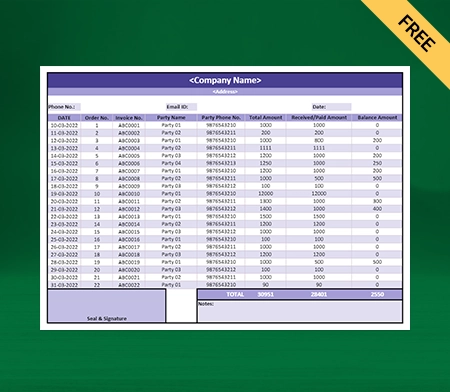
Excel TDS Reconciliation Format

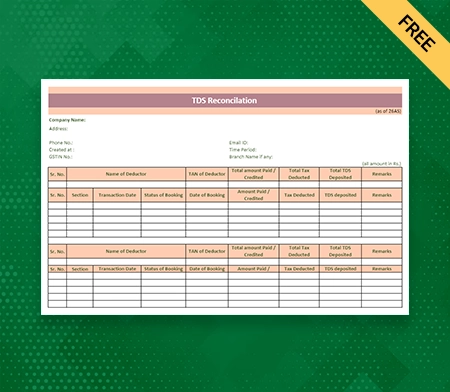
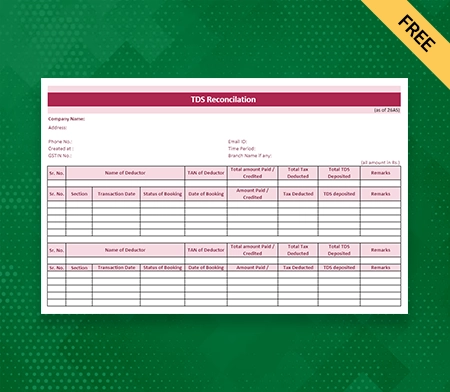
Excel TDS Reconciliation Format – 1

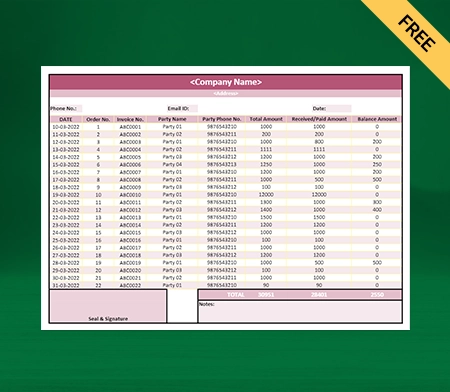
TDS Reconciliation Template in Excel

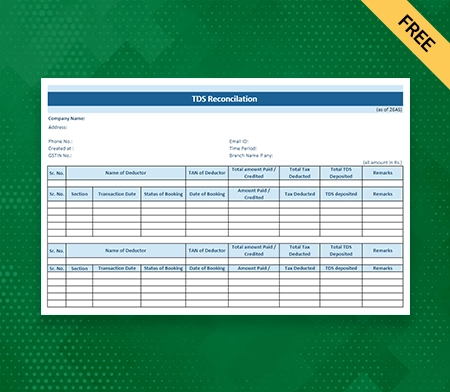
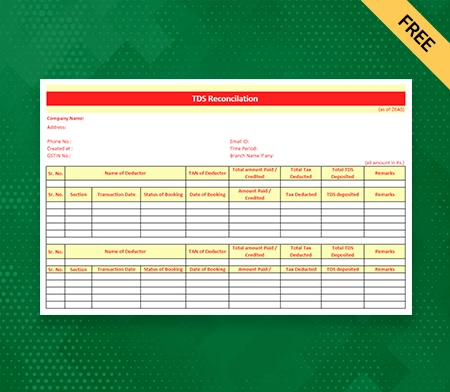
Excel TDS Reconciliation Format – 2

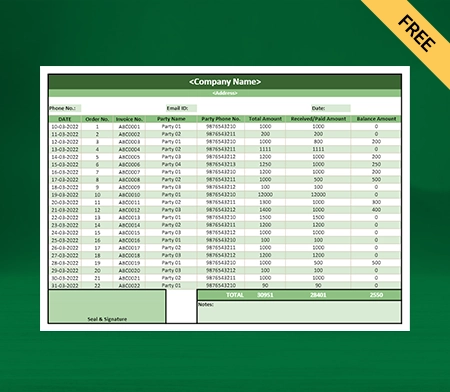
Free TDS Reconciliation Format in Excel

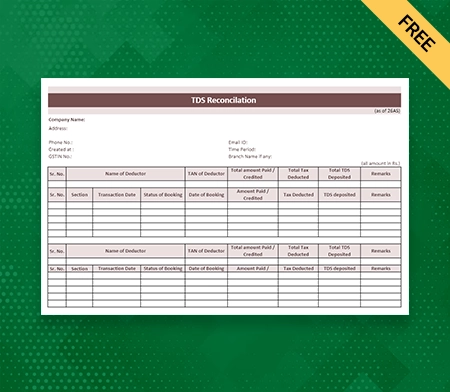
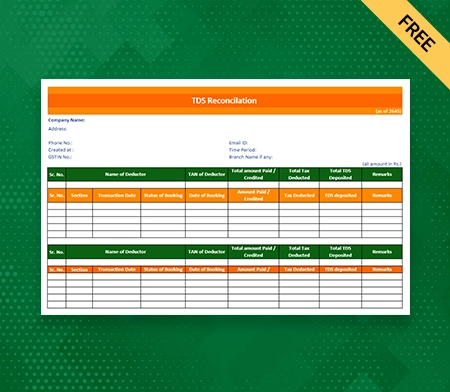
Excel TDS Reconciliation Format – 3

Download TDS Reconciliation Format in Excel

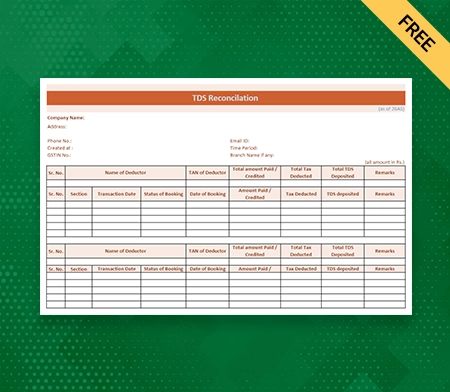
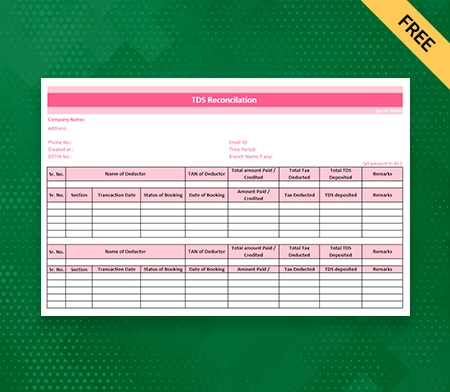
Excel TDS Reconciliation Format – 4

Free Excel TDS Reconciliation Template

Excel TDS Reconciliation Format – 5

Download TDS Reconciliation Template in Excel

Excel TDS Reconciliation Format – 6

Vyapar Excel DS Reconciliation Format

Excel TDS Reconciliation Format – 7

Vyapar TDS Reconciliation Template in Excel

Excel TDS Reconciliation Format – 8

What is a TDS Reconciliation Format in Excel?

A structured template called a TDS (Tax Deducted at Source) reconciliation format in Excel was created to help businesses reconcile their TDS data effectively. It offers a uniform method for comparing and evaluating different TDS-related data, including TDS deductions, TDS deposits, TDS certificates obtained, and TDS certificates reclaimed.

Introducing Vyapar, an all-encompassing TDS management solution. A TDS reconciliation template in Excel is available from Vyapar. Customers may efficiently analyse TDS data from their business using this template.

Vyapar software

You can create important reports from Vyapar directly from the software, including Purchase Reports, Profit & Loss Statements, and others. This format ensures accurate reporting and complies with tax laws, making finding discrepancies or mismatches in the TDS data easier.

Businesses can streamline their reconciliation process and get a complete picture of their TDS-related activities using an Excel TDS reconciliation Format. The format enables effective comparison and organisation of TDS data, assisting in systematically identifying errors or discrepancies.

The accuracy and effectiveness of the reconciliation process are further improved by Excel’s robust calculation and data manipulation features. Businesses can maintain compliance, minimise errors, and learn more about their TDS deductions and compliance using the TDS reconciliation format in Excel.

How To Prepare A TDS Reconciliation Format in Excel?

Prepare A TDS Reconciliation Format in Excel

To ensure accurate data analysis and reconciliation, creating a TDS (Tax Deducted at Source) reconciliation format in Excel requires a systematic approach. You can efficiently create a TDS Reconciliation format in Excel by following these steps:

Step 1: Gather TDS Data

Gather all pertinent TDS data, such as TDS certificates that have been received, TDS that has been deducted from deductees, TDS deposits that have been made, and any other relevant data. Make sure the information is accurate and up to date.

Step 2: Creating An Excel Worksheet

Create the necessary column headers in a new Excel worksheet after opening the TDS data. Deductee name, TDS certificate number, TDS deducted, TDS deposited, and any other pertinent information specific to your business requirements are examples of common column headers.

Step 3: Enter The TDS Data

Fill in the Excel worksheet’s corresponding columns with the TDS data that you obtained in Step 1. To prevent any discrepancies during the reconciliation process, be meticulous in entering the data accurately.

Step 4: Apply Formulas And Functions

Use the formulas and functions in Excel to carry out the calculations and comparisons required for reconciliation. For instance, the total TDS deductions or deposits can be determined using the SUM formula, the TDS certificate numbers can be matched using the VLOOKUP function, and any discrepancies can be found using IF statements.

Step 5: Align Data

To ensure they match, compare the TDS deposits with the TDS deductions. Any discrepancies or inconsistencies should be noted and further investigated. Check to see if the TDS certificates you received line up with the ones you claimed or reported.

Step 6: Create A Reconciliation Report

Make an Excel TDS Reconciliation based on the data that has been reconciled. The total TDS deductions, deposits, and any discrepancies discovered during the reconciliation process can all be shown in the summary section. To make the data easier to read, visualise it using charts or graphs.

Step 7: Validate The Data

Cross-check the reconciled data with other pertinent sources, such as TDS certificates, bank statements, or Form 26AS, to confirm its accuracy and completeness. The TDS reconciliation’s dependability is ensured by this step.

Step 8: Examine And Complete

Review the TDS reconciliation in detail to ensure all comparisons and calculations are correct. If discrepancies are found, make any necessary adjustments or corrections. Finish the report once you are satisfied with its accuracy and submit it after any necessary additional analysis.

Step 9: Consistent Updates

Keeping the reconciliation report current is critical because TDS data evolves over time. To keep accurate records, frequently update the Excel worksheet with the most recent TDS data and repeat the reconciliation procedure.

Why Choose Vyapar Software For TDS Reconciliation Format In Excel?

Choose Vyapar to create cooperative balance sheet

The TDS (Tax Deducted at Source) reconciliation software from Vyapar stands out as a dependable and effective option for companies. Consider using Vyapar software for your TDS Reconciliation format in Excel for the following reasons:

1. User-Friendly Interface:

The Vyapar software has a user-friendly interface that makes the TDS reconciliation process easier to complete. Vyapar’s user-friendly design makes it simple to use regardless of whether you are a small business owner or a qualified accountant, enabling you to easily navigate the software and access the TDS Reconciliation format.

2. Pre-Designed TDS Reconciliation Template:

To save you valuable time and effort, Vyapar provides a pre-designed TDS reconciliation format in Excel. The columns, formulas, and functions necessary for TDS reconciliation are included in this ready-to-use template. By using this template, you can speed up the reconciliation process and concentrate on analysing the data instead of wasting time creating the format from scratch.

3. Accuracy And Error Detection:

The software developed by Vyapar is accurate. The Vyapar TDS Reconciliation format in Excel ensures accurate calculations, lowering the possibility of human error. You can easily find discrepancies or mismatches in the TDS data thanks to the pre-defined formulas and functions that are built into the template and perform calculations automatically. This error-detecting function improves the TDS reconciliation’s accuracy.

4. Comprehensive Reporting:

In addition to TDS reconciliation, Vyapar provides comprehensive reporting features. You can create purchase reports, profit and loss statements, and various other financial reports using the software. Making informed business decisions is made easier with the help of this comprehensive suite of reports, which offers insightful information about your company’s financial performance.

5. Integration And Data Management:

The Vyapar software allows seamless integration with other tools and systems, ensuring efficient data synchronisation and transfer. The software makes importing TDS data from various sources simple, enabling thorough TDS reconciliation. You can effectively organise and track TDS-related information using Vyapar’s data management features, ensuring accurate reporting and compliance.

6. 7-day Free Trial:

Vyapar provides a 7-day free trial that lets you examine all the features, including the format of the TDS Reconciliation. You can see firsthand how the Vyapar software streamlines the TDS reconciliation process and improves your overall financial management during this trial period. You can decide before buying the software with the help of this trial period.

In conclusion, the Vyapar software offers a user-friendly interface, a template for a TDS Reconciliation that is already designed, and robust reporting capabilities. It guarantees accuracy, makes reconciliation more manageable, and improves data management. You can reduce errors, gain valuable insights into your company’s financial performance, and save time with Vyapar. To streamline your TDS management and guarantee compliance with tax regulations, consider using Vyapar software for your TDS Reconciliation formats.

Create your first TDS Reconciliation with Vyapar App

How Many Types of TDS Reconciliation Formats are There?

TDS Reconciliation Format by Vyapar

Reconciliation of TDS (Tax Deducted at Source) is a critical step businesses must take to guarantee accurate tax compliance. Multiple TDS reconciliation formats have been developed to simplify the reconciliation process. These formats serve various functions and cater to various facets of TDS data. Let’s examine the formats for the most typical TDS reconciliation types:

1. Consolidated TDS Statement:

The format of the consolidated TDS statement offers a thorough overview of TDS transactions over a given period. It combines TDS deductions, deposits, and certificates from various parties or deductees. The overall TDS data can be reconciled using this format to ensure the total deductions and deposits match.

2. TDS Deductions And Deposits Reconciliation:

The main goal of this report format is to match up TDS deductions made by the deductor with TDS deposits made to the government. To ensure their accuracy, it compares the TDS amounts deducted from various deductees with the corresponding TDS deposits. It makes it easier to spot any differences or inconsistencies between the TDS amounts deducted and deposited.

3. Reconciliation Between TDS Certificates Received And Claimed:

Using this format is crucial for comparing TDS certificates that the deductor received from deductees to TDS certificates claimed when TDS returns were filed. It guarantees that all TDS certificates are legitimately claimed, avoiding discrepancies or overlooked claims. 

4. Reconciliation Of TDS Certificates And Payments:

The main goal of this report format is to match up the TDS certificates given to the deductees with the actual payments made to them. It ensures that the deducted TDS amounts have been accounted for in the payments made and confirms the accuracy and timeliness of TDS certificate issuance.

5. TDS Returns And Deductee Data Reconciliation:

Using the TDS reconciliation format, the deductor compares the TDS information provided in the TDS returns it has filed with the corresponding deductee-wise data it has kept. To ensure accurate reporting, it assists in locating any differences between the filed returns and the actual data.

6. TDS And Form 26AS Conciliation:

Form 26AS is a crucial record that reflects TDS information according to the records of the Income Tax Department. The TDS data reported by the deductor and the TDS data found in the deductees’ Form 26AS are compared using this reconciliation format. It ensures accurate reporting and assists in locating any differences or discrepancies between the two sources.

These are a few examples of the TDS reconciliation formats that companies frequently use. The kind of transactions, the need for reporting, and the particular requirements of the business all influence the choice of format. Businesses must carefully select the TDS Reconciliation format in Excel that best meets their needs and enables them to reconcile their TDS data successfully. It will ensure accurate tax compliance and reporting.

How To Choose The Best Format For TDS Reconciliation?

Choose The Best Format For TDS Reconciliation

For businesses to ensure accurate reporting, streamline the reconciliation process, and maintain compliance with tax regulations, selecting the best format for TDS (Tax Deducted at Source) reconciliation is essential. When choosing the best format, keep the following things in mind:

1. Business Prerequisites:

Analyse the complexity of your TDS transactions concerning your unique business needs. Decide whether you need a separate reconciliation for TDS deductions, deposits, certificates, or returns or a consolidated TDS statement format. Choosing a format that fits your needs for TDS reconciliation will be easier for you if you know your business requirements.

2. Reporting Frequency:

Take into account how frequently you must reconcile your TDS data. If you frequently reconcile accounts, using a format that enables effective and speedy analysis would be advantageous. On the other hand, a format that offers thorough insights into the data over longer periods may be more appropriate if your reconciliations occur less frequently.

3. Data Volume And Complexity:

Consider your TDS data’s volume and complexity. A format that offers comprehensive data organisation and calculation capabilities would be advantageous if you have a lot of deductees and transactions. Make sure the format you choose can handle the volume and complexity of your TDS data without sacrificing performance or accuracy.

4. Automation And Accuracy:

Take into account the format’s level of automation and accuracy. Look for pre-designed formats with integrated formulas and functions for automated calculations and error detection. During the reconciliation process, a format that minimises manual labour and lowers the possibility of mistakes will speed up the process and improve accuracy.

5. Flexibility And Customisation:

Consider how flexible and customisable the format is. Check to see if the format can be modified to fit your reporting needs and business requirements. You can customise it to your organisation’s preferences and efficiently capture all the necessary data points if the format is flexible.

6. User-Friendliness:

Take into account how simple and user-friendly the format is to use. To make it simple for users to navigate, enter data, and analyse the results, look for formats that offer a clear and intuitive user interface. The learning curve will be as short as possible, and reconciliation productivity will increase.

7. Integration And Compatibility:

Ensure that the format you choose is integrated with the software or systems you currently employ for TDS management. Think about formats that work well with your current tools, facilitating easy data transfer and collaboration. You’ll be able to take advantage of your current infrastructure and prevent workflow disruptions with compatibility and integration.

8. Expert Recommendations:

Look for advice from people with knowledge or experience in TDS reconciliation. They can suggest formats widely accepted and trusted in the industry and offer insights based on their experience. You can make the best decisions by selecting a professional format recommended by experts.

Businesses can choose the best format for TDS reconciliation that meets their unique requirements, improves efficiency, ensures accurate reporting, and supports compliance with tax regulations by taking these factors into account. The TDS reconciliation process can be streamlined and organisational financial integrity upheld by selecting the appropriate format.

Benefits Of Using The TDS Reconciliation Format in Excel

Benefits Of Using The TDS Reconciliation Format in Excel

Structure And Organisation:

The TDS reconciliation format offers a structured layout that facilitates the efficient organisation and classification of TDS data. Businesses can enter and track pertinent data in a structured way using predefined columns and headers. This organised format makes navigating and analysing the TDS data simpler while ensuring that all pertinent data points are recorded.

Automatic Calculations:

Having built-in formulas and functions is one of the major benefits of using the pre-designed TDS reconciliation format in Excel. These formulas perform calculations and comparisons automatically, eliminating the need for manual computation. Businesses can save time and lower the chance of errors by using these automated calculations instead of manual ones.

Data Integrity:

Consistency in reporting procedures is encouraged by using a standard TDS reconciliation format. The predefined structure guarantees consistency in format across various time periods and data sets. This consistency facilitates accurate tracking of deductions, deposits, and certificates consistently and makes it simpler to compare and analyse TDS data over time.

Detecting Errors:

The TDS reconciliation format in Excel has predefined formulas and functions that aid in locating discrepancies or inconsistencies in the TDS data. Utilising these built-in error detection tools, companies can easily identify discrepancies and take the appropriate action to fix them. This automated error detection capability increases precision and guarantees accurate TDS reporting.

Time Savings:

Saving a lot of time by using a pre-made TDS reconciliation format. Businesses can save time and effort by pre-configuring the Excel worksheet and formulas. Businesses can allocate their time and resources more effectively by concentrating on data analysis and reconciliation when there is a ready-to-use format available.

Process Of Reconciliation Simplified:

By giving a clear framework for comparing TDS deductions, deposits, and certificates, the TDS Reconciliation format in Excel streamlines the reconciliation procedure. It simplifies the process of identifying discrepancies by outlining the columns and formulas needed for reconciliation. This simplification ensures compliance with tax laws, improves accuracy, and requires less manual labour.

Adaptability In Customisation:

The pre-designed format provides a standardised structure but can be altered to meet particular business needs. Businesses can choose to add extra columns or change the existing ones to record specific TDS-related data that is pertinent to their operations. By customising it, the TDS Reconciliation format is made to meet the unique requirements of the company.

Improved Data Analysis:

Through the use of visualisations like graphs and charts, the TDS reconciliation format in Excel enables more effective data analysis. It is simpler to spot trends, patterns, and anomalies in the TDS data thanks to these visual representations. Businesses can gain deeper insights into their TDS activities and take informed decisions and proactive actions by visualising the data.

Documentation And Record-Keeping:

TDS reconciliation activities are properly documented when the TDS reconciliation format in Excel is used. To keep accurate and well-organised TDS records, businesses can use the predefined format as a record-keeping tool. This documentation offers a transparent audit trail of the reconciliation process and is useful for compliance purposes.

Integrity And Compatibility:

Since Excel is widely used, sharing TDS reconciliations with the appropriate stakeholders is compatible and simple. A thorough reconciliation analysis is possible thanks to the TDS Reconciliation format’s seamless integration of TDS data from other sources into the Excel worksheet. This compatibility makes internal reporting and collaboration within the company more effective.

In conclusion, using the TDS reconciliation format in Excel has many advantages, such as structure and organisation, automatic calculations, consistency in data, error detection, time efficiency, a streamlined reconciliation process, customisation flexibility, improved data analysis, documentation, and record-keeping, as well as compatibility and integration. Employing this format aids organisations in streamlining their TDS reconciliation procedure, maintaining accuracy, and successfully adhering to tax regulations.

Are you a Business Owner?
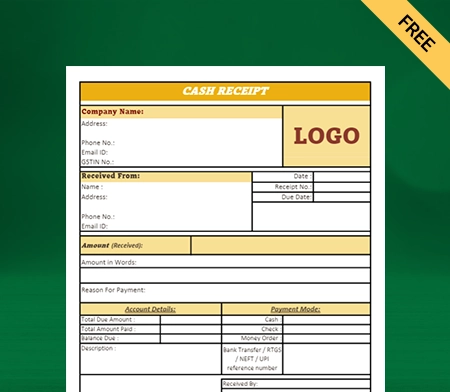
Take your business to the next level with Vyapar! Try free for 7 days

Try our Android App (FREE for lifetime)

Frequently Asked Questions (FAQs’)

Can I Modify The Vyapar Software’s Pre-Designed TDS Reconciliation Format?
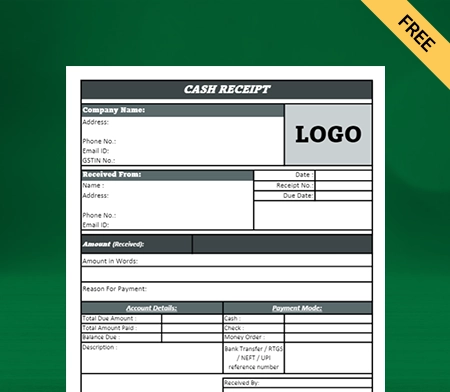
Yes, the pre-designed TDS reconciliation format in Excel can be easily customised with the Vyapar software to suit your unique business needs. You can modify the existing columns, add new ones, and customise the format to collect particular TDS-related data pertinent to your business’s operations.

Can Vyapar Software Be Integrated With Other Programs Or Hardware?

The Vyapar software does indeed support easy integration with other tools and systems. The software makes importing TDS data from various sources simple, enabling thorough TDS reconciliation. This integration guarantees seamless data transfer, synchronisation, and collaboration with your current infrastructure.

What Kind Of Assistance Does Vyapar Provide With TDS Reconciliation?

During the TDS reconciliation process, Vyapar software offers users complete support. Users can navigate the software more efficiently and produce accurate reports thanks to its user-friendly interface and pre-designed TDS reconciliation template in Excel. The customer service staff at Vyapar is also available to help users with any queries or problems they might have when utilising the program.

Can I Test Out The Vyapar Software Before Buying It?

Yes, a 7-day free trial is available for Vyapar software. During the trial period, you can examine all the features, including the TDS Reconciliation format in Excel, during the trial period to see how Vyapar streamlines your TDS reconciliation procedure. Before committing, you can use this trial to experience the advantages of Vyapar software and determine whether it meets your business needs.

You can visit the UAE site to view content specific to your location

How Useful is Vyapar for Your Business?

Click on a star to rate it!


Credit Note Format in Excel | Vyapar App

Credit Note Format in Excel

Vyapar can help you manage your business and issue Excel credit notes within minutes. Over more than 5 million small business owners trust the Vyapar app for many business requirements. It is effortless to use the app for creating credit notes using free credit note formats in Excel by Vyapar.

Credit Note Excel Format

Highlights of Excel Credit Note Templates

We’ve put in a lot of effort to make sure you get the best template possible

All versions are print friendly

Built From scratch

Include essential invoice elements

Automatically calculate subtotal & grand total amount

Consistently formatted

Download a Free Excel Credit Note Formats

Download professional free excel credit note formats, and make customization according to your requirements at zero cost.

Download a Free Excel Credit Note Formats_01

Excel Credit Note Format – 1

Download a Free Excel Credit Note Formats_02

Excel Credit Note Format – 2

Download a Free Excel Credit Note Formats_03

Excel Credit Note Format – 3

Download a Free Excel Credit Note Formats_04

Excel Credit Note Format – 4

Generate Invoice Online

Generate Invoice Online

What Is a Credit Note?

A credit note is a document acknowledging sales returns that the seller issues to the buyer. The customer can use it in the future to offset future purchases. A credit memo is also referred to as a credit memorandum. You can download the GST credit note format in Excel and use it to create GST-compliant credit notes for your customers.

The credit note represents an acknowledgment of the debit note raised by the buyer. It helps imply that a buyer owes a seller less than their previous invoice. You can create and send credit notes for free to your customers using a professional credit note format in Excel. It serves as the basis for the sales return journal.

A supplier can issue a credit note to inform the buyer if there is a reduction in the taxable value of the goods supplied. Although it is not a refund, it is a way for customers to buy products later that represent the same value without paying twice.

Why Is a Credit Note in Excel Used?

Credit Note in Excel Used

Issuing a credit note using Excel format is permitted by Section 34(1) of the CGST Act. It is used when an issued tax invoice needs amendment. Making changes helps reduce tax liability by eliminating the chances of double taxation. The uses of credit notes are as follows:

  • As and when the buyer returns a sale due to any possible quality issues, service rejection, or damaged goods.
  • Suppose the seller has collected a higher price by mistake. Or the buyer has paid more than the invoiced price due to an error.
  • Sellers may issue credit notes as post-sale discounts instead of a refund. It can help increase sales.
  • When the customer gets less quantity of goods or lower quality service than stated in the tax invoice.

In any similar situation, the buyer can exchange his purchase for other items or services the seller offers. The primary reason to issue a credit note is to keep records straight for accounting purposes. After all, you can not delete or edit an invoice once it is issued. But, the credit notes let you modify the invoice amount without deleting the original invoice.

When Should Excel Credit Notes Get Issued?

Free Credit Note in Excel

Section 34(2) of the CGST Act, 2017, states the time limit to issue credit notes to customers. As per the act, a supplier can give a credit note:
(i) On or before 30th September.
(ii) On or before the date of filing of the annual return, whichever is earlier.

When a supplier/business has to cancel an invoice issued earlier, they can issue a credit note. Companies can create professional and unique credit notes for customers. All they need is the Vyapar Excel credit note format.

At times, one can wonder why they can’t simply delete invoices instead of issuing credit notes. The simple answer is that it is illegal to do so.

According to the law, you can not delete an invoice once it gets issued. The authorities monitor and regulate these actions very strictly. It is done to protect the interests of the consumer and eliminate fraud.

However, there are situations where it is necessary to cancel an invoice due for a genuine reason. In such cases, you can cancel the invoice, but it requires the issuance of a credit memo.

A credit memo allows customers to use their funds as they deem fit. You do not have to link the credit notes to invoices. You can issue them to your customers separately.

Create your first credit note with Vyapar App

Difference Between a Credit Note and a Debit Note

Credit Note vs Debit Note

The main differences between credit and debit notes are listed below:

A debit note or debit memo is a formal request produced by the buyer. It conveys their request to the supplier to issue a credit note. Similarly, a credit note the seller sends to the buyer informs the customer about the credit made to their account.

For identification purposes, the debit note is prepared in blue ink, and the credit note is in red ink. Also, the supplier issues a credit note to the buyer in exchange for a debit note issued by them.

The debit note implies a reduction in account receivables. Meanwhile, a credit note implies a decrease in account payables. So, a debit note represents a positive amount, and a credit note represents a negative amount.

A debit note reduces purchase accounts, whereas a credit note reduces sales accounts. So, a credit note is a basis for the entries in the sales return book. Meanwhile, a debit note is a basis in the purchase return book.

Debit notes are issued by the buyer when they return the goods/services offered by the seller. In return, the credit notes are given by the seller to acknowledge the change in the transaction.

Why Do You Need a Credit Note?

Best Free Credit Note in Excel

Let’s go through an example to understand the importance of a credit note.

A seller creates an invoice for the goods or services sold to a customer. The customer pays for them. As the customer observes some quality issues later, he can cancel/modify the purchase.

The customer will return the goods. Now, the buyer returns the goods and sends a debit note. Now, the supplier can accept and prepare a credit note using a free credit note format in Excel.

It is done to acknowledge the buyer’s requests. To prepare a credit note professionally, the supplier can use the Excel format by Vyapar.

Contents of Credit Note

Download Free Credit Note in Excel

A professionally created credit note includes the products, quantities, and prices for products or services the buyer returns. You can use Vyapar credit note format in Excel to make one for your business requirements.

The supplier can issue a credit note in case of defective goods, errors, or allowances. Under any law, there is no prescribed credit note format in Excel. However, the supplier can include the following information to make it look professional.

1. Name and address of the business.
2. Unique serial number not exceeding 16 characters.
3. Document type.
4. Date of issue.
5. The total taxable value of supply, rate, tax, and tax credit.
6. GSTIN of the supplier.
7. Authorised representative’s signature.

Using a credit memo will reduce the buyer’s obligation to pay the previously issued invoice. The credit memo usually refers to the original invoice and states the issue.

How to Create a Credit Note Using the Vyapar App?

Create a Credit Note Using the Vyapar App

Open the Vyapar App on your device and you can choose from one of the two options available to log the entry of credit notes within the Vyapar app.

1. Click on add more (+) button:

  • You will find a sale return. Click on it.
  • Enter the customer’s details. Including name and address.
  • If inventory is involved then enter the product details or else you can issue the credit note by just mentioning the credit amount too.
  • Save the invoice.

Creating a credit or debit note manually can take a lot of time. You can go with the easy option with Vyapar. You can use the app when you want to adjust a credit note to its specific invoice.

2. Go to the left menu:

  • There is a sale section in the menu. Click on it.
  • Click on the sale invoice. You will see the list of all invoices.
  • In the search bar, find the invoice with the returned product.
  • You can perform the search using many filters. You can use party name-wise, invoice number-wise, date-wise, amounts-wise, or invoice balance.
  • The invoice will appear on your screen. Click on the three dots and then the return option.
  • You will see that the credit note is already ready with all the required details.
  • You can customise the credit note to add any additional detail. You can modify it to meet your needs.
  • Make the required changes and save it.

You can check the credit note in the party transaction under the Report section.

Additional Benefits of Using the Vyapar App for Credit Notes

Benefits of Using the Vyapar App for Credit Notes

Free Billing and Accounting

You can access credit note format in Excel for free using the Vyapar billing software. You can create invoices, maintain inventory, and use many other features for free on Android devices. Additionally, any business can get a free trial for 7 days with the desktop versions.

Provide All Payment Options

The Vyapar billing solutions help accept a wide range of payment methods. Cash alternatives include UPI, NEFT, and IMPS. You can provide a QR code to collect eWallet and UPI payments.

Further, you can use a POS machine to collect credit/debit card payments. Customers are less likely to default when provided with multiple convenient payment options.

Track Business Status

Vyapar helps you keep tabs on business cash flow, inventory status, orders, and payment updates. It is essential to track and manage business activities.

The business dashboard in the Vyapar app makes the process simple. The dashboard will provide a clear picture of your business transactions.

Manage Cash Flow

Managing cash flow is considered vital for short-term business planning. It monitors cash flow which helps avoid business risks. You can track your payments using the billing software.

Our GST accounting software lets the users record all business transactions. The automatic management features help prevent mistakes in accounting.

Optimise Operations

Work smartly and keep up with the competition using the latest features in the Vyapar app. You can eliminate manual calculations and keep your books updated. It speeds up your accounting process and helps you optimise your business operations. With Vyapar, you can manage everything on a single app.

Online/Offline Software

You don’t have to stop your business activities because of a weak internet connection. You can use the credit note format in Excel available in the app to create and send credit notes to your customers. Further, you can generate new invoices, manage your cash book, and record expenses.

Data Backup and Security

Our free GST billing software in India allows you to set up automatic data backups. It helps secure the information stored in the app. It also facilitates quick access, file search, and retrieval.

You can also make a local backup for added security. Your data is synced and protected by advanced encryption in the Vyapar system.

Other Valuable Features of the Vyapar App

Multiple Themes

You can enhance your brand identity by using professional themes. The Vyapar billing software has two thermal invoice themes and twelve regular printer invoice themes. Further, all themes are fully customisable to meet unique business requirements.

There are multiple theme options for thermal and regular printers. They are available for free, so all businesses can access them. GST Invoicing Software is suitable for all retailers, shopkeepers, freelancers, contractors, and other companies. The app allows you to customise and improve the look of your invoice.

Multiple Themes - Credit Note in Excel
Account Receivable & Payable - Credit Note in Excel

Account Receivable and Payable

Vyapar allows you to keep individual records of account receivables and payables for all customers. Users can send payment reminders to any party via WhatsApp, SMS, or email. Further, in the Vyapar billing software, you can track the money you are ‘yet to receive’ and ‘have to pay’.

Users can keep all the transaction details secure and issue credit or debit notes seamlessly. You can set up payment reminders to ensure your customers pay on time. You can save time by sending payment reminders to all of your customers using the payment reminder feature. Having this data ensures you can manage the business cash flow.

Online Store

Using Vyapar GST billing solutions, you can take your offline store online. You can list all of the services/products you sell to your customers. The app will assist you in presenting a catalogue of all the services/products to customers. Furthermore, Vyapar billing software does not charge fees for using online store features.

A grocery store owner can list all groceries and receive orders in the locality. Once packed, you can deliver it to them, making it easier to compete with other local vendors around you. It will help you increase your online sales seamlessly. These features help assist you in taking your business online for free.

Online Store - Credit Note in Excel
GST Billing Solution - Credit Note in Excel

GST Billing Solutions

A professional invoice represents the identity of a company. You can create a GST bill online and offline in a few steps and keep your accounts updated. It automates your billing requirements which is a great help for businesses. The Vyapar app effectively assists medium and small businesses to save more time in accounting.

You can create and send invoices to your customers within minutes. Sharing your invoices with other business owners and customers is easy using the Vyapar billing app. Unlike other billing software, it will allow you to send GST invoices. You can create GST bills that comply with India’s GST law by using Vyapar billing software.

Are you a Business Owner?

Take your business to the next level with Vyapar! Try free for 7 days

Try our Android App (FREE for lifetime)

Frequently Asked Questions (FAQs’)

How Do You Format a Credit Note in Excel?

You can easily use a credit note format in Excel. Open your payment credit note, and under Credit Note Options, select Edit. Make the changes and click Update or Save.

How Do I Create a Credit Note in Excel?

Vyapar provides free access to credit note format in Excel for all businesses. The free Excel credit note format in excel can help you save the time and effort required to create professional credit notes.

What Is Included in an Excel Credit Note?

The credit note can include the listed details:

1. Order reference number.
2. Contact details of both parties.
3. Details of the credit provided by the supplier.
4. Reason for issuing a credit note.
5. Terms and conditions of the payment.

Why Do We Issue Credit Notes in Excel?

A credit note indicates the return of funds to the buyer. An invoice error, a damaged or incorrect item, or other circumstances can be the reason. The buyer can use this credit to get other goods or services from the supplier.

You can visit the UAE site to view content specific to your location

How Useful is Vyapar for Your Business?

Click on a star to rate it!


Cash Receipt Format in Excel

Easily download the Cash Receipt format in Excel for your client. You can also use Vyapar App to track your payment history, manage inventory, and outstanding easily, and grow your business faster! Avail 7 days Free Trial Now!

Highlights of Cash Receipt Templates

We’ve put in a lot of effort to make sure you get the best template possible

All versions are print friendly

Built From scratch

Include essential invoice elements

Automatically calculate subtotal & grand total amount

Consistently formatted

Download a Cash Receipt Format in Excel

Download professional free material reconciliation templates, and make customization according to your requirements at zero cost.

Customize Invoice

Type – 1

Type – 2

Type – 3

Type – 4

Type – 5

Type – 6

Type – 7

Type – 8

What is a Cash Receipt?

A cash receipt is a document acknowledging the payment in cash made by the buyer during a transaction. The original tax invoice is given to the buyer before the time limit, and the seller retains the copy for accounting purposes.

Sellers issue cash receipts when they accept payments from customers or third parties. On a financial summary, cash receipts appear as an increase to the cash account or another asset account. 

If a company sells services and receives payments in cash, those funds are applied to accounts receivable. You sold items that already existed. In this case, a company may record the cash collection as an increase to cash or another asset account.


Benefits of Making Cash Receipts

  • A cash receipt serves as proof of purchase and establishes product ownership.
  • Cash receipts are legally binding documents.
  • With a cash receipt, it is easier to claim the input tax credit and keep track of payments received or made for business transactions.
  • A cash receipt is helpful to a customer in case of an exchange or if the goods are returned. It also makes it easy to issue a credit note.
  • It can be helpful when a seller deals with customer product warranty claims.
  • A cash receipt simplifies the tracking of business transactions and determining the remaining receivable or payable balance.
  • By increasing control over cash receipts and disbursements, cash receipts and disbursements can be used to improve profitability.
  • You can use cash receipts to verify the amount of cash on hand at any time.
  • Additionally, a cash receipt is essential when an audit is conducted to prove that a transaction has occurred.

Without cash receipts, the accounting records are incomplete and potentially risky.

What is the Need For a Cash Receipt?

A business entity heavily relies on cash to accomplish daily tasks like managing investors, inventory, debtors, and customers. Keeping cash records is essential so a business can get a genuine picture of its financial condition. The two main components of cash transactions in the business are receipts and payments.

Cash receipts are the official documents sellers prepare for business owners when cash is received. Cash transactions can increase the likelihood of fraud and scams. Therefore maintaining cash records is essential so that you can detect irrelevant practices. 

As a seller, you are responsible for recording the cash receipt for any cash sales. The following payment methods are accepted for cash sales:

  • Cash
  • Cheque
  • Purchases made with store credit

The Cash Receipts Journal is where all cash transactions are recorded. Enter the cash transaction in your sales journal or accounts payable ledger.

Cash Receipt Format:

The following information must be mentioned on cash receipts: 

  • Name of your business and logo, if any
  • Registered person’s name, contact details, address and GSTIN.
  • Recipient’s name, contact details, and address
  • Unique serial number and date
  • Goods or services rate and tax charged
  • The reason for receiving cash, such as whether it is for sales or a loan, with details 
  • The receiver’s signature indicates that an authorised individual is receiving the cash.
  • The mode of payment, whether cash, online transfer, or cheque, must be noted on the cash receipt voucher.

Are you a Business Owner?

Take your business to the next level with Vyapar! Try free for 7 days

Try our Android App (FREE for lifetime)

How to Make a Cash Receipt in Excel Format:

Sellers can use customizable cash receipt format in excel for their customers. Here’s how:

  • Open Microsoft Excel on your device.
  • Search for a cash receipt template. Ensure that you are connected to the internet.
  • There are multiple options available. Choose the template that suits your business needs.
  • When you’ve found a template that works for you, click on it to preview it before clicking the “Create” button to open the Excel template in a new window.
  • Edit the invoice to declare the details of your business.
  • Save the completed spreadsheet to your computer once you’ve added all the necessary information to your invoice. 
  • Send your completed invoice to your client via email or regular mail. Include a brief cover note outlining essential details such as the invoice due date and the total amount owed.

Advantages of Using Cash Receipt Format in Excel By Vyapar

Customizable Formats:

The formats of Vyapar cash receipts are entirely customizable. To perfectly present your brand’s identity, you can include our company logo, style, font, and brand colours in your receipt.

Having everything on the bill in order informs your customer of how much you are charging and why. GST receipt generator makes you appear professional when creating cash receipts and provides detailed information about your customers’ transactions.

Your company can stand out from the crowd with fully customized GST-compliant cash receipts. Editable cash receipt format in excel can help you include your company’s needs when creating a professional receipt.

Multiple Payment Options:

Begin accepting all digital payments and make it simple for current and new customers to pay online with their preferred payment method. Furthermore, the Vyapar app for manufacturing businesses allows you to send invoices to customers via email and Whatsapp.

A single QR code that accepts all payment methods can be included. Cash, credit card, debit card, UPI, NEFT, RTGS, QR codes, e-wallets, pay later, and other payment methods are accepted.

Customers value convenience, and the most important convenience you can provide is the ability to pay you according to their choice. You can generate high-quality invoices with multiple payment options using the Vyapar cash receipt maker and invoicing software.

Easy and Saves Time:

Vyapar cash receipt formats do not require specialized accounting knowledge. Thanks to the app’s user-friendly structure, you can easily use cash bill formats. You can instantly transfer data from a mobile device to a desktop computer and vice versa.

Manual bookkeeping takes time and is prone to human error. Automation speeds up the process while removing human error. You can devote your attention to other tasks while saving significant time. It will generate the reports you require precisely.

The Vyapar app automatically records your transaction data and includes debit and credit notes. You can quickly review the reports and analyze your company. It also sends reminders to collect payments and refund debts, which aids in the prevention of future issues.

Seamless Business Management:

The cash receipt generator app by Vyapar allows you to manage all your invoices. It can help you keep track of unpaid invoices and send reminders to clients. Using the helpful features in the app, you can help track all active orders and ensure they get delivered on time.

You can establish your brand image and create a professional cash receipt in excel for your customers by using the Vyapar cash receipt maker app. Keep all your client information in one location so you can easily create a monthly invoice for them.

Using a professional billing software can help you gain the trust of your customers. Furthermore, because you can access all essential features in one app via the business dashboard, the app allows you to manage your projects seamlessly.

Create a Positive Brand Image:

Providing professional quotes and estimates during negotiation contributes to a positive brand image. To build trust, you can also provide complete disclosure about the transaction.

Vyapar cash received receipt format in excel can help you build a professional brand. A custom invoice that has been professionally designed can help you stand out from the crowd and establish yourself as a professional seller.

Buyers trust the custom-built quote because it contains all the information needed to close a deal. Product/service descriptions, discounts, services rate of tax, and terms of sale may all be included in the final receipt.

Valuable Features of the Vyapar App

Cash Flow Management:

Accounting software that meets your accounting needs is required for your business. You can keep track of your manufacturing facilities’ current receivables and payables with Vyapar. Your company’s cash flow ensures you have enough cash to keep the business running.

The dashboard can help you confirm that you can easily sustain current expenses without falling behind on your EMIs. Using our cash receipt generator app, you can send free payment reminders to your customers. It will assist in ensuring that they pay on time.

Businesses can record transactions by using cash receipt data stored in a database. It helps with payment tracking. Billing, accounting, and other business functions extensively use cash flow management.

Vyapar cash receipt software aids in the automation of management. It is done to avoid accounting mistakes. This free billing software allows you to easily manage your business’s cash flow. You can manage cash transactions with this all-in-one software.

Track Inventory:

Using the Vyapar cash bill maker app, set up low inventory alerts for all items. It can save you time by providing a list of low-quantity stock items and updating the availability of ingredients.

You can also place pre-orders based on sales reports to best use your inventory space. Having tracking features is highly beneficial for completing orders on time. Tracking assists in avoiding unnecessary losses.

You can use the time you save tracking to complete other daily tasks. Customer satisfaction rises as a result. Our free billing software lets you keep track of open, closed, and overdue orders. As a result, it is an excellent choice for businesses.

Our GST billing and cash receipt generator app make it easier to improve your sale/purchase order formats. These features can assist businesses in streamlining their tracking procedures. In a nutshell, it helps to improve employee performance.

Online and Offline Billing:

Because of poor internet connectivity, our cash receipt software does not require you to halt billing operations. You can generate invoices for your customers using the Vyapar app even if you are not connected to the internet.

You can use our cash receipt format in excel download to generate bills offline and online. The app will validate and update transactions when you connect your database to the internet.

You can generate bills for your clients as soon as they hire you for services using our GST accounting software. The Vyapar app’s online invoicing and offline features are helpful in rural areas where connectivity and network issues are common.

The cash receipt maker app’s features benefit clients because they no longer have to wait for their invoices. Furthermore, it simplifies the billing process because transactions can be recorded as soon as they occur without additional effort.

Receivables and Payables:

With our excel cash receipts format, users can save all transaction details and track their company’s cash flow in real-time. The software can keep track of the party’s receivables and payables.

You now have a more secure way of safeguarding your transaction data and track the money you must receive and pay using the app’s business dashboard. You can quickly figure out who didn’t repay you.

Use WhatsApp, SMS, or email to set up payment reminders to ensure that these customers pay their bills on time. It also save time by sending payment reminders to all of your customers at once using the bulk payment reminder feature.

The GST cash receipt maker software performs the required calculations automatically. You can avoid taking on too much debt and revisit your business plan with Vyapar’s cash flow management system because it detects early signs of cash flow issues.

Bank Accounts:

Online and offline payments can be quickly added, managed, and tracked by businesses. The tasks become more manageable when they use an easy-to-use free note under the mobile GST cash receipt maker app. You can quickly enter data into the free billing & inventory management software whether your revenue comes from banks or e-wallets.

You can manage your cash flow by transferring funds from one bank to another and sending and receiving funds from bank accounts. As a result, it is ideal for businesses that rely on the Vyapar invoicing app for all cash-ins and cash-outs.

You must first connect a business account in your bank to the GST cash billing software before you can use the app’s bank accounts feature. It also lets you quickly withdraw or deposit funds from your bank accounts.

Open cheques are supported by the Vyapar App, allowing users to deposit or withdraw funds and quickly close them. We allow you to track cheque payments in addition to the many other payment options available in the app.

Data Safety and Security:

Today, data security is the top priority for any business owner. You can protect your app data by using our cash receipt generator app in India to set up an automatic data backup. You can also create a local backup for added security.

It would help secure data stored in a personal space, such as a pen drive or hard drive. You can ensure your company’s security by using the free billing app to set up automatic backups or make secure backups regularly.

After reviewing the business reports generated by the Vyapar app, the accounting features of Vyapar billing software will ensure that you can analyze your sales data whenever necessary and create a business strategy.

Vyapar cash receipt maker app enables you to set up an automatic data backup, ensuring the safety of the data stored in the app. You can also use your sales data to generate reports and analyze sales data for future growth prospect.

Frequently Asked Questions (FAQs’)

What is a Cash Receipt Format in Excel?

The cash receipt format in excel India documents the amount of cash paid in a transaction. A cash receipt is a legally binding document that binds both seller and customer. Cash receipts are used as proof of transaction. Cash receipts help in preventing fraud and misappropriation of cash.

What is the Purpose of Cash Receipts?

The cash receipts journal records all transactions involving cash receipts, including cash sales, bank loan receipts, payment on account receipts, and the sale of other assets.

How Do I Write a Cash Receipt?

While writing a cash receipt, include the date, goods purchased, quantity of each item, price of each item, total price, mode of payment and payment amount, and your business name and contact information.

How Do I Create a Receipt in Excel?

Open Excel, and click the File tab. Type Receipt in the Search field. Click a receipt to see a preview and click the Create button to open it. Customize the cash receipt format in excel as per your needs and save it.

What is a Cash Receipt Example?

Examples of cash receipts could include fees collected by any professional, goods and services tax, cash consideration, and deposits made toward purchasing a dwelling.

Who Signs a Cash Receipt?

The maker and the recipient both sign the cash receipt.

You can visit the UAE site to view content specific to your location

How Useful is Vyapar for Your Business?

Click on a star to rate it!


Inventory Management Excel Template | Vyapar App


Inventory Management Excel Template

Use advanced software to track your inventory in Excel with Excel templates. Using Vyapar inventory management software makes the entire process seamless and helps you manage your work with one app. You can download Vyapar software now and access all formats for free.

Inventory Management Excel Template

1 Cr+

Happy Customers

FREE

Android Mobile App

Rated 4.7 / 5

On Google Play Store

Multi-Device

Use together on Mobile/Desktop

Multi-User

User Management
Feature

What Is The Inventory Management Excel Template?

Free Inventory Management Excel Template

An inventory management Excel template is a document that allows you to store and track your goods and products quickly. The term “template” refers to how you format the layout and functionality of the Excel spreadsheet. There are several options available to assist you in creating a template that meets both your practical and aesthetic objectives.

While creating one of these Excel sheet documents, make sure the template is legible, easy to navigate, and readable for yourself and anyone else needing to refer to it for business purposes.

Type Of Inventory For Inventory Management Excel Template

Here are some common types of inventory you can choose to manage your business inventory:

1: Asset Inventory

Examples of assets include tools, computer gear, maintenance equipment, electronic components, and other fixed assets that cannot be converted into cash immediately. If you have many long-term-use asset items to manage, you may not require any extra features or add-ons to meet your goal of effectively managing them. 

Inventory management Excel template might classify each object according to its family categories, such as computer components, construction components, or plumbing items.

2: Check Out Inventory

The inventory management Excel template is beneficial if you frequently lend out equipment, tools, merchandise, books, and other items. You can keep track of each patron and the item they’ve checked out, including the length of time they’ve had it and the due date. 

This inventory tracker may only require the individual’s name, the item, the checkout time, and the check-in time. This template may also be printed, another capability of the Excel application.

3: Home Inventory

It is an inventory Excel format that will assist you in tracking and documenting the assets in your home. It is essential to prepare for house damage and file an insurance claim for all your personal things. Include the objects you consider most valuable or expensive to replace while building this inventory management Excel template. 

You have to specify where you keep them in your home. You can organise your household goods into many categories, such as electronics, furniture, and jewellery, using an Excel template. List each item separately and add the price.

4: Stock Inventory

Inventory tracking is essential for businesses that must maintain large quantities of materials, textiles, equipment, and merchandise. This type of template allows you to see how much stock remains in your Excel inventory, allowing you to determine if you have access to stock or if you need to place additional orders. 

This template can be straightforward for modest businesses. Companies with a larger inventory and a wider variety of products may require a precise and organised inventory management Excel template with additional features, such as complex formulas.

Features Of Inventory Management Excel Template

Features Of Inventory Management Excel Template

1: Simple Sheets 

The advantage of using Excel templates is that you do not need to spend weeks devising and refining templates by yourself. You enter your data, add new entries as needed, and receive real-time reports on specific business functions.

You can analyse data as never before, make large (and wise) decisions, and concentrate your efforts where they will have the greatest impact. With simple inventory management Excel sheets, you will work smarter and faster than your coworkers.

2: Smart Tables For Handling Large Raw Data Sets

Managing large data sets can be challenging. Inventory management Excel templates are designed to accommodate large datasets containing up to millions of rows. That is a substantial amount of information. For instance, if a customer sales Transactions spreadsheet can accommodate as many as one million sales, it is good while you are looking to expand your business operations.

It will also load as quickly based on how you have created your Excel template as such a bloated spreadsheet can, making it the fastest spreadsheet for such large data sets. It is ideal for enterprise clients who constantly interact with large amounts of data.

3: Advanced Data Segmentation & Filtering Feature

The inventory management Excel templates are designed with advanced visuals that transform your boring spreadsheet into one that makes sense for everyone. It enhances your customer experience and builds professionalism inside your business platform.

Using the Excel template to manage your business inventory, you can provide graphs, bar charts, trend lines, and sparklines, which give an instant snapshot of your company’s profitability and direction. The Excel template library may contain over a hundred visuals.

4: Advanced Data Visualisation Feature

Your boring spreadsheet will be easily customised into a professional-looking sheet that is easy to understand thanks to the sophisticated images in inventory management Excel templates.

You can view the essential graph, bar chart, trend lines, and sparklines that provide you with an instantaneous peek into the profitability and trajectory of your firm. The document library contains hundreds of different types of visuals.

5: Advanced Data Analysis Feature

Various software offers spreadsheet sheets containing the essential data required for efficient inventory management. It is designed for business owners and operators who want to learn the peculiarities of a given business function. 

Using Excel sheets, you can analyse your inventory data using one or more slicers, such as which advertising platform generates the highest possibilities of conversion options of any changes since the previous month.

6: Automation And Built-In Calculations Feature

Managing your inventory in Excel templates allows automation in your business with formulas and functions, which helps you to automate your most challenging tasks in Excel. You can save dozens of hours by building in calculations once, so you don’t have to crunch numbers each time you want an answer manually.

Every template has dozens of formulas and functions that automate your spreadsheet tasks. It leaves no room for human errors in your business platform. Using the inventory management Excel template makes your inventory more precise and accurate.

Benefits Of Using The Inventory Management Excel Template

Benefits Of Using The Inventory Management Excel Template

1: Time Saving And Automation

Managing your business inventory using the Excel sheet saves you valuable time and resources for your business platform. Using the inventory management software, you can easily automate your inventory template in Excel to track and manage inventory.

Automation helps your inventory to eliminate the repetitive task from your inventory management. You can note down your data in an Excel template, which may automatically save into your software business inventory data, which you may access when required.

2: Cost Saving

Using the inventory management Excel template can be found easily on the web, and its template is readily available over there. You can easily find the required template that suits your business inventory needs and improves inventory management.

The online available software such as Vyapar also helps you customise your Excel template in your chosen template. It allows you to create and manage templates with details you want to add to your Excel template.

3: Easy To Customise

One significant benefit of the inventory management Excel template is that it allows you multiple customisation options. You can customise these Excel templates per your business needs by adding the required details and columns.

Using the Excel sheets allows your business platform many additional tools you can use to modify the functionality and overall look, ensuring that you can personalise it to your business. Your business may have an organised, precise and professional-looking Excel template.

4: Discover Inventory Discrepancies

Using the Excel template allows you to compile all your data in one document; you can view all your inventory. This feature will enable you to discover errors or discrepancies within the inventory system, like missing items or inventory that inaccurately repeats itself.

As we discussed earlier, the inventory management software may also automate your Excel template, which leads to lower human errors, and you may easily share the professional-looking Excel template details with your business clients or customers, which may positively impact your business.

5: Easily Accessible Templates

Using the Excel template to track your business inventory allows you to access real-time data effortlessly. These templates may also be offline accessible, which you may easily update when you connect your device to the internet.

The Excel sheet templates are also compatible with mobile devices, ensuring you can access your inventory. No matter where you are, on a business trip, with your family and friends or office premise, you can access your Excel template easily.

6: Easy To Share

Users of the Excel template have the opportunity to put specific restrictions on who can modify or update documents they have shared with other people, as well as share documents with other users. You will have complete control thanks to Excel.

You can also grant access to others through channels such as e-mail or online storage places if you so choose. Using the inventory management Excel template, you should ensure that your data is protected and can only be accessed by the employees and people you trust.

7: Helps You To Provide Valuable Insights

The value sales or production information you collect over the period from within your tracking Excel template can provide powerful insights about what’s going on with your inventory. You can use this valuable data to assist, which can benefit you in the long term.

This data helps you in decision-making based on these data. It helps your business platform become profitable in the long term and keeps you miles ahead of your competitors with a focus on these crucial steps.

8: Easy-To-Use

The best thing about the inventory management Excel template is that it has no problematic features that take longer training time for your business employees. When you use an Excel template document, you will have a simpler time utilising it thanks to the straightforward capabilities that are included in the document.

Examples of these capabilities are automated updates, the ability to save revisions and the capacity to link one template to another. It makes inventory tracking smooth and precise and allows businesses to achieve their inventory goal.

Best Practices To Manage Your Business Inventory In Excel Sheet

Manage Your Business Inventory In Excel Sheet

Here are the best practices for managing your business inventory in an Excel template:

1: Avoid Pitfalls And Mistakes With Excel Inventory

Many experts refrain from using Excel templates for inventory management since people are prone to errors. Finding figures and hard data sheet errors is also easier if you know what you’re looking for. To avoid this, adopt a best practice of self-auditing and daily review to minimise errors.

2: Update Immediately

Ensure that anyone handling orders updates the Excel document or template to avoid problems. Excel template is not a real-time inventory management system, so you will never be able to see the actual inventory value at that moment. However, it must be updated as frequently as possible to avoid problems such as overselling a product that cannot be reordered.

3: Use The Cloud Software

Traditional offline Excel documents are severely limited because only one user can access the spreadsheet. Using Excel templates in the Cloud or Google’s equivalent ensures that you can invite multiple people to the sheet and edit it simultaneously in order to enhance self-auditing, input data from various sources, and accelerate processes. It also includes automatic backups and synchronisation across all your devices, allowing you to edit on an iPad or your home computer.

4: Audit And Review

Unless you have a barcode scanner attached to your system, Excel relies on humans to input data, and even then, only some things are automated. It will result in human mistakes, disrupting supply and demand if you reorder too much, too little, under, or overestimate earnings. Keeping track of everything on paper and in your Excel template helps you review your inventory at the end of each day and correct any errors.

Features Of Vyapar That Make It Best For Inventory Management

Best Manage Your Business Inventory In Excel Sheet

1: Create Your Inventory Template In Various Formats

The Vyapar inventory management software allows you to create your business inventory in formats-docs, excel, PDF and Word. Using Vyapar, you use the Excel template to manage your business inventory. Excel templates are easy to view, and Vyapar software automates your business operations, leading to no human errors in your Excel sheet.

The Excel template is easy to view and can easily be accessible to your business employees. Vyapar also allows you multiple customisation options, which helps you to create a precise, organised and professional-looking inventory management Excel template.

You can have access to the real-time inventory data in your Excel sheet. You can easily share your business inventory Excel sheets with your business investors and your shareholders, allowing them to have insights into what is happening inside your business platform.

2: Come With Barcode Scanner

Vyapar inventory management software allows you to add products to your Excel template by scanning barcodes. When you sell or buy new items and products and things, your inventory is updated when you add the bills. Items in your inventory will be updated due to innovative detecting barcode scanning technology.

Using our free inventory management software, you may save the time and effort required to manage an inventory. Furthermore, it aids in the keeping of records for your merchandise, reducing the potential for errors. You can keep a backup of your data on your hard disk to ensure its protection.

Our professional inventory mobile application can help you handle things in your inventory more effectively. It can assist you in organising your stock area following customer requests. You can save items in your store by removing items you no longer require.

3: Allows You To Track Your Orders

Using our inventory management Software to create professional-looking and detailed sales or purchase orders. It assists in setting up a due date for tracking orders effectively. We receive an auto stock adjustment with this all-in-one inventory management software. It contributes to the real-time availability of inventory items.

Having tracking features in Vyapar is quite helpful for fulfilling orders on schedule. Tracking your real-time inventory helps to reduce avoidable losses. Tracking items allows you to save time and use it for other daily duties. It enhances your business image and builds customer trust in your business platform. You can attach a tax invoice to your order and use the Vyapar app to track when payment is due.

Improving your purchase/sale order formats is simpler when you use our inventory management software. Vyapar mobile App offers a variety of alternatives, including Word, PDF, and Excel. You may save money and time by using our software. You can save time by automating the conversion of orders to sale/purchase invoices.

4: Track Real Time Inventory On The Business Dashboard

Vyapar software provides real-time visibility of open orders, payments status, inventory records, business expenses etc., on the Vyapar business dashboard. You don’t have to sit in front of your system, as Vyapar also allows you to track your inventory on your mobile phone.

Real-time inventory management makes your business operations more efficient and allows businesses to remove the possibility of overstocking or understocking into your business platform. You can also track your bills, invoices, and delivery notes on our premium business dashboard.

Using the business dashboard, you can quickly and easily obtain comprehensive updates on your company at any time. Vyapar inventory management application and dashboard access are complimentary. Vyapar charges no fees from businesses that manage their inventory using Android phones.

5: Mobile And Windows Software

Vyapar inventory management software can be easily accessible on Android phones, Windows, tablets and MacBook devices seamlessly. You don’t have to pay subscription fees if you perform your inventory on Android devices. Vyapar is trusted by millions of small and medium business organisations to plan and manage their inventory space.

In case you are looking for more of its premium features at low cost and want to access the Vyapar from your Windows PCs, tablet and MacBook, you may take 15 free trials and get acquainted with its tools and features and see what suits your business platform and what doesn’t.

After the 7 days free trial period, you can finally go for the full-time subscription to our premium inventory management software. Using our premium app makes your inventory operations note precise and helps your business to perform various other procedures such as billing, invoicing, tracking delivery etc.

6: Record Your Business Expenses

Vyapar is an excellent tool for managing your day-to-day business expenses. By using the Vyapar business dashboard, you can have access to real-time inventory. Vyapar software sends a notification if your inventory goes below the required level so you can take corrective measures quickly to fulfil your client’s demand.

Vyapar inventory management software enables your business platform to have better control over the overstocking and understocking in your warehouse or inventory, which ensures that you can remove unnecessary spending from your business platform.

Using our inventory management software, you will get accurate records of business expenses, allowing you to be more accurate and realistic in forecasting and budget planning for your business platform. Keeping track of your expenses helps you with accurate tax reporting for your business.

Are you a Business Owner?

Take your business to the next level with Vyapar! Try free for 7 days

Try our Android App (FREE for lifetime)

Frequently Asked Questions (FAQs’)

How Do I Use An Inventory Management Excel Template?

Inventory management Excel templates are readily available on the internet website; you can download one of them and perform your business inventory, or you can use Vyapar inventory management software to create your inventory management template in Excel format. You can customise the Excel sheet per your business requirements using Vyapar inventory management software.

What Information Should Be Included In An Inventory Management Template?

Inventory management Excel template used by small and medium businesses for tracking and managing inventory. The template contains unique inventory item numbers, names, manufacturers, descriptions, unit costs, stock levels, reorder levels, and discontinuation information.

Can I Customise The Columns And Data Fields In The Template?

By using the Vyapar software tools and features, you can easily create and customise the column and data fields. Using the customisation feature of Vyapar and providing these inventory management Excel templates to your shareholders and investors makes a professional experience and ensures long-term coordination with them.

How Do I Input My Initial Inventory Data Into The Template?

You can use the Vyapar inventory management software to input your initial inventory data into these templates. It Automatically saves your inventory and business data, so you don’t need to be worried about your data being misplaced or lost. You can access the inventory management Excel template data whenever you require it.

Is There A Way To Track Inventory Levels And Receive Alerts For Low Inventory?

You can utilise Vyapar inventory management software to track real-time inventory. Vyapar software also sends notifications to their users when certain stocks go below the required level. So your business can actively refill the inventory and satisfy the customer requirement quickly.

How Can I Create The Excel Template For Free To Track Sales And Monitor Demand Trends?

Vyapar inventory management software is free for businesses that perform their business operations from their Android devices. Using Vyapar, you can create the free Excel template, track real-time sales data, and monitor demand trends to plan your inventory.

Can We Generate Reports Or Charts Based On The Data In The Template?

Vyapar inventory management software provides you with more than 37 business reports. It helps you analyse the business trend and keeps you and your shareholders updated on what is happening inside your business inventory. It helps you with the critical decision-making process inside your business platform.

Can The Template Assist With Forecasting And Predicting Future Inventory Needs?

Suppose you have data that is based on previous periods. In that case, you can utilise that information for a forecast. Inventory management Excel template will generate a new worksheet to work on when you create a forecast. This worksheet will have a chart that visualises the data and a table that lists the historical and predicted values.

Which Software Provides The Best Customisation Options For Inventory Templates In Excel Format?

You can use Vyapar inventory management software and advanced customisation options to track your real-time business inventory. It provides essential tools to create a professional-looking template for your investors, shareholders and customers.

You can visit the UAE site to view content specific to your location

How Useful is Vyapar for Your Business?

Click on a star to rate it!


Consultancy Invoice Format in Excel

Vyapar free invoicing software is simple to use and does away with the need for multiple applications. With Vyapar, you can manage your business professionally and create consultant bills in various formats.

  • ⚡️ Create professional invoices with Vyapar in 30 seconds
  • ⚡ Share Invoices automatically on WhatsApp and SMS
  • ⚡️ Connect with your parties through reminders, greetings, business cards and more
Free Bill Invoice Format in Excel

Highlights of Consultancy Invoice Templates

We’ve put in a lot of effort to make sure you get the best template possible

All versions are print friendly

Built From scratch

Include essential invoice elements

Automatically calculate subtotal & grand total amount

Consistently formatted

Free Professional Consultancy Bill Format in Excel

Download professional free consultancy bill format in excel, and make customization according to your requirements at zero cost.

 Consultancy Bill Format in Excel Type III

Type 3

 Consultancy Bill Format in Excel Type IV

Type 4

Generate Invoice Online

Generate Invoice Online

What is a Consultant Bill?

What is a Consultant Bill?

A consultant is a professional who is an expert in a particular field. They give professional advice for a fee to individuals and businesses seeking their expertise on a contract basis.

An organisation that provides consultancy services comprises highly-qualified, experienced, and skilled people who do proper research and analysis to solve their client’s problems.

This fantastic Consultant Bill Format will allow you to bill your clients efficiently and professionally. Most consulting agencies use the consultant bill format to make an official payment request.

Advantages Of Consultancy Business:

  • As a consultant, every day poses a challenge for you, which makes routine life enjoyable. Additionally, it can be rewarding when you succeed in a project that adds to your company’s reputation.
  • Consultants are often hired to resolve desperate situations. It is a very fast-paced and demanding job, so it fits perfectly with the challenge seekers.
  • Consultants give expert advice to businesses that have problems. They must stay updated on market trends and adapt to new industry changes. Thus, they constantly keep learning.
  • You can start your consulting work from home. This way you don’t have to pay office bills, electricity bills and other costs.
  • Working from home gives you a lot of flexibility. You can set your work hours and decide your schedule. You can also take time off when you need it.

How To Bill Your Clients As A Consultant ?

How To Bill Your Clients As A Consultant ?

Consultants must create a professional consultant service invoice that lists their services, hours worked, and the amount owed. Here’s a step-by-step guide to invoicing clients as a consultant:

Track Your Hours:

Generally, in the Consulting business, consultants charge their clients per hour. As a consultant, if you also charge hourly, you must develop a system to track the total hours of services. By recording the billable hours, you don’t waste any potential revenue. Thus, tracking your hours worked is a consultant’s first step in invoicing.

Include A Header:

Create a standard header for your consultant bill format, which appears on every invoice you write. Here’s the information that you should include:

  • Mention the word invoice at the top, so your clients know about the document
  • Your business logo
  • Name of your agency, address, contact details, and email address

Include Contact Details Of Your Client:

Enter the client’s information below the header. You must mention the customer’s name, address, and preferred mode of payment. It makes the bill personalised and also helps you get paid faster.

Invoice Date And Number:

List the date you’re preparing the invoice under the client’s contact information. This will make it easier for you and the client to file the invoice for bookkeeping purposes. Moreover, assign every bill a unique invoice number. When you number a bill, it is easier to track and refer to it in the future.

A consistent numbering system also aids in the filing of invoices and the organisation of your records. The most convenient way to number invoices is sequential. For example, your first invoice could be Invoice #001, and your second invoice could be Invoice #002, and so on. You can create a numbering system that includes the invoicing date if you prefer.

List Your Services Precisely:

Create a list of services that you provide. It helps in organising and simplifying the information. The list must include:

  • Description of each service
  • Total number of hours
  • Your hourly rate
  • Subtotal of charges

State Your Payment Terms:

It is good to discuss payment terms with clients before signing the project. Your payment terms should entail terms of advance payment, terms for late payment, and preferred mode. Your mode of payment can include cheques, cash, credit/debit cards, bank transfer, UPI transfer, and other such methods. Discussing terms and conditions beforehand prevents surprises and ensures smooth working.

Mention The Due Date For Payments:

In your invoice, highlight the payment due date so your client can’t miss it. Make sure it pops; use a different font or colour. It serves as a reminder to customers and ensures timely payments.

Add Total Amount:

Include the total amount owed, including any applicable taxes and sales taxes, on the invoice. Make the whole due section stand out on the page, just like the payment due date, using larger, bolder, or more colourful fonts.

Create your first invoice with our free invoice Generator

Benefit Of Using A Consultant Bill Format In Excel By Vyapar

Benefit Of Using A Consultant Bill Format In Excel

Effortless And Saves Time:

Vyapar requires no specialised accounting knowledge. Because of the app’s user-friendly structure, consultants can easily use consultant bill formats. You can instantly transfer data from a mobile device to a desktop computer and vice versa.

Manual bookkeeping takes time and is prone to human error. Automation speeds up the process while removing human error. You can focus your attention on other tasks while saving a significant amount of time. It will generate the reports you require precisely.

The Vyapar app records all of your transaction data automatically. You can quickly review the reports and analyse your company. It also sends reminders to collect payments and refund debts, which aids in the prevention of future issues.

Business Reports:

Consulting services providers must make sound judgments. Managing the money needed for daily operations, analysing data, and evaluating business activity can be challenging. Vyapar can assist you with all of these concerns.

Vyapar allows you to create more than 37 different types of reports. Balance sheets, spending or income reports, and GST reports can all be created. You can maintain the agency’s cash flow and avoid workflow disruptions.

You can examine the reports to see how the company is performing. It enables you to determine which product is in high demand and stock up on it. You can use the Vyapar app to make income tax filing easier.

Life-Long Free Basic Usage:

The essential features of our business accounting application are free. The free services are available to Android users indefinitely. Free access is part of our goal of bringing millions of small business owners into the digital economy.

You can use the accounting software for free if you register and get a free copy from the Play Store. On the other hand, a business can use a subscription to access the deluxe functions and desktop programs.

Following each transaction, you and your client will receive a free SMS with transaction details such as credit and debit values. It keeps both parties transparent and on the same page.

Excellent Bookkeeping:

You don’t need any other bookkeeping software to use the Vyapar consultant bill generator. The app provides a streamlined user interface for managing all of your small business’s financial needs.

Handwriting entries are required for manual bookkeeping and bill production. You will spend most of your time filling cash registers and spreadsheets as a bookkeeper.

You can use the Vyapar consultant bill format to automate the procedure for your company. Data can be transferred instantly from mobile to desktop and desktop to mobile. Vyapar is available to businesses that are both GST-registered and unregistered.

Backups Help To Keep Data Safe:

You can set up an automatic data backup using our billing software in India, allowing you to protect the data stored in the app. You can also make a local backup for added security.

Data security is a top priority for any business today, as it is the backbone of the consultant industry. You can generate reports and analyse sales data for future growth prospects using your sales data.

Losing data can harm your business and sales figures, so you must create backups to ensure that all data is safe. Vyapar software in India enables you to set up an automatic data backup, ensuring the safety of the data stored in the app.

Provide A Variety Of Payment Options:

If you offer multiple payment options for convenience, your customers are less likely to default on payments. A consultant can offer options such as UPI, QR, NEFT, IMPS, e-wallet, and credit/debit cards.

Customers value convenience, and the essential convenience you can provide is the ability for them to choose how they pay you. You can create a consulting invoice template with multiple payment options using the Vyapar invoicing app.

You can choose which payment options your customers will likely prefer, or you can offer them all. You can mention your bank account details within the app as one of the payment options.

Other Valuable Features Of The Vyapar App:

Other Valuable Features Of The Vyapar App

Online And Offline Billing:

Our software does not require you to halt billing operations due to poor internet connectivity. Our software does not require you to halt billing operations due to poor internet connectivity. The Vyapar app allows you to generate invoices for your customers without staying online.

When you connect your database to the internet, you can rely on our consultancy business accounting software to validate and update your transactions. Using our billing software features, you do not have to halt your business operations because of poor internet connectivity.

You can generate bills for your clients as soon as they hire you for services using our GST accounting software. The Vyapar app’s online invoicing and offline features are helpful in rural areas where connectivity and network issues are common.

Clients benefit from the app’s features because they no longer have to wait for their invoices. Furthermore, it simplifies the billing process because they can record transactions as soon as they occur without making additional efforts.

Regular And Thermal Printer:

This free billing software is ideal if you need your invoice in the perfect consultant bill format. Vyapar is compatible with thermal and regular (laser) printers and can help you get the printout you need in minutes.

Vyapar’s invoicing and accounting software/app is a quick and easy way to print invoice formats and bills. You can generate prints in any size, including regular paper sizes A4 and A5, thermal paper sizes 2″ and 3″, and custom paper sizes.

Pair our app with your regular/thermal printer via Bluetooth or plug-in to begin printing invoices. You can create and send professional invoices to your customers using the Vyapar app. You can also use digital methods such as email, SMS, or WhatsApp.

Using the free consultant billing app, you can select from various Excel, Word, or PDF formats, create an invoice with full customisation, and print it out for your customers. The process is smooth, and fees have recently been reduced to an all-time low.

Bank Accounts:

Consultants can quickly add, manage, and track online and offline payments. The tasks become more manageable if they use an easy-to-use free GST billing app for mobile. You can quickly enter data into the free billing software whether your revenue comes from banks or e-wallets.

You can manage your cash flow by sending and receiving money from bank accounts and performing bank-to-bank transfers. As a result, it is ideal for businesses that use the Vyapar invoicing app for all cash-ins and cash-outs.

To use the bank accounts feature within the app, you must first add a business account in your bank to the GST Accounting Software. Furthermore, it lets you easily withdraw or deposit funds from your bank accounts.

The Vyapar App has open cheques, allowing users to deposit or withdraw funds and close them quickly. We allow you to keep track of cheque payments in addition to many other payment options available in the app.

Send Estimates And Quotations:

You can easily create valuable documents with our free billing software. It includes accurate GST invoices, quotations, and estimates. The GST billing app’s built-in features allow you to send quotes/estimates to clients anytime.

It eliminates errors in quotes and estimates. You can also set a due date for tracking invoices seamlessly. You can also convert your estimates and quotations into invoices at any time. Billing is as simple as a few clicks with the Vyapar software.

Vyapar free billing software provides businesses with a comprehensive solution for saving time and receiving instant quotes. Accounting software allows you to manage your business more efficiently.

The billing app promotes professionalism for your valued customers to entice them to return. Choosing advanced GST billing software is one of the best investments you can make for your company. Our Billing Software aids in the simplification of the billing process.

Choose Invoice Themes:

Maintaining and sharing professional invoices with your clients can help improve your brand’s identity. For thermal printers, the GST Billing App includes two invoice themes. It also includes twelve invoice themes for standard printers.

You can quickly improve the appearance of your invoice with this GST invoice software. It is simple to use the available customisation options. You can prepare an invoice for your client in a professional manner. Creating business bills can help you impress a client.

Select the best consultant bill formats to meet your business needs. Most businesses use our free billing software to help them present a professional image. It is an excellent method for establishing a positive brand image.

This free billing app is effective for achieving the highest invoice standard quickly. It offers a variety of themes for both thermal and standard printers. GST Invoicing Software is appropriate, and all themes are completely customisable.

GST Invoicing:

GST billing software that automates your billing needs is an excellent addition to your consultation business. It can help small and medium-sized businesses save time on accounting.

Business owners can quickly complete tasks such as GST return filing, business management, invoicing, and billing with the help of free billing software with GST.

Our free accounting application allows businesses to tailor the fields to their specific needs. In less than 20 seconds, you can generate commercial invoices for your clients and print/share them.

Businesses should prepare bills in the GST invoice format, which our GST billing software supports. The free invoicing app creates multiple parties to handle all customers efficiently.

Are you a Business Owner?

Take your business to the next level with Vyapar! Try free for 7 days

Try our Android App (FREE for lifetime)

Frequently Asked Questions (FAQs’)

How Do I Create A Professional Consultant Bill Format In Excel?

A consultant invoice also records the consultant’s services and sales to the client for future reference. Many consultants use consultant bill format in Excel for easy calculation and time savings. A consultant bill is simple to create in Microsoft Excel. Choose and customise the template that best meets your needs. You can create an outstanding invoice for your customers in minutes using Vyapar’s free excel invoice formats.

How Do You Bill Like A Consultant?

The consultant bill format must clearly describe the services consultants provide to their clients. It should have several hours, an hourly rate, and the total amount.

How Do Consultants Get Paid?

Consultants provide their expert services to clients and solve their problems. They can charge on an hourly basis or per project.

What Is The Duty Of A Consultant?

Consultants are essentially hired to share their expertise and knowledge to assist businesses in achieving their goals and solving problems.

You can visit the UAE site to view content specific to your location

How Useful is Vyapar for Your Business?

Click on a star to rate it!


Cash Voucher Format in Excel | Vyapar App

Cash Voucher Format In Excel

Get the Excel cash voucher template to boost sales at your store. Give the Vyapar app a try for simple billing and accounting. It speeds up your business growth. Sign up now for a 7-day free trial!

Cash Voucher Format In Excel

Download the Free Cash Voucher Format in Excel

Download professional, free cash voucher templates and customise them according to your requirements at zero cost.

What is a Cash Voucher?

The cash voucher is an accounting record that accountants use to collect relevant information. A cash voucher is used to document a petty cash payment. When someone needs to take money out of the cash fund, they fill out a cash voucher to explain why they need it.

The petty cash custodian gives them money in return. Petty cash custodians reconcile cash funds using cash vouchers. Adding all on-hand cash with the amounts stated on the cash vouchers should equal the designated cash total for the petty cash fund.

The Vyapar app can help you automate your business processes and find the best cash voucher format. You can streamline operational procedures for your company by adapting, automating, and using the Vyapar sales registers.


There are two types of Cash Vouchers:

Debit Voucher: Debit vouchers are documentary evidence of cash payments. The payment voucher is another name for the debit voucher. It is prepared when the business pays cash. These vouchers help maintain records of cash business payments, such as capital and revenue payments.

Examples of debit vouchers are payment of Wages and Salaries, Goods purchased for cash, rent paid, purchase of Plant by cash, etc.

Credit Voucher: Credit vouchers provide documentary evidence of cash receipts. The vouchers are used to record various business cash receipts. When a payment is made, a credit voucher is a transaction record containing money value, including cash payments. Essentially, a voucher documents an amount made with cash or a check. The receipt voucher is another name for the credit voucher.

Examples of credit vouchers are the sale of Goods for cash, the Sale of fixed assets or investments for cash, the amount received on the Sale of goods, etc.

Advantages of Using a Cash Voucher

Maintaining a system of cash voucher format in Excel may seem tedious and time-consuming to some, but it has many advantages.

  • All necessary paperwork, including invoices, receipts, and orders, must be attached to maintain a cash voucher system. Thus, it is essential for the completeness of documents.
  • The numbering of cash vouchers ensures that there are no irregularities, that all cash is in order, and that records are kept chronologically.
  • Cash vouchers speed up bookkeeping because they are easy to find, complete, and valid. Additionally, a record entry is made automatically if cash vouchers are computerised.
  • The importance of vouchers increases when an audit is conducted. Public companies are required by law to undergo an audit process that confirms the accuracy of the data in the financial statements.
  • The auditor can easily ensure that the business receives all the goods or services. The company’s cash payments are thus justified and documented using vouchers.
  • On the other hand, vouchers are used internally to lower the possibility of employee misconduct and discourage them from banding together to steal company property.
  • The vouchers establish a paper trail that lists each person involved in that specific transaction along with their roles in that transaction. It is simpler to determine who is in charge of what when things are done this way.
  • Cash vouchers guarantee documents are neatly organised because of their nature. Lowering the number of errors also decreases the need for pricey audits and reviews. As a result, adopting a cash voucher system reduces the need for review and audit.
  • Cash vouchers are helpful to maintain better control over the payables process. The cashier is responsible for collecting invoices and reporting to the treasurer.
  • Invoice approval and payment are kept separate to maximise productivity and simplify planning.

Format of Cash Voucher in Excel

Format of Cash Voucher in Excel

The cash voucher format has the following features:

  • Company’s logo, name, address and contact number.
  • A heading states that it is a CASH VOUCHER.
  • Date of purchase/sale
  • The total amount in figures and words.
  • The Mode of payment
  • Recipient details
  • Payee details.
  • Details regarding the transaction
  • Approval by an authorised signatory
  • The amount in a voucher is paid by the cashier handling the transactions.
  • The receiver’s signs in the signature field

Difference Between Cash Voucher and Cash Invoice

A cash voucher is a document the business uses to keep accounting records. On the other hand, a cash invoice is a written commercial document that the seller issues to the buyer. It outlines the specifics of the Sale of the goods or services.

At the time of a sale, an invoice is produced. However, the preparation of the voucher happens after three documents have been matched. The purchase order, invoice, and receiving report are these documents.

The voucher’s issuance suggests that the invoice has been approved. Additionally, it confirms that the firm will pay the invoice. We can, therefore, state that the coupon depends on the invoice.

Vouchers are official records that back up the transactions listed in the books of accounts. In contrast, the foundation for creating vouchers is an invoice.

Things to Know Before Making a Cash Voucher

Free Download Cash Voucher Format In Excel
  • Create the appropriate payment voucher format in Excel based on the payment information.
  • If the payment is made by check, fill out the “Date” field and include the number and details in the cash payment voucher.xls format.
  • Serialising your voucher numbers is one of the best accounting practices.
  • Clearly and legibly record the amount you paid in words and figures to avoid tampering, corrections, or fraud.
  • After the voucher is drawn, debit the appropriate account head.
  • Make sure the Cash Account is credited with the Amount and voucher number when making cash payments.
  • Make sure the recipient of the payment signs your voucher.
  • The designated signatory must sign vouchers for the cashier to process the transaction.
  • The payment voucher should reference and include the appropriate source documents.

Process of Preparing a Voucher:

  • The company creates orders for the supplier
  • The company receives the order from the supplier.
  • The person in charge ensures that the goods or services correspond to the order.
  • The voucher is created. It contains all the necessary details of the transaction.
  • All the documents are verified, and the company pays for the order.

How do you make a cash voucher in Excel format?

Here’s how vendors can use customizable Excel spreadsheets for their customers:

Open Excel on your computer or search online for a bill template created by Vyapar. Make sure you are online.

Excel formats are available in Business. Choose the template that best suits your company’s needs.

Once you find the right template, click on it to preview it. Then, select “Create” to open the Excel template in a new window.

Customize the voucher by adding your company information.

Include all necessary information on your invoice and save the completed spreadsheet to your computer. Send the completed voucher to your customers by regular mail or email.

Include a short note that summarizes important details, such as the due date for all premiums and arrears.

Benefits of Using the Vyapar App to Create Cash Vouchers!

Vyapar Cash Voucher Format In Excel

Free Basic Usage for Life: Businesses can use the core features of the Vyapar app for free. Android users can download and use the app’s cash voucher formats in Excel without paying.

You can get the Cash Voucher Maker app for free from the Play Store when you sign up. However, companies can choose to subscribe to access premium features and desktop applications.

Every transaction sends a free SMS to both you and your client with details like credit and debit amounts. This keeps things transparent between you and your clients.

Flexible and Time-Saving: Businesses need software that’s easy to use and automated for accepting payments efficiently. Automatic payment processing software handles all the backend work when a transaction happens.

The Vyapar Cash Voucher Maker App, which is automated, comes with all the tools needed for calculations. It saves hours of manual work for businesses and ensures that records stay accurate.

With this software, companies can focus on their goals instead of worrying about accounting. Flexibility is key for payment processing, and our Vyapar billing app handles transactions quickly and easily.

Customizable Formats: The Vyapar Cash Voucher Format can be fully customized. You can use your company’s logo, style, font, and brand colours to represent your identity accurately on your invoices.

Our cash voucher maker app gives you detailed information about your customers’ purchases and helps you create professional-looking bills.

To make sure your invoice format meets all your business needs, you can create editable bill templates for printing.

Various Payment Options:

Accept all electronic payment methods, making it easy for both existing and new customers to pay online using their preferred method.

You can send vouchers to customers via email and WhatsApp using the Vyapar app. We accept cash, credit cards, debit cards, UPI, NEFT, RTGS, QR codes, e-wallets, pay-later options, and more.

Convenience is crucial, and allowing customers to pay in their preferred way is essential. Vyapar lets you create professional invoices with multiple payment options.

Easy Business Management: The Vyapar app lets you manage cash vouchers in one place. It helps you keep track of unpaid invoices and send reminders to clients. Sellers can handle all their accounting needs using the app from a single location.

By keeping track of all open orders, you can ensure they’re delivered on time. Using the Vyapar cash voucher maker app, you can build your brand image and create polished sales invoices for your clients.

Using the app can help you gain your customers’ trust. Plus, you can efficiently manage your projects because all essential features are accessible through the business dashboard.

Build a Positive Image: Giving customers cash vouchers and sending them professional quotes can improve their perception of your brand. Providing full transaction details helps build trust.

You can create a professional brand with the Vyapar Cash Voucher Format generator app. A custom tax-deductible cash voucher can set you apart from the competition.

Because the custom quote includes all the necessary details, buyers trust it. This data might include discounts, taxes, sales terms, and descriptions of goods or services.

Helpful Features in the Vyapar App For Businesses

Vyapar App Cash Voucher Format In Excel

Track Orders: Making sales or purchase orders is easy with the help of our Excel cash voucher generator app. You can easily set up a due date for orders to be tracked.

We receive an auto stock adjustment with the help of these inventory management tools in the app. It ensures that inventory items will be available. More satisfied customers are the result.

Having tracking features is very beneficial for completing orders on time. Tracking prevents needless losses. The search can help you save time that you can put toward other regular tasks.

Improving your purchase/sale order formats is simpler using our voucher and sales tracking app. Excel, Word, and PDF are just a few options available through the Vyapar App.

GST Invoicing / Billing: Business owners could efficiently complete various tasks, including GST return filing, inventory management, invoicing, and billing, using the free invoicing app and business management tools.

Businesses can modify the fields in our free accounting app to suit their particular needs. The app allows you to quickly generate GST invoices for your clients, print them, and share them with them.

The GST invoice format is generally advised for bills, which you can create using our cash voucher management app. The barcode scanner can help you expedite the billing process.

The free GST mobile app creates multiple parties to manage all clients efficiently. Any business can quickly identify any overdue payments thanks to the Vyapar app.

Automatic Data Backup: Vyapar cash voucher maker app is entirely secure, and accurate data storage is simple. By creating local, external, or online Google Drive backups, maintain the security of your data.

Our cash voucher management software is simple and will help you quickly restore data using backups. Vyapar encrypts data for added security and helps create automated backups too.

The “auto-backup” feature of the Vyapar app offers a hassle-free backup system. Vyapar produces an automatic backup every day when this Mode is enabled.

No one on the Vyapar team can access your company’s data. Using various backup options, you can create data backups that meet your needs and contribute to the security of your data.

Online store: Set up your online store within a few hours using the Vyapar software. The app lets you list every service or item you offer customers.

Your online sales will increase with the help of Vyapar as you present a catalogue of all the goods and services you offer. Utilising online store features is free.

Your customers can use the link you send them to place online orders with you and pick up their purchases from your physical store.

The best way to assist everyone in your community is by using your cash voucher generator to offer doorstep or pick-up services from your business.

Receivables and Payable: The cash voucher generator app lets users maintain all transaction details and monitor company cash flow seamlessly. You now have a better method for protecting the details of your transactions.

You can track receivables and payables by the party using free GST invoicing software. Whoever failed to repay you is simple to find and observe.

You can set payment reminders to ensure that these customers pay their debts on time. Any party can receive free payment reminders via email, SMS, and WhatsApp.

Additionally, you can save time by sending payment reminders to all of your customers at once using the bulk payment reminder feature. The Excel voucher generator makes calculations automatically.

Regular/Thermal Printer:

Vyapar can help you get the printout you want in just a few minutes and is compatible with thermal and standard (laser) printers.

Now, you have a faster way to create prints in all appropriate sizes, including standard paper sizes A4 and A5, thermal paper sizes 2 and 3, and other custom paper size options.

Pair our app with your standard/thermal printer using Bluetooth or a plug-in to begin printing your invoices. The Vyapar app allows you to make and send polished invoices to your clients.

You can create an invoice with complete customisation using the free voucher format app by selecting from various Excel, Word, or PDF formats and printing it out for your clients.

Are you a Business Owner?

Take your business to the next level with Vyapar! Try free for 7 days

Try our Android App (FREE for lifetime)

Frequently Asked Questions (FAQs’)

What is a cash voucher? Explain with an example.

The cash voucher is an accounting record that accountants use to collect relevant information. Let’s say the person asking for money is doing so because they need reimbursement for a cost they already covered with their own money. In that situation, they should staple the relevant receipt from the initial purchase transaction to the cash voucher.

What is a voucher in Excel?

With the Spreadsheet Voucher Upload feature, users can import and create vouchers directly into the myUFL database while entering data using Microsoft Excel. This functionality supports regular and one-time payment voucher additions.

How do I create a cash voucher in Excel?

Activate Excel, then select the File tab. Type the voucher into the search box. To view a receipt preview, click on it; to view it, click the Create button. Change the format to suit your needs, then save it. You can also use Vyapar software to directly select any Excel Cash Voucher format.

What is the size of the cash voucher?

Generally, the size of a cash voucher is 127 X 275 mm / 12.7 X 20.3 cm / 5 X 8 In.

You can visit the UAE site to view content specific to your location

How Useful is Vyapar for Your Business?

Click on a star to rate it!


Debit note template

Debit Note Format in Excel

Vyapar will make it easy for you to handle your company’s debit and credit note requirements. The app’s primary goal is to make accounting accessible to everyone. Vyapar is perfect if you do not want to waste time learning advanced software.

Debit-Note

Highlights of Excel Debit Note Templates

We’ve put in a lot of effort to make sure you get the best template possible

All versions are print friendly

Built From scratch

Include essential invoice elements

Automatically calculate subtotal & grand total amount

Consistently formatted

Download a Free Excel Debit Note Format

Download professional free Excel debit note formats, and make customization according to your requirements at zero cost.

Excel Debit Note Format

Excel Debit Note Format – 1

Free Excel Debit Note Format

Excel Debit Note Format – 2

Download Excel Debit Note Format

Excel Debit Note Format – 3

Generate Invoice Online

Excel Debit Note Format by Vyapar

Excel Debit Note Format – 4

What is a Debit Note?

A debit note is a document a buyer prepares when returning goods acquired on credit or by a seller to alert the customer of existing financial obligations. A seller can use a debit note to remind a company of a pending invoice or to inform it that money is due. It will include:

  • The total anticipated credit.
  • An inventory of the returned items.
  • The reason for their return for returned items.

Reasons for Issuing a Debit Note

Debit Note Format in Excel

A client can issue a debit note if they purchase items from a seller or supplier and want to return them for any reason.

A customer begins a purchase return for products when the following conditions exist: the provider delivers faulty or damaged goods; the shape, size, or quantity is incorrect;

  • The provider failed to provide goods or services on schedule;
  • A bill contains calculation errors;
  • Suppliers levied higher taxes on goods or services;
  • The buyer does not wish to buy the goods or services.

The seller may also issue a debit memo in the following circumstances: when the seller has to make changes to the invoice.

  • When there is a billing amount adjustment.
  • When a buyer increases the size of their order.
  • To bring the buyer’s attention back to their present debt.

How Does a Debit Note Work?

In most cases, a debit note, also known as a debit memo, is used in business-to-business transactions. Such transactions sometimes include an extension of credit, which means that a seller ships items to a company before the buyer’s cost is paid.

The notice informs the customer that the seller has deducted money from their account. Although actual products are being exchanged, real money is not transferred until an invoice is given. Instead, debits and credits are recorded in an accounting system to manage dispatched inventories and outstanding payments.

Debit notes are distinct from invoices because they are typically formatted as letters and may not necessitate immediate payment. It is true when the debit note is used to notify the buyer of upcoming debt responsibilities based on amounts not yet formally invoiced.

Time Limit to Issue a Debit Note

A buyer can issue a debit note at the earliest of the following.
On or before November 30th following the end of the financial year in which a person made such supply;
OR
On or before the date of filing the annual return

Issue a Debit Note using Vyapar

You should note that under section 30(2), a person issuing a debit note must file yearly returns on or before December 31st of the fiscal year following the relevant fiscal year.

If such an annual return is filed after November 30th, the time restriction for issuing credit/debit notes will be November 30th only.

If the buyer fails to issue a debit note within the specified time frame, the buyer’s tax duty, interest charge, and penalties will increase.

Create your first debit note with Vyapar App

Debit Note Vs Credit Note

Credit Note vs Debit Note

Significant differences between credit and debit notes are listed below:

  • A Debit note or debit memo is a document that reflects that a debit is made to the other party’s account. On the other hand, a credit note is an instrument used to inform the other party’s account is credited in the party books.
  • A Debit note represents the positive amount while a Credit note represents the negative amount, which means a debit note lowers account receivables. In contrast, a credit note lowers the account payables.
  • In the case of a debit note, the purchase book is updated. Meanwhile, the sales return book is updated in the case of credit notes.
  • The customer generally issues a debit note to the supplier (seller of the goods). On the other hand, the credit note is issued by the supplier (the seller of the goods) to the customer (the buyer of the goods).
  • A debit note is issued during the credit purchase. In contrast, the credit note is issued during the event of credit sales.
  • A debit note is another form of purchase return of the product. However, the credit note is another form of sales return.
  • A debit note is issued in exchange for credit notes. Meanwhile, credit notes are issued in exchange for debit notes.
  • As a standard practice, a debit note is prepared in blue ink, while a credit note is written in red ink.

Why Do You Need a Debit Note Format?

Create a debit note using Vyapar

Let’s understand why the debit note is required through the example:

The buyer issues the debit note or debit memo to initiate a purchase return for the goods procured on credit. It is done when the supplier fails to deliver goods or services on time or when they are overbilled.

Further, a debit note is issued when there might be a calculation error or when a buyer isn’t interested and no longer wants to make a purchase. When higher taxes are applied on goods and services, or when goods offered to the buyer are damaged, defective or inappropriate in shape, size, or quantity.

The sellers can also issue the debit note when the seller wants an adjustment in the invoice when the seller changes or increases the billing account, when the buyer suddenly increases the order quality, or to remind the buyer about their current debt obligations.

Content on the Debit Note Format in Excel

Debit Memo usually includes:

  • A serial number.
  • Date of the note.
  • A brief description of the prior business-to-business transaction.
  • Details of the item return.
  • The signature of an appropriate company authority.

A Debit Note invoice can include the following information:

  • The name of the company or issuer.
  • Zip code, issuer’s address, web address, and phone number.
  • Date of creating a debit note.
  • Date of placing the order.
  • Order number for which it is issued.
  • Order terms and conditions.
  • Company’s name (buyer).
  • Customer ID as stated in the invoice.
  • Zip code, buyer’s address, email ID, and phone number.
  • Name of the contact person (buyer).
  • Invoice details- item name (goods and services), the reason for debit, item description, quantity, price, and the total amount.

How to Create a Debit Note Format in Word Using the Vyapar App

Benefits of using Vyapar App to create material delivery challan

You can create a debit note using the Vyapar app. To make one, open the Vyapar app. There are two options available to log the entry of debit notes.

1. Click on add more (+) button.

  • There you will find a purchase return. Click on it, and there is also a shortcut key(Alt+L).
  • Enter customer number, name, and invoice number. It can be adjusted against that invoice so that you can track it in the future.
  • Put the details that must be included and the amount in the received amount. If you take your money back, then fill that box, or if you don’t, leave it.
  • Save the debit note and share it.

The main drawback of this method is that it is time-consuming for the customers. So Vyapar app offers you a simple and clear-cut method. It is generally used when a Debit Note is adjusted with its particular purchase invoice.

2. Go to the left menu.

  • There will be a purchase section. Click on it.
  • Find whose products are being returned here.
  • You can search according to date, invoice number, amount, or invoice balance, through any following method.
  • The invoice will appear on your screen. Click on three dots.
  • Then click on the convert to return option.
  • Debit Note is ready with the Vendor’s name, invoice number, and other essential details.
  • Then in the item list, you can delete the other products by using the delete icon, and you will go with only those products whose Debit Note you have to make.
  • Then save this invoice after altering the necessary changes.

You can check the following transaction in the party statement.

Additional Benefits of Using the Vyapar App for Debit Note Requirements

Benefits of using the Vyapar app for Debit Note requirements

Convenient Data Entry

As we all know, manual bookkeeping requires data entry. You will spend most of your time filling cash registers and spreadsheets as a bookkeeper. Luckily, here Vyapar app automates these time-consuming tasks to focus on what matters to you.

Using the debit note maker app, you can modify your bill amounts seamlessly and track the changes. Further, you can create and manage invoices and debit notes and seamlessly maintain accounts.

Speed And Accuracy

Faster billing is essential for running any business. Generating GST-compliment invoices, setting bill payments, and estimates on the go is something we need to do. Vyapar app for desktop here lets you do it all seamlessly.

Thus with the help of the Vyapar app, you can add pace to your business operations and achieve your goals. Further, automation will eliminate the possibility of making errors while creating debit notes.

Efficient Inventory Management

With the help of the Vyapar app, you can effectively track and manage inventory. Its dashboard will provide you with real-time insights into your stock inventory level. Vyapar will let you determine which items are about to run out of stock.

The data adjusts with the entry of invoices, expenses, and debit and credit notes automatically. So, you can place an advance order with your suppliers before you run out of them in your store.

Cost-Effective Solutions

A vast number of SMEs spend at least more than INR 50000 a year on accounting and administrative costs. Vyapar app will eliminate all the extra costs so you can use your money for business growth.

Further, it will eliminate manual work and automate various business processes. You can access the premium features in the Vyapar app to create personalized debit and credit notes at a small subscription cost.

Online/Offline Software

Vyapar app helps you perform your business transactions both online and offline. You don’t have to worry about having an active internet connection to create debit notes.

The Vyapar app helps you to use the free debit note format to create and send debit notes. Further, you can also generate invoices, record expenses, and manage your cash book.

Customisation Options

Vyapar app also offers a lot of themes to change your debit note format at your own will. You can make the changes according to meet your unique business requirements. Vyapar also offers professional invoice formats that will let you send well-designed invoices.

Using the app, you can manage the bills and keep track of debit and credit notes to manage payments effectively. Personalized debit notes can help build a positive brand outlook. It can help showcase your professionalism.

Bank Account Management

We all know that managing multiple bank accounts and payment options is not an easy task. But the Vyapar app or PC makes adding and managing multiple bank accounts much easier. It supports POS devices and QR codes.

It can help you get payments through credit cards, debit cards, UPI, and e-wallets to ensure efficient payments. You can also use the Vyapar dashboard to tally your bank statements and monitor your cash flow.

Other Valuable Features of the Vyapar App

GST Billing and Invoicing

These days creating GST-compliant accurate invoices is essential to run your Business throughout India. Vyapar supports various types of mixed, credit, and proforma invoices. It helps create debit and credit notes too.

With the help of Vyapar billing software, you can create GST bills that comply with India’s GST laws. It automates your billing requirements which is a great help in running your respective businesses. The Vyapar assists small and medium businesses to save more time in accounting.

Here, you can create a GST bill in both online and offline modes in a few simple and easy steps, which will help you keep your account updated. Vyapar app makes sharing your invoice with other business owners and customers easy.

Multiple themes to create credit note
Account receivables and payables

Receivables and Payables

Vyapar app also helps you to segregate the accounts receivables and payables. The free debit note format maker app lets you stay on top of your finances and quickly determine the amount of money you have to “receive” or “pay” to someone. Moreover, Vyapar also helps you to identify the defaulters who have delayed your payments.

Vyapar software users can keep all the transaction details safe and secure and issue debit and credit notes seamlessly. Vyapar helps to save time by sending payment reminders to all your customers using the current payment reminder feature.

High-Grade Security

Vyapar software offers outstanding security features that ensure data security and provide safe authorized access. It comes with auto backup to Google Drive and manual backup to Google Drive, email, and local drive.

Using Vyapar ensures that your data is safely updated to servers. Further, you can create debit notes for your customers and share them with them.

Data security
Online Service Catalogue

Online Service Catalogue

Here Vyapar software/app helps you to set up your beautiful products/services catalog for your customers, and it means helping you to receive online orders from your customers. It gives you more business through online business.

Vyapar also lets you list all items’ details and help your customers place orders online. So, your customers do not have to reach out to your store, and you can deliver the items to their doorstep for convenience.

Are you a Business Owner?

Take your business to the next level with Vyapar! Try free for 7 days

Try our Android App (FREE for lifetime)

Frequently Asked Questions (FAQs’)

How Do I Create a Debit Note Format in Word Using the Vyapar App?

Yes, you can make a debit note using the Vyapar app. Vyapar app provides free access to the debit note formats for all businesses. The free format can help you to save time and effort in creating professional credit note formats.

How Do You Do Credit and Debit Format in Word?

Using word formats for debit and credit notes by Vyapar, you can perform debit and credit. It will help you manage the invoice changes professionally and keep track of them in one place.

How Do Debit Notes Affect the Supplier’s Tax Liability?

Issuing a debit note further increases the tax liability. As far as tax payments and tax returns are concerned, a debit note is treated the same as a tax invoice.

When Should the Details on Debit Notes Be Provided?

The details of a debit note are generally declared by the supplier while filing returns for the month it was issued, either by September after the financial year in which the transaction took place or by the annual return file date, which comes first.

There is no deadline for issuing the debit note, but once it is issued, the supplier must declare it in their respective monthly returns no later than the following month.

Do Debit Records Need to Be Maintained?

All data and records related to the debit note must be preserved. They must be kept accessible for both digital and physical use until their expiry. It is 72 months from the date of providing the relevant annual returns.

When Is the Debit Note Not Eligible for the Input Tax Credit?

A debit note is not eligible for input tax credits in the following circumstances;

1. Any incorrect refunds, short-paid taxes, unpaid taxes, fraudulent ITC utilization, intentional provision of fake details, or omission of dates. (SECTION 74)
2. When penalties have been levied on goods and taxes. (SECTION 130)
3. When the goods and vehicles are seized at transit points. (SECTION 129)

In these following circumstances, the document must state ‘INPUT TAX CREDIT IS NOT ADMISSIBLE’.

You can visit the UAE site to view content specific to your location

How Useful is Vyapar for Your Business?

Click on a star to rate it!


Estimate Bill Format in PDF | Vyapar App

Estimate Bill Format in Excel

Vyapar app helps you to find out the estimated costs of your projects and present them in easily accessible formats. An estimate format in Excel allows you to have an overview of the expenses you might incur through a project. This app helps you to use an estimate format in Excel in a very Swift manner.

Estimate Format In Excel

Understanding An Estimate Format In Excel

Free Estimate Format In Excel

An estimate format is a document that presents a clear picture in front of the clients about the costs they will incur. This document is presented by the business working for the clients or stakeholders. So, in simple words, it is a document based solely on estimates for the costs to be incurred in the future.

This document includes a lot of parts like:

  • The description of the project being undertaken
  • A breakdown of costs according to materials and
  • Finally, a total cost for the complete project.

Estimates benefit both parties, i.e. the business and the client, as they promote a better understanding of the costs. Based on the estimate, the parties can then decide the pace of moving forward with the project. They can also choose not to move forward if they don’t reach a consensus based on the estimates.

This document can also contain other sections like the project’s terms, projected project timelines, etc.

Industries Using Estimate Format In Excel

Nowadays, most businesses use the work estimate format in Excel for their business. But these are some of the major industries that use the excel estimate templates.

  • labour extensive businesses (construction companies)
  • Event companies (Photography studio companies)
  • Wholesalers and distributors
  • Consulting companies (marketing and networking firms)

Different Types Of Estimates

Free Download Estimate Format In Excel

Different types of Estimates suit the needs of various industries. The primary difference between these estimates forms is in the details through which a cost estimate is developed. These are the different types of Estimates:

ROM Estimate ( Rough Order Estimate):

The first estimate is put together at the beginning of the project. In this type, the final amount can be placed at 25% less or 75% more than the estimation.

Preliminary Estimate:

The preliminary estimate is an estimate which counts in most of the details of the work. It is a way of solidifying your budget in front of your clients.

Definitive Estimate:

The definitive estimate is the estimate which includes all the points and hence all the details. This type of estimate is developed later in the project.

Understanding The Difference Between An Estimate And An Invoice

Both estimates and invoices are documents that provide information about a company’s services provided to their clients. Both of these documents outline the projects that are being undertaken. They include the costs incurred through them.

However, the fundamental difference between them is that an invoice is developed for putting up a request for payment to the client. At the same time, an Estimate is used to provide details about the estimated cost of the project and potential due date.

So, businesses send an estimate before the start of a project. Further, they send an invoice to the client after the completion of the project. Using Vyapar, you can convert the estimate created using excel format into an invoice within minutes.

Why Do You Need An Estimate Format In Excel For Your Business?

Download Estimate Format In Excel

Ensuring Better Business Relationships

This document is an easy tool for you to make a better relationship with your client. Through this estimate, you provide details about all the costs the client will cover for the project. With that, you promise to complete the project within the estimated time.

It is a complete leap of trust which takes the deal forward. Your client doesn’t need to read all the details mentioned in the document. So, it is required for you to hold a meeting and then decide the details of the estimate for perfect clarity.

Helps Clarify The Project Particulars

Through a detailed estimate format in Excel created using the small business accounting software Vyapar, the client gets an outlook on the work they will pay for. But on the other hand, the other party will have a chance to understand what resources are needed to complete the project.

This information will help them plan accordingly and be ready to start. This way, you clear out the list of expectations of both parties, and you also come to know if they can be fulfilled or not. With an estimate, you can easily plan your journey.

Helps Take A Firm Decision

You have the offer and might be thinking of going forward with the project. But, without the estimated cost, it is tough to understand if you will make any profits or not. Vyapar makes it seamless with estimate format in Excel.

Breaking down the costs will help you decide what and when to charge the client during the project cost negotiations. Through this process, you will be able to select a more suitable project estimate which provides you with enough to earn and sustain your employees.

Helps Determine Cash Flow

Through this process of developing an estimate, you will be able to know if you possess enough funds to work on the project. If not, you can take a loan timely to keep your business operations running.

It will give you enough time to avoid high-interest rates and get the best deal for your business. This way, you will be able to find the problems and their solutions timely and maximize your profits.

Helps Determine A Completion Date

After estimating the costs, the only question left between the parties is the project completion date. This document called estimate date of delivery helps reduce confusion.

An estimate includes a continuous evaluation of the different pit stops in your work. It enables you to reason and decides the other factors accordingly. Further, it helps in situations of possible delays and allows you to provide a due date that is feasible for your business.

Helps Prepare For The Project Work

Working on an estimate helps you schedule and plan the costs for the projects you might start working on in the future. By having a clear roadmap, you can avoid delivery delays.

This feature is used by many industries such as construction, engineering, and IT to help maximize employees’ productivity. Therefore, an estimate format in Excel is a handy tool for providing a precise cost and due date for project delivery.

What Are The Essential Details Of An Estimate Format In Excel?

Vyapar Estimate Format In Excel

Title:

The primary step at the beginning of any form of an estimate is to give it a title. You can write the name of the project on which you will work as the title. For more clarity, write down the estimated number and the date of Estimate creation under the title. Details like this ensure that there is no confusion between the parties.

Company’s Contact Information:

You need to provide your company’s contact details in the estimate format in Excel document. It is crucial because it ensures smooth communication between the client and the company.

Client Information:

The next thing you should include in the estimate document is the name and contact details of the client you are dealing with. Here, you can also have the billing and shipping information for the client’s needs.

A Brief Description Of The Project:

It is crucial to provide a brief description of the project in the document. Here, you can include some important details like the project’s scope. It consists of the steps and challenges in the way of the project.

You can also specifically mention all things the client wants to be done in the project. Adding a timeline of when the project will start and be completed can add five stars to the description. This way, you can make your communication with your client more efficient where no hidden details are left to be mentioned.

Expense List:

After giving a brief description of the project, you can start by jotting down the estimated project cost. It should be done by breaking down the project into stages. Then you can make an expense list where you can mention items and their expenses according to their costs, including all types of taxes levied on them.

Breaking them down into direct and indirect costs is one of the best options. The direct costs include various items like labour, materials, etc. At the same time, indirect costs include renting or buying the working space for the project and other utilities.

It is better to show the elements making up the total cost for the project estimate for clarity. It improves the amount of trust that your client has in you, which further strengthens the relationship of your company with them.

Additionally, this can also help you to keep in mind the stages in which you need to refine your resources to fulfill the project’s requirements.

Total Cost:

After including all the above details, you can now total up the costs and provide a final quote. It should be said at the bottom of the page.

Here, you can also include any form of discount you offer to your client. If you do that, you should subtract that amount from the final amount and then provide the final total amount for the project.

Terms And Conditions:

You can also mention the different terms and conditions related to the project in this document. This simple step can help you a lot in the long run.

You can add them at the bottom of the document. Else, you can develop them on a separate sheet. After that, you can pin it to the main document.

Estimate Vs Quote

Free Vyapar Estimate Format In Excel

Even though you might think that estimate and quotes are one and exact words, they are not. An estimate can only tell you the amount of money that can be incurred to complete a project. However, a quote is used when a business provides a fixed cost for products or services.

An estimate is not permanent and can change as you progress with the project. It happens because of various circumstances such as variable costs or sudden rise of problems in the project. On the other hand, a quote is a very exact value and is later fixed between two parties. It is a final result of consensus between two parties.

As for an estimate, you can always increase or decrease the costs according to the time taken, materials used, etc., for the completion of the project. But, with a quote, you cannot change it once it is offered and accepted by the client.

Why Should You Only Use The Vyapar App For Estimate Format In Excel?

Estimate Format In Excel - Free Download

No two clients are alike. Like any other set of individuals, different clients also have different needs and expectations. Developing an estimate based on all these factors can be hectic.

You need the perfect app to develop and Estimate format in Excel. Vyapar is an application to manage all business-related needs.

This accounting software Vyapar has a host of tools at your disposal to solve all your business problems. Be it developing an invoice format, an estimate format in Excel, or anything else. You can rely on this app for your business.

Let us know some of the reasons as to why you should only use this all for estimate format in Excel :

Bulk Creation Of Quotes:

You want to create estimates and send them to different clients. But, you are already running short of time and want your work to be completed efficiently.

Don’t worry Vyapar app has got you covered. In a few minutes, you will easily edit and create new estimates that can be shared across all devices. It ensures that this app is all you need to grow your business.

Automatic Calculations:

The Vyapar best billing app is set to automatically calculate all your estimates with all the little intricate details you have added to the list. You don’t need to worry about the calculation, nor do you need to worry about rechecking it.

Vyapar app is modeled to eliminate manual mistakes and help businesses focus on their core business practices. It ensures the perfect blend of easy-to-use and professional tools in a single application.

Timely Reminders:

The Vyapar estimate maker app reminds you to create or complete your left-out estimates. You can also set reminders to send estimates to your clients and to take a follow-up.

Using the inventory management software helps ensure that you can keep up with the timeline you promised your customers. You can manage your business using the business dashboard anytime to get precise cash flow details.

Less Paperwork, Fewer Problems:

By using this application, you are ensuring that there is less physical paperwork. It surely means that there are fewer chances of causing confusion or essential documents being misplaced for various reasons.

With easy accounting software Vyapar app, you can be sure about all the documents you share with your colleagues and clients. This easy-to-use application ensures that you can keep a tab on all your work with a single click.

Are you a Business Owner?

Take your business to the next level with Vyapar! Try free for 7 days

Try our Android App (FREE for lifetime)

Download Free Estimate Format In Excel

Frequently Asked Questions (FAQs’)

How Do I Create An Estimate In Excel Style?

You can create an estimate in Excel by downloading Excel formats by Vyapar. It will help you save all the redundant entries in calculations. Further, it will help you make your estimate professional.

How Do You Write An Estimate In Excel?

To create an estimate in Excel, first:

-> You need to enter the data in a tabular form.
-> Then click under total and type the names of the cells you want to add.
-> Then click twice on the small square that pops up at the end.
-> Click on the last cell, type =SUM (the first: the last cell on the list), and press enter.

This way, you can create and calculate the estimates for your business through Excel.

How Do You Write An Estimate Using Excel Format By Vyapar?

You can easily create a free estimate using Excel format through the Vyapar app. Vyapar offers exclusive excel templates so you can customize and develop your estimates according to your needs.

By using these templates, you can save time and make your estimates more attractive to your consumers. Using these templates, you can also add the GST charges for a transaction in the estimates.

The entire estimate creation process can be managed in some simple steps:

-> Download the Vyapar application on your device.
-> Download excel template provided by Vyapar app for free.
-> Now open this file and rename your invoice as per your needs.
-> You can customise the logo, company information, and everything else with just a few clicks.

Can We Include The Working Days For A Project In An Estimate Made In Excel Format?

Yes, you can easily add working days according to the nearest working days in the future in an estimate made in Excel format. Using the Vyapar application, you can also add other details needed to develop an estimate without any issues.

You can visit the UAE site to view content specific to your location

How Useful is Vyapar for Your Business?

Click on a star to rate it!


Computer Quotation Format In Excel

Use the best computer quotation format in Excel that makes it easier to quote businesses for all of their requirements. Avail 7 days Free Trial Now!

  • ⚡️ Create professional quotations with Vyapar in 30 seconds
  • ⚡ Share quotation automatically on WhatsApp and SMS
  • ⚡️ Connect with your parties through reminders, greetings, business cards and more

Highlights of Computer Quotation Templates in Excel

We’ve put in a lot of effort to make sure you get the best template possible

All versions are print friendly

Built From scratch

Include essential invoice elements

Automatically calculate subtotal & grand total amount

Consistently formatted

Download a Computer Quotation Format in Excel for Free

Download professional free computer quotation templates in excel, and make customization according to your requirements at zero cost.

Customize Quotation

Type-1

Type-1

Type-2

Type-2

Generate Quotation Online

Type-4

Type-4

Create, Print, And Send Quotes Within Minutes

You can create, print, and send quotations made using our computer quotation format in Excel within minutes. Once created, you can send them to your clients using WhatsApp, Email, and SMS. Using our quotes can save time recreating finalised invoices once the client approves the contract. You can use the Excel quote formats in the Vyapar app for your computer business to make the entire process seamless.

Create, print, and send quotes within minutes

Create your first Computer Quotation In Excel with our free Quotation Generator

Create Quotes With Customisation Options

Suppose you want to make changes to the Excel quotation formats before sending them over to your customers. Using our computer quotation formats in Excel, you can customise the quotes and add or remove fields to include data necessary for your line of business. It will help you provide a detailed quote with complete information to your customers.

Create quotes with customisation options

Manage And Track Your Business Using an Excel Computer Quotation Maker!

Using our Excel quotation format, you can create logo and upload your business logo, create custom fields, and a lot more that will help computer quotations in excel sheets. You can use our computer quotation templates in Excel online or our computer quotation maker app to create the best quality computer quotes.

Track business using an excel computer quotation

Why Do We Need a Computer Quotation Format In Excel By Vyapar?

Using the best Excel quote maker app for your business can make the billing and accounting process seamless. It can help create and send quotes to your customers from anywhere at any time. Further, it can convert them to invoices once the transaction is approved.

need of computer quotation format In excel

Here are some critical reasons why your computer business should use Vyapar computer quotation formats.

User-friendly for business and customers

User-friendly for business and customers

You can quickly learn how to create GST computer quotations using Excel format to create the best quality quotes for your customers. You can choose the most suitable Excel format template to select the best market fit for your business. Using the Excel formats, you can customise the fields to include everything you need for the quote. It will help create the quote specifically to cater to your customers’ requirements.

Create quotes within minutes

Create quotes within minutes

Using our professional computer quotation formats in Excel, you can outperform your competitors in the pre-sale phase and make more sales. It will help you set up a brand image among customers, and over time it will help you establish trust. You can seamlessly create quotes for your potential customers and send them professional emails providing complete details of the agreement.

Simplify taxes and accounting process

Simplify taxes and accounting process

Using a computer quotation in Excel format, you can extract information from the invoices created using these quotations and use them for your unique business accounting requirements. A computer business’s accounting and taxation process isn’t easy when managing multiple invoice sources and entering all the information in the fields manually. It can help you generate sales reports that make it easier for you to file taxes.

Top Features Of Vyapar Computer Quotation Maker App:

Discounts and taxes

You can provide complete details of taxes and discounts involved in a transaction using the best computer quotation maker app by Vyapar. The app helps you mention details of GST to help get the correct data within the Excel format for computer business.

Discounts and taxes
Send quotations online

Send quotations online

You can create and send quotations to your customers online using our computer quotation format maker app and send them over to your customers online seamlessly. Our quotations provide all the details regarding transactions to customers and businesses, which help get a premium feel from your quotations.

Manage business dashboard

Our professional computer quotation format maker is a GST billing and accounting software. Vyapar app can help create computer quotations within minutes and help operate your business processes. Using our app, you can access your data anywhere and help your team get detailed instructions timely for making informed decisions.

Manage business dashboard
Create business reports

Create business reports

You can create 50+ types of business using our computer quotation format in Excel. You can create sales reports, annual reports, GST reports, and much more to analyse the sales and create business plans accordingly. Also, it will make the business operations seamless for your employees.

Track inventory items

Using our professional quotation maker app, you can track all of your inventory items and manage your business requirements. The computer quotation maker app in Excel format helps track your business activities in a management app for small and medium businesses. Further, you can analyse all the business records and create data.

Track inventory items
Multiple payment choices

Multiple payment choices

Our computer quotation maker app provides easy ways to make payments using the data stored within invoices. You can easily convert quotations into invoices and collect the payments we need. You can enable offline/online payment modes, including e-wallets, UPI, NEFT, IMPS, debit/credit card, or cheque payment methods.

Frequently Asked Questions (FAQs’)

What is an Excel computer quotation maker app?

A computer quotation maker is an app that makes it simpler for computer businesses to provide quotes for a product/service. It comes with many valuable features like accounting management, inventory tracking, and creating business reports.

What is required to be in a computer quotation format in Excel?

A sensible computer quotation for the seller in Excel is necessary to avoid paying a fine due to taxes or duties on a shipment. Vyapar quote maker app can help create computer quotations within minutes, and it can help you create fully customised computer quotation formats.

How can you make an Excel computer quotation format using the Vyapar app?

Vyapar app does not have to include every feature to support computer quotation makers. You can create an Excel quote for your customers using the quotation formats produced by the Vyapar team. However, you can also use the Excel quote maker app for multiple business requirements.

Is the Vyapar app for computer business available on iOs devices?

No. Vyapar isn’t currently available on any iOs device. It comes in Windows and Android devices only. You can use your Windows desktop computer to create a quote and send it to your customer.

You can visit the UAE site to view content specific to your location

How Useful is Vyapar for Your Business?

Click on a star to rate it!


OG_Monthly-Sales-Report-Format-In-Excel

Monthly Sales Report Format in Excel

Download the monthly sales report format in Excel to analyze your sales data. Or use the Vyapar App to check your sales report, purchase report, and P&L report easily and run your business effortlessly!! Take advantage of our free 7-day trial offer!

sales-report-format

Highlights of Excel Monthly Sales Report Templates

We’ve put in a lot of effort to make sure you get the best template possible

All versions are print friendly

Built From scratch

Include essential invoice elements

Automatically calculate subtotal & grand total amount

Consistently formatted

Download a Free Excel Monthly Sales Report Formats

Download professional free Excel monthly sales report formats, and make customization according to your requirements at zero cost.

Excel Monthly Sales Report

Excel Monthly Sales Report Format – 1

Excel Monthly Sales Report Download

Excel Monthly Sales Report Format – 2

Free Excel Monthly Sales Report

Excel Monthly Sales Report Format – 3

Excel Monthly Sales Report Format

Excel Monthly Sales Report Format – 4

Excel Monthly Sales Report Format Download

Excel Monthly Sales Report Format – 5

Free Excel Monthly Sales Report Format

Excel Monthly Sales Report Format – 6

Monthly Sales Report Excel Format

Excel Monthly Sales Report Format – 7

Monthly Sales Report in Excel template

Excel Monthly Sales Report Format – 8

What is a Monthly Sales Report in Excel Format?

Create excel daily sales report

A monthly sales report in Excel provides an overall view of sales activities’ performance done by a salesperson within a month.

As a business owner and salesperson, you can get information about crucial aspects of your business, such as current and past sales and emerging trends that matter most to your business, in your report.

Creating a monthly sales report also provides you with deeper hindsight, such as the cost of acquisition per customer, referral and lead sources, and customer value.

It is important to keep track of all the sales activities. A monthly sales report provides business insights such as the sales representative’s work performance and whether the team is reaching the quota as planned and alerts management to potential problems.

Why is it Essential to Create a Monthly Sales Report in Excel?

Create a Monthly Sales Report in Excel

As a salesperson, you know that running a successful business doesn’t mean how many goods and services you have sold in a month. Many good running firms are quickly disappearing from our sight, just because they are not doing well with their management strategies, which is an essential aspect of business these days.

That’s why you should be very careful while entering details in your monthly sales report format. Every piece of data you get preparing your monthly sales report format in Excel using Vyapar will be analyzed and help you to give insight into the company’s overall operation.

A monthly sales report format is also one of the best tools for your sales team to measure your strengths and the areas in your business that are lacking and need proper attention. It helps you set a better inside and outside stage for your business and adds the prospect of constant improvement in your industry.

Monthly sales analysis reports assist you with:

To Keep Revenue, Logistics, and Budget in Check:

As a small business owner, keeping an eye on your revenue inflows, logistics, and budget expenditure is imperative, which helps you make crucial decisions.

Vyapar’s monthly sales report generator app helps you digitalise your process. It makes your work swift. You don’t need to worry about the details of the monthly sales report as it automatically comes with all the essential information required in your monthly sales report in Excel.

Invigilating the Performance of Sales Representatives:

Maintaining a monthly sales report helps you a great deal in enhancing your business performance. It allows you to check the areas that are lagging and need focus.

You can check your employee’s performance, and if they are doing better, maintaining a monthly sales report also motivates them to work harder and achieve more outstanding excellence, which is best for your business and your employees.

Forecasting Sales of Your Company:

Sales forecasting with the help of a monthly sales report helps you attain revenue efficiency by offering insight into the likely behavior of your most valuable customers. You can calculate future sales in your business and improve pricing, advertising, and product development.

It assists every small business in making better business sales decisions. Sales forecasting enables small companies to allocate resources efficiently for future growth and manage their cash flow.

Future Business Decisions:

Future decision-making plays a crucial role in your business, or you can say it is the line between success and failure in your industry. A good salesperson always plans for a better future.

A better future for your business only comes with the right decisions and steps inside your company. Vyapar helps you with reports, tools, and techniques for better future decision-making.

Conserving the Company’s Time and Resources:

Preparing an excellent monthly sales report helps you in different aspects of your business. One aspect is time and resources, which counted as essential pillars for inside business.

Monthly sales reports help direct your time and resources toward productive areas inside your business. Vyapar app, which comes at affordable prices, enables you to create monthly sales reports using formats per your requirements.

What Data Should You Include in the Monthly Sales Report in Excel?

Monthly Sales Report in Excel by Vyapar

Monthly sales reports play a critical role in the success of your business. It should be prepared very carefully with a lot of caution, using the relevant details required in your monthly sales report format in Excel.

The data given below are some ideas of where you should begin your monthly sales report:

Sales Rep Performance

  • Target vs achieved.
  • The number of deals.
  • Sales activity– number of phone calls and emails.
  • Average deal size.
  • Close rate.
  • Sales length cycle.
  • Monthly revenue generated.

Sales Organization Evaluation

  • Target vs achieved.
  • Sales activity– number of phone calls and emails.
  • The number of deals.
  • Average deal size.
  • Close rate.
  • Sales length cycle.
  • Revenue generated.

Clients Data

  • The number of new customers admitted
  • Average customer value
  • Lead or referral source
  • Shared characteristics, such as industry

You asked to include the data mentioned above in your monthly sales report. You may find the additional details and incorporate them as per your requirements.

Create your first sales report with Vyapar App

How Should You Write an Excellent Monthly Sales Report Format in Excel?

Maintaining a monthly sales report is a significant part of your business. A business owner’s monthly sales report helps you with what’s working and not inside your company.

So you can make informed business decisions and improve your sales strategy.

Apart from meeting targets, monthly sales managers expect you to create and present reports to the senior management and stakeholders inside your business, giving them a detailed insight into the sales activity.

Write an Excellent Monthly Sales Report Format in Excel

Here is a way you can prepare a better monthly sales report that offers accurate insights into your monthly business while keeping readers engaged and intact:

Set Your Goals:

The first and most important step while creating a monthly sales report is who you are making your monthly sales report and what they need to learn. It will help you with what your document should contain and how to shape it.

You asked to present the monthly sales activity report to your boss, the head of sales. You want to showcase the sales team’s productivity or superfluity and how it will connect to the larger revenue goals for the company.

So, if you are writing a monthly sales report, narrow down your purpose, write the relevant details, and for whom you are writing your monthly sales report.

Decide Your Time Frame:

Defining a time frame for your business is one of the most important aspects of your small business; it is critical as it lets your business present the most detailed and accurate picture of your monthly business.

It makes comparisons, analyses trends and comes to logical conclusions quite easily.

As you are working on a monthly report, there is no reason to look into data from the beginning of the year. Instead, it would be best if you focused on analyzing the sales performance of your small business for that particular month.

Collect Appropriate Data:

As you have established your goal, time frame and depth of reporting expected by you in your monthly sales report. Now, you need to decide the right set of data or which data you should include and exclude in your monthly sales report.

You should carefully include:

  • The sales revenue and costs.
  • Period-to-period KPI change
  • Progress toward sales goals.
  • Sales by product or service.
  • Sales forecasts.
  • Future sales plans.
Explain Your Data Thoroughly:

Once you collected all sets of data and presentation. You now have to decide which data collection is essential and what it will mean for your audience.

Either you are presenting your data to your subordinates or managers– in that case– You should conceptualize it carefully as they want to know the interpretation of the data you have presented in front of them.

Analyze your monthly sales performance, assess patterns and make evaluations to identify gaps in the sales process and uncover opportunities. Explaining your data is critical for your monthly sales report presentation.

It Should Be Eye-Catching:

Sales is a numbers game, but the text and numbers together may not make your monthly sales report unique and engage your audience. As a professional monthly sales creator, you have to visualize your data with charts, graphs, tables, and other infographics to make your sales report easier to digest.

Visuals are critical for your monthly sales report because they communicate the message without overwhelming the reader. It may give enough insights about your business, and your audience can quickly grasp a large set of data as they don’t need to go through a large group of text.

Write a Summary:

You should start your monthly sales report with a one-page summary, as it gives an outlook to your readers of what they can expect in your monthly sales report.

It is a handy tool when you present an in-depth report to top-level executives or senior management who don’t have the time to read the monthly reports.

You should use lighter words in your monthly sales report and consider using visuals to present it and capture attention while sticking to a consistent colour scheme.

It’s Best to End With an Action Plan:

The best monthly sales reports are action-oriented, giving you an action plan based on monthly sales performance. Suppose your monthly sales are falling; it’s essential to state a clear action plan asserting your strategy for the upcoming month and how you plan to increase sales.

Ending your monthly sales report with a definite action plan that addresses the gaps and loopholes. You may seek the Vyapar monthly sales report generator to create your account, and it helps you with all essential tools and information, which makes your report more powerful and eye-catching.

Benefits of Using the Vyapar for Sales Report Format in Excel

Vyapar App dashboard

GST Billing With Tax Filing

Invoices and bills are critical as they are essential pillars of your brand’s identity. Vyapar’s monthly sales report generator app helps you create GST bills that comply with Indian GST laws. Using the app, you can seamlessly share your GST bills and invoices with your clients.

There are more than 10 GST bill formats and templates in Vyapar billing software. You can choose and create your GST bills and invoices as per your requirement and can share your GST bills and invoices with your clients on digital platforms such as Whatsapp and Gmail.

Regarding reporting, Vyapar enables you to generate all types of GST reports printable in different sizes. Using the app, you can fast-forward your GST billing operations as it saves you a lot of time and resources.

Payment Recovery System

Vyapar billing software sets up a route map for efficient receipt of payment. It enables you to keep track of unpaid bills and invoices, allowing you to collect balances and increase your financial cash flow.

Vyapar enables you to send a payment reminder to your customers, which helps you to get paid quickly from your clients. It will standardize your payment system and help you to build a more efficient and customer-oriented platform.

One million small business owners trust it for their day-to-day operations, allowing you to maximize a simple payment recovery system to minimize your outstanding collections.

Online/Offline Software

Using the Vyapar monthly sales report generator software, you don’t need to stop your business because of poor network and internet connection. You can use the offline app to generate your sales report anytime seamlessly.

You may be operating your business from remote areas; here, Vyapar allows you to perform your business operation without being online. You can rely on our business accounting software to validate your transactions and update your database as soon as you connect to the internet.

Vyapar’s offline/online payment system also allows you to receive payments through cash, cheque and E-Wallet that do not require an active internet connection, making it the best suit for India’s remote locations.

Track Your Business Status

Vyapar’s business dashboard makes your entire management process swift and smooth. It lets you check your business cash flow, inventory status, open orders, and payment updates in one place.

Using Android phones, you can efficiently operate your business using free GST billing software and invoicing tools. Vyapar makes accounting in your business more accessible and efficient with this free inventory management software, and all data is stored during invoicing.

The business dashboard in the app makes the entire process of managing your small business seamless. You can check out the latest updates Inside your business platform, like sales in your stores. The Vyapar GST billing app helps analyze your overall business operations.

Cash and Bank Management

The monthly sales report generator app seamlessly transfers cash to bank and bank to cash transfer. You can also perform bank-to-bank transfers swiftly by using Vyapar GST billing software.

The app can help you with cash and bank amount adjustment. You can carry your transactions online and offline and keep data records in the Vyapar monthly sales report maker app.

You can also use features like cheque and loan account management without extra cost. Vyapar makes your business platform more appealing and lucrative for your clients.

Are you a Business Owner?

Take your business to the next level with Vyapar! Try free for 7 days

Try our Android App (FREE for lifetime)

Frequently Asked Questions (FAQs’)

What is a Monthly Sales Report in Excel?

HA monthly sales report in Excel provides a broader look at sales performance and activities than a weekly or daily sales report.

Monthly sales report templates on Vyapar might solely focus on how individual sales reps or products perform or provide a summary report for a sales team or an entire business.

How Do I Format a Monthly Sales Report in Excel?

You can randomly use any template in Excel, and you will quickly get on the internet to format your monthly sales report. But the main drawback with these monthly sales report templates is that they sometimes get essential details missing, and you don’t get the customize option.

Vyapar monthly sales report generator is a one-time remedy for all your difficulties. You can create your monthly sales report in Excel format with all customisable tools and techniques that makes your monthly sales report more powerful.

How Do I Create a Monthly Sales Report in Excel?

You can use the Vyapar monthly sales report generator to create your report in Excel format. You can easily create your monthly sales report in Excel with all the required details and add additional information in case you need it.

How Do I Present Sales Data in Excel?

You can present your data in a column chart as given below.

1. Enter data in a spreadsheet.
2. Choose the data.
3. Depending on the Excel version you are operating, select one of the following options: Click Insert > Insert Column or Bar Chart icon, and choose a column chart option of your choice.

You can use Vyapar, which automatically comes with all essential monthly sales report details in Excel format. It saves a lot of time and resources.

You can visit the UAE site to view content specific to your location

How Useful is Vyapar for Your Business?

Click on a star to rate it!


Construction Quotation Format in Excel

Excel construction quotations help in creating easy-to-understand quotes with detailed calculation structure.Our team creates the best construction quotations templates that include fully customisable templates for businesses, contractors, and subcontractors.

  • ⚡️ Create professional quotations with Vyapar in 30 seconds
  • ⚡ Share quotations automatically on WhatsApp and SMS
  • ⚡️ Connect with your parties through reminders, greetings, business cards and more

Highlights of Construction Quotation Templates in Excel

We’ve put in a lot of effort to make sure you get the best template possible

All versions are print friendly

Built From scratch

Include essential invoice elements

Automatically calculate subtotal & grand total amount

Consistently formatted

Download a Construction Quotation Format in Excel for Free

Download professional free construction quotation templates in excel, and make customization according to your requirements at zero cost.

Construction Quotation

Construction Quotation

GST Construction Quotation

GST Construction Quotation

Professional Construction Quotation

Professional Construction Quotation

Generate Quotation Online

Generate Quotation Online

Simple Construction Quotation

Simple Construction Quotation

Customise Construction Quotation

Customise Construction Quotation

Simple estimates with detailed constructions quotations!

Using construction quotations created in Excel format, you can provide precise estimates for the products/services for your customers with detailed calculations. It allows you to present a transparent picture of the costs of any transaction involved. Simple quotes created using the Vyapar app are suitable to build a professional outlook of your brand and help you retain customers as they value your services.

Construction quote excel comes with detailed calculation

Create your first Construction Quotation In Excel with our free Quotation Generator

One app to manage your construction business!

Our construction quotation maker app is the best app to keep all your requirements in check. The app provides a range of services right from managing your business finances like cash flow, sales, inventory items, taxes paid, and a lot more is available within the app itself. All of it makes our business process seamless for your requirements. Our construction quotation app features allow you to create business reports. Further, it helps analyse sales data and file taxes for your business.

All-in-one-app to manage construction business

Why would you need a construction quotation format in Excel?

Creating quotes using construction quotation format in Excel is simpler than any other manual method for creating quotes and working in the construction industry. The quotes come with easy-to-use and customisable template options that can get modified to meet any specific business requirements. It makes the Excel format in the quotation maker app a great option to quote clients.

Need of construction quote format  in excel

Why do we require and have a construction quotation format in Excel?

Using the construction quotation format in Excel helps sellers portray a positive brand image to improve client-customer relationships. Ensure that the quote is created professionally. Although there isn’t a force to follow, having all the facts makes it crucial to communicate clearly with the client.

Requirement of construction quote in excel

The construction quotation format in Excel is helpful to make a competitive offer to a potential client professionally. It needs to have all the basic details to understand business requirements. The services your buyer requires and the estimated cost the seller is ready to provide them.

Before finalising the invoices, you can use a construction quotation format in Excel to provide a clear estimate for me. Once finished, you can convert the construction quotation format into an invoice within minutes to finalise a sale transaction.

Features Of Construction Quotation Maker App!

Our Excel, construction quotation maker app has multiple tasks to take at hand. Using our quotation maker app makes it seamless to operate businesses. Now, you can check out.

Manage Accounts

Easily manage all your stores from your smartphone using Excel quotations created by our team. You can seamlessly sync your sales data to manage a business using our Excel quotations. However, know that the license for the premium version can be platform-specific or device-dependent. Our professional apps allow you to minimise costs on premium services to meet your business requirements.

Manage multiple accounts
Data safety and security

Data safety and security

Businesses have data security as one of their deepest concern, and our team keeps working on providing better security of data and privacy. Further, it is advisable to keep creating backups in your system profile. But the best part is that their pickups can come in handy whenever there is an issue.

Products and services

Using the construction Excel quotations by Vyapar has made it possible for businesses to streamline their entire product and service line. You can set up automatic inventory management within the construction quotation maker app to easily maintain all your store outlets. Further, the app manages up to 5 firms within a company without issues.

Streamline product and service line
Create, print, and share invoices

Create, print, and share invoices

You can create invoices and share them with your customers by printing or online using our business tools. It will help you select the best quotation option in our construction quotation template designs. You can easily convert quotations into invoices. Once the quote/invoice is created, you can print it using any printer within/outside your store.

The wide variety of Excel formats

You can use the most suitable Excel template option for your business before deciding the one that fits well within your business requirements. You can use the quotation format in Excel by our team in modifying it to your business-specific needs. Our app will keep you updated with the latest designs and help you present your brand in the best way through customisation options.

Construction quote excel comes with variety formats
Get relevant business reports in seconds

Business reports and GST

Creating reports using the features available in the Vyapar quotation maker app will make it a perfect choice for businesses. By creating all relevant business reports within minutes, you can get all the data you need to improve your business growth. Sales reports can help get a brief idea of the products and services that stay in demand, and GST reports can provide a better picture of the taxes involved.

Frequently Asked Questions (FAQs’)

Is the construction quotation format in excel helpful?

Yes. Using the construction quotation maker app in Excel is useful for businesses. It helps in creating a quote in Excel helps present your brand image to customers. The boy provides approximate estimates of the prices for specific business requirements. Doing it will help you save the discounts, taxes, and offers involved in the transactions. It can help you speed up the sales in respective departments.

Why is construction quotation format in Excel important?

Businesses use the construction quotation format in Excel to provide a clear idea about the transitions. The quotes can help you address unique customer requirements and provide an estimated workflow to help understand the scope of the services requested by them. Further, it helps make final invoices faster as the data storage seamlessly converts the quote into an invoice.

Is the smartphone version of the construction quotation in Excel free?

Yes. The essential utilities for creating construction quotations are free for users of the Vyapar app and WhatsApp on their Android smartphones. We have kept it free to help small business owners have a tool to create invoices for their customers.

How does the Vyapar construction quotation app make it easy to quote for services?

Using editable and customisable formats in the Vyapar app makes it easier for anyone to prepare a construction quotation for your customers. You can convert the quotes to invoices and get paid for the services you provide.

Is the Vyapar construction quotation maker available on iOS devices?

No. The construction quotation maker app by Vyapar app isn’t available on any iOS device. You can use the app on your Windows desktop/computer or your Android smartphone to get the details.

You can visit the UAE site to view content specific to your location

How Useful is Vyapar for Your Business?

Click on a star to rate it!


OG_Daily-Sales-Report-Format-In-Excel

Daily Sales Report Format in Excel

Unlock the power of analyzing your sales data by downloading our Daily Sales Report Format in Excel! Alternatively, take your business management to the next level with the Vyapar App, where you can effortlessly access your Sales, Purchase, and P&L Reports. Try it out now with our 7-day Free Trial!

sales-report-format

Highlights of Excel Daily Sales Report Templates

We’ve put in a lot of effort to make sure you get the best template possible

All versions are print friendly

Built From scratch

Include essential invoice elements

Automatically calculate subtotal & grand total amount

Consistently formatted

Download a Free Excel Daily Sales Report Formats

Download professional free Excel daily sales report formats, and make customization according to your requirements at zero cost.

Free Excel Daily Sales Report

Excel Daily Sales Report Format – 1

Excel Daily Sales Report Format

Excel Daily Sales Report Format – 2

Download Excel Daily Sales Report

Excel Daily Sales Report Format – 3

Vyapar Excel Daily Sales Report

Excel Daily Sales Report Format – 4

Excel Daily Sales Report Template

Excel Daily Sales Report Format – 5

Excel Daily Sales Report Template Download

Excel Daily Sales Report Format – 6

Free Excel Daily Sales Report Template

Excel Daily Sales Report Format – 7

Daily Sales Report in Excel Format

Excel Daily Sales Report Format – 8

What is a Sales Report?

Create excel daily sales report

A daily sales report, which incorporates metrics, quantitative data, and qualitative inputs, is used to evaluate the performance of a team, region, division, or organisation. A daily sales report format helps businesses create professional reports for their business every day.

The sales report, also known as a sales analysis report, summarises the state of sales activities within your company. The main objective of daily sales reports is to display the various sales volume trends over a predetermined time frame.

Further, using daily sales reports helps evaluate the effectiveness of the sales executives who work for your company and the various stages of the sales funnel. You can identify potential new business opportunities where you can improve your performance with the aid of sales reports.

How to Create a Sales Report Format?

Establish the Goal of Your Sales Report

You might need to make a report on your sales team’s performance or present daily sales reports to the top management. Both sales reports will have unique informational layouts, so be very specific.

Time Frame

You would want to know how many calls your sales reports made daily. You will require a daily report for this. A yearly sales report is necessary if you want to track the success of your sales strategies or keep tabs on changing consumer behaviour.

Using a daily sales report format in Excel, you can make the report generation process seamless. You can create daily, monthly, or yearly reports using the Vyapar daily sales report generator. Thus, you must decide which period you want to concentrate on. Making a specific period choice will enable more precise and timely sales comparisons.

Collect Data

Creating a strong sales report that will provide vital insights is challenging without relevant data. Sales reports involve more than just flashing a bunch of random numbers. Contextualising and supporting trends and results will be made more accessible by appropriately presenting pertinent information.

Using a daily sales report format in Excel, you can include all required information for business management. Make sure to keep an eye on every aspect of your sales to avoid missing any crucial information. Track your sales metrics and organise your data in one place.

Edit and Present the Report

A lot of information can be challenging to process. Add visuals to complex information to make it simpler. Add graphs and bar charts to the report to make it more understandable. Using daily sales report format in Excel, you can customise the report format to include everything you need.

Further, to make critical decisions, you should be able to quickly and easily see all the important numbers. In your daily sales report, include a helpful illustration to help clear up any confusion and get all data correct.

Benefits of Making a Sales Report

Benefits of Making a Sales Report
  • A sales report tracks revenues, assigns costs, and analyses sales, making it easier to calculate the profits made by each product.
  • Using this information, you can market the goods with the best prospects for expansion in the future. It helps in optimising your sales and marketing initiatives.
  • The annualised aggregate from the daily sales report data can help determine which product or service is the most profitable for your company.
  • Reviewing your metrics will be helpful when it comes time to scale your team. You can confidently scale your sales team if you analyse your sales data to solidify and enhance your sales process.
  • Additionally, sharing and presenting your sales data will promote intelligent cross-departmental business decisions. The company can make wiser decisions for the future when it has access to routine sales data analysis.
  • The aggregate sales report can help you identify your slow-moving products. You can reduce holding costs, avoid overstocking, and manage resources more skillfully. Additionally, you can use this data to introduce product discounts or change prices.
  • Additionally, it determines which clients are the most lucrative for you. You should make use of this priceless information if you want to increase customer loyalty and your customer retention rate.
  • Implementing VIP-style services, discounts, and bonuses for your most devoted clients will increase their likelihood of returning for more.
  • A sales report enables you to identify opportunities or potential problems by displaying trends or patterns in your sales data. You can ensure that the inventory is maintained accurately through all distribution channels if an item’s sales are increasing.
  • On the other hand, if a product’s sales are declining, you can use these patterns to determine if the time is right to reduce the price of a specific product, invest more in marketing, or even offer discounts to increase the product’s popularity.

Create your first sales report with Vyapar App

How to Make Daily Sales Report in Excel

Excel sales report formats are popular among business owners due to their simplicity in calculation and time savings. It is simple to create a sales report in Microsoft Excel. Select the template that best fits your needs and modify it. You can quickly create an outstanding invoice for your clients using the free Excel invoice forms from Vyapar.

Gather Data

First, you need to gather your data, like total goods sold and total revenue of the day and pop it into a standard table in a new Excel document.

Insert the Charts

From the header menu, click on the insert. A drop-down menu will open from that manual select charts, insert column charts and then cluster columns. Highlight all the data in the graph, like title, days, sales figures, etc.

Insert Slicer

Now insert a slicer in your spreadsheet that gives you much flexibility while filtering your data. To insert a slicer, select the table, go to the table analyse and select insert slicer. Next, choose the day from the insert slice dialogue box.

Generate Final Report

You have to create a new sheet and set the sheet’s name as a report. Next, copy the chart you created of daily sales by pressing control c and go to the report sheet. On the report sheet, Press control + v, and you will have your daily sales report.

Advantages of Using the Vyapar for Sales Report Format in Excel

Vyapar App dashboard

Easy and Saves Time

The daily sales report formats don’t require thorough accounting knowledge for implementation. The use of the sales report formats is made simple by the app’s user-friendly design. It is possible to instantly transfer data from a mobile device to a desktop computer.

Manual bookkeeping takes a lot of time and is error-prone. Automation speeds up the process and gets rid of human error. Even though you save a tonne of time, you can spend more time on other tasks. Vyapar will generate the sales reports you require accurately.

The Vyapar daily sales report generator app automatically keeps track of your transactions, including debit and credit notes. Reviewing the reports and analysing your business takes little time or effort. It sends reminders, collects payments, and pays off debts to avert future issues.

Lifetime Free Basic Usage

You can easily create sales reports using our free GST sales report maker software. Additionally, you can track inventory items and manage your dashboard. Many other helpful features are available to you with free access.

We have kept our business accounting tool’s most essential features available without charge. Android mobile users have lifetime access to the free features.

You can sign up to use the accounting app for free and download the app for free from the Play Store. However, a company can use a subscription to access the premium features and desktop programmes.

Customisable Formats

The formats of the Vyapar daily sales report are entirely customisable. To perfectly present your brand’s identity, you can include our company’s logo, style, font, and brand colours in your receipt.

The GST receipt generator aids in the creation of attractive sales reports and provides comprehensive information about your clients’ transactions.

Your company can differentiate itself from the competition with a fully customised format. With the help of a customisable sales report format in Excel, you can include the needs of your business when creating a report.

Data Safety and Security

Today, every business owner’s top concern is data security. You can protect the data in your app by using our sales report generator app in India to set up an automatic data backup. Make a local backup if you want even more security.

It would aid in protecting data stored on a hard drive or pen drive in a personal setting. You can ensure your company’s security by regularly performing secure backups or setting up automatic backups using the free billing app.

The Vyapar sales report maker app allows you to set up an automatic data backup, which protects the confidentiality of the information. You can also use your sales information to generate reports and look over sales information for potential future growth.

Multiple Payment Options

Start accepting all digital payments to make it simple for current and potential customers to pay online using their preferred payment method. Additionally, business owners can use the Vyapar daily sales report maker app to send customer invoices.

A single QR code can accept all payment methods. Cash, a credit card, a debit card, UPI, NEFT, RTGS, QR codes, e-wallets, options for paying later, and other methods are all acceptable forms of payment.

Customers value convenience, and the most significant level of comfort you can provide is by letting them make their payment choice. You can produce high-quality invoices with various payment options using the Vyapar sales report maker and invoicing app.

Seamless Business Management

Sending clients reminders and keeping track of unpaid invoices are both possible with Vyapar. Using the app’s valuable features, you can track all active orders and ensure they are delivered on time.

You can create polished daily sales report formats in Excel for your clients using the Vyapar sales report maker app while establishing your brand identity. You can quickly make each client’s monthly invoice and keep all their data in one place.

Gaining the trust of your clients can be accomplished by using a reputable billing app. Additionally, the app manages your projects simply because you can access all essential features through the business dashboard in a single app.

Valuable Features of the Vyapar App

Business Reports

Making informed decisions is necessary for businesses to maintain a steady growth trajectory. Use our free billing software to generate 40+ business reports for all of your needs.

Professional daily sales report formats are included with the Vyapar accounting software. The ease with which you can export the reports in Excel or PDF when using Vyapar extensively improves your company’s operational efficiency.

With the help of our free GST Invoicing & Accounting Software, users can quickly view and analyse the data in the daily sales reports. Using the app, you can make graphical reports to keep track of sales and expenses.

This free software is an effective way to quickly analyse the business’s profit and accurate business details, accounts, and many more.

Report Creation using vyapar
Easy bank account management

Cash Flow Management

Your company needs accounting software that meets your needs in terms of accounting. You can monitor your current payables and receivables using Vyapar.

Your company’s cash flow ensures you have enough funds to maintain operations. The dashboard can demonstrate your ability to quickly pay for current expenses without skipping EMI payments.

Businesses can keep track of transactions using sales report data stored in a database. It makes payment tracking easier. The management of cash flows is crucial to many business operations, including billing and accounting.

You can effectively manage the cash flow of your business with the help of this free billing software. With this all-in-one programme, you can control cash transactions.

Receivables and Payables

Users can save all transaction data in our excel sales report format and keep real-time tabs on their company’s cash flow. The software can track both the party’s payables and receivables.

Your transaction data protection strategy is now more secure. You can keep track of the money you need to receive and pay using the app’s business dashboard. You won’t have much trouble figuring out who did it.

You can use WhatsApp, SMS, or email to set up payment reminders so that these clients pay their bills on time. You can save time by reminding all of your customers to make payments at once using the bulk payment reminder feature.

The software used to create GST sales reports performs the necessary calculations automatically. Using the cash flow management system from Vyapar, you can avoid taking on too much debt and go over your business plan again.

Receivables and Payables
Plan Your Inventory Space

Track Inventory

Use the Vyapar cash bill maker app to check that low inventory alerts are configured for every item. You can save time by updating the ingredient availability and providing a list of low-quantity stock items.

You can also place pre-orders based on sales reports to best use your inventory space. The ability to track orders is crucial for completing them on time. Tracking helps stop unnecessary losses.

Sellers can complete other daily tasks with the time they save on track. Customer satisfaction rises as a result. Our free billing app lets you keep track of open, closed, and past-due orders.

Use our GST billing and sales report generator app to make improving your purchase/sale order formats easier. These features can help businesses streamline their tracking procedures.

Regular/Thermal Printer

This free sales report generator software is the best option if you need your invoice to be printed in the ideal format, such as shop bill format or Excel templates.

With Vyapar sales reports, you can get the printout of the reports generated in just a few minutes, and it works with both thermal and conventional (laser) printers. To begin printing invoices, plug in your regular/thermal printer or connect the app via Bluetooth.

You have a better chance of quickly producing prints in all appropriate sizes, including standard paper sizes A4 and A5, thanks to the availability of thermal paper sizes 2” and 3” and other custom paper size options.

You can create professional sales reports using the Vyapar printing bill maker app and send them to your customers. You can fully customise it, select from various Excel, Word, or PDF formats, and print it out for your clients.

Print your invoice
Manage bank accounts

Bank Accounts

Online and offline payments can easily be added, managed, and tracked by businesses. The tasks become more manageable when they use the cost-free sales report format provided by the mobile GST sales report maker app.

You can manage your cash flow by sending and receiving money from bank accounts and moving money from one bank to another. Given this, the Vyapar invoicing app for all cash-ins and cash-outs is the best choice for businesses.

You must first link a business account in your bank to the GST cash billing software before using the app’s bank accounts feature. You can quickly deposit money into or withdraw cash from your bank accounts using it.

Open cheques are supported by the Vyapar daily sales report maker app, allowing users to deposit or withdraw cash and quickly close them. We’ll let you track cheque payments, and the app offers many other options.

Are you a Business Owner?

Take your business to the next level with Vyapar! Try free for 7 days

Try our Android App (FREE for lifetime)

Frequently Asked Questions (FAQs’)

How Do I Create a Daily Sales Report in Excel?

Here’s how you can create a daily sales report in Excel:

1. Find the product name in the product list.
2. Learn the unit price from the sales report.
3. Calculate the day’s overall sales.
4. Use Excel to determine the monthly sales of a single product.
5. Obtain the Complete Amount of Products Sold.
6. To finish the sales report, choose total sales.

What are the Different Types of Reports in Excel?

The Most Common Types of Reports in Excel are:

1. Ad-Hoc Reports
2. Analytical Reports
3. Financial Reports
4. Management Reports
5. Operational Reports
6. Pivot Tables

How Do I Record Sales in Excel?

You can record all sales data in Excel using the daily sales report format in Excel by Vyapar. Here’s how:

1. Get the Product Name from the Product List.
2. Find Out Unit Price.
3. Calculate the Total Sales of the Day.
4. Calculate Monthly Sales of a Single Product in Excel.
5. Get the Total Quantity of Products Sold.
6. Calculate Total Sales to Complete the Sales Report.

How Do You Create a Report in Excel?

Excel is a capable reporting tool that offers novice and expert users options. One of the simplest ways to create a report is using the PivotTable feature in Excel.

It lets you sort, group, and summarise your data by simply dragging and dropping fields. Further, you can use the daily sales report format in Excel to make the entire data collection seamless.

You can visit the UAE site to view content specific to your location

How Useful is Vyapar for Your Business?

Click on a star to rate it!


Billing Software in Excel | Vyapar App

Billing Software In Excel

Vyapar offers an easy billing software that can help businesses streamline their billing processes. This software is designed to be user-friendly and can be used to create professional invoices in Excel format. With Vyapar, businesses can easily manage their invoices, expenses, and inventory from a single platform. Additionally, Vyapar’s Excel-based invoicing system is easy to use and can help businesses save time and improve their financial management.

Billing Software In Excel
Smiley logo

1 Cr+

Happy Customers

Mobile logo

FREE

Android Mobile App

Google play store

Rated 4.7 / 5

On Google Play Store

Multi device logo

Multi-Device

Use together on Mobile/Desktop

Multi user logo

Multi-User

User Management
Feature

Vyapar Billing Software in Excel Support

Vyapar billing app is the best software that uses the potential of Excel in reports. It is a great choice for any business as it focuses on simplifying the billing setup process. It is a simplified billing app that can help businesses create professional invoices for their customers.

Free Easy billing software in Excel

Vyapar billing software is an easy to use business management app. Unlike other billing apps that use Excel compatibility, Vyapar comes with a wide range of features. It makes Vyapar an all-rounder app for every business management requirement.

Advantages of Using Vyapar Billing App With Excel Over Competitors

Vyapar comes with customisable invoice templates and reporting compatible with MS Excel to help understand the reports better. You can add the business logo, style, fonts, and colours in the invoices to represent your brand’s image through the invoice. Here are some major advantages of using Vyapar billing software with Excel.

 Easy to use application:

Vyapar app provides the best user experience with Excel. The developers continuously update the app to ensure that it becomes easier to use in all business verticles. You can easily customise the bills according to the requirements of your business using Excel billing software.

 Billing and accounting:

Using the Vyapar app with Excel, you can handle all your billing requirements and make it easier to make calculations while filing taxes and managing accounts. It will help you keep your focus on more important aspects of the business. Vyapar makes it easier for business owners have to say in providing great customer service.

 Send payment reminders:

Send payment reminders to your customers seamlessly using the billing software by the Vyapar app. It will ensure that you get paid each month on time and your customers do not default on payments. Using the data stored in the yearly reports, you can understand the numbers and helps you manage your cash flow. You can send any late fee details to your customers to remind them.

 Get a quick overview:

You can get a quick overview of the business operations from anywhere using the Vyapar billing software. Overview in Excel sheets helps ensure that you can keep your business operations running smoothly. You can use the dashboard to check current account receivables and payables to settle all pending payments.

What Makes Vyapar a Perfect Choice For Use In Excel

Vyapar app provides a convenient way to create personalised Excel-based bills. It helps small business owners convey their brand’s message to the customers while making it seamless to perform billing calculations.

Businesses can accept online payment through UPI, NEFT, cheque, card, and other payment options using the Vyapar billing software. You can keep your accounts in check by using Excel to account for all the purchase/expense orders. It helps businesses perform important tasks and worry less about making the right calculations while billing customers.

Here are some advantages of using Vyapar billing software over competitors in an automobile shop.

Seamless UI

The billing app by Vyapar comes with a highly engaging user interface. Anyone who can operate a computer can generate invoices by using the Excel templates available on the Vyapar website. A seamless UI in the Excel billing app makes the billing task simpler for local employees. Excel sheets can handle a wide range of formulas, and you can set them in custom templates as per your requirements.

Online store

More businesses are providing online services and more businesses need people to provide convenience to customers in their locality. Online business and e-commerce have grown tremendously over the last few years. Using the Vyapar billing app, your customers can place orders with you through the Vyapar online store at no additional costs. Creating your online store is easy on Vyapar, and It is a highly convenient way to boost your sales.

Business dashboard

You can get a detailed analysis of your business at any time using reports generated by Vyapar. Using the dashboard provides you with the best indications about your business’s financial health. Using Vyapar, you can check out your monthly sales, account payables and receivables, open cheques, and much more.


Features of Vyapar Billing App With Excel Templates

Vyapar app offers a wide range of features for business owners to help streamline their business management process. Our billing app takes away the tiring manual process from a business person’s life. All of it makes Vyapar a perfect choice for any small business owner in Excel. Here are a few features of Vyapar billing software.

Custom billing

You can add a business logo, your brand’s colours, font, and style to present your brand’s identity through an invoice. Using Vyapar, you can provide a customised GST bill to your customers. Using the GST templates made with Excel sheets, you will have plenty of options to choose from.

Record expenses

Using the Vyapar billing software in Excel, you can keep records of your business expenses. It will help ensure that you won’t run out of money in the middle of a month. The app allows you to send payment reminders to your customers. It helps you to remind them about the due date and avoid late payments.

Data backup

You can enable automatic data backup in the Vyapar billing app without worrying about security threats. We ensure the safety of your sales data. If you need a local backup, you can use a pen drive ledger. You can save a backup of your sales data if it using the Vyapar app. The data is encrypted to ensure only you can access the information.

Cheque payments

You can use the Vyapar business dashboard to keep track of payments made using cheques. If your credit limit is reached, you can start looking for one.

Business Status

The professional billing app by Vyapar helps you keep track of sales analytics using your Excel template. You can verify open orders, cash flow and stock or inventory status in your app dashboard. Using the Vyapar billing app, you can handle your business from anywhere.

Print bills

Print out bills for your customers with the printer available at your store. You need not buy a new printer to use the Vyapar billing software. You can print bills in the desired page size with ease. Our software is compatible with both thermal and regular printers.

Create Reports

You can use the Vyapar app to generate reports with a single click in Excel. By performing a detailed analysis of all reports, you can improve the working efficiency of your store in Excel. Also, our billing software helps create relevant GST reports of sales and expenses.Using the billing software, you can file taxes for your business with ease.

Cash flow

Cash is crucial to keep any business running. To keep track of your reserves, use the Vyapar billing app for stores in Excel. By having enough money available, the business can stand any crisis. It can help you ensure the sustainability of this business.

Barcode scanner

Scan the barcodes on items selling in your store using a barcode scanner. It will help you fetch the product description. It eliminates the manual billing process by automation. Vyapar billing app makes it easier for your employees to bill and boost the billing process.

Are you a Business Owner?

Take your business to the next level with Vyapar! Try free for 7 days

Try our Android App (FREE for lifetime)

Frequently Asked Questions (FAQs’)

Which billing software gets priority in shops?

Most small business owners prefer using the Vyapar billing app with Excel templates. It is because they handle all the business requirements with ease, right from billing, and come with all the other qualities. accounting, and filing taxes. It is the only app to offer highly professional template options with complete customisation to business owners.

What is the cost of using Vyapar billing software with Excel templates?

It’s free. The mobile app of Vyapar comes at zero cost. You can use the premium features of the best Excel billing software in your Windows desktop software with a 7-days free trial. After the trial period, you can pay a yearly fee to use the premium features of the Vyapar billing app.

How can business owners use Excel templates in Vyapar billing software?

To create bills for your customers using Excel templates, you can follow the listed steps:
1. Products get scanned with a barcode scanner attached to your PC.
2. Vyapar fetches information right here and fills it in the bills.
3. Invoices are printed or sent to customers using email or WhatsApp.
4. Monthly payment reminders are to customers to ensure timely payments.

Which billing software in Excel is best for small and medium businesses?

Small and medium business owners in Excel need a professional billing app to stand out among competitors. The best choice for billing software is Vyapar as it offers a wide range of billing, accounting, tax filing, and other features. It helps Vyapar stand out among its competitor billing software in Excel.

How do I create a billing system in Excel?

To create a billing system in Excel, you can start by setting up a spreadsheet with columns for item description, quantity, price per unit, total cost, customer information, and payment details. Use formulas to calculate totals and generate invoices automatically based on entered data.

Can you use Excel for billing?

Yes, Excel can be effectively used for billing purposes. You can create customized billing templates, input data for products or services sold, calculate totals, taxes, and discounts, and generate professional-looking invoices for your business. Excel’s formulas and functions make it versatile for managing billing processes.

How do I create an automatic bill in Excel?

To create an automatic bill in Excel, set up columns for item details, quantities, prices, customer info, and invoice specifics. Use formulas to calculate totals and generate a unique invoice number. Design the invoice layout professionally and optionally automate with Excel’s VBA for generating bills with a button click. Save the file and enter new data for automatic billing calculations.

What is billing statement in Excel?

A billing statement in Excel summarizes financial transactions with details like invoice numbers, dates, goods/services, quantities, prices, totals, payment terms, and outstanding balances. Excel helps organize data and automate statement generation for efficient billing management.

How do I record expenses in Excel?

To record expenses in Excel, create columns for Date, Description, Category, Amount, and any extra details. Enter expense data like dates, descriptions, categories, and amounts. Optionally, use formulas or pivot tables to calculate totals. Regularly update and review your sheet, and save it securely.

Easy Billing Software For:

You can visit the UAE site to view content specific to your location

How Useful is Vyapar for Your Business?

Click on a star to rate it!


proforma-invoice-format-in-excel

Proforma Invoice Format in Excel

Using our proforma invoice format in excel, you can create invoices within minutes.

Free Bill Invoice Format in Excel

Download Professional Proforma Invoice Format in Excel within Minutes

Download our professional proforma invoice template for free, and customization it to fit your needs at no cost.

Proforma Invoice Format With Shipping

Proforma Invoice Format With Shipping

Proforma Invoice Format With Discount

Proforma Invoice Format With Discount

Proforma Invoice Format With Company Seal

Proforma Invoice Format With Company Seal

Proforma Invoice Format With Delivery Charges

Proforma Invoice Format With Delivery Charges

Proforma Invoice Format With E-way Bill No.

Proforma Invoice Format With E-way Bill No.

Proforma Invoice Format Basic

Proforma Invoice Format Basic

Barcode Generator

Barcode Generator

Depreciation Calculator

Depreciation Calculator

Use 100+ Proforma Invoice Templates to Create Invoices. Try Vyapar for FREE!

Highlights of Proforma Invoice Template in Excel

We’ve put in a lot of effort to make sure you get the best template possible

All versions are print friendly

Built From scratch

Include essential invoice elements

Automatically calculate subtotal & grand total amount

Consistently formatted

What is a Proforma Invoice Format in Excel?

A proforma invoice is a document issued to provide a clear estimate of the cost of goods/services to a potential customer before signing a deal. It is similar to a blueprint of a final agreement with the customer. The proforma invoice helps share the terms of sale with a customer. A well-structured proforma invoice prevents any misunderstanding and potential future conflicts regarding the scope of the order.

Create proforma invoice in excel

You cannot use an estimated proforma invoice for accounting as you need a final invoice for that, but you can convert it to an invoice once you have finalised the deal. Using it serves the major purpose of streamlining the sales process. So you need to ensure that you send a perfectly structured proforma invoice to look professional and gain approval from a potential client.

Why Use Excel Format For a Proforma Invoice?

Proforma invoices streamline your business sales processes. Create professional invoices in minutes with our free proforma invoice template Excel free download. Here are reasons why opting for Excel format for proforma invoices benefits your small business:

1. Seamless Design:

Excel is the most user-friendly and handy format for any business owner. It has convenient features to calculate numbers using formulas which helps avoid all calculation errors. Using Excel format, you can create a well-crafted invoice. Further, the designs help small and medium business owners handle invoicing seamlessly.

Seamless Design:
Complete Invoicing Layout

2. Complete Invoicing Layout

Our Proforma invoice format excel are designed to match any standard layout, complete with all necessary fields for transaction details. Save time with no manual formatting required. Plus, enjoy the flexibility to edit and customize fields to suit your specific business needs.

3. Boost Invoicing Speed

Any business owner can not afford to take too much time drafting proforma invoices manually. So, to save time and effort, they can use our Proforma invoice formats for invoicing their clients. Using our proforma invoice formats in Excel, you can speed up the sales process and avoid unnecessary waste of time and efforts with automation.

Boost Invoicing Speed
Fully Customisable

4. Fully Customisable:

You can customise our Excel format for proforma invoices uniquely and attractively to showcase the professionalism of your business. Using the invoice, you can easily add your business logo, colour, and font styling to represent your brand’s identity. Further, you can edit the fields and format to meet your unique business requirements.

5. Send Invoices Online:

Once you have created a proforma invoice using our Excel format, you can easily send it to your customers online. You can send it over WhatsApp or email seamlessly within minutes. Further, you can print the invoice using a printer in your store and hand it over to your customers directly.

Send Invoices Online
Free Formats

6. Free Formats:

You can create attractive proforma invoices in Excel format at no cost using our free proforma invoice templates in Excel. You don’t need to sign up or use any trial pack to access our basic design options. Plus, you can generate unlimited proforma invoices using our Excel formats and send them to your customers for free.

How To Use Proforma Invoice Format in Excel?

Use Proforma Invoice Format in Excel

Follow these simple steps to create a proforma invoice format in Excel download:

  • Download Excel format: Pick a template of your choice from our website. Download it and open it on your desktop/PC.
  • Customize fields: Select the colour, logo, font, and other details and design it to match your branding. You can also add or remove the fields to meet your business requirements.
  • Fill the details: Mention everything you need in the invoice, including product/service details, estimated cost, and discounts/taxes (if applicable).
  • Save and send: Check for any errors or miscalculations in the invoice and save it on your device. Now, your proforma invoice in excel format is ready to send.

Advantages Of Using a Proforma Invoice Format in Excel

Professional Look

Professional Look:

Using excel format, you can present your business professionally and provide accurate details using a comprehensive excel invoice format. Our excel formats add professionalism to your communication and thus help provide a better customer experience. Moreover, it presents you as a trustworthy and credible business partner to a potential client.

Industry-Specific Invoices

Industry-Specific Invoices:

Our customizable proforma invoice formats cater to various industries such as retail, freelancing, contracting, and consulting. Easily customize the Excel format to suit your industry’s needs. Once created, you can swiftly send the proforma invoice to clients via email or WhatsApp.

Access Anywhere

Access Anywhere:

You can access the proforma invoice formats in Excel from anywhere on your device. You can create and send them anytime, anywhere. Moreover, excel formats also help you deliver invoices faster than your opponents as it helps automate multiple requirements like calculation and inclusion of basic details.

Are you a Business Owner?

Take your business to the next level with Vyapar! Try free for 7 days

Try our Android App (FREE for lifetime)

Make Proforma Invoice Using Excel Format Now

Make Proforma Invoice Using Excel

Proforma word formats are a simpler and faster solution to create invoices effortlessly. Don’t let structuring invoices from scratch eat up your time. Simply enter the details and a well-structured and detailed invoice is ready to impress your clients and boost your reputation.

Utilizing our proforma Excel format simplifies invoice creation for your customers. Crafting invoices from scratch consumes time and effort. With our free Excel proforma templates, you can easily input details into a structured and detailed invoice. Once completed, it’s primed to impress potential clients and enhance sales.

Frequently Asked Questions (FAQs’)

How much do I need to pay for the proforma invoice format in Excel Sheet?

Our free download proforma invoice format in excel are completely free for anyone to use. There are no charges whatsoever. We offer basic proforma formats for free download, with no restrictions on usage, to support small business owners. No credit card or sign-up is required for free download.

Is it possible to include GST information in the proforma invoice?

While you can specify GST rates for each item/service to inform customers about taxes and total payment, collecting GST or payment isn’t allowed. A final invoice is required for this. Once the sale is confirmed, it’s simple to convert the proforma into an Excel invoice formats.

Can I utilize these proforma invoice Excel formats on a mobile device?

Absolutely! You can effortlessly generate Excel proforma invoices on your Android device using our free formats. Create invoices anytime, anywhere for your customers.

How do I create a proforma invoice Format in Excel?

To create a proforma invoice format in Excel (pi format in excel), you can follow these steps:

1. Download a proforma invoice template from a website like Vyapar or create your own using the pro forma sample invoice format.
2. Open the template or a new Excel sheet and enter your company name, logo, address, and contact details in the header section.
3. Enter the buyer’s name, address, and contact details in the shipper details section.
4. Enter the shipping method, date, terms, and other information in the shipping details section.
5. Enter the product or service description, quantity, unit price, tax, discount, and total amount in the product details section.
6. Calculate the subtotal, tax, and total amount using Excel formulas and enter them in the final bill section.
7. Add additional information in the footer section, such as payment options, delivery instructions, or legal terms.
8. Save the proforma invoice as a PDF file and share it with the buyer.

You can visit the UAE site to view content specific to your location

How Useful is Vyapar for Your Business?

Click on a star to rate it!


Bill Book Format in Excel

An Excel Bill Book is a free template provided by Vyapar that allows you to generate bills quickly. It allows for painless customizations suiting your business needs and generates bills in Excel (.xls) format.

  • ⚡️ Create professional bills with Vyapar in 30 seconds
  • ⚡ Share bills automatically on WhatsApp and SMS
  • ⚡️ Connect with your parties through reminders, greetings, business cards and more
Bill Book Format in Excel

Download Bill Book Format in Excel for Free

Download professional free bill book format in excel, and make customization according to your requirements at zero cost.

Customize Invoice

Theme -1

Theme-2

Theme-3

Simple Tax Billbook with Billing and Shipping

Simple Tax Billbook with Billing and Shipping

Simple Billbook Invoices

Simple Billbook Invoices

GST Billbook Invoice

GST Billbook Invoice

Generate Billbook Online

Generate Billbook Online

Pro Forma Billbook Invoice

Pro Forma Billbook Invoice

Logo Maker

Logo Maker

Simple Billbook Invoice

Simple Billbook Invoice

Create, Send and Manage your Bills with Vyapar App

Highlights of Bill Book Format in Excel

We’ve put in a lot of effort to make sure you get the best template possible

All versions are print friendly

Built from Scratch

Include essential invoice elements

Automatically calculate subtotal & grand total amount

Consistently formatted

Bill Book Format in Excel

Free Bill Book Format in Excel

Customizing the bill book can be a really difficult task if you are starting from scratch. With Vyapar, you can easily download a wide range of templates and customize your bill book accordingly.

Why do you need Bill Book in Excel?

Free Download Bill Book Format in Excel

Bill Book is essential for businesses to keep track of the bills generated for customers. If your business requires lengthy calculations, the excel bill book format will help you save a lot of time. Moreover, generating a bill will also add a professional touch to your business, allowing you to search for records in seconds.

Alternatives to Excel Bill Book Format

MS Excel has been dominant in the market where many businesses opt for generating bills using excel. This is most suited for businesses that require tedious calculations and need to represent their data in tables. However, your business might not require this use, and you can consider opting for a different bill book format. The formats listed below could also serve as an option for a bill book besides Microsoft Excel.

Word

Word

This format is usually the choice for small businesses where the chances of lengthy calculations are minimal. Thanks to the effortless layout management, the MS Word bill book allows you to create bills easily. Vyapar hosts a wide range of templates where you can download and customize a Word Bill Book easily on your computer.

PDF

PDF

PDF Bill Book format is also a choice of many businesses as it allows easy conversion of bills. The bills can be generated in seconds, and you can even protect them with a password. This feature is helpful for businesses that require sending confidential bills to their customers. Download the PDF bill book format now!

Are you afraid of using the Excel Bill Book for the first time?

Free Vyapar Bill Book Format in Excel

This could be a common hindrance for anyone using it for the first time. The bill book formats provided by Vyapar can be downloaded without any hassles, and they provide a range of customization options. Be it changing the logo of your business, address, or terms and conditions, customizing the excel bill book will just take a few minutes of your time. This way, you will be able to save up on your costs for hiring a designer and use paid bill generator applications. All you have to do is download the bill book, edit it, and send the bills to your customers.

Download the Bill Book Format in Excel

Download the Bill Book Format in Excel

The Bill Book will help provide a distinguished identity among businesses that are still using traditional billing methods. With GST, billing address, and tax breakdown already on the bill book, it will add a professional touch to your business and help you gain your customer’s trust. You can download a wide variety of bill books from Vyapar and choose the one that is best for your business type.

Create your first Bill with Vyapar App

Highlights: Microsoft Excel Bill Book Format

We have listed down several features that will help you make a decision

  • Excel Bill Book is known for its tabular format and the ability to do lengthy calculations within minutes.
  • Vyapar allows downloading a wide range of easy-to-use templates for businesses.
  • Templates can be customized easily and add a professional touch to your business.
  • Changing the billing address or a customer’s details is very straightforward. Even the tax breakdown could be changed within minutes.
  • It allows you to generate bills through your mobile and adds greater feasibility for your business.

How to make a Bill in Excel by Bill Book?

You can easily generate a bill from the bill book in just 4 simple steps.

  • Search for a library of Excel Bill Book templates on Vyapar and download it on your preferred device.
  • Customize the bill book according to your business requirements. Example: Add client information, terms and conditions, the due date of payment, breakdown of costs, taxes, and your business contact information.
  • Use your logo on every page to give a personalized touch to your Bill Book. Additionally, you can also choose color-coded templates for different services offered by your business.
  • Save the Bill Book for your future references. Now you can easily make a bill, download it, and send it to your customer for receiving payments.

This is just a one-time process to set up your bill book and will allow generating bills in seconds in the future. Download the Excel Bill Book Format now!

How to send a Bill to your customers?

Download the Bill Book Format in Excel - Vyapar

Sending a bill to your customers is a very simple process. Before downloading the bill, fill in the details of your customer, orders, and GST breakdown. You have the option to send the invoice to your clients via email or print it out and mail them a physical copy.

Frequently Asked Questions (FAQs’)

How to Create a bill in Excel?

To create a bill format that suits your business needs, create one from scratch or use Vyapar’s professional bill
Book format in excel. Follow the following steps:-

* Choose the best suited templates from the wide range of formats offered by Vyapar
* Customize your bill by adding your company logo, contact information, and other details
* Fill the pre-defined details like invoice number, date, client information, and the item details.
* Update the GST details if any.
* The total will be auto-calculated.
* Save your format and share with your costumers online.

How do I create an automatic bill in Excel?

To create an automatic bill in Excel:
* Set up columns for bill details like item description, quantity, price per unit, total amount, etc.
* Enter data and use formulas to calculate totals.
* Optionally, use data validation for accuracy.
* Format the sheet and save it as a template for future use.

You can visit the UAE site to view content specific to your location

How Useful is Vyapar for Your Business?

Click on a star to rate it!


Export-Invoice-format-in-Excel

Export Invoice Format in Excel

International order comes with excitement as well as responsibilities. If you are trading products/services outside India, export invoicing is an essential task in your business. Using the Vyapar accounting app, you can invest your time in business ideas & competitions rather than spreadsheets.

  • ⚡️ Create professional invoices with Vyapar in 30 seconds
  • ⚡ Share Invoices automatically on WhatsApp and SMS
  • ⚡️ Connect with your parties through reminders, greetings, business cards and more
Free Bill Invoice Format in Excel

Highlights of Export Invoice Templates

We’ve put in a lot of effort to make sure you get the best template possible

All versions are print friendly

Built From scratch

Include essential invoice elements

Automatically calculate subtotal & grand total amount

Consistently formatted

Free Professional Export Invoice Excel Templates

Download professional free export invoice templates, and make customization according to your requirements at zero cost.

Simple tax invoice

Export Invoice Format – 01

Sales invoice

Export Invoice Format – 02

GST invoice

Export Invoice Format – 03

Generate Invoice Online

Generate Invoice Online

Download Quote format

Export Invoice Format – 04

What is an Export Invoice Format in EXCEL?

An export invoice is issued when you ship products to international customers who call for invoices in foreign currency. It is similar to the usual invoices with some export-related particulars like shipping details and port codes. They help get payments on time, legally record the sales, and avail insurance and ITC as per GST rules.

Free export format in excel

Excel invoices are preferable for this purpose due to the ease of calculation. You can easily change cell size in Excel as per your requirements. But, what if you do not want to put the time into learning Excel? An easy-to-use and cost-effective method to create invoices is the Vyapar app. Vyapar invoice formats for export enable you to access it on Windows desktops and Android smartphones. So, your customers can easily view it from anywhere, even if they do not have the app.

How to Create an Export Invoice Format in EXCEL?

Export format excel

Here’s a simple guide for using the Vyapar Excel invoice format maker:

1. Choose a template

Vyapar has many Excel export invoice formats. Choose a suitable one for your brand from the Vyapar website or Android app. You can download and open the file in Excel.

2. Customize the template

After opening it, add the logo, color, name, and contact details of your brand. You can save this design for future use.

3. Fill products/services

Add the product or services you are selling to the client in separate lines. Write a short description of each. Also, mention the quantities, price, and totals for each.

4. Enter essential details

Enter the invoice number, GST details (if any), client’s details, issue date, payment dues, payment terms, and privacy guidelines. You can also add messages like “Pay within ten days.” Insert the export-related particulars like shipping details, foreign currency, port-code, etc.

5. Find Grand Total

Calculate the subtotal using the in-built formula of Excel. Then, you can add any tax or discount to compute the total.

6. Save your invoice

Now, after completion and checking for any errors, you can save it.

7. Send it

Send the finished invoice to your customer. Vyapar allows you to send via both email and WhatsApp.

Why Do Small Businesses Need Export Invoice Format in Excel?

For small businesses, invoices are vital documents to get payments and maintain bookkeeping. It can be challenging to manage disputes when you are exporting overseas. Invoices serve as legal papers in such cases. You can use Vyapar Software to streamline the invoicing process and maintain a consistent cash flow. Its Excel invoice formats are compatible with all micro, small, and medium-sized businesses.

Save time

Save Time

Vyapar export invoicing app saves a lot of your time by automating financial processes. Apart from creating invoices in minutes, you can also assign tedious tasks like repeated data entry, sending reminders, mailing & calculations to our app. So you can focus your time on ideas & clients. Vyapar keeps the invoices organized, so you do not have to waste time finding the due payments. It also lets you save your formats to use later.

simplified-billing

Professional Invoice

A professionally designed invoice represents your brand identity. Vyapar app allows you to customize the templates and choose fields, a logo, and a color per your brand. It reduces the manual work and thus prevents miscalculations, resulting in a better customer experience.

Simplified business

Quick Payments

Get paid faster through the easy and smooth payment process of Vyapar. Our export invoice software offers many payment options for your clients like debit/credit cards, UPI & NEFT. Moreover, they can instantly pay through invoice QR code too. It allows you to send reminders from the app to avoid late payments.

Create your first GST quotation with our free Quotation Generator

Features of Vyapar Export Invoice Formats in EXCEL

Let Vyapar absorb your workload as well as business stress. Vyapar billing app provides many useful features to make your business process simpler and growth easier. You can automate most of the mundane tasks using these features:

GST invoices

Vyapar software lets you create invoices that abide by the GST regime. You can also state the GST or non-GST charges in the invoice. It will be helpful for you in tax and auditing sessions.

GST invoices
Invoice and Printing

Invoice and Printing

It’s easier to record and track every sale in your store using Vyapar. You can easily create export invoices using export formats available in the app and print them in your store for your customers. You can print it in PDF format and send it over in an email to get paid with digital payment options.

Multiple Payment Options

Vyapar export invoice formats allow customers to pay directly from the invoices. It will enable you to collect payment in UPI, NEFT, cash, credit, cheque, and debit cards. It makes Vyapar the most suitable app for small/medium business owners.

Multiple Payment Options
Custom Formats

Custom Formats

Setting up your brand presence is essential to win customer trust and get ahead of competitors. Every element in your business is representative of your brand. Vyapar brings an extensive collection of customizable invoice formats for you. You can select a suitable logo, color & style and create an invoice that reflects your brand personality. You can also alter fields according to your needs.

Data Security and Backup

Vyapar software provides an effective security strategy for your business archive and client data. You can keep a passcode for software and any edits/deletions at the transaction level to prevent access to any other person. Our app also allows an Auto-backup feature to Google Drive and manual backup to Google Drive, local drive, or email. So you can quickly restore any data loss.

Data Security and Backup
Create Delivery Challan

Create Delivery Challan

Delivery challan is needed to confirm the shipment of goods to other places. You can use it as an invoice once you confirm the delivery. Vyapar is an easy and quick tool to create a delivery challan.

Easy Business Management

Vyapar offers a dashboard to overview the business activities such as cash flow, payables/receivables, etc. It also allows up to 5 logins in the app. So you can manage different business ventures in the same place. You can access the data on single as well as multiple devices from PC/mobile.

Business management
Business Dashboard

Business Dashboard

You can access the dashboard, free invoice formats, and all the main features at no cost forever on the Vyapar mobile app. There will be charges only if you wish to get the premium or desktop version. You can download the app to get access to these free features.

Tax and Discounts

Using our export invoice maker app, you can provide item-wise discounts to customers to promote any particular product in your store. You can add and modify tax rates to match the relevant tax slab as per government norms.

Tax and Discounts

Frequently Asked Questions (FAQs’)

Which billing app is best to create export invoice formats in Excel?

Vyapar is the most trusted software to create export invoices in Excel. Using this billing app, you can automate the invoicing processes and manage your business needs effortlessly. It’s a perfect fit for the growth of small business owners.

Can I use the Vyapar billing app on my iOS devices?

No, it is not supported on iOS devices. Vyapar app is available on Android, MacBook, and Windows to create invoices and manage your accounting processes.

How much does it cost for the invoice formats in the Vyapar app?

It is free to select the Vyapar Vyapar invoice formats in excel and download them for your use in the Android app. All the critical features needed for managing a small business are free for a lifetime. You can use the premium version to access every feature in the Vyapar app with the 7-day free trial. After the trial period, you can choose to pay for the premium version.

Can I create export invoices using the Vyapar app when I am not in the office with my PC?

You can access the app from anywhere and anytime on your mobile phone. Set up the Auto-sync feature. It will sync your mobile phone with the desktop and let you create invoices without errors.

How are Vyapar Excel invoice formats beneficial for your small business?

Vyapar comes with built-in formulas in excel invoices. So you do not have to worry about calculations or miscalculations. You can create error-free invoices with Vyapar and save your time.

How do I export an invoice in Excel?

Exporting an invoice in Excel:

1. Open Excel invoice template.
2. Input business, customer details, invoice number, date, product/service info, prices, taxes, and payment terms.
3. Customize with logo, fonts, colors, formatting.
4. Save as .xlsx file.
5. Review and finalize.
6. Send via email or print.
Vyapar simplifies this with customizable templates for professional Excel invoices.

How do I save an export invoice template in Excel?

To save an export invoice template in Excel:

1. Create and customize your template with all details.
2. Go to File > Save As.
3. Choose location and file name.
4. Select “Excel Template (.xltx)” or “Excel Macro-Enabled Template (.xltm).”
5. Click Save.

Vyapar offers tools and templates for saving professional Excel invoice templates, making it easy for businesses.

You can visit the UAE site to view content specific to your location

How Useful is Vyapar for Your Business?

Click on a star to rate it!


Quotation Format in Excel

You can create beautiful and well-crafted quotes within a few minutes using Quotation format in Excel by Vyapar. It is suitable as, at times, the first impression of your business that can determine your chances of closing the deal.

  • ⚡️ Create professional quotations with Vyapar in 30 seconds
  • ⚡ Share quotations automatically on WhatsApp and SMS
  • ⚡️ Connect with your parties through reminders, greetings, business cards and more

Download Professional Excel Quotation Formats

Download professional free excel quotation templates, and make customization according to your requirements at zero cost.

Type-1.1

Format-1

Customize Quotation

Type-2.1

Format-2

Type-3

Format-3

Type-3.1

Format-3.1

Type-4

Format-4

Online quotation generator

Generate Quotation Online

type-5

Format-5

Download Free Ready-to-Use Customizable Excel Quotation Format

Download professional free excel quotation templates, and make customization according to your requirements at zero cost.

Type-1.1

Format-1

Type-3

Format-2

Type-2.1

Format-3

Get Instant Access to Premium & Professional Quotation Formats 📜👉💻

Create Quotes in 50+ Premium Themes.

Highlights of Excel Quotation Templates

We’ve put in a lot of effort to make sure you get the best template possible

All versions are print friendly

Built from Scratch

Include essential invoice elements

Automatically calculate subtotal & grand total amount

Consistently formatted

What Makes Excel Format Good For Quotations

Benefits of using excel quotation format

People are familiar with easy-to-use Excel formats. It is user-friendly and straightforward for a beginner too. Using an Excel theme quotation template offers handy features to calculate data using functional formulas within a few minutes without any hassle. So, with the Vyapar Quotation maker app, you don’t need to learn a lot about creating professional quotations.

Your client can easily understand quotations created using the Vyapar app, and you can convert it into an invoice as soon as your client finalises the order requirements and approves the cost. Additionally, using the app help reduce workload as it comes with in-built fields with all the critical particulars. Just download the app, customise the Excel theme format as per your business requirements and add the details to create a quote.

Steps to Create Quotation Format in Excel Using Vyapar

Vyapar offers free and pre-built Excel quotation format to simplify your workflow. Here’s how to create professional quotes quickly and easily using Vyapar’s Excel template:

  • Choose and download pre-built Excel quotation format by Vyapar
  • Edit the company details like name, logo, address and GSTN number
  • Fill the client details like name, contact, and assign a unique quote number
  • List all the services and item details providing clear description
  • Mention the quantity with the corresponding units
  • Review the pre-built formulas for accuracy or modification as needed
  • Specify the payment details like due date, payment mode, and payment terms if applicable
  • Save and share the complete format online with your clients

What Are The Benefits of Using Excel Format For Creating a Quotation?

Excel quotation Format is user-friendly

User Friendly

The quotation maker apps are easy to use and come with a neat UI. You do not need any extra skills to use Excel formats. So you can create a quotation on your own. Unlike simple quotes, an Excel quotation format in the Vyapar app is easy to use, even for beginners.

Excel quotation Format is easily accessible

Easily Accessible

Excel format is widely popular in quotations among business owners, making it accessible to every intelligent device. So, using the free quotation generator app will make the process seamless and help you create professional quotes for free.

Excel quotation Format is easy editing

Easy editing

You can easily edit your quotation template when created using Vyapar Excel format. You can change the colour, layout, and anything else to fufil your requirements. Further, you can customise everything in the quotation as per your client’s request.

Why Do Business Owners Prefer Quotation Format In Excel

Quotes and Invoices:

Find the quotation template specific to your industry and service. Whether you are a daily wager or a contractor, or some small business, Vyapar has many Excel quotation format options for you. It is easy to edit them as per your business requirements.

Competitive Edge:

Excel formats are much easier to calculate and display information, making it a good choice for sending quotations. Sending cute quotes can reflect your brand values and give you an edge over your competitors.

Customise seamlessly:

Customise your Excel quotation format and make it represent your brand to the masses. With Vyapar Excel format, you do not have to hire a designer to style your quotes. It is easy to modify logos, colours, layout, and font and attract people’s attention with professional designs.

Save time and effort:

A quotation format in Excel can simplify and accelerate your quotation creation process. With Vyapar Excel formats, creating quotes from scratch is no more a big task. You don’t need to spend hours in any complicated and tedious process. It frees up a lot of your time to invest in core business strategies.

Features of Vyapar Excel Quotation Maker App

Vyapar quotation generator comes with many useful features for businesses. It can help you grow your business by helping convert more clients and creating quotations with better quality. Even though you can create a quotation using any quotation format, having Excel format by Vyapar provides a great advantage. It not only enhances your quote generation speed but also comes with a ton of other valuable features like accounting and business dashboard.

Data Security

All your data is safely stored when you use the Vyapar app. You don’t need any extra cupboards in your office or hardware space on your PC to keep transaction records. You can save a backup of your data in both Google Drive and local storage. So your data is safe even in case of theft or disaster. It also allows you to safeguard any access on your device with data encryption.

Vyapar Excel Quotation format provides data security
Print and send bills using excel quotation format

Print Bills and Send Emails

Consider your customer wants a bill in printed form. After you have finished creating a quotation, you can print it instantly with one click. The app will enable you to print through both thermal as well as a regular printer.

Facilitate transactions

From sales, expenses, payables, receivables, and many more, you can avoid financial transactions from the quotation maker app by Vyapar. It can also record transactions which helps in legal as well as customer disputes.

Facilitate transactions using excel quote template
Convert quotation into invoices using excel quote template

Convert quotation into invoices

Once you have sent the quote and your potential client and approved it, you can convert it into a bill just by a click. You won’t need to spend time creating any new invoices for payment. You can also send the quotations online directly using email or WhatsApp.

Several utilities

You can import inventory items and party data from your system to the Vyapar app. It allows you to export existing data to Tally software to use the app for accounting requirements. Sealess integration helps people connect with more businesses seamlessly. It’s easy to scan barcodes and use it for your stock items and thus help you in seamless inventory management.

Several utilities feature by excel quotation template
Manage finances using excel quotation format

Managing finances

You can monitor all your finances to plan your finances using Vyapar. Right from cash flow to invoices to reports, right at your fingertips. For instance, you can ensure the most selling product is available in your store. You can also set alerts for expiry dates and arrange discounts to clear up the stock for the same. Vyapar quotation format in Excel features can ensure the soundness of the financial requirements of your business.

Are you a Business Owner?

Take your business to the next level with Vyapar! Try free for 7 days

Try our Android App (FREE for lifetime)

Are you a Business Owner?

Frequently Asked Questions (FAQs’)

Which is the most accessible tool to create quotation formats in Excel?

Vyapar quotation creator tools are the best pick for creating quotations in Excel format. It is an easy-to-use and simple tool to develop quotes effortlessly. Once approved, you can easily use the app to convert the same document into an invoice.

Can I use the Vyapar quotation maker on my smartphone?

Yes, you can use Vyapar on Android devices and Windows systems. The app isn’t available for iOs users currently.

What are the charges for using the Vyapar app?

There are no charges for the basic mobile version of the Vyapar app on Android devices as it comes with a lifetime free validity. The basic features work fine for small businesses, helping them grow their business. For more advanced & customised tools, you can get the premium desktop version. However, you can also access the free 7-day trial of the premium one. If it suits you, you can pay for the yearly subscription.

How can we make quotations in Excel?

You can create quotations using the best Excel quotation formats by the Vyapar app. Using customisable quotation formats in Excel can help ensure that you can cover everything you need in the quote within minutes without creating the quotation from scratch.

Most businesses rely on Excel quotations to provide detailed quotations to customers as it helps display the details of each item in a simple, easy-to-understand format. Using Excel formats designed by Vyapar, you can add professionalism to your Excel quotation.

What is the general quotation format in Excel?

A general quotation format comes with all the required details of a transaction. Primarily, it includes the listed elements.

1. Contact details of customer/buyer
2. Name and address of seller
3. Detailed Description of goods and services
4. Quotation validity date and terms of sale
5. Project deadline/delivery due date
6. Available payment methods
7. Discounts offered and taxes involved

You can create a general quotation format in Excel from scratch or opt for a professional Excel quotation format by Vyapar. Using the best Excel quote format will make creating and managing all quotations for your business easier.

You can visit the UAE site to view content specific to your location

How Useful is Vyapar for Your Business?

Click on a star to rate it!


Vendor Reconciliation Format in Excel

Vendor Reconciliation Format in Excel

Are you searching for a free vendor reconciliation format in Excel software for your small or big business? Vyapar is the solution for managing all your reconciliation templates, billing needs, supplier statements, inventory, invoices, etc.

  • ⚡️ Create professional reconciliation with Vyapar in 30 seconds
  • ⚡ Share reconciliation automatically on WhatsApp and SMS
  • ⚡️ Connect with your parties through reminders, greetings, business cards and more

Download Vendor Reconciliation Format in Excel

What is Vendor Reconciliation Format In Excel?

The Vendor’s reconciliation account is to confirm that the balances owed to vendors via any firm or organisation match the Vendor’s records. This work could be done by comparing the firm’s accounts payable forms to the Vendor’s statements and invoices.

In a way, vendor reconciliation format in Excel has become important as it helps the organisation to be sure about the payment that they are making. It takes care of managing the overpaid and underpaid transactions.

Vendor reconciliation format also helps rectify the mistakes in the organisation’s accounts payable records. Vendor reconciliation does not need to be performed by accounting staff, but an outside firm could also perform it.

What is The Vendor Reconciliation Process?

 Vendor Reconciliation Process?

This vendor reconciliation format in the Excel process is generally performed every month. It could be done more frequently if significant changes in the firms’ accounts payable balances exist.

1. The process begins when the organisation receives an invoice from their vendors.

2. In the next step, if the organisation finds any discrepancies, it directly contacts the Vendor to resolve the issue.

3. Once this process of vendor reconciliation is over, the next step to pay off the invoices takes place. This process can be done by using any software or manually. While performing it manually, organisations must take care of all vendor invoices and payments within a ledger.

4. Vender reconciliation process could be an extra step, but by performing this, any firm can ensure that they are not overpaying for any goods or services. Here comes the role of accounting softwares by which you can directly set up this system that automatically tracks vendor invoices and payments. 

By using softwares, you can save a lot of time and effort over vendor reconciliation.

Components Of A Vendor Reconciliation Format In Excel

On the Vendor reconciliation format in Excel, you can specify the following fields:

Reconciliation Account:

As we read above, the reconciliation account refers to the accounting process ensuring the amount being paid matches the amount shown on the invoice and the vendors’ sheet by a particular period. This could be performed monthly, quarterly or even during the accounting period. Generally, the organisation performs this every month to get stress free about inaccurate transactions.

Vendors’ Account:

Vendors’ account refers to the account maintained by the Vendor to briefly note down the purchases they make during a particular time. It is a financial account used to manage the transactions and payments between businesses and its supplier.

Account Number:

It is the unique number of the Vendor’s account, which is entirely different from the account no. that exists overall. This is intentionally used to specify the account number from the vendors’ account numbers in their statements.

Statement Date:

The statement date or billing date refers to the date and time the statement is generated monthly/quarterly/yearly. Any transaction that has taken place on the card outside of the billing date has to reflect on the next billing statement.

Opening Balance:

The balance at the beginning of any accounting period is the opening account. You can also call it the amount “brought forward” from the previous period. It could also be applied to your bank account or financial records.

For example: If you open a brand new account at your bank with 5,00,000 lakh rupees. If you create a quickbooks account and set the starting date for the same day, 5,00,000 lakh rupees would be your opening balance. You can willingly begin your opening day on any chosen day.

Opening Balance Date:

The opening balance date is to be clear about the opening balance date of the vendor statement. It is mentioned to use the date before the opening date. If the start date is 1st May, you should use 30th April as the opening date balance.

Closing Balance:

Closing balance = Net cash flow+ opening balance

The closing balance is the amount of money any particular business has left at the end of the reporting period. This usually happens at the end of the fiscal year or every month, depending upon the organisation’s choice.

The closing balance remains in your account after all the sales are made, payment is made, bills are paid off all incurred expenses during a particular time. Depending upon the organisation’s organisation, this time could be on a day-to-day basis, monthly, quarterly, or yearly basis.

Due Date:

In its literal sense, the due date refers to the Vendor’s statement that has specified a due date on which any payment will be made.

References And Notes:

References are used to specify the references that are being given on the Vendor’s statement. Further, notes refer to the notes stated by the Vendor’s statement.

Benefits Of Vendor Reconciliation Accounts For A Business

Benefits Of Vendor Reconciliation Accounts For A Business

A vendor reconciliation account manages the balances that any organisation owes to vendors by matching their invoices and accounts. This work is done by checking the firm’s accounts payable forms to the Vendor’s statements and invoices.

In a way, the reconciliation format in Excel by Vyapar has become important as it helps the organisation to be sure about the payment that they are making. The Vyapar app manages cash flow with seamless tracking of the overpaid and underpaid transactions.

Here are some important benefits of vendor reconciliation accounts:

1. It helps in having smoothness in the financial records, as businesses can ensure that their financial records are accurate and there is no error in the transaction. This process is essential for both internal and external reporting purposes.

2. A reconciliation account helps determine accuracy by matching the amount charged by the supplier, inventory, or services received by the company to the invoices and vendors’ accounts. It helps businesses to identify the mistakes and disturbances in their vendor invoices, preventing over and underpayments by the company.

3. The due date is also introduced under the reconciliation account to make timely payments. In any business, it is important to maintain timely payment by which the relationship between the Vendor and the supplier stays strong. Thus a vendor reconciliation account helps maintain this relationship by enabling the organisation to make timely payments. 

4. Where timely payments can improve the company’s cash flow and goodwill, it can also save the organisation from being protected from the overpayments they could have made to the vendors unknowingly. This 100% ensures that any unwanted or irrelative transaction is not made during the processing of the month or the fiscal year.

5. Vendor reconciliation format has become highly essential for firms because it provides various benefits such as the improved structure of payment being done to the Vendor, maintenance of good vendor relationships, saving money and improving the cash flow.

In conclusion, any organisation must follow a vendor reconciliation account every month to reduce the chances of payment errors and enhance the smoothness and accuracy of payments. Not only this, It could help the organisation to build good relations with the vendors by making the payment on the due date. 

Now you must be clear about the benefits of a vendor reconciliation account. Let’s further explore the other essential learnings of it through this blog.

Challenges Of Vendor Reconciliation For A Business

Challenges Of Vendor Reconciliation For A Business

With every new task comes new challenges; let’s study the challenges you might face while maintaining your vendor reconciliation account. The challenges of vendor reconciliation include the following:  

  • Ensuring that all the invoices are received duly and are accounted for.
  • Correctly putting together the purchase order and receiving reports.
  • Any error that is being faced is resolved correctly.
  • Invoices are being paid timely with the help of the due date to avoid any discrepancies.
  • Maintaining records for important purposes such as auditing and others.

What is the Process Of Vendor Reconciliation?

What is the Process Of Vendor Reconciliation?

We have gone through the basics of vendor reconciliation that any organisation should follow to have error-free transactions and stay protected from the overflow of money. We have easily broken down the steps you can follow to get the most effective vendor reconciliation done without errors. Follow these steps to get closer to the accuracy of vendor reconciliation:

Step 1: Prefer One Single Statement Template For Suppliers Statement:

It happens that you might have vendor documents in different formats, which might take longer to go through each and every statement. Prefer to combine all your Vendor’s statements into a single document which could be a pdf or a sheet, or any other form of document that you feel comfortable studying and going through the reconciliation.

This step will allow you to get uniformity and also a properly organised form of documentation for your organisation’s documents.

Step 2: Check The Row Item Correctly:

It is advised not to just go through the rows without paying much attention, as you can skip some serious errors you might regret later. Well, reconciliation is important to be done with full focus to not let any mismatch happen. Select the document and carefully go through the row one after another.

Step 3: Check The Vendor’s Statements:

The Vendor’s statement is the most crucial part to go through. It carries the payment entries of selected vendors. Please go through the lines that are being written on the Vendor’s statement and check it properly. Once you match the line properly, remove it and move to the other step.

Step 4: Allocate The Discounts And Credit Notes Properly:

This verification is said to be done at the beginning of the reconciliation, but to be on the safer side, check whether you have missed any discounts or offers.

Including credit notes for verification could also be beneficial because, without it, you would not be able to figure out why payment is in the vendor statements but in the debit section of your statement.

Step 5: Mark The Mismatched Entries And Clear Them With The Vendors:

There could be various reasons behind the deviation of entries; here are a few reasons:

  • When the payment is revised late but it was paid pretty earlier. The problem with such payment entries is that the earlier paid entry might be in both records or in one of them but with the difference in the time phase.
  • We all know that mistakes are the part of life that humans do. And here comes the role of omissions that could be done mainly because of human errors.
  • Improperly aligned entries could be a result of missing documents by both parties.
  • Some online invoicing could also delete the row or items the Vendor already paid for. If you don’t reconcile for the same at the correct time, you might end up paying it again because of noticing the difference in the amount owed.
  • Don’t be afraid if you cannot match the vendor statement entry with a credit note or an invoice. In this case, if you are using any invoicing software, you can check invoices stalled for any reason.
  • You can also prefer to check the GRIR(Goods Receipt Invoice Receipt) record to see if the receipt is regarding the goods/services that are received but not invoices. Also, check whether you can identify the PO number in the statement.

Verify this against your valid purchases and investigate further.

Why Use Vyapar App For Managing Vendor Reconciliation Formation In Excel?

Use Vyapar App For Managing Vendor Reconciliation Formation In Excel

The efforts you put in to pull out the reconciliation are worth it. But the benefits are splendid when you use the Vyapar app for reconciliation. Some crucial benefits of carrying out vendor reconciliation by the Vyapar app are as follows:

Faster Invoice Processing:

Be it a large-scale business or a small-scale business, when you have so many invoices to check up on, it takes a lot of time. Thus Vyapar helps in checking end-to-end invoices automation in such a way that the work gets quickly done.

This application saves you time, and you can use this time to focus on other important things. This software is built to provide accuracy and save you time, so you need not worry about discrepancies.

Easily Track Invoices:

Vyapar collects and updates the accounting system as soon as any new entry arrives. You can also choose to go paperless and keep all your accounting details updated on the application without being concerned about storage.

Thus this helps in keeping full track of the invoices of your account, and you do not skip or miss any important information that is required for you and your organisation. Apart from this, it also helps in maintaining healthy relations between the organisation and the Vendor with the help of timely payments.

Transparent And Detailed Work:

Suppose you are looking for software that could not only take care of your accounting needs but could provide you with each and every detail behind the accounting process. Vyapar is here to make your accounting convenient.

Vyapar helps to provide you with all the detailed work, whether it is for vendors’ reconciliation, invoices, balance sheets or any other documentation. Over one crore people have used it and found it convenient enough to rely upon.

Automatic Data Backup:

Vyapar helps in keeping all the data that your organisation has updated on its app. This means that you do not have to look for any papers or documents after having this app. You can simply find out all the documents in your account of Vyapar.

Vyapar is a 100% secure app to store your data accurately. Our free app helps you to save your data by creating local, external, or online google drive.

GST Invoicing and accounting software could easily recover the data quickly. Additionally, Vyapar in India comes with hassle-free automatic backup, so you dont lose anything.

Frequently Asked Questions (FAQs’)

Why Do We Need Vendor Reconciliation?

The process of reconciliation helps in checking and matching the amount that the suppliers and vendors bill your organisation versus how much you actually owe to them. 
 
The vendor reconciliation process helps in protecting your company from overpaying or underpaying your vendors or suppliers. It helps the organisation to maintain healthy relations with its Vendors and suppliers.

What Is The Impression We Get If We Do Not Perform Vendor Reconciliation?

This may lead to over or underpaying the vendors. Basically, when you do not maintain any vendor reconciliation account, then there are chances that you skip any important payment, or you might make any payment twice.
 
Reconciliation can help you to recheck your payment that is yet to be done by going through the Vendor’s statement and the invoices.

What Is Reconciliation In SAP?

A reconciliation account is a G/L account in which postings are made with an automatic feature whenever any business transaction is entered on a sub-ledger account.

What Are The Four Types Of Reconciliation?

The four major types of reconciliation are listed below:
 
1. Bank reconciliation:
Bank reconciliation is defined as the conclusion of banking and business accounts that reconcile a company’s bank account with its financial record.
This statement contains the record of all the deposits, withdrawals and other financial activities with the bank during a period of time.
 
2. Vendor reconciliation:
The reconciliation account refers to the accounting process that will ensure the amount being paid matches the amount shown on the invoice and the vendors’ sheet by a particular period. This could be performed monthly, quarterly or even during the accounting period. Generally, the organisation performs this every month to get stress free about inaccurate transactions.
 
3. Customer reconciliation:
The process keeps an eye on the details of the accounts receivable ledger. It helps record all related invoices and payments individually with the receivables control account in the general ledger.
 
4. Business-specific reconciliation:
By comparing the internal records at the start and end of the fiscal year, you can do business specification reconciliation. You’re looking to see if the goods sold or services provided match your internal records. Each business need will dictate the specifics of this reconciliation.

Related Posts:

You can visit the UAE site to view content specific to your location

How Useful is Vyapar for Your Business?

Click on a star to rate it!


GST Reconciliation Format in Excel

GST Reconciliation Format in Excel

Vyapar is India’s best and easiest solution for accounting. Get yourself the premium plan, and you are all set to access this gst reconciliation format in excel and take care of your company’s accounting effortlessly. Start your 7-day free trial today!

  • ⚡️ Create professional reconciliation with Vyapar in 30 seconds
  • ⚡ Share reconciliation automatically on WhatsApp and SMS
  • ⚡️ Connect with your parties through reminders, greetings, business cards and more

Download GST Reconciliation Format in Excel

What is a GST Reconciliation Format In Excel?

Goods and services tax is a form of indirect tax that authorities levy on goods and services. GST reconciliation, on the other hand, is a process of comparing GST returns with total sales and purchases. Compare to ensure that you file the right amount of GST returns. 

In India, there are specific rules for GST, and breaking them will lead to penalties for the person paying GST. There are several methods to obtain the GST reconciliation format, one of which is via Excel. 

A GST reconciliation Excel sheet compares GST details with your company’s sales/purchase details for accuracy and consistency. Some of the key elements of a typical GST reconciliation format in Excel contains: 

  • Columns for taxable amount, invoice amount, invoice number and date. 
  • A dedicated section to record all the purchases and sales of a company.
  • A section to enter the decided GST return forms, such as GSTR-1 and GSTR-3B. By including GSTR-1 and GSTR-3B in the reconciliation excel format, you can easily compare reported data with actual financial transactions.
  • Specific formulas for comparing the financial transactions and GSTRs with the GST details.
  • A summary section contains the GST reconciliation conclusion and the GST credit breakdown. 

A GST reconciliation format in Excel is a spreadsheet that helps simplify the GST filing process. This format guarantees that a business adheres to all the necessary GST regulations established by the government.

Furthermore, it aids in making your GST filing process precise and time-saving. Instead of creating a GST reconciliation format in Excel, you can get it easily through the Vyapar app. To get the professionally crafted GST reconciliation format in Excel, download the Vyapar app today! 

Importance Of Using A GST Reconciliation Format In Excel

Importance Of Using A GST Reconciliation Format In Excel

For a business to avoid GST penalties, filing GST on time and having a proper GST record is important. GST reconciliation format in Excel is an important financial tool to help you streamline accounting in compliance with GST. Here’s why it’s an important tool for you:

1: Streamlining GST Reconciliation

GST reconciliation is a process of matching a company’s accounts with the GST return filed. The major objective of the comparison is to ensure that the data sent to tax authorities through the GST file is right. However, the process of reconciling your accounts with the GST file is pretty effort-consuming.

This is the reason why companies utilize financial tools such as a professional GST reconciliation template. A GST reconciliation template in Excel enables you to enhance the precision of the GST filing procedure. Companies can use a high-quality GST reconciliation template to organize financial data like sales and purchase logs efficiently.

Improved data organization leads to easy identification. With this template, pinpointing any particular transaction, regardless of its age, becomes a breeze. In general, this enhanced data organization and accessibility contribute to the simplification of your overall GST reconciliation process. 

2: Ensuring Accuracy In Tax Filings

Every company aims at better credibility and yet avoids breaking any GST laws. Submitting an accurate GST file is an important factor that helps you maintain your market credibility. In addition, filing the wrong GST can have certain bizarre consequences, which every business aims to avoid. 

The GST reconciliation Excel template enables businesses to attain precision and accuracy in their tax filings. This template facilitates automatic computations and smooth data migration. By removing the need for manual work in the GST computation process, it also minimizes the likelihood of human-induced mistakes. 

Additionally, the Vyapar app’s automated data transfer feature helps prevent errors that can occur when transferring data manually. Besides, since Excel is known for promoting Data organisation, identifying inaccuracies also becomes easy. Their mistakes are identified easily, and implementing the solution becomes no big deal. 

3: Identifying Inconsistencies and Mistakes

A minor error in your GST submission could potentially lead to unexpected legal repercussions. Fortunately, these can be prevented by utilizing a GST reconciliation template in Excel. This is a superb instrument that allows you to not only detect but also locate the exact source of the mistake.

As mentioned above, we compare multiple data in GST reconciliation to identify accuracy in GST filing. The good thing is that when you perform reconciliation using a GST reconciliation format in Excel, the comparison becomes easier than before. You can conveniently perform a line-by-line comparison between your company’s sales/purchase record and GST. 

The improved Data organisation in Excel helps with easy GST reconciliation. With accurate GST conciliation, you can further identify dispensaries even more easily. It’s like a chain of tasks that this format brings convenience into. 

4: Ensuring Adherence to GST Regulations

Adherence to GST regulations is another crucial aspect to guarantee that your business avoids any legal issues. Any legal problems arising from non-compliance can directly impact your business activities. The GST reconciliation format in Excel is an excellent financial instrument that can assist in maintaining GST compliance.

First, this format gives you an in-depth overview of all the details and Data relevant to your GST filing. With such an overview, it becomes effortless for the accountants to review and validate your GST information. Since Excel promotes data organisation, accountants will face no inconvenience in cross-checking the transactions relevant to GST. 

Further, the GST reconciliation format in Excel allows you to include or update financial details in real time. Therefore, even if you discover any potential mistake in the financial data, you don’t have to worry about how you will audit your data. Making changes in this format is a really simple and effortless task.

5: Effective Management of Extensive Data Sets

The process of GST reconciliation can become a daunting task if your business involves a high number of transactions on a daily basis. Luckily, the availability of a GST reconciliation format in Excel can be of immense assistance. This format enables you to manage extensive data sets effectively and saves time.

The GST reconciliation format in Excel provides the capability to import data from various sources smoothly. You can then merge all the data into a single spreadsheet, removing the necessity to handle multiple files. Moreover, the format includes features like searching, filtering, and sorting.

These features promote efficiency in the GST reconciliation process. With these features, you can easily locate any transaction, no matter how old. Overall, efficiently handling large data sets promotes convenience, efficiency and accuracy in the GST reconciliation process. 

6: Minimising Tax Penalties And Auditing Risks

Submitting inaccurate or erroneous GST returns can lead to severe repercussions, including tax fines. In extreme cases, these consequences could even extend to imprisonment. By utilizing a GST reconciliation template in Excel, businesses can mitigate these risks by adhering to GST regulations.

The GST reconciliation template in Excel aids in avoiding tax fines by ensuring precision in tax reporting. As mentioned earlier, this template provides a structured layout and embedded validation rules for managing financial data. Both these aspects assist in minimizing the likelihood of mistakes in computations and data input. 

Fewer errors mean more accuracy in the financial data, and therefore, the chances of your business overpaying for underpaying taxes get reduced. Both these things are the major causes of GST penalties, and this format helps reduce their chances of happening. Thus, if you want to reduce auditing risk and minimise text penalties, get yourself this format now.

Advantages Of Working With A GST Reconciliation Format In Excel

Advantages Of Working With A GST Reconciliation Format In Excel

Make the GST filing process more efficient using the GST reconciliation format in Excel. This format provides a range of functionalities, minimizing unnecessary complications during the filing procedure. Here are some of the primary advantages of using this format:

Easy Data Organization And Management

Should you wish to manage your GST-related financial information effortlessly, a GST reconciliation template in Excel is your solution. Excel is renowned for its superior ability to segregate data into distinct rows and columns. This enhances data structuring, thereby making it easy for businesses to enter financial data in a well-organised way. 

Moreover, another excellent feature of Excel is its data filtering and sorting capabilities. They allow businesses to arrange their data according to certain sorting criteria. Both these features make it easy for businesses to manage data and further analyse it in the easiest manner. The hassle of gathering and managing data for GST calculation is removed.  

Further, when an accountant is performing GST reconciliation, they need financial data to be easily accessible. With GST reconciliation format in Excel, data accessibility is top-notch and convenient. You will have everything you would need for the reconciliation process in just one place. Therefore, you don’t have to shuffle through multiple files and accounts. 

Quick Identification Of Discrepancies

The GST reconciliation format in Excel helps businesses improve the speed of identifying dispensaries. During the reconciliation process, the major objective is to figure out the accuracy of the GST filed by comparing it with the company’s financial record. Since Excel is known for its advanced data comparison capabilities, error identification becomes easy. 

Furthermore, it’s super easy to import the GST data into this Excel format. The company’s financial data, as well as the GST return data, are placed side-by-side so that the comparison can be done in the least effort-consuming manner. Since all the required data is present in one place and that too side by side, any dispensary can be spotted instantly. 

Furthermore, Excel provides a function known as conditional formatting, which aids in automatically emphasizing possible mistakes. Companies can use this function to sort through data and see transactions for tax purposes. In the end, this format ensures that the accounts possess all they require to carry out GST reconciliation without any hassle. 

Seamless Integration With Accounting Software

The GST reconciliation format in Excel easily integrates with various accounting programs. The straightforward integration facilitates data movement and reconciliation, simplifying the procedure. Additionally, you can utilize a variety of accounting applications to export your data into this format without any hassle.

This format allows businesses to seamlessly import GST-related data into their preferred accounting software, thereby removing the requirement for manual data entry. As both the import and export between the GST reconciliation format in Excel and accounting applications are automated, the likelihood of data inaccuracies is virtually eliminated.

Furthermore, automatic data transfer aids in saving time and human labor. In addition to this, the smooth integration of the accounting application into this format eliminates a lot of the difficulties that accountants face during data movement from one source to another. Therefore, this format is ideal if you’re seeking a tool that significantly reduces time and effort during GST reconciliation.

Enhanced Precision in GST Submissions

Utilizing the GST reconciliation template in Excel, companies can enhance the precision of their GST submissions and associated data. Excel provides superior built-in functionalities and formulas that can be leveraged for exact tax computations. Furthermore, these features also assist in precise data input, a significant challenge for accountants. 

Besides, this Excel format also allows you to create your own formulas. For example, you can create automation formulas for input credits or tax calculations based on sales and purchase transactions. Automatic calculation is a huge advantage for your business as it helps you achieve accuracy in tax calculation. 

In addition, it also helps prevent calculation mistakes that could lead to an inaccurate GST calculation. Inaccurate GST calculation can end up you facing serious legal complications. Luckily, you have this format to help you with accurate GST calculations, eliminating any potential risk of legal penalties caused due to inaccuracy in GST filing. 

Efficient Reconciliation Procedure

One significant benefit of utilizing a GST reconciliation template in Excel is the time-saving aspect it introduces to the GST reconciliation procedure. Excel provides data handling capabilities that assist in managing your financial information effortlessly. This ease of use and data management enhances the overall health of the reconciliation procedure.

Moreover, locating any specific transaction or data element in this format is very easy. It’s a feature that comes in handy during times when you are handling high volumes of transactions. You can also automate repetitive calculations by applying formulas into multiple cells in this Excel format. It’s another fantastic technique that will save you some time.

Time is a crucial resource for any enterprise, particularly in the realm of accounting. By utilizing our expert GST reconciliation template, the time and effort saved can be redirected towards other vital business operations. So, why delay? Acquire this template and expedite your GST reconciliation process.

Enhanced Clarity In Tax Submissions

Clarity in tax submissions is essential for businesses to uphold the required compliance with GST regulations. This can be achieved through a GST reconciliation template in Excel. The information gathered using this expert template assists you in filing the accurate GST amount. 

Furthermore, an often overlooked benefit of employing a GST reconciliation template in Excel is its assistance in data analysis. Tax auditors and accountants can methodically examine the GST data as it’s all contained within a single spreadsheet. Additionally, tracing any particular transaction detail can be effortlessly accomplished using the Vyapar app. 

In addition, using the Vyapar accounting app for the GST reconciliation format in Excel can achieve an extra advantage. The app offers the facility to create detailed reconciliation reports on various aspects of accounting, including GST reports. For example, if you don’t have any organised record of something, you can simply import the data into the app, and the statement will be ready.

Why Use Vyapar App For GST Reconciliation Format in Excel?

Use Vyapar App For GST Reconciliation Format in Excel

User-Friendly Interface:

Vyapar accounting software is recognized for its intuitive interface. This characteristic makes it an excellent option for utilizing the GST reconciliation format. The software provides a ready-made GST reconciliation in Excel at no cost. Furthermore, this format, when paired with the software’s integrated accounting feature, makes GST management a challenging but manageable task. 

When you open the app, the first thing that you will be greeted by is an organised and clean dashboard. The dashboard will present you with a variety of options or features, all designed to make accounting easier and simpler. Since the Vyapar app is visually appealing and offers an uncluttered layout, users can remain more focused on the task. 

The last thing they will feel is overwhelming, as everything is easily accessible. Moreover, instead of using an Excel format to perform reconciliation, you can use this tool. Well, it’s not like you cannot use Excel; you, of course, can. But Vyapar is a more time-saving and less effort-consuming alternative to performing GST reconciliation. 

Pre-Designed GST Reconciliation Format:

An excellent feature that Vyapar offers is a ready-to-use GST reconciliation format. Now you can always create this format from scratch using Excel, but why waste so much effort? Simply create an account on the Vyapar app and access this format for free. The best part is that the format is expertly designed, so it’s the best among the ones in the market. 

Moreover, Vyapar provides outstanding customization options. In contrast to other models that are difficult to modify, the GST reconciliation format provided by Vyapar can be effortlessly tailored to your needs. The format is extremely adaptable, allowing you to add or delete any elements in just a few seconds. This ease of customization enhances the convenience of GST reconciliation. 

An underrated feature of the GST reconciliation in Excel that Vyapar offers is that it’s versatile. It means that the format works well for any business, doesn’t matter which industry it serves or deals in. So you can simply use this format to perform reconciliation without worrying about non-compliance with any GST law. 

Seamless Import And Export Of Data:

Vyapar is a favored option for companies due to its proficient ability to import and export information. The simplicity of transferring financial data enhances the overall work process. Additionally, the app allows for the integration of the GST reconciliation format in Excel, enabling smooth data transfer.

This software eradicates the requirement for manual data entry when moving data from one location to another. Furthermore, once the data is imported, Vyapar autonomously organizes it into the appropriate sections of the reconciliation format. This smart data organization minimizes the likelihood of data discrepancies. 

Vyapar not only facilitates data transfer but also enhances the efficiency of record creation and upkeep. This solution allows you to generate a GST reconciliation record that can be utilized for future audits and references. Finally, this tool also provides real-time data synchronization. Hence, as the software’s data gets updated, your format’s data is updated concurrently. 

Real-Time Data Synchronisation:

As mentioned above, Vyapar offers real-time data synchronisation. It is this feature that sets it apart from other tools that deal with manual GST reconciliation techniques. When you integrate this software with your accounts, Vyapar automatically will create a seamless connection. The connection is what will help with data synchronisation in the least effort-consuming way. 

Data synchronisation plays a crucial role in the GST reconciliation process, primarily due to its automatic updates. Essentially, any changes made to a data element in the app will be automatically reflected in your GST format. This eliminates the need for manual updates. the changes in the other data source, saving you a lot of time.

Another advantage of data synchronisation is that it gives a real-time view of the GST details. You will not have to worry about the data’s authenticity as it keeps updating in real-time. Since the data remains accurate all the time, you can make accurate calculations about GST filing. When the GST calculation is accurate, the risk of legal penalties gets reduced. 

Frequently Asked Questions (FAQs’)

What is a GST Reconciliation Format In Excel?

A GST reconciliation format in Excel is basically a format that helps businesses reconcile their GST accounts with sales and purchase records. It’s a format that helps organise the GST-relevant data systematically.

Is The GST Reconciliation Format In Excel Free To Access?

Yes, the GST reconciliation format in Excel is free to access. However, only a few software offer it for free. One such excellent accounting software is Vyapar, which you can use to access this format for free.

Why is GST Reconciliation Necessary For Businesses?

A GST reconciliation is important for a business as it helps determine whether or not the right amount of GST is paid.

Can I Customise The GST Reconciliation Format In Excel?

Yes. You can use the Vyapar app to access the customisable GST reconciliation format in Excel. You should use Vyapar because the format it offers is free and highly customisable.

Related Posts:

You can visit the UAE site to view content specific to your location

How Useful is Vyapar for Your Business?

Click on a star to rate it!


Capital Account Format

Bank Reconciliation Statement Format in Excel

Use the best accounting software to create your processional-looking bank reconciliation statement format in excel. Using Vyapar makes the entire process seamless and helps you manage your work with one app. You can download Vyapar now and access all formats for free.

  • ⚡️ Create professional reconciliation with Vyapar in 30 seconds
  • ⚡ Share reconciliation automatically on WhatsApp and SMS
  • ⚡️ Connect with your parties through reminders, greetings, business cards and more

Download Bank Reconciliation Statement Format in Excel

What is the Bank Reconciliation Statement Format In Excel?

A bank reconciliation statement format in Excel is used as a document that matches a company’s bank account with its financial records. It usually has several sections where you can write down the bank statement balance, the company’s adjusted book balance, outstanding checks or deposits, bank fees or interest, and other items that need to be reconciled. 

The bank reconciliation statement template helps determine the differences between “bank statement” and “company’s records” easily. This helps to find and fix differences, which is important for correct financial reporting.

The Benefit Of Using The Bank Reconciliation Statement Format In Excel

What is the Capital Account Format?

Here are the following benefit of using the Bank Reconciliation Statement Format In Excel:

1: Enhance Accuracy

Bank reconciliation statement format in Excel is a reliable platform for doing calculations. It provides companies with tools that allow you to automate repetitive calculations, so you don’t have to do them manually, which eliminates the possibility of having any mistakes in the document. 

Users can easily reconcile transactions using Excel’s accuracy and precision, ensuring the bank reconciliation statement template matches the company’s records. It will save your company valuable time and effort and assists you in having better financial management in your business. 

2: Provides Efficiency

With Excel’s formula features, calculations are done automatically, which saves ample time and effort compared to doing calculations by hand. With built-in functions like SUM, AVERAGE, and VLOOKUP, users can quickly do complicated math without entering or changing data by hand. 

The Excel sheet speeds up the reconciliation process and makes it less likely that any mistakes will happen in the balance sheet. Excel’s ability to handle large data sets well means that users can reconcile their bank statements faster, giving them more time to work on other important financial chores.

3: High-Level Customisation

Excel allows you to change the format of your bank reconciliation statement to fit your needs. Users can add or remove fields, change the order of the data, and add more formulas as needed. It allows the creation of a customised reconciliation statement that fits the organisation’s specific accounting practices or reporting tastes. 

Templates in Excel allow users to create a bank reconciliation statement format that works best for them, including specific calculations, accounting records, summary tables, and conditional formatting. It makes the bank reconciliation process more efficient and accurate.

4: Better Organisation

Excel has a structured and organised setup for recording transactions and putting them into different categories. It is a strong base for keeping track of internal financial status and analysing financial data. Users can make clear columns and rows to enter transaction information like date, description, amount, and category. 

This organised setup makes it easy to sort, filter, and group data, making it easier to track and analyse financial information. With Excel’s data editing tools, users can summarise and combine transaction data, make pivot tables, and make reports. It enables them better understand the reconciled bank transactions and make more informed decisions.

5: Helps In Maintaining Audit Trail 

By keeping track of and writing down all changes to the balance statement, Excel makes it easy to keep a clear audit trail. Using features like cell comments or revision history, users can easily keep track of changes, including the times and names of the people who made them.

It makes it possible to keep records in an open and accountable way, which protects the purity of the reconciliation process. Excel’s audit trail shows a full history of changes in case of mistakes or discrepancies, making it easier to find problems and figure out what went wrong. This feature makes it easier to see who is responsible for what and to check that the bank balance statement is correct.

6: Seamless Record Management

The structured and organised bank reconciliation statement templates make it easy to record and sort transactions, making it easier to track and analyse financial data. Users can create columns for transaction information like date, description, amount, and category. It makes sure that everything is clear and consistent. 

Bank reconciliation Statement format in Excel functions and tools allows you to do calculations, summaries, and visualisations. Data records will enable users to gain insights, spot patterns, and make smart choices based on reconciled bank transactions. Using data can help manage a business efficiently.

7: Gives You Data Analysis

Bank reconciliation statement format in Excel’s built-in features and tools gives you a lot of ways to analyse data on reconciled statements, which can provide useful information about your financial situation and help you spot trends. Users can figure out specific data points’ totals, averages, and counts using tools like SUM, AVERAGE, and COUNT. 

Also, tools like pivot tables and charts make it easy to see patterns, trends, and outliers in the corrected data because they make it easy to see how they fit together. With these analysis tools, Excel users can learn more about their financial situation, make choices based on data, and improve their financial strategies.

8: Better Presentation

Excel’s Bank reconciliation statement template provides various formatting options, including charts and graphs, which can be used to effectively present reconciled data visually, thereby enhancing its comprehension and interpretation. Users can select from various chart types, including bar charts, line graphs, and pie charts, to illustrate various aspects of the reconciliation statement.

These visualisations enable the identification of data trends, comparisons, and patterns, facilitating the communication and comprehension of financial information. Using Excel’s formatting capabilities, users can present reconciled data aesthetically pleasing and intuitively, thereby reducing improved decision-making and analysis.

Steps To Create An Bank Reconciliation Statement Format In Excel

Here are the following steps to create a professional-looking bank reconciliation statement format in Excel: 

Step 1: Set Up The Necessary Column And Header

To set up the appropriate columns and headers for a bank reconciliation statement format in Excel, make columns called “Date,” “Description,” “Bank Statement Amount,” “Company Records Amount,” “Additions,” “Deductions,” and “Reconciled Balance.” With these headers, entering transaction information and doing calculations will be easy. You can also add back any transit deposit in transit.

The “Date” column will notify the transaction time, the “Description” column will have a short description of the transactions, and the “Bank Statement Amount” will give details about the opening and closing balances. The “Additions” and “Deductions” columns will be used to deduct any outstanding checks, while the “Reconciled Balance” column will show the current balance.

Step 2: Enter Company Records Information

Fill in the information about the company records in the right boxes. In the “Date” column, write the dates that each transaction in your company’s books was entered. Give a short description of each transaction in the “Description” field. Then, based on your company’s records, put the amounts for each transaction in the “Company Records Amount” column.

In the next steps, this information will be used to compare and match up with the data from the bank account. It will help find any differences and ensure the financial records are correct.

Step 3: Perform Additions And Deductions

Next, you must determine how to add and subtract your bank reconciliation account. Use a formula in the “Additions” column to find any deposits or credits on the bank account but not in your business’s records. It could be made up of things like customer deposits or interest earned.

Use a formula in the “Deductions” column to find any withdrawals or debits on the bank account but not in your business’s records. There could be bank fees, returned checks, or activities that were not authorised. By adding and removing these amounts, you can find and fix any differences between the bank statement and your company’s data.

Step 4: Calculate The Reconciled Balance

Use the Bank reconciliation statement format in Excel to figure out the reconciled amount. Start by taking the total number of deductions away from the total number of increases from Step 4. This will tell you how much your account has changed after adding and taking away money. 

Then, starting with the amount on the first bank statement, add or subtract the net change to get the reconciled balance for each transaction. The current balance will help you keep track of the exact accounting records, which includes all deposits, withdrawals, and other transactions so that it matches the balance on your bank statement.

Step 5: Format And Finalise The Reconciliation Statement

In Step 5, use your bank reconciliation statement format in Excel to finish the reconciliation statement process. Format it in ways that make it easier to read, like making headers and totals strong or shading them. Think about adding borders to separate parts and make things easier to see. It enhances the customer experience and builds trust in your business.

You can also use conditional phrasing to make any differences or differences stand out so they are easier to find. Include any other information or notes that might be important to the balancing process, such as checks that still need to be cashed or deposits that still need to be made. Check the figures twice and ensure that the final statement shows the correct reconciled balance and clearly shows how the process worked.

Features Of Vyapar That Make It Best App For Reconciliation Processes

Features Of A Capital Account Format Software

1: Manage Your Business Cash Flow

Businesses can keep track of transactions with Vyapar free billing software to efficiently perform their bank reconciliation statement format in Excel. Vyapar helps you keep track of funds and allows you to compare the Bank balances per bank statement. More than a billion businesses have used our free billing tools.

Vyapar’s programme helps to automate management and removes repetitive tasks. It is done to keep accountants from making mistakes and identify the uncleared check and deposits in transit. By buying this billing programme, you can easily keep track of your business’s cash flow. This software has everything you need to manage cash transfers, as it has features like keeping track of bank withdrawals and transfers.

Creating a real-time cash balance is easier with our free accounting software. It can help a business keep its cash flow going and keep track of the information about costs, payments, purchases, and other things. With this GST accounting programme, it’s pretty easy to keep track of cash. You can also customise your bank reconciliation statement in various formats.

2: Create Your Bank Reconciliation Statement In A Different Format

Vyapar software is a flexible way to create bank reconciliation statements in different formats such as doc, Excel, Word, and PDF. This programme makes it easy for users to make bank reconciliation statements that are just right for them. These formats are professional looking and well-detailed.

Vyapar accounting software for bank reconciliation allows you to make your reconciliation statement in the format you want, whether you like the freedom of an Excel spreadsheet, the look of a Word document, the portability of a PDF file, or the compatibility of a doc format. 

It allows users to easily add the statement to their financial routines, share it with others, or save it for later. Vyapar inventory management software gives users multiple ways to make bank reconciliation statements quickly and easily. It helps users improve their accounting processes.

3: Tax And Discounts

Using the software’s sophisticated features, you can monitor the status of each payment. Vyapar aids in establishing tax due dates, ensuring that your business maintains a healthy and consistent cash flow by automating repetitive tasks. Depending on the time frame of the transaction, your company offers a variety of tax and discount options to your clients. 

The Vyapar software for bank reconciliation statement format in Excel permits businesses to modify or add tax categories and rates. Our accounting software allows you to manage discounts effortlessly and effectively. It will enable you to accept/make partial and complete payments based on the requirements of your business. Our accounting software simplifies the administration of loans and payments.

It features an intuitive user interface and automates repetitive business processes within your organisation. Vyapar provides its clients with over 40+ reports. Our accounting software allows you to perform multiple tasks at no extra charge. You can be miles ahead of your competitors by not focusing on these aspects.

4: Add Multiple Bank Accounts

With Vyapar, you can easily add, manage, and monitor online and offline payments. If your business chooses our easy-to-use, free mobile app for bank reconciliation statement templates, the tasks become simpler. Whether your revenue comes from bank accounts or e-wallets, you can easily enter information into the free accounting software.

You can send or receive money using cash-to-bank accounts or bank-to-bank transfers for seamless cash flow management. Therefore, it is optimal for businesses using the Vyapar accounting app to track all cash-ins and cash-outs.

A business bank account must be linked to the Accounting Software to use the app’s bank accounts feature. Using the Vyapar app, you can manage everyday business tasks effortlessly. It is the best way to keep track of all bank accounts in one place. 

5: Keep Your Data Safe With Multiple Backup

The Vyapar accounting software is 100% safe and secure, and it is simple to store your bank reconciliation data effortlessly. Our free application allows you to safeguard your valuable bank reconciliation statement data by creating local, remote, and online Google Drive backups. Your company data is encrypted for added security, and the Vyapar app is the most advanced free accounting and invoicing software available.

The “auto-backup” function of the Vyapar accounting software in India makes data backups effortless. After activating this mode in the Vyapar app, a daily backup of your data is created automatically, making it simpler to back up all your data so you do not lose anything.

Most enterprises trust Vyapar to save time and protect their data while creating balance sheets and reconciliation forms. The app has an encryption system that restricts data access to the proprietor alone, enhancing security. Using Vyapar, you can easily reconcile the bank reconciliation statement in Excel.

6: Create And Send Receivables And Payables

Using our professional accounting software allows you to keep track of all transaction details for the bank reconciliation process and monitor cash flow without difficulty. Vyapar will give you a more secure method for protecting your transaction details.

Our free invoicing and accounting Software permits the monitoring of receivables and payables by the party. Using the business dashboard in the GST mobile app, you can monitor the money you ‘have to receive’ and ‘need to pay’ in the Vyapar app. Using our Vyapar accounting software, and you can easily track your real-time bills, invoices, inventory and financial reports.

By using Vyapar, you can determine who has not repaid you. You can set payment reminders to ensure timely payment from these customers. You can send any party free payment reminders via WhatsApp, SMS, and email. By using Vyapar can offer all types of online and offline payment options for seamless dues collection.

Frequently Asked Questions (FAQs’)

What is the Bank Reconciliation Statement Format In Excel?

The Bank reconciliation statement format in Excel is how the bank statement balance and the cash book balance are structured. It has columns for writing down transaction details, making changes, and figuring out the reconciled balance. It makes it easier to track and find differences between the two balances.

How Do I Create A Bank Reconciliation Statement Format In Excel?

You can use Vyapar software to create and customise your bank reconciliation statement format in Excel. Vyapar allows you multiple formats, tools and features to create a professional-looking bank reconciliation statement format for your business. If you perform your operation from an Android phone, you don’t have to pay additional fees to use our app.

What Are The Essential Components Of A Bank Reconciliation Statement In Excel?

A bank reconciliation statement format in Excel is made up of the following basic parts:
 
1. The opening balance.
2. The transactions made to the account (deposits, withdrawals, and fees).
3. Any checks or deposits that are still due.
4. Any adjustments made to the account for bank errors or timing inconsistencies.
5. The final account amount.
 
Discrepancy explanations and a comments box for adding more information are two examples of optional extras.

How Do I Reconcile The Bank Statement Balance With The Cash Book Balance In Excel?

Compare the transactions documented in both documents to reconcile the bank statement balance with the cash book balance in Excel. Add or subtract as necessary to account for any outstanding items or discrepancies. Ensure that both records accurately reflect all deposits, withdrawals, fees, and other relevant transactions to achieve a balanced reconciliation.

Can I Customise The Bank Reconciliation Statement Format In Excel To Suit My Specific Requirements?

Vyapar can easily create and customise your Excel bank reconciliation statement format to suit your business needs. Vyapar gives you all possible tools and features required to create and customise your professional-looking bank reconciliation statement format.

Related Posts:

You can visit the UAE site to view content specific to your location

How Useful is Vyapar for Your Business?

Click on a star to rate it!


Professional E-Way Bill Format In Excel | Vyapar

E-Way Bill Format In Excel

Generate Free E-Way Bill Format in Excel. The fully customizable format makes E-Way Bill generation simple for businesses. You can use free templates to create your E-Way Bill and send digital copies to your clients.

E-Way Bill Format In Excel

Download a Free Excel E-Way Bill Formats

Access and customize professional Excel e-way bill formats for free to meet your specific requirements.

Excel template for e-way bill

Template – 3

template in excel form

Template – 4

e-way excel form

Template – 5

template in excel

Template – 6

e-way template

Template – 7

excel template

Template – 8

Highlights of Excel E-Way Bill Templates

We’ve put in a lot of effort to make sure you get the best e-way bill excel template possible

All versions are print friendly

Built From scratch

Include essential invoice elements

Automatically calculate subtotal & grand total amount

Consistently formatted

Contents of Excel E-Way Bill Format

GST E-Way Bill Excel

There are two parts to the E-Way Bill Format: Part A and Part B. Part A must be completed at the time the E-Way Bill is generated by the supplier, the recipient (if the supplier is not registered), the e-commerce operator, or the transporter.

If the items are carried in a vehicle that the supplier owns or rents, then Part B must be completed by the supplier. If the provider opts to use a transporter, he can submit the information from Part A to the transporter, who will then complete Part B to create an E-Way Bill.

Part-B information is optional when the commodities are transported within a State or Union territory between the consignor and consignee locations over fewer than fifty kilometers.

Part A:

Consignment data is gathered in Part-A of the form, often invoice information like:

  • GSTIN: The recipient’s GSTIN must be included while completing an E-Way Bill form.
  • Location Of Dispatch: In this field, you must enter the pin code of the address where the products will be delivered.
  • Indicate the invoice or EWB number against which the items were supplied.
  • Value Of Goods: Explain the consignment value of the products.
  • Hsn Code Of Goods: Type in the HSN code for the shipped items. If your yearly sales are less than or equal to INR 5 crores, you must submit the first two digits of your HSN code. The HSN code must be four digits if the sum exceeds INR 5 crores.
  • Reason For Transportation: Several choices are provided. The option that best meets your demands must be chosen.

Part B:

Part B includes details about the transportation of goods, such as departure hours and vehicle identification numbers.

  • Transport Document Number: This number can be found on a Bill of lading, a goods receipt, a railway receipt, or an airway Bill. Section B of Form EWB01 requires the vehicle number to be specified for goods transportation.

Features of the Vyapar App that Help Manage Businesses Smoothly

Manage the Cash Flow of Your Business Seamlessly

Businesses can keep track of E-Way Bills using the Billing and accounting software by Vyapar. It aids in seamless payment tracking and management. Using Vyapar, you can monitor your current payables and receivables.

Your business’s cash flow ensures you have enough money to keep things running. The dashboard can show how easily you can cover ongoing costs without missing EMI installments.

With the help of cash flow data, you can make decisions quickly. It will guarantee a smooth workflow, additionally assisting in preventing debt. Managing cash flows is essential for many corporate processes, like Billing and accounting.

This free Billing software allows you to monitor your company’s cash flow efficiently. You can manage cash transactions with this all-in-one software.

Manage Cash Flow
GST invoices online

Create and Send Online GST Invoices

The effective GST Billing solutions in the Vyapar Billing software help you establish a credible business brand. The Billing and accounting program Vyapar can be used to generate professional invoices.

Use our straightforward invoicing application to abide by GST rules. Vyapar provides various helpful Billing solutions, including E-Way Bill Format In Excel. You may create invoices for your customers in a few easy steps. Also, you can print, email or WhatsApp and share them with your clients.

Both offline and internet usage of the Vyapar app is possible. So, adopting the app will make it easier for an SME to follow the finest accounting practices. For businesses, it simplifies the bookkeeping process.

You can rapidly create invoices with Vyapar. The best aspect is that it doesn’t require lengthy, taxing training. You may choose from more than ten GST invoice Formats and Bill templates in the program to create professional and distinctive Bills.

Obtain Useful Reports

Businesses must make wise decisions if they want to continue on a growth track. Use our free Billing software to create up to 40+ different business reports that you may use. The Vyapar small business accounting software comes with expert balance sheets.

Using data collected from Bills created using E-Way Bill Format In Excel The operational efficiency of your business is enhanced by how simple it is to export reports from Vyapar.

Users can view and analyze the data immediately with our free Accounting & Invoicing Software. You can create graphical reports using the software to monitor sales and expenses.

This free program analyses exact financial data, commercial facts, etc. It is also a quick and efficient approach to assessing profitability. You can create reports in the GSTR 1 format, GSTR 3B, and GST-related reports.

Report Creation using vyapar
Estimate format on Vyapar app

Provide Estimates For Your Goods

Using the Vyapar app, you can easily produce quotations, estimates, and accurate GST invoices. With our all-in-one accounting software, you may give clients quotes and estimates whenever possible.

With instant estimates and quotes, the Billing software from Vyapar provides a professional image. The Vyapar app allows for the automation of the majority of tasks. It removes mistakes from estimates and quotations.

Also, you always have the option to convert your bids and estimates into sales invoices. Thanks to Vyapar’s free Billing software, the company can save more time and get immediate estimates. You can run your business more effectively.

Our Billing software helps in the simplification of bids and estimates. The Billing app’s professionalism will impress your customers and draw them back. You can immediately print or send such quotes through email, SMS, or WhatsApp.

Provide Multiple Payment Options

If you offer a variety of convenient payment methods to your clients, payment default is less likely to occur. You may produce E-Way Bills and invoices with several payment options using the Vyapar invoicing tool.

Options including UPI, QR, NEFT, IMPS, e-wallets, and credit/debit cards are available. You can decide which payment methods your consumers prefer, or you may provide them with all your options.

You can include a QR code inside the invoice as one of the payment alternatives to make it easier for your customers to transfer a payment to the connected UPI ID. Furthermore, the app allows you to state the specifics of your bank account.

Offering multiple payment options to customers is highly beneficial. By doing so, you can ensure that your customers can pay you promptly, which helps to build trust and preference for your brand. In short, providing a variety of payment methods is a great way to improve customer satisfaction and distinguish yourself from competitors who do not offer such flexibility.

Multiple payment gateways
Get Expense Tracking

Track Expenses

For accounting and tax preparation, it is crucial to keep track of and document all expenses made during the delivery of the items. Vyapar facilitates precise report generation and tracking of expenditures.

You receive several advantages from Vyapar’s Billing solutions as well. It enables cost-cutting and revenue growth. You may easily keep track of outstanding obligations using the free programme. Also, it helps in future tracking of them.

Our free app is a valuable tool for budgeting. Companies that must issue E-Way Bills can quickly optimize their expenses to result in significant savings. You can track GST and non-GST spending using our free GST Billing software.

Vyapar provides a free Android app for small and medium-sized business owners. It helps them manage all business finances in one place. Also, tracking your expenditures will make it easier to develop solutions that work. This will boost business profitability.

Advantages of Using Vyapar’s E-Way Bill Format in Excel

Save Time While Keeping Consistency

When done manually, it takes a while and is time-consuming and error-prone. You can avoid this problem by utilizing the Vyapar app’s formats. You can edit the professional E-Way Bill Format and save the details. 

Easily Produce E-Way Bills that suit your company’s requirements using our free E-Way Bill Formats in Excel. The customized format can be stored and utilized as needed to save time.

Using this technique, you can avoid starting over each time you need a Bill. You may maintain consistency by giving your clients matching E-Way Bills in Excel format. You become more productive with more time to do other essential chores.

Save time
Maintaining Consistency

It is Simple to Use

You may quickly create Export Quotation Formats based on your company’s requirements. Manually carrying it out takes a long time. All information must be recorded manually. This is different from our online quotation tool.

Modifying your company’s information is all required to prepare your format for use with Vyapar’s Export Quotation Format. The customized Export Quotation Format can be saved in different forms for later use.

Doing it this way can avoid having to start from scratch each time you need a quotation. By providing matching quotations to your clients, you can maintain consistency. Because you have more time to do other critical chores, you become more effective.

Entirely Free to Use

Free Excel invoice templates are available to download for free. You can save money by choosing these free invoice formats as they won’t cost your company any money. 

The E-Way Bill Format in Excel is fully customizable. So business owners can edit it to meet their needs. The entire procedure is cost-free. The customization gives you a professional appearance and raises the value of your brand.

They can download it for later use. To enter data manually, you can print the finalized format as well. The excel formats of E-Way Bills are compatible with regular and thermal printers in any standard Bill size.

Ton of Vyapar App Features
Print digitally

You Can Print It Or Digitally Store It

Your E-Way Bills can be sent electronically instead of physically if you like. You can manually fill in the details of your transaction and buyer after printing a digital copy, which only takes a few minutes. Or, you can enter them before printing.

The seller can modify the E-Way Bill Format In Excel to suit their requirements and download it for later usage. Everything about the process is free. You appear more professional thanks to the customization, which increases your brand’s worth.

Whatever your preferred method for managing your accounts is, you can customize the E-Way Bill Format In Excel to suit your needs. You can also print the custom format and manually enter the data. The Formats work with standard and thermal printers and any typical Bill size.

Significantly Minimise Human Error

Manually entering every single detail in E-Way Bills raises the possibility of error. It is advisable to select an E-Way Bill Format that can lessen repeated data entering and assist you in avoiding mistakes.

Automation improves process efficiency and helps do away with human error. By adhering to a formal framework, you may concentrate on the essential issues that require your attention.

The E-Way Bill Formats offered by Vyapar are simple to use. It lessens the need to hire staff to create an E-Way Bill Template for your company.

Reduced Human Error
Build brand image

Seamless Brand Management

Companies use specific colour patterns and designs on their websites, social media profiles, and logos to create a recognizable corporate identity. It’s pretty simple to alter previously posted content and change details in an E-Way Bill Format to meet your needs.

The brand’s reputation is improved by using professional E-Way Bill Format In Excel throughout transactions. You may be completely honest about the transaction because all the information is in the E-Way Bill Format, which promotes even more confidence.

You can use our company’s logo, style, font, and brand colours in your invoice to accurately convey your business’s identity. Consumers will grow more familiar with your brand and are more likely to make another purchase from you.

How to Generate a Bulk E-Way Bill Format in Excel?

To generate a bulk E-Way Bill, the user must select the “Generate Bulk” sub-option under the “E-Way Bill” option. To create a bulk E-Way Bill, the user needs the EWB bulk converter or an Excel file that helps them combine multiple Excel files for E-Way Bills into a single JSON file.

  • Log into the website ewayBill.nic.in. Select the “How To Use” tab and click “Tools.” 
  • The user must choose the “Generate Bulk” sub-option under the “E-Way Bill” option to create a Bulk E-Way Bill. Click on “E-Way Bill JSON Preparation” on the bulk Bill generation tools page. 
  • Download the E-Way Bill Format In Excel with the extension “.xlsx.” You can download “E-Way Bill JSON Format.xlsx” or “Consolidated E-Way Bill JSON Format.xlsx”.
  • Update the Excel format with all the required information.
  • You must download the “E-Way Bill converter tool.xlsm” or “Consolidated E-Way Bill converter tool.xlsm.” The tool assists in merging several electronic way Bills (EWBs) from an Excel file into a single JSON file.
  • The Excel file can be transformed into JSON using the .xlsm converter tool. The final JSON file is ready for upload.
  • Next, click on “Choose File” on the Bill portal and browse for the JSON file. To upload the file containing the details, click Upload & Generate.”
  • The Bill portal will then handle the request after that. The “Error Description” field will display any errors if there are any. If everything is in order, one can generate the bulk, E-Way Bill.

The E-Way Bill can be canceled and a new one issued if it was generated with incorrect information. There is a provision for the individual who generated the E-Way Bill to cancel it within 24 hours. Within 72 hours of Bill generation, the receiver may reject the electronic waybill.

Benefits of E-Way Bill Format in Excel

Advantages of E-Way Bill Format in Excel
  1. The E-Way Bill serves as a document that validates the delivery of goods from one place to another. This Excel tool lets you input data from numerous invoices to create an E-Way Bill.
  2. Rather than carrying several E-Way Bills for each consignment when transporting multiple consignments from different consignors and consignees in a single vehicle, the transporter can now generate and have just one consolidated E-Way Bill.
  3. The vehicle owner no longer needs to carry paper copies of the E-Way Bill because the RGIC device already in the car can map and verify them. It made carrying and storing physical papers easier by eliminating those inconveniences.
  4. It enables the tax authorities to monitor the movement of products and ensure they are being transported with the correct documentation.
  5. The seamless transfer of goods from one state or union territory to another is made possible by the E-Way Bill, which functions as a single document for the journey.
  6. E-Way Bills eliminate the need for several documents at numerous checkpoints, which cuts down on the time and effort required for transportation.
  7. The Bill portal and E-Way Bill system are pretty straightforward and user-friendly. Sellers can generate E-Way invoices using technology, which is very easy. 
  8. The E-Way Bill helps efficiently manage logistical operations by offering real-time data on the flow of goods. It facilitates supply chain optimization and reduces both the cost and time of transportation.

What is the Validity Period of an E-Way Bill Format in Excel After Bill Generation?

Create e-way bill in excel

The distance travelled by the goods determines the validity of the E-Way Bills. E-Way Bills are valid for 24 hours, i.e., one day from the moment they are generated. 

E-Way Bills are valid for one day after the relevant date for travel distances under 100 kilometers. A day will be added to the validity of the E-Way Bill for every 100 kilometers after that.

When Can an E-Way Bill Be Cancelled?

The goods for which the E-Way Bill was generated are not transported, the entity that generated the E-Way Bill can cancel the E-Way Bill within the next 24 hours.

If there are any errors in the E-Way Bill, such as an incorrect vehicle or EWB number or goods details, the E-Way Bill can be cancelled (within 24 hours).

The issuer of the E-Way Bill is able to cancel it if there is a modification in the means of transportation for goods subsequent to its generation. The entity can then generate a new E-Way Bill with the correct details.

In case the goods being transported are not consistent with the details mentioned in the E-Way Bill, the recipient has the option to decline them. Further, they can initiate the cancellation of the E-Way Bill.

Are you a Business Owner?

Take your business to the next level with Vyapar! Try free for 7 days

Try our Android App (FREE for lifetime)

Frequently Asked Questions (FAQs’)

What is an E-Way Bill Format in Excel?

According to Rule 138 of the CGST Rules 2017, every registered person must electronically submit Part A of the GST EWB-01 to provide information about any movement of goods with a consignment value greater than Rs. 50000.

An E-Way Bill Format In Excel is a template or a spreadsheet in Microsoft Excel format that businesses can use to prepare and upload E-Way Bills in bulk to the GST portal.

Businesses need to generate multiple E-Way Bills in certain situations. If the supplier creates E-Way Bills individually, Bill generation will take time. The E-Way Bill portal allows users to generate E-Way Bills faster.

What is the Format of the E-Way Bill?

An E-Way Bill has two sections in its format. The invoice Bill of supply and receiver information is included in Part A. Transporter specifics, including departure information and vehicle numbers, are included in Part B. 

What is the Purpose of an E-Way Bill Format in Excel?

The purpose of an E-Way Bill In Excel Format is to allow users to generate E-Way Bills in bulk for multiple transactions. It lets businesses create and upload multiple E-Way Bills to the GST portal simultaneously, saving time and reducing errors.

Can I Generate an E-Way Bill Format in Excel?

Yes. You can generate an E-Way Bill In Excel Format with the generation tool. You can download the E-Way Bill Format In Excel, fill in the details, and generate a JSON file.

How Can I Upload the E-Way Bill Format in Excel to the Bill Portal?

On the ‘E-WayBill’ menu, choose ‘Generate Bulk.’ The system will ask you to select the JSON file and upload the EWB Excel file when you click the “Select file” button.

Can I Make Changes to the E-Way Bill in Excel Format After Uploading it to the Portal?

You can not change the E-Way Bill In Excel Format once you have uploaded it to the portal. They are final and cannot be edited. However, you can cancel it on the Bill portal and generate a new one with the correct details.

You can visit the UAE site to view content specific to your location

How Useful is Vyapar for Your Business?

Click on a star to rate it!


Tally Bill Format in Excel | Vyapar App

Tally Bill Format in Excel

You can download the Tally Bill Format in Excel to invoice your customers. Or use the Vyapar App to do billinginventory, and accounting easily & grow your business faster. Avail 7 days Free Trial Now!

  • ⚡️ Create professional invoices with Vyapar in 30 seconds
  • ⚡ Share Invoices automatically on WhatsApp and SMS
  • ⚡️ Connect with your parties through reminders, greetings, business cards and more
Free Bill Invoice Format in Excel

Download Easily Editable Tally Bill Format in Excel

Download the tally bill format in excel, and make customization according to your requirements at zero cost.

Tally Invoice Format In Excel - 01

Tally Invoice Format In Excel – 01

Tally Invoice Format In Excel - 02

Tally Invoice Format In Excel – 02

Tally Invoice Format In Excel - 03

Tally Invoice Format In Excel – 03

Tally Invoice Format In Excel - 04

Tally Invoice Format In Excel – 04

Tally Invoice Format In Excel - 05

Tally Invoice Format In Excel – 05

Tally Invoice Format In Excel - 06

Tally Invoice Format In Excel – 06

Tally Invoice Format In Excel - 07

Tally Invoice Format In Excel – 07

Generate Invoice Online

Generate Invoice Online

Use 10+ Tally Invoice Templates to Customize. Try it Vyapar for FREE!

Highlights of Tally Bill Format in Excel

We’ve put in a lot of effort to make sure you get the best template possible

All versions are print friendly

Built From scratch

Include essential invoice elements

Automatically calculate subtotal & grand total amount

Consistently formatted

What is a Tally Bill?

Free Tally Bill Format in Excel Download

A tally bill is a certified document that serves as evidence of different transactions involving the buying and selling of goods. It is an official record of the transfer of ownership from one party to another, indicating that the goods have been successfully sold.

Vyapar software offers free tally bill templates in Excel format, specifically tailored for businesses to facilitate efficient billing processes. The tally bill acts as confirmation of billing customers for their purchases as stated in the sales invoice.

A tally bill is utilized for a variety of business transactions, specifically involving the transfer of tangible goods. It is referred to by various names such as bill, tax invoice, invoice, or bill of supply.

By using a tally bill, business owners can easily monitor expenses and keep track of payments due or received. This document is instrumental in tracking the specifics of outstanding payments or payments made. It serves as a useful tool for maintaining financial records and ensuring timely payments.

Why Do You Need a Tally Bill?

tally bill is a legal document showing a transfer of goods ownership. The transfer is from the seller to the buyer in exchange for compensation. The bill contains all the necessary details of the transaction of goods. 

It includes the name, address, contact details of the seller and buyer, date of purchase of goods, price of the goods, description of the goods being sold, and the signatures of the buyer and seller. 

There is much importance in the tally bill. The reasons why you need a tally bill are as follows:-

1. Document Proof of Transfer of Ownership of Goods:

The tally bill is primarily utilized for the transfer of ownership of goods from one individual to another. In these exchanges, it is necessary to have legal evidence confirming the transfer of goods.

Therefore, the tally bill functions as a legal proof document. Serving as an officially documented agreement between the seller and buyer, the tally bill holds legal validity in court. As long as it complies with the specific state regulations under which it was created, it is considered valid proof of transaction.

2. Detailed Customization or Requirements For Certain Situations:

An invoice can be customized in Excel to suit the requirements of both the seller and buyer, based on the completion of transaction terms. It also includes a detailed list of any warranties or guarantees provided with the sale.

A customized invoice is a crucial legal document when using the customization options in the Vyapar app. It is used to record the transfer of ownership of goods from the seller to the buyer when necessary.

3. Acts as a Record of the Sale Of Goods:

The essential document for a seller is a tally bill, as it contains crucial details about the buyer, such as their name, contact information, the date of purchase, and the total amount of goods bought. This information serves as evidence that the goods were indeed sold to the buyer.

A tally bill is used as legal proof to depict the sale of goods. It is a bill that will have details of all the goods bought along with their total amount. 

If your company requires invoicing solutions to serve data into existing systems, ensure that the vendor can supply you with safe and seamless software integration.

Benefits of Using the Vyapar App For Tally Bill Format in Excel

Benefits of Using the Vyapar App For Tally Bill Format in Excel
  • Vyapar app constitutes accounting, inventory, and invoicing software. There are a lot of benefits of using the Vyapar app for tally bill format in excel. Vyapar software allows you to track day-to-day business transactions. It also allows you to create customized GST invoice formats
  • The Vyapar app ensures that you can create professional and customizable GST bills. These bills can be shared with your respective customers. You can even manage your cheques and bank accounts. Vyapar has several invoice formats and bill templates that you can choose from. 
  • Vyapar GST billing and accounting software allows you to create an online store. By this, you get to accept online orders directly from customers. It ensures that you are generating sales throughout the day. Vyapar software is easy and compatible with all forms of printers. So you can print the bill formats and invoice templates easily. 
  • The Vyapar app is handy in managing the inventory of a business. The billing software gives you low-stock reminders and lets you view your business growth and progress with several reports. The inventory quantity is visible along with the stock value. You get to keep your stock in control while you are doing your invoicing and billing
  • Vyapar GST billing and business accounting software is an excellent app for small business owners. The app has great benefits and features that will help you handle your business smoothly. Vyapar billing and free inventory management software are ideal for all your business accounting needs.

Features that Make Vyapar the Best App For Creating Tally Bills in Excel

Vyapar’s billing and accounting software is user-friendly and simple to navigate. It streamlines the process of generating invoices in excel by utilizing the different templates provided. Vyapar reduces the necessity of using multiple programs and platforms.

The software addresses various accounting challenges that businesses face, such as GST filing, monitoring cash flow, managing information, collecting payments, tracking inventory, building brand recognition, tracking expenses, expanding reach, and ensuring product availability.

Here are some features that make Vyapar best for your tally billing requirements.

1. Manage Cash Flow Seamlessly:

Vyapar billing software allows businesses to record business transactions. It ensures that you can track payments efficiently. Cash flow management is mainly used for billing and accounting requirements. 

The GST invoicing software is beneficial for creating and maintaining a business cash book. Tallying can also be done with the data available on the expenses, purchases, payments, etc. Efficient cash management with this GST billing and accounting software is easy.

The Vyapar billing software helps automate management. By using this invoicing and customizable billing software, businesses get to manage their cash flow efficiently. It is an all-in-one software that ensures efficient management of cash transactions. Lastly, it helps in avoiding a debt trap that may occur due to the mismanagement of funds.

Manage Cash Flow Seamlessly:
Manage Your Inventory Space

2. Manage Your Inventory Space:

Inventory management is critical for any business. Vyapar accounting and free billing software are beneficial in such cases. Using the free GST invoicing and billing software, you can track all the available items in your store. It helps you to set up low inventory alerts. This is done so that you can place orders in advance and detect possible theft. 

Utilizing a professional inventory management tool can assist in effectively organizing and managing warehouse items. This tool streamlines stock space organization to meet customer demands. You get to save space by eliminating the goods you do not need. The feature available on the billing software helps you detect theft in your store. 

Often the stock of goods is reduced in the inventory as the sales are made. Periodic checks on the Vyapar software also help in finding any inventory mismatch. This is done by using the inventory management system available in the free GST billing software.

3. Data Safety and Backup:

Keeping your data safe and secure should be the utmost priority of any business. It is because your data is the backbone and the most critical aspect of a business. Data reports can be generated and analyzed for future growth and progress using sales data. 

You can set up an automatic data backup using the Vyapar billing and accounting software. This feature on the software allows you to secure and safeguard the stored data. You can create a local backup for additional safety and security. 

Losing critical business data can harm your sales numbers. So it is an utmost priority to make data backups to ensure you have all the data safe and secure. Hence, GST billing and free invoicing software allow you to set up an automatic data backup. By using the automated data backups feature, you can ensure the safety of your business.

Data Safety and Backup
Track Orders

4. Track Orders:

This advanced GST billing and accounting software generates sales or purchase orders efficiently. It helps businesses to set up a due date for tracking orders seamlessly and conveniently. 

An auto stock adjustment feature is available on the Vyapar accounting software. This feature helps in ensuring the availability of inventory goods. Businesses can track all sorts of orders, like open, overdue, and closed, using the Free GST billing software. It is a perfect choice for businesses as it is an important aspect. 

Using this feature makes the tracking process seamless and convenient for businesses. It further helps improve the overall performance of the company and its employees. A lot of time can be saved by converting orders to purchase or sale invoices using automation. 

Enhancing sales and purchase order formats on the Vyapar app is made easier and more efficient. The app offers a variety of options such as PDF, Word, and Excel. Utilizing the GST billing and invoicing software can reduce the amount of labor and costs involved.

5. Online Store:

You can set up your online store within a few hours using the Vyapar billing and accounting software. Vyapar billing app can list all the goods and services you sell to customers in the online store. It helps businesses to present a catalogue of all the products and services they sell. It eventually boosts your sales online. 

Using the online store feature in the Vyapar app for your business will help you reduce the waiting time at the store counter. It allows you to bring in more customers by taking your business to an online platform.  

The Vyapar billing and accounting software does not take any charge for using the online store feature. It helps you take your business online in a seamless manner.

You can share the link to your online store with your customers. By using the link, customers can place orders online. Your customers can pick up the orders from the store once they are packed, or you can deliver them to their doorstep.

Online Store
Bank accounts

6. Bank Accounts:

Businesses can effortlessly include, control, and monitor online and offline payments through the Vyapar application. These are followed and handled very efficiently and quickly. Vyapar is an easy-to-use free GST billing and invoicing software. The revenue from banks or e-wallets can be sent seamlessly. Users also get to enter the data into the Vyapar accounting software.

The Vyapar accounting software is easily accessible anywhere to users with internet connectivity from their mobile. Vyapar software allows for manual adjustment of amounts and management of cheque payments. Money can be sent or received using bank accounts. 

Vyapar also allows you to perform bank-to-bank transfers for efficient cash flow management. Hence, it is ideal for businesses to use the Vyapar billing app for all the cash-ins and cash-outs. Vyapar also ensures that you can deposit or withdraw money in the bank accounts smoothly.

7. Send Estimates And Quotations:

Vyapar billing app develops professionalism concerning your business for your valued customers to attract them back. Investing in advanced GST billing software is a wise choice for any business looking to streamline operations.

Essential documents can be created and generated using the billing software. The documents include estimates, quotations, and GST invoices. The inbuilt features in the Vyapar app allow users to send estimates and quotes to customers anytime. You can send it to customers through email, printing, SMS, or WhatsApp. 

Vyapar accounting software provides a professional outlook to your business. It helps in automating most of the business processes. The quotes, invoices, and estimates are error-free. Sending quotes and estimations are simplified on the Vyapar app.

Send Estimates And Quotations
Choose Themes

8. Choose Themes:

Enhancing your brand’s image and identity by using professional invoice formats with your customers is key. The Vyapar app offers two invoice themes specifically designed for thermal printers, as well as twelve themes for regular printers. It is the top choice for managing accounting and inventory.

Vyapar had various GST invoice formats that could meet the necessary business requirements. Using the Vyapar software builds a professional brand image for your company. 

Vyapar is efficient in gaining the highest invoice standard quickly and easily. It provides users with several theme options for both thermal and regular printers.

Are you a Business Owner?

Take your business to the next level with Vyapar! Try free for 7 days

Try our Android App (FREE for lifetime)

What are the Key Contents of the Tally Bill Format in Excel?

What are the Key Contents of the Tally Bill Format in Excel?

The critical contents that a tally bill format should consist of are as follows:-  

1. Name, Addresses, and Contact Details of the Seller and Buyer:

The inclusion of this element in the invoice is essential. It serves as a safeguard for both the vendor and the purchaser in case of any legal issues down the line. Therefore, it is crucial for a well-structured professional tally bill format to include the seller’s and buyer’s names, addresses, and contact information.

2. Price of the Good:

The overall cost of the items sold must be clearly stated in the invoice, and utilizing a tally bill format in excel can streamline this process. Calculate the total amount and indicate the final payment required for the transfer of goods ownership

3. Description of the Goods:

The tally bill must include a detailed description of all items sold, including quantity. It is essential to provide a comprehensive description of the goods being transferred. The tally bill should accurately list all goods sold with their respective quantities.

4. Date of Purchase of Goods:

Another essential component of a tally bill is the date of purchase of the goods. It cannot be missed in the format.

5. Method of Payment:

You can mention the payment methods provided to the customer in the tally invoice ftemplate in excel. It may include cash or wire transfer.

6. Signature of Both Parties:

The buyer and seller’s signature is included in the tally bill template in Excel. It helps make the tally bill authentic and reliable for both parties.

7. Warranty Details:

Generally, a tally bill contains the condition of the goods sold and the warranty thereof. It also guarantees that the items in question are free from all claims.

8. Guarantee Details:

A tally bill also guarantees that the good is free from all claims. It is also vital content in a tally bill template in excel.

9. Tax-Related Information:

Ensure that any information pertaining to taxes is included in the tally bill template. This is a crucial element of the tally bill template in Excel. For example, make sure to specify any state, local, or sales taxes that are included in the total purchase amount.

10. Signature of the Notary Public:

The signature of the notary public is only applicable in some cases. However, if required, then it is a must to be stated in the tally bill. In cases like these, without the signature of the notary public, the tally bill may not be valid.

Frequently Asked Questions (FAQs’)

What is the Tally Bill Format in Excel?

A tally bill is an essential legal document proof. It is proof of all the goods sold and purchased. A tally bill format in excel is created efficiently. It helps in tracking bills for the business. It is an invoice format in excel that is legal proof. 

How Do I Make a Tally Format in Excel?

You need to follow the steps given below to make a tally format in excel:-
1. Create a Bill Header along with Company Details:
Here, you must enter the necessary company details such as name, company logo, address, contact details, etc.
2. Add Bill Details to Tally Bill Format in Excel:
In this part, you have to enter the company bill number, the due date of the payment, the date of issuance, the proforma invoice, etc. 
3. Enter the Customer’s Details in Tally Bill Format:
Here, you will have to enter all the necessary details of the customer. It includes the customer’s name, address, contact details, unique customer ID, and GSTIN No. 
4. Description of the Goods provided to the Customer:
It is an essential aspect of the tally bill format. Here, you should describe the goods and services to the customers. You should include everything about the goods provided, such as the names, quantities, prices, etc. 
5. State the Total Amount:
Here, you need to add the total amount of the goods and services provided. If you apply any taxes to goods and services, you must also state that amount.
6. Mention any Notes or Payment Terms in the Tally Bill Format:
In this section, you can state all the payment terms or any notes about the payment. For instance, if you have any late fee policy or mode of payment related to the service provided. These things can be stated in this part. 
By following these steps, you can make a tally format in excel. Do not forget to miss out on any steps. 

Who Issues a Tally Bill? 

Once the registered dealer issues a tax invoice format in excel to another, based on this invoice, the purchasing dealer can claim the input tax credit.

How to format an invoice in Tally?

Tally offers pre-defined invoice formats, but customization is limited. You can try “Account Information > Personalized Invoices” for small changes. For advanced formatting, consider third-party add-ons or explore Vyapar’s user-friendly invoice creation within the app.

What is the size of invoice in Tally?

Tally itself does not determine the size of the invoice. It depends on your chosen format and printer settings. Use pre-sets, customize margins, or adjust printer settings for the desired size.

You can visit the UAE site to view content specific to your location

How Useful is Vyapar for Your Business?

Click on a star to rate it!