Restaurant Billing Software - Vyapar App

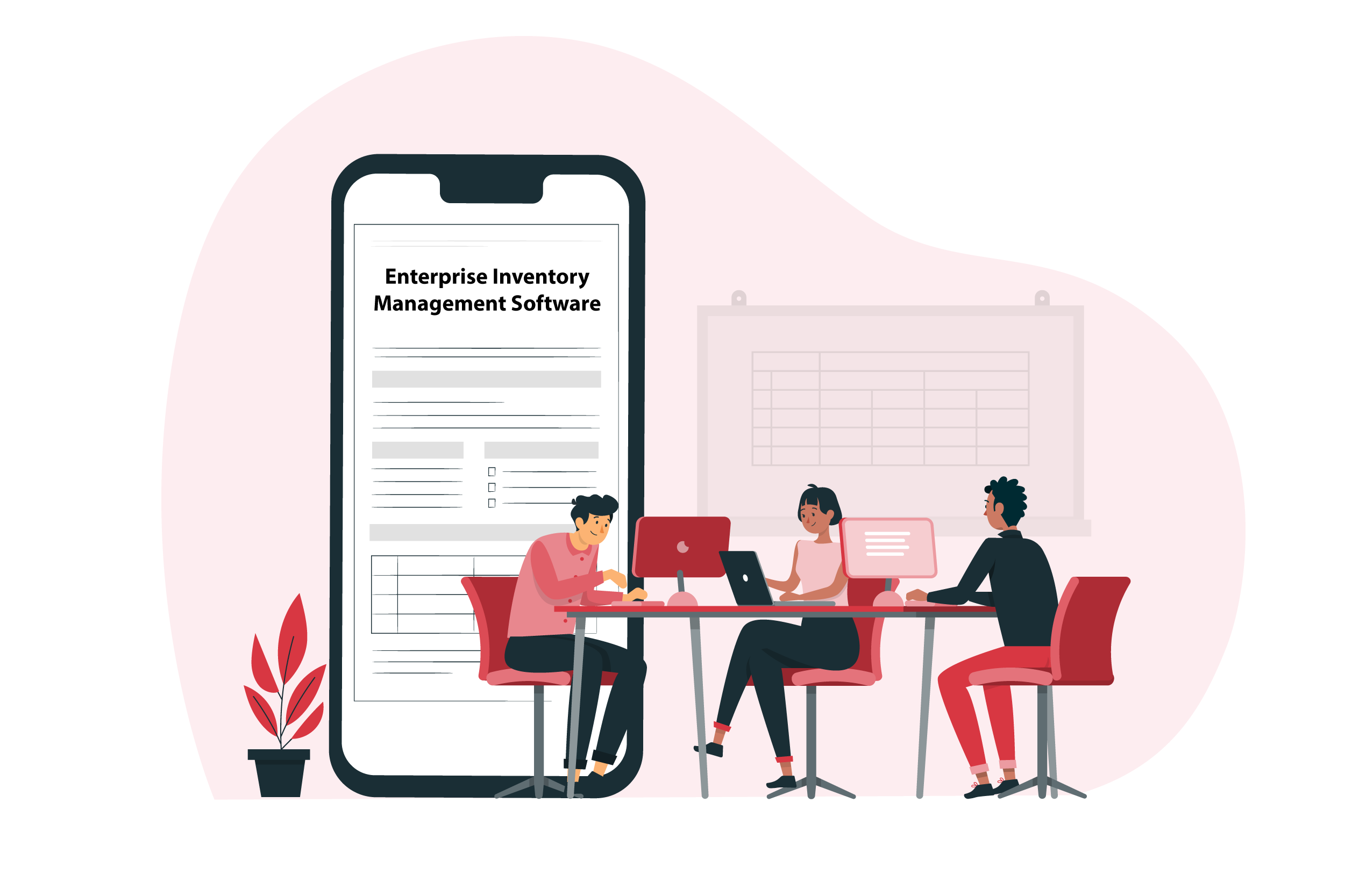
Enterprise Inventory Management Software

Elevate your organization’s inventory system effortlessly with Vyapar’s Enterprise Inventory Management Software. Take advantage of the numerous benefits with a free trial today.
Enterprise Inventory Software

1 Cr+

Happy Customers

FREE

Android Mobile App

Rated 4.7 / 5

On Google Play Store

Multi-Device

Use together on Mobile/Desktop

Multi-User

User Management
Feature

Features of Enterprise Inventory Management Software by Vyapar

Managing Orders - Enterprise Inventory Software
Managing Orders

The processing or handling of orders is important for customer satisfaction. EIMS makes order management easier. It speeds up processing and lowers the chance of error. All of it, from order placement to fulfillment. The order management process starts when a consumer places a purchase order. And it finishes when the recipients receive what they ordered.
The Vyapar App transforms order processing into a seamless and error-free experience. This improves customer satisfaction and the overall efficiency of business operations.

Managing Expenditures - Enterprise Inventory Software
Managing Expenditures

All large-scale or small-scale organizations must reduce their inventory holding costs. This is done by increasing inventory turnover, keeping fewer products on hand, and investing in efficient tools.

All this is possible with Enterprise Inventory Management Software, the Vyapar App. Businesses can closely monitor inventory management expenses with EIMS. This includes carrying, holding, and order management costs. Organizations can successfully execute cost-saving strategies owing to this visibility.


Managing suppliers is a breeze with the Vyapar App. Automation and data sharing with suppliers increase overall efficiency and shorten timelines.

This ensures organized and transparent supply chains. Moreover, transparency helps in future planning and forecasting.

Reporting Convenience - Enterprise Inventory Software
Reporting Convenience

Regulatory compliance is an essential component of inventory management. Particularly, in businesses with rigorous rules. EIMS ensures large and small-scale firms comply with requirements by maintaining correct and transparent records.

 Furthermore, comprehensive reporting functions facilitate strategic decision-making. This provides information on key indicators of performance.

Try the Vyapar app for free for managing inventory. It is a strategic advantage for businesses aiming for efficiency and excellence.

Vyapar App’s Custom-Built Features: Driving Business Advancement
Quick and Real-Time Inventory Updates
Quick and Real-Time Inventory Updates

In-depth Analysis of Expenditure and Profits
In-depth Analysis of Expenditure and Profits

Optimizing Inventory for Resource Efficiency

Optimizing Inventory for Resource Efficiency

Enhanced Cash Flows for businesses

Enhanced Cash Flows for businesses

Higher Customer Trust and Reliability

Higher Customer Trust and Reliability

Unified Teamwork for Business Growth

Unified Teamwork for Business Growth

Accurate Forecasting for Optimal Business Planning

Accurate Forecasting for Optimal Business Planning

Simplified Management of Companies and Devices

Simplified Management of Companies and Devices

Invoice Generation and Printing Ease

Invoice Generation and Printing Ease

Maximize Efficiency with Transaction Features

Maximize Efficiency with Transaction Features

Centralized Control Hub for Business Optimization

Centralized Control Hub for Business Optimization

Leveraging Productivity and Profitability with Enterprise Inventory Management Software

Quick and Real-Time Inventory Updates

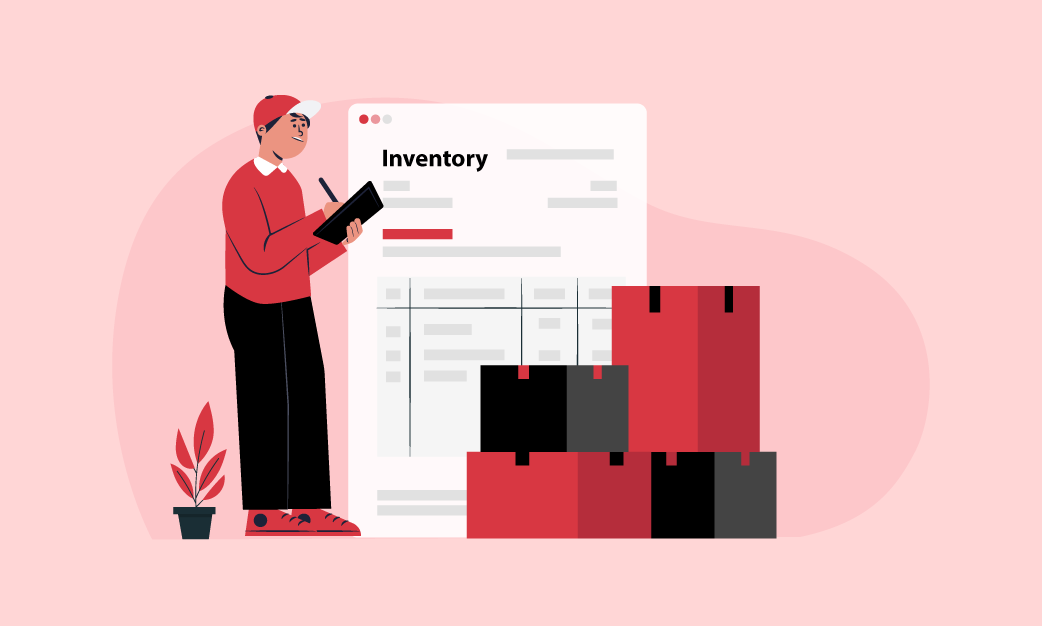
Quick and Real-Time inventory tracking allows you to access and monitor up-to-date inventory data. This can be done from anywhere in your distribution network. The Vyapar App proves useful in combating shortages or surpluses. It allows businesses to have ideal stock levels throughout.

Running a business is competitive in today’s world. The innovative inventory management feature of the Vyapar App can eliminate the hassle of traditional inventory practices.

Quick and Real-Time Inventory Updates - Enterprise Inventory Management Software
In-depth Analysis of Expenditure and Profits -Time Inventory Updates - Enterprise Inventory Management Software

In-depth Analysis of Expenditure and Profits

An in-depth analysis of expenditure and profits is crucial for businesses. It provides valuable insights into financial performance. EIMS enables businesses to maximise operational productivity. Increased productivity means increased profits.  

Moreover, minimise expenses, thereby fostering sustained development. Increased productivity is made possible by removing supply chain complications. The Vyapar App is an effective billing software to ease the obstacles.

Analyze the expenses and profits with the Vyapar App. It is a perfect Enterprise Inventory Management Software.

Optimizing Inventory for Resource Efficiency

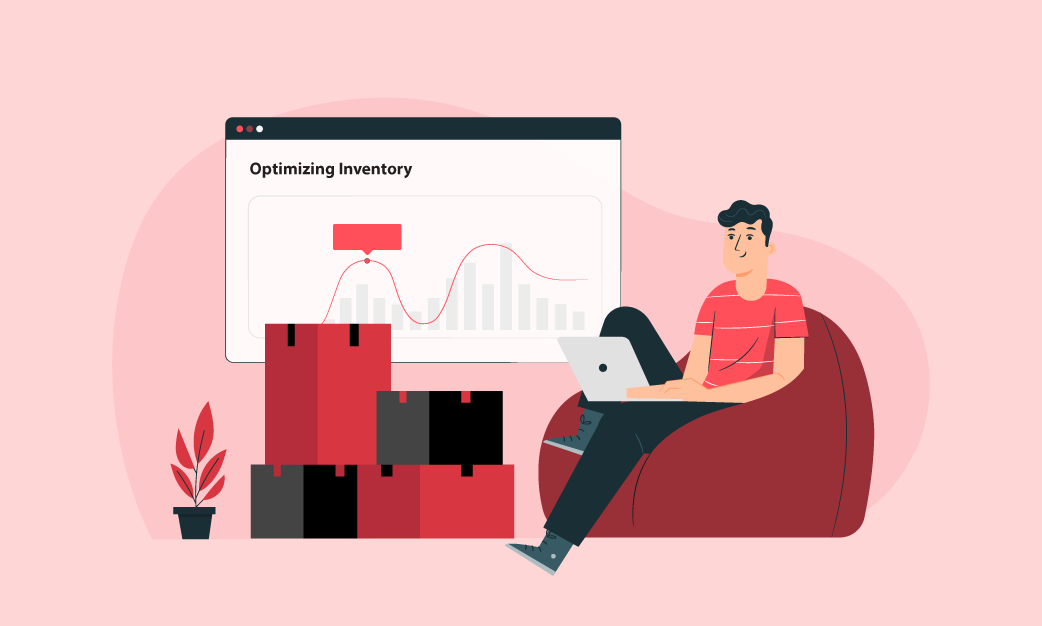
Optimizing inventory is a strategic move. It enables businesses to make the most out of their resources. It plays a key role in enhancing overall operational effectiveness.

One effective strategy for Optimizing Inventory for Resource Efficiency in businesses is enterprise inventory management software or EIMS. Businesses can optimise inventory levels and prevent overstock problems.

The Vyapar App offers continuous insight into stock levels and demand projection capabilities.
Optimizing Inventory for Resource Efficiency -Time Inventory Updates - Enterprise Inventory Management Software
Enhanced Cash Flows for businesses -Time Inventory Updates - Enterprise Inventory Management Software

Enhanced Cash Flows for businesses

Improved cash flows provide flexibility. This allows businesses to navigate challenges and invest in expansion. Also, remain resilient in dynamic markets.

The Vyapar App, Enterprise Inventory Management Software (EIMS) is essential for enhancing cash flows. Through inventory optimisation and cost reduction, EIMS enables firms to release operating cash. This can otherwise be invested in surplus inventory.

Enhanced cash flows also contribute to better financial health. This increases investor confidence and the ability to adapt to changing market conditions.

Higher Customer Trust and Reliability

Vyapar’s Enterprise Inventory Management Software (EIMS) plays a vital role in enhancing customer trust and reliability. By ensuring timely order fulfillment and maintaining optimal product availability. Also, by delivering personalized promotions and offers, EIMS elevates customer satisfaction.

Its advanced functionality allows companies to precisely monitor inventory levels. This minimizes the risk of stockouts and assures customers of product availability.

Vyapar’s dedication to customer-centric solutions and top-notch service aligns seamlessly. To foster strong and lasting client relationships. This ultimately contributes to the business’s overall credibility and success.

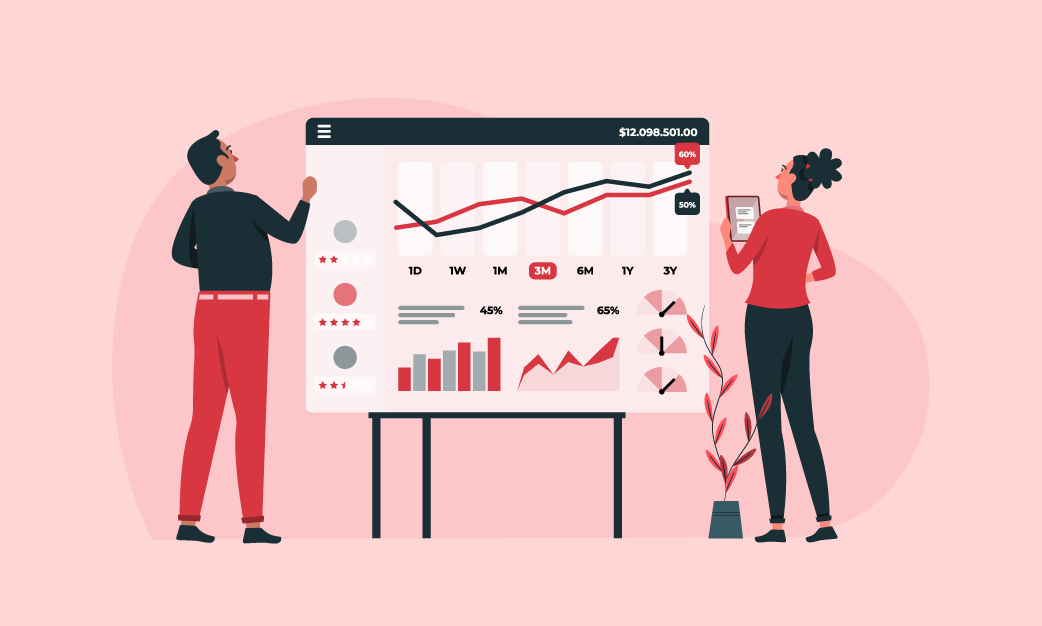
Higher Customer Trust and Reliability -Time Inventory Updates - Enterprise Inventory Management Software
Unified Teamwork for Business Growth-Time Inventory Updates - Enterprise Inventory Management Software

Unified Teamwork for Business Growth

The Vyapar app streamlines supplier management through seamless automation. This leads to efficient data sharing, leading to enhanced overall efficiency. This results in reduced timelines in the supply chain.

A well-organized and transparent supply chain ensures clarity and efficiency in every transaction. The transparency achieved becomes a valuable asset for future planning and forecasting. This enables businesses to make informed decisions based on a thorough understanding of their supplier relationships.

Vyapar’s customer/vendor relationship management feature fosters a robust and transparent business ecosystem through unified teamwork.

Centralized Control Hub for Business Optimization

Maximize your business potential with Vyapar’s centralized control hub. Seamlessly oversee and optimize every aspect of your operations. This is important for enhanced efficiency and success.

Businesses diversify their operations in multiple locations. This diversification calls for managing inventory across all the locations. And it can be a challenging task.

However, Enterprise Inventory Management Software centralizes control and monitors and manages inventory levels of all the locations from a single platform.


Centralized Control Hub for Business Optimization - Enterprise Inventory Management Software
Accurate Forecasting for Optimal Business Planning - Enterprise Inventory Management Software

Accurate Forecasting for Optimal Business Planning

Utilize Vyapar App’s comprehensive reporting features to gain strategic insights. This enables accurate forecasting for precise business planning. Access a variety of reports to anticipate market trends. This helps make well-informed decisions ensuring the execution of optimal business strategies.

With different degrees of precision, demand forecasting is used to estimate future consumer demand. That too for all the goods and services the business offers.

Knowing exactly what the market wants is always a challenge. That’s where Enterprise Inventory Management Software helps organizations make well-informed decisions. This increases production and inventory.

Simplified Management of Companies and Devices

Vyapar’s Enterprise Inventory Management Software excels in efficiently managing company and device operations. It offers advanced features for seamlessly managing single or chain stores. Regardless of GST registration, Vyapar caters to diverse business requirements. Users can access data on a single device or multiple devices, ensuring flexibility. It’s important to note that Vyapar’s license is dependent on the device, ensuring security and control.

Vyapar offers businesses the flexibility of creating multiple companies within its app. Users can effectively manage up to five different firms within a single company, allowing them to easily handle complex business structures.
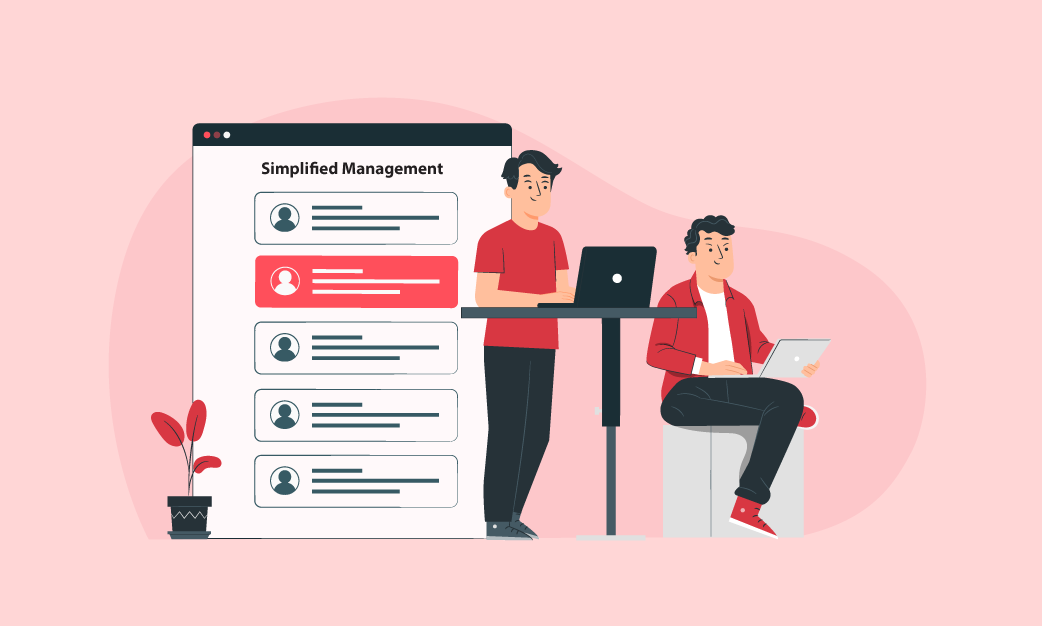
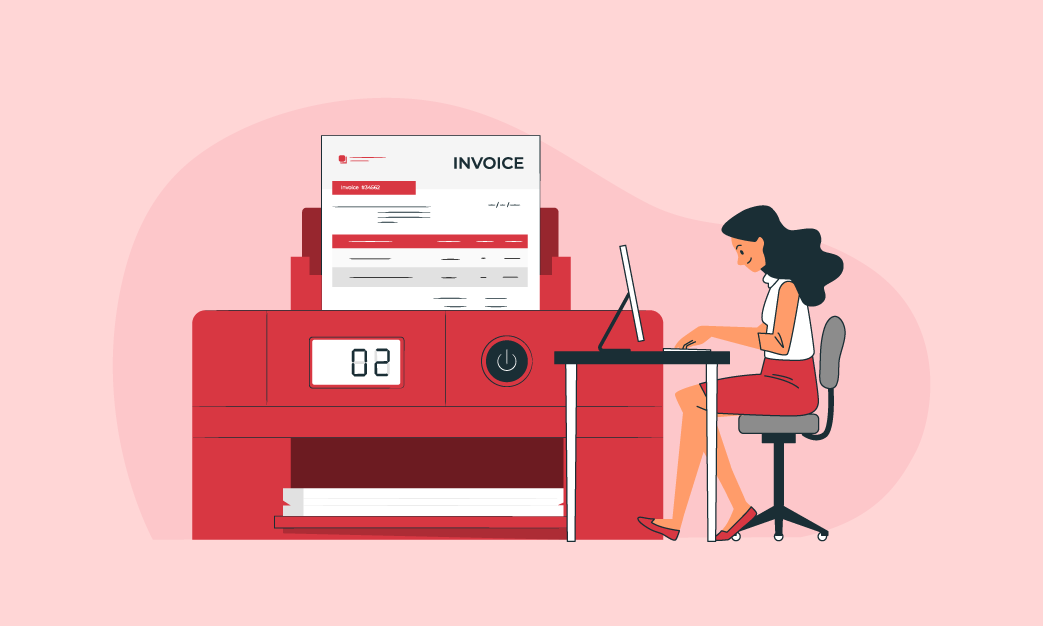
Simplified Management of Companies and Devices - Enterprise Inventory Management Software
Invoice Generation and Printing Ease - Enterprise Inventory Management Software

Invoice Generation and Printing Ease

Vyapar’s Enterprise Inventory Management Software (EIMS) is a robust tool that introduces an intuitive “Invoice and Printing” feature.

This feature empowers businesses by providing streamlined and efficient invoicing processes.

With Vyapar, users can easily generate professional invoices and conveniently print them for their transactions. This feature is designed to enhance the overall invoicing experience. This guarantees accuracy and professionalism in financial documentation.

Vyapar caters to both GST-registered and unregistered businesses. This offers the flexibility to meet diverse invoicing needs. The user-friendly interface allows for the creation of both GST and non-GST transactions.

Additionally, Vyapar’s EIMS provides added security by allowing users to set passcodes. This ensures the protection of confidential data.

Experience unparalleled convenience in managing invoices with the Vyapar App. This improves efficiency and precision in your enterprise.

Maximize Efficiency with Transaction Features

Vyapar’s Enterprise Inventory Management Software (EIMS) plays a vital role in enhancing customer trust and reliability. By ensuring timely order fulfillment and maintaining optimal product availability. Also, by delivering personalized promotions and offers, EIMS elevates customer satisfaction.

Its advanced functionality allows companies to precisely monitor inventory levels. This minimizes the risk of stockouts and assures customers of product availability.

Vyapar’s dedication to customer-centric solutions and top-notch service aligns seamlessly. To foster strong and lasting client relationships. This ultimately contributes to the business’s overall credibility and success.
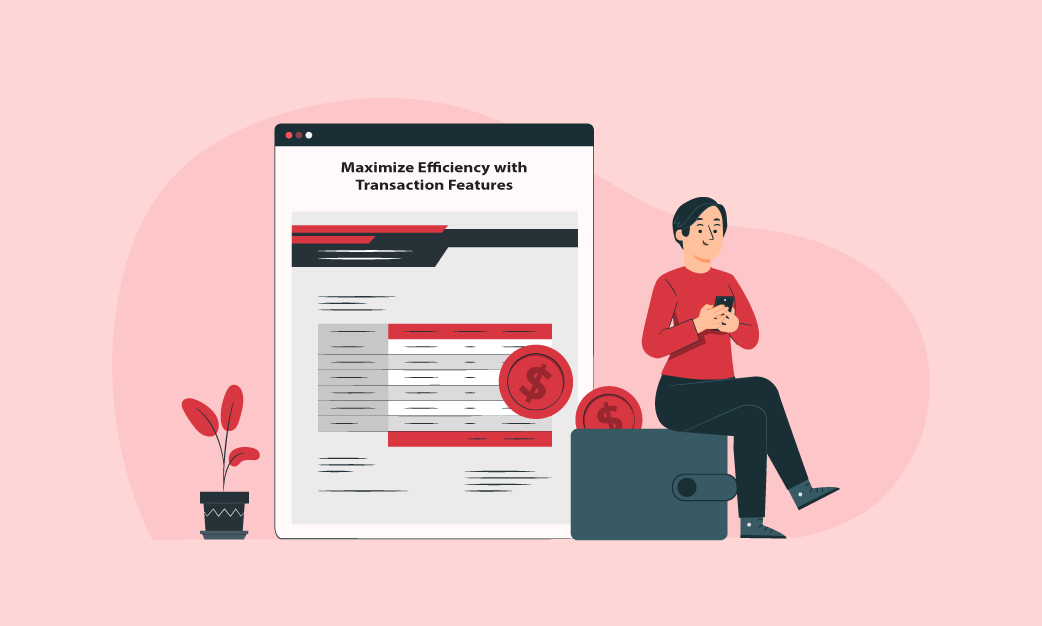
Maximize Efficiency with Transaction Features - Enterprise Inventory Management Software
Advanced Security for Business - Enterprise Inventory Management Software

Advanced Security for Business

Ensuring advanced security measures for businesses is of utmost importance to safeguard sensitive data. These measures play a vital role in preventing unauthorized access and defending against potential threats or cyber-attacks.

One cannot afford a security breach. Handling loads of data calls for the best security measures. Ensuring data security is crucial, particularly when handling confidential inventory and corporate data.

Select an EIMS that has strong security features, such as access controls and encryption. By prioritizing advanced security measures, Vyapar creates a secure and dependable business environment. Users can rely on the Vyapar App. knowing that their data is protected and the risk of vulnerabilities is minimized. Such commitment to security instills confidence and peace of mind among users.

Why the Vyapar App is the Perfect Solution for Managing Enterprise Inventory

We understand the current ever-changing business environment. The Vyapar App enables businesses to optimise operational output while reducing costs.

This leads to long-term growth and affordability. Each business is different, and so are the requirements. It is necessary to ensure the chosen software (EIMS) is adaptable to the expansion of the company.

  • The Vyapar App easily manages the increasing volumes of data at any point in time.  
  • Businesses can make ffective decision. The centralised control and real-time visibility lowers operational delays and bottlenecks.
  • Routine processes, including order processing, real-time inventory tracking, and data entry, are automated using EIMS. Employees can concentrate on more value-added tasks.
  • EIMS produces extensive reports and analytics on inventory levels. These are key performance indicators and aid data-driven decision making
  • Feedback is the best way to gauge performance. Track the EIMS’s performance regularly and get user input. This data can be used to identify areas in need of optimization and improvement.

Every firm has its own set of needs. It is essential to have the capacity to modify the EIMS as and when unique requirements arise. Easy customization makes the entire process easy.

The Vyapar App offer

Are you a Business Owner?

Take your business to the next level with Vyapar! Try free for 7 days

Try our Android App (FREE for lifetime)

Frequently Asked Questions (FAQs’)

How can enterprises be sure of the successful implementation of the EIMS?

Businesses can guarantee a successful implementation by giving users comprehensive training, cleaning data before implementation, implementing an approach that is phased, continuously monitoring and optimising the system, and working with vendors and other important stakeholders, such as supply chain partners. The Vyapar app ensures the entire process is flawless.

What role does EIMS play in cost containment?

By giving users insight into the different expenses related to inventory management, including carrying, holding, and order processing costs, EIMS helps reduce expenditures. Businesses can optimise their operations, put cost-saving measures into place, and boost their overall financial performance thanks to this information.

Why is EIMS so important to companies?

Businesses need EIMS because it lowers carrying costs, improves order fulfilment, avoids stockouts and overstock instances, helps manage ideal stock levels, and offers insightful analytics. The Vyapar App helps businesses to increase customer satisfaction, make more informed decisions, and eventually increase profitability.

Is it possible to make changes to EIMS to meet unique business requirements?

Yes, the customisation choices of an EIMS are a crucial factor to consider. Companies should search for software that enables workflow modifications and configuration flexibility to match their unique needs and procedures.

In what ways does EIMS enhance supplier collaboration?

EIMS enhances supplier collaboration by facilitating automated communication as well as information sharing. This makes it easier for the company and its suppliers to exchange information seamlessly, which cuts down on errors, shortens lead times, and makes the supply chain more transparent and effective.

What are the advantages of deploying EIMS across many locations?

Vyapar’s EIMS centralises control in multi-location settings, enabling companies to oversee and manage inventory levels from a single platform at many locations. This guarantees uniformity, synchronisation, and effective inventory control, which is especially advantageous for businesses with multiple locations of operations.

Is the EIMS offered by Vyapar safe?

Certainly, Vyapar employs strong security protocols to guarantee the privacy, availability, and integrity of data contained in its Enterprise Inventory Management Software. To protect against illegal access, data breaches, and other safety hazards, Vyapar uses encryption techniques, access limits, and frequent security audits. With Vyapar, you are sure to have peace of mind.

Can EIMS handle a variety of inventory?

Indeed, EIMS can accommodate a variety of inventory types, such as work-in-progress items, finished goods, raw materials, and perishables. Businesses can use the software to manage and classify inventory products according to their attributes.

Is EIMS appropriate for all sizes of businesses?

One size can’t fit all. Thus, EIMS may be customised to fit the requirements of companies of all sizes, from start-ups to major corporations. Because the software is scalable, companies can modify their inventory management features as they develop and grow.

Can EIMS generate analytics and reports?

Indeed, EIMS can produce reports and insights on a range of inventory management topics, such as supplier performance, stockouts, inventory turnover, and reorder points. With the software’s configurable dashboards and reporting tools, businesses can make data-driven decisions and acquire insightful knowledge about their inventory operations.

How frequently are updates and enhancements made to EIMS?

EIMS suppliers usually update and enhance their software frequently, usually in response to feedback from users, market developments, and technological breakthroughs. Customers of EIMS services can anticipate upgrades regularly, which guarantees that their inventory management skills stay updated and in line with changing business requirements.

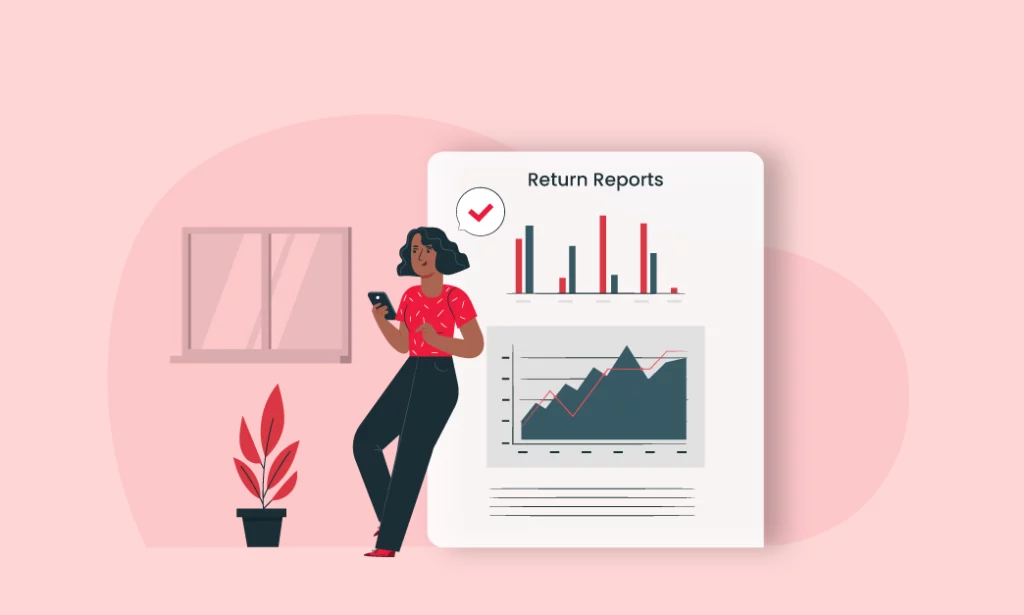
How are exchanges and returns handled by EIMS?

By offering pre-established systems and processes for processing damaged or defective items, EIMS simplifies the operations associated with exchanges and returns. To guarantee flawless service to customers and satisfaction, the software keeps track of returned inventory products, adjusts inventory levels appropriately, and starts replacement orders or refunds when needed.

Can accounting software be integrated with EIMS?

Yes, EIMS is compatible with different accounting tools. Businesses can streamline their financial reporting and reconciliation procedures by using the interface to integrate financial data, including sales revenue, cost of goods sold, and inventory valuation, between the accounting and inventory management systems.

How is inventory replenishment managed by EIMS?

By creating production or purchase orders based on predetermined lead times, demand projections, and reorder points, EIMS automates inventory replenishment procedures. The software makes sure that to minimise excess stock and satisfy consumer demand, inventory levels are refilled promptly.

You can visit the UAE site to view content specific to your location

How Useful is Vyapar for Your Business?

Click on a star to rate it!


Enterprise Invoicing Software

Enterprise Invoicing Software

Scale your business with Vyapar’s FREE enterprise invoicing software. Automate tasks, streamline workflows, and boost revenue. Try it now!

Enterprise invoicing software
Smiley logo

1 Cr+

Happy Customers

Mobile logo

FREE

Android Mobile App

Google play store

Rated 4.7 / 5

On Google Play Store

Multi device logo

Multi-Device

Use together on Mobile/Desktop

Multi user logo

Multi-User

User Management
Feature

Best Features of Vyapar Enterprise Invoicing Software

Custom invoice feature in Vyapar
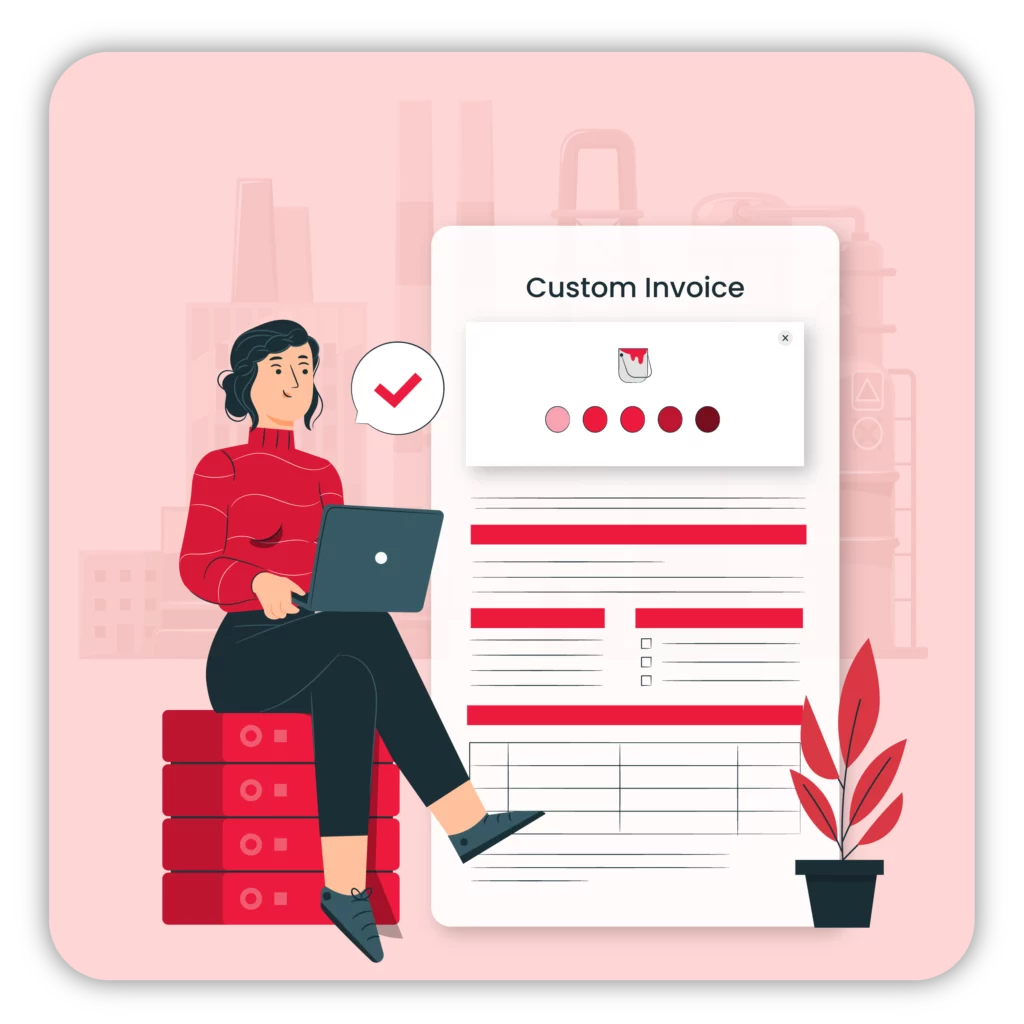
Customised Invoice Creation

With Vyapar’s customised invoice creation feature, businesses can tailor their invoices to meet specific client requirements. They can add personalised messages, special offers, or special terms and conditions to each invoice.

Enterprises can add their logo, tagline, and company colours with the help of customisation. It reflects their brand identity. Businesses can enhance brand recognition and credibility by presenting a consistent and professional image.

Automated-Billing-And-Invoicing
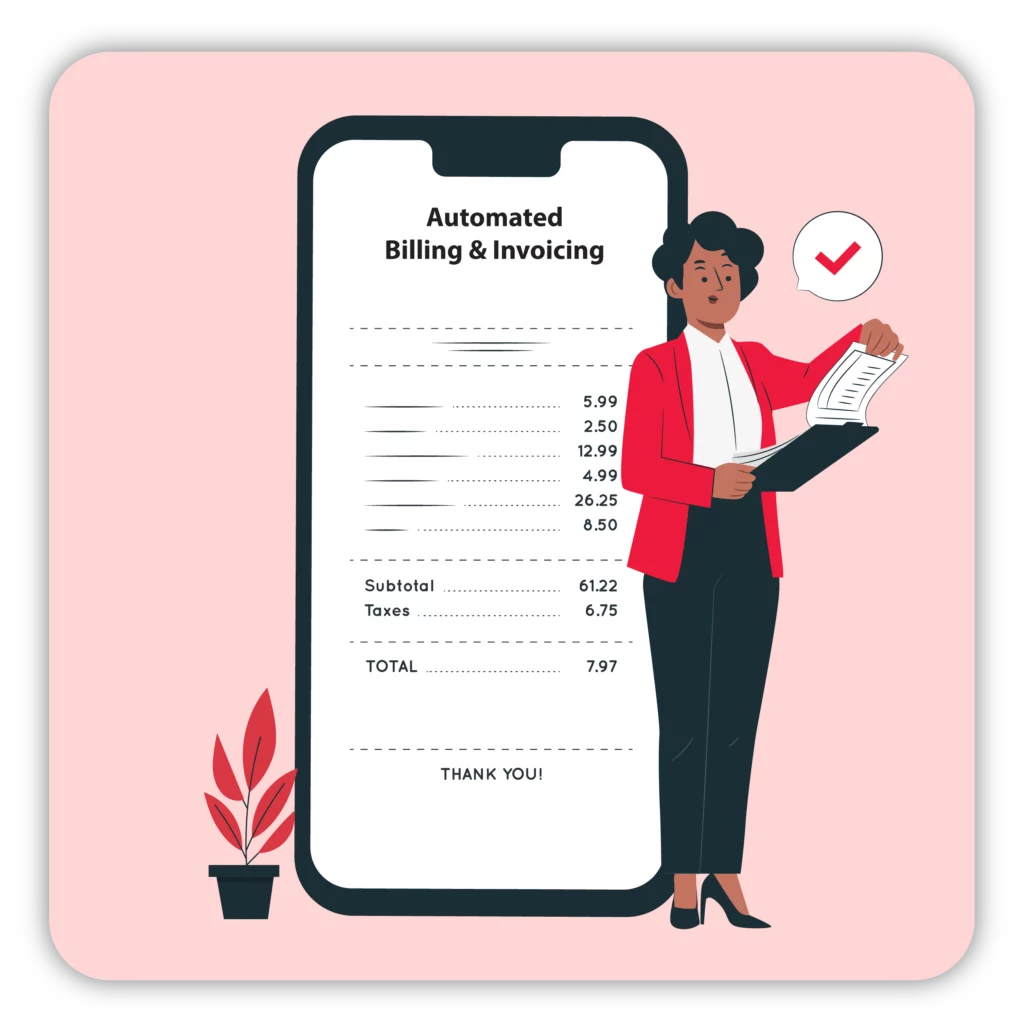
Automated Billing

The time and effort needed to generate invoices manually, and human errors are greatly reduced with automated billing. At predetermined periods, the software automatically creates and delivers bills. 

The Enterprise Billing Software correctly computes sums, taxes, discounts, and other pertinent billing solutions. It guarantees accurate, error-free invoices. It lessens the likelihood of disputes, payment delays, and client discontent brought on by billing errors.

Payment Tracking

Businesses can easily manage and track customer payments with the Vyapar payment tracking tool. Users can enter the dates, procedures, and information about each invoice’s payment. 

Vyapar’s invoicing software provides automated payment notifications and reminders. Users can set up the software to automatically notify clients through email or SMS of approaching payment due dates and set up reminders for certain days.

Add On Key Features in Invoicing Software for Enterprises

Track Cash Flow icon

Cash Flow Management

Expense tracking icon

Expense Tracking

Inventory management icon

Inventory Management

Storage and security icon

Storage and Security

online and offline access

Offline Availability

Analytics icon

Reports and Analytics

Grow Your Enterprise by Using the Vyapar Invoice Application

Cash Flow Management

Businesses may keep an eye on their cash flow in real time with the help of Vyapar Enterprise. It offers a dashboard with important financial information shown on it. Cash inflows, outflows, and net cash position are among the metrics. Businesses can use the software to forecast their upcoming cash flows.

It enables business owners and financial managers to have a precise and current understanding of the financial health of their organization. Vyapar enterprise invoicing software can produce precise estimates by studying historical data and accounting records, assisting firms in foreseeing cash shortfalls or surpluses. 

Create and track invoices more easily with Vyapar Enterprise. It enables companies to create invoices with a professional appearance and send them right to clients using the software. It aids businesses in making wise financial choices, such as controlling spending, organising investments, or obtaining more capital.

The solution also enables effective status tracking for invoices. It guarantees that businesses are informed of unpaid invoices. A healthy cash flow is maintained via timely invoicing and careful payment tracking.

Easily track cash flows with Vyapar
Cloud based storage feature access with Vyapar

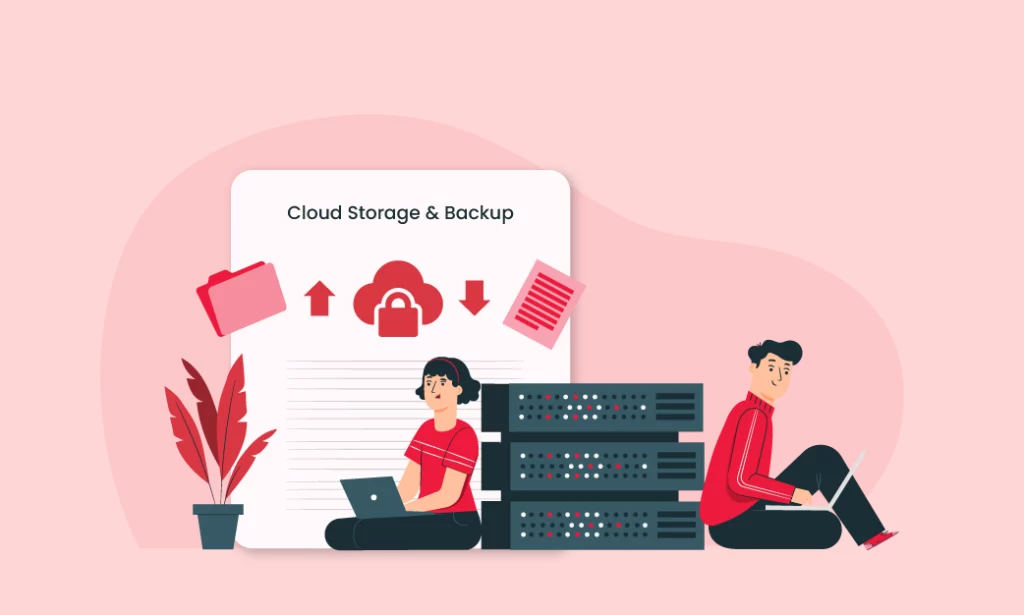
Cloud-Based Storage and Security

The free billing software from Vyapar enterprise invoicing software provides a strong cloud-based storage and security feature. It gives companies a dependable and safe platform on which to store and safeguard their data. Businesses may access their data from anywhere at any time using cloud-based storage as long as they have an internet connection. 

Your data is safely backed up in the cloud by Vyapar Enterprise. It removes the possibility of data loss as a result of thievery, hardware malfunctions, or other unforeseen events. The programme enables simple recovery in the event of data loss.

Vyapar enterprise billing software uses protocols that are industry standard. It makes sure that unauthorised people cannot access your vital financial information because it is encrypted.

Utilising secure servers provided by reputable cloud service providers, the software. These servers are outfitted with cutting-edge security tools like firewalls, intrusion detection systems, and data redundancy to protect your data from theft and physical damage.

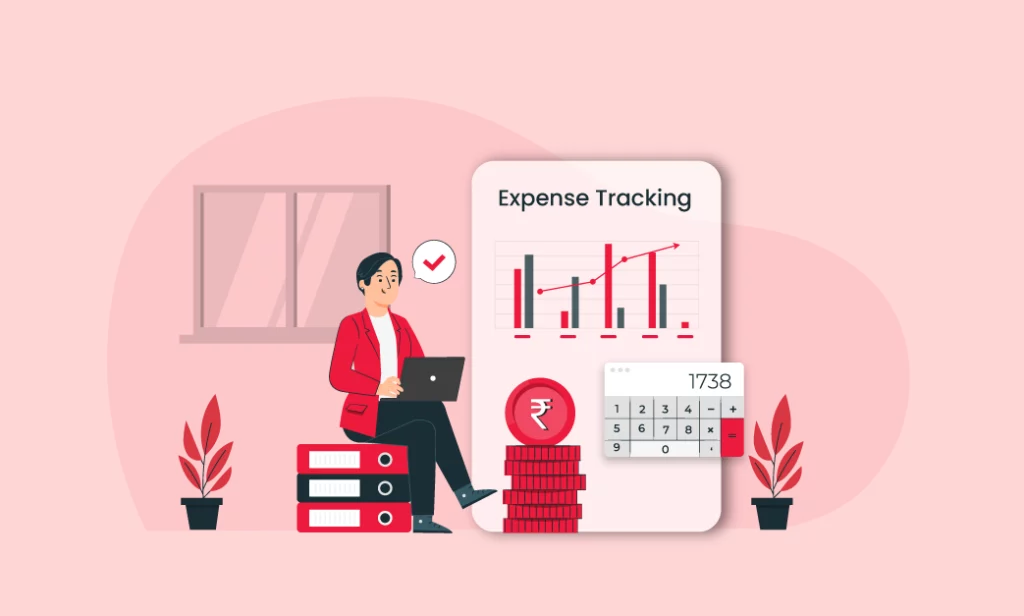
Expense Tracking

Vyapar Enterprise makes the process of keeping track of spending easier. It makes it simple and quick for businesses to enter all of their expenses, including those for purchases, bills, and other outlays. It’s simple to organise and assess spending patterns because users can group expenses into categories.

Companies may keep track of their spending in real-time using Vyapar Enterprise. This feature enables better financial control and decision-making by providing an up-to-date picture of where money is spent.

Vyapar Enterprise’s expense tracking function allows users to attach and retain digital copies of receipts and other documents. The elimination of physical paperwork reduces the chance of losing essential records and simplifies expense verification.

Users have the ability to define budgets for various expense categories and track their performance against those budgets. It enables organisations to keep costs under control, prevent overspending, and adhere to set financial constraints.

Track expenses using Vyapar enterprise billing software
Access the data offline using invoicing software for enterprise

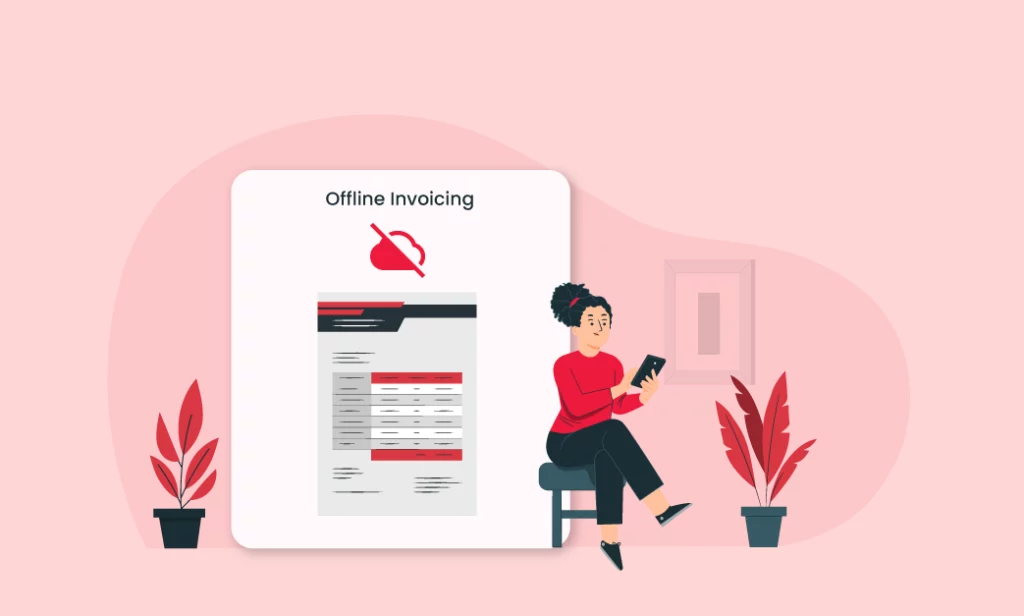
Offline Availability

Businesses can create and generate invoices with Vyapar enterprise billing software even while they are offline. It is particularly helpful in situations when internet connectivity is unstable or nonexistent. Users have uninterrupted access to the software’s invoicing features, where they may enter transaction information and create invoices.

Vyapar enterprise invoicing software’s offline availability feature ensures that when disconnected from the internet, data submitted and changes made sync with the cloud upon reestablishing the connection. This guarantees no data loss and ensures current data across all platforms and devices.

Business owners and staff may access vital financial and invoicing data even while they are in remote places. They may manage bills offline, examine client information offline, and monitor inventory levels, which boosts productivity and enables effective business operations.

Businesses can keep track of offline consumer payments using Vyapar Enterprise. Businesses can manually enter payment information even when there is no internet connectivity, assuring accurate tracking of received payments. The software synchronizes recorded payments when it reconnects to the internet, ensuring accurate financial records.

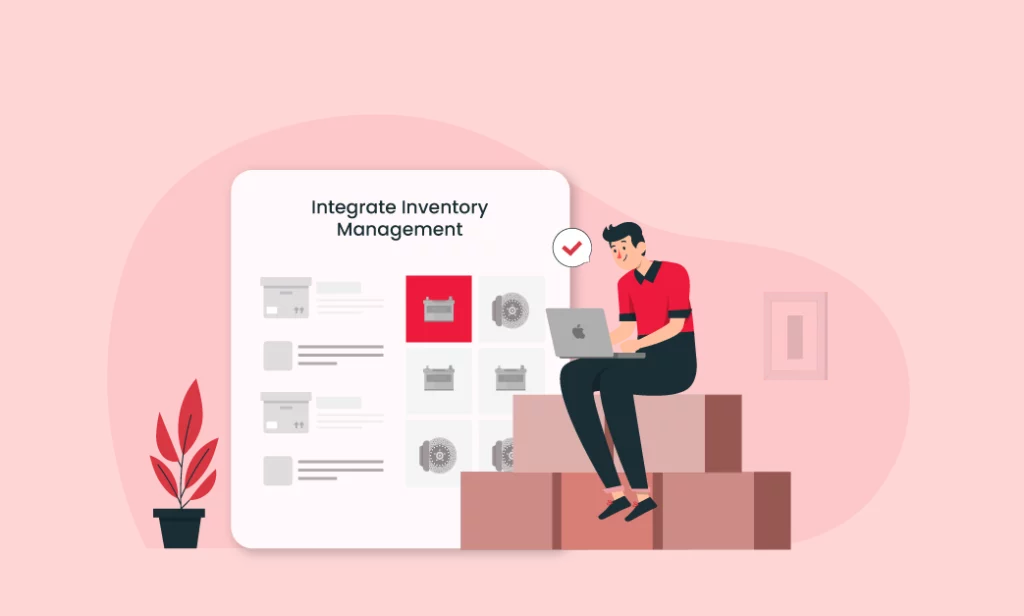
Inventory Management

Vyapar enterprise invoicing software allows businesses to track their inventory in real time. Users can record stock levels, item descriptions, cost prices, selling prices, and SKU numbers. It provides a comprehensive overview of available stock and helps businesses make informed decisions.

Vyapar enterprise invoicing app provides customisable stock alerts and reorders reminders. Users can set minimum stock levels for each item and receive notifications when the stock falls below the specified thresholds. It helps businesses avoid stockouts, ensure timely replenishment, and maintain optimal inventory levels.

The inventory management feature of Vyapar invoicing software for enterprises supports barcode scanning. Users can scan barcodes using a barcode scanner or their mobile device’s camera to quickly and accurately update inventory records. It simplifies the process of adding new items, updating quantities, and conducting stock audits.

Users can create different variants of a product (e.g., size or colour options) and bundle multiple products together. This flexibility enables accurate tracking of different product variations and simplifies the invoicing process for bundled items.

Manage inventory easily using Vyapar
Analyse and report the business health with Vyapar

Reports and Analytics

Vyapar provides a wide selection of reports that address different facets of business operations. Users can produce various reports, including profit and loss statements, cash flow statements, balance sheets, sales reports, purchase reports, spending reports, tax reports, and more. 

These reports offer a thorough overview of the company’s financial performance and health. The Reports and Analytics tool offers real-time data analysis. Businesses can use it to access current information. Analyzing data in real time enables quick decisions and rapid adjustments to corporate plans.

Vyapar offers information in clear, visually appealing formats. Visual representations of financial data, such as graphs, charts, and tables, make it simpler for consumers to understand and assess data trends. Visual depiction supports and makes data-driven decision-making easier to understand.

Businesses can undertake comparison analysis across various time periods thanks to Vyapar, which allows users to analyse financial performance over particular periods. With the use of this tool, you may spot trends, estimate growth rates, and determine how corporate plans or outside variables affect financial results.

Download the #1 Vyapar Invoicing Solution for Your Enterprise

What is Included in An Enterprise Invoice?

Included in An Enterprise Invoice?

The contents of enterprise invoices can vary depending on the company and industry. However, here are some common elements in enterprise invoices:

Sender And Recipient Information: 

The invoice should include the contact details of both the sender (the company issuing the invoice) and the recipient (the company being billed). It includes names, addresses, phone numbers, and email addresses.

Invoice Number: 

Each enterprise invoice is usually assigned a unique identification number for tracking and reference purposes. The invoice number helps the sender and recipient identify and locate specific invoices easily.

Invoice Date: 

The issuer must mention the date when the invoice is issued. It helps establish the timeline and is a reference point for payment due dates.

Payment Due Date: 

The invoice should clearly state the date by which the payment is expected. It helps the recipient understand the payment deadline and avoid late fees or penalties.

Itemized Description: 

A detailed breakdown of the goods or services provided is included in the invoice. It may include the quantity, unit price, and total cost for each item or service. The description should be clear and specific to avoid confusion.

Subtotal: 

The subtotal is the sum of the costs for all the items or services listed in the invoice. It helps the recipient to understand the total amount owed before any taxes or additional charges.

Taxes: 

Depending on the applicable tax regulations and the nature of the goods or services provided, sales tax, value-added tax (VAT), or goods and services tax (GST) may be added to the invoice. The taxes should be clearly stated, including the tax rate and the amount.

Discounts Or Credits: 

If there are any applicable discounts, promotions, or credits being applied to the invoice, they should be clearly specified. This helps the recipient understand any adjustments made to the total amount owed.

Additional Charges: 

Any additional charges, like shipping fees, handling fees, or late payment fees, should be clearly mentioned in the invoice. These charges should be itemised and explained to avoid confusion.

Total Amount Due: 

The total amount due is the sum of the subtotal, taxes, and any additional charges or adjustments. It represents the final amount that the recipient needs to pay.

Payment Instructions: 

The invoice should provide detailed instructions on how the customer should pay. It may include acceptable payment methods (e.g., bank transfer, credit card, or check) and the necessary payment details (e.g., bank account number or payment gateway information).

Terms And Conditions: 

Some invoices include a section outlining the terms and conditions of the transaction. This may include information on payment terms, late payment penalties, return or refund policies, and any other relevant terms.

Key Aspects To Consider in An Enterprise Invoicing Software

When evaluating enterprise invoicing software, there are several key features to consider. Here are some essential features to look for:

Customizable Invoicing Templates

The software should provide flexibility in creating professional and branded invoices. You should be able to tailor it to your organization’s style and requirements.

Automation capabilities
Automation Capabilities

Look for features that automate recurring invoicing, payment reminders, late fees, and other routine tasks to save time and reduce manual effort.

Seamless Integration Capabilities
Integration With Accounting Systems

Ensure the software seamlessly integrates with your existing accounting software or enterprise resource planning (ERP) system to synchronize data, eliminate duplicate entries, and streamline financial management.

Multi currency support
Multi-Currency Support

If your business operates internationally, the software should support multiple currencies to accommodate diverse customer bases and facilitate global invoicing.

Online-Payment-Collection
Online Payment Options

The software should offer various payment gateway integrations, allowing customers to conveniently make online payments directly from the invoice using different payment methods such as credit cards, online banking, or digital wallets.

Tax compilation icon
Tax Compliance

Ensure the software supports tax regulations specific to your region or country, including automated tax calculation, application of tax rates, and proper tax reporting.

Manage document easily with Vyapar
Document Management

Look for features that attach supporting documents, such as purchase orders or receipts, to the invoices for easy reference and audit purposes.

Work flow and approval process in organization
Workflow and Approval Processes

Advanced invoicing software should allow you to define custom workflows and approval hierarchies to streamline the invoice approval process within your organization.

Reporting and analysing
Reporting and Analytics

The software should provide robust reporting capabilities, including key financial metrics, aging reports, payment histories, and customer insights, to help you make informed business decisions.

Security of data
Security and Compliance

Ensure the billing software follows industry-standard security protocols to protect sensitive financial data. It should also offer compliance features to adhere to data protection regulations and maintain invoice records for auditing purposes.

Scalability feature
Scalability

Consider the software’s ability to handle large invoices without compromising efficiency and adapt to your enterprise’s growth over time.

Customer-Support feature
Customer Support

Evaluate the level of customer support the software vendor provides, including availability, responsiveness, and access to resources such as documentation, tutorials, or user communities.

Benefits of Using Vyapar Enterprise Invoice Software

Save time and cost using Enterprise invoicing app

Time and Cost Savings

The time needed for manual data entry and calculations is decreased with Vyapar’s business invoicing software. Further reducing expenses connected with paper, printing, and postage is automated invoicing’s removal of the need to print, send, or physically distribute invoices.

Businesses can select from a collection of invoice formats provided by Vyapar. Your Businesses don’t have to spend time and effort creating invoices from scratch because these templates are expertly prepared and pre-formatted.

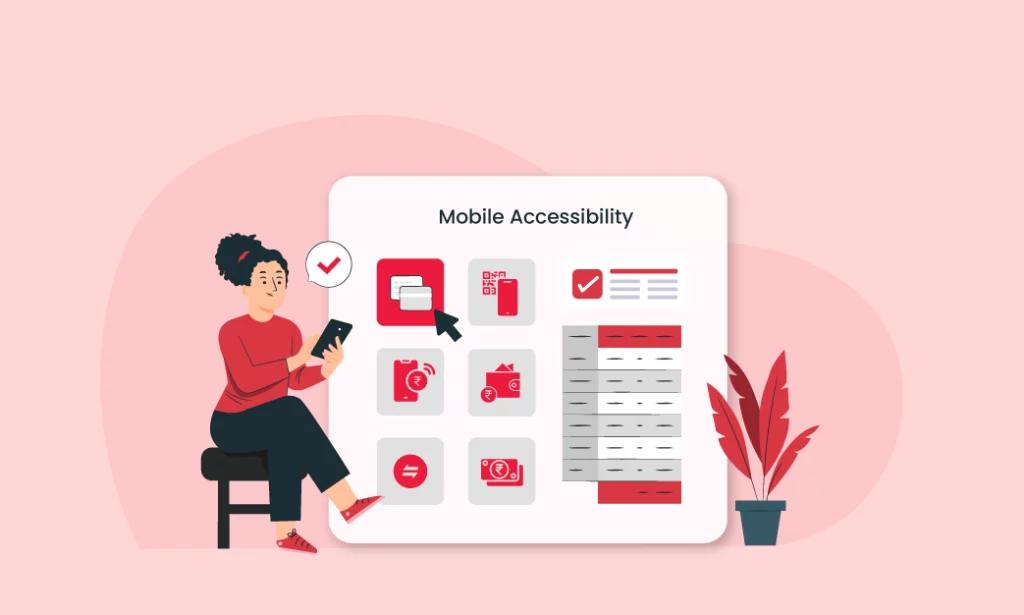
Mobile Accessibility

With Vyapar’s mobile accessibility, users can access their business data and perform essential tasks anytime, anywhere. Mobile accessibility enables users to receive real time updates on their business activities and stay connected with their operations. 

They can instantly access the latest information without being tied to a desktop computer. This real time access empowers users to make informed decisions on the fly and respond promptly to changing business dynamics.

Vyapar’s mobile accessibility allows users to create and send invoices directly from their mobile devices. They can generate invoices, add product or service details, and send them to clients instantly. Users can also accept online payments through the mobile app.

Get mobile accessibility with Vyapar
Seamless Integration of enterprise invoice software

Integration Capabilities

The invoicing programme Vyapar connects easily with well-known accounting programmes. Businesses may synchronise their customer, billing, and financial data with the integration. It guarantees precision and consistency. 

It eliminates duplicate data entries and generates comprehensive reports with ease. The invoicing software from Vyapar is compatible with numerous well-known payment gateways, including Paytm, UPI, and others. With the help of this connection, businesses may provide clients with practical online payment choices. 

When a payment is made via the built-in payment gateway, the programme instantly updates the invoice status. Accurate payment records are ensured, and manual effort is reduced. Cash flow is accelerated, client experience is improved, and payment processing is simpler.

Which Enterprises Can Use Vyapar Invoicing Software?

Which Enterprises Can Use Vyapar Invoicing Software?

Small Businesses: 

Vyapar Enterprises is suitable for small enterprises, whether they are sole proprietors, startups, or small-scale operations. It offers a user-friendly interface and features tailored to the needs of small businesses.

Medium-Sized Businesses: 

Mid-sized enterprises with a moderate volume of transactions can benefit from Vyapar Enterprises. It provides advanced invoicing, inventory management, and financial tracking capabilities that cater to the needs of growing businesses.

Retail Chains: 

Vyapar Enterprises can be used by retail chains operating multiple stores. It offers features for centralising inventory management, generating invoices across different locations, and tracking sales performance at the store and chain levels.

Service-Based Businesses: 

Various service-based enterprises, such as consultants, agencies, contractors, and freelancers, can utilise Vyapar Enterprises for invoicing clients, managing billable hours, tracking expenses, and maintaining client records.

Manufacturing Companies: 

Manufacturing enterprises can benefit from Vyapar Enterprises’ inventory management features, purchase order generation, and manufacturing-specific invoicing capabilities. It helps streamline operations and track production costs.

Wholesalers And Distributors: 

Vyapar Enterprises is suitable for wholesalers and distributors managing large volumes of inventory and handling bulk orders. It provides features for managing multiple warehouses, tracking stock movements, and generating invoices for bulk transactions.

E-Commerce Businesses: 

Online sellers operating through platforms like Amazon, eBay, or Shopify can use Vyapar Enterprises to manage their sales, generate invoices, track inventory across multiple channels, and monitor business performance.

Professional Services Firms: 

Lawyers, accountants, architects, and other professional service providers can utilise Vyapar Enterprises for generating invoices, tracking billable hours, managing client information, and handling the financial aspects of their services.

Advantages of Enterprise Billing Software for Your Business

Advantages Of Using Enterprise Invoicing Software
  • Enterprise billing software streamlines and automates the invoicing process. It makes it faster and more efficient. Businesses can create professional invoices, customise templates, and generate them in bulk, saving significant time and effort compared to manual invoice creation.
  • Reduces the likelihood of human errors that can occur with manual invoice generation. The software automatically calculates totals, applies taxes, and includes an accurate billing process. It ensures precise and error-free invoices.
  • With enterprise invoicing software, businesses can send invoices promptly. It allows customers to receive and process them quickly. This results in faster online payments, improving cash flow and reducing the time and effort spent on chasing late payments.
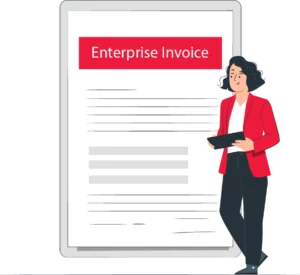

  • It enables businesses to create polished and professional-looking invoices. Customisable invoice templates, professional branding, and standardised formats contribute to a more professional image. It positively impacts customer perception and relationships.
  • Enterprise billing software provides a centralised platform for managing invoice-related data. It allows businesses to store and access customer information, product details, payment history, and other relevant data in one place. This centralised database makes searching, tracking, and analysing invoicing data easier.
  • Helps businesses stay organised by providing a systematic approach to managing invoices. It allows for easy categorisation, sorting, and archiving of invoices. It simplifies record-keeping and ensures that important financial information is readily available when needed.
  • Enterprise invoicing software often includes reporting and analytics features that provide insights into sales, revenue, and cash flow. Businesses can generate various reports, track performance metrics, and make data-driven decisions based on the available analytics.
  • Invoicing software designed for enterprises typically accommodates the needs of growing businesses. These solutions can handle larger volumes of invoices, support multiple users, and offer scalability options to meet evolving business requirements.
  • It often incorporates compliance features to adhere to tax regulations and invoicing standards. It ensures accurate calculation and application of taxes, provides necessary fields and information required by tax authorities, and helps businesses meet their legal obligations.

5.0/5.0

4.4/5.0

4.6/5.0

Are you a Business Owner?

Take your business to the next level with Vyapar! Try free for 7 days

Try our Android App (FREE for lifetime)

Frequently Asked Questions (FAQs’)

What is Enterprise Invoicing Software?

Enterprise invoicing software is a tool that streamlines and automates the process of creating, sending, and managing invoices within an enterprise. It helps businesses generate accurate and professional-looking invoices, track online payments, manage billing cycles, and handle related tasks.

Can Enterprise Invoicing Software Generate Other Financial Documents Besides Invoices?

In addition to invoices, enterprise invoicing software can often generate other financial documents such as quotes, estimates, purchase orders, credit notes, and statements. These additional features can provide a comprehensive solution for managing various aspects of a business’s financial processes.

What Are The Key Features Of Vyapar Enterprise Billing Software?

1. Invoicing
2. Inventory Management
3. Expense Tracking
4. Financial Reports
5. GST Compliance
6. Customer Management
7. Payment Tracking
8. Mobile App

Is Vyapar Enterprise Invoicing Software Cloud Based?

Yes. Vyapar enterprise invoicing software operates on the cloud. It allows users to securely store and access their business data on the cloud, providing flexibility and convenience.

Can Vyapar Enterprise Invoicing Software Integrate With Other Applications?

Yes. Vyapar enterprise invoicing software supports integration with other applications. It integrates with popular accounting software, payment gateways, and e-commerce platforms to streamline business processes.

Is Vyapar Enterprise Billing Software Suitable For My Industry?

Vyapar enterprise billing software caters to various industries. You can use it for retail, wholesale, manufacturing, services, and more. Its customizable features and flexibility suit a wide range of businesses.

You can visit the UAE site to view content specific to your location

How Useful is Vyapar for Your Business?

Click on a star to rate it!