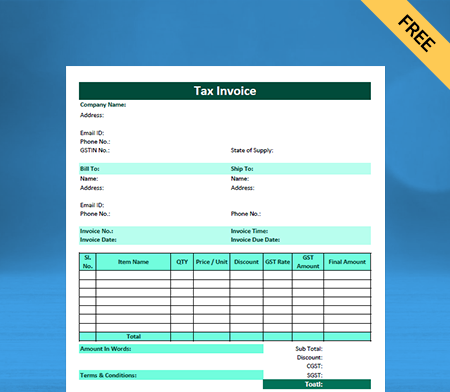
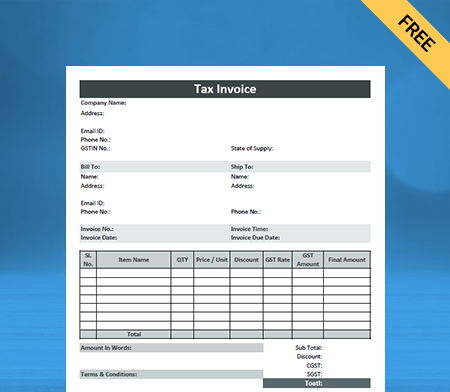
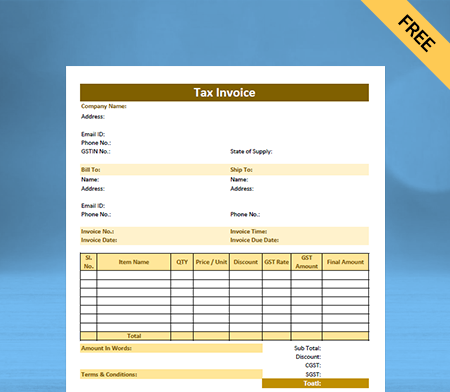
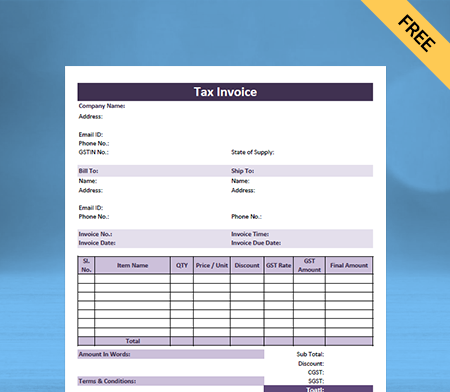
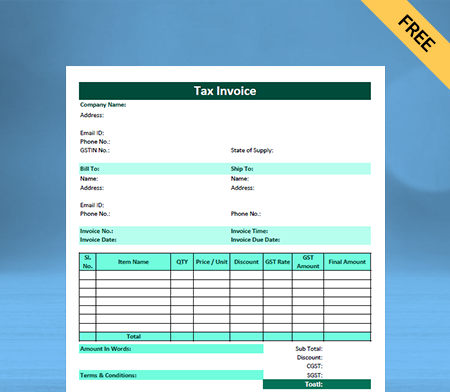
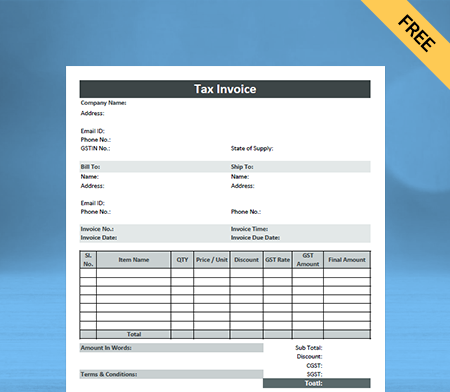
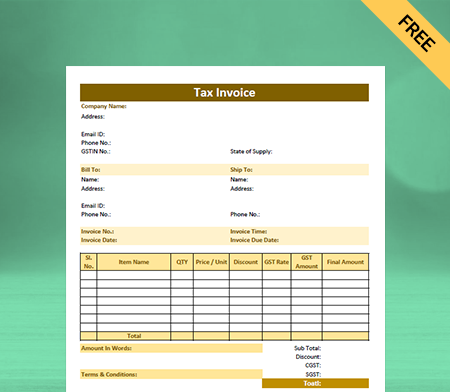
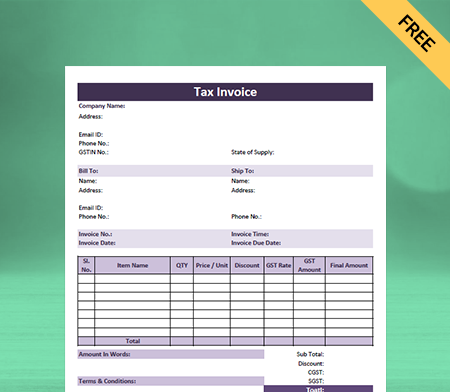
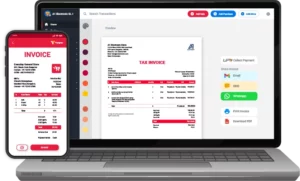
Acknowledgement Receipt Format
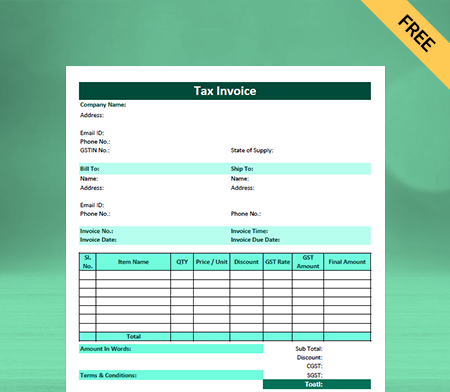
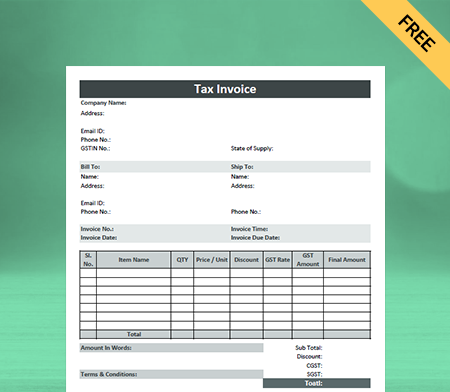
Use the Acknowledgement Receipt Format by Vyapar to keep records of your sales of goods and services. Or use the Vyapar app to make business management seamless and manage your daily tasks efficiently. All receipt formats are available for free, so try them now!

Table of contents
- Free Acknowledgement Receipt Format in Excel
- Free Acknowledgement Receipt Format in PDF
- Free Acknowledgement Receipt Format in Word
- Free Acknowledgement Receipt Format in Google Docs
- Free Acknowledgement Receipt Format in Google Sheets
- What is the Acknowledgement Receipt Format?
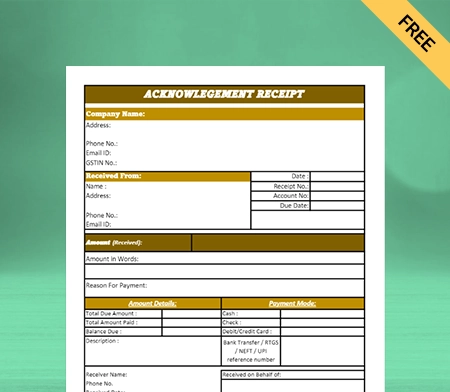
- What Should We Include in the Acknowledgement Receipt Format?
- Advantages Of Using The Acknowledgement Receipt Format
- How To Prepare An Acknowledgement Receipt Format In Vyapar?
- Difference Between an Acknowledgement Receipt and a Regular Receipt
- Why Choose Vyapar App To Create Acknowledgement Receipt Format?
- Frequently Asked Questions (FAQs’)
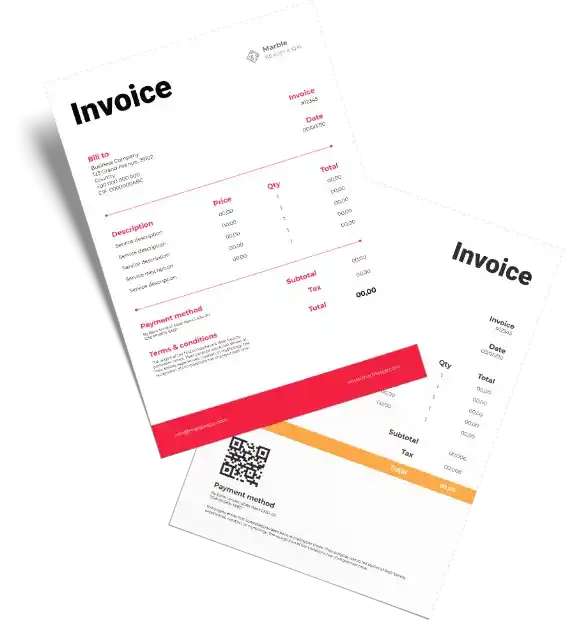
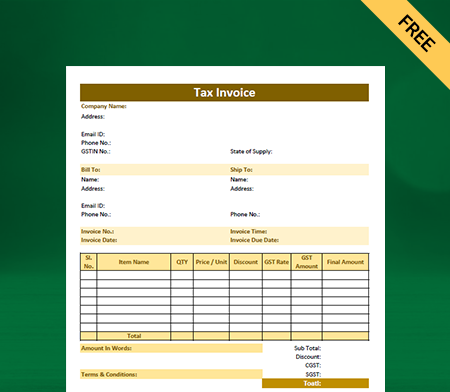
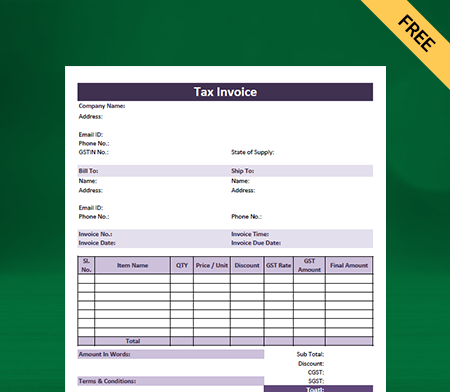
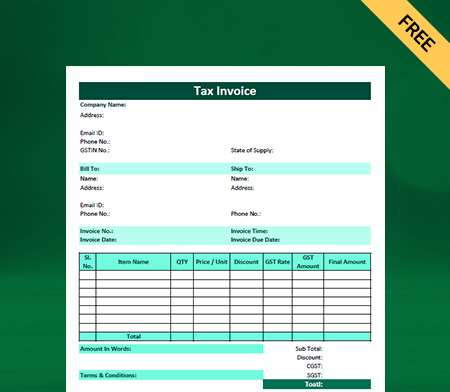
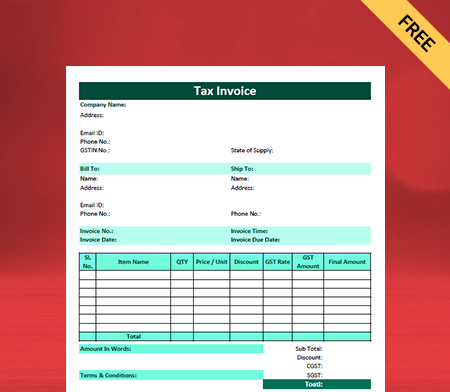
Free Acknowledgement Receipt Format in Excel
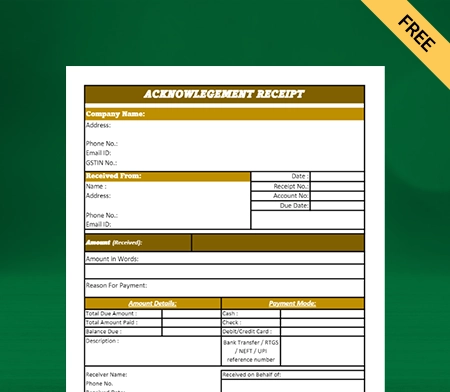
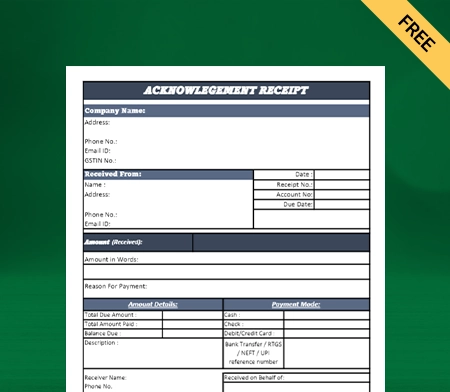
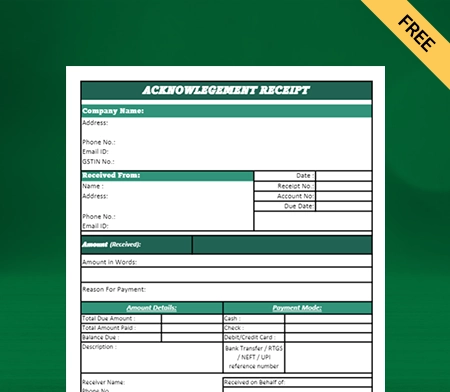
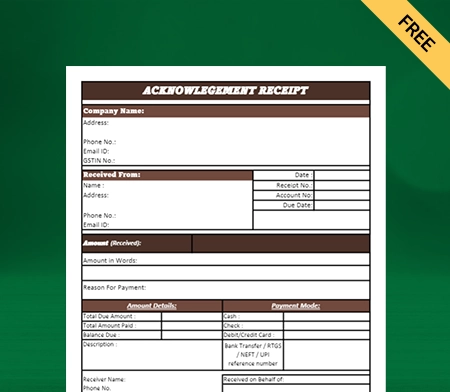
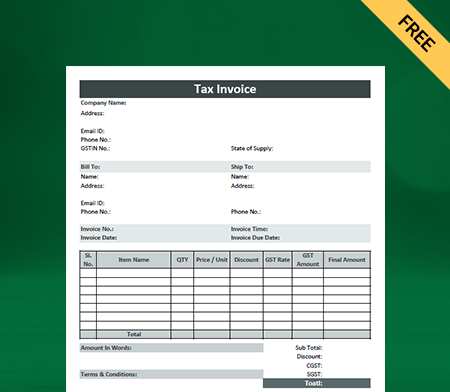
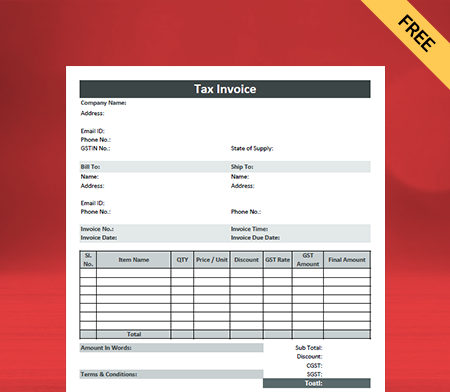
Free Acknowledgement Receipt Format in PDF
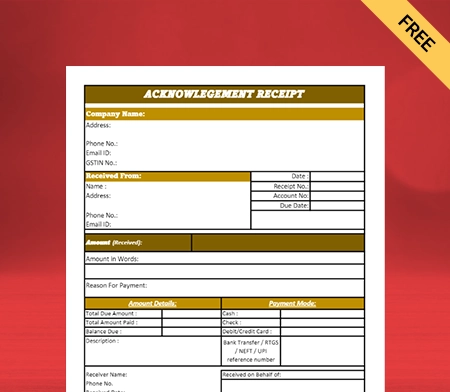
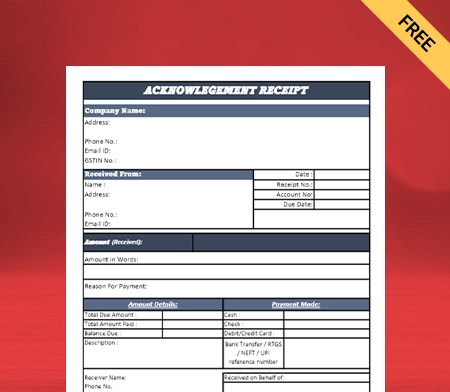
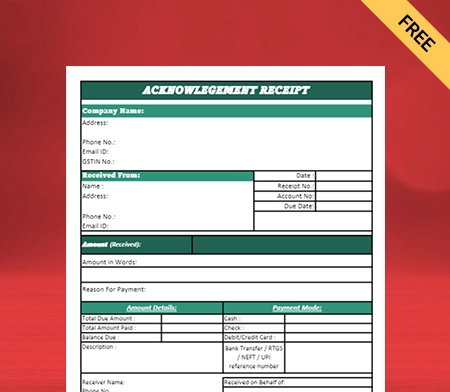
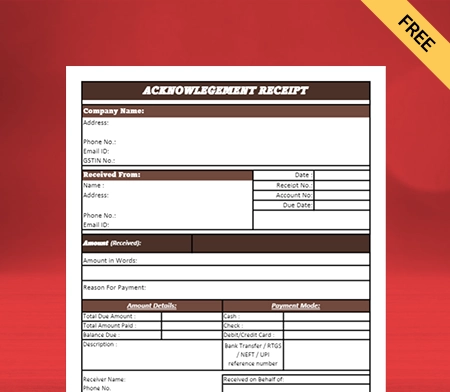
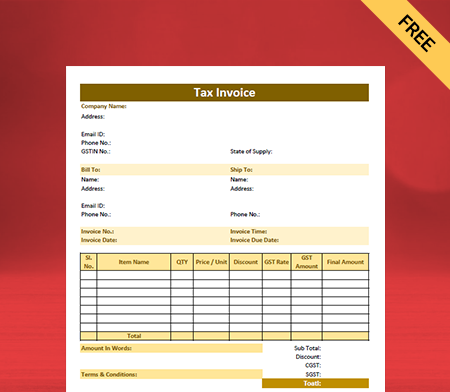
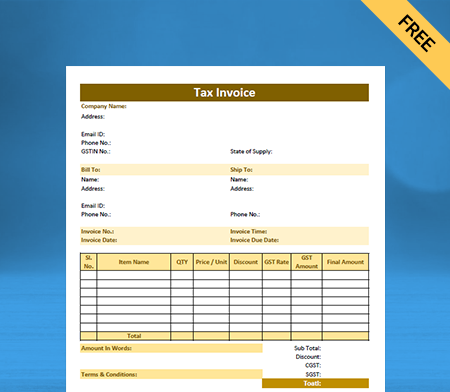
Free Acknowledgement Receipt Format in Word
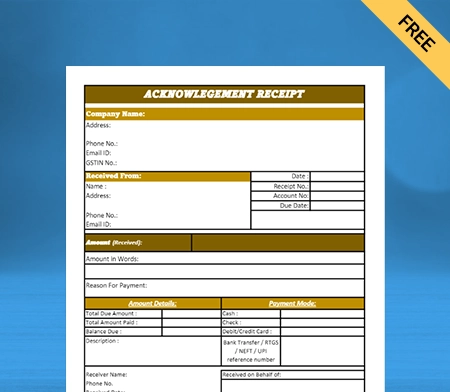
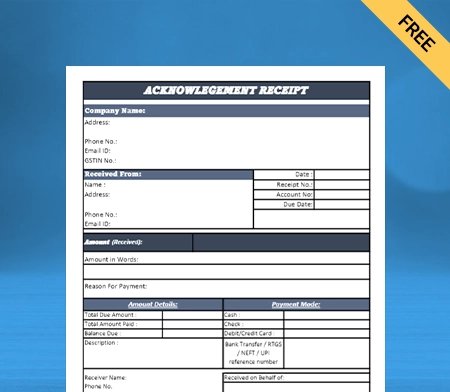

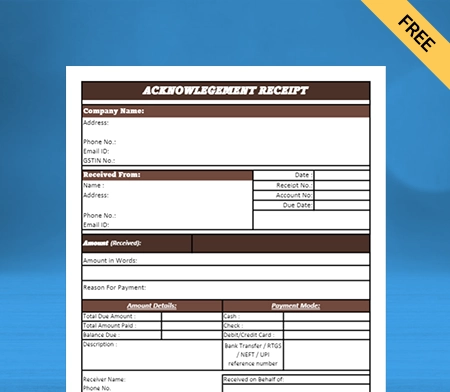
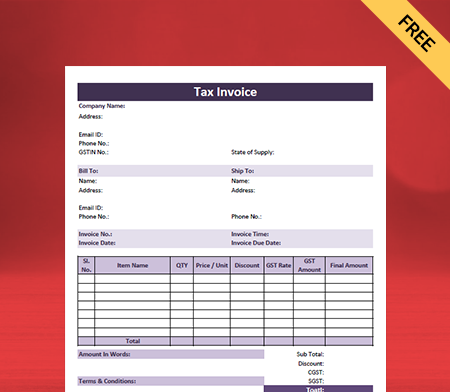
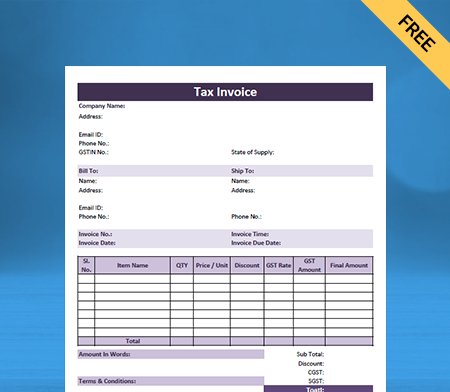
Free Acknowledgement Receipt Format in Google Docs
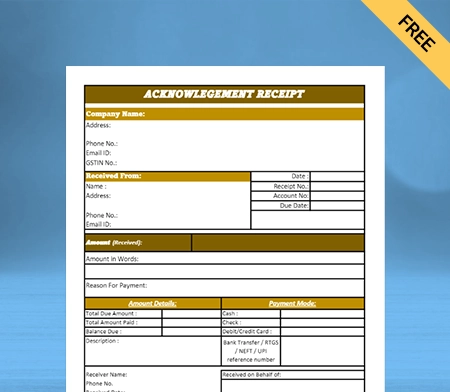
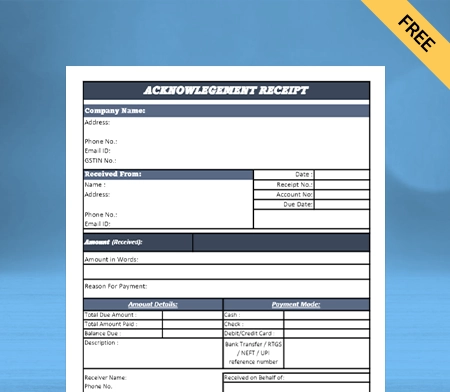
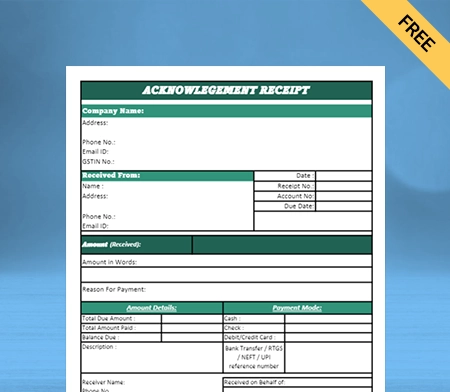
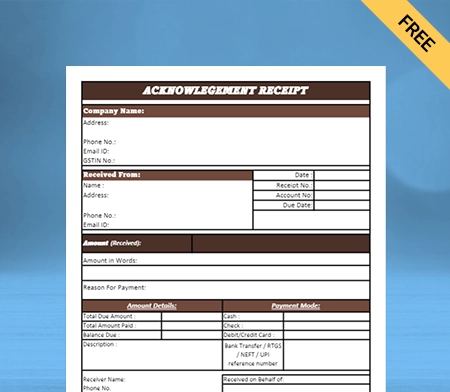
Free Acknowledgement Receipt Format in Google Sheets
What is the Acknowledgement Receipt Format?
An Acknowledgement Receipt Format is a document that confirms the receipt of goods or services to the business clients. It verifies that the sender has received the requested items and ensures a transaction record.
It is used in various settings, including business transactions, rental agreements, and delivery of goods. This receipt can be a valuable document for the payer and payee to keep track of their records and ensure accountability effectively.
What Should We Include in the Acknowledgement Receipt Format?
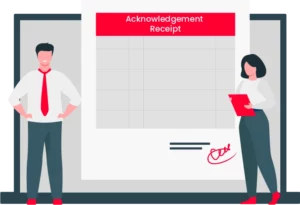
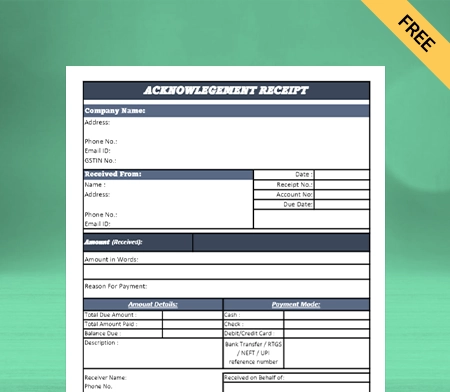
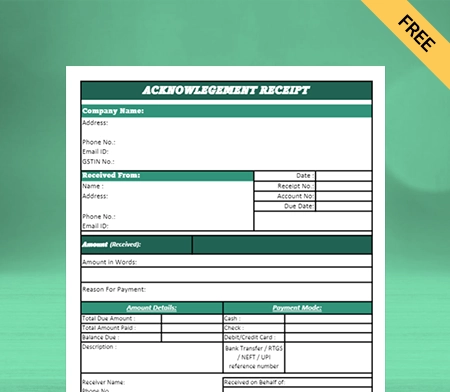
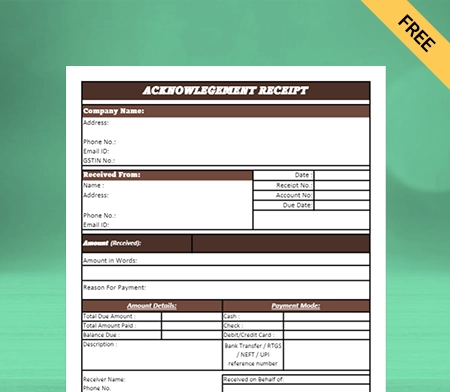
Overall, an Acknowledgement Receipt Format can differ depending on what the organisation or company gives it needs. However, an Acknowledgement Receipt Template should include the following information in general.
Header: The name and logo of the company or organisation that made the receipt can be written in the header of the Acknowledgement Receipt.
Date: The date of the receipt when it was sent.
Acknowledgement Number: An acknowledgement number is a unique number given to the Acknowledgement Receipt.
Acknowledgement Receipt; It includes information about the person or organisation getting the acknowledgement, such as their name and address.
Itemised List: A detailed list of the things or documents being acknowledged. It could include reference numbers, the number of items, and a description.
Signature Line: A place for the person receiving the items or documents to sign and say they have received them.
Issuers’ Information: It includes information about the person giving the acknowledgement receipt, such as their name, position, and contact information.
Disclaimer: A statement of acknowledgement saying that the acknowledgement does not always mean that the items or documents are correct or complete.
Advantages Of Using The Acknowledgement Receipt Format
Here are the advantages of using the acknowledgement receipt formats for an organisation:
1. Provides Proof Of Delivery:
The Acknowledgement Receipt Format is used to provide businesses with confirmation that the intended recipient has obtained the item that was sold or delivered to them.
Acknowledgement Receipts are essential for businesses because they record their transactions and help avoid disputes arising due to delivery issues. Having confirmation ensures that timely deliveries are carried out and delays are avoided in future.
By providing the acknowledgement receipt format to their respective clients, businesses can ensure that they are not held accountable in case there is any damage to the product as the shipping has been done.
2. Maintains Accurate Records:
Organisations need acknowledgement receipts so they can keep track of deliveries and transactions. Organisations can ensure that all deliveries are made on time and according to the contract by keeping track of these receipts.
Keeping accurate records of Acknowledgement Receipts can help organisations find patterns in their deliveries and transactions. Acknowledgement receipt assists businesses with better decision-making in important areas of their business.
Organisations need to use Acknowledgement Receipts to ensure that their deliveries and transactions are accurate and can be held accountable. These records can help make necessary changes in business operations to boost efficiency.
3. Facilitates Inventory Management:
Businesses need acknowledgement receipts with itemised lists to track their inventory and ensure all items get accounted for.
By including a detailed list of items, companies can easily see which ones have been delivered, making it easier to update their inventory records.
You can quickly get acquainted when you are overstocking or have low stock. Keeping the acknowledgement receipt can also help businesses to communicate with suppliers in case they come across any missing or broken items. You can fix the issues quickly and not be held accountable for them.
4. Helps With Accounting:
Acknowledgement Receipts can be used for accounting purposes, simplifying reconciling accounts and managing finances. It helps reduce the manual work required for maintaining multiple data records.
Using Acknowledgement Receipts helps provide a clear record of all transactions. It makes tracking payments and outstanding debts easier for all businesses.
Using sample Acknowledgement Receipts can assist organisations in maintaining correct financial records. It helps enhance their ability to manage their cash flow and reduce the likelihood of making mistakes or falling victim to fraud.
5. Improves Customer Relations:
By giving customers an Acknowledgement Receipt, a business shows that it cares about good customer service and builds long-term customer relationships. This small act can go a long way towards building customers’ trust and loyalty.
Also, creating receipts can be a way for businesses and customers to keep track of information that gets used in the future. A statement of acknowledgement can help avoid confusion and unnecessary follow-ups for businesses.
An offering can effectively improve customer satisfaction and trust inside your business platform. Moreover, the company is committed to providing excellent customer service.
6. Provides Legal Protection:
These receipts provide evidence of the exchange of goods or information between parties, which can be used to authenticate transactions and safeguard against disputes or claims of non-receipt.
A signed delivery receipt can demonstrate that a package was delivered to the correct address and received by the intended receiver, which is crucial in a delivery dispute.
It may also be used in employment or contractual contexts to confirm that an employee or contractor has received vital information, such as a manual or confidentiality agreement.
7. Increases efficiency:
Acknowledgement Receipts can make an organisation’s delivery process more efficient by reducing mistakes and ensuring everything runs smoothly. You can use the acknowledgement letter format to create and send Acknowledgement Receipts.
By ensuring the item is not replaced or misplaced, Acknowledgement Receipts can help to avoid delays and make customers happier. A simple statement of acknowledgement is enough to ensure the implementation of necessary, timely changes.
These receipts can be an essential tool for keeping track of inventory, managing costs, and improving supply chain management. Acknowledgement Receipts can help organisations work more efficiently, reduce the chance of mistakes, and improve the overall customer experience.
8. Makes Your Business Platform More Professional:
By offering an Acknowledgement Receipt template, a business can show that it takes its transactions seriously and wants to provide good customer service. It also shows that the industry is well-run and can keep track of its money transactions.
A well-designed Acknowledgement Receipt can make a good impression on customers, who may feel more confident that the business can meet their needs. Also, a receipt can help avoid arguments or misunderstandings because both parties have a written transaction record.
How To Prepare An Acknowledgement Receipt Format In Vyapar?
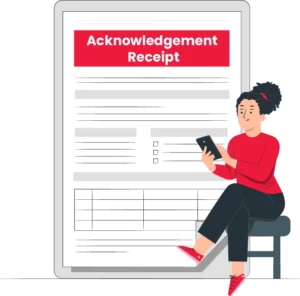
Follow these steps to make an Acknowledgement Receipt with Vyapar:
Step 1: Open the Vyapar software and sign in to your account.
Step 2: Then the next step is to click on the option “Create New”, and after clicking it, choose “Receipt” from the menu as it might appear.
Step 3: Then you should look to fill out the details given in the receipt, such as the client’s name, date, number, receipt title, and the mode of payment done by then.
Step 4: you can mention the preference of how your customers want to pay, like with cash, a check, a credit card, or an online transfer. Enter the amount paid and the invoice number it was paid against.
Step 5: If necessary, add any extra details or notes.
Step 6: Look over the receipt and make necessary changes if required.
Step 7: Save and print the receipt to keep track of it.
Step 8: Send the customer an email or text with a copy of the receipt.
You can also change the format of the receipt and add your logo, business name, and contact information with Vyapar.
Difference Between an Acknowledgement Receipt and a Regular Receipt

A regular receipt and an Acknowledgement Receipt Format are different in the following ways:
- An Acknowledgement Receipt is used to validate the receipt of a specific item or document. In contrast, a regular receipt is used to verify the sale or purchase of goods or services.
- An Acknowledgement Receipt usually includes information about the item or document being received, such as its description and quantity, as well as the date and the recipient’s signature. A regular receipt details the transaction, such as what was bought, how much it cost, and how the payment was made.
- A simple letter or email can be used to send an Acknowledgement Receipt, while a regular receipt is usually a printed document.
- A regular receipt must often be given to customers when they purchase, but an Acknowledgement Receipt is only sometimes required by law.
- An Acknowledgement Receipt is usually given as soon as the item or document is received, while a regular receipt is given when the item or document is bought or delivered.
- An Acknowledgement Receipt is usually needed to keep records or prove that a document or item was received. In contrast, a regular receipt is needed for record-keeping and legal reasons.
Why Choose Vyapar App To Create Acknowledgement Receipt Format?
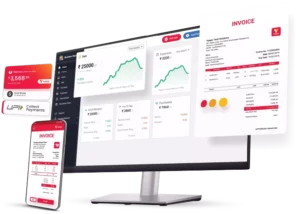
Here are the following reasons why you should choose Vyapar to create your professional Acknowledgement Receipts:
1. Software With Excellent Customisation:
Vyapar accounting software enables businesses to create and customise their Acknowledgement Receipts according to their specific requirements. The software has several templates that can be changed to fit the business’s brand and style. With Vyapar, businesses can add their company logo, name, address, and contact details to the Acknowledgement Receipt.
The software also allows businesses to include details about the transaction, such as the date, payment mode, amount received, and the customer’s name. Vyapar also enables you to add your notes or messages to the receipt.
Creating an Acknowledgement Receipt in letterhead format or manually can lead to many manual errors; you can avoid these unprofessional mistakes by using Vyapar.
By creating and customising Acknowledgement Receipts with Vyapar, businesses can keep up a professional appearance and give customers a clear record of transactions. Vyapar software features and tools can be a valuable addition to your business platform.
2. Create Receipts In Various Formats:
The Vyapar software is a robust application that generates business Acknowledgement Receipts in multiple formats, including PDF, Word, and Excel. This programme is designed to assist organisations in automating acknowledgement receipt-creating procedures, allowing them to focus on other crucial activities.
The Vyapar programme lets you quickly and easily generate professional-looking Acknowledgement Receipts. The software provides a variety of templates from which you can select the one that best meets your business’s requirements. In addition, the software allows you to add your company’s logo, contact information, and other pertinent facts on the receipt.
The Vyapar software supports the creation of receipts in PDF, Word, and Excel formats. Its adaptability enables you to share the receipt with your customers and stakeholders in the format they want.
Vyapar software is an indispensable resource for businesses seeking to optimise their Acknowledgement Receipt-creating procedures.
3. Manage Your Inventory Seamlessly:
Vyapar has the best inventory management software with features that surprises you. Using Vyapar app features like business reports, and you can track how much money your business makes. It will help you figure out how well you’ve managed your stock.
Vyapar keeps business information in the app as an Acknowledgement Receipt generating software. Using inventory tracking features helps maximise the utility of inventory space and keep your inventory free-flowing efficiently. Our tools for managing inventory make it easier to determine which items aren’t selling. You can use the analysis to overstock your inventory.
Using the features for keeping track of inventory, you can record items and figure out what they are. Tracking is done with the help of the batch number, the date it expires, the date it was made, the slot number, and other information.
As soon as these come in, they are put into the system. It helps you have the stock you need when selling it. Also, it keeps a record so that no one can steal without being caught.
4. Billing And Invoicing:
You can use the Vyapar app to create and print/share GST invoice formats for your clients within a few clicks for your business platform. Vyapar software for Acknowledgement Receipt Format is suggested for most invoices, and you can generate them using our Vyapar software.
The barcode scanner can expedite the billing and invoicing process, and shortcut keys can speed up repetitive activities. “Bill-by-bill payment” is a crucial feature of the Vyapar app because linking payments to sales invoices is simple.
The free GST mobile app creates several parties for the simple management of all clients. This feature makes it easier to keep track of all invoices and bill due dates and to track previous bills at any time.
The Vyapar invoicing software enables any business to identify any outstanding payments immediately. You can check out all payment details at once in the business dashboard. You can use the data from the statement of acknowledgement received from your customers to plan your business growth.
5. Online/Offline Software:
With our Vyapar solution, you can continue to conduct business despite a lack of Internet connectivity. The app’s offline Acknowledgement Receipt-generating features can be used to generate multiple Professional company letterheads for your business.
The Vyapar app allows you to generate numerous Acknowledgement Receipts for your clients without being connected to the internet. When connected to the internet, you can rely on our business accounting software to validate your transactions and update your database.
With the features of our Vyapar online & offline accounting software, you may continue to operate your business even when internet connectivity is poor. It is excellent for businesses that operate in remote areas with frequent network issues.
The offline receipt-generating software allows your retail store to accept cash and eWallet payments that do not require an active internet connection, making it ideal for India’s distant areas.
6. Multiple Modes Of Payment:
Customers are likely to only stop paying if you give them several ways to do so. Using Vyapar, you can provide your clients with numerous payment methods, including UPI, QR, NEFT, IMPS, e-wallets, and major credit and debit cards.
Customers place a premium on ease, and you can go a long way towards satisfying their needs by giving them multiple payment options. The Vyapar platform to generate the Acknowledgement Receipt Format enables users to create bills with several settlement alternatives.
Vyapar allows you to decide which payment method will be most convenient for your clients. Provide a Quick Response code within the invoice for users to scan and make a payment via the associated UPI Id.
In addition, you can specify your banking information within the app. It makes your business platform more inclusive and customer-oriented simultaneously. You can mention the payment methods used to provide a confirmation with a free sample acknowledgement format.
7. Track Your Business Status:
You can use your mobile device to run your company if it can access Vyapar software and Acknowledgement Receipt Format solutions. This free programme makes keeping your company’s books easy and efficient because records are filed away when bills get paid.
The business dashboard provides instant, comprehensive reports on your company’s performance. Access to the dashboard is free in our Acknowledgement Receipt Format-generating software.
More so, our Vyapar software for Acknowledgement Receipt Template has features like money in/out, Account Balance, Inventory, and Pending Orders. You can use our sample acknowledgement formats to create fully customised receipt formats for your business needs.
A dashboard for managing a company streamlines all aspects of operations. Recent sales and other company news can be viewed here. The Vyapar app for Acknowledgement Receipt Format provides valuable insights into your company’s performance.
8. Create Delivery Challan:
The “Delivery Challan” feature of Vyapar software allows you to receive delivery confirmation. Use our accessible Acknowledgement Receipt Format generating tool to generate delivery challans and Acknowledgement Receipts for your business platform.
Keeping tabs on delivery challans is a way to know your products made it to customers unscathed. If a shipment becomes lost, you can quickly find out what happened to it with the help of our Vyapar software for the Acknowledgement Receipt Format.
Our free Acknowledgement Receipt-generating software may easily manage the consignor and consignee information. You can write an acknowledgement receipt within minutes and share them effortlessly.
To prevent misunderstandings and clarify the scope of the order, you can provide its terms and conditions in writing. This procedure aids the company’s efficiency and ensures the clients receive their packages without incident.
Frequently Asked Questions (FAQs’)
An Acknowledgement Receipt Format is a document to confirm receipt of goods or services. Acknowledgement Receipts serve as proof of transaction and can be used to maintain inventories, record transactions, and address any disputes. The structure can change depending on the specific demands of the transaction and the sector concerned.
An Acknowledgement Receipt Format should be used whenever you want to acknowledge that your customer has received goods and services he has asked for formally. It could include payments, documents, goods, or other valuable items. An Acknowledgement Receipt proves that the recipient has received the item in question, which can be necessary for legal or business purposes.
Yes, you can write an Acknowledgement Receipt for your business platform. But it leads to frequent human errors and could be more professional and lucrative for your business clients. You may use Vyapar software to create and share your Acknowledgement Receipt with just a few clicks.
An Acknowledgement Receipt Format may serve as evidence of receipt of goods or services, but it is not necessarily legally binding on its own. Its legal validity will depend on the transaction’s specific circumstances and the terms of any applicable contracts or agreements.
An Acknowledgement Receipt confirms the receipt of a document or item, while a regular receipt acknowledges the payment for goods or services. An Acknowledgement Receipt does not necessarily indicate payment, while a regular receipt serves as proof of payment.
You can use Vyapar software to create your professional-looking Acknowledgement Receipt Format for your business platform. It already comes with all the essential information required for your Acknowledgement Receipt. With Vyapar, businesses can add their company logo, name, address, and contact details to the Acknowledgement Receipt.
Yes, you can customise an Acknowledgement Receipt Format that fits the specific needs of a transaction or business. You can easily use Vyapar software to customise your Acknowledgement Receipt as per your business requirement, and you don’t have to pay any additional cost.
No, an Acknowledgement Receipt Format is not the same as an invoice. An invoice is a document that helps collect payment for goods or services provided to the customer by the supplier. However, an Acknowledgement Receipt Template is issued as proof of payment.
Related Posts:
1. Cash Receipt Template PDF
2. Cash Receipt Format in Excel
3. Cash Receipt Format in Word
4. Money Receipt Format
5. Contractor Receipt Format